Y7J-PR10GT2.4G wireless presenter (device)
Canon Electronic Business Machines (H.K.) Co., Ltd.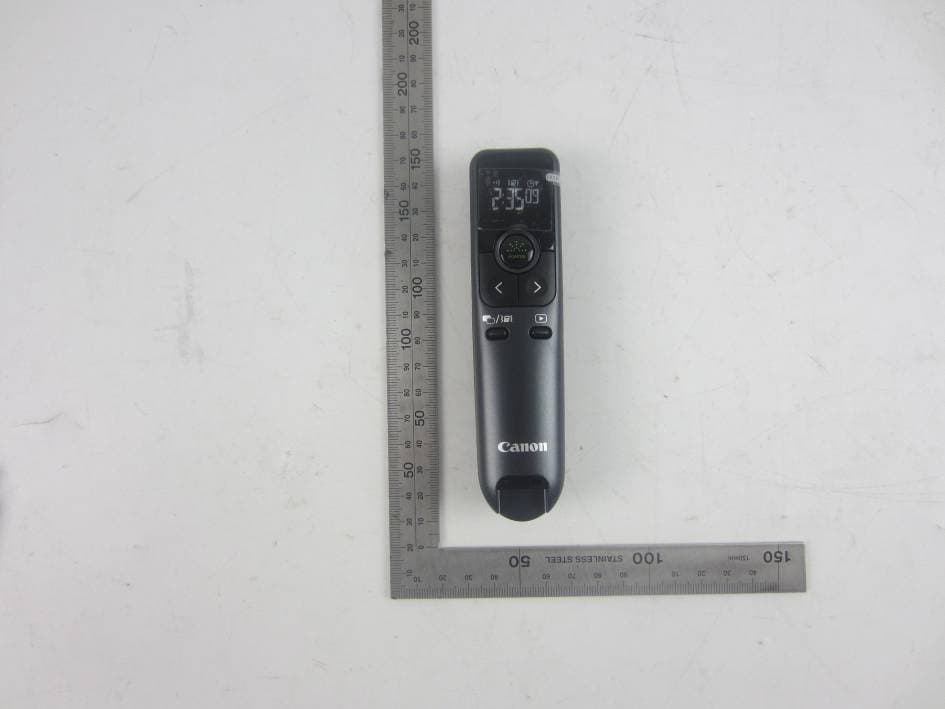
Click to zoom
Application Details
- Equipment Class
- DXX - Part 15 Low Power Communication Device Transmitter
- Date of Grant
- Oct 22, 2015
- Application Purpose
- Original Equipment
- Date of Application
- Oct 22, 2015
- Equipment Note
- 2.4G wireless presenter (device)
- Frequency Range
- 2406.00000000 - 2481.00000000
- Country
- Hong Kong
Documents & Files
Document Text
Text extracted from the exhibit documents filed with the FCC. Open a document above to read the original.
Users Manual
USAGE TIPS / CONSEJOS DE USO TIMER SETTING 1) Press the timer setting button [ ]. (The first digit will blink) 2) Enter the value using [ ] or [ ] keys and press [ ] to select the hour, minute and seconds respectively. 3) Press [ ] to confirm the setting. (up to a maximum of 9 hours, 59 minutes, 59 seconds.) 4) Press [ ] to start / pause the count down. TIPS • Press and hold [ ] button for 2 seconds to reset timer to 0:00:00 in timer setting mode. In presentation mode, holding [ ] for 2 seconds, timer will reset to previous setting (when timer is running or pausing). • The alarm will vibrate with 5, 1 and 0 minutes left. When the timer setting is over 30 minutes, the alarm will also vibrate at half of the setting time. The timer will then start counting up. • Press and hold [ ] to set the vibration pattern on / off. • When the count down timer reach to 0:00:00, it will automatically start at count up and all digits will blink. TIMER MODE / MODO TEMPORIZADOR E-IM-2993 PR10-G / PR100-R www.canon.com/lppmanual - Do not allow children to use the laser product unsupervised. - To avoid possible exposure to laser radiation, do not direct the laser beam at eyes or faces. - Do not use sunglasses as eye protection equipment. - Do not stare at laser beam or point into eyes – prolonged exposure can be hazardous. - Do not use on mirror-like (reflective) surfaces as it may reflect the laser into the eye. - Do not shine a laser pointer at anyone. Laser pointers are designed to illuminate inanimate objects. - Use of controls and adjustments or performance of procedures other than those specified herein may result in hazardous radiation exposure. - No permita que los niños utilicen el producto láser sin supervisión. - Para evitar una posible exposición a la radiación láser, no apunte con el rayo láser a los ojos o la cara. - No usar gafas de sol como protección ocular. - No mire el rayo láser o apunte a los ojos – una exposición prolongada puede resultar dañina. - No utilice superficies (reflexivas) como un espejo, ya que podría reflejar el láser dentro de los ojos. - No dirija un puntero láser contra nadie. Los punteros láser están diseñados para iluminar objetos inanimados. - La utilización de controles y ajustes o la realización de procedimientos distintos a los especificados aquí puede dar lugar a una exposición a la radiación peligrosa. CLASS 2 LASER DEVICES / DISPOSITIVOS LÁSER DE CLASE 2 - Maximum Laser power output: <1mW - Emitted laser wavelength: 532nm (PR10-G) / 635nm (PR100-R) - Beam divergence: α = 1.5mrad - Pulse duration: continuous - Potencia máxima de salida de láser: <1mW - Longitud de onda de láser emitida: 532nm (PR10-G) / 635nm (PR100-R) - Divergencia del rayo: α = 1.5mrad - Duración del impulso: continuo + + 2 1 USER GUIDE GUIA DE USARIO EN ES IMPORTANT: READ BEFORE USE Please read the following instructions and safety precautions before using the Presenter. Keep this sheet on hand for future reference. IMPORTANTE: LEA ANTES DE USAR Por favor lea las instrucciones siguientes y las precauciones de seguridad antes de usar el Presentador. Conserve esta hoja a la mano para referencia futura. EN ES CAUTION / PRECAUCIÓN • There is a risk of explosion if an incorrect battery type is installed. Please dispose of used batteries according to their instructions. • Keep the batteries out of reach of children. • Never expose batteries to high temperatures, direct heat, or dispose by incineration. • Do not allow metal objects to touch the battery terminals on the device; they can become hot and cause burns. • Remove the batteries if they are worn out or have been stored for an extended period of time. • Always remove old, weak, or worn out batteries promptly and recycle or dispose of them in accordance with Federal, State, and Local regulations. • If a battery leaks, remove all batteries, taking care to keep the leaked fluid from touching your skin or clothes. If fluid from the battery comes into contact with skin or clothes, flush skin with water immediately. • No mezcle baterías viejas y nuevas o baterías de tipos diferentes. • Mantenga las baterías lejos de alcance de los niños. • Nunca exponga las baterías a temperaturas altas, al calor directo y tampoco trate de eliminarlas mediante incineración. • No permita que objetos metálicos toquen las terminales de las baterías en el dispositivo; se pueden calentar y causar quemaduras. • Retire las baterías si están gastadas o si han estado almacenadas por un largo período de tiempo. • Retire siempre las baterías viejas desgastadas, o descargadas, haga esto en forma inmediata y recicle o elimínelas de conformidad con las regula ciones federales, estatales, y locales. • Si una batería tiene fugas, retire todas las baterías, teniendo cuidado de no tocar el fluido drenado con la piel o su ropa. Si el fluido de la batería llegara a estar en contacto con la piel o ropa, lave la piel inmediatamente con agua. EN ES PLUG IN THE DONGLE / ENCHUFE LA LLAVE ELECTRÓNICA RF 2 1 • When finished using the Presenter with a computer, remove the dongle from the computer and return it to the RF dongle compartment. • When you encounter connection problems between the Presenter and computer, please follow this procedure. i) Remove the dongle from the computer and switch the Presenter to OFF position ii) Switch the Presenter to Keynote/Powerpoint position iii) Reinsert the dongle to the computer's USB port • When using the dongle on a different computer, please reconnect it for initial setup. • RF connection requires battery power to function properly. • Cuando haya terminado de usar la Presentador con, retire el dispositivo de seguridad del ordenador y regreso en el compartimiento dongle RF. • Cuando se encuentre con problemas de conexión entre el presentador y la computadora, por favor, siga este procedimiento. i) Retire el dongle del computadora y cambia el presentador a la posición OFF ii) Cambie el presentador a la posición Keynote/Powerpoint iii) Inserte el dongle en …
Text truncated - open the document above for the full version.
Cover Letter(s)
MET Laboratories TCB - Samples Agent Authorization Letter 2015-10-16 MET Laboratories, Inc. 914 West Patapsco Avenue Baltimore, MD 21230 RE: LETTER OF AGENT AUTHORIZATION To Whom It May Concern: We, the undersigned, hereby authorize Most Technology Service Co., Ltd. to act on our behalf in all matters relating to application for equipment authorization, including the signing of all documents relating to these matters. We also hereby certify that no party to the application authorized hereunder is subject to the denial of benefits, including FCC benefits, pursuant to Section 5301 of the Anti-Drug Abuse Act of 1988, 21 U.S.C.853(a). This agreement expires one year from the current date. Sincerely, Name: Chi Tat Leung Position: R&D Director Company Name: Canon Electronic Business Machines (H.K.) Co., Ltd. Address: 17/F., Tower One, Ever Gain Plaza, 82-100 Container Port Road, Kwai Chung, Hong Kong, China E-Mail: [email protected]
Cover Letter(s)
MET Laboratories TCB - Samples Long Term Confidentiality Request Letter 2015-10-16 MET Laboratories, Inc. 914 West Patapsco Avenue Baltimore, MD 21230 RE: CONFIDENTIALITY REQUEST FOR (2.4G wireless presenter (device)/ PR10-G (device) To Whom It May Concern: This letter serves as an official request for confidentiality under sections 0.457 and 0.459 of CFR 47. We have requested that the - e.g. Block diagram - e.g. SCH - e.g. Operational Description required to be submitted with this application be permanently withheld from public review. SPECIFY REASON FOR REQUEST (i.e. the above documents are company proprietary information that could never get into the possession of your competition). Please contact me if there is any information you may need. Sincerely, Name: Chi Tat Leung Position: R&D Director Company Name: Canon Electronic Business Machines (H.K.) Co., Ltd. Address: 17/F., Tower One, Ever Gain Plaza, 82-100 Container Port Road, Kwai Chung, Hong Kong, China E-Mail: [email protected]
External Photos
FCC ID: Y7J-PR10GT Model No.: PR10-G (device) FRONT VIEW OF SAMPLE BACK VIEW OF SAMPLE FCC ID: Y7J-PR10GT Model No.: PR10-G (device) LEFT VIEW OF SAMPLE RIGHT VIEW OF SAMPLE FCC ID: Y7J-PR10GT Model No.: PR10-G (device) TOP VIEW OF SAMPLE BOTTOM VIEW OF SAMPLE FCC ID: Y7J-PR10GT Model No.: PR10-G (device) PHOTO OF THE ENTIRE SAMPLE
Internal Photos
FCC ID: Y7J-PR10GT Model No.: PR10-G (device) Page 1 of 3 INTERNAL PHOTO OF SAMPLE – 1 INTERNAL PHOTO OF SAMPLE – 2 FCC ID: Y7J-PR10GT Model No.: PR10-G (device) Page 2 of 3 INTERNAL PHOTO OF SAMPLE – 3 INTERNAL PHOTO OF SAMPLE – 4 FCC ID: Y7J-PR10GT Model No.: PR10-G (device) Page 3 of 3 INTERNAL PHOTO OF SAMPLE – 5
Test Report
FCC 47 CFR PART 15 SUBPART C TEST REPORT For Applicant: Canon Electronic Business Machines (HK) Co., Ltd. Address: Floor 17, Tower 1, Ever Gain Plaza, 82-100 Container Port Road, Kwai Chung, Hong Kong Product Name: 2.4G wireless presenter (device) Model Name: PR10-G (device) Brand Name: Canon FCC ID: Y7J-PR10GT Report No.: MTE/HNZ/A15091211 Date of Issue: Sept. 22, 2015 Issued by : Most Technology Service Co., Ltd. Address : No.5, Langshan 2nd Road, North District, Hi-tech Industrial Park, Nanshan, Shenzhen, Guangdong, China Tel : 86-755-8617 0306 Fax : 86-755-8617 0310 The report consists 40 pages in total. It may be duplicated completely for legal use with the approval of the applicant. It should not be reproduced except in full, without the written approval of our laboratory. The client should not use it to claim product endorsement by MOST. The test results in the report only apply to the tested sample. The test report shall be invalid without all the signatures of testing engineers, reviewer and approver. FCC ID: Y7J-PR10GT Report No.: MTE/HNZ/A15091211 Page 2 of 40 TABLE OF CONTENTS 1. VERIFICATION OF CONFORMITY ...................................................................................................... 3 2. GENERAL INFORMATION .................................................................................................................... 4 2.1 Product Information ................................................................................................................................. 4 2.2 Objective .................................................................................................................................................. 5 2.3 Test Standards and Results....................................................................................................................... 5 2.4 Environmental Conditions ....................................................................................................................... 5 2.5 MEASUREMENT UNCERTAINTY ...................................................................................................... 5 3. TEST METHODOLOGY .......................................................................................................................... 6 3.1TEST FACILITY ...................................................................................................................................... 6 3.2 Test Conditions ........................................................................................................................................ 6 3.3 Channel List ............................................................................................................................................. 7 3.4 Description of Test Modes ....................................................................................................................... 7 3.5 Table of Parameters of Text Software Setting.......................................................................................... 8 3.6 FCC PART 15.205 RESTRICTED BANDS OF OPERATIONS ............................................................ 9 4. SETUP OF EQUIPMENT UNDER TEST .............................................................................................. 10 4.1 TEST EQUIPMENT LIST..................................................................................................................... 10 5. 47 CFR Part 15C 15.249 Requirements....................................................................................................11 5.1 AC Power Line Conducted Emission .....................................................................................................11 5.1.1Requirement ..........................................................................................................................................11 5.1.2 Block Diagram of Test Setup ...............................................................................................................11 5.1.3 Test procedure ......................................................................................................................................11 5.2.1 Requirement ........................................................................................................................................ 13 5.2.2 Test Description .................................................................................................................................. 14 5.2.3 Test Description .................................................................................................................................. 15 5.2.4 Test Result...................................................................................................................................... 16 5.3 Occupied Bandwidth.............................................................................................................................. 19 5.3.1 Definition ............................................................................................................................................ 32 5.3.2 Block Diagram Of Test Setup ............................................................................................................. 32 5.4 Antenna Requirement ............................................................................................................................ 34 5.4.1 Definition ............................................................................................................................................ 34 5.4.2 Evaluation Criteria .............................................................................................................................. 34 5.4.3 Evaluation Results .............................................................................................................................. 34 5.5 Restricted Frequency Bands .........................................................................…
Text truncated - open the document above for the full version.
Test Setup Photos
FCC ID: Y7J-PR10GT Model No.: PR10-G (device) CONDUCTED EMISSION TEST SETUP RE TEST SETUP FCC ID: Y7J-PR10GT Model No.: PR10-G (device) RE TEST SETUP
Contact Information
Applicant
Chi Tat Leung(R&D Director)
Technical Contact
Most Technology Service Co.,Ltd.Mark Wen
[email protected]86-755-86026850
No.5, 2nd Langshan Road, North District · Shenzhen, Guangdong · China
Test Firm
Most Technology Service Co., Ltd.Mark Wen
Technical Specifications
| # | Rule Parts | Frequency Range | Power Output |
|---|---|---|---|
| 1 | 15C | 2.41 GHz - 2.48 GHz | - |
Other Applications from Canon Electronic Business Machines (H.K.) Co., Ltd.
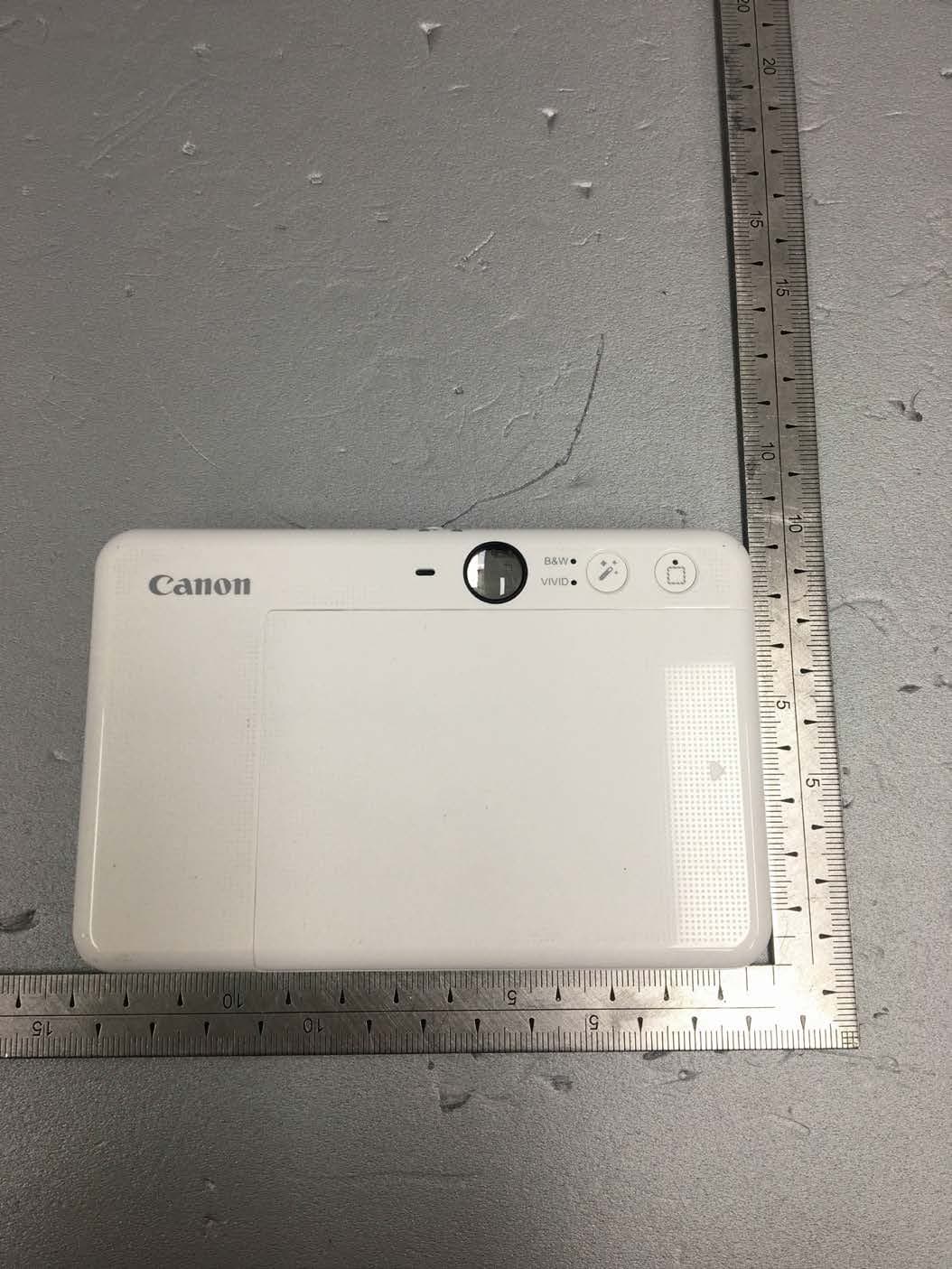
Y7J-PP2002
Mar 11, 2020Instant Camera Printer
Equipment Class
DTS - Digital Transmission System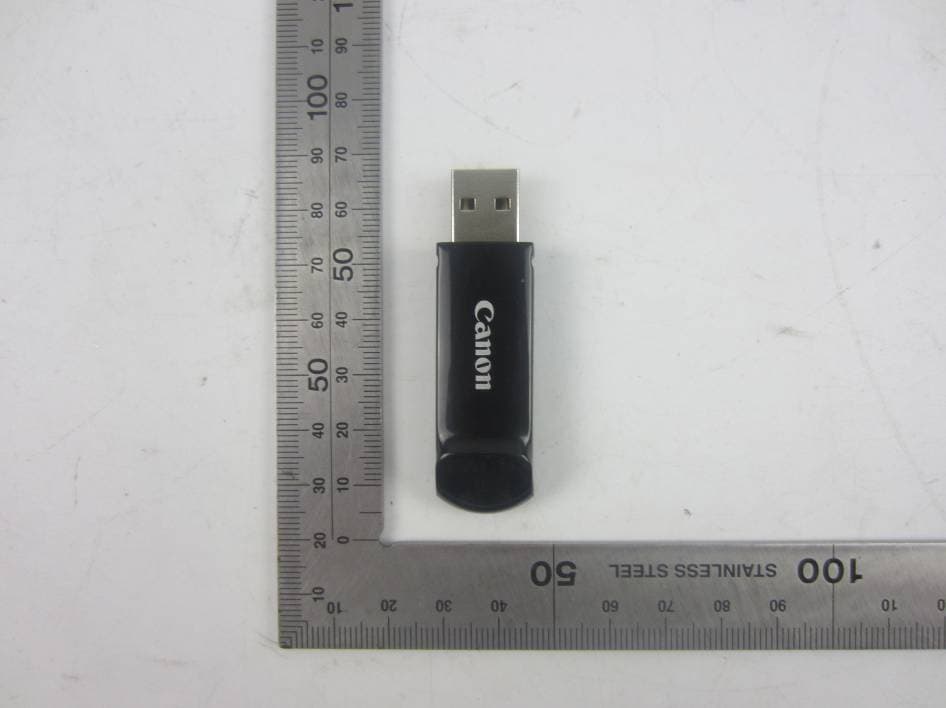
Y7J-PR100RR
Oct 25, 20152.4G wireless presenter (dongle)
Equipment Class
DXX - Part 15 Low Power Communication Device Transmitter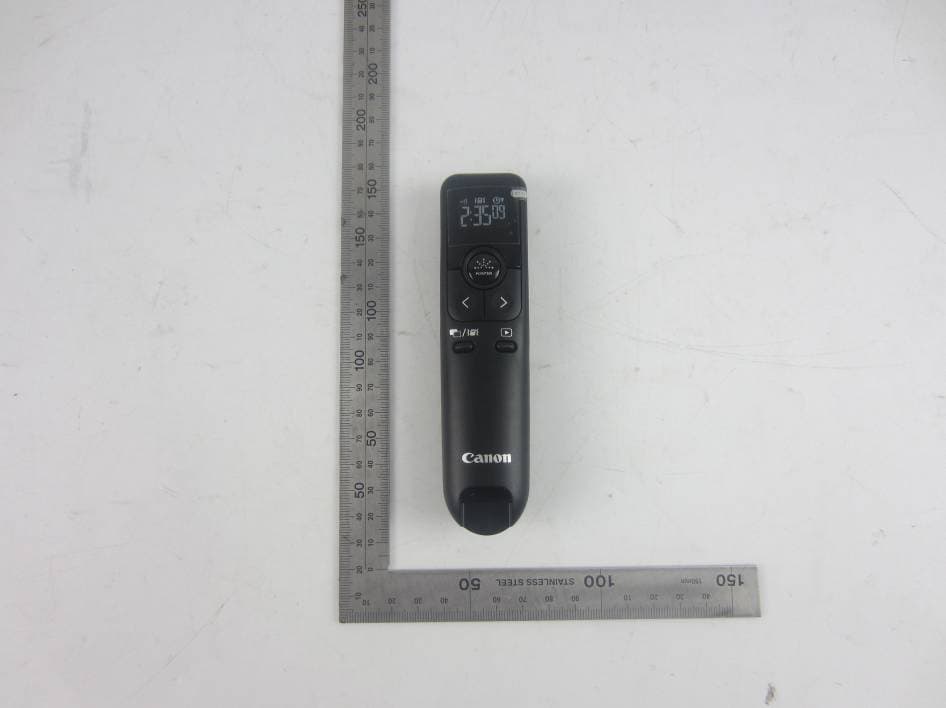
Y7J-PR100RT
Oct 22, 20152.4G wireless presenter (device)
Equipment Class
DXX - Part 15 Low Power Communication Device Transmitter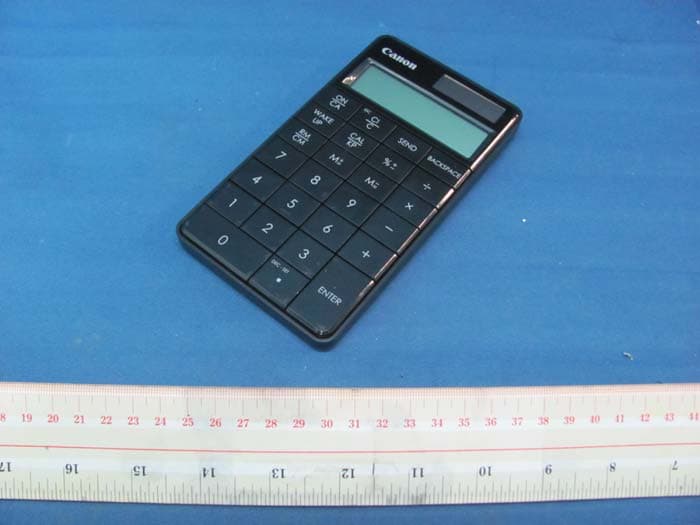
Y7J5094B01
Aug 11, 2011Keypad RF with Calculator
Equipment Class
DXX - Part 15 Low Power Communication Device Transmitter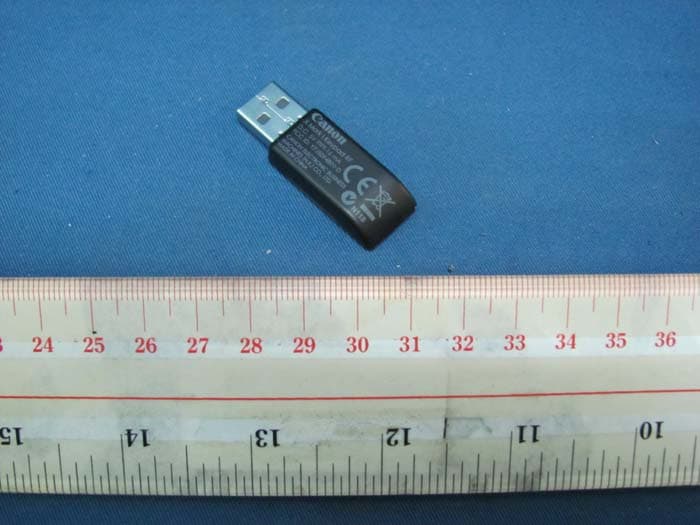
Y7J5094B01-D
Aug 10, 2011Keypad RF with Calculator (Dongle)
Equipment Class
DXX - Part 15 Low Power Communication Device Transmitter