YNK-PG467URUnity Remote
Disruptive Ltd.
Click to zoom
Application Details
- Equipment Class
- DXX - Part 15 Low Power Communication Device Transmitter
- Date of Grant
- Aug 24, 2010
- Application Purpose
- Original Equipment
- Date of Application
- Aug 24, 2010
- Equipment Note
- Unity Remote
- Frequency Range
- 2402.00000000 - 2480.00000000
- Company
- Disruptive Ltd.
- Country
- United Kingdom
Documents & Files
Document Text
Text extracted from the exhibit documents filed with the FCC. Open a document above to read the original.
Users Manual
Model Nubmer: PG467 Brand Name: Gear4 User Manual Getting Started: 1. Remove the battery cap compartment from the bottom of the UnityRemote device by turning it counter clockwise [Battery cap removal gfx] 2. Insert the 3x AA batteries provided and close the battery compartment cap by rotating it clockwise. Powering Unity for the first time 1. Press the button located on the side of UnityRemote for half a second to switch it on. The red steady light will stay on for 3 seconds to indicate UnityRemote is powered up. [Show Power button] 2. UnityRemote's status LED will slowly blink to indicate it is in pairing mode. If the LED does not blink, press the button for half a second to switch UnityRemote off. Then press and hold the button until the solid light turns into a blinking light. [Show LEDs] 3. On your iPhone, iPod touch or iPad, open the Settings panel. Tap on General > Bluetooth. 4. Ensure that Bluetooth is turned on and after a few seconds UnityRemote will appear in the list of devices (on some versions of iOS, UnityRemote may appear as 'Misc'). Tap on it to start the pairing process 5. Your iPhone will display a warning message asking if you wish to allow UnityRemote to pair to your device. Tap yes. 6. Your iPhone will display a message indicating that the accessory requires an application. Click Yes to go to the App Store to download the UnityRemote App. 7. Follow the onscreen instructions in UnityRemote App to setup your devices. UnityRemote Multifunction Button UnityRemote features a multifunction button to perform the following actions: • Power on Unity: Press the button for half a second. The red light will stay on for 3 seconds to indicate UnityRemote powered up normally • Power off Unity: Press the button for half a second when UnityRemote is powered on and release the button. The 3 quick flashes mean the unit is powering off • Put Unity into Pairing: Press and hold the button for about 5 seconds until the red light starts flashing slowly. This will put UnityRemote into pairing mode, letting you add more iPhones to the list of devices UnityRemote can work with • Clear all settings: Press and hold the button for about 15 seconds until UnityRemote's red light flashes quickly. How UnityRemote and iPhone interact The last phone paired is considered the 'master phone' When the master phone is connected to Unity, no other phone can be connected at the same time When the master phone walks out of range or is shut down, Unity will attempt to reconnect to it. If another phone wants to connect to Unity, the connection must be made via Settings >General > Bluetooth. This phone will then become the master iPhone. When you walk out of range of UnityRemote, UnityRemote will attempt to reconnect to your iPhone. The longer you stay out of range, the longer the delay between reconnection attempts will be (up to 30 seconds after 1 hour). After 2 hours of non-use (phone is out of range), UnityRemote will automatically switch off to preserve battery life. The USB port is only used for Firmware upgrades not for re-charge of battery and link to PC. FCC Compliance Statement This equipment has been tested and found to comply with the limits for a Class B digital device, pursuant to Part 15 of the FCC Rules. These limits are designed to provide reasonable protection against harmful interference in a residential installation. This equipment generates, uses and can radiate radio frequency energy and, if not installed and used in accordance with the instructions, may cause harmful interference to radio communications. However, there is no guarantee that interference will not occur in a particular installation. If this equipment does cause harmful interference to radio or television reception, which can be determined by turning the equipment off and on, the user is encouraged to try to correct the interference by one of the following measures: l Reorient or relocate the receiving antenna. l Increase the separation between the equipment and receiver. l Connect the equipment into an outlet on a circuit different from that to which the receiver is connected. l Consult the dealer or an experienced radio/TV technician for help. FCC Caution: Any changes or modifications not expressly approved by the party responsible for compliance could void the user's authority to operate this equipment. This device complies with Part 15 of the FCC Rules. Operation is subject to the following two conditions: (1) This device may not cause harmful interference, and (2) this device must accept any interference received, including interference that may cause undesired operation. This device and its antenna(s) must not be co-located or operating in conjunction with any other antenna or transmitter. FCC Radiation Exposure Statement: This equipment complies with FCC radiation exposure limits set forth for an uncontrolled environment. This equipment should be installed and operated with minimum distance 20 cmbetween the radiator & your body.
Cover Letter(s)
Disruptive Ltd. Data: July 29, 2010 FCC ID:YNK-PG467UR Dear Sir, I hereby have entrusted the following person to be a proxy regarding applicaton for Type Certification. Most Technology Service Co., Ltd Address: No.5, Langshan 2nd Rd, North Hi-Tech Industrial park, Nanshan, Shenzhen, Guangdong, China Name: Terry Job Title: Manager Email: [email protected] I am therefore responsible for the contents of the application. Model Name of the specified radio equipment: PG467 FCC ID: YNK-PG467UR Product Name: Unity Remote Signature____________________ FCC grantee contact person information. Name/Title: Shepherd Dan (Product Manager) Company Name: Disruptive Ltd. Address: Windsor House, Turnpike Road, High Wycombe, HP12 3NR, Bucks, United Kingdom TEL: +441494435530 FAX: +441494435530 Email: [email protected]
External Photos
FCC ID: YNK-PG467UR Report No.: MOST100711F1 FRONT VIEW OF SAMPLE BACK VIEW OF SAMPLE FCC ID: YNK-PG467UR Report No.: MOST100711F1 LEFT VIEW OF SAMPLE RIGHT VIEW OF SAMPLE FCC ID: YNK-PG467UR Report No.: MOST100711F1 TOP VIEW OF SAMPLE BOTTOM VIEW OF SAMPLE
Internal Photos
FCC ID: YNK-PG467UR Report No.: MOST100711F1 INTERNAL PHOTO OF SAMPLE
Test Report
FCC 47 CFR PART 15 SUBPART C TEST REPORT For Applicant : Disruptive Ltd. Address : Windsor House, Turnpike Road, High Wycombe, HP12 3NR, Bucks, United Kingdom Product Name : UnityRemote Model Name : PG467 Brand Name : Gear4 FCC ID : YNK-PG467UR Report No. : MOST100711F1 Date of Issue : July. 21, 2010 Issued by :Most Technology Service Co., Ltd. Address : No.5, 2nd Langshan Road, North District, Hi-tech Industrial Park, Nanshan, Shenzhen, Guangdong, China Tel : 86-755-8617 0306 Fax : 86-755-8617 0310 The report consists 32 pages in total. It may be duplicated completely for legal use with the approval of the applicant. It should not be reproduced except in full, without the written approval of our laboratory. The client should not use it to claim product endorsement by MOST. The test results in the report only apply to the tested sample. The test report shall be invalid without all the signatures of testing engineers, reviewer and approver. FCC ID: YNK-PG467UR Report No.: MOST100711F1 Page 2 of 32 TABLE OF CONTENTS 1.VERIFICATION OF CONFORMITY .............................................................................................................. 3 2. GENERAL INFORMATION ............................................................................................................................ 4 2.1 Product Information ...................................................................................................................................... 4 2.2 Objective ...................................................................................................................................................... 5 2.3 Test Standards and Results .......................................................................................................................... 5 2.4 Environmental Conditions............................................................................................................................. 5 3. TEST FACILITY.............................................................................................................................................. 6 3.1TEST FACILITY............................................................................................................................................. 6 3.2 GENERAL TEST PROCEDURES ................................................................................................................ 6 3.3 FCC PART 15.205 RESTRICTED BANDS OF OPERATIONS..................................................................... 7 4. SETUP OF EQUIPMENT UNDER TEST ....................................................................................................... 8 4.1 SUPPORT EQUIPMENT.............................................................................................................................. 8 4.2 TEST EQUIPMENT LIST ............................................................................................................................. 9 5. 47 CFR Part 15C 15.249 Requirements....................................................................................................... 10 5.1 Spurious Emission Test .............................................................................................................................. 10 5.1.1 Requirement............................................................................................................................................ 10 5.1.2 Test Description ........................................................................................................................................11 5.1.3 Test Description ....................................................................................................................................... 12 5.1.4 Test Result............................................................................................................................................... 13 5.2 Band Edge ................................................................................................................................................. 22 5.2.1 Requirement............................................................................................................................................ 22 5.2.2 Test Description ....................................................................................................................................... 22 5.2.3Test Result................................................................................................................................................ 22 5.3 Power Line Conducted Emission Test ........................................................................................................ 24 5.3.1 Limits of Line Conducted Emission Test .................................................................................................. 24 5.3.2 BLOCK DIAGRAM OF TEST SETUP...................................................................................................... 24 5.3.3 PRELIMINARY PROCEDURE OF LINE CONDUCTED EMISSION TEST ............................................. 25 5.3.4 FINAL PROCEDURE OF LINE CONDUCTED EMISSION TEST ........................................................... 25 5.3.5 TEST RESULT OF LINE CONDUCTED EMISSION TEST ..................................................................... 25 APPENDIX 1 .................................................................................................................................................... 26 PHOTOGRAPHS OF TEST SETUP................................................................................................................. 26 APPENDIX 2 .................................................................................................................................................... 28 PHOTOGRAPHS OF EUT ............................................................................................................................... 28 FCC ID: YN…
Text truncated - open the document above for the full version.
Test Setup Photos
FCC ID: YNK-PG467UR Report No.: MOST100711F1 Radiated Emission Test Setup
Contact Information
Applicant
Patrick Tse
Test Firm
Most Technology Service Co., Ltd.Mark Wen
Technical Specifications
| # | Rule Parts | Frequency Range | Power Output |
|---|---|---|---|
| 1 | 15C | 2.40 GHz - 2.48 GHz | - |
Other Applications from Disruptive Ltd.
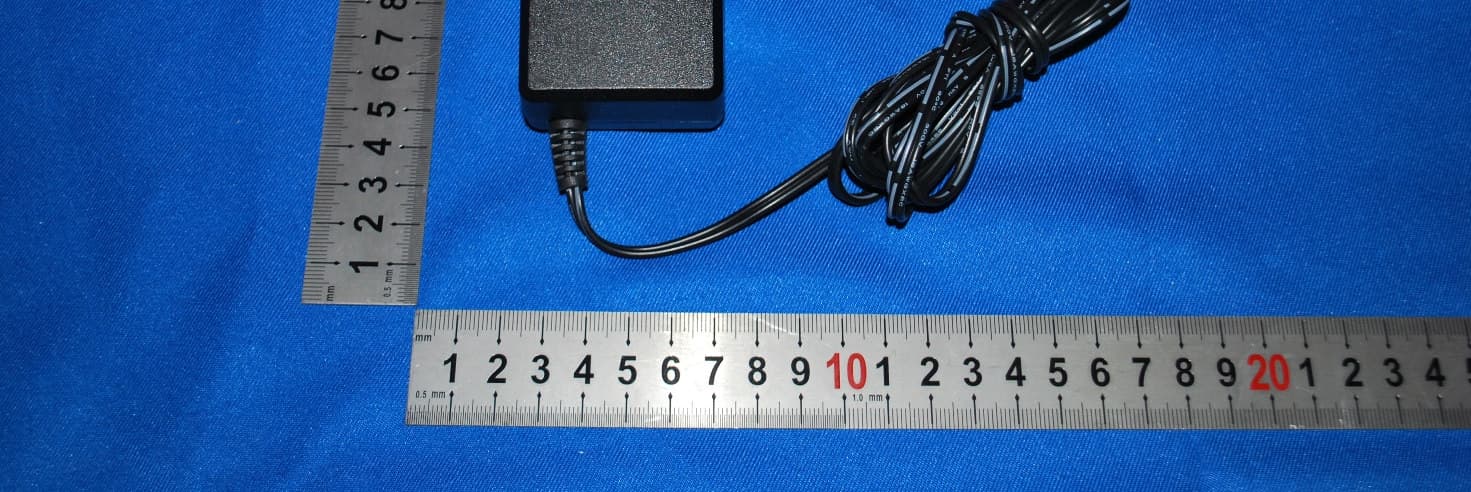
YNKPG731
Dec 05, 2012HouseParty Portable Wireless
Equipment Class
DSS - Part 15 Spread Spectrum Transmitter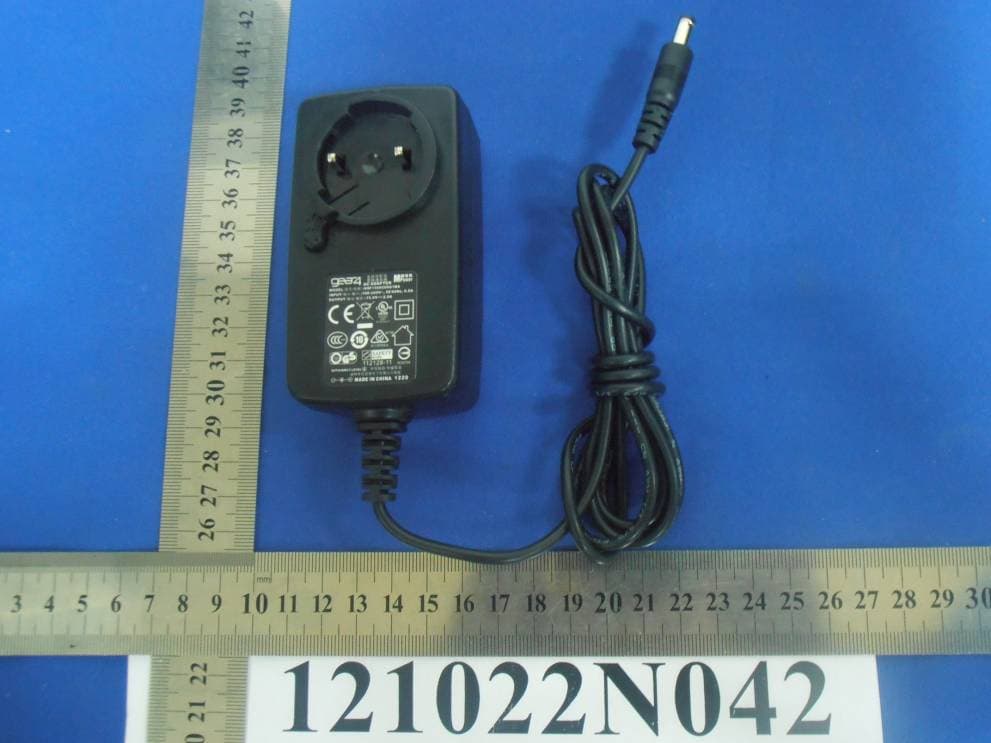
YNKPG766V2
Nov 18, 2012Bluetooth Speaker
Equipment Class
DXX - Part 15 Low Power Communication Device Transmitter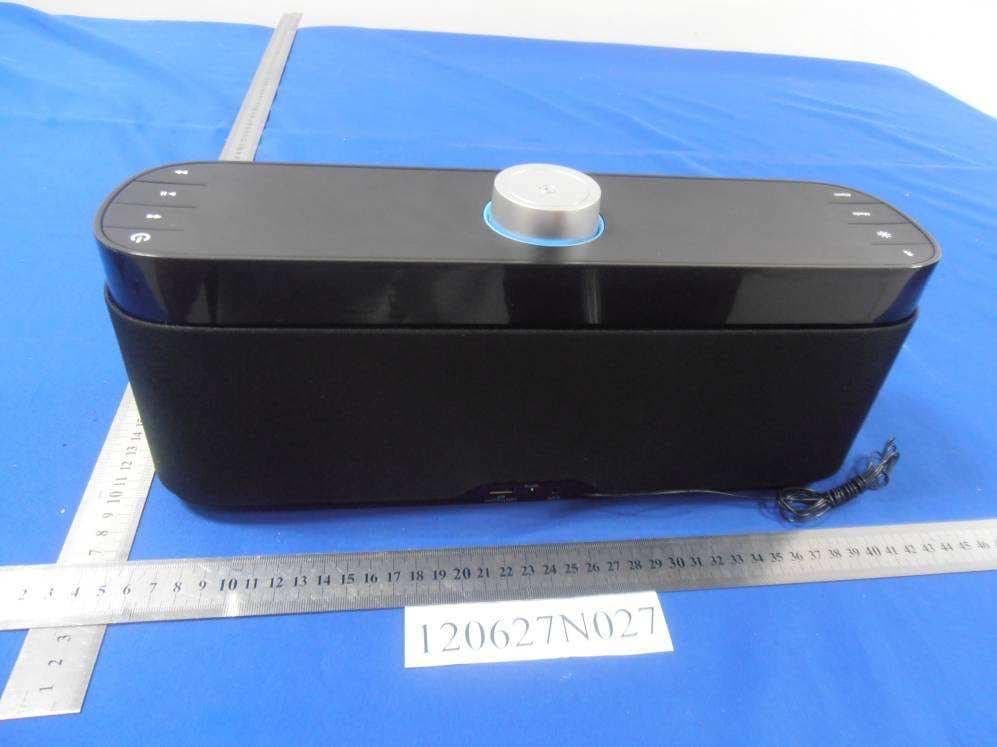
YNKPG732
Aug 14, 2012Bluetooth Speaker
Equipment Class
DXX - Part 15 Low Power Communication Device Transmitter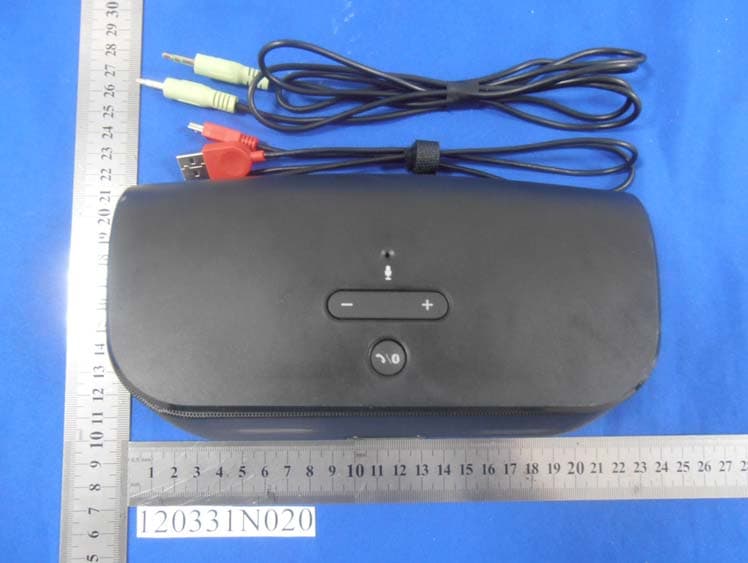
YNKPG748
May 23, 2012Wireless Speaker
Equipment Class
DXX - Part 15 Low Power Communication Device Transmitter
YNKPG532US
Mar 31, 2012House Party Wireless Portable Bluetooth speaker
Equipment Class
DSS - Part 15 Spread Spectrum Transmitter