Z4D-HNY200Healthometer nuyu Wireless Scale
Sunbeam Products, Inc. d/b/a Jarden Consumer Solutions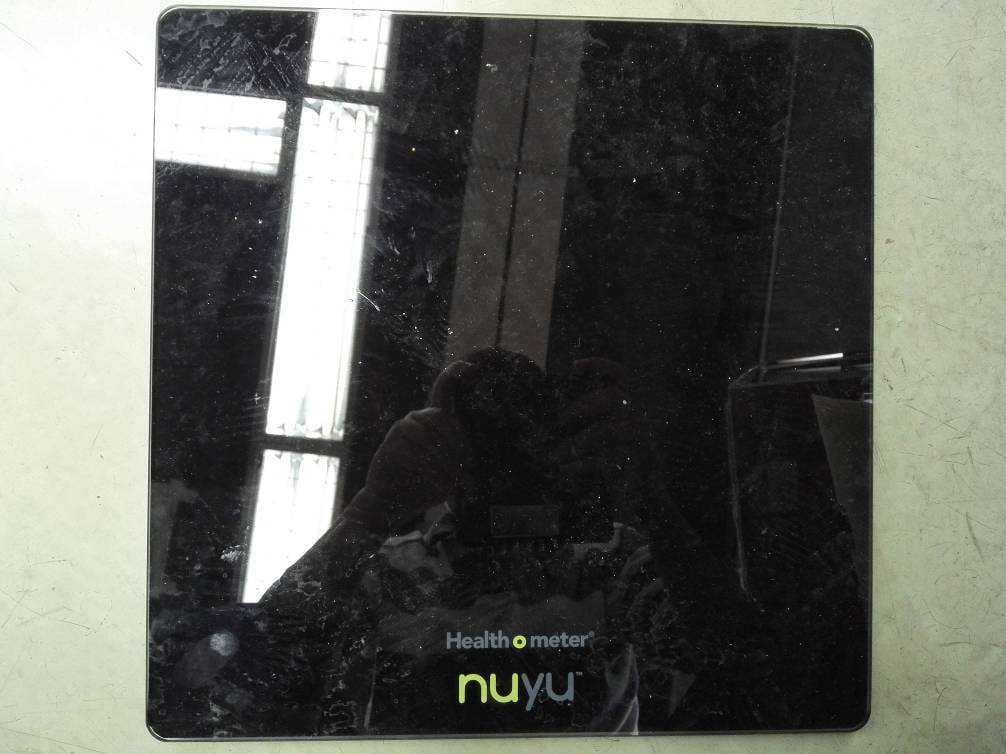
Click to zoom
Application Details
- Equipment Class
- DTS - Digital Transmission System
- Date of Grant
- Jul 01, 2015
- Application Purpose
- Original Equipment
- Date of Application
- Jun 30, 2015
- Equipment Note
- Healthometer nuyu Wireless Scale
- Frequency Range
- 2402.00000000 - 2480.00000000
- Country
- United States
Documents & Files
Document Text
Text extracted from the exhibit documents filed with the FCC. Open a document above to read the original.
Users Manual
Wireless Scale HNY200 Owner’s Guide READ AND KEEP THESE INSTRUCTIONS 343p_Nuyu_Scale_IB_MECH.indd 16/19/15 4:50 PM Table of Contents Welcome to nuyu™ ......................... 3 Insert the Batteries ......................... 4 Set-Up Instructions ......................... 4 Connect your nuyu™ Wireless Scale ......................... 4 Using your nuyu™ Wireless Scale ......................... 6 Keys and Icons ......................... 7 Troubleshooting ......................... 8 Important Information ......................... 9 Limited Warranty ......................... 11 343p_Nuyu_Scale_IB_MECH.indd 26/19/15 4:50 PM 3 Welcome Congratulations, you are the proud owner of a nuyu Wireless Scale! Reach your health goals today with the nuyu wireless scale that uploads weight information automatically. The easy to use nuyu Wireless Scale uses Bluetooth ® Technology to send weight information wirelessly to the nuyu app! www.healthometernuyu.com 343p_Nuyu_Scale_IB_MECH.indd 36/19/15 4:50 PM 4 Remove battery door and remove Pull Tab to activate the scale. Activate the Scale Set-Up Instructions 1 Download the nuyu ™ application from the App Store. 1 Connect your nuyu™ wireless scale 343p_Nuyu_Scale_IB_MECH.indd 46/19/15 4:50 PM 5 Create an account 2 Connect your Wireless Scale while keeping it close to your phone or tablet. 3 Set Your Goals 4 343p_Nuyu_Scale_IB_MECH.indd 56/19/15 4:50 PM 6 Using your nuyu™ Wireless Scale Place the scale on a flat, hard surface for maximum accuracy. Please do not use on carpet. Open the nuyu™ app, and click on the WEIGHT screen. Step onto the scale and position your feet so that your weight is distributed evenly over the scale’s surface. Stand still while reading the display Your current weight has now been saved in your nuyu™ app. NOTE: To ensure your weight is saved in your app, please make sure that your phone or tablet is the device closest to the scale. Remove other mobile devices from the area if they also have a nuyu™ app installed. The closest app to the scale will receive the new weight measurement. 1 2 3 343p_Nuyu_Scale_IB_MECH.indd 66/19/15 4:50 PM 7 Keys and Icons Error Messages: Low Battery Alarm Overload Weighing Error KG Weighing Error LB Bluetooth ® SMART error Weight Readout Bluetooth ® SMART connection Unit of Measure: Pounds (LB ) or Kilograms (KG) 343p_Nuyu_Scale_IB_MECH.indd 76/19/15 4:50 PM 8 Firmware Updates Periodically, as part of our continuous improvement policy, there may be a firmware update for the scale. You will be notified through the app that it is available. Select update firmware to proceed with the update. You will see a confirmation on the scale screen. NOTE: The firmware update could take up to 5 minutes to complete. When updating the firmware, please keep the device in close proximity to the scale as the device is the conduit to the scale for updates. The scale will display the progress to keep you informed. The display is in the process of firmware upgrade. State 1->2->3->4->5->1->2....State 1 and 5 flash alternately 2 times when a firmware upgrade is complete 1 2 3 4 5 343p_Nuyu_Scale_IB_MECH.indd 86/19/15 4:50 PM 9 Troubleshooting Bluetooth ® Connection Failure: Turn Bluetooth ® OFF and then ON on your smart device to re-establish the connection. If the problem persists, restart your smart device. App and Wireless Scale Connection Failure: Try each of the following: 1. Make sure your mobile device is within range of the scale and the WEIGHT screen is open in your nuyu™ app. 2. Try reconnecting the scale. To do this: a. Open the nuyu™ app b. Click on the WEIGHT screen c. Hit the refresh button in the top right hand corner of the screen. 3. If the scale does not respond, check the batteries in the scale as they may need replacing. Important Information This scale requires 4 AA batteries. When “Lo” appears on the display, replace the batteries. To change unit of measure: on the back of your scale, press the “KG/LB” button. To clean your scale, please use a dry cloth to remove dust. Weight exceeding the capacity (400 lb / 181 kg) may damage your scale. This product is designed for personal use only. Not for commercial or industrial use. This unit is not waterproof; avoid contact with excessive moisture. If “E” appears on the display: • The scale cannot detect a stable weight. Please stand still while weighing. • The weight has exceeded the scale’s capacity (400 lb / 181 kg). 343p_Nuyu_Scale_IB_MECH.indd 96/19/15 4:50 PM 10 FCC Statement This device complies with part 15 of the FCC Rules & Industry Canada’s licence-exempt RSSs. Operation is subject to the following two conditions: (1) This device may not cause interference; and (2) This device must accept any interference, including interference that may cause undesired operation of the device. Le présent appareil est conforme aux CNR d’Industrie Canada applicables aux appareils radio exempts de licence. L’exploitation est autorisée aux deux conditions suivantes: (1) l’appareil ne doit pas produire de brouillage, et (2) l’utilisateur de l’appareil doit accepter tout brouillage radioélectrique subi, même si le brouillage est susceptible d’en compromettre le fonctionnement. Changes or modifications not expressly approved by the party responsible for compliance could void the user’s authority to operate the equipment. This equipment has been tested and found to comply with the limits for a Class B digital device, pursuant to part 15 of the FCC Rules. These limits are designed to provide reasonable protection against harmful interference in a residential installation. This equipment generates uses and can radiate radio frequency energy and, if not installed and used in accordance with the instructions, may cause harmful interference to radio communications. However, there is no guarantee that interference will not occur in a particular installation. If this equipment does cause harmful interference to radio or television reception, which can be determined by turning the equipment …
Text truncated - open the document above for the full version.
External Photos
FCC ID: Z4D-HNY200 IC: 9973A-HNY200 Page 1 of 2 External Picture FCC ID: Z4D-HNY200 IC: 9973A-HNY200 Page 2 of 2
ID Label/Location Info
FCC ID: Z4D-HNY200 IC: 9973A-HNY200 Page 1 of 3 Label FCC ID: Z4D-HNY200 IC: 9973A-HNY200 Page 2 of 3 Label Position FCC ID: Z4D-HNY200 IC: 9973A-HNY200 Page 3 of 3 Label Drawing
Internal Photos
FCC ID: Z4D-HNY200 IC: 9973A-HNY200 Page 1 of 5 Internal Picture FCC ID: Z4D-HNY200 IC: 9973A-HNY200 Page 2 of 5 FCC ID: Z4D-HNY200 IC: 9973A-HNY200 Page 3 of 5 FCC ID: Z4D-HNY200 IC: 9973A-HNY200 Page 4 of 5 FCC ID: Z4D-HNY200 IC: 9973A-HNY200 Page 5 of 5 Bluetooth Module
RF Exposure Info
FCC ID: Z4D-HNY200 IC: 9973A-HNY200 Page 1 of 1 Statement of compliance to SAR Applicant : Sunbeam Products, Inc. d/b/a Jarden Consumer Solutions 2381 NW Executive Center Drive, Boca Raton, FL 33431, U.S.A Manufacturer : Sunbeam Products, Inc. d/b/a Jarden Consumer Solutions 2381 NW Executive Center Drive, Boca Raton, FL 33431, U.S.A Equipment : Healthometer® nuyu™ Wireless Scale Type/Model : HNY200KD-WT, HNY200KD-BK According to §2.1091, §2.1093 and §1.1307(b), systems operating under the provisions of this section shall be operated in a manner that ensures that the public is not exposed to radio frequency energy level in excess of the Commission’s guidelines. According to Appendix A of KDB447498 D01 General RF Exposure Guidance v05r01, the SAR Test Exclusion Thresholds for 100 MHz – 6 GHz and ≤ 50 mm is showed below: The calculations in the table below use the highest gain of antenna for the EUT. These calculations represent worst case in terms of the exposure levels. The EIRP of the EUT = -7.10dBm = 0.195mW < 10mW (Test Exclusion Thresholds of 2450MHz at 5mm). Therefore, the SAR requirement is deemed to be satisfied without test. Date of issue: June 25, 2015 Prepared by: Reviewed by: Wakeyou Wang (Project Engineer) Daniel Zhao (Reviewer)
Test Report
Test report no. 150501907SHA-001 Page 1 of 31 FCC ID: Z4D-HNY200 IC: 9973A-HNY200 TTRF15.247_V1 FCC & IC TEST REPORT for DTS Device (2.4G Band) No. 150501907SHA-001 Applicant : Sunbeam Products, Inc. d/b/a Jarden Consumer Solutions 2381 NW Executive Center Drive, Boca Raton, FL 33431, U.S.A Manufacturer : Sunbeam Products, Inc. d/b/a Jarden Consumer Solutions 2381 NW Executive Center Drive, Boca Raton, FL 33431, U.S.A Equipment : Healthometer® nuyu™ Wireless Scale Type/Model : HNY200KD-WT, HNY200KD-BK SUMMARY The equipment complies with the requirements according to the following standard(s): 47CFR Part 15 (2014): Radio Frequency Devices ANSI C63.10 (2013): American National Standard of Procedures for Compliance Testing of Unlicensed Wireless Devices RSS-247 Issue 1 (2015): Digital Transmission Systems (DTSs), Frequency Hopping Systems (FHSs) and Licence-Exempt Local Area Network (LE-LAN) Devices RSS-Gen Issue 4 (November 2014): General Requirements and Information for the Certification of Radiocommunication Equipment Date of issue: June 25, 2015 Prepared by: Reviewed by: Wakeyou Wang (Project Engineer) Daniel Zhao (Reviewer) Test report no. 150501907SHA-001 Page 2 of 31 FCC ID: Z4D-HNY200 IC: 9973A-HNY200 TTRF15.247_V1 Description of Test Facility Name: Intertek Testing Services Limited Shanghai Address: Building 86, No. 1198 Qinzhou Rd., North, Shanghai 200233, P.R. China FCC Registration Number: 236597 IC Assigned Code: 2042B-1 Name of contact: Jonny Jing Tel: +86 21 61278271 Fax: +86 21 54262353 Test report no. 150501907SHA-001 Page 3 of 31 FCC ID: Z4D-HNY200 IC: 9973A-HNY200 TTRF15.247_V1 Content SUMMARY .......................................................................................................................................................... 1 1. GENERAL INFORMATION ............................................................................................................................ 4 1.1 Applicant Information ..................................................................................................... 4 1.2 Identification of the EUT ................................................................................................ 4 1.3 Technical specification ................................................................................................... 5 1.4 Mode of operation during the test / Test peripherals used .............................................. 5 2. TEST SPECIFICATION .................................................................................................................................. 6 2.1 Instrument list ................................................................................................................. 6 2.2 Test Standard .................................................................................................................. 6 2.3 Test Summary ................................................................................................................. 7 3. MINIMUM 6DB BANDWIDTH ....................................................................................................................... 8 3.1 Limit ................................................................................................................................ 8 3.2 Test Configuration .......................................................................................................... 8 3.3 Test Procedure and test setup .......................................................................................... 8 3.4 Test Protocol ................................................................................................................... 9 4. MAXIMUM PEAK OUTPUT POWER ............................................................................................................. 11 4.1 Test limit ....................................................................................................................... 11 4.2 Test Configuration ........................................................................................................ 11 4.3 Test procedure and test setup ........................................................................................ 11 4.4 Test protocol ................................................................................................................. 12 5. POWER SPECTRUM DENSITY ..................................................................................................................... 13 5.1 Test limit ....................................................................................................................... 13 5.2 Test Configuration ........................................................................................................ 13 5.3 Test procedure and test setup ........................................................................................ 13 5.4 Test Protocol ................................................................................................................. 14 6. RADIATED EMISSION ................................................................................................................................. 16 6.1 Test limit ....................................................................................................................... 16 6.2 Test Configuration ........................................................................................................ 16 6.3 Test procedure and test setup ........................................................................................ 17 6.4 Test protocol ................................................................................................................. 18 7. EMISSION OUTSIDE THE FREQUENCY BAND ............................................................................................. 20 7.1 Limit .............................................................................................................................. 20 7.2 T…
Text truncated - open the document above for the full version.
Test Setup Photos
FCC ID: Z4D-HNY200 IC: 9973A-HNY200 Page 1 of 3 Test Setup FCC ID: Z4D-HNY200 IC: 9973A-HNY200 Page 2 of 3 1. Radiated Emission Lower than 1GHz FCC ID: Z4D-HNY200 IC: 9973A-HNY200 Page 3 of 3 Higher than 1GHz
Contact Information
Applicant
Ivo Marrachinho(Regulatory Affairs Specialist)
Technical Contact
Intertek Testing Services Limited ShanghaiWakeyou Wang
[email protected]86 21 61278448
Building No.86, 1198 Qinzhou Road(North) · Shanghai · China
Test Firm
Intertek Testing Services Limited ShanghaiJonny Jing
Technical Specifications
| # | Rule Parts | Frequency Range | Power Output |
|---|---|---|---|
| 1 | 15C | 2.40 GHz - 2.48 GHz | 195.00 µW |
Other Applications from Sunbeam Products, Inc. d/b/a Jarden Consumer Solutions

Z4D-HNY100
Jun 24, 2015Healthometer nuyu Activity Monitor
Equipment Class
DTS - Digital Transmission System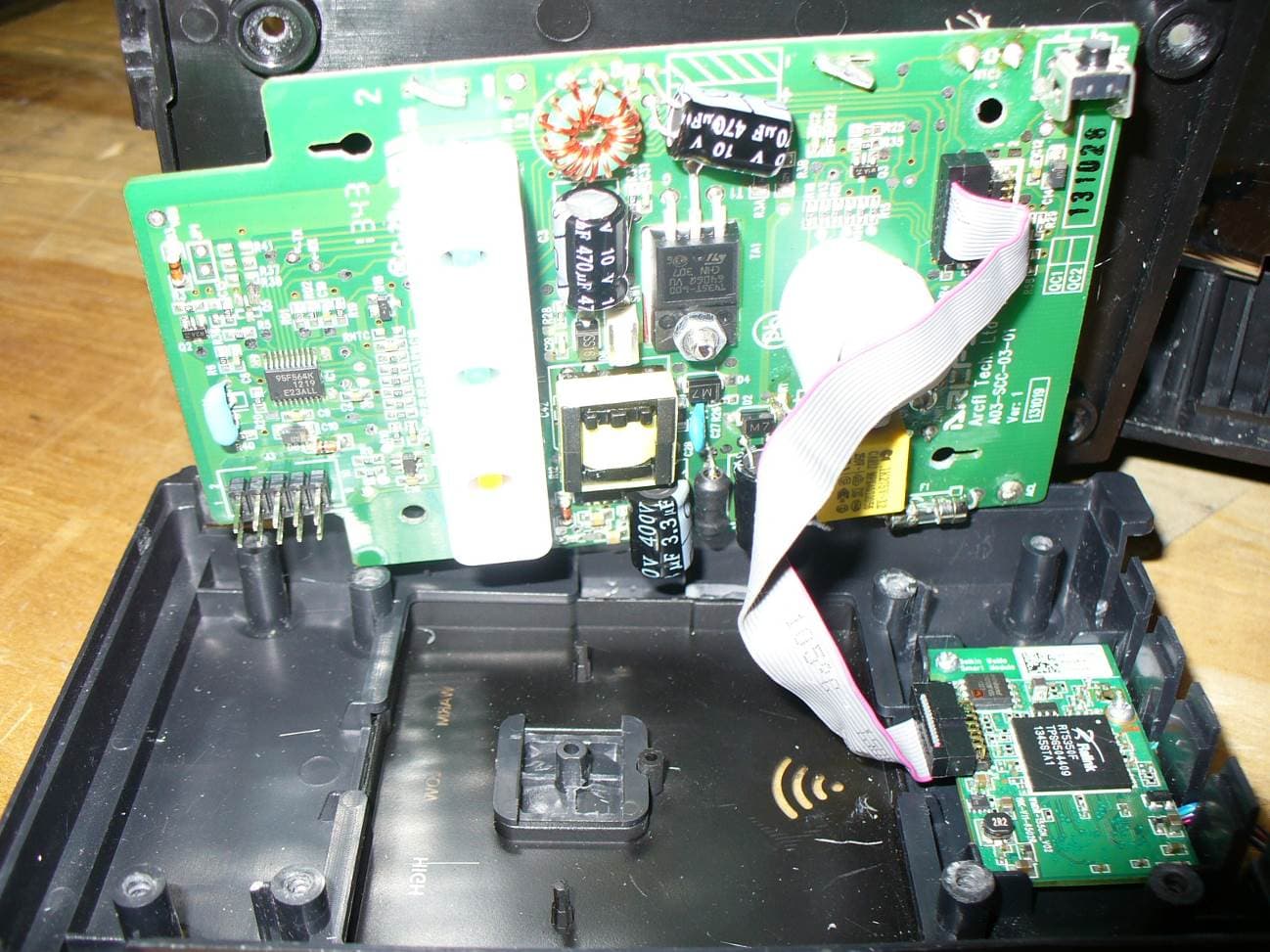
Z4D173503
May 13, 2014WiFi module for communication and/or remote operation
Equipment Class
DTS - Digital Transmission System
Z4D-BFM147
Sep 22, 2013Bluetooth Low Energy Personal Weighing Scale
Equipment Class
DSS - Part 15 Spread Spectrum Transmitter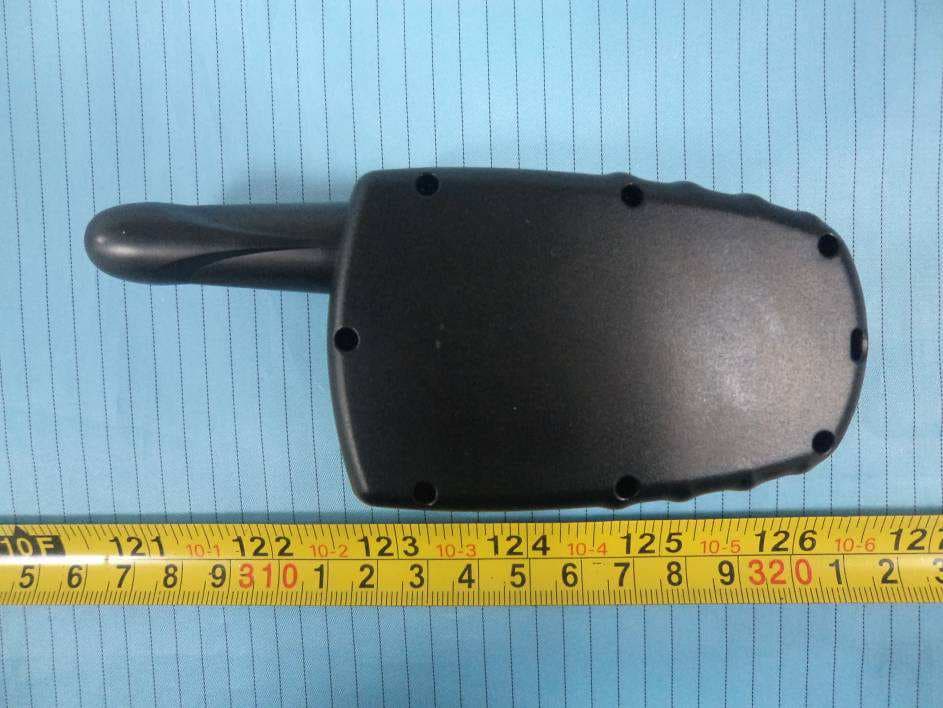
Z4D-SBRTT2
Nov 19, 2012Sunbeam Pets Rechargeable Remote Trainer
Equipment Class
TNB - Licensed Non-Broadcast Station Transmitter
Z4D-SBRTT1
Nov 28, 2011Remote Trainer
Equipment Class
DSC - Part 15 Security/Remote Control Transmitter