Z5JREACH-Q882Smart phone
REACH Tech (Xiamen) Co., Ltd.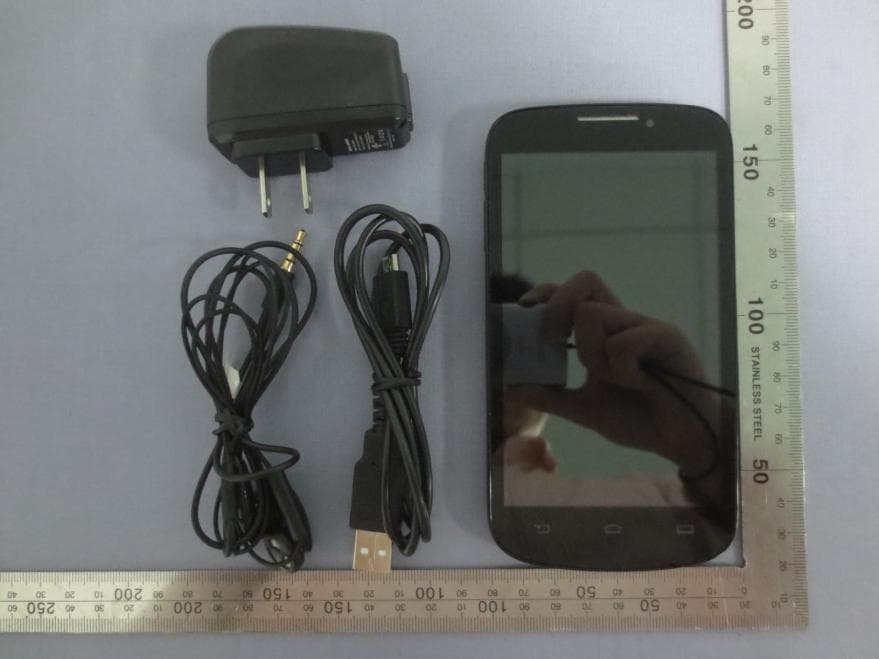
Click to zoom
Application Details
- Equipment Class
- DSS - Part 15 Spread Spectrum Transmitter
- Date of Grant
- Dec 12, 2013
- Application Purpose
- Original Equipment
- Date of Application
- Dec 12, 2013
- Equipment Note
- Smart phone
- Frequency Range
- 2402.00000000 - 2480.00000000
- Country
- China
Documents & Files
Document Text
Text extracted from the exhibit documents filed with the FCC. Open a document above to read the original.
Users Manual
Q882 User Manual Power key Back Volume key Touch screen Headphone jack Front camera 5.0M AF camera Flash Speaker Home Menu Charger/micro USB port connector 1Your Phone Home screen You may activate functions of this device by operations on the touch screen. There are five main screens, which could be switched by sliding to the left or the right. Tap in any interface to go back to the main screen. Tap an application icon on the main screen to start that application. Tap [Apps Panel ] to find all applications. Your phone’s home screen consists of the following areas: Status Bar Application icons Shortcut icons Apps Panel 2 Keys Learn about the main keys: KeyDefinitionFunction Power key-Press to turn on/off the screen display. -Press and hold to access the Phone options, choose Normal/ Silent/Vibration, Airplane mode, Power off or Mobile Data. Home key-Return to the home screen. -Press and hold to open the list of recent applications. Back key-Back to the previous screen or exit. -Hide the onscreen keyboard while it’s opened. Menu key-Open options menu available on the current screen. -Hide the onscreen options menu while it's opened. KeyDefinitionFunction Volume key -Volume up/down. -Press to turn to silent mode while there is a call. Shortcuts Learn about the shortcuts: IconsDefinitionFunction MessageQuick access to message. DialQuick access to dial phone. ContactsQuick access to phonebook. BrowserQuick access to browser. Apps PanelTap to into the applications screen. Your Phone 3 Notification Panel When you get a new notification, you can open the Notifications panel to see what event notification or new information you have received. The Notifications panel lets you quickly switch between recently-opened apps. To open the Notifications panel, press and hold the status bar, then slide your finger downward. If you have several notifications, you can scroll down the screen to see them all. Status Icon Learn about the status icons on the screen. IconsFunction Your phone will not ring when receiving a call. Your phone will vibrate when receiving a call. Flight mode activated. IconsFunction Your phone is connected to network. The more bars are shown the better the reception is. Call in progress. Call on hold. Speakerphone activated. You have a missed call. New SMS or MMS. New Email. WLAN is activated. The bars indicate the battery level. Connected to PC. Bluetooth is activated. The alarm clock is activated. Your Phone 4 IconsFunction The headset is plugged into the phone. Error occurred or caution required. Your Phone 5Table of contents Table of contents Getting started-----------------------------------6 Assembling and Charge---------------------------------6 Insert a Micro SD card (Memory card)--------------8 Personalize your phone---------------------------------9 Basic function-----------------------------------9 Calls------------------------------------------------------9 Messaging ------------------------------------------------10 Email ------------------------------------------------------10 Multimedia---------------------------------------12 Camera--------------------------------------------------12 Music-----------------------------------------------------13 FM Player -------------------------------------------------14 Search and Web--------------------------------15 Search settings------------------------------------------15 Web browser -------------------------------------------15 Internet connections--------------------------16 Bluetooth------------------------------------------------16 Wi-Fi-----------------------------------------------------17 Settings-------------------------------------------18 Sound setting--------------------------------------------18 Screen settings------------------------------------------18 Factory data reset --------------------------------------19 Safety & Precaution----------------------------20 6 Getting started Charge & Insert a Memory Card Learn about charging the battery for the first use. Tips • Your phone has a built-in phone number and a built-in battery. Charge the battery A new battery is partially charged. The battery icon in the upper-right corner shows the battery level of charging status. Tips • You can use the phone while it is charging. • Keeping the charger plugged to the mobile phone when the battery is fully charged will not damage the battery. The only way to turn off the charger is to unplug it, so it is advisable to use an easily accessible power socket. • If a fully charged battery left unused, it will lost its charge over time. • If a battery is being used for the first time or the battery has not been used for a prolonged period, it may take longer time to recharge. Insert a Micro SD card (Memory card) Follow the steps below to insert your SD card. 1 . Remove the back cover. Getting started 7Getting started 2 . Place SD card into the slot with the side of the golden contacts facing down, push in the direction as indicated in the picture. 3 . Replace the back cover. Remove the memory card Before removing a memory card, first unmount it for safe removal. 1 . In idle screen, tap > System settings > Storage > Unmount SD card. 2 . Press down the card holder and push out the memory card. Note: • Do not remove a memory card while the device is transferring or accessing information to prevent corrupting or damaging the files in the memory card. Format the memory card Formatting your memory card on a PC may cause incompatibilities with your device, please format the memory card only on the device. In idle screen tap > System settings > Storage > Erase SD card > Erase SD card > Erase everything to format the memory card. 8 Note: • Before formatting the memory card, remember to make backup copies of all important data stored on your device. The manufacturer’s warranty does not cover loss of data resulting from user actions. Use as mass storage Memory card can be used as mass storage when connected with PC. You can synchronize data between …
Text truncated - open the document above for the full version.
Cover Letter(s)
REACHTech(Xiamen)Co.Ltd. DATE::2013-11-20 EquipmentAutorisationDivision FederalCommunicationsCommission 7435OaklandMillsRoad ColumbiaMD21046 FCC10: Z5JREACH-Q882 ProductName:Smartphone Reauestfor Confidentiality Pursuantto Sections057 and059 of the commissionsruleswe herebyrequestthat the fo|lowingdocumentsbe heldconfidential: • Schematics • Blockdiagram • OperationDescription • BOM • Tuneup procedure Thesematerialscontaintradesecretsandproprietainformationandarenot customarilyre|easedtothepublic-Thepublicdisclosureof thisinhrrnationmightbe harmfultothecompanyandprovideunjustifiedbenefitsto our competitors. Dated 2013-10-18 this By: TangXiaowen Signature Printed Title: QualityManager REACHTech(Xiamen) Co. d. On behalfof : Telephone:J86)592-5098319-849
Cover Letter(s)
68-6~8609-Z698):auoqdala pn "0:) (uθωe!χ)Lpθ'1Hο3 :JO Jleqaquo Jamenb:am palu μd Uθ/oe!xuel :tfg OZ-H-~OZ:alepUO!le!dxaluawaa6e JUa6 OZ-H-~OZ S!ql paleσ 3 80019£')WC!X'IICd acOSpeOM11uenDM#YOE-MEihplIh03(uame!X) q;}a~H:)VIDIliM sap!saJ!lS :>UI epeue80ωaNAq pa pads·se UO!le:>Ja:> JOj SUO!l!PUO:>pue sωJala!M OU!Aldω0:>JOj Al!l!q!suodsaJlie le l aopaIMou:>e I 'jle aq Jno uo UO!le:>!μa:>JOJUO!le:>dde al SUO!Sluaoepazpolne mo aJaM sa:>uelsu!JO 'UO!le:>!lddeS!!M leoJddeJOJpan!ωqnsle Olle:>!lUap!laqele l! Ol pax!.ueaeII!M SUO!lelnoaJsUOlsslωsuolle:>lun leJapaal U! pau!Japse pala JeωJOpaμodω!paJnpejnueωl!unea le l AJ!a:>oSle I 'l4onosS! UO!le:>!J!a:>luaωd!nbaM JOJwalsAsJOa:>!ap al aq!J:>sap ApadoJdsluaωn:>oppaωqnsle l Aj!a:> I 'uO!le:>!J!μa:>luaωd!nbaJOj UO!le:>dde S!l JOUO!leJedaJdal U!luaoeJno se pe Ol 'oue a:>nJ8!BUf4J'llllOPllUBO 'u~4zu~4S P! S!G UBOBa PBOllUB!X!XlBd IB!llSnpul'CONllUOPOB'z llU!Pl!na'J- oN Ola 'looI.:!lSI :'pn"08OU!lSa1oueJueNue!fouoZ ua4zua4SlU!oddeI JIq Jno uO luaO se P0l AllJ nn UO!le:>98 JOJopaJ!O:un ZH~ epeue8'opeluo'eMeno peo~Ja£0£ :>UIepeue80ωaN OZ-~~-£~OZ:310 ·PIl'·O~(uaωe!x):>a1H~"3
External Photos
Report No: CCIS13110045601 Shenzhen Zhongjian Nanfang Testing Co., Ltd. Project No.: CCIS131100456RF No.B-C, 1/F., Building 2, Laodong No.2 Industrial Park, Xixiang Road, Bao’an District, Shenzhen, Guangdong, China Telephone: +86 (0) 755 23118282 Fax: +86 (0) 755 23116366 Page 85 of 92 8 EUT Constructional Details Report No: CCIS13110045601 Shenzhen Zhongjian Nanfang Testing Co., Ltd. Project No.: CCIS131100456RF No.B-C, 1/F., Building 2, Laodong No.2 Industrial Park, Xixiang Road, Bao’an District, Shenzhen, Guangdong, China Telephone: +86 (0) 755 23118282 Fax: +86 (0) 755 23116366 Page 86 of 92 Report No: CCIS13110045601 Shenzhen Zhongjian Nanfang Testing Co., Ltd. Project No.: CCIS131100456RF No.B-C, 1/F., Building 2, Laodong No.2 Industrial Park, Xixiang Road, Bao’an District, Shenzhen, Guangdong, China Telephone: +86 (0) 755 23118282 Fax: +86 (0) 755 23116366 Page 87 of 92
ID Label/Location Info
Label and label location Label location
Internal Photos
Report No: CCIS13110045601 Shenzhen Zhongjian Nanfang Testing Co., Ltd. Project No.: CCIS131100456RF No.B-C, 1/F., Building 2, Laodong No.2 Industrial Park, Xixiang Road, Bao’an District, Shenzhen, Guangdong, China Telephone: +86 (0) 755 23118282 Fax: +86 (0) 755 23116366 Page 75 of 79 Report No: CCIS13110045601 Shenzhen Zhongjian Nanfang Testing Co., Ltd. Project No.: CCIS131100456RF No.B-C, 1/F., Building 2, Laodong No.2 Industrial Park, Xixiang Road, Bao’an District, Shenzhen, Guangdong, China Telephone: +86 (0) 755 23118282 Fax: +86 (0) 755 23116366 Page 76 of 79 Report No: CCIS13110045601 Shenzhen Zhongjian Nanfang Testing Co., Ltd. Project No.: CCIS131100456RF No.B-C, 1/F., Building 2, Laodong No.2 Industrial Park, Xixiang Road, Bao’an District, Shenzhen, Guangdong, China Telephone: +86 (0) 755 23118282 Fax: +86 (0) 755 23116366 Page 77 of 79 Report No: CCIS13110045601 Shenzhen Zhongjian Nanfang Testing Co., Ltd. Project No.: CCIS131100456RF No.B-C, 1/F., Building 2, Laodong No.2 Industrial Park, Xixiang Road, Bao’an District, Shenzhen, Guangdong, China Telephone: +86 (0) 755 23118282 Fax: +86 (0) 755 23116366 Page 78 of 79 Report No: CCIS13110045601 Shenzhen Zhongjian Nanfang Testing Co., Ltd. Project No.: CCIS131100456RF No.B-C, 1/F., Building 2, Laodong No.2 Industrial Park, Xixiang Road, Bao’an District, Shenzhen, Guangdong, China Telephone: +86 (0) 755 23118282 Fax: +86 (0) 755 23116366 Page 79 of 79 -----End of report------
Test Report
Shenzhen Zhongjian Nanfang Testing Co., Ltd. Report No: CCIS13110045602 Authorized Signature: Bruce Zhang Laboratory Manager This report details the results of the testing carried out on one sample. The results contained in this test report do not relate to other samples of the same product and does not permit the use of the CCIS product certification mark. The manufacturer should ensure that all products in series production are in conformity with the product sample detailed in this report. This report may only be reproduced and distributed in full. If the product in this report is used in any configuration other than that detailed in the report, the manufacturer must ensure the new system complies with all relevant standards. This document cannot be reproduced except in full, without prior written approval of the Company. Any unauthorized alteration, forgery or falsification of the content or appearance of this document is unlawful and offenders may be prosecuted to the fullest extent of the law. Unless otherwise stated the results shown in this test report refer only to the sample(s) tested and such sample(s) are retained for 90 days only. 1 Cover Page FCC REPORT(Bluetooth) Applicant: REACH Tech (Xiamen) Co., Ltd. Address of Applicant: RM.303,#18,Guanri Road, Software Park II, Xiamen, 361008, China Equipment Under Test (EUT) Product Name: Smart Phone Model No.: Q882 FCC ID: Z5JREACH-Q882 Applicable standards: FCC CFR Title 47 Part 15 Subpart C Section 15.247 Date of sample receipt: 01 Nov., 2013 Date of Test: 02 Nov., to 22 Nov., 2013 Date of report issued: 22 Nov., 2013 Test Result : PASS * * In the configuration tested, the EUT complied with the standards specified above. Report No: CCIS13110045602 Shenzhen Zhongjian Nanfang Testing Co., Ltd. Project No.: CCIS131100456RF No.B-C, 1/F., Building 2, Laodong No.2 Industrial Park, Xixiang Road, Bao’an District, Shenzhen, Guangdong, China Telephone: +86 (0) 755 23118282 Fax: +86 (0) 755 23116366 Page 2 of 63 2 Version Version No. Date Description 00 22 Nov., 2013 Original Prepared by: Date: 25 Nov., 2013 Report Clerk Reviewed by: Date: 25 Nov., 2013 Project Engineer Report No: CCIS13110045602 Shenzhen Zhongjian Nanfang Testing Co., Ltd. Project No.: CCIS131100456RF No.B-C, 1/F., Building 2, Laodong No.2 Industrial Park, Xixiang Road, Bao’an District, Shenzhen, Guangdong, China Telephone: +86 (0) 755 23118282 Fax: +86 (0) 755 23116366 Page 3 of 63 3 Contents Page 1 COVER PAGE ................................................................................................................................................... 1 2 VERSION ........................................................................................................................................................... 2 3 CONTENTS ....................................................................................................................................................... 3 4 TEST SUMMARY .............................................................................................................................................. 4 5 GENERAL INFORMATION .............................................................................................................................. 5 5.1 CLIENT INFORMATION ...................................................................................................................................................... 5 5.2 GENERAL DESCRIPTION OF E.U.T. ...................................................................................................................................... 5 5.3 TEST MODE .................................................................................................................................................................... 7 5.4 LABORATORY FACILITY ...................................................................................................................................................... 7 5.5 LABORATORY LOCATION ................................................................................................................................................... 7 5.6 TEST INSTRUMENTS LIST .................................................................................................................................................... 8 6 TEST RESULTS AND MEASUREMENT DATA ............................................................................................. 9 6.1 ANTENNA REQUIREMENT: ................................................................................................................................................. 9 6.2 CONDUCTED EMISSIONS ................................................................................................................................................. 10 6.3 CONDUCTED OUTPUT POWER .......................................................................................................................................... 13 6.4 20DB OCCUPY BANDWIDTH ............................................................................................................................................ 17 6.5 CARRIER FREQUENCIES SEPARATION .................................................................................................................................. 21 6.6 HOPPING CHANNEL NUMBER .......................................................................................................................................... 26 6.7 DWELL TIME ................................................................................................................................................................. 28 6.8 PSEUDORANDOM FREQUENCY HOPPING SEQUENCE ............................................................................................................. 32 6.9 BAND EDGE .................................................................................................................................................................. 33 6.9.1 Cond…
Text truncated - open the document above for the full version.
Test Setup Photos
Report No: CCIS13110045602 Shenzhen Zhongjian Nanfang Testing Co., Ltd. Project No.: CCIS131100456RF No.B-C, 1/F., Building 2, Laodong No.2 Industrial Park, Xixiang Road, Bao’an District, Shenzhen, Guangdong, China Telephone: +86 (0) 755 23118282 Fax: +86 (0) 755 23116366 Page 61 of 63 7 Test Setup Photo Radiated Spurious Emission Report No: CCIS13110045602 Shenzhen Zhongjian Nanfang Testing Co., Ltd. Project No.: CCIS131100456RF No.B-C, 1/F., Building 2, Laodong No.2 Industrial Park, Xixiang Road, Bao’an District, Shenzhen, Guangdong, China Telephone: +86 (0) 755 23118282 Fax: +86 (0) 755 23116366 Page 62 of 63 Conducted Emission Report No: CCIS13110045602 Shenzhen Zhongjian Nanfang Testing Co., Ltd. Project No.: CCIS131100456RF No.B-C, 1/F., Building 2, Laodong No.2 Industrial Park, Xixiang Road, Bao’an District, Shenzhen, Guangdong, China Telephone: +86 (0) 755 23118282 Fax: +86 (0) 755 23116366 Page 63 of 63 8 EUT Constructional Details Reference to the test report No. CCIS13110045601 ------End of report------
Contact Information
Applicant
Xiaolin Zhu(VP)
Test Firm
Shenzhen Zhongjian Nanfang Testing Co.,LtdBruce Zhang
Technical Specifications
| # | Rule Parts | Frequency Range | Power Output |
|---|---|---|---|
| 1 | 15C | 2.40 GHz - 2.48 GHz | 3.47 mW |
Other Applications from REACH Tech (Xiamen) Co., Ltd.
May 13, 2014
Equipment Class
DTS - Digital Transmission System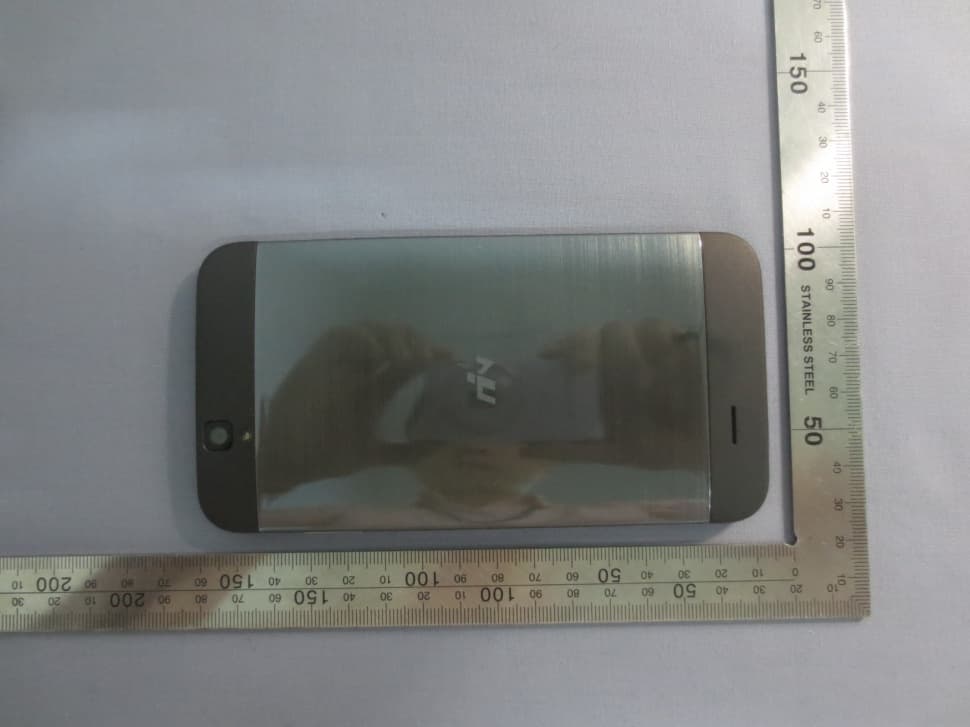
Z5JREACH-Q887R
Apr 21, 2014Smart phone
Equipment Class
DSS - Part 15 Spread Spectrum Transmitter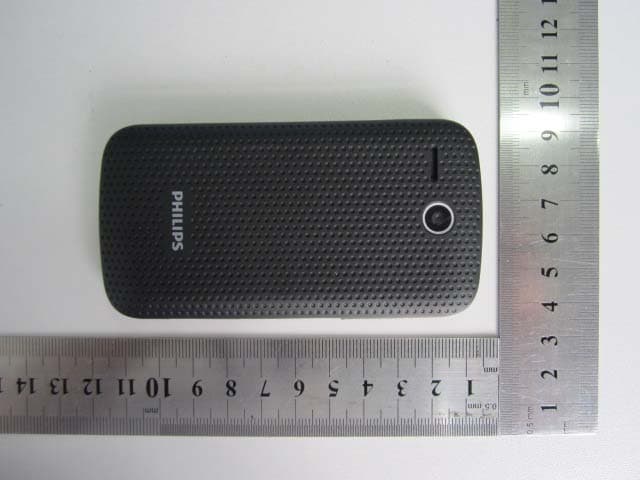
Z5J-REACH9771
Oct 28, 2012Mobile Phone
Equipment Class
DTS - Digital Transmission System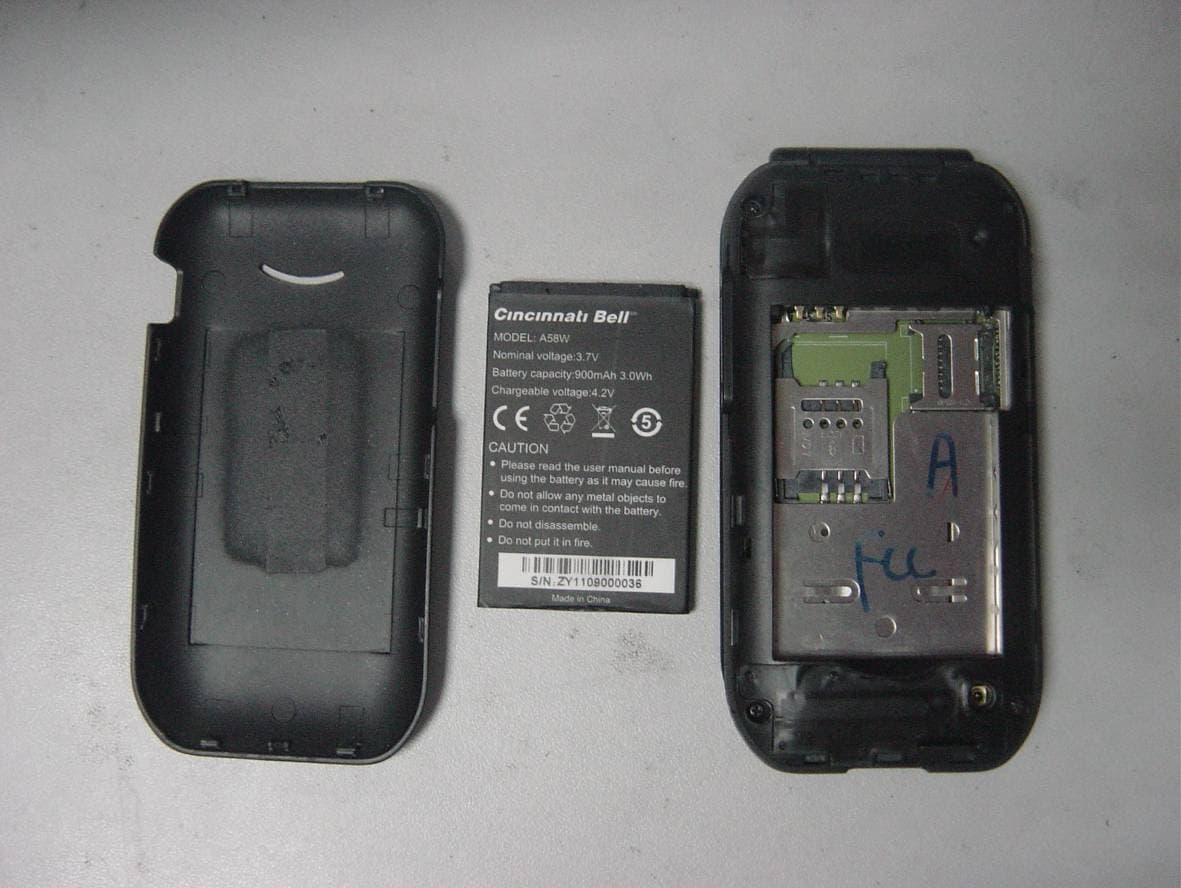
Z5J-A58W
Oct 27, 2011Mobile Phone
Equipment Class
DSS - Part 15 Spread Spectrum Transmitter