ZPN-VS60U004TPMS SENSOR PROGRAMMING & DIAGNOSTIC DEVICE
CUB ELECPARTS INC
Click to zoom
Application Details
- Equipment Class
- DCD - Part 15 Low Power Transmitter Below 1705 kHz
- Date of Grant
- Dec 29, 2011
- Application Purpose
- Original Equipment
- Date of Application
- Dec 29, 2011
- Equipment Note
- TPMS SENSOR PROGRAMMING & DIAGNOSTIC DEVICE
- Frequency Range
- 0.12500000 - 0.12500000
- Company
- CUB ELECPARTS INC
- Country
- Taiwan
Documents & Files
Document Text
Text extracted from the exhibit documents filed with the FCC. Open a document above to read the original.
Users Manual
sensorAID Owner's Manual sensorAID Table of contents 1. Sensor AID Introduction 2. Diagnosing a Sensor / Results Description 3. New Sensor 4. Auto Duplicate 5. Manual Duplicate 6. Program Blank Sensor 7. Sensor AID Settings 8. Software Update 9. Warranty 1 Owner's Manual sensorAID Setting TPMS Sensor Programming & Diagnostic Device sensorAID Sensor AID Introduction Sensor AID is design to Diagnose and interacts with tire pressure sensor through wireless(radio frequency) communication to: 2 ITM Autoparts | 1-310-225-5555 | www.itmautoparts.com • Retrieve data from tire pressure sensor • Verify the identity of each tire pressure sensor mounted on the wheels • Assist technicians service TPMS Keypad LF AntennaLF Antenna LCD Display Indicators USB Connector sensorAID Keypad Summary 3 Owner's Manual Power On / Off Navigation through menu and cruise parameter up and down Selection key, press enter to select function or validate a parameter Esc key, press to return to the previous menu without parameter validation, setting key configure setting of the Sensor AID Indicator will turn red when battery is low Indicator will turn orange when charging The USB connection allows software update via ITM software Sensor AID Introduction sensorAID Power On The Device Press and hold the power key to power on the device 4 ITM Autoparts | 1-310-225-5555 | www.itmautoparts.com During power on, The device display the ITM logo. 0.1 ® 2011. 8 Software revision number follows after the ITM logo. MAKER SELECTION A B C D E F G H I J K L M N O P Q R S T U V W X Y Z Now the device is at the maker selection menu Sensor AID Introduction 5 Owner's Manual sensorAID Diagnose Sensor Diagnosing a Sensor Use arrow key to scroll up and down between maker Maker selection: Use the arrow key to b r o w s e a l p h a b e t s o f carmakers, enter by using the "selection" key B BMW Buick BMW 3 SERIES 5 SERIES 6 SERIES MAKER SELECTION A B C D E F G H I J K L M N O P Q R S T U V W X Y Z Maker selection: Use the arrow key to browse automakers, enter by using the "selection" key Model selection: Use the arrow key to browse models, enter by using the "selection" key 6 ITM Autoparts | 1-310-225-5555 | www.itmautoparts.com sensorAID Diagnose Sensor Diagnosing a Sensor Use arrow key to scroll up and down between maker Year selection: Use the arrow key to Select year and enter by using the "selection" key 5 SERIES 2002-05 (433) 2006-11 (433) Function selection: Use the arrow key to Select Diagnose sensor and press the selection key to Diagnose 5 SERIES DIAGNOSE SENSOR NEW SENSOR Diagnosing Sensor: Sensor AID will now activate the sensor, sensor respond time may very, depends on snesor type and brand. Sensor AID will beep after receving sensor information 5 SERIES (Esc) : Stop DIAGNOSING SENSOR 7 Owner's Manual sensorAID Results Description Diagnosing a Sensor 5 SERIES 1C1B7C9C 29.76 PSI 77 °F 433MHz BAT : OK (Esc) : BACK ( ↵ ) : TEST Sensor ID Tire Tempurature Battery Status Tire Pressure Vehicle Model Sensor Frequency The picture below is an example of sensor data communication result **Note: The Sensor AID will identify the sensor information that is transmitted. Not all sensors transmit every piece of information shown. 8 ITM Autoparts | 1-310-225-5555 | www.itmautoparts.com sensorAID Duplicate an O.E sensor New Sensor This function is design for you to by pass OBD II and automatically duplicate an O.E Sensor. Maker selection: Use the arrow key to browse thought Alphabets, enter by using the "selection" key B BMW Buick BMW 3 SERIES 5 SERIES 6 SERIES MAKER SELECTION A B C D E F G H I J K L M N O P Q R S T U V W X Y Z Maker selection: Use the arrow key to browse thought automakers, enter by using the "selection" key Model selection: Use the arrow key to browse thought models, enter by using the "selection" key ** Note: Duplicate and Program funcation will only work with ITM's Uni-sensor and Uni-sensor only. 9 Owner's Manual sensorAID Duplicate an O.E sensor New Sensor This function is design for you to by pass OBD II and automatically duplicate an O.E Sensor. NEW SENSOR AUTO DUPLICATE MANUAL DUPLICATE PROGRAM BLANK SENSOR Function selection: Use the arrow key to select auto duplicate and press the selection key to enter. Maker selection: Use the arrow key to Select year and frequency enter by using the "selection" key 5 SERIES 2002-05 (433) 2006-11 (433) Function selection: Use the arrow key to Select new sensor and press the selection key to Enter 5 SERIES DIAGNOSE SENSOR NEW SENSOR ** Note: Duplicate and Program funcation will only work with ITM's Uni-sensor and Uni-sensor only. 10 ITM Autoparts | 1-310-225-5555 | www.itmautoparts.com sensorAID Duplicate Sensor: Sensor AID will now display the O.E sensor ID, press the selection key to program Uni-sensor NEW SENSOR (Esc) : Stop SEARCH ID PROCESSING Auto Duplicate an O.E sensor Auto Duplicate This function is design for you to by pass OBD II and automatically duplicate an O.E Sensor. Search ID Process: Sensor AID will now search the sensor ID, sensor respond time may very, depends on snesor type and brand. Sensor AID will beep after receving sensor information NEW SENSOR 1C1B7C9C (Esc) : BACK ( ↵ ) : PROGRAM Duplicate Complete: Sensor AID will now duplicate the sensor for you, following by Erasing Flash, Program sensor and Verifying, you will hear 2 short beep when the sensor is duplicated. NEW SENSOR PROGRAMMED SUCCESSFUL (Esc) : BACK ( ↵ ) : PROGRAM ** Note: Duplicate and Program function will only work with ITM's Uni-sensor and Uni-sensor only. 11 Owner's Manual sensorAID O.E ID Locator: Use the O.E ID Locator will help you find the Sensor ID on a dead O.E sensor. enter by using the "selection" key Manual Duplicate an O.E sensor Manual Duplicate This function is design for you to by pass OBD II and manually duplicate an O.E Sensor. MANUAL DUPLICATE O.E ID LOCATOR INPUT ID Manufacture Selection: Use the arrow key to select the manufacture of the O.E sensor. enter by using the "selection" …
Text truncated - open the document above for the full version.
External Photos
Report No.T111006302 Page 1 of 14 External Photo Report No.T111006302 Page 2 of 14 Report No.T111006302 Page 3 of 14 Adapter Photo Report No.T111006302 Page 4 of 14
Internal Photos
Report No.T111006302 Page 5 of 14 Report No.T111006302 Page 6 of 14 Report No.T111006302 Page 7 of 14 Report No.T111006302 Page 8 of 14 Report No.T111006302 Page 9 of 14 Report No.T111006302 Page 10 of 14 Report No.T111006302 Page 11 of 14 Report No.T111006302 Page 12 of 14 Report No.T111006302 Page 13 of 14 Report No.T111006302 Page 14 of 14 Antenna Photo
Test Report
FCC IDZPN-VS60U004 Report No.T111006302-RP1 Page 1 / 19 This report shall not be reproduced, except in full, without the written approval of Compliance Certification Services Inc. FCC 47 CFR PART 15 SUBPART C AND ANSI C63.4:2003 TEST REPORT For TPMS Sensor Programming & Diagnostic Device Model : TPMS Tool Trade Name : CUB Issued for CUB ELECPARTS INC. No.6,Lane 546, Sec. 6, Changlu Road, Fuhsin Township, Changhua County,Taiwan 506 Issued by Compliance Certification Services Inc. Hsinchu Lab. NO. 989-1 Wen Shan Rd., Shang Shan Village, Qionglin Shiang Hsinchu County 30741, Taiwan, R.O.C TEL: +886-3-5921698 FAX: +886-3-5921108 http://www.ccsrf.com E-Mail : [email protected] Issued Date: October 28, 2011 Note: This report shall not be reproduced except in full, without the written approval of Compliance Certification Services Inc. This document may be altered or revised by Compliance Certification Services Inc. personnel only, and shall be noted in the revision section of the document. The client should not use it to claim product endorsement by TAF or any government agencies. The test results of this report relate only to the tested sample identified in this report. FCC IDZPN-VS60U004 Report No.T111006302-RP1 Page 2 / 19 This report shall not be reproduced, except in full, without the written approval of Compliance Certification Services Inc. Revision History Rev. Issue Date Revisions Effect Page Revised By 00 10/28/2011 Initial Issue All Page 19 Winnie Chen FCC IDZPN-VS60U004 Report No.T111006302-RP1 Page 3 / 19 This report shall not be reproduced, except in full, without the written approval of Compliance Certification Services Inc. TABLE OF CONTENTS TITLE PAGE NO. 1. TEST REPORT CERTIFICATION ................................................................................ 4 2. EUT DESCRIPTION ..................................................................................................... 5 3. DESCRIPTION OF TEST MODES ............................................................................... 6 4. TEST METHODOLOGY ............................................................................................... 6 5. FACILITIES AND ACCREDITATION ........................................................................... 7 5.1 FACILITIES ............................................................................................................ 7 5.2 ACCREDITATIONS................................................................................................ 7 5.3 MEASUREMENT UNCERTAINTY ......................................................................... 8 6. SETUP OF EQUIPMENT UNDER TEST...................................................................... 9 7. FCC REQUIREMENTS................................................................................................. 10 7.1 RADIATED EMISSION........................................................................................... 10-15 7.2 CONDUCTED EMISSION ...................................................................................... 16-18 APPENDIX SETUP PHOTOS .......................................................................................... 19 FCC IDZPN-VS60U004 Report No.T111006302-RP1 Page 4 / 19 This report shall not be reproduced, except in full, without the written approval of Compliance Certification Services Inc. 1. TEST REPORT CERTIFICATION Applicant CUB ELECPARTS INC. Address No.6,Lane 546, Sec. 6, Changlu Road, Fuhsin Township, Changhua County,Taiwan 506 Equipment Under Test TPMS Sensor Programming & Diagnostic Device Model TPMS Tool Trade Name CUB Tested Date September 29 ~ October 27, 2011 APPLICABLE STANDARD Standard Test Result FCC Part 15 Subpart C AND ANSI C63.4:2003 PASS WE HEREBY CERTIFY THAT: The above equipment has been tested by Compliance Certification Services Inc., and found compliance with the requirements set forth in the technical standards mentioned above. The results of testing in this report apply only to the product/system, which was tested. Other similar equipment will not necessarily produce the same results due to production tolerance and measurement uncertainties. Approved by: Reviewed by: Rex Liao Jacky Chen Deputy Section Manager Deputy Section Manager FCC IDZPN-VS60U004 Report No.T111006302-RP1 Page 5 / 19 This report shall not be reproduced, except in full, without the written approval of Compliance Certification Services Inc. 2. EUT DESCRIPTION Product Name TPMS Sensor Programming & Diagnostic Device Model Number TPMS Tool Identify Number T111006302 Received Date September 29, 2011 Frequency Range 125kHz Transmit Power 96.03 dBuV/m @ 3m Channel Number 1 Channel Type of Modulation ASK Power Source 15Vdc (From Power Adapter) DC Power Cord Type Unshielded cable, 1.5m (no detachable) I/O Port Power Port × 1, USB Port × 1 Power Adapter : No. Manufacturer Model No. Power Input Power Output 1 Powertron Electronics Corp PA1015-3DU 100~240Vac 50~60Hz 0.4A 15Vdc 1A Remark : 1. The sample selected for test was engineering sample that approximated to production product and was provided by manufacturer. 2. For more details, please refer to the User’s manual of the EUT. 3. This submittal(s) (test report) is intended for FCC ID: ZPN-VS60U004 filing to comply with Section 15.207 and 15.209 of the FCC Part 15, Subpart C Rules. FCC IDZPN-VS60U004 Report No.T111006302-RP1 Page 6 / 19 This report shall not be reproduced, except in full, without the written approval of Compliance Certification Services Inc. 3. DESCRIPTION OF TEST MODES The EUT (TPMS Tool) had been tested under operating condition. Radiated Emission (Below 1 GHz) and Conducted Emission Test: 1. The following test modes were scanned during the preliminary test: No. Pre-Test Mode 1 TX Mode 2. After the preliminary scan, the following test mode was found to produce the highest emission level. Final Test Mode Emission Radiated Emission TX Mode Remark : 1. Then, the above highest emission mode of the configuration of t…
Text truncated - open the document above for the full version.
Test Setup Photos
FCC IDZPN-VS60U004 Report No.T111006302-RP1 Page 19 / 19 This report shall not be reproduced, except in full, without the written approval of Compliance Certification Services Inc. APPENDIX SETUP PHOTOS RADIATED EMISSION SETUP
Contact Information
Applicant
June Wu(Quality System Dept. / Administrator)
Test Firm
Compliance Certification Services Inc.Winnie Chen
Technical Specifications
| # | Rule Parts | Frequency Range | Power Output |
|---|---|---|---|
| 1 | 15C | 0.125 MHz - 0.125 MHz | - |
Other Applications from CUB ELECPARTS INC
ZPNB122110
Jan 16, 2026mmWave Radar
Equipment Class
VRD - Part 95 Vehicular Radar Systems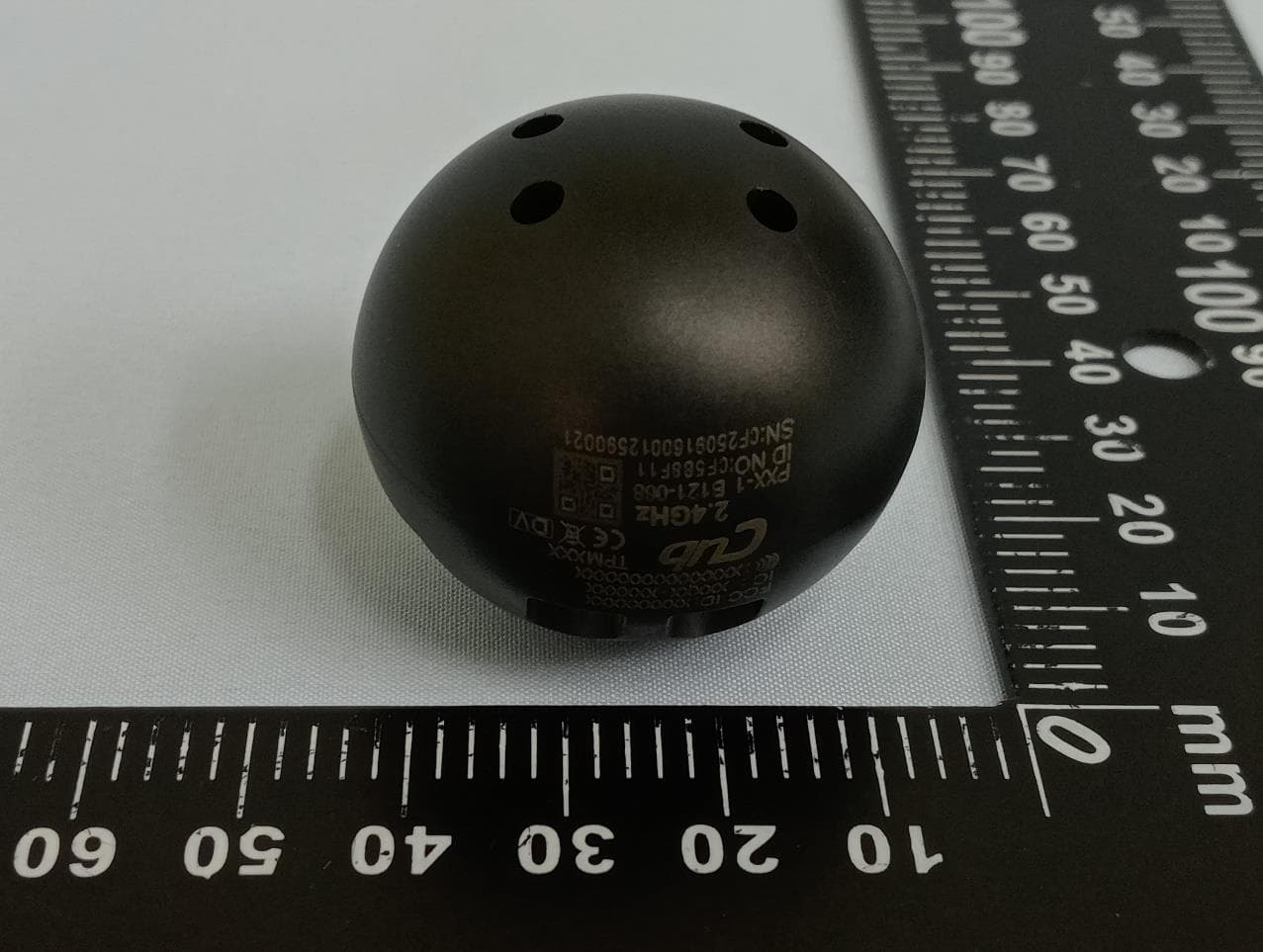
ZPNTPM208
Nov 24, 2025TPMS TRK 2.4G Orb Sensor (
Equipment Class
DTS - Digital Transmission System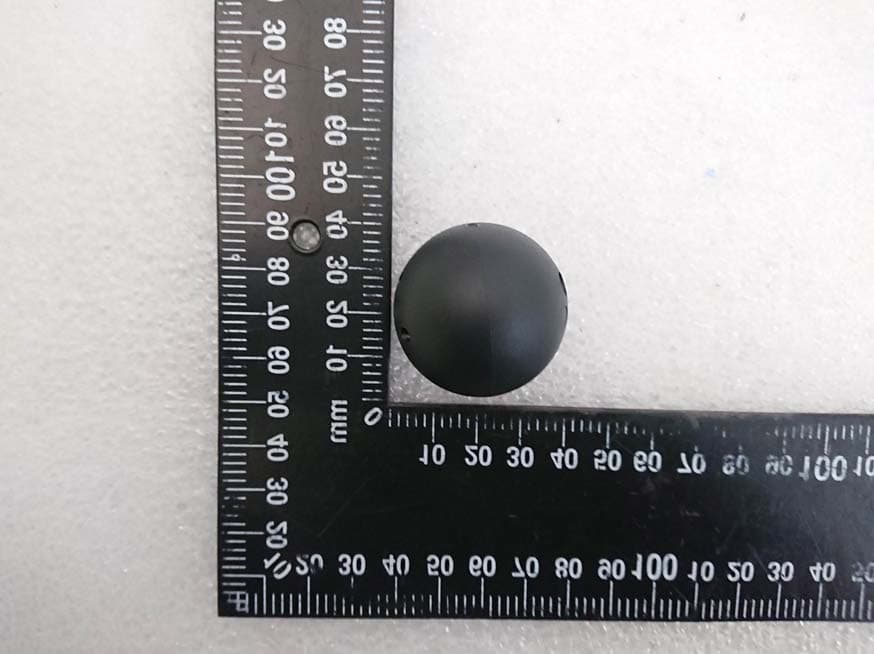
ZPNTPM201
Jun 03, 20212.4 GHz Ball Sensor
Equipment Class
DTS - Digital Transmission System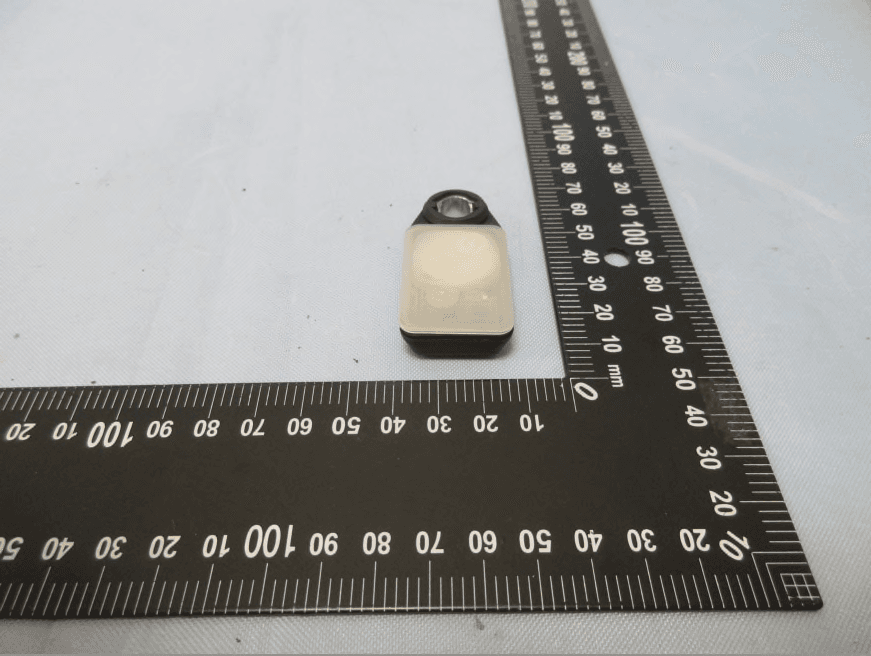
ZPNTPM202
Sep 23, 2020TPMS SENSOR
Equipment Class
DTS - Digital Transmission System
ZPNTPM101
Sep 14, 2020433 MHz Ball Sensor
Equipment Class
DXX - Part 15 Low Power Communication Device Transmitter