ZVJT508MID
Velocity Micro, Inc.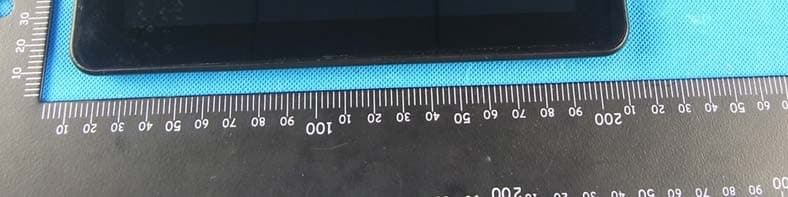
Click to zoom
Application Details
- Equipment Class
- DTS - Digital Transmission System
- Date of Grant
- Jul 10, 2012
- Application Purpose
- Original Equipment
- Date of Application
- Jul 10, 2012
- Equipment Note
- MID
- Frequency Range
- 2412.00000000 - 2462.00000000
- Company
- Velocity Micro, Inc.
- Country
- United States
Documents & Files
Document Text
Text extracted from the exhibit documents filed with the FCC. Open a document above to read the original.
Users Manual
1 Instruction Manual Congratulations on purchasing your Gpad Personal Media Player! To get the most use of your purchase, please take the time to carefully read through this manual. 1. Before using the Device Before using the device, please read this chapter and teach your kids about these information. For further details, please refer to the safety instructions and announcement. 1.1. Acknowledgement Thanks for your purchase of our product. The product is a MID (Mobile Internet Device), with a touch screen native resolution of 800x480 pixels. It is designed with Boxchip A10 high speed processor and 512RAM,DDR III and 8GB flash storage memory. The operating system is Android 4.0. The product has built in WIFI, a front and back facing camera, is designed to provide a fast and easy internet experience, and displays HD video and images. 1.2. Precautions z Please always keep the device dry. To avoid damaging the device, please keep the device, battery and charger from water and moisture, and don’t operate the device or charger when your hands are wet. z Do not drop or strike the device against a hard surface. z Never disassemble the device or its accessories as this will immediately VOID any and all warranties you have for the device. z Never use the device when operating a vehicle. z In hospitals and areas vulnerable to EMI such as an airplane, please follow the area’s posted rules and regulations regarding electronic devices. z To avoid electrical damage, please power off the device before entering an area with unshielded high voltage. z Subjecting the device to an area with a powerful magnetic field may erase all data on the device. z This device can connect to the internet, and has access to chartrooms, messenger programs, etc. Please always supervise children using the device. z Please comply with your areas rules and regulations regarding the use of electronic devices, and respect others’ privacy and legal rights while using the device. 2. Introduction 2.1 Charging the Battery When you first receive the device, please fully charge the battery before use. It takes approximately 4 hours to completely charge a drained battery. When charging, please only use the supplies A/C wall adapter. 2.2 Status and Reminders Reminder icons: When an icon appears in your reminder window (lower right hand corner of your screen) you can tap the icon 2 to open your reminder. Below are several of the most common reminder icons. New email airplane mode USB is connected USB adjustment is connected Return icon downloading recent application icon Home icon Battery volume mark WIFI signal icon No SD card Alarm on Google search Application icon General Notice Mute 2.3 Button and touchpad functions 3 functions: Power(power) Press and hold this button to turn the device on and off. Tap this button briefly to put the player in standby or wake the player up Vol +(up) Press to increase volume Vol-(down) Press to decrease volume CHARGER PORT D55V 2A IN Back icon(back) tap this on any screen to return to the previous screen. 2.4 power up and Shut down Power up Press and hold the Power button for three seconds to power on.. 4 Shut down Press and hold the Power button for 3 seconds, it will popup shut down window. Tap “ok” to confirm the power off, or tap “Cancel” to continue using the device. Standby mode Tapping the power button will place the device in standby mode, tapping it again will wake the player back up. Please note that if the player sits idle, the device will enter standby mode automatically to conserve battery life. 3. Main interface UI Note- To scroll the screen left, place your finger on the left side of the screen and slide it to the right. To scroll right, place your finger on the right side of the screen and slide it to the left. To scroll up, place your finger at the top of the screen and slide it down. To scroll down, place your finger at the bottom and slide it up. 5 The main portion of your UI is referred to the “Desktop” The second most used portion of your UI is the apps menu, accessed by tapping the apps icon on the main menu. 3.1 icon and application management 1) To move the icons on the Desktop: Press and hold an icon in your apps menu to drag it to your desktop. Once you have reached the location you want to drop the icon, let go of the screen. 2).Delete the icons on the desktop 6 Touch and hold desktop icons, then drag it to the “Remove” icon. Please note that this will only delete the icon from your desktop, the app will still be located in your apps menu. 3.2 Change the desktop wallpaper 1)Touch and hold an empty spot on main screen, a window will open with several selections. 2)select the image gallery or wallpapers gallery to choose image. 4. USB Connection & input words 7 4.1 USB Connection 1) when connected to a computer via USB, the below window will open. Select “Turn on USB storage” and the device will act as a removable disk drive, allowing you to add ro delete files to both an inserted SD card and the internal memory. . Using the Android keyboard 8 1 switch between caps and lowercase letters 2 Switch between letter and symbol/number mode 3 spacebar 4 Enter button 5 Delete- tapping once will delete the last input character, press and hold to delete all entered characters 6 Select a different Keyboard (if installed) 5.Basic settings 5.1 Voice and display 1) Sound and volume setting 1.Tap the setting icon. 2.Tap Sound. 3.Tap volume to adjust the volume for music and video. 4.or press “VOL +” or “VOL – Button” to adjust the volume. ① ② ③ ⑤ ④ ⑥ 9 2) Display setting Adjust the brightness of your screen 1. Tap the setting icon. 2. Tap displayÆTap brightness, a slide bar will open. Slide this bar to the right to increase brightness, and to the left to decrease brightness 3. Tap OK. 5.2 Adjust screen standby time 1). Tap the setting icon. 2). Tap display->Tap “Sleep”, select the amount of idle time you want to pass before the device enters standby 10 mode to conserve power. 11 5.4 Setting a…
Text truncated - open the document above for the full version.
Cover Letter(s)
Velocity Micro, Inc. Date:2012-07-09 FCC ID: ZVJT508 Subject: Ad Hoc Mode Function Declaration To Whom it may concern, This device is acting as slave and operating in the 2.4 GHz (2412 – 2462 MHz) band. Ad Hoc function is supported but not able to operate on non-US frequencies. Please contact the one signed below or the authorized agent for this filing. Thank you. Regards, Yours sincerely, Signatory Signature Name: Tamer Eldin Title: Product Manager Tel: 1(800)303-7866 x237 Company : Velocity Micro, Inc. Add: 7510 Whitepine Rd, Richmond, West Virginia, United States
Cover Letter(s)
Authorization Letter We, (the approval holder) Company name Velocity Micro, Inc. Addresss 7510 Whitepine Rd, City Richmond, West Virginia Country United States declare that the following representative (agent): Name (person) Bovey.yang Company name NTEK Testing Technology Co., Ltd. Addresss 1/F, Building E, Fenda Science Park Sanwei Community, Xixiang Street, Baoan District City Shenzhen Country China to act on our behalf on all matters concerning the application and documents submitted to PHOENIX TEST-LAB for product certification below Product Description MID Type or Model(s) T508, T509 Tradename or Brand(s) N/A Attestation: City and Country: Date:Name: (this must be a person) Function:Signature: (or official company stamp) Richmond 2012/7/9 Tamer Eldin Product Manager
Cover Letter(s)
FCC Confidentiality Request To the FCC and FCC TCB handling this application for certification Pursuant to 47 CFR Section 0.459(a) & (b), we, (the applicant / grantee) Company name Velocity Micro, Inc. Addresss 7510 Whitepine Rd, City Richmond, West Virginia Country United States request non-disclosure and confidential treatment for our certification under: Grantee Code Product Number FCC ID: ZVJ T508 of the following materials submitted within this certification application: (please cross what is applicable, or add other documents) X Operational Description X Block Diagrams X Schematics Diagrams Above materials contain secrets, proprietary and technical information, which would customarily be guarded from competitors under 47 CFR, section 0.457(d)(2). Disclosure or publication or any portion of this company confidential material to other parties could cause substantial competitive harm and provide unjustified benefits for competitors. We understand that pursuant to 47 CFR section 0.457(d)(1)(ii) disclosure of the applicant and all accompanying documentation will not be made before the date of the grant. Attestation: City and Country: Date:Name: (this must be a person) Function:Signature: (or official company stamp) Richmond 2012/7/9 Tamer Eldin Product Manager
Cover Letter(s)
Ersteller: D. Brandhorst Revision: 00 Erstelldatum: 07.03.2008 Datum: 00.00.00 Seite 1 von 1 PHOENIX TEST-LAB GmbH Product Certification Königswinkel 10 D 32825 Blomberg Date:2012-07-09 FCC ID: ZVJT508 Subject: Attestation Letter “Declaration of Conformity” Dear Sirs, Our products with the above FCC ID are defined as composite device. The transmitter is authorized under the “Certification” procedure. The device is also defined as “PC Periphery” acc to §15.101 Equipment authorization of unintentional radiators, where we hereby declare, that we apply and follow the “Declaration of Conformity” procedure. If you have any questions, please feel free to contact me at the address shown below. Yours sincerely, Signatory Signature Name: Tamer Eldin Title: Product Manager Tel: 1(800)303-7866 x237 Company : Velocity Micro, Inc. Add: 7510 Whitepine Rd, Richmond, West Virginia, United States
External Photos
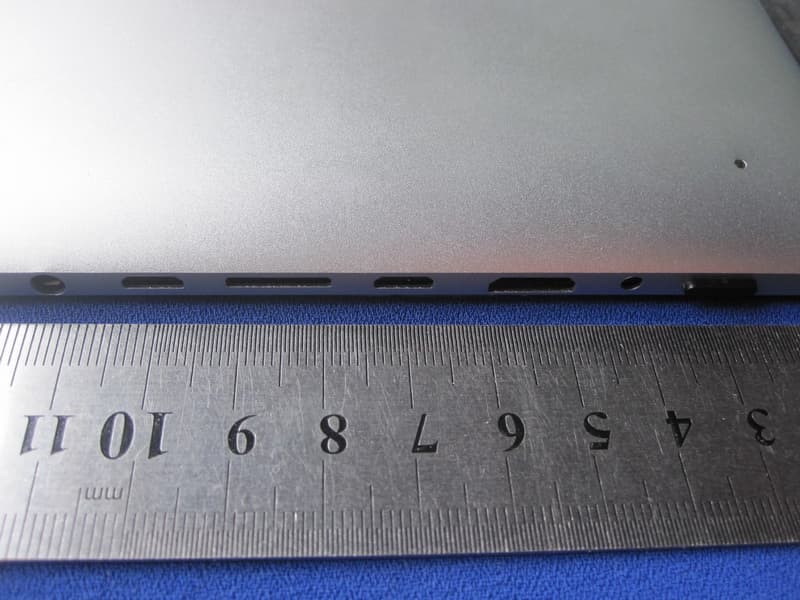
APPENDIX-PHOTOGRAPHS OF EUT CONSTRUCTIONAL DETAILS Photo 1 Photo 2 Photo 3 Photo 4 Photo 5 Photo 6
ID Label/Location Info
1.4*3.9cm
Internal Photos
Photo 7 Photo 8 Photo 9 Photo 10 Photo 11 Photo 12 Photo 13 Photo 14 Photo 15 Photo 16 Photo 17
RF Exposure Info
Portable device According to §15.247(e)(i) and §1.1307(b)(1), systems operating under the provisions of this section shall be operated in a manner that ensures that the public is not exposed to radio frequency energy level in excess of the Commission’s guidelines. According to KDB 447498 (2)(a)(i) For portable device,the power limit is 60/f(in GHz) mW For limit 60/f is equal: 60/2.402=24.97mW 60/2.441=24.58 mW 60/2.480=24.19mW Maximum measured transmitter power Model MAX Conducted Power (dBm) Max Antenna Gain (dBm) EIRP (dBm) EIRP (mW) 802.11b 10.86 2 12.86 19.31 802.11g 9.46 2 11.46 13.99 802.11n 9.57 2 11.57 14.35 The max.output power E.I.R.P is 19.31mW<24.19mW Conclusion: No SAR is required.
Test Report
FCC RADIO TEST REPORT FCC ID: ZVJT508 Product: MID Trade Name: N/A Model Name: T508 Serial Model: T509 Report No.: NTEK- 2012NT0630318F Prepared for Velocity Micro, Inc. 7510 Whitepine Rd, Richmond, West Virginia United States Prepared by NTEK Testing Technology Co., Ltd. 1/F, Building E, Fenda Science Park, Sanwei Community,Xixiang Street Bao’an District, Shenzhen P.R. China Tel.: +86-0755-61156588 Fax.: +86-0755-61156599 Website:www.ntek.org.cn Page 2 of 72 Report No.: NTEK-2012NT0630318F TEST RESULT CERTIFICATION Applicant’s name ................. : Velocity Micro, Inc. Address ................................. : 7510 Whitepine Rd, Richmond, West Virginia United States Manufacture's Name ............ : Velocity Micro, Inc. Address ................................. : 7510 Whitepine Rd, Richmond, West Virginia United States Product description Product name ........................... : MID Model and/or type reference : T508 Serial Model: T509 Standards ............................. : FCC Part15.247 Test procedure ..............................ANSI C63.4-2003 This device described above has been tested by NTEK, and the test results show that the equipment under test (EUT) is in compliance with the FCC requirements. And it is applicable only to the tested sample identified in the report. This report shall not be reproduced except in full, without the written approval of NTEK, this document may be altered or revised by NTEK, personal only, and shall be noted in the revision of the document. Date of Test ............................................ : Date (s) of performance of tests ............. : 30 Jun. 2012 ~09 Jul. 2012 Date of Issue ........................................... : 09 Jul. 2012 Test Result ............................................... : Pass Testing Engineer : (Apple Huang) Technical Manager : (Tom Zhang) Authorized Signatory : (Bovey Yang) Page 3 of 72 Report No.: NTEK-2012NT0630318F Table of Contents Page 1 . SUMMARY OF TEST RESULTS 5 1.1 TEST FACILITY 6 1.2 MEASUREMENT UNCERTAINTY 6 2 . GENERAL INFORMATION 7 2.1 GENERAL DESCRIPTION OF EUT 7 2.2 DESCRIPTION OF TEST MODES 9 2.3 BLOCK DIGRAM SHOWING THE CONFIGURATION OF SYSTEM TESTED 10 2.4 DESCRIPTION OF SUPPORT UNITS(CONDUCTED MODE) 11 2.5 EQUIPMENTS LIST FOR ALL TEST ITEMS 12 3 . EMC EMISSION TEST 13 3.1 CONDUCTED EMISSION MEASUREMENT 13 3.1.1 POWER LINE CONDUCTED EMISSION LIMITS 13 3.1.2 TEST PROCEDURE 14 3.1.3 DEVIATION FROM TEST STANDARD 14 3.1.4 TEST SETUP 14 3.1.5 EUT OPERATING CONDITIONS 14 3.1.6 TEST RESULTS 15 3.2 RADIATED EMISSION MEASUREMENT 17 3.2.1 RADIATED EMISSION LIMITS 17 3.2.2 TEST PROCEDURE 18 3.2.3 DEVIATION FROM TEST STANDARD 18 3.2.4 TEST SETUP 19 3.2.5 EUT OPERATING CONDITIONS 20 3.2.6 TEST RESULTS (BETWEEN 9KHZ – 30 MHZ) 21 3.2.7 TEST RESULTS (BETWEEN 30MHZ – 1GHZ) 22 3.2.8 TEST RESULTS (ABOVE 1000 MHZ) 24 4 . POWER SPECTRAL DENSITY TEST 54 4.1 APPLIED PROCEDURES / LIMIT 54 4.1.1 TEST PROCEDURE 54 4.1.2 DEVIATION FROM STANDARD 54 4.1.3 TEST SETUP 54 4.1.4 EUT OPERATION CONDITIONS 54 4.1.5 TEST RESULTS 55 5 . BANDWIDTH TEST 61 5.1 APPLIED PROCEDURES / LIMIT 61 5.1.1 TEST PROCEDURE 61 Page 4 of 72 Report No.: NTEK-2012NT0630318F Table of Contents Page 5.1.2 DEVIATION FROM STANDARD 61 5.1.3 TEST SETUP 61 5.1.4 EUT OPERATION CONDITIONS 61 5.1.5 TEST RESULTS 62 6 . PEAK OUTPUT POWER TEST 68 6.1 APPLIED PROCEDURES / LIMIT 68 6.1.1 TEST PROCEDURE 68 6.1.2 DEVIATION FROM STANDARD 68 6.1.3 TEST SETUP 68 6.1.4 EUT OPERATION CONDITIONS 68 6.1.5 TEST RESULTS 69 7 . ANTENNA REQUIREMENT 70 7.1 STANDARD REQUIREMENT 70 7.2 EUT ANTENNA 70 8 . EUT TEST PHOTO 71 APPENDIX-PHOTOGRAPHS OF EUT CONSTRUCTIONAL DETAILS Page 5 of 72 Report No.: NTEK-2012NT0630318F 1. SUMMARY OF TEST RESULTS Test procedures according to the technical standards: FCC Part15 (15.247) , Subpart C Standard Section Test Item Judgment Remark 15.207 Conducted Emission PASS 15.247 (a)(2) 6dB Bandwidth PASS 15.247 (b) Peak Output Power PASS 15.247 (c) Radiated Spurious Emission PASS 15.247 (d) Power Spectral Density PASS 15.205 Band Edge Emission PASS 15.203 Antenna Requirement PASS NOTE: (1)” N/A” denotes test is not applicable in this Test Report Page 6 of 72 Report No.: NTEK-2012NT0630318F 1.1 TEST FACILITY NTEK Testing Technology Co., Ltd Add. : 1/F, Building E, Fenda Science Park, Sanwei Community, Xixiang Street, Bao’an District, Shenzhen P.R. China. FCC Registration No.:238937; IC Registration No.:9270A-1 CNAS Registration No.:L5516 1.2 MEASUREMENT UNCERTAINTY The reported uncertainty of measurement y ± U,where expended uncertainty U is based on a standard uncertainty multiplied by a coverage factor of k=2,providing a level of confidence of approximately 95 %。 No. Item Uncertainty 1 Conducted Emission Test ±1.38dB 2 RF power,conducted ±0.16dB 3 Spurious emissions,conducted ±0.21dB 4 All emissions,radiated(<1G) ±4.68dB 5 All emissions,radiated(>1G) ±4.89dB 6 Temperature ±0.5°C 7 Humidity ±2% Page 7 of 72 Report No.: NTEK-2012NT0630318F 2. GENERAL INFORMATION 2.1 GENERAL DESCRIPTION OF EUT Equipment MID Trade Name N/A Model Name T508 Serial Model T509 Model Difference Model name is different, other is same Product Description The EUT is a MID Operation Frequency: 2412~2462 MHz(802.11b/g/n, without 802.11n/40MHz) Modulation Type: CCK/OFDM/DBPSK/DAPSK Bit Rate of Transmitter 802.11b:11/5.5/2/1 Mbps 802.11g:54/48/36/24/18/12/9/6 Mbps 802.11n:150/144.44/130/117/115.56/ 104/86.67/78/52/6.5 Mbps Number Of Channel 11 CH, Please see Note 2. Antenna Designation: Please see Note 3. Output Power(Conducted): 802.11b: 10.83 dBm (Max.) 802.11g: 9.46 dBm (Max.) 802.11n: 9.57 dBm (Max.) Antenna Gain (dBi) 2dbi EIRP 802.11b: 12.83 dBm (Max.) 802.11g: 11.46 dBm (Max.) 802.11n: 11.57 dBm (Max.) Based on the application, features, or specification exhibited in User's Manual, the EUT is considered as an ITE/Computing Device. More details of EUT technical specification, please refer to the User's Manual. Channel List Please refer to the Note 2. Power DC 5V from ada…
Text truncated - open the document above for the full version.
Test Setup Photos
Page 71 of 72 Report No.: NTEK-2012NT0630318F 8. EUT TEST PHOTO Radiated Measurement Photos Page 72 of 72 Report No.: NTEK-2012NT0630318F Conducted Measurement Photos
Contact Information
Applicant
Tamer Eldin(Product Manager)
Test Firm
Shenzhen NTEK Testing Technology Co., Ltd.Jason Chen
Technical Specifications
| # | Rule Parts | Frequency Range | Power Output |
|---|---|---|---|
| 1 | 15C | 2.41 GHz - 2.46 GHz | 12.00 mW |
Other Applications from Velocity Micro, Inc.
ZVJ-T510
Apr 16, 2012Cruz T510
Equipment Class
DSS - Part 15 Spread Spectrum Transmitter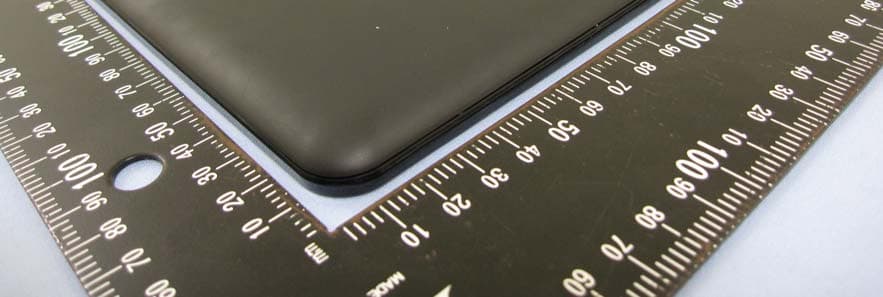
ZVJVMT408V1
Sep 05, 2011Media Tablet
Equipment Class
DTS - Digital Transmission System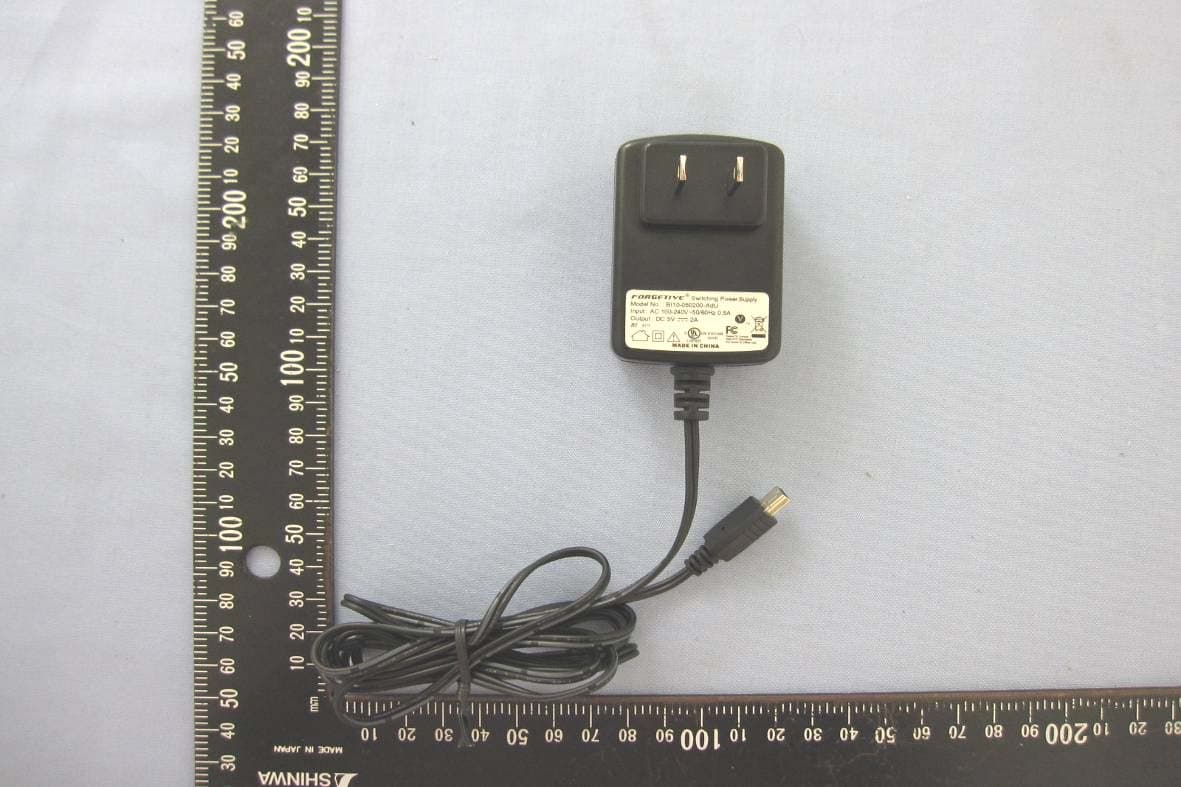
ZVJVMT410V1
Aug 28, 2011Media Tablet
Equipment Class
DTS - Digital Transmission System