ZW5001REMOTE FOR HEAD MOUNT SPORTS GOGGLE
Recon Instruments, Inc.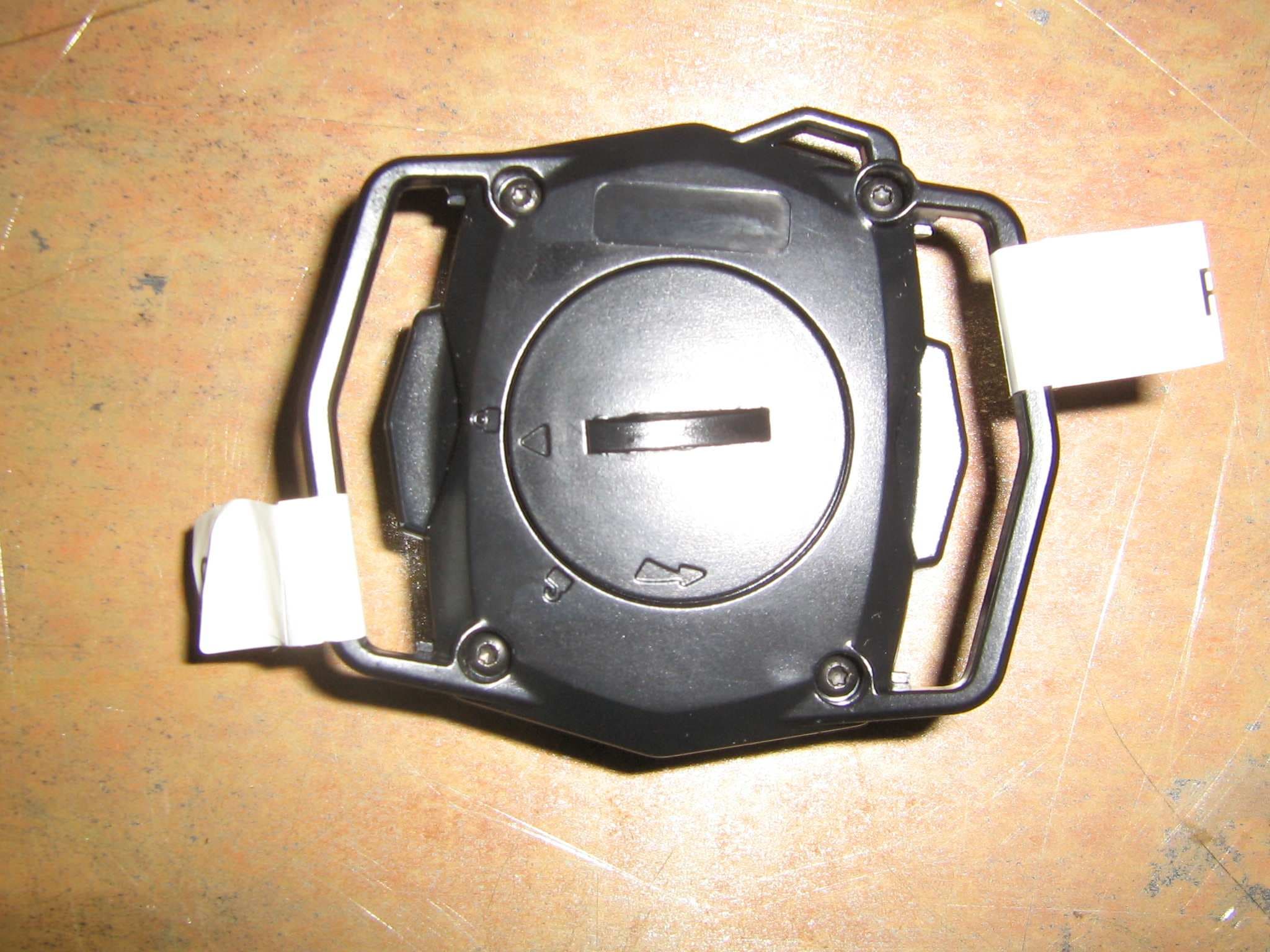
Click to zoom
Application Details
- Equipment Class
- DXX - Part 15 Low Power Communication Device Transmitter
- Date of Grant
- Oct 20, 2011
- Application Purpose
- Original Equipment
- Date of Application
- Oct 10, 2011
- Equipment Note
- REMOTE FOR HEAD MOUNT SPORTS GOGGLE
- Frequency Range
- 2402.00000000 - 2480.00000000
- Company
- Recon Instruments, Inc.
- Country
- Canada
Documents & Files
Document Text
Text extracted from the exhibit documents filed with the FCC. Open a document above to read the original.
Users Manual
MOD User Guide Draft Document Type / User Guide Group / Marketing Document ID / x Author / David Lee Version # Implemented By Revision Date Approved By Approval Date Reason 0.1 David Lee 2011/5/16 First draft 0.2 David Lee 2011/6/03 Updated with new MOD GUI 0.3 David Lee 2011/6/20 New graphics and functionality (tabs) 0.4 David Lee 2011/7/05 New product shots, changes based on latest feedback 0.5 David Lee 2011/8/11 Close to final text. Graphics are not updated in this version as Kirill will be doing the graphics in InDesign next 0.6 Minh To 2011/8/26 Add standard regulatory page 0..7 David Lee 2011/8/31 Finishing the manual off for FCC approval 0.8 Minh To 2011/09/7 Include the correct IC statement in the Regulatory Compliance page. Page 2 of 39 Page 3 of 39 TABLE OF CONTENTS 1. MOD at a Glance ........................................................................................................................................................ 4 1.1 Accessories ................................................................................................................................................... 4 1.2 Remote ......................................................................................................................................................... 5 1.3 Status Icons .................................................................................................................................................. 5 2. Getting Started ........................................................................................................................................................... 6 2.1 What You Need ............................................................................................................................................ 6 2.2 Installing MOD in your Recon Ready Goggle ................................................................................................ 6 2.3 Powering On and Off .................................................................................................................................... 8 2.4 Pairing with a new remote ........................................................................................................................... 9 2.5 Connecting to the Remote ........................................................................................................................... 9 2.6 Connection Lost: Remote Search Mode ..................................................................................................... 10 2.7 Connection Lost: Remote Power Save Mode ............................................................................................. 10 2.8 Installing ReconHQ Software ...................................................................................................................... 10 2.9 Connecting to PC/Mac................................................................................................................................ 11 2.10 Disconnecting from PC/Mac ....................................................................................................................... 12 3. The basics ................................................................................................................................................................. 13 3.1 Controlling MOD ........................................................................................................................................ 13 3.3 Charge Time ................................................................................................... Error! Bookmark not defined. 3.4 Battery Life ................................................................................................................................................. 14 3.5 Improving Battery Performance ................................................................................................................. 14 3.6 Pop-Ups ...................................................................................................................................................... 14 3.7 Display Off Mode ........................................................................................................................................ 15 3.8 Memory and Data Storage ......................................................................................................................... 16 3.9 Replacing the Remote Battery ................................................................................................................... 16 4. The Real-time Dashboard ......................................................................................................................................... 17 4.1 Speedometer .............................................................................................................................................. 17 4.2 Chrono/Stopwatch ..................................................................................................................................... 17 4.3 Configurable Feature .................................................................................................................................. 18 5. Stats History ............................................................................................................................................................. 19 6. Jump ......................................................................................................................................................................... 22 7. Chrono/Stopwatch Feature ...................................................................................................................................... 23 8. Preferences .............................................................................................................................................................. 25 8.1 Setting the Brightness ...........................…
Text truncated - open the document above for the full version.
External Photos
Remote – External Picture
Internal Photos
Remote Internal Pictures Picture 1: Remote Picture 2: Remote PCB Top Picture 3: Remote PCB Bottom
Operational Description
Operational Description The Remote is used to send control signals to the Recon MOD display FCC ID:ZW5006. The Remote is designed to be worn on the end uses wrist like a watch and uses a +3Vdc 2032 coin cell battery for power. It communicates with the MOD using a Bluetooth Low Energy (BLE) transceiver. Each button on the Remote performs a different function based on the menu selections within the MOD display.
Test Report
CANADA: 16 - 211 Schoolhouse Street Coquitlam, British Columbia Canada V3K 4X9 TEST REPORT IC/FCC IC RSS-Gen Issue 3 and RSS-210 Issue8 FCC 47CFR Part 15/C Section 15.249 Transmitter Intentional Radiator Report Reference No. .................... : E10415-1104 Date of issue ..................................... : Revision 5.0 October 13, 2011 Total number of pages................ : 31 Testing Laboratory.................................. : Quality Auditing Institute Address................................................................................................................................... : 1 6 – 211 Schoolhouse Street, Coquitlam, BC, V3K 4X9, Canada Accreditations.........................: IAS ISO17025 Accredited Laboratory No TL-239 This report has been completed in accordance with the requirements of ISO/IEC 17025. Test results contained in this report are with in QAI Laboratories ISO/IEC 17025 accreditation. QAI Laboratories authorizes the applicant to reproduce this report provided it is reproduced entirely and for the use by company’s employees only. Applicant’s name ............................ : Recon Instruments Inc. A d d r e s s ................................................................................................................................. : 220-1050 Homer St. Vancouver BC, V6B 2W9, Canada C o n t a c t ................................................................................................................................. : H a m i d Adbollahi [email protected] Industry Canada Registration : 9717A-001 FCC Registration: ZW5001 Test specification: Standard........................................... : RSS-Gen; RSS-210; FCC Part 15.249 Test procedure ................................. : RSS-Gen; FCC Part15/C; ANSI C63.4-2009 Non-standard test method..............: N/A CANADA: 16 - 211 Schoolhouse Street Coquitlam, British Columbia Canada V3K 4X9 Test item description..................... : Bluetooth Remote for Recon-Ready Head-mounted Display system for sports goggles Trade Mark....................................... : N/A Manufacturer .................................... : Recon Instruments Inc. Model/Type reference ...................... : RI-BTR Ratings ............................................. : +3Vdc 2032 Coin Cell Lithium Battery Testing procedure and testing location: Testing Laboratory: Quality Auditing Institute Testing location/ address ............: 16 – 211 Schoolhouse Street, Coquitlam, BC, 3K 4X9, Canada Associated Laboratory: Quality Auditing Institute (Remote location) Testing location/ address ............: 19473 Fraser Way, Pitt Meadows, BC, V3Y 2V4, Canada FCC Test Site Registration Number (OATS 10m and SAC-3m): 226383 Industry Canada Site Registration Number (SAC-3m)............: 9543B-1 Industry Canada Test Site Registration Number (OATS-10m)..: 9543C-1 Testing procedure: Tested by (name + signature)...... : David Johanson Approved by (+ signature) ............: Parminder Singh Testing location/ address ...............: 19473 Fraser Way, Pitt Meadows, BC, V3Y 2V4, Canada Sample Information: Model Number........................: RI-BTR Company:..............................: Recon Instruments Inc. Received Date:........................: August 05, 2011 Received By............................: David Johanson Sample Log.............................: QAI Product Control Log (QM 1301 - Sample Inventory) Environmental Conditions: Day 1: Aug 16-2011 Indoor Temperature: 23ºC R.H.: 65% Day 2: Aug 17-2011 Outdoor Temperature:17ºC R.H.: 55% Day 3: Aug 18-2011 Indoor Temperature: 22ºC R.H.: 52% Day 4: Aug 19-2011 Indoor Temperature: 21ºC R.H.: 40% Recon Instruments Inc. Report Number:E10415-1104 Page 4 of 32 The following tests demonstrate the testimony to FCC and IC Electromagnetic compatibility testing for this product. EMISSIONS North America Regions: • CFR 47 Part 15 Subpart B and Subpart C, Section 15.249 • Industry Canada ICES-003, RSS-Gen and RSS-210 Tests were conducted on a sample of the equipment for the purpose of demonstrating compliance with Industry Canada and FCC Regulations for an un-licensed Intentional Radiator. Recon Instruments Inc. is responsible for the tested product configuration, continued product compliance with these standards listed, and for the appropriate auditing of subsequent products, as required. This is to certify that the following report is true and correct to the best of our knowledge. X Tested By David Johanson RF/EMC Test Engineer X Reviewed By Parminder Singh Senior RF/ EMC Engineer Recon Instruments Inc. Report Number:E10415-1104 Page 5 of 32 Measurement Uncertainty Radio Frequency ....................................................: ±1,5 x 10⁻⁵ Total RF power, conducted....................................: ±1 dB RF power density, conducted.................................: ±2.75 dB Spurious emissions, conducted.............................: ±3 dB All emissions, radiated...........................................: ±3.5 dB Temperature...........................................................: ±1ºC Humidity.................................................................: ±5 % DC and low frequency voltages..............................: ±3 % Test Equipment List Emissions Manufacturer Model Description Serial No. Cal Due Date ETS Lindgren S201 3M Chamber 40GHz 1030 N/R ETS Lindgren Custom Mast with Motor N/R N/R ETS Lindgren Custom Turntable N/R N/R Sunol Sciences JB3 Biconilog Antenna 20MHz-3GHz A120106 28-Oct-2011 Com-Power AHA-118 Horn Antenna 1- 18GHz 711041 11-Mar-2014 Com-Power LI-115 LISN 241036 11-Feb-2012 Rohde & Schwarz ESU EMI Receiver 100011 29-Mar-2012 Recon Instruments Inc. Report Number:E10415-1104 Page 6 of 32 Product Description The Recon Ready Remote is a remote control used to navigate the feature manual on the LCD of the Recon Head-mounted Display (RHD) system. It is normally sold as part of a kit with the RHD. Operational Description To navigate through the feat…
Text truncated - open the document above for the full version.
Test Setup Photos
Remote – Test Setup Pictures Picture 1: Radiated Emissions Test Setup at Open Area Test Site Picture 2: Radiated Emissions Test Setup at Open Area Test Site Picture 3: Radiated Emissions Test Setup at Open Area Test Site
Contact Information
Applicant
Hamid Abdollahi(CTO)
Test Firm
Quality Auditing Institute Ltd.Lawrence Gibson
[email protected]604-527-8378
Technical Specifications
| # | Rule Parts | Frequency Range | Power Output |
|---|---|---|---|
| 1 | 15C | 2.40 GHz - 2.48 GHz | - |
Other Applications from Recon Instruments, Inc.
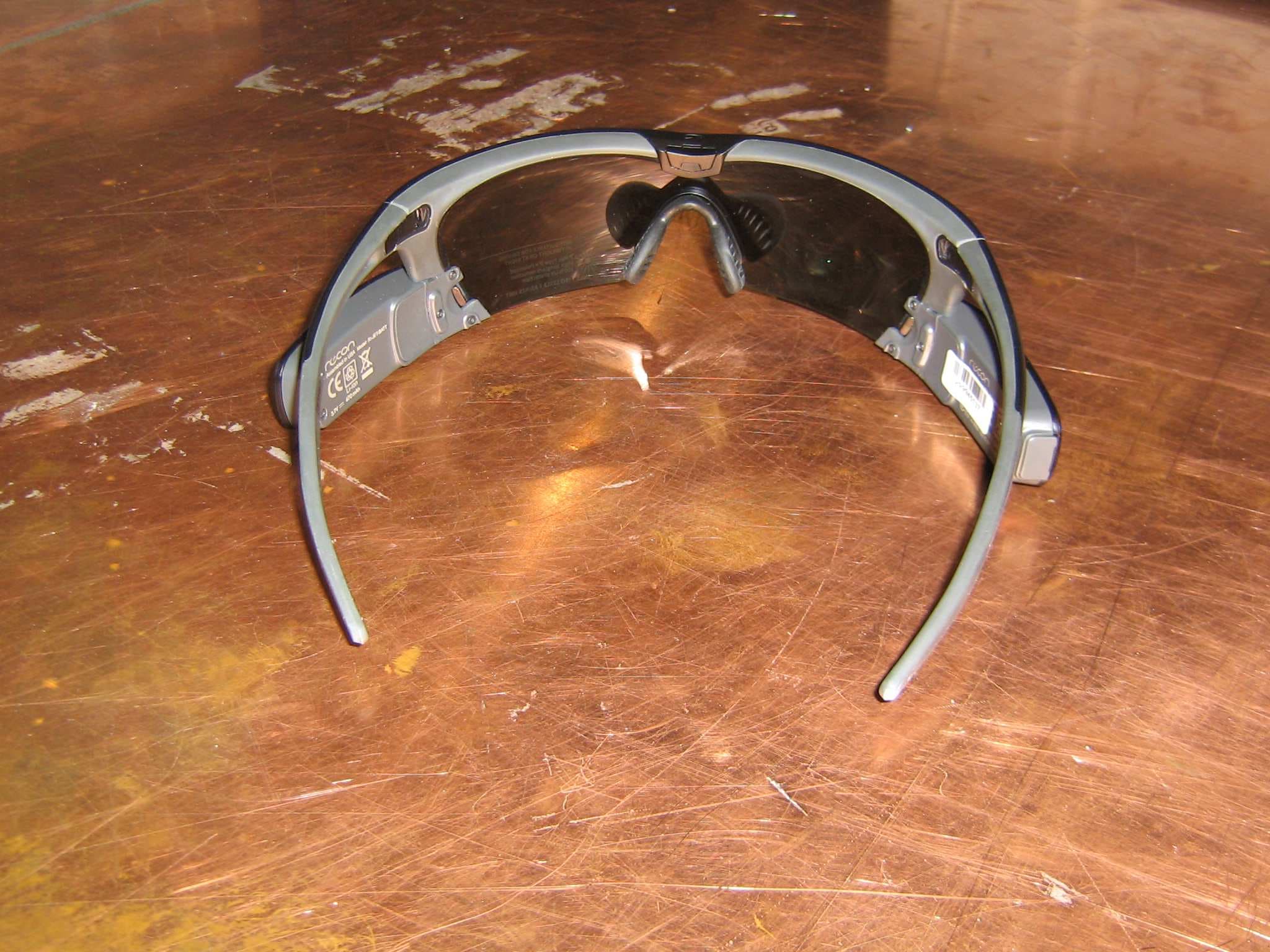
ZW5009
Feb 18, 2015Heads up display for sports eyewear
Equipment Class
DSS - Part 15 Spread Spectrum Transmitter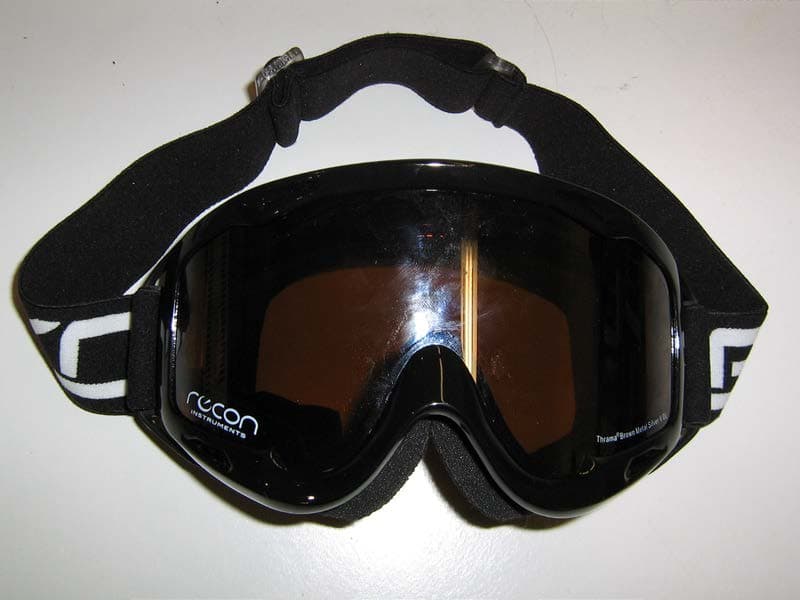
ZW5008
Jul 25, 2013Head Mount Dispay System for Sports Goggles
Equipment Class
DTS - Digital Transmission System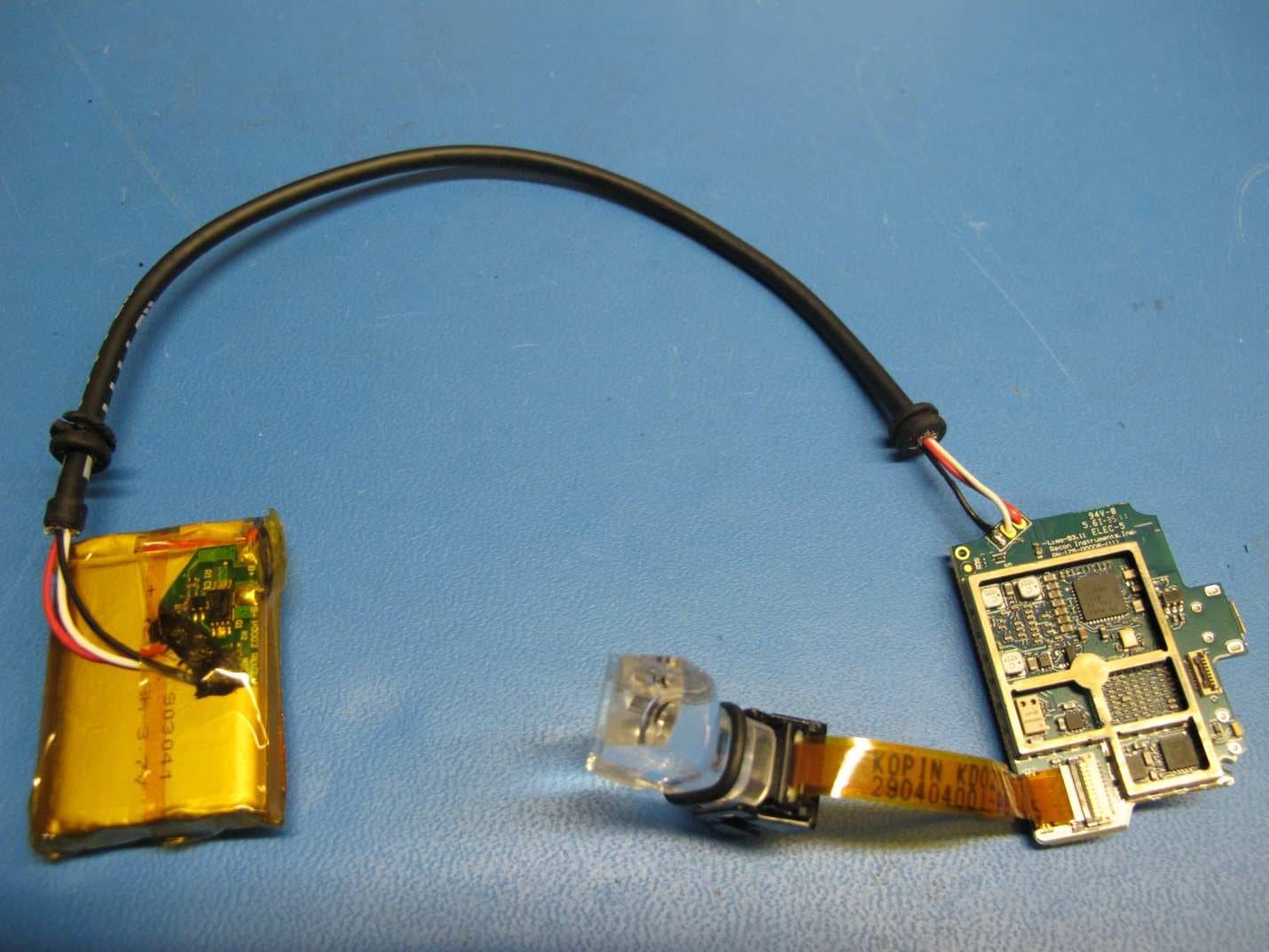
ZW5007
Nov 28, 2011HEAD-MOUNT DISPLAY SYSTEM FOR SPORT GOGGLES
Equipment Class
DXX - Part 15 Low Power Communication Device Transmitter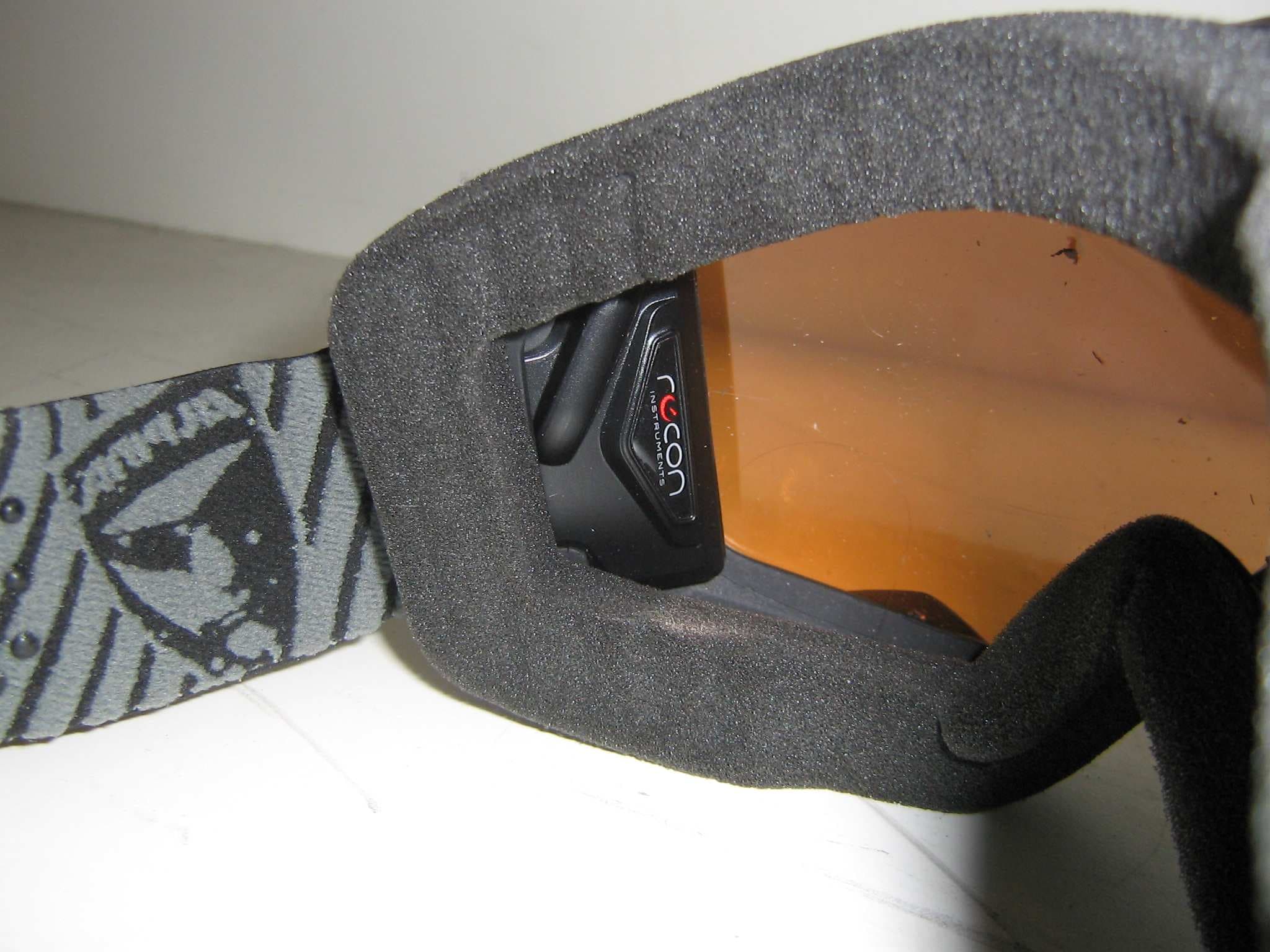
ZW5006
Oct 20, 2011HEAD MOUNT DISPLAY SYSTEM FOR SPORTS GOGGLES
Equipment Class
DXX - Part 15 Low Power Communication Device Transmitter