2AAOY-2635986Overhead Audio Unit
Mitek Corp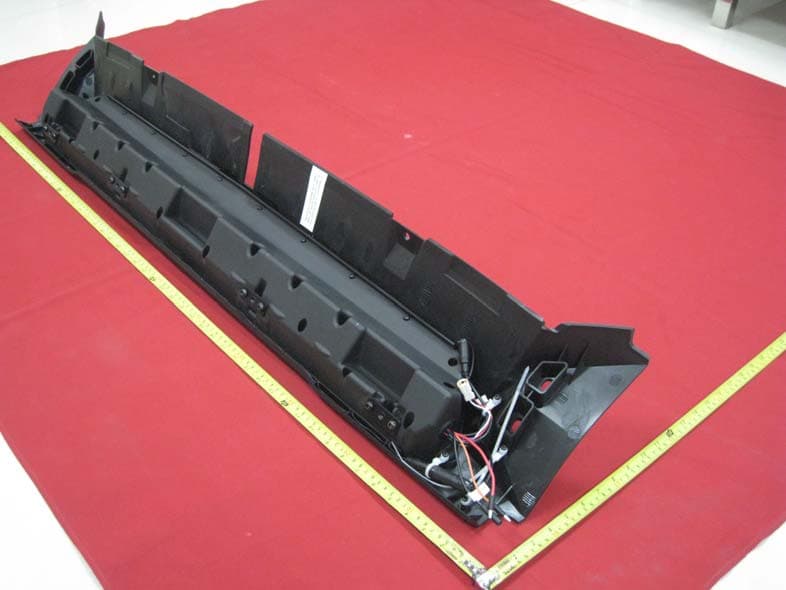
Click to zoom
Application Details
- Equipment Class
- DSS - Part 15 Spread Spectrum Transmitter
- Date of Grant
- Dec 14, 2015
- Application Purpose
- Original Equipment
- Date of Application
- Dec 14, 2015
- Equipment Note
- Overhead Audio Unit
- Frequency Range
- 2402.00000000 - 2480.00000000
- Company
- Mitek Corp
- Country
- United States
Documents & Files
Document Text
Text extracted from the exhibit documents filed with the FCC. Open a document above to read the original.
Users Manual
OVERHEAD AUDIO UNIT Model 2881115 - Accessory Model 2635986 - OEM 21A10201 FCC STATEMENTS: CAUTION: Changes or modifications to this equipment not expressly approved by the manufacturer could void the user’s authority to operate the equipment.The equipment complies with FCC RF exposure limits set forth for an uncontrolled environment.This equipment has been tested and found to comply with the limits for a Class B digital device, pursuant to part 15 of the FCC Rules. Note: This equipment has been tested and found to comply with the limits for a Class B digital device, pursuant to part 15 of the FCC Rules. These limits are designed to provide reasonable protection against harmful interference in a residential installation. This equipment generates, uses and can radiate radio frequency energy and, if not installed and used in accordance with the instructions, may cause harmful interference to radio communications. However, there is no guarantee that interference will not occur in a particular installation. If this equipment does cause harmful interference to radio or television reception, which can be determined by turning the equipment off and on, the user is encouraged to try to correct the interference by one or more of the following measures: —Reorient or relocate the receiving antenna. —Increase the separation between the equipment and receiver. —Connect the equipment into an outlet on a circuit different from that to which the receiver is connected. —Consult the dealer or an experienced radio/TV technician for help CONTENTS USER INTERFACE AND CONTROLS Control Panel Layout Key Names ROTARY KNOB AND MENU KEY Rotary Knob Operation Menu Key Operation Using the Rotary Knob and Menu Key GETTING STARTED Powering the Unit On or Off Input Source Screens Adjusting Volume Level Muting Output Adjusting Tone Adjusting Screen Brightness TUNER Listening to the Tuner Tuner Source Screens Tuning Methods Adding and Removing Presets AUXILIARY INPUT Listening to Auxiliary Input Auxiliary Source Screen BLUETOOTH Playing Content Bluetooth Source Screen Controlling Bluetooth Playback OVERHEAD UNIT CONNECTIONS Connecting the Overhead Unit APPENDICES Troubleshooting 2 2 2 3 3 3 4 5 5 5 6 6 7 7 8 8 8 9 10 11 11 11 12 12 12 12 13 13 14 14 1 NOTES USER INTERFACE AND CONTROLS CONTROL PANEL LAYOUT KEY NAMES Key Name Key Name POWER MUTE SOURCE MENU BACKWARD PLAY / PAUSE FORWARD ROTARY KNOB 2 NOTES ROTARY KNOB AND MENU KEY ROTARY KNOB OPERATION You can use the rotary knob two ways to control the operation of the overhead unit. 1 2 Rotary Turn Press MENU KEY OPERATION You can use the Menu key to open or exit from menus: Menu Key Menu Exit Press the Menu key to open a menu. In an open menu you can use the Menu key at any time to save changes and exit: • Press the Menu key to exit from the current menu level. • Press and hold the Menu key to exit from the menu completely. Time out feature: after a few seconds of inactivity, the menu exits and any changes are saved automatically. 314 APPENDICES TROUBLESHOOTING Resetting the unit. Should the overhead unit become unresponsive: Remove power for 5 minutes and then reconnect. 134 USING THE ROTARY KNOB AND MENU KEY You can use the rotary knob and Menu key to adjust levels and access menus. 20 Turn rotary knob to open the volume screen. Turn rotary knob to adjust the level. Press Menu to exit (or leave to time out). See “Menu Key Operation “ on page 5. ADJUSTING LEVELS Use the rotary knob and Menu key to adjust levels on the overhead unit; for example, to adjust the volume level: ACCESSING MENUS Use the Menu key and rotary knob to access menus to change settings. For example, to access the Settings menu while in Tuner or AUX mode: Press Menu key. PRESETS SETTINGS > > The menu is displayed. Turn rotary knob to scroll the highlight. Press rotary knob to select Settings menu. TREBLE BASS BALANCE LCD CONTRAST LCD BRIGHTNESS The Settings menu is displayed. Press Menu to exit. See “Menu Key Operation “ on page 5. MULTI-LEVEL MENUS All of the menus on the overhead unit have more than one level. To access items in multi-level menus: • Turn the rotary knob to highlight a menu item, then • Press the rotary knob to select the highlighted item. • Repeat these steps as many times as necessary to reach the menu item you require. In this manual, accessing a multi-level menu item is shown by listing the menu items in order as in the following example: SETTINGS > TONE The above examples means: “turn and then press the rotary knob to select Settings menu” then “turn and press the rotary knob to select the Tone menu.” OVERHEAD UNIT CONNECTIONS ALL WIRE CONNECTIONS ARE ON THE PASSENGER SIDE (BACKSIDE TOP VIEW) AUXILIARY (3.5MM) INPUT GROUND (BROWN) KEY POWER (ORANGE) RADIO B+ (RED) REMOTE (BLUE) AUDIO LINE OUT ANTENNA PASSENGER SIDEDRIVER SIDE CONNECTING THE OVERHEAD UNIT 512 BLUETOOTH GETTING STARTED PLAYING CONTENT The overhead unit can accept audio from devices with Bluetooth. To listen to input from a Bluetooth device: Press the Input source key [ ] until the Bluetooth input source sceen is displayed. Continuing to press the key will display the input source screens for AM, FM and AUX as described in the section “Input Source Screens.” BLUETOOTH SOURCE SCREEN The input source screen displayed when you select Bluetooth input is shown in the figure below. BT DISCONNECTED Example of Bluetooth source screen. The source screen will show disconnected until a device is paired. To pair a device: • Make sure source screen says disconnected. • Search for “MTX AUDIO” on your Bluetooth enabled device. • Once you have connected the source screen will say connected and you will also hear a connection beep. CONTROLLING BLUETOOTH PLAYBACK You can control your device from the overhead unit using the Back, Forward and Play/ Pause keys as shown on page 2. POWERING THE UNIT ON OR OFF When you power on the overhead unit it will automatically start playing music from the most recently selected input source. TO POW…
Text truncated - open the document above for the full version.
Cover Letter(s)
DATE:20115-11-09 Equipment Autorisation Division Federal Communications Commission 7435 Oakland Mills Road Columbia, MD 21046 FCC ID:_2AAOY-2635986_ _ _____ Product Name:_ Overhead Audio Unit ____ _ Request for Confidentiality Pursuant to Sections 0.457 and 0.459 of the commissions rules, we hereby request that the following documents be held confidential: (List here the documents for which you are seeking confidentiality – for example ...) Schematics Block diagram Operational Description These materials contain trade secrets and proprietary information and are not customarily released to the public. The public disclosure of this information might be harmful to the company and provide unjustified benefits to our competitors. Dated this 2015- 11-09 Day of By: Brad Diedrich Signature Printed Title: Sr. Engineering manager On behalf of : Mitek Corp Telephone: 608-328-2552
External Photos
External photo
ID Label/Location Info
Label and Label Location
Internal Photos
Internal photo
RF Exposure Info
RF Exposure evaluation FCC ID:2AAOY-2635986 According to 447498 D01 General RF Exposure Guidance v05 The 1-g and 10-g SAR test exclusion thresholds for 100 MHz to 6 GHz at test separation distances≤ 5 mm are determined by: [(max. power of channel, including tune-up tolerance, mW)/(min. test separation distance, mm)] ·[√f(GHz)] ≤ 3.0 for 1-g SAR and ≤ 7.5 for 10-g extremity SAR, where f(GHz) is the RF channel transmit frequency in GHz Power and distance are rounded to the nearest mW and mm before calculation The result is rounded to one decimal place for comparison eirp = pt x gt = (EXd) 2 /30 where: pt = transmitter output power in watts, gt = numeric gain of the transmitting antenna (unitless), E = electric field strength in V/m, --- 10 ((dBuV/m)/20) /10 6 d = measurement distance in meters (m)---3m Sopt = (EXd) 2 /30 x gt Field strength =96.47dBuV/m @3m Ant gain =0dBi;so Ant numeric gain=1 So pt={ [10 (97.32/20) /10 6 x3] 2 /30}x1000 mW =1.62mW So (1.62mW/5mm)x √2.402GHz =0.502<3 Then SAR evaluation is not required
Test Report
Report No.: 15FAS10064 11 1 of 68 ATT Product Service Co., Ltd (CBTL Lab of UL/Demko) No. 3, ChangLianShan Industrial Park, ChangAn Town, DongGuan City, GuangDong, China. Phone: 86-769-8509 8000; Fax: 86-769-8509 8777 E-mail:[email protected] Rev. 1.0 FCC CERTIFICATION TEST REPORT For FCC ID:2AAOY-2635986 Report Reference No....................... : 15FAS10064 11 FCC 2.948 No ..................................: 923232 Date of issue .................................... : 2015-11-09 Testing Laboratory........................... : ATT Product Service Co., Ltd. Address............................................ : No. 3, ChangLianShan Industrial Park, ChangAn Town, DongGuan City, GuangDong, China. Applicant’s name ............................. : Mitek Corp Address............................................ : 1 Mitek Plaza Winslow,IL61089,United States Manufacturer.................................... : Mitek Corp Test specification: Test item description........................ : Overhead Audio Unit Trade Mark ...................................... : -- Model/Type reference .................... : 2635986, 2881115 ( Two models for the same product ) Ratings............................................. : I/P: 12Vdc full battery is used to supply power Tested by Approved by (Rock Huang/Engineer) (King Wang/EMC Manger) Report No.: 15FAS10064 11 2 of 68 ATT Product Service Co., Ltd (CBTL Lab of UL/Demko) No. 3, ChangLianShan Industrial Park, ChangAn Town, DongGuan City, GuangDong, China. Phone: 86-769-8509 8000; Fax: 86-769-8509 8777 E-mail:[email protected] Rev. 1.0 TABLE OF CONTENTS 1. Summary of test results.........................................................................................................................5 2. General test information.........................................................................................................................6 2.1. Description of EUT................................................................................................................................6 2.2. Accessories of EUT..............................................................................................................................6 2.3. Assistant equipment used for test......................................................................................................6 2.4. Block diagram of EUT configuration for test.....................................................................................7 2.5. Test environment conditions...............................................................................................................7 2.6. Measurement uncertainty....................................................................................................................8 3. 20dB Bandwidth......................................................................................................................................9 3.1. Test equipment......................................................................................................................................9 3.2. Block diagram of test setup.................................................................................................................9 3.3. Limits.......................................................................................................................................................9 3.4. Test Procedure......................................................................................................................................9 3.5. Test Result...........................................................................................................................................10 3.6. Original test data.................................................................................................................................10 4. CARRIER FREQUENCY SEPARATION TEST...............................................................................15 4.1.The Requirement For Section 15.247(a)(1)....................................................................................15 4.2.EUT Configuration on Measurement................................................................................................15 4.3.Operating Condition of EUT..............................................................................................................15 4.4.Test Procedure....................................................................................................................................15 4.5.Test Result...........................................................................................................................................16 5. NUMBER OF HOPPING FREQUENCY TEST................................................................................22 5.1. The Requirement For Section 15.247(a)(1)(iii)..............................................................................22 5.2. EUT Configuration on Measurement...............................................................................................22 5.3. Operating Condition of EUT.............................................................................................................22 5.4. Test Procedure...................................................................................................................................22 5.5. Test Result..........................................................................................................................................23 6. DWELL TIME TEST.............................................................................................................................24 6.1. The Requirement For Section 15.247(a)(1)(iii)..............................................................................24 6.2. EUT Configuration on Measurement...............................................................................................24 6.3. Operating Condition of EUT................................…
Text truncated - open the document above for the full version.
Test Setup Photos
Setup photo
Contact Information
Applicant
Simon Broadley(VP of Engineering)
Test Firm
ATT Product Service Co., Ltd.Dick Lian
Technical Specifications
| # | Rule Parts | Frequency Range | Power Output |
|---|---|---|---|
| 1 | 15C | 2.40 GHz - 2.48 GHz | 1.62 mW |
Other Applications from Mitek Corp
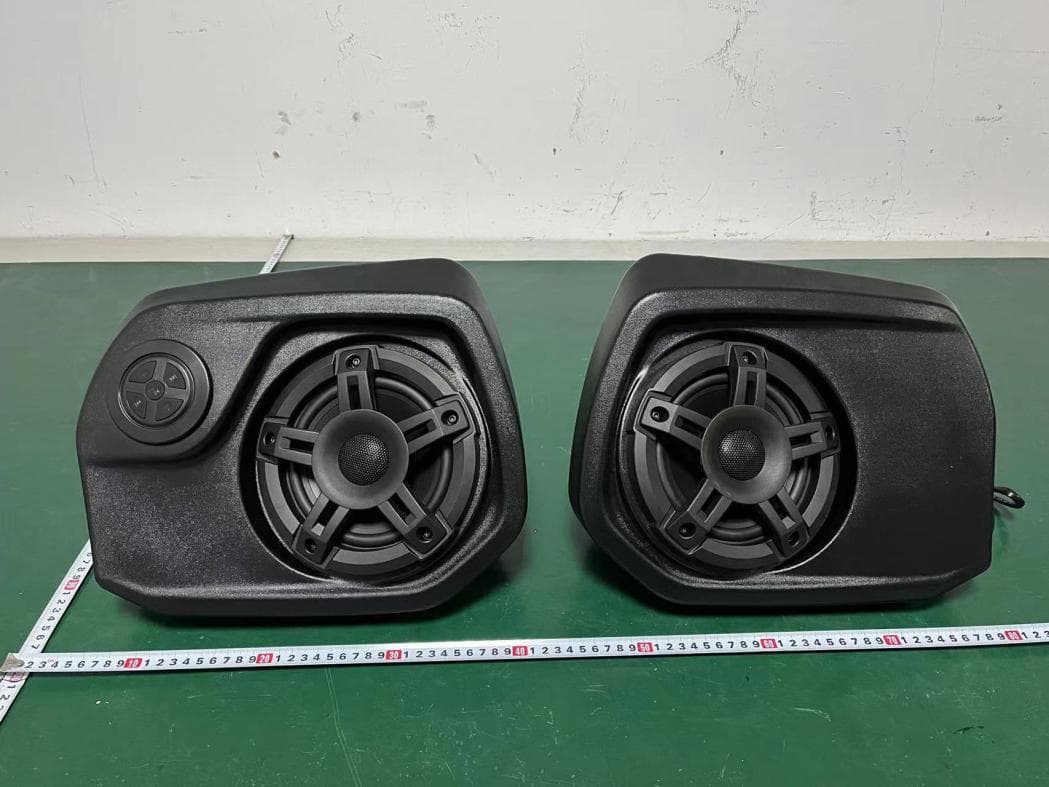
2AAOY-715005354
Mar 23, 2023BRP ATV Sound System
Equipment Class
DSS - Part 15 Spread Spectrum Transmitter
2AAOY-SBP5
Apr 25, 2021Bluetooth Speaker
Equipment Class
DSS - Part 15 Spread Spectrum Transmitter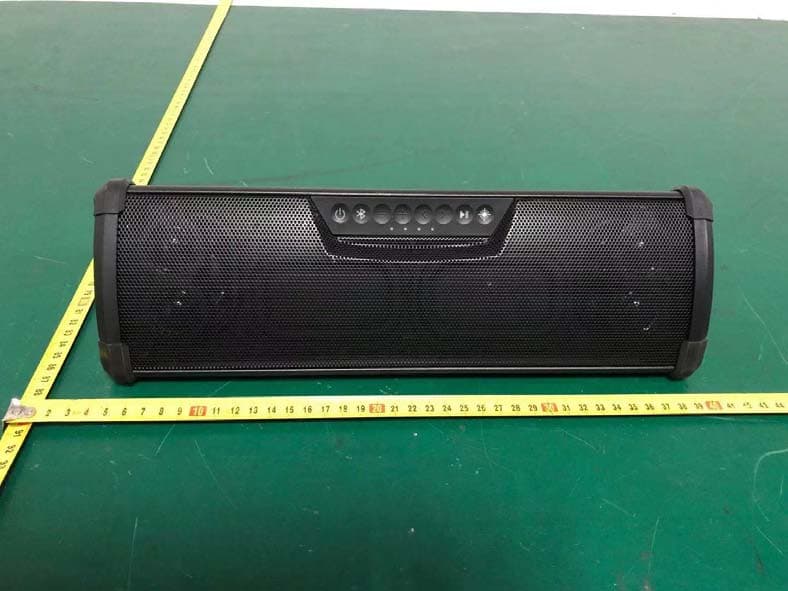
2AAOY27212724
Jan 26, 2021WANDERBAR PORTABLE SOUNDBAR
Equipment Class
DSS - Part 15 Spread Spectrum Transmitter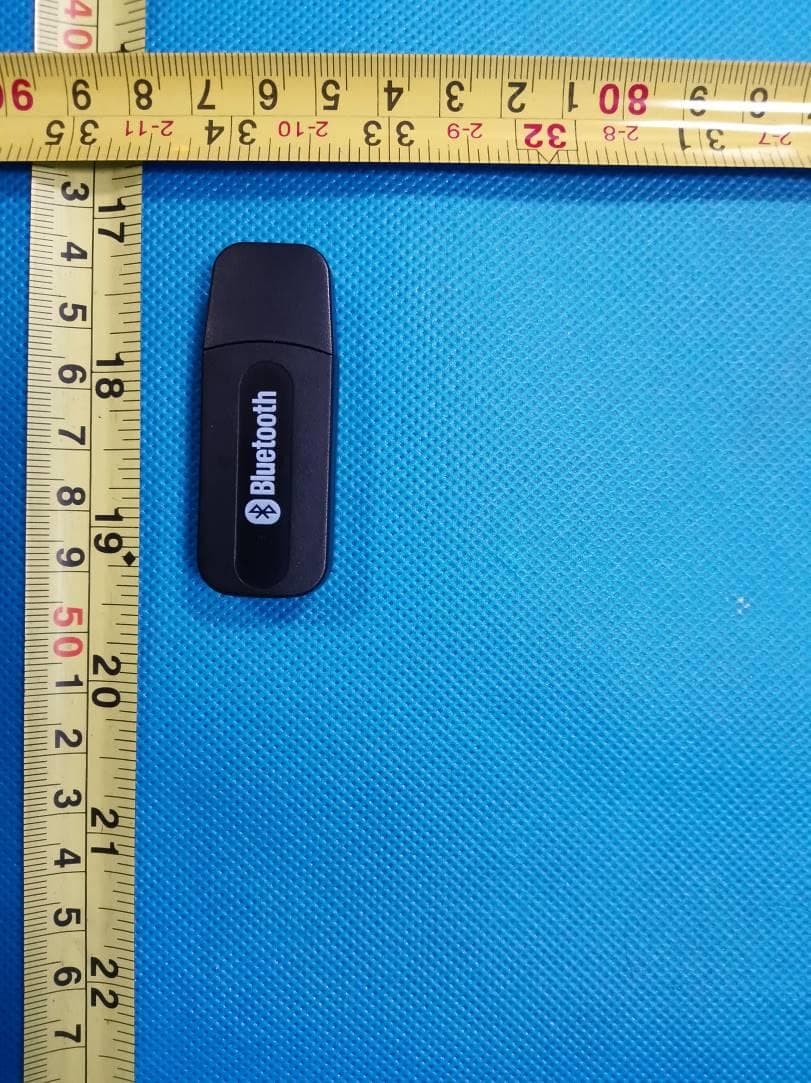
2AAOY-710005958
May 14, 2020AUDIO BLUETOOTH MODULE
Equipment Class
DSS - Part 15 Spread Spectrum Transmitter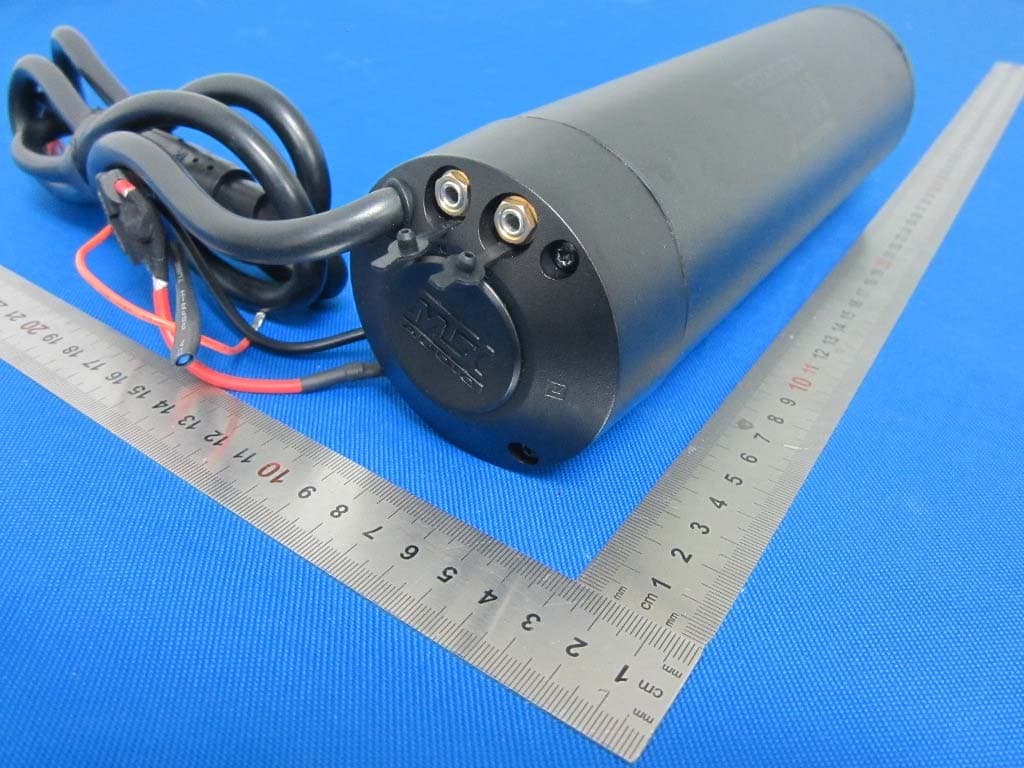
2AAOY-MUDHSB
Oct 31, 2015Bluetooth Speaker
Equipment Class
DSS - Part 15 Spread Spectrum Transmitter