2ACDEQSPR-303BTBluetooth Speaker
Cubix Latin America, LLC
Click to zoom
Application Details
- Equipment Class
- DSS - Part 15 Spread Spectrum Transmitter
- Date of Grant
- Aug 27, 2014
- Application Purpose
- Original Equipment
- Date of Application
- Aug 27, 2014
- Equipment Note
- Bluetooth Speaker
- Frequency Range
- 2402.00000000 - 2480.00000000
- Company
- Cubix Latin America, LLC
- Country
- United States
Documents & Files
Document Text
Text extracted from the exhibit documents filed with the FCC. Open a document above to read the original.
Users Manual
Production Introduction Model name:QSPR‐303BT Brand name:QUO FCC ID:2ACDEQSPR‐303BT Thank you for purchasing our products. This is a Bluetooth speaker system in fashionable design, with wireless Bluetooth stereo sound. It supports Bluetooth 2.1 agreement, not only being compatible with mobile phones, tablets, laptops and other Bluetooth enabled devices, let you get rid of cables completely, enjoy the joy of music freely, but also audio input from mobile phones, laptops, MP3, MP4 and other equipments. Please read the following instructions carefully before operating. Keep them safe for future reference. 1. Play/Pause 2. Next Song/Volume Increase 3. Previous Song/Volume Decrease 4. Indicate Light 5. On/Off 6. Mini USB DC In 7. AUX ‐in Jack 8. Microphone 9. TF Card Slot 10.Speaker Unit Product Features ● Graceful sound quality, small size but great sound volume. ● Decorous and fashionable facade. ● The latest blue‐tooth technology, wide be used. ● Control the music playing between speaker and mobile phone or other equipments with Bluetooth. ● Support lots of sound sources input. ● Read music files from TF card and update online easily ● USB power supply or power adapter, built‐in rechargeable lithium battery, very easy to use. ● Support answer calling. Technical Parameters ● Frequency Response:100Hz~18KHz ● S/N Ratio:≥70dB ● Bluetooth Standard: 2.1+EDR ● Bluetooth signal power:CLASS II ● Supports: A2DP,AVRCP,HFP,HSP,etc. ● Signal Distance:8 ‐ 10M ● Support reading MP3、WMA、WAV、AMR from TF card ● Power: DC5V 500mA ● Built‐in Battery: 3.7V 400mAH, rechargeable lithium battery. ● Playing Time: 7 hours ( middle volume) ● Product Size (D*H): 64X67 mm ● Weight: 195 g How to Operate Charge Up Connect external DC 5V 500mA to charge up speaker, indicate light flashed in red. Finished, light turns off ※ Built‐in rechargeable lithium battery, please charge up before use. ※ Under off state, it will take about 3 hours to charge up. When working, it should be about 5 hours for full charging. ON/OFF Turn On:Push the button to ON position, indicate light is shining. ※Indicate light will be in different colors, when it’s in Bluetooth mode, AUX in mode and TF mode. Please check below instruction. Change Mode This product supports Bluetooth mode, AUX in mode and TF mode, easy to change between each other by long press Play/Pause button for 2seconds. When AUX cable connected, the mode is confirmed AUX input mode; take out AUX cable, Bluetooth mode starts. Once inserted TF card, enter TF mode automatically. Bluetooth Mode When turns on, it enters Bluetooth mode automatically, working lamp flicker in blue: •Pair: It is necessary to pair this product for the first operating. Operation as below: Turn on and enter pairing status automatically, working light flashes in blue quickly; search for Bluetooth device, until find out pairing name “303”, select it, then lamp keeps lighting blue in slow flash, pair successfully.(Noted: if the pass code is required, entry "0000") •Operation: After paired, you can control the music play by buttons or mobile phone. Short press ,music play and pause. Short press ,previous song, long press, volume decrease Short press,next song, long press, volume increase During incoming calls, short press to answer. Finished, press again to disconnect the call. Long press to change to TF mode. •Connected: This speaker can store the devices which have paired with it. If devices close to this speaker enough, Bluetooth mode will start and pair automatically. If out of range or haven’t opened Bluetooth function on devices, this speaker will enter the pairing mode and search devices nearby. Note: There may some differences in between setup with some Bluetooth devices. We advise you read these instructions carefully before pairing starts. AUX Input Mode: Once inserted AUX cable into this speaker, Indicator lamp lights flash in green, AUX mode starts. It can play music from the external device connected. Under this mode, you can control the music or adjust volume through pressing buttons. Volume increasing(long press)/next song, volume decreasing(long press)/previous song. TF Mode: When inserted TF card into speaker, it enters into TF mode automatically. The indication light in green. Supports music file in MP3,WAV,WMA,AMR format from TF card. You can easy to control the music Volume Up/Down, Next/Previous song, Play/Pause from the speaker. Low Power Warning The indicator light will flash red when the power is too low to alarm user to charge up speaker. If not charge up in time, the speaker will switch off automatically. Instruction on Product Safety Maintenance ● Do not place this product under the high‐temperature and damp environment and make it be caught by rain or impacted by strong force. ● If this product gives out of smoke or encounters other exceptions, in order to avoid accidents, pull up the DC‐USB power cable instantly. Contact local franchiser or dial the seller for repair. ●The audio signal cable and power cable can not be pulled, tied, extruded, trampled or suspended with heavy objects to avoid damaging the insulation layer of the audio signal cable and USB power cable, which will lead to short circuit or bad contact, etc. ● Please power off this product when it is not operated for a long time. ● With Bluetooth function, it can be compatible with common smart phones and tablets, but there may be some differences once make use of some special devices or application program. Some functions may be not supported. Package List ● Bluetooth Speaker....................................1 set ● User Manual ...................................................1 copy ● 3.5mm Stereo Audio Cable.............................................1 piece ● Standard USB to Mini USB Power Cable...........................1 piece * If the materials inside the package are not consistent with the accompanied list, please contact the manufacturer or retail seller who you purchased the unit from. This device complies wit…
Text truncated - open the document above for the full version.
External Photos
External Photos ALL VIEW OF EUT TOP VIEW OF EUT BOTTOM VIEW OF EUT FRONT VIEW OF EUT BACK VIEW OF EUT LEFT VIEW OF EUT RIGHT VIEW OF EUT
ID Label/Location Info
FCC ID Label Location FCC ID:2ACDEQSPR‐303BT
Internal Photos
Internal Photos VIEW OF EUT (USB) OPEN VIEW OF EUT INTERNAL VIEW OF EUT-1 BT Antenna INTERNAL VIEW OF EUT-2 INTERNAL VIEW OF EUT-3
Test Report
Report No.: AGC00302140703FE03 Page 1 of 67 FCC Test Report Report No.: AGC00302140703FE03 FCC ID : 2ACDEQSPR‐303BT APPLICATION PURPOSE : Original Equipment PRODUCT DESIGNATION : Mobile Bluetooth Speaker BRAND NAME : QUO MODEL NAME : QSPR‐303BT, T3+ CLIENT : Cubix Latin America.LLC DATE OF ISSUE : Aug.14, 2014 STANDARD(S) : FCC Part 15 Rules REPORT VERSION : V1.0 Attestation of Global Compliance (Shenzhen) Co., Ltd CAUTION: This report shall not be reproduced except in full without the written permission of the test laboratory and shall not be quoted out of context. Report No.: AGC00302140703FE03 Page 2 of 67 Report Revise Record Report Version Revise Time Issued Date Valid VersionNotes V1.0 / Aug.14, 2014Valid Original Report Report No.: AGC00302140703FE03 Page 3 of 67 TABLE OF CONTENTS 1. VERIFICATION OF CONFORMITY ...................................................................................... 5 2. GENERAL INFORMATION .................................................................................................. 6 2.1. PRODUCT DESCRIPTION ........................................................................................................... 6 2.2. TABLE OF CARRIER FREQUENCYS .......................................................................................... 6 2.3. RECEIVER INPUT BANDWIDTH ................................................................................................. 7 2.4. EXAMPLE OF A HOPPING SEQUENCY IN DATA MODE ........................................................... 7 2.5. EQUALLY AVERAGE USE OF FREQUENCIES AND BEHAVIOUR ............................................ 7 2.6. RELATED SUBMITTAL(S) / GRANT (S) ....................................................................................... 8 2.7. TEST METHODOLOGY................................................................................................................ 8 2.8. SPECIAL ACCESSORIES ............................................................................................................ 8 2.9. EQUIPMENT MODIFICATIONS ................................................................................................... 8 3. MEASUREMENT UNCERTAINTY........................................................................................ 9 4. DESCRIPTION OF TEST MODES ........................................................................................ 9 5. SYSTEM TEST CONFIGURATION .................................................................................... 10 5.1. CONFIGURATION OF EUT SYSTEM ........................................................................................ 10 5.2. EQUIPMENT USED IN EUT SYSTEM ....................................................................................... 10 5.3. SUMMARY OF TEST RESULTS ................................................................................................ 10 6. TEST FACILITY .................................................................................................................. 11 7. PEAK OUTPUT POWER .................................................................................................... 12 7.1. MEASUREMENT PROCEDURE ................................................................................................ 12 7.2. TEST SET-UP (BLOCK DIAGRAM OF CONFIGURATION) ....................................................... 12 7.3. LIMITS AND MEASUREMENT RESULT .................................................................................... 13 8. 20DB BANDWIDTH ............................................................................................................ 19 8.1. MEASUREMENT PROCEDURE ................................................................................................ 19 8.2. TEST SET-UP (BLOCK DIAGRAM OF CONFIGURATION) ....................................................... 19 8.3. LIMITS AND MEASUREMENT RESULTS .................................................................................. 19 9. CONDUCTED SPURIOUS EMISSION ............................................................................... 26 9.1. MEASUREMENT PROCEDURE ................................................................................................ 26 9.2. TEST SET-UP (BLOCK DIAGRAM OF CONFIGURATION) ....................................................... 26 9.3. MEASUREMENT EQUIPMENT USED ....................................................................................... 26 9.4. LIMITS AND MEASUREMENT RESULT .................................................................................... 26 10. RADIATED EMISSION ..................................................................................................... 30 10.1. MEASUREMENT PROCEDURE .............................................................................................. 30 10.2. TEST SETUP ............................................................................................................................ 32 10.3. TEST RESULT .......................................................................................................................... 32 Report No.: AGC00302140703FE03 Page 4 of 67 11. BAND EDGE EMISSION .................................................................................................. 39 11.1. MEASUREMENT PROCEDURE .............................................................................................. 45 11.2. TEST SET-UP ........................................................................................................................... 45 11.3. TEST RESULT .......................................................................................................................... 46 12. NUMBER OF HOPPING FREQUENCY ............................................................................ 50 12.1. MEASUREMENT PROCEDURE .............................................................................................. 50 12.2. TEST SETUP (BLOCK D…
Text truncated - open the document above for the full version.
Test Setup Photos
APPENDIX IV PHOTOGRAPHS OF TEST SETUP FCC LINE CONDUCTED EMISSION TEST SETUP FCC RADIATED EMISSION TEST SETUP
Contact Information
Applicant
ELIAHU SIBONI(Commercial Director)
Test Firm
Attestation of Global Compliance Shenzhen Co. Ltd.Forrest Lei
Technical Specifications
| # | Rule Parts | Frequency Range | Power Output |
|---|---|---|---|
| 1 | 15C | 2.40 GHz - 2.48 GHz | 5.00 mW |
Other Applications from Cubix Latin America, LLC
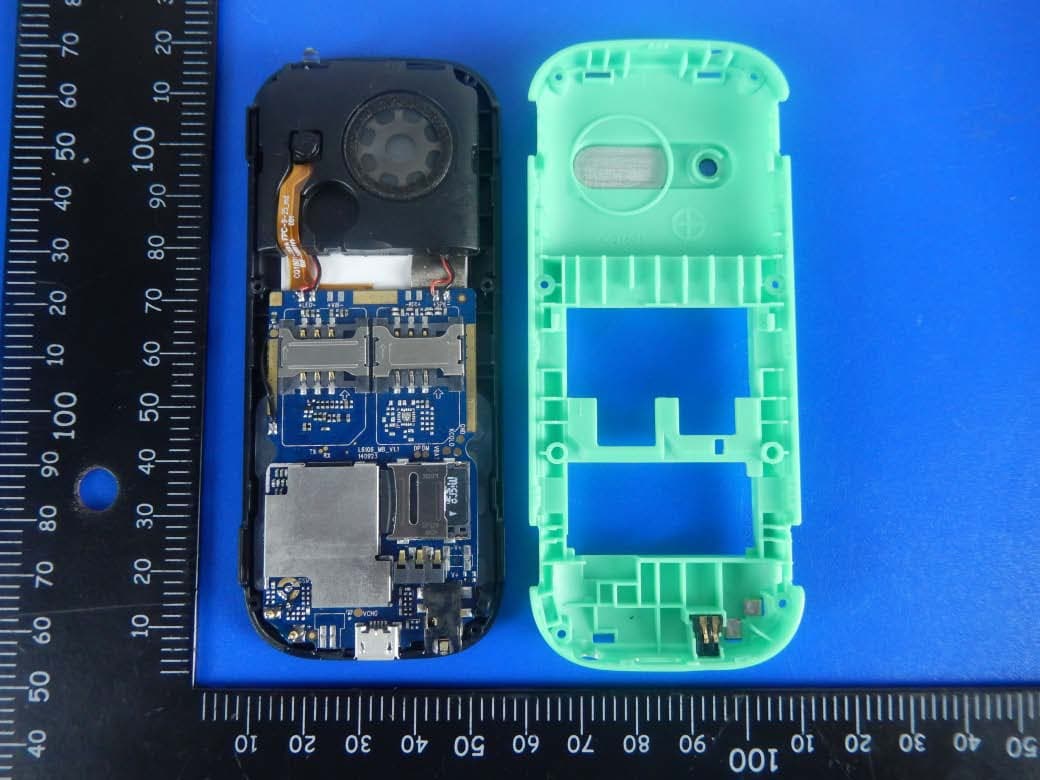
2ACDEQP100WO
Apr 21, 2015Feature Phone
Equipment Class
DSS - Part 15 Spread Spectrum Transmitter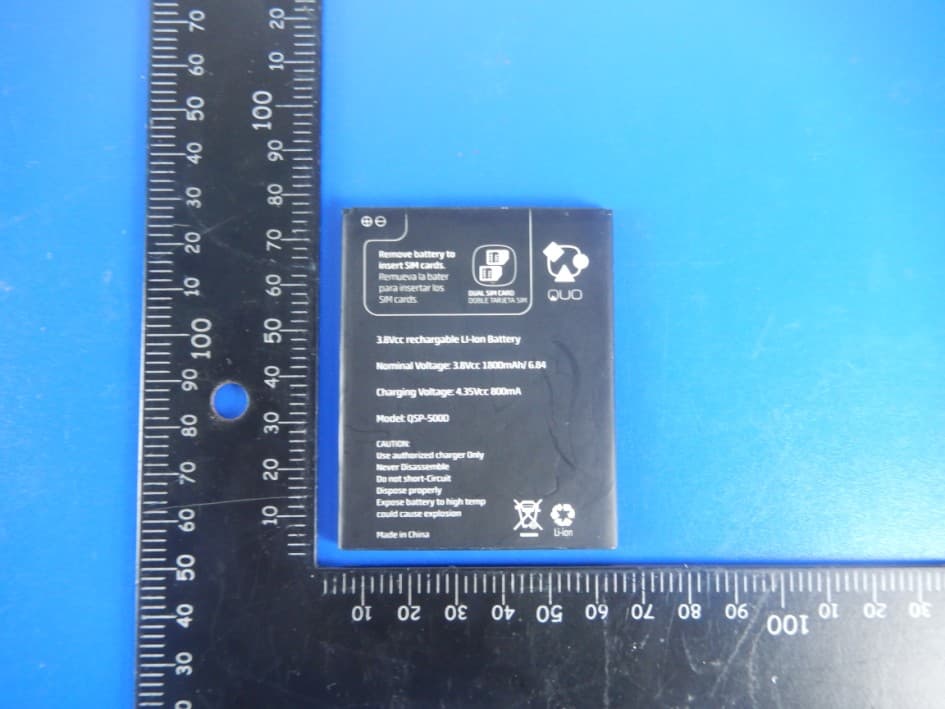
2ACDEQSP500DBK
Apr 19, 2015Smart Phone
Equipment Class
DSS - Part 15 Spread Spectrum Transmitter
2ACDEMP3G-PQ5
Mar 31, 2015GSM and WCDMA Mobile Phone
Equipment Class
PCE - PCS Licensed Transmitter held to ear
2ACDE-QD-700II
Sep 19, 2014Tablet
Equipment Class
DXX - Part 15 Low Power Communication Device Transmitter
2ACDEQSPR-312BT
Aug 27, 2014Bluetooth Speaker
Equipment Class
DSS - Part 15 Spread Spectrum Transmitter