2AUTE-HN1358Handheld Barcode Scanner with BT
Xiamen Hanin Electronic Technology Co.,Ltd.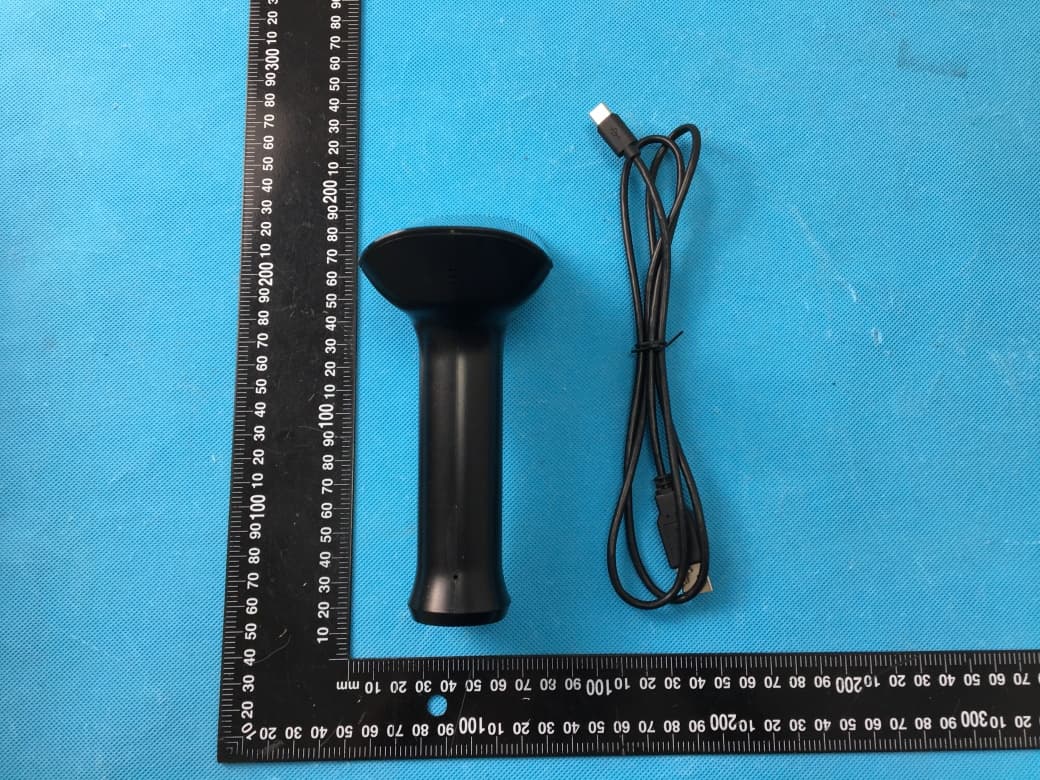
Click to zoom
Application Details
- Equipment Class
- DTS - Digital Transmission System
- Date of Grant
- Jul 04, 2022
- Application Purpose
- Original Equipment
- Date of Application
- Jul 04, 2022
- Equipment Note
- Handheld Barcode Scanner with BT
- Frequency Range
- 2402.00000000 - 2480.00000000
- Country
- China
Documents & Files
Document Text
Text extracted from the exhibit documents filed with the FCC. Open a document above to read the original.
Users Manual
Buzzer StatusBeeping �mes AppearancePower ON/OFF and RestartBluetooth ConnectionUSB Connection Interface Setting Bluetooth Connection The scanner can communicate with the host by RS-232 serial port or USB port. The user can switch to the corresponding interface by replacing the cable and scanning the corresponding barcode below. (1) Set Shut-down/Start-up Time Power On 3 �mes Scan SuccessfullyOnce Handheld Barcode Scanner Instruction Manual HN-1358SR ① Indicator ② Scanning Window③ Scanning Bu�on ⑥ Reset Bu�on④ Sound Hole⑤ Cable Removal Hole ▲ Shut down: 1. Press and hold the scanning bu�on for 15s to shut down; 2. Shut down automa�cally a�er 15 minutes of silence (without any touch). ▲ Restart: If the scanner crashes or does not response, press the reset bu�on with the paper clip. Then press the scanning bu�on to restart. ▲ Start up: 1. Automa�cally start up a�er connec�ng the USB cable; 2. When the USB cable is not connected, press the scanning bu�on to start the scanner. The scanner is powered on by pressing the scanning bu�on, and connect it to the host devices through Bluetooth. The green light indicates that it is connected and can be used normally. 1) Connect the device interface (type-C interface) of USB to scanner; 2) Connect the host interface (USB interface) of USB to the host and switch to the keyboard mode. Disable 5min 10min15min 30min60min (2) Pop up iPhone Keyboard by Bluetooth EnableDisable 2USB Virtual Serial Port 3Bluetooth 1USB Virtual Keyboard ① ② ③ ④ ⑤ ⑦ ⑥ ⑦ Type-C Port Maintenance The scanning window must be kept clean. Avoid using hard and rough objects to scratch the scanning window. Remove the stains from window with a brush. Please use a so� cloth to clean the window, such as a glasses cloth. Do not spray any liquid on the window. Do not use any cleanner other than cleaning water. ▲ ▲ ▲ ▲ ▲ ▲ Disclaimer Our company does not assume any responsibility for losses caused by natural disasters (such as earthquakes, floods, etc.) that exceed our scope of responsibility. In any case, our company does not assume any responsibility for losses caused by using this product, such as loss of profits, loss of reputa�on, business interrup�on, loss or change of stored data, and any special, unexpected, associated or intermi�ent losses ca- used by the above situa�ons. Our company does not assume the responsibility for the losses ca- used by due to improper use of hardware or so�ware not specified by the our company. Our company does not provide any form of warranty or technical support for the informa�on, data, files, other products, services obtained though the use of this product, and does not assume any responsibility for the use of above descrip�on by users. Our company does not take any form of guarantee for any third- party so�ware used by this product. Due to the con�nuous improvement of the products, the opera�on and common problems of the models described in the manual are mainly based on actual products. And it may be changed without no�ce. ▲ ▲ ▲ ▲ ▲ ▲ Common Problem QThere are some barcodes cannot be scanned. A a) Firstly, check the barcode type and enable the barcode func�on; if there is verified, try to close the verifica�on. b) Unable to know the barcode type, then set all barcodes allow to be read. QThe barcode data is incorrect. A Check the status of barcode errors (whether all barcodes have errors or specific barcodes have errors). QBarcode can be read but not displayed. A First, confirm whether the working mode of the scanner is in Bluetooth transmission mode; if it is already in Bluetooth trans- mission mode, confirm whether the Bluetooth of the scanner is connected to the host terminal. Q The aming light and LED do not light up. A a) Check whether the device is powered on. b) Re-plug the data cable. FCC Warning FCC Warning Set Defaults Note: Please use the “factory reset” func�on carefully. A�er recognizing this barcode, the current parameter se�ngs will be lost and replaced with the factory default values. Scan the barcode to restore all se�ngs to the factory default state This device complies with part 15 of the FCC Rules. Opera�on is subject to the following two condi�ons: (1) This device may not cause harmful interference, and (2) this device must accept any interference received, including int- erference that may cause undesired opera�on. NOTE: This device has been tested and found to comply with the limits for a Class B digital device, pursuant to part 15 of the FCC Rules. These limits are designed to provide reasonable protec�on against harmful interference in a residen�al installa�on. Warning: Changes or modifica�ons to this unit not expressly approved by the part responsible for compliance could void the user’s authority to operate the device. This device generates, uses and can radiate radio frequency ene- rgy and, if not installed and used in accordance with the instruc�ons, may cause harmful interference to radio communica�ons. However, there is no guarantee that interference will not occur in a par�cular installa�on. If this device does cause harmful interfer- ence to radio or television recep�on, which can be determined by tu- rning the device off and on, the user is encouraged to try to corr- ect the interference by one or more of the following measures: - Reorient or relocate the receiving antenna. - Increase the separa�on between the device and receiver. - Connect the device into an outlet on a circuit different from that to which the receiver is connected. - Consult the dealer or an experienced radio/ TV technician for help. FCC Radia�on Exposure Statement The device has been evaluated to meet general RF exposure require- ment. The device can be used in portable exposure condi�on without restric�on. FCC ID 2AUTE-HN1358 Scanning ModeScanning Mode Scan mode se�ngs by scanning the barcode below 1Manual Mode2Sensing Mode 3Con�nuous Mode ▲ ▲ Other 1Aiming Barcode 2Read Successfully Barcode ▲ Offline Mode 2Send the Offline Storage Data Enable Disab…
Text truncated - open the document above for the full version.
Cover Letter(s)
Xiamen Hanin Electronic Technology Co.,Ltd. Room 305A, Angye Building, Pioneering Park,Torch High-tech,Zone,Xiamen --------------------------------------------------------------------------------------------------------------------- Date: 2022-06-28 Federal Communications Commission Authorization and Evaluation Division 7435 Oakland Mills Road Columbia, MD 21046 FCC ID: 2AUTE-HN1358 Confidentiality Request To whom it may concern, Pursuant to Sections 0.457 and 0.459 of the Commission’s Rules, we hereby request confidential treatment of the information accompanying this application as outlined below: ☒ Block Diagram ☐ Tune-Up Information ☒Operational Description☐Security Information ☒Schematics☐Software Defined Radio (SDR) Information ☐ Parts List The above materials contain trade secrets and proprietary information not customarily released to the public. The public disclosure of these materials may be harmful to the applicant and provide unjustified benefits to its competitors. The applicant understands that pursuant to Section 0.457 ofthe Rules, disclosure of this application and all accompanying documentation will not bemade before the date of the Grant for this application. Sincerely, Xiamen Hanin Electronic Technology Co.,Ltd. ------------------------------- (Jeff Wang) (Certified Engineer)
Cover Letter(s)
Xiamen Hanin Electronic Technology Co.,Ltd. Room 305A, Angye Building, Pioneering Park,Torch High-tech,Zone,Xiamen --------------------------------------------------------------------------------------------------------------------------------------- Product Name: Handheld Barcode Scanner FCC ID: 2AUTE-HN1358 Model No.: HN-1358SR-000R, N80BT, HN-1358XX-XXXR, S1000BT (XX represents the focal distance of lens maybe SR/ MR / LR / HD / HP / WA, etc; X represents software version,maybe (0-9); XX represents customer code,maybe (00-99); R represents ROHS certification) Model Declaration Letter Dear Regulatory Authority, Model(s): N80BT, HN-1358XX-XXXR, S1000BT (XX represents the focal distance of lens maybe SR/ MR / LR / HD / HP / WA, etc; X represents software version,maybe (0-9); XX represents customer code,maybe (00-99); R represents ROHS certification) are same to the model HN-1358SR-000R. The software version indicates the operating system version, which does not change the RF parameters. These models are same PCB Layout, Schematics, BOM. Only for different model name and appearances for different market require. Sincerely yours, Xiamen Hanin Electronic Technology Co.,Ltd. ------------------------------- (Jeff Wang) (Certified Engineer)
Cover Letter(s)
Xiamen Hanin Electronic Technology Co.,Ltd. Room 305A, Angye Building, Pioneering Park,Torch High-tech,Zone,Xiamen -------------------------------------------------------------------------------- (FCC ID :2AUTE-HN1358) POWER OF ATTORNEY DATE: 2022-06-28 Federal Communications Commission Authorization and Evaluation Division 7435 Oakland Mills Road Columbia, MD 21046 To Whom It May Concern: We, the undersigned, hereby authorize Waltek Testing Group(Shenzhen) Co., Ltd. Jandy So on our behalf, to apply to the Federal Communications Commission on our equipment. Any and all acts carried out by Waltek Testing Group (Shenzhen) Co., Ltd. Jandy So on our behalf shall have the same effect as acts of our own. This is to advise that we are in full compliance with the Anti-Drug Abuse Act. We, Xiamen Hanin Electronic Technology Co.,Ltd. are not subject to a denial of federal benefits pursuant to Section 5301 of the Anti-Drug Act of 1988, 21 USC853a, and no party to the application is subject to a denial of federal benefits pursuant to that section. Sincerely, Xiamen Hanin Electronic Technology Co.,Ltd. ------------------------------- (Jeff Wang) (Certified Engineer)
Cover Letter(s)
Xiamen Hanin Electronic Technology Co.,Ltd. Supplier’s Declaration Of Conformity for the FCC SDoC Procedure The following Equipment adapt FCC SDoC Procedure according to FCC part 2.906 : Product Name: Handheld Barcode Scanner Brand Nam: / Model Number: HN-1358SR-000R, N80BT, HN-1358XX-XXXR, S1000BT (XX represents the focal distance of lens maybe SR/ MR / LR / HD / HP / WA, etc; X represents software version,maybe (0- 9); XX represents customer code,maybe (00-99); R represents ROHS certification) Report Number: WTX22X05098320W001 It’s herewith confirmed to comply with the requirements of FCC Part 15 Rules. Operation is subject to the following two conditions: (1) This device may not cause harmful interference, and (2) This device must accept any interference received, including interference that may cause undesired operation. It is understood that each unit marketed is identical to the device as tested, and any changes to the device that could adversely affect the emission characteristics will require retest. The following importer / responsible party in United States: Not Available at Certification Stage Company Name: N/A C ompany Address: N/A Telephone: N/A Fax: N/A Person is responsible for marking this declaration: Jeff Wang Name (Full name ) Manager Position / Title 2022-06-28 Legal SignatureDate
External Photos
Reference No.: WTX22X05098320W001 Page 2 of 13 Waltek Testing Group (Shenzhen) Co., Ltd. Http://www.waltek.com.cn EXHIBIT 2 - EUT EXTERNAL PHOTOGRAPHS EUT View 1 EUT View 2 Reference No.: WTX22X05098320W001 Page 3 of 13 Waltek Testing Group (Shenzhen) Co., Ltd. Http://www.waltek.com.cn EUT View 3 EUT View 4 Reference No.: WTX22X05098320W001 Page 4 of 13 Waltek Testing Group (Shenzhen) Co., Ltd. Http://www.waltek.com.cn EUT View 5 EUT View 6 Reference No.: WTX22X05098320W001 Page 5 of 13 Waltek Testing Group (Shenzhen) Co., Ltd. Http://www.waltek.com.cn EUT View 7
ID Label/Location Info
Reference No.: WTX22X05098320W001 Page 1 of 13 Waltek Testing Group (Shenzhen) Co., Ltd. Http://www.waltek.com.cn ANNEX EXHIBIT 1 - PRODUCT LABELING Proposed FCC ID Label Format FCC ID: 2AUTE-HN1358 Specifications: The label shall be securely affixed to a permanently attached part of the device, in a location where it is visible or easily accessible to the user, and shall not be readily detachable. The label shall be sufficiently durable to remain fully legible and intact on the device in all normal conditions of use throughout the device’s expected lifetime. Proposed Label Location on EUT FCC ID Label Location
Internal Photos
Reference No.: WTX22X05098320W001 Page 6 of 13 Waltek Testing Group (Shenzhen) Co., Ltd. Http://www.waltek.com.cn EXHIBIT 3 - EUT INTERNAL PHOTOGRAPHS EUT Housing and Board View 1 EUT Housing and Board View 2 Reference No.: WTX22X05098320W001 Page 7 of 13 Waltek Testing Group (Shenzhen) Co., Ltd. Http://www.waltek.com.cn Solder Board-Component View 1 Solder Board-Component View 2 Reference No.: WTX22X05098320W001 Page 8 of 13 Waltek Testing Group (Shenzhen) Co., Ltd. Http://www.waltek.com.cn Solder Board-Component View 3 Solder Board-Component View 4 Reference No.: WTX22X05098320W001 Page 9 of 13 Waltek Testing Group (Shenzhen) Co., Ltd. Http://www.waltek.com.cn Solder Board-Component View 5 Solder Board-Component View 6 Reference No.: WTX22X05098320W001 Page 10 of 13 Waltek Testing Group (Shenzhen) Co., Ltd. Http://www.waltek.com.cn Solder Board-Component View 7 Antenna View
RF Exposure Info
RF Exposure Requirements Product Description: Handheld Barcode Scanner Model No.: HN-1358SR-000R, N80BT, HN-1358XX-XXXR, S1000BT (XX represents the focal distance of lens maybe SR/ MR / LR / HD / HP / WA, etc; X represents software version,maybe (0-9); XX represents customer code,maybe (00-99); R represents ROHS certification) FCC ID: 2AUTE-HN1358 According to the KDB 447498 D01 v06 section 4.3.1, for 100 MHz to 6 GHz and test separation distances ≤ 50 mm, the 1-g and 10-g SAR test exclusion thresholds are determined by the following: [(max. power of channel, including tune-up tolerance, mW)/(min. test separation distance, mm)] ꞏ [√f(GHz)] ≤ 3.0 for 1-g SAR and ≤ 7.5 for 10-g extremity SAR, where - f(GHz) is the RF channel transmit frequency in GHz - Power and distance are rounded to the nearest mW and mm before calculation - The result is rounded to one decimal place for comparison Calculation Result: Bluetooth Tx frequency range: 2402-2480MHz Min. test separation distance: 5mm Maximum Conducted Output Power: 1.06dBm Tune-Up output power: 1.5dBm RF channel transmit frequency: 2402MHz Result: 0.43 Limit: 3.0 The exclusion thresholds is 0.43 < 3, so the transmitter complies with the RF exposure requirements and the SAR is not required.
Test Report
Waltek Testing Group (Shenzhen) Co., Ltd. Http://www.waltek.com.cn Page 1 of 37 TEST REPORT Reference No. ....................: WTX22X05098320W001 FCC ID ............................... .: 2AUTE-HN1358 Applicant .......................... .: Xiamen Hanin Electronic Technology Co.,Ltd. Address ............................ .: Room 305A, Angye Building, Pioneering Park,Torch High-tech,Zone,Xiamen Manufacturer .................... .: Xiamen Hanin Electronic Technology Co.,Ltd. Address ............................ .: 96# Rongyuan Road,Tong’an District,Xiamen Product Name .................. .: Handheld Barcode Scanner Model No.. ......................... .: HN-1358SR-000R Standards ......................... .: FCC Part 15.247 Date of Receipt sample ... .: 2022-05-18 Date of Test....................... .: 2022-05-18 to 2022-06-07 Date of Issue .................... .: 2022-06-07 Test Report Form No. ...... . : WTX_Part 15_247W Test Result ........................ .: Pass Remarks: The results shown in this test report refer only to the sample(s) tested, this test report cannot be reproduced, except in full, without prior written permission of the company. The report would be invalid without specific stamp of test institute and the signatures of approver. Prepared By: Waltek Testing Group (Shenzhen) Co., Ltd. Address: 1/F., Room 101, Building 1, Hongwei Industrial Park, Liuxian 2nd Road, Block 70 Bao'an District, Shenzhen, Guangdong, China Tel.: +86-755-33663308 Fax.: +86-755-33663309 Email: [email protected] Tested by: Approved by: Mike Shi Silin Chen Reference No.: WTX22X05098320W001 Waltek Testing Group (Shenzhen) Co., Ltd. Http://www.waltek.com.cn Page 2 of 37 TABLE OF CONTENTS 1. GENERAL INFORMATION ................................................................................................................................... 4 1.1 PRODUCT DESCRIPTION FOR EQUIPMENT UNDER TEST (EUT) ............................................................................... 4 1.2 TEST STANDARDS ................................................................................................................................................... 5 1.3 TEST METHODOLOGY ............................................................................................................................................. 5 1.4 TEST FACILITY ....................................................................................................................................................... 5 1.5 EUT SETUP AND TEST MODE ................................................................................................................................. 6 1.6 MEASUREMENT UNCERTAINTY .............................................................................................................................. 7 1.7 TEST EQUIPMENT LIST AND DETAILS ..................................................................................................................... 8 2. SUMMARY OF TEST RESULTS ......................................................................................................................... 10 3. ANTENNA REQUIREMENT ................................................................................................................................ 11 3.1 STANDARD APPLICABLE ....................................................................................................................................... 11 3.2 EVALUATION INFORMATION ................................................................................................................................ 11 4. POWER SPECTRAL DENSITY ........................................................................................................................... 12 4.1 STANDARD APPLICABLE ....................................................................................................................................... 12 4.2 TEST SETUP BLOCK DIAGRAM ............................................................................................................................. 1 2 4.3 TEST PROCEDURE ................................................................................................................................................. 12 4.4 SUMMARY OF TEST RESULTS/PLOTS .................................................................................................................... 12 5. DTS BANDWIDTH ................................................................................................................................................. 13 5.1 STANDARD APPLICABLE ....................................................................................................................................... 13 5.2 TEST SETUP BLOCK DIAGRAM ............................................................................................................................. 1 3 5.3 TEST PROCEDURE ................................................................................................................................................. 13 5.4 SUMMARY OF TEST RESULTS/PLOTS .................................................................................................................... 13 6. RF OUTPUT POWER ............................................................................................................................................ 14 6.1 STANDARD APPLICABLE ....................................................................................................................................... 14 6.2 TEST SETUP BLOCK DIAGRAM ............................................................................................................................. 1 4 6.3 TEST PROCEDURE ................................................................................................................................................. 14 6.4 SUMMARY OF TEST RESULTS/PLOTS .......................................................................................................…
Text truncated - open the document above for the full version.
Test Setup Photos
Reference No.: WTX22X05098320W001 Page 11 of 13 Waltek Testing Group (Shenzhen) Co., Ltd. Http://www.waltek.com.cn EXHIBIT 4 - TEST SETUP PHOTOGRAPHS Conducted Emission Test Setup Radiation Emission Test Setup (Below 30MHz) Reference No.: WTX22X05098320W001 Page 12 of 13 Waltek Testing Group (Shenzhen) Co., Ltd. Http://www.waltek.com.cn Radiation Emission Test Setup (30MHz to 1GHz) Radiation Emission Test Setup (1GHz to 18GHz) Reference No.: WTX22X05098320W001 Page 13 of 13 Waltek Testing Group (Shenzhen) Co., Ltd. Http://www.waltek.com.cn Radiation Emission Test Setup (Above 18GHz) RF Conducted Test Setup ***** END OF REPORT *****
Contact Information
Applicant
Jeff Wang(Certified Engineer)
Test Firm
Waltek Testing Group (Shenzhen) Co., Ltd.Jandy So
Technical Specifications
| # | Rule Parts | Frequency Range | Power Output |
|---|---|---|---|
| 1 | 15C | 2.40 GHz - 2.48 GHz | 1.30 mW |
Other Applications from Xiamen Hanin Electronic Technology Co.,Ltd.
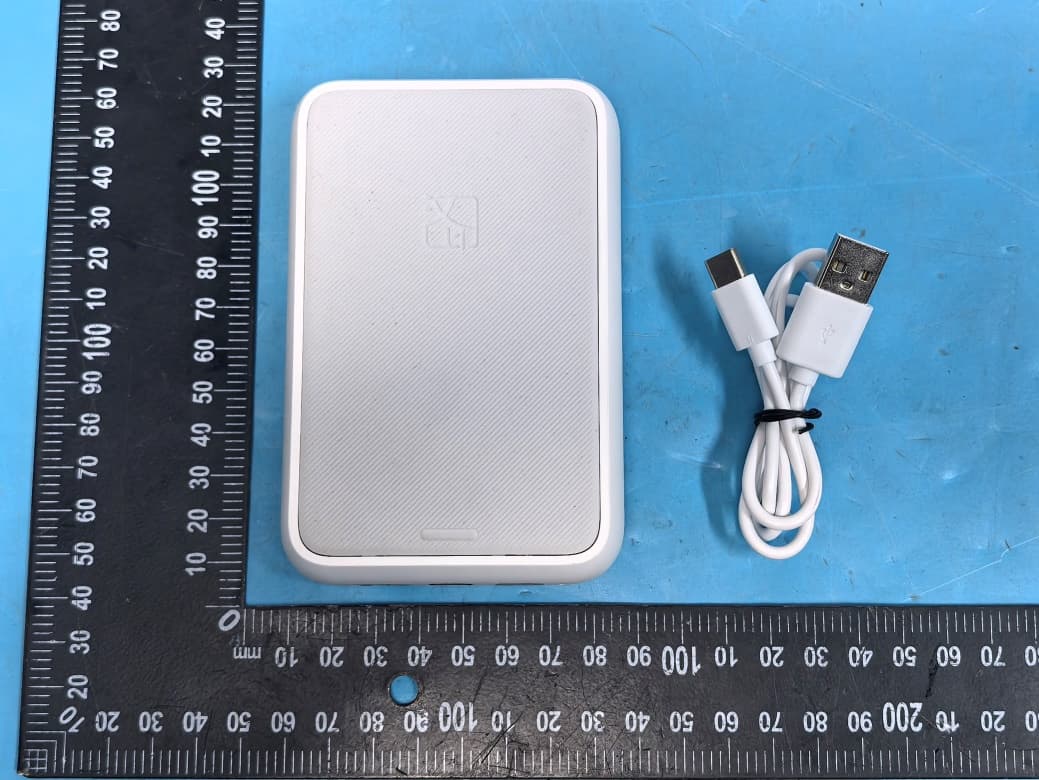
2AUTE-2ZK25H
Sep 14, 2026Portable Photo Printer
Equipment Class
DTS - Digital Transmission System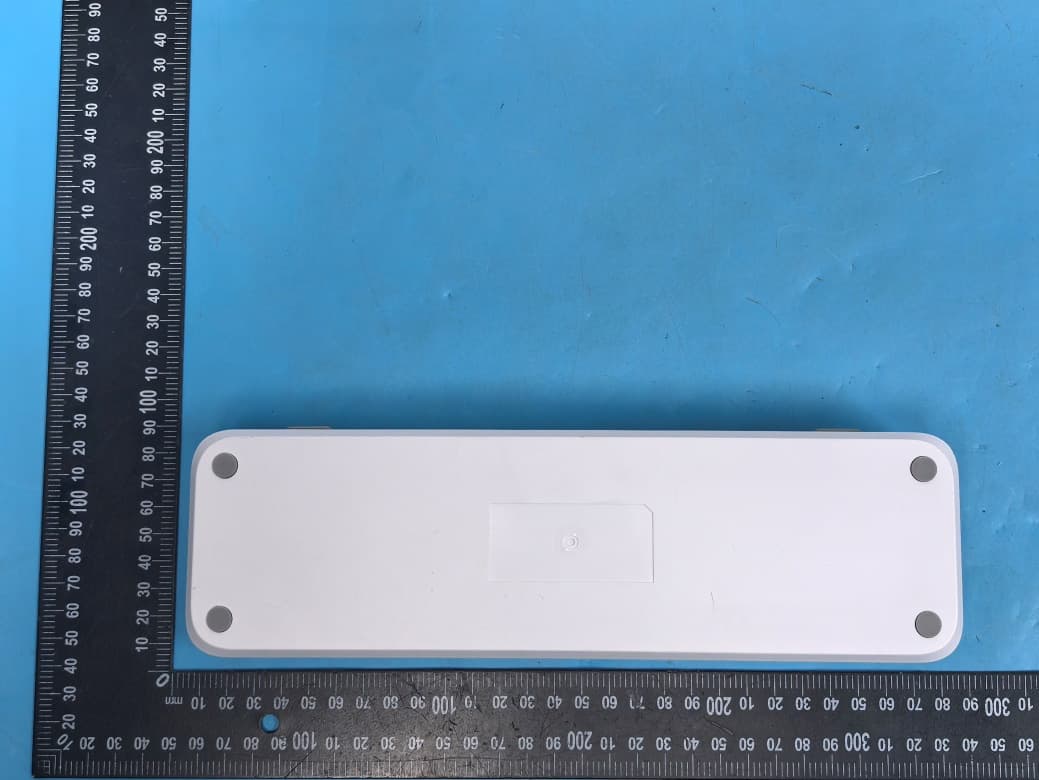
2AUTE-8DT26A
Sep 10, 2026Mobile Printer
Equipment Class
DSS - Part 15 Spread Spectrum Transmitter2AUTE-2D29
Jul 20, 2026Barcode Printer, Label Printer, Barcode Label Printer, Direct Thermal Printer, Direct Thermal Label Printer
Equipment Class
DSS - Part 15 Spread Spectrum Transmitter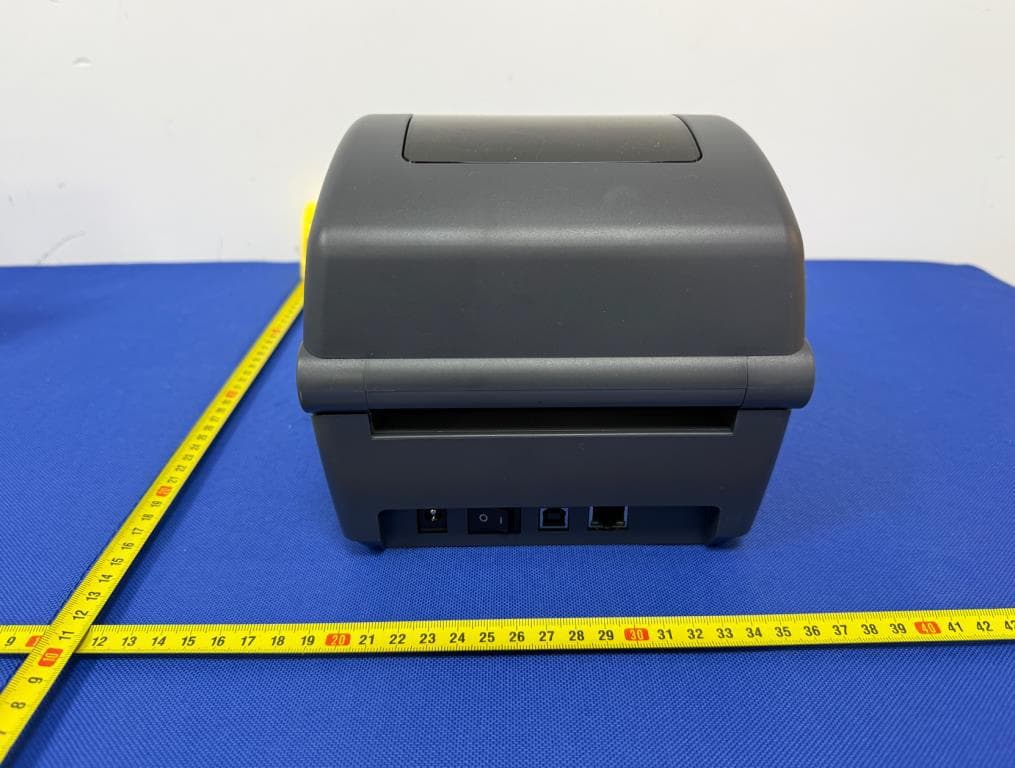
2AUTE-ID888W
Mar 13, 2026Barcode Printer
Equipment Class
NII - Unlicensed National Information Infrastructure TX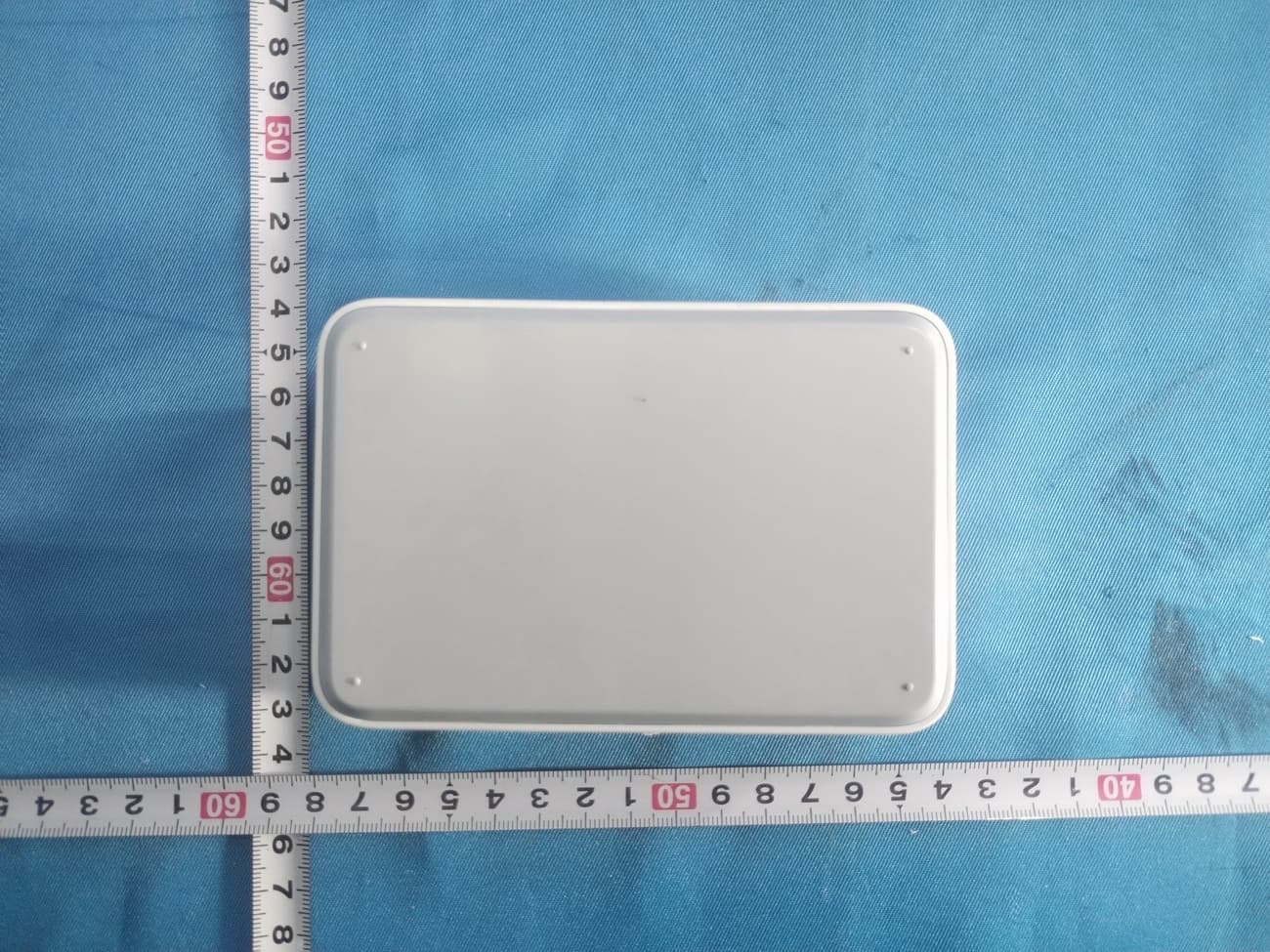
2AUTE-2TS25L
Jan 12, 20261) Portable Photo Printer, 2) Mini Photo Printer, 3) Dye-Sublimation Photo Printer, 4) Photo Printer
Equipment Class
DTS - Digital Transmission System