2AUTE-SPP5HPRT SMART POCKET PRINTER, HPRT LABEL PRINTER
Xiamen Hanin Electronic Technology Co.,Ltd.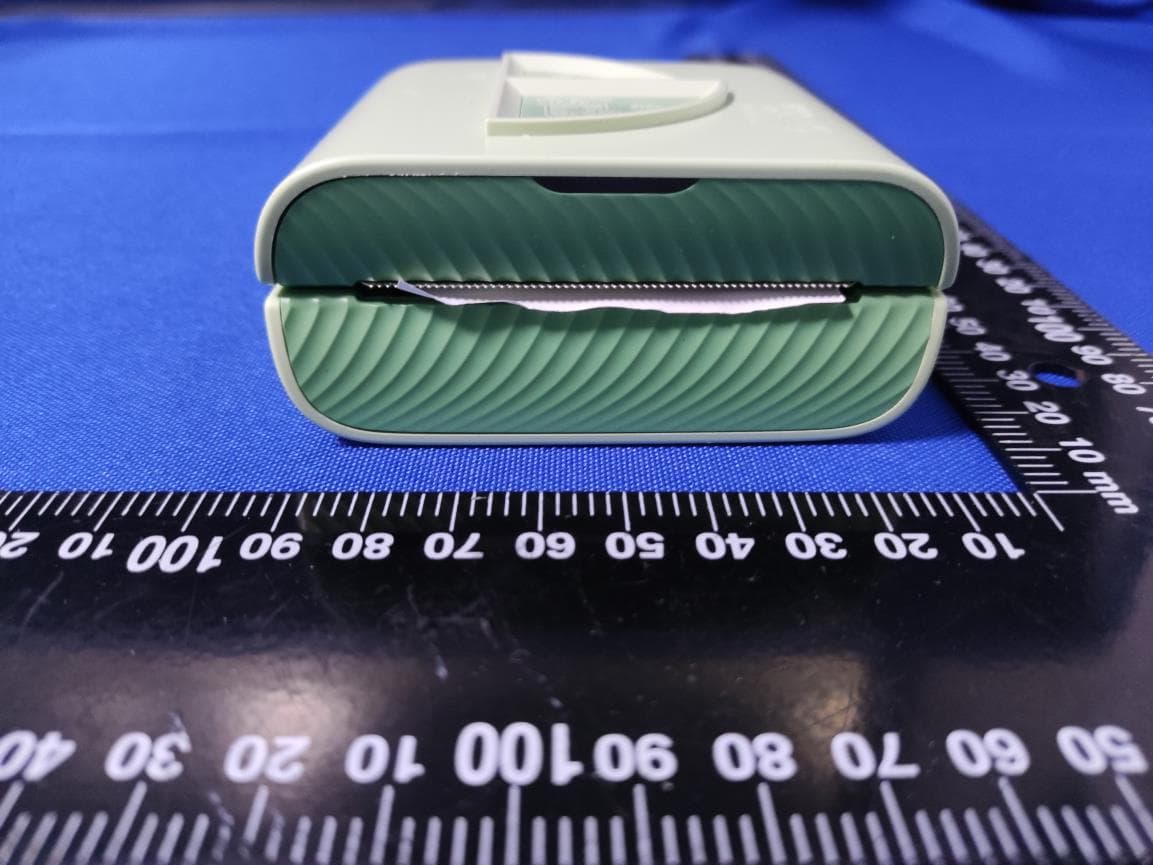
Click to zoom
Application Details
- Equipment Class
- DSS - Part 15 Spread Spectrum Transmitter
- Date of Grant
- Apr 21, 2023
- Application Purpose
- Original Equipment
- Date of Application
- Apr 21, 2023
- Equipment Note
- HPRT SMART POCKET PRINTER, HPRT LABEL PRINTER
- Frequency Range
- 2402.00000000 - 2480.00000000
- Country
- China
Documents & Files
Document Text
Text extracted from the exhibit documents filed with the FCC. Open a document above to read the original.
Users Manual
快 速 安 装 指 南 HPRT L5/L5S Quick Start Guide 开箱清单 注意:箱内实际内容以出货清单为准。 ! HPRT L5/L5S 热敏纸卷USB数据线安装指南 SC 使用向导 充电状态 购买后第一次使用时 我们建议充满电后使用 可以使用电源适配器或电脑USB口充电(出货时不配适配器)* 电源键状态 长按两秒即可ON/OFF 常亮:待机状态/充电完成 慢闪:充电状态/固件升级中 快闪:耗材不足,设备盖没有关紧,电量不足,打印头过热 USB数据线 除专用充电线外也可使用手机充电线 建议使用专用充电线充电 使用5V/1A充电时大约需要90分钟 *注意:若使用电源适配器供电,则应购买并使用获得CCC认证并满足标准要求的电源适配器。 下载APP连接设备 注册并登录APP,点击添加设备,通过 搜索蓝牙连接设备。 外观及组件 ① USB接口 ② 上盖 ③ 电源键 ① ③ ② 扫描下方二维码下载安装APP: 欢迎 耗材的更换 将打印机如图1放置,注意查看机身箭头指示。 参照图2所示,向下推开上盖。 更换耗材时,参照图3所示方向,放入耗材。 打印机更换耗材时,请勿触碰打印头以防过热烫伤。 ! 图1 图2 图3 确认耗材放置正确后,请将上盖与下盖合上,向上推动上盖恢复原状。 APP设置 简单操作 APP设置 可以在设备管理中查看剩余电量、固件版本等信息 放入方向 官方耗材的种类 安全及注意事项 电池过热 电池管理及注意事项 充电完成时,我们建议拔掉充电线。 为了避免火灾,请不要在高温地点充电 (如汗蒸房、 篝火附近等)。 充电器注意 打印头管理及注意事项 有可能因为充电不当而导致打印头损坏。 我们建议不要在高湿度或多灰尘地带使用。 烧伤危险 打印头过热 打印后,请勿直接触碰打印头,以防过热烫伤。 充电端口损坏现象 充电中的注意事项 请轻轻插入或拔出充电线,以防用力过猛损坏充电 端口。 不干胶纸有背胶可粘贴,方便错题整理,可以裁切大小,留影时长10年 十年纸打印清晰,显色稳定,适合日常使用,留影时长10年 标签纸有背胶可粘贴,固定大小的贴纸,不能裁切,留影时长10年 畅打纸价格实惠,适合文字打印,留影时长2年 *所有打印纸都不含有双酚-A *若因未使用专用打印纸而产生机器故障,则无法享受三包政策 FCC This device complies with part 15 of the FCC Rules. Operation is subject to the following two conditions: (1) this device may not cause harmful interference, and (2) this device must accept any interference received, including interference that may cause undesired operation. Warning: Any changes or modifications not expressly approved by the party responsible for compliance could void the user's authority to operate the equipment. NOTE: This equipment has been tested and found to comply with the limits for a Class B digital device, pursuant to Part 15 of the FCC Rules. These limits are designed to provide reasonable protection against harmful interference in a residential installation. This equipment generates, uses and can radiate radio frequency energy and, if not installed and used in accordance with the instructions, may cause harmful interference to radio communications. However, there is no guarantee that interference will not occur in a particular installation. If this equipment does cause harmful interference to radio or television reception, which can be determined by turning the equipment off and on, the user is encouraged to try to correct the interference by one or more of the following measures: -- Reorient or relocate the receiving antenna. -- Increase the separation between the equipment and receiver. -- Connect the equipment into an outlet on a circuit differentfrom that to which the receiver is connected. -- Consult the dealer or an experienced radio/TV technician for help. FCC Radiation Exposure Statement The device has been evaluated to meet general RF exposure requirement. The device can be used in portable exposure condition without restriction.
Users Manual
HPRT L5/L5S SC Packing List Thermal Paper RollUSB Cable Quick Start Guide ! Note: The packing items are actually based on the order. Using Guide Power Button Status Hold down for 2 seconds to ON/OFF Lighting: Standby / Charging completed Slow flash: Charging / Firmware updating Fast flash: Supplies near end, cover open, low battery, the print head is overheated Charging Use it for the first time after purchase Recommended to use after full charge Charge via AC adapter or computer USB port USB Cable In addition to the supplied USB cable, you can also use the charging cable of mobile device Recommended to use the supplied USB charging cable to charge It takes about 90 minutes to charge with 5V/1A EN ① ③ ② Replace Supplies When changing supplies , do not touch the print head in case of injury caused by overheating. ! Place printer as shown in figure 1, pay attention to the arrow marked on the printer. With reference to figure 2, push down the upper cover. When replacing supplies, place the supplies in reference to the direction shown in figure 3. If the supplies are properly placed, close the upper cover to the lower cover and push the upper cover back to its original shape. Figure 1Figure 2Figure 3 Appearance and Components ① USB Interface ② Upper Cover ③ Power Button Place Direction APP Setting Simple Operation APP Setting You can view information such as remaining power, firmware version in device management. Connection Scan the QR code below and install the App. Open the App, click " Connect Printer" and select the corresponding printer to connect from the list found via Bluetooth. Safety Precautions Battery Overheating Battery Management and Precautions When charging is completed, please unplug the USB cable. To avoid fire, do not charge at high temperature (e.g. sweating rooms, bonfire nearby, etc.). Charger Attention Print Head Management and Precautions There may be damage to the print head due to improper charging. We recommend not to use printer in high humidity or dusty areas. Burn Hazard Print Head Overheating After printing, do not touch the print head directly in case of injury caused by overheating. Charging Port Damage Charging Precautions Please gently insert or unplug the USB cable to prevent excessive damage to the charging port. HPRT L5/L5S JP 付属品 印刷用紙USBケーブル取り付 けガイド 使用ガイド 電源キー状態 2秒間長押しでON/OFF ランプが点灯中:待機状態/充電完了 ランプがゆっくりと点滅:充電状態/ファームウェアアップ デート中 ランプが早く点滅:印刷紙切れ、デバイスカバーがしっ り閉まってない、電力不足、プリントヘッドの過熱 充電状態 充電の完了後にご使用をお願い致します 充電中のご使用は故障の原因となる場合があります 電源アダプタやパソコンのUSBポートからの電力供給が可能です USBデータケーブル 専用充電ケーブルのほか、スマホ用の充 電でも充電が可能です 専用充電ケーブルでの充電をおすすめします 5V/1Aで充電すると約90分かかります 注意: 箱の実際の内容については、配送リストを参照してください。 ! ① ③ ② 各部のなまえ 消耗品の交換 HPRT L5/L5Sを図1のように置き、本体矢印を見るように注意してください。 図2にように、下に上の蓋をずらします。 印刷紙を交換する際は、図3を参照して、印刷紙を入れます。 印刷紙が正しく設できたことを確認したら、上蓋と下蓋を閉じ、上蓋を上に押して元に戻して下さい。 プリンターは印刷紙を交換するとき熱を持っていることがある為、やけどに注意してください。 また、印刷ヘッドに触れないでください。 図1図2図3 ① USBポート ② 上蓋 ③ 電源キー ! アプリ設定 簡単な操作 アプリ設定 デバイス管理で電力残量、ファームウェアバージョンな どの情報を見ることができます。 デバイス接続 下 の Q R コ ー ド を 読 み 取 り 、ア プ リ を イ ン ス ト ー ル し て く だ さ い 。 アプリを起動し、「プリンター接続」をクリックし、接続するプリン ターを選択します。 安全及び注意事項 電池の管理及び取扱注意事項 充電完了後や使用しないときは充電ケーブルを抜いてください。 高温の場所で充電しないでください。発熱、火災の恐れ があります。 充電が不十分ですと印刷ヘッドが破損する恐れがあります。 高温多湿、またホコリっぽい場所ではHPRT L5/L5Sを使用しない でください。故障の原因となる恐れがあります。 印刷ヘッド管理及び注意事項 印刷ヘッドの発熱 充電ボードの取扱注意事項 充電ポートは、軽く挿したり抜いたりしてください。力を入れす ぎは破損や故障の原因となります。その場合、保証(返品·返金 ·交換)の対象外ですのでご了承ください。 EN KR USB : / / : , , , USB 5V/1A 90 ! ① ③ ② ! 1 . 2 3 . , . . APP . . , . (: , ) . . , . . HPRT L5/L5S JP รายการจัดส่ง คู่มือการติดตั้งม้วนกระดาษความร้อน สายเคเบิลข้อมูล USB คู่มือการใช้งาน สว่างตลอด: สถานะสแตนด์บาย / การชาร์จเสร็จสมบูรณ์ไฟ ไฟกระพริบช้า ๆ: กําลังชาร์จ / อัปเกรดเฟิร์มแวร์ กระพริบอย่างรวดเร็ว: อุปกรณ์ไม่เพียงพอ / ฝาปิดอุปกรณ์ไม่ได้ปิดอย่างแน่นหนา/ และกําลังไฟไม่เพียงพอ/หัวพิมพ์ร้อนเกินไป ขอแนะนําให้ใช้สายชาร์จพิเศษสําหรับชาร์จ ใช้เวลาประมาณ 90 นาทีเมื่อชาร์จด้วย 5V / 1A สถานะชาร์จ เมื่อใช้เป็นครั้งแรกหลังจากซื้อ เราแนะนําให้ใช้หลังจากชาร์จเต็มแล้ว ใช้อะแดปเตอร์ไฟฟ้าหรือพอร์ต USB คอมพิวเตอร์ สายเคเบิลข้อมูลUSB สามารถใช้สายชาร์จโทรศัพท์มือถือนอกเหนือจากสายชาร์จพิเศษ TH หมายเหตุ: เนื้อหาจริงที่มีในกล่องขึ้นอยู่กับรายการจัดส่ง ! สถานะปุ่มเพาเวอร์ กดไว้สองวินาทีเพื่อเปิด / ปิด ① ③ ② ! ลักษณะและส่วนประกอบ การเปลี่ยนวัสดุสิ้นเปลือง ทิศทางที่ใส่เข้าลงไป ภาพที่1ภาพที่2ภาพที่3 วางไมล์ตามที่แสดงในรูปที่ 1 โปรดสังเกตเครื่องหมายลูกศรของเครื่อง ตามรูปที่ 2 ดันฝาครอบด้านบนลง เมื่อเปลี่ยนวัสดุสิ้นเปลืองให้ตามทิศทางที่แสดงในรูปที่ 3 และใส่วัสดุสิ้นเปลือง หลังจากยืนยันว่าวางวัสดุสิ้นเปลืองอย่างถูกต้องแล้ว ให้ปิดฝาด้านบนและฝาปิดด้านล่าง แล้วดันฝาปิดขึ้นด้านบนเพื่อคืนสภาพเดิม เมื่อเครื่องพิมพ์เปลี่ยนวัสดุสิ้นเปลือง ห้ามสัมผัสหัวพิมพ์เพื่อป้องกันความร้อนและการลวก USB อินเตอร์เฟส ฝา ปุ่มเพาเวอร์ การตั้งค่าแอพ การตั้งค่า APP ที่ใช้งานง่าย คุณสามารถตรวจสอบพลังงานแบตเตอรี่ที่เหลืออยู่ รุ่นเฟิร์มแวร์และข้อมูลอื่น ๆ ในการจัดการอุปกรณ์ การตั้งค่าแอพ สแกนรหัส QR ด้านล่างและติดตั้งแอพ เปิดแอพคลิก "เชื่อมต่อเครื่องพิมพ์" และเลือกเครื่องพิมพ์ที่เกี่ยวข้องเพื่อเชื่อมต่อจากรายการที่พบผ่านบลูทู ธ ความปลอดภัยและข้อควรระวัง การจัดการและข้อควรระวังของแบตเตอรี่ร้อนยวดยิ่ง เมื่อการชาร์จเสร็จสมบูรณ์ เราแนะนําให้ถอดสายชาร์จ เพื่อหลีกเลี่ยงไฟไหม้ โปรดอย่าชาร์จในที่ร้อน (เช่นห้องอบไอน้ํา ใกล้กองไฟ ฯลฯ ). ความสนใจเวลาชาร์จ ข้อควรระวังและการจัดการหัวพิมพ์ หัวพิมพ์อาจเสียหายเนื่องจากการชาร์จที่ไม่เหมาะสม เราแนะนําไม่ให้ใช้ในบริเวณที่มีความชื้นสูงหรือมีฝุ่นมาก ความเสี่ยงจากการไฟไหม้ หัวพิมพ์ร้อนเกินไป หลังจากการพิมพ์ อย่าสัมผัสหัวพิมพ์โดยตรง เพื่อป้องกันความร้อนสูงเกินไปและการลวก ความเสียหายของพอร์ตการชาร์จ ข้อควรระวังระหว่างการชาร์จ โปรดเสียบหรือดึงสายชาร์จเบา ๆ เพื่อป้องกันแรงเกินไปที่จะทําให้พอร์ตการชาร์จเสียหาย HPRT L5/L5S KR Liste de colisage ! FR Manuel d’installation Rouleaux de papier thermique Câble USB Remarque : Le contenu réel de la boîte d’emballage est soumis à la liste d’expédition. Instructions d’utilisation La touche d’alimentation Appuyez longuement pendant deux secondes pour allumer/éteindre Allumé en permanence: l’état veille/ la charge complète Clignote lentment: en charge / la mise à jour du firmware La l…
Text truncated - open the document above for the full version.
Users Manual
① ③ ② Aspetto e componenti Direzione per attaccare Sostituzione dei materiali di consumo Quando si sta sostituendo i materiali di consumo per il stampante, non toccare la testina di stampa per evitare le scottature dal surriscaldament. ! Posizionare il HPRT L5/L5S come Fig. 1, annotando l'indicazione della freccia. Come Fig. 2, aprire il coperchio premendolo verso il basso. Quando si sostituiscono i materiali di consumo, aggiungere i materiali di consumo secondo la direzione indicata nella Fig. 3. Fig. 1Fig. 2 Fig. 3 Dopo aver confermato il corretto posizionamento dei materiali di consumo, chiudere il coperchio e spingere il coperchio superiore verso l'alto per ripristinare le condizioni originali. ① Porta USB ② Coperchio superiore ③ Tasto di potenza Impostazioni APP Operazione Semplice Impostazioni APP È possibile visualizzare la potenza rimanente, la versione del firmware e altre informazioni nella gestione del dispositivo. Collegare il dispositivo Scansionare il codice QR qui sotto e installare l'applicazione. Aprire l'applicazione, fare clic su "Connetti stampante" e selezionare la stampante corrispondente da collegare. Precauzioni di sicurezza Surriscaldamento della batteria Gestione e precauzioni della batteria Attenzione al caricabatteria Gestione e precauzioni della testina di stampa Si consiglia di scollegare il cavo una volta terminato la carica. Per evitare incendi, si prega di non caricare ai luoghi caldi (ad esempio vicino a una capanna sudatoria, a un fuoco da campo, ecc.). È possibile che la testina di stampa si danneggi a causa di una carica non corretta. Si consiglia di non utilizzare HPRT L5/L5S in luoghi ad alta umidità o polverosi. Pericolo di scottatura Surriscaldamento della testina di stampa Quando si finisce la stampa, non toccare la testina di stampa per evitare le scottature dal surriscaldamento. Fenomeno dei danni alla porta di ricarica Note in carica Si prega di inserire o scollegare delicatamente il cavo di carica per evitare che la porta di carica sia eccessivamente danneggiata dalla forza. HPRT L5/L5S FR ! SP Lista de Desempaque Instrucción de Instalación Rollos de papel térmico Cable de datos USB Nota: El contenido real de la caja está sujeto a la lista de envío. Manual de Uso Encendido: Estado de espera/Carga completada Parpadeo lento: cargando/Actualizando firmware Parpadeo rápido: Suministros insuficientes/la cubierta del dispositivo no está bien cerrada/la batería está baja/ El cabezal de impresión está demasiado caliente Cargando Cuando se usa por la primera vez después de la compra Se recomienda usar después de cargarse por completo Cargando a través de adaptadores de comunicación o terminales USB El cable de datos USB Se puede usar el cable de carga del móvil además del dedicado de HPRT L5/L5S Se recomienda usar el cable de carga dedicado de HPRT L5/L5S Tarda unos 90 minutos al cargase con 5V/ 1A Estado del botón de encendido Mantenga presionado por dos segundos para Encender/ Apagar ① ③ ② ! Apariencia y Componentes ① Interfaz USB ② Cubierta superior ③ Botón de encendido Reemplazo de Consumibles Dirección de colocación Coloque HPRT L5/L5S como se muestra en la Figura 1 y preste atención a la indicación de la flecha en el carcasa. En referencia a la Figura 2, abra la cubierta superior empujándola hacia abajo. Al reemplazar los consumibles, póngalos en referencia a la dirección que se muestra en la Figura3. Al reemplazar los consumibles para la impresora, no toque el cabezal de impresión para evitar las quemaduras causadas por el sobrecalentamiento. Figura 1Figura 2Figura 3 Después de confirmar que los consumibles están colocados correctamente, cierre la cubierta superior y la inferior, empuje la cubierta superior hacia arriba para volver a la situación original. Configuraciones de APLICACIÓN Operaciones simples de configuraciones de la aplicación Se puede examinar la energía restante de la batería, la versión del firmware y otras informaciones en la Administración del Dispositivo. Conectar el Dispositivo Escanee el código QR que aparece a continuación e instale la aplicación. Abra la aplicación, haga clic en "Conectar impresora" y seleccione la impresora correspondiente para conectarla. Seguridad y Precaucione Sobrecalentamiento de la batería Manejo y precauciones de la batería Cuando se completa la carga, recomendamos desconectar el cable de carga. Para evitar incendios, no cargue en lugares de alta temperatura (como sala de vapor, cerca de fogatas, etc.). Atención sobre el cargador Manejo y precauciones del cabezal de impresión Se puede dañar el cabezal de impresión debido a una carga incorrecta. Recomendamos no usar HPRT L5/L5S en lugares de alta humedad o polvorientas. Peligro de quemaduras Sobrecalentamiento del cabezal de impresión Después de imprimir, no toque directamente el cabezal de impresión para evitar quemaduras causadas por el sobrecalentamiento. Daño en el puerto de carga Precauciones durante la carga Inserte o extraiga suavemente el cable de carga para evitar el daño en el puerto de carga causado por fuerza excesiva. HPRT L5/L5S IT ! DE Produkt-Liste Die Installationsanleitung ThermopapierrolleUSB-Kabel Anmerkung: Die tatsächlichen Produkte unterliegen in diesem Fall der Versandliste. Gebrauchsanweisung Normales Licht: Standby-Zustand/nach dem Aufladen Langsames Blinken: Aufladen/Blitz beim Firmware-Upgrade Blitz beim: unzureichende Verbrauchsmaterialien/ Geräteabdeckung nicht geschlossen/unzureichende Leistung/Überhitzung des Druckkopfes Ladestatus die erste Nutzung nach dem Kauf Wir empfehlen, es voll aufgeladen zu verwenden Aufladen Sie über AC-Adapter oder USB-Anschluss USB-Kabel Neben speziellen HPRT L5/L5S-Ladekabeln können Sie auch Ladekabel für Mobiltelefone verwenden Es wird empfohlen, die Batterie mit einem speziellen HPRT L5/L5S-Ladekabel aufzuladen Es dauert etwa 90 Minuten, um die Batterie mit 5V/1A aufzuladen Status des Netzschalters Langer Druck für zwei Sekunden auf ON/OFF ① ③ ② ! Erscheinungsbild und Komponenten ① US…
Text truncated - open the document above for the full version.
Attestation Statements
Rev 1/26/2023 Xiamen Hanin Electronic Technology Co.,Ltd. Federal Communications Commission Authorization and Evaluation Division 7435 Oakland Mills Road Columbia, MD 21046 USA Company name: Xiamen Hanin Electronic Technology Co.,Ltd. Address: Room 305A, Angye Building, Pioneering Park, Torch High-tech, Zone, Xiamen, China. Product Name: HPRT SMART POCKET PRINTER, HPRT LABEL PRINTER FCC ID: 2AUTE-SPP5 Model(s): HPRT L5, HPRT L5S, HPRT M5, HPRT M5S, HPRT L8, HPRT L8S Ref: Attestation Statements Part 2.911(d)(5)(ii) Filing We, [Xiamen Hanin Electronic Technology Co.,Ltd. ] (“the applicant”) certifies that, as of the date of the filing of the application, the applicant is not identified on the Covered List as an entity producing “covered” equipment. Yours Sincerely, Name: Jeff Wang Date: 2023-03-28 Title: Manager Signature of applicant:
Attestation Statements
Rev 1/26/2023 Xiamen Hanin Electronic Technology Co.,Ltd. Federal Communications Commission Authorization and Evaluation Division 7435 Oakland Mills Road Columbia, MD 21046 USA Company name: Xiamen Hanin Electronic Technology Co.,Ltd. Address: Room 305A, Angye Building, Pioneering Park, Torch High-tech, Zone, Xiamen, China. Product Name: HPRT SMART POCKET PRINTER, HPRT LABEL PRINTER FCC ID: 2AUTE-SPP5 Model(s): HPRT L5, HPRT L5S, HPRT M5, HPRT M5S, HPRT L8, HPRT L8S Ref: Attestation Statements Part 2.911(d)(5)(i) Filing We, [Xiamen Hanin Electronic Technology Co.,Ltd. ] (“the applicant”) certifies that the equipment for which authorization is sought is not “covered” equipment prohibited from receiving an equipment authorization pursuant to section 2.903 of the FCC rules. Yours Sincerely, Name: Jeff Wang Date: 2023-03-28 Title: Manager Signature of applicant:
Attestation Statements
(Xiamen Hanin Electronic Technology Co.,Ltd.) Federal Communications Commission Authorization and Evaluation Division 7435 Oakland Mills Road Columbia, MD 21046 USA Date: 03-28-2023 Ref: Attestation Statements Part 2.911(d)(7) Filing FCC ID: 2AUTE-SPP5 Xiamen Hanin Electronic Technology Co.,Ltd. (“the applicant”) certifies that, as of the date of the filing of the application, TianHeng Consulting, LLC is our designated U.S. agent for service of process for the above referenced FCC ID. Xiamen Hanin Electronic Technology Co.,Ltd.accepts to maintain an agent for no less than one year after the grantee has terminated all marketing and importation or the conclusion of any Commission-related proceeding involving the equipment. TianHeng Consulting, LLC accepts, as of the date of the filing of the application, the obligation of the designated U.S. agent for service of process for the above referenced FCC ID. Sincerely, Designated U.S. Agent Information: Name: TianHeng Consulting, LLC FRN: 0033401258 Contact Person: Hualing Dong Address: 392 Andover Street, Wilmington, MA 01887, United States Tel.: +1 617-997-4010 Email:[email protected] U.S. Agent Signature: Applicant: Company Name: Xiamen Hanin Electronic Technology Co.,Ltd. Grantee Code: 2AUTE Contact Name: Jeff Wang Address: Room 305A, Angye Building, Pioneering Park, Torch High-tech,Zone, Xiamen, China. Tel.: 13799700032 Email: [email protected] Applicant Signature: Hualing Dong, President FRN: 0028895233
Cover Letter(s)
XiamenHaninElectronicTechnologyCo.,Ltd. OfficeofEngineeringTechnology FederalCommunicationsCommission 7435OaklandMillsRoad Columbia,MD21046 Date:2023/03/28 Subject;RequestforConfidentiality FCCID:2AUTE-SPP5 ToWhomItMayConcern, PursuanttotheprovisionsoftheCommission’srulesTitle47Sections§0.457and§0.459,weare requestingtheCommissiontowithholdthefollowingattachment(s)asconfidentialdocumentsfrom publicdisclosureindefinitely. Thesedocumentscontaindetailedsystemandequipmentdescriptionsandareconsideredasproprietary informationinoperationoftheequipment.Thepublicdisclosureofthesedocumentsmightbeharmfulto ourcompanyandwouldgivecompetitorsanunfairadvantageinthemarket. SchematicDiagram BlockDiagram OperationalDescription Inadditionaltoabovementioneddocuments,inordertocomplywiththemarketingregulationsinTitle 47CFR§2.803andtheimportationrulesinTitle47CFR§2.1204,whileensuringthatbusinesssensitive informationremainsconfidentialuntiltheactualmarketingofnewlyauthorizeddevices,werequestShort TermConfidentialityofthefollowingattachment(s); ExternalPhotos TestSetupPhotos InternalPhotos UserManual For45days,pursuanttoPublicNoticeDA04-1705. OR For180dayspursuanttoKDB726920D01. Itisourunderstandingthatallmeasurementtestreports,FCCIDlabelformatandcorrespondenceduring thecertificationreviewprocesscannotbegrantedasconfidentialdocumentsandthisinformationwillbe availableforpublicreviewoncethegrantofequipmentauthorizationisissued. Sincerely, Signature: Name:JeffWang
Cover Letter(s)
ModelDeclarationLetter Towhoconcern Thisproductisaprinterthatcontainssixmodels.TheyareHPRTL5,HPRTL5S, HPRTM5,HPRTM5S,HPRTL8andHPRTL8S.Theyhavethesamesizeand internalstructure.Theyhavetwoappearanceswhichdonotaffectthefunction.The onlydifferenceisthemodelname. Signature: ContactPerson:JeffWang Title:Manager Company:XiamenHaninElectronicTechnologyCo.,Ltd. Address:Room305A,AngyeBuilding,PioneeringPark,TorchHigh-tech,Zone,Xiamen,China. Tel:13799700032 E-Mail:[email protected]
Cover Letter(s)
Xiamen Hanin Electronic Technology Co.,Ltd. Federal Communications Commission Authorization and Evaluation Division 1435 Oakland Mills Road Columbia, MD 21046 Date: 2023/03/28 SUBJECT: FCC Application for (FCC ID: 2AUTE-SPP5) To Whom It May Concern: We, the undersigned, hereby authorize _ CCIC Southern Testing Co., Ltd.(Chris You)___ at _ Electronic Testing Building, No. 43 Shahe Road, Xili Street, Nanshan District, Shenzhen, Guangdong, China _ on our behalf, to apply to the Federal Communications Commission on our equipment. Any and all acts carried out by __Chris You__ on our behalf shall have the same effect as acts of our own. This is to advise that we are in full compliance with the Anti- Drug Abuse Act. We, the applicant, are not subject to a denial of federal benefits pursuant to Section 5301 of the Anti-Drug Act of 1988, 21 USC853a, and no party to the application is subject to a denial of federal benefits pursuant to that section. Regards, Signature: Contact Person: Jeff Wang Title: Manager Company: Xiamen Hanin Electronic Technology Co.,Ltd. Address: Room 305A, Angye Building, Pioneering Park, Torch High-tech, Zone, Xiamen, China. Tel: 13799700032 E-Mail: [email protected]
Internal Photos
BT/BLE ANT
RF Exposure Info
ReportNo.:SET2022-16562 CCIC-SET/TRF:IRF(2019-05-23)Page1of8 RFEXPOSUREREPORT ReportNo.:SET2022-16562 ProductName:HPRTSMARTPOCKETPRINTER,HPRTLABELPRINTER ModelNo.:HPRTL5,HPRTL5S,HPRTM5,HPRTM5S,HPRTL8,HPRTL8S FCCID:2AUTE-SPP5 Applicant:XiamenHaninElectronicTechnologyCo.,Ltd. Address: Room305A,AngyeBuilding,PioneeringPark,Torch High-tech,Zone,Xiamen DatesofTesting:09/16/2022-09/26/2022 Issuedby:CCICSouthernTestingCo.,Ltd. LabLocation: ElectronicTestingBuilding,No.43ShaheRoad,XiliStreet, NanshanDistrict,Shenzhen,Guangdong,China. Tel:8675526627338Fax:8675526627238 Thistestreportconsistsof8pagesintotal.Itmaybeduplicatedcompletelyforlegalusewith theapprovaloftheapplicant.Itshouldnotbereproducedexceptinfull,withoutthewritten approvalofourlaboratory.Theclientshouldnotuseittoclaimproductendorsementby CCIC-SET.Thetestresultsinthereportonlyapplytothetestedsample.Thetestreportshall beinvalidwithoutallthesignaturesoftestingengineers,reviewerandapprover.Any objectionsmustberaisedtoCCIC-SETwithin15dayssincethedatewhenthereportis received.Itwillnotbetakenintoconsiderationbeyondthislimit. ReportNo.:SET2022-16562 CCIC-SET/TRF:IRF(2019-05-23)Page2of8 TestReport Product......................................: HPRTSMARTPOCKETPRINTER, HPRTLABELPRINTER TradeName............................:N/A Applicant ................................... :XiamenHaninElectronicTechnologyCo.,Ltd. ApplicantAddress .................. : Room305A,AngyeBuilding,PioneeringPark,Torch High-tech,Zone,Xiamen Manufacturer............................:XiamenHaninElectronicTechnologyCo.,Ltd. ManufacturerAddress ........... : Room305A,AngyeBuilding,PioneeringPark,Torch High-tech,Zone,Xiamen TestStandards........................:47CFRPart2.1091 TestResult................................:Pass Testedby ................................. : 2022.12.13 ChuiwangZhang,TestEngineer Reviewedby.............................: 2022.12.13 ChrisYou,SeniorEngineer Approvedby ............................ : 2022.12.13 TaoHou,Manager ReportNo.:SET2022-16562 CCIC-SET/TRF:IRF(2019-05-23)Page3of8 TableofContents 1.GENERALINFORMATION......................................................................................................5 1.1.EUTDescription..........................................................................................................................5 1.2.EUTDescription..........................................................................................................................6 1.3.LaboratoryFacilities....................................................................................................................6 1.4.LaboratoryLocation....................................................................................................................6 2.TECHNICALREQUIREMENTSSPECIFICATIONINCFRTITLE47PART2.1093......7 2.1.Evaluationmethod.......................................................................................................................7 2.2.EvaluationResults.......................................................................................................................8 2.3.Conclusion...................................................................................................................................8 ReportNo.:SET2022-16562 CCIC-SET/TRF:IRF(2019-05-23)Page4of8 ChangeHistory IssueDateReasonforchange 1.02022.12.13Firstedition ReportNo.:SET2022-16562 CCIC-SET/TRF:IRF(2019-05-23)Page5of8 1.GENERALINFORMATION 1.1.EUTDescription ProductNameHPRTSMARTPOCKETPRINTER,HPRTLABELPRINTER DeviceTypePortableDevice EUTsupportsRadios application BluetoothV4.0BR/BLE FrequencyRange(Tx) 2402MHz~2480MHz ModulationTypeGFSK Antennagain BT:0.5dBi BLE:0.5dBi AntennaTypeInternalAntenna ReportNo.:SET2022-16562 CCIC-SET/TRF:IRF(2019-05-23)Page6of8 1.2.EUTDescription EUThasbeentestedaccordingtothefollowingstandards. No.IdentityDocumentTitle 147CFRPart1PracticeandProcedure 247CFRPart2 FrequencyAllocationsandRadioTreatyMatters;General RulesandRegulations 3 KDB447498D01General RFExposureGuidancev06 RFExposureProceduresandEquipmentAuthorization PoliciesforMobileandPortableDevices 1.3.LaboratoryFacilities FCC-RegistrationNo.:406086 CCICSouthernTestingCo.,LtdEMCLaboratoryhasbeenregisteredandfullydescribedinareport filedwiththeFCC(FederalCommunicationsCommission).TheacceptanceletterfromtheFCCis maintainedinourfiles.DesignationNumber:CN1283,validtimeisuntilApril19th,2023. ISEDRegistration:11185A-1 CCICSouthernTestingCo.,Ltd.EMCLaboratoryhasbeenregisteredbyCertificationand EngineeringBureauofIndustryCanadafortheperformanceofradiatedmeasurementswith RegistrationNo.11185A-1onAug.04,2016,validtimeisuntilJun.30th,2023. A2LACode:5721.01 CCIC-SETisathirdpartytestingorganizationaccreditedbyA2LAaccordingtoISO/IEC17025. Theaccreditationcertificatenumberis5721.01. 1.4.LaboratoryLocation CompanyName:CCICSouthernTestingCo.,Ltd. Address: ElectronicTestingBuilding,No.43ShaheRoad,XiliStreet,Nanshan District,Shenzhen,Guangdong,China ReportNo.:SET2022-16562 CCIC-SET/TRF:IRF(2019-05-23)Page7of8 2.TechnicalRequirementsSpecificationinCFRTitle47Part2.1093 2.1.Evaluationmethod AccordingtoKDB447498D01GeneralRFExposureGuidancev06Section4.3.1StandaloneSAR testexclusionconsiderations:UnlessspecificallyrequiredbythepublishedRFexposureKDB procedures,standalone1-gheadorbodyand10-gextremitySARevaluationforgeneralpopulation exposureconditions,bymeasurementornumericalsimulation,isnotrequiredwhenthe correspondingSARTestExclusionThresholdcondition(s),listedbelow,is(are)satisfied.Thesetest exclusionconditionsarebasedonsource-basedtime-averagedmaximumconductedoutputpowerof theRFchannelrequiringevaluation,adjustedfortune-uptolerance,andtheminimumtestseparation distancerequiredfortheexposureconditions.Theminimumtestseparationdistancedefinedin4.1f) isdeterminedbythesmallestdistancefromtheantennaandradiatingstructuresoroutersurfaceof thedevice,accordingtothehostformfactor,exposureconditionsandplatformrequirements,toany partofthebodyorextremityofauserorbystander.Toqualify…
Text truncated - open the document above for the full version.
Test Report
Antenna Describe 1: Antenna Describe No Parameter Specification 1 Antenna PCB 2 Return Loss <-10dB 3 Antenna Gain 0.5dBi 4 Frequency Range 2.4GHz-2.5GHz 5 Connector Type Direct 6 Location of mearement (company name) Xiamen Hanin Electronic Technology Co.,Ltd. 7 Azimuth Omni-directional 8 Impedance 50 Ω 9 Operating Temperature -40~105°C 2:External View Drawing Picture of antenna Xiamen Hanin Electronic Technology Co.,Ltd. Type of Antenna: HPRT L5 3:Measurement Result 3.1Typical free space gain 3.2 Return Loss (S11 ) Frequency/MHz 2400 2410 2420 2430 2440 2450 2460 2470 2480 2490 2500 Peak Gain/dBi 0.47 0.49 0.50 0.49 0.49 0.48 0.50 0.50 0.49 0.50 0.50 3.3 Typical free space radiation pattern 3.4 Typical Free Space 3D Radiation Pattern
Test Report
ReportNo.:SET2022-16561 CCIC-SET/TRF:IRF(2019-05-23)Page1of47 RFTESTREPORT ReportNo.:SET2022-16561 ProductName:HPRTSMARTPOCKETPRINTER,HPRTLABELPRINTER ModelNo.:HPRTL5,HPRTL5S,HPRTM5,HPRTM5S,HPRTL8,HPRTL8S FCCID:2AUTE-SPP5 Applicant:XiamenHaninElectronicTechnologyCo.,Ltd. Address: Room305A,AngyeBuilding,PioneeringPark,Torch High-tech,Zone,Xiamen DatesofTesting:09/16/2022-09/26/2022 Issuedby:CCICSouthernTestingCo.,Ltd. LabLocation: ElectronicTestingBuilding,No.43ShaheRoad,XiliStreet, NanshanDistrict,Shenzhen,Guangdong,China. Tel : 8675526627338Fax : 8675526627238 Thistestreportconsistsof47pagesintotal.Itmaybeduplicatedcompletelyforlegaluse withtheapprovaloftheapplicant.Itshouldnotbereproducedexceptinfull,withoutthe writtenapprovalofourlaboratory.Theclientshouldnotuseittoclaimproductendorsement byCCIC-SET.Thetestresultsinthereportonlyapplytothetestedsample.Thetestreport shallbeinvalidwithoutallthesignaturesoftestingengineers,reviewerandapprover.Any objectionsmustberaisedtoCCIC-SETwithin15dayssincethedatewhenthereportis received.Itwillnotbetakenintoconsiderationbeyondthislimit. ReportNo.:SET2022-16561 CCIC-SET/TRF:IRF(2019-05-23)Page2of47 TestReport Product......................................: HPRTSMARTPOCKETPRINTER, HPRTLABELPRINTER TradeName............................:N/A Applicant ................................... :XiamenHaninElectronicTechnologyCo.,Ltd. ApplicantAddress .................. : Room305A,AngyeBuilding,PioneeringPark,Torch High-tech,Zone,Xiamen Manufacturer............................:XiamenHaninElectronicTechnologyCo.,Ltd. ManufacturerAddress ........... : Room305A,AngyeBuilding,PioneeringPark,Torch High-tech,Zone,Xiamen TestStandards........................: 47CFRPart15SubpartC ANSIC63.10-2013 TestResult................................:Pass Testedby ................................. : 2022.12.13 ChuiwangZhang,TestEngineer Reviewedby.............................: 2022.12.13 ChrisYou,SeniorEngineer Approvedby............................: 2022.12.13 TaoHou,Manager ReportNo.:SET2022-16561 CCIC-SET/TRF:IRF(2019-05-23)Page3of47 TABLEOFCONTENTS TABLEOFCONTENTS.................................................................................................................3 1.GENERALINFO…
Text truncated - open the document above for the full version.
Contact Information
Applicant
Jeff Wang(Certified Engineer)
Test Firm
CCIC Southern Testing Co., LtdChris You
[email protected]86-0755-86131239
Technical Specifications
| # | Rule Parts | Frequency Range | Power Output |
|---|---|---|---|
| 1 | 15C | 2.40 GHz - 2.48 GHz | 500.00 µW |
Other Applications from Xiamen Hanin Electronic Technology Co.,Ltd.
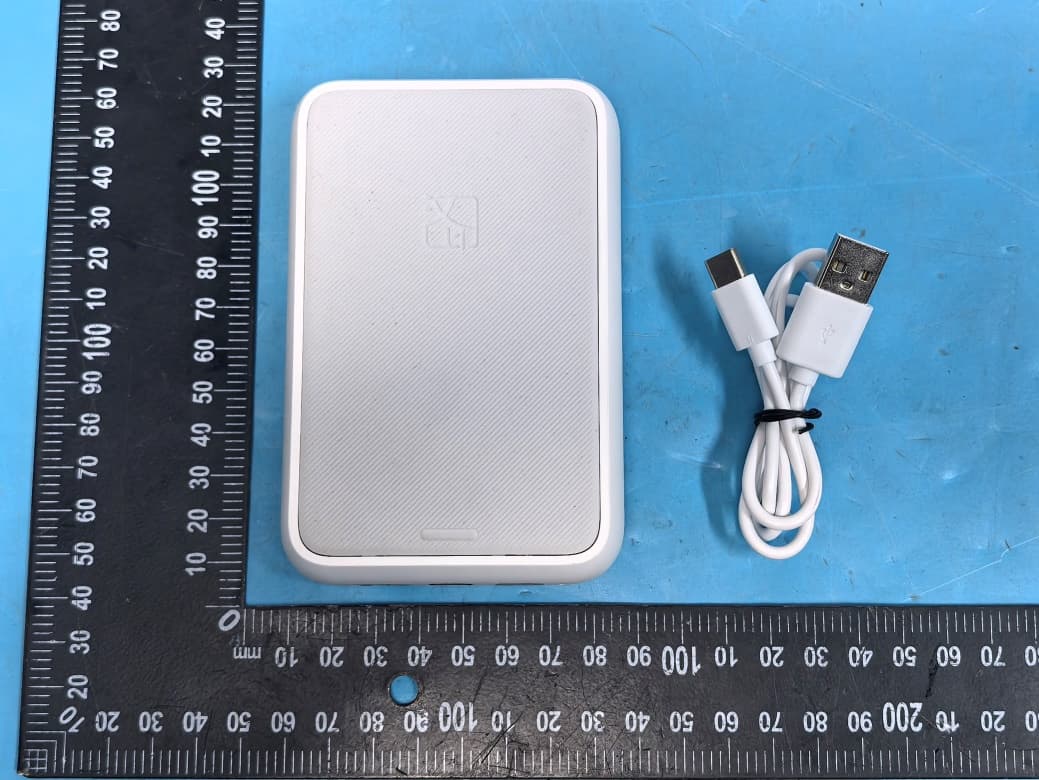
2AUTE-2ZK25H
Sep 14, 2026Portable Photo Printer
Equipment Class
DTS - Digital Transmission System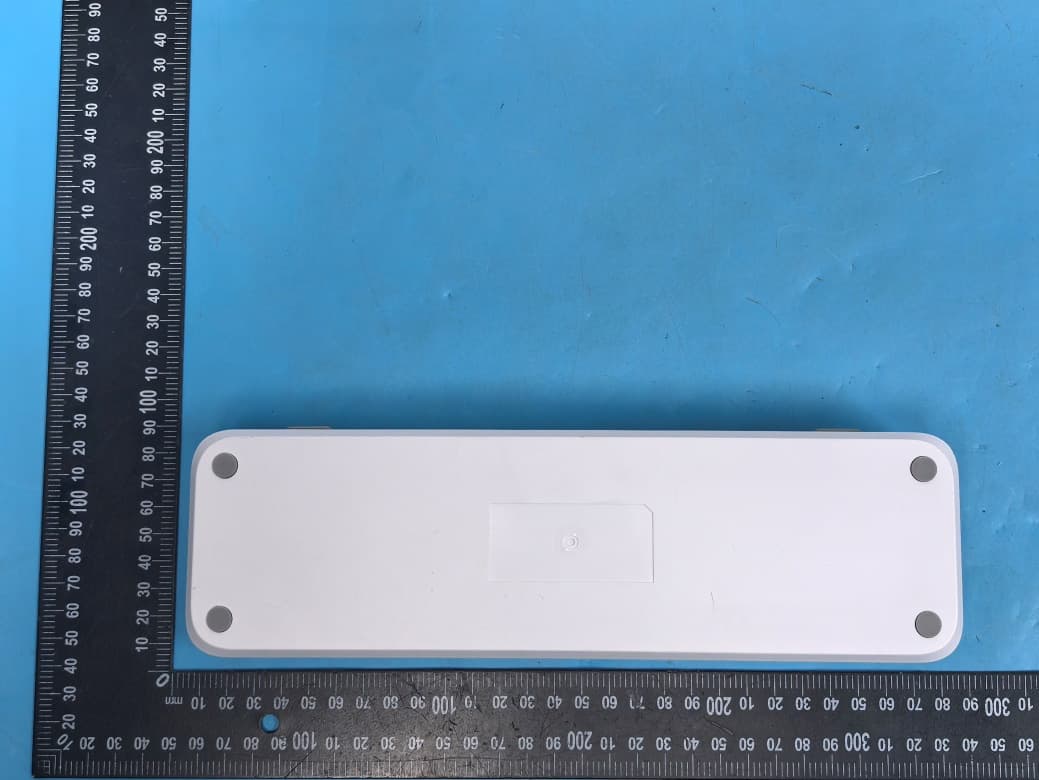
2AUTE-8DT26A
Sep 10, 2026Mobile Printer
Equipment Class
DSS - Part 15 Spread Spectrum Transmitter2AUTE-2D29
Jul 20, 2026Barcode Printer, Label Printer, Barcode Label Printer, Direct Thermal Printer, Direct Thermal Label Printer
Equipment Class
DSS - Part 15 Spread Spectrum Transmitter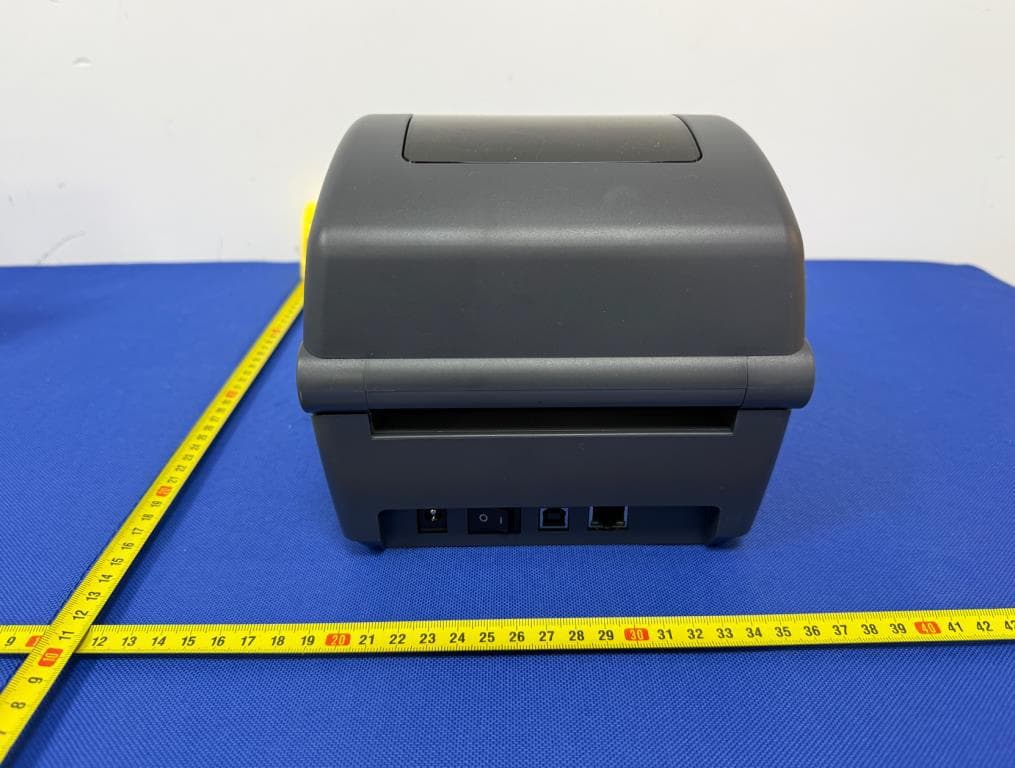
2AUTE-ID888W
Mar 13, 2026Barcode Printer
Equipment Class
NII - Unlicensed National Information Infrastructure TX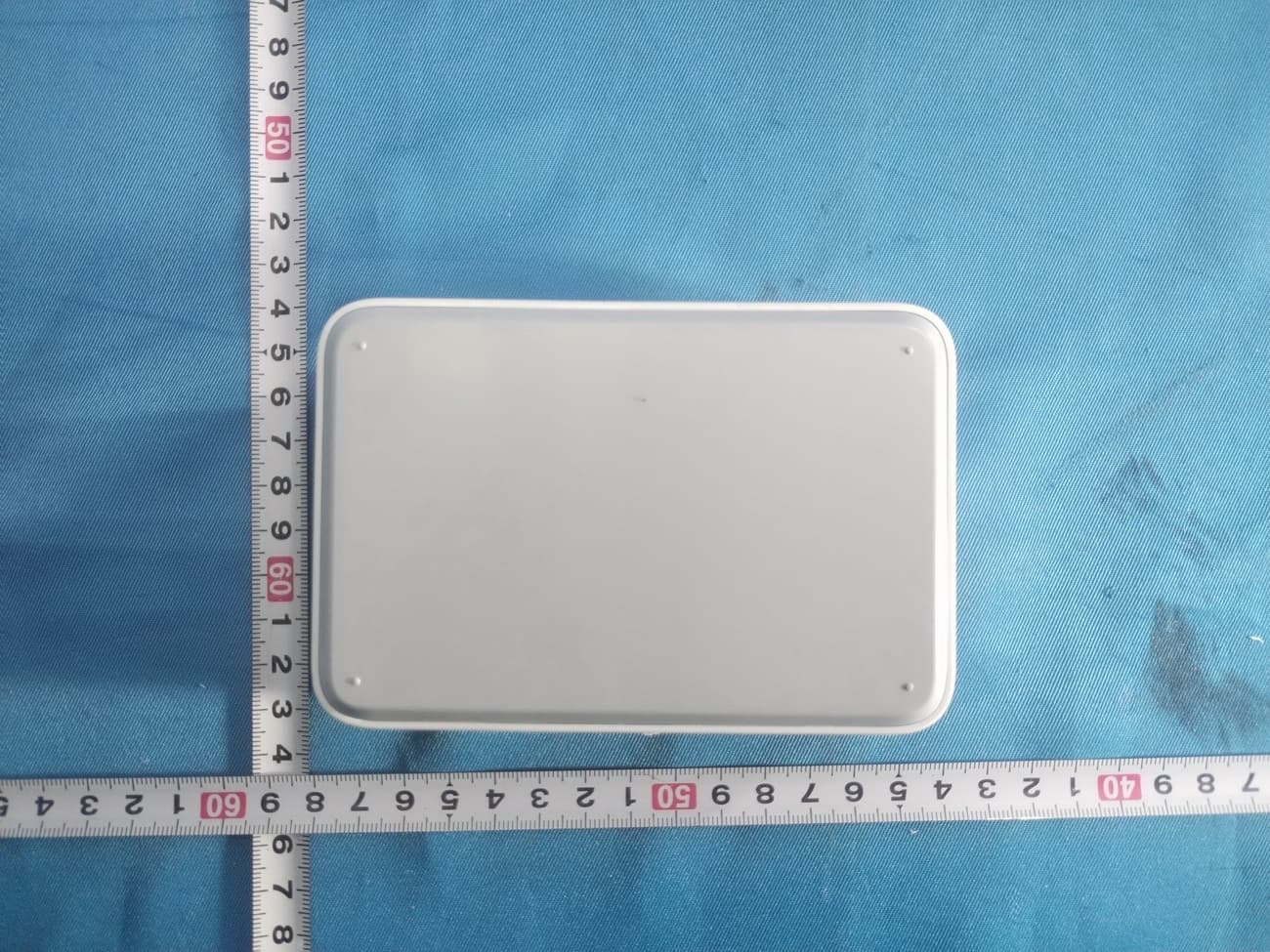
2AUTE-2TS25L
Jan 12, 20261) Portable Photo Printer, 2) Mini Photo Printer, 3) Dye-Sublimation Photo Printer, 4) Photo Printer
Equipment Class
DTS - Digital Transmission System