A7RM2D3ADVD-RW/VCR TV Interface Device
ORION ELECTRIC CO., LTD.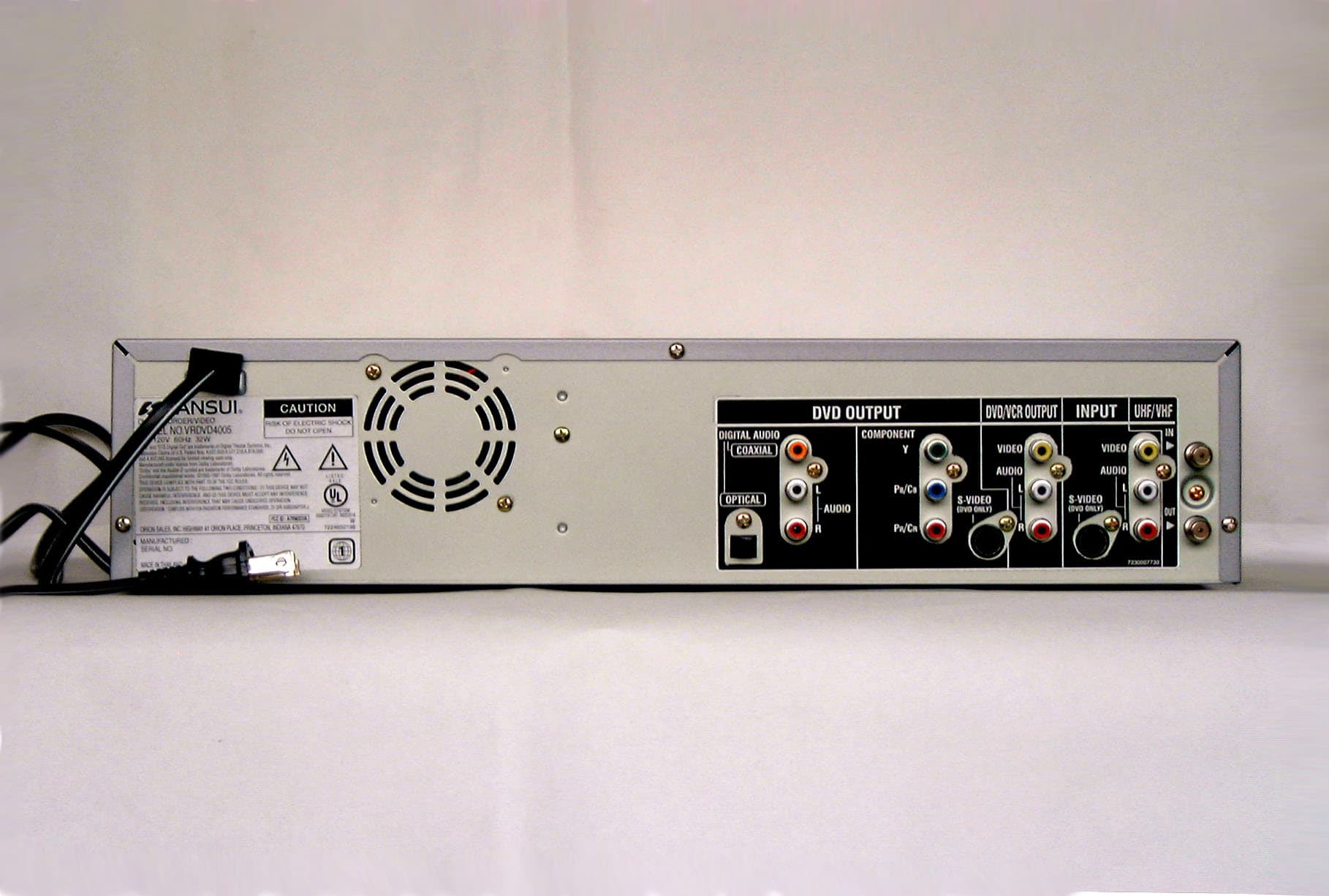
Click to zoom
Application Details
- Equipment Class
- HID - Part 15 TV Interface Device
- Date of Grant
- Aug 26, 2003
- Application Purpose
- Original Equipment
- Date of Application
- Aug 26, 2003
- Equipment Note
- DVD-RW/VCR TV Interface Device
- Frequency Range
- 67.25000000 - 71.75000000
- Company
- ORION ELECTRIC CO., LTD.
- Country
- Japan
Documents & Files
Document Text
Text extracted from the exhibit documents filed with the FCC. Open a document above to read the original.
Users Manual
DVD-RW RECORDER & VCR R DVD-RW RECORDER & VCR OWNER S MANUAL Before operating the unit, please read this manual thoroughly. TV/CATV MODE SELECTION When shipped from the factory, the TV/CATV menu option is set to the “CATV” (Cable Television) mode. If not using CATV (Cable TV), set this menu option to the “TV” mode. ORION WEBSITE FOR INFORMATION ON OUR OTHER PRODUCTS, PLEASE VISIT OUR WEBSITE AT WWW.ORIONSALESINC.COM VRDVD4005 BEFORE USINGYOUR UNIT DISC PLAYBACK TAPE PLAYBACK RECORDING DUBBING VARIOUS SETTINGS ADDITIONAL INFORMATION EDITING OF THE DISC , hyoushi03.8.20, 11:23 PM1 2 Contents Contents ........................................................ 2 Sansui Dual Deck DVD Recorder ................. 4 Warranty ..................................................... 4 Master Protection Agreements ................... 4 Before using your unit Caution.......................................................... 5 Important Safeguards.................................... 6 Disc ............................................................... 9 Handling discs ............................................ 9 Discs which can be played back ................. 9 Discs on which video can be recorded ...... 10 Recording format....................................... 10 Disc playback in other players .................. 11 Parts and functions ...................................... 12 Front......................................................... 12 Rear.......................................................... 12 Display window ......................................... 13 Remote control.......................................... 14 Power source ............................................ 15 Antenna connections................................... 16 CATV connections ....................................... 18 Connections with the TV or audio component.... 20 Auto clock setting ........................................ 22 Setting the video channnel ........................... 22 Disc playback Playback procedure..................................... 23 Playback by selecting a title ........................ 24 Checking media information......................... 25 Special playback .......................................... 26 Fast forword playback ............................... 26 Review playback....................................... 26 Still playback ............................................ 26 Frame advance ......................................... 26 Slow motion playback ............................... 26 Locating a chapter or track ........................ 26 Commercial skip ....................................... 27 Locating a specific scene ......................... 27 Repeat playback.......................................... 28 One touch repeat...................................... 28 A-B repeat playback ................................. 28 Title, Chapter repeat playback .................. 28 Title selection .............................................. 29 DVD menu .................................................... 29 Changing angles.......................................... 30 Zooming....................................................... 30 Changing soundtrack................................... 31 Subtitles ...................................................... 31 Various operations on CD............................. 32 MP3/WMA/JPEG playback .......................... 34 PROGRESSIVE scan .................................. 37 Tape playback Loading and unloading.................................. 38 Cassette tape playback ............................... 39 Special playback .......................................... 40 Picture search ........................................... 40 Still picture ................................................ 40 Slow motion.............................................. 40 Frame by Frame picture............................ 40 Adjusting tracking condition ...................... 40 Repeat playback ....................................... 40 ZERO RETURN function.............................. 41 Video index search system .......................... 41 Recording Read this before recording video on disc ...... 42 Types of disc ............................................ 42 Recording modes...................................... 42 Disc remaining time .................................. 43 Images that cannot be recorded ................ 43 Recording a TV program............................... 44 One touch timer recording (OTR).................. 46 Timer recording............................................ 47 Stereo recording and playback..................... 50 Editing the disc Editing the disc ............................................ 51 Creating and editing a playlist ...................... 52 Creating a playlist ..................................... 52 Renaming the title menu........................... 53 Erasing scenes (Edit program) .................. 54 Combining the title .................................... 56 Erasing a playlist ...................................... 57 Editing original............................................. 58 Adding a chapter mark .............................. 58 Combining chapters.................................. 59 Renaming program name.......................... 60 Erasing a scene (Edit program)................. 61 Erasing the original program...................... 62 Renaming a disc name................................ 63 Renaming a disc name............................. 63 Using the keyboard screen ........................ 64 Dubbing Dubbing a tape onto a disc ........................... 66 Dubbing a disc onto a tape ........................... 67 Dubbing video or audio by connecting other equipment ................................................... 68 3 Contents Various settings SETUP MENU............................................. 69 Using the SETUP MENU .......................... 69 Setting the language................................…
Text truncated - open the document above for the full version.
Users Manual
44 Recording a TV program Preparation: •Turn ON the TV and set it to the video input mode. •Load a recordable DVD or video tape into the unit. •Press DVD/VCR to select the appropriate mode. 1 Press REC MODE/SPEED and set the re- cording mode. The recording mode will appear on the TV monitor and change every time REC MODE/SPEED is pressed. Video recording modes: SP/SLP DVD recording modes: XP/SP/LP/SLP SP is the normal recording mode for video tapes. SLP offers 3 times the recording time as SP. For more information on DVD re- cording modes, see page 42. 2 Set the TV/CATV option to the appropriate position (page78). 3 Press the numeric keys or CH / to select the channel to be recorded. 1-9Press 0 twice and then 1-9 as required. Example: To select 2, Press “002”. 10-12Press 0 first and then the remaining 2 digits in order from left to right. Example: Press 012 for “12”. 13-99Press 2 digits in order. Example: Press 22 for “22”. 100-125Press the 3 digits in order. Example: Press 110 for “110”. VHF/UHF/CATV CHANNELS 4 Press REC/OTR. When recording starts, “ ” appears on the screen for about 4 seconds. NOTES: •When record on a DVD, it takes some time from when you press REC/OTR until recording actually starts. (With a DVD-RW it takes about 2 seconds, while with a DVD-R it takes about 10 seconds.) Press REC/OTR a little before your preferred starting point. With a video tape, recording starts almost at the same time you press REC/OTR. •If the erase prevention tab of video tapes is removed, the tape will eject when REC/OTR is pressed for recording. You can record programs you watch on TV onto video tapes or DVDs. TV VHF 2-13 UHF 14-69 CATV VHF 2-13 STD/HRC/IRC 14-36 (A) (W) 37-59 (AA) (WW) 60-85 (AAA) (ZZZ) 86-94 (86) (94) 95-99 (A-5) (A-1) 100-125 (100)(125) 01 (5A) TV- VHF/UHF channels CATV - CABLE TV channels 00 : 00 : 00 SP CH 110 CH 110 INDEX VRDVD4005_P37-P5003.8.21, 1:19 AM44 45 Recording a TV program To stop recording Press STOP to stop recording. “ ” will appear on the screen for about 4 seconds. To stop recording temporarily Press PAUSE/STILL to avoid recording unwanted material. “” will appear on screen for about 4 sec- onds. Press again to resume recording. NOTES: •The pause function will be released after 5 minutes to prevent dam- age to the tape or the VCR. The VCR will change to the STOP mode. •You can select a recording channel in the recording pause mode. Recording one program while watching another While the unit is recording, press TV/VCR to select the TV position. The “VCR” will go off and recording will continue. Select the TV channel you want to watch by using the TV channel selector. NOTE: Some CATV hookups do not permit viewing one channel while record- ing another. See pages 18, 19. Auto Rewind feature This VCR will automatically rewind the tape when the tape has ended (except during OTR and TIMER REC). It will also eject the tape. VRDVD4005_P37-P5003.8.21, 1:19 AM45 46 One-touch Timer Recording (OTR) The One-touch Timer Recording feature provides a simple and con- venient way to make a timed re- cording. 00 : 00 : 00 SP CH 110 CH110 INDEX OTR0: 30 Preparation: •Turn ON the TV and set to the video input mode. •Load a recordable DVD or video tape into the unit. •Press DVD/VCR to select the appropriate mode. Example: One-touch Timer Recording for 30 minutes. 1 Press REC MODE/SPEED to select the recording mode. For the recording mode, see the step 1 on page 44. 2 Set the TV/CATV option to the appropriate position (See page 78). 3 Press numeric keys or CH / to select the channel to be recorded. 4 Press REC/OTR. Press the button again to stop recording after 30 minutes. Each additional press of REC/OTR will increase record- ing time as shown in the chart below, up to a maximum of 6 hours. The OTR and recording time will appear on the screen for about 4 seconds. To cancel OTR Press STOP or turn off the power. “ ” will appear on screen for about 4 sec- onds. TV - VHF/UHF channels CATV - CABLE TV channels Press once twice 3 times 4 times 5 times NORMAL REC 0:30 1:00 1:30 2:00 3:00 4:00 5:00 6:00 NORMAL REC Recording time Press 6 times 7 times 8 times 9 times 10 times Recording time NOTE: If you wish to watch the DVD play- back during the OTR, press DVD/ VCR to change to DVD mode and perform the DVD playback (see page 35). VRDVD4005_P37-P5003.8.21, 1:19 AM46 47 Timer recording The timer recording system allows you to select the date, time and channel and record the desired pro- grams. Up to 8 timer programs within a month can be stored in this unista Setting timer recording Preparation: •Turn ON the TV and set to the video input mode. •Load a recordable DVD or video tape. •Press DVD/VCR to select the appropriate mode. •Confirm that the clock is indicating the correct time. Example: Set the recording mode to LP; the TV program is on channel 6 starting at 8:00 PM and stopping at 9:30 PM on a date of 20th. 1 Press SETUP. The SETUP MENU screen appears. NOTES: • If a tape is unavailable or no disc space is available, the timer indica- tor ( ) flashes. Replace it with an available one. •If no disc is loaded in the recorder for 30 minutes or more, all the set- tings for timer recording will be erased. In such a case, adjust the clock and select the timer recording again. •When 8 programs have already se- lected for timer recording, “NEW” doesn’t appear on the TIMER REC SET screen. 2 Press or to select “TIMER REC SET” and press ENTER. The TIMER REC SET screen will appear. 3 Press or to select “NEW” and press ENTER. The program screen will appear. ENTER/ SELECT CLEAR/ CANCEL RETURNBACKEND SELECT SETUP CANCEL ENTER TIMER REC SET RECREC TOMORECHENDSTARTDATETYPE NEW SETUP MENU TIMER REC SET SYSTEM SETUP AV SETUP REC SETUP CH SETUP OTHER SETUP MENU ENTER/ SELECT RETURNBACKEND SELECT SETUP ENTER TIMER REC SET RECREC TOMORE TYPE DATE START END CH REC TO REC MODE EVERY SUN 000 DVD XP OK 11,08,03(--) 02:17 03:17 SETUP MENU ONCE EVERY SUN EVERY MON EVERY TUE EVERY WED EVERY THU EVERY FRI MON-FRI VR…
Text truncated - open the document above for the full version.
ID Label/Location Info
ATTACHMENT J-1 FCC ID: A7RM2D3A FCC IDENTIFIER (§2.926) & LABELING REQUIREMENT(§15.19) --- Labeling BACK VIEW
Operational Description
CIRCUIT DESCRIPTION 1/2 This device is combined a DVD Recorder with a Video cassette recorder and operates with an AC commercial power supply.(AC120V, 60Hz) This device includes TV interface Device, Television Broadcast receiver, and Digital device of product category defined by FCC. The external connectors are equipped with Front Audio (L/R)/Video Input, Front S-VHS Input, RF input/Output, Rear Audio (L/R)/Video Input, Rear S-VHS Input, Rear Audio(L/R) /Video Output, Component Output, Optical Digital Audio Output . The circuit is composed by Power Supply Block , VCR Block, and DVD Recorder Block, if divided roughly. The explanation is as follows and the details are referred to Block Diagram. Power Supply Block: Use the switching regulator circuit and provide the power supply to each circuit. VCR Block: The circuit of this block is composed by Tuner/IF/Modulator, Luminance and Chrominance/Audio/CCD/Head Amp, System/Timer/Servo, HIFI Demodulator, Operation / Display, Motor Drive and so on. RF Modulator output is output in US 3ch or 4ch and Emission frequency is as Follows: Emission Frequency; US 3ch Video carrier: 61.25MHz Audio carrier: 65.75MHz US 4ch Video carrier: 67.25MHz Audio carrier: 71.75MHz The oscillating frequencies that is used this block are the follows: 14.318MHz-----VCR System Control IC Clock 10MHz----VCR System Control IC Clock 32.768KHz--- VCR System Control IC Clock 3.579545MHz---Luminance and Chrominance IC Clock DVD Recorder Block: The circuit of this block is composed by AV Encorder, MPEG, Memory, ATAPI, FPGA, Video Decorder, Audio ADC, Audio DAC and so on. (2/2) This block includes a control device for the reading , writing and rewriting of Disc, a signal processing part, Decorder/Encorder parts and a control part. The oscillating frequencies that is used this block are the follows: 135MHz--- SD-RAM Clock (RAMCLK) 27MHz--- MPEG Master Clock (GCLK) 18.4327MHz--- Audio Master Clock (AMCLK) 3.072MHz---Audio bit Clock (ABCLK) 48kHz---Audio L/R Clock (ALRCLK) 81MHz----Master Clock(MCLK) 32.11MHz---Video Decorder Cloc 27MHz---Video Clock(VIDCLK)
Test Report
Test report No. : 24AE0029-YW-1 Page : 2 of 113 Date of issue : August 21, 2003 UL Apex Co., Ltd. Yokowa EMC Lab. 108 Yokowa-cho, Ise-shi, Mie-ken 516-1106 JAPAN Telephone: +81 596 39 1485 Facsimile: +81 596 39 0232 Contents Page Section 1 : Client information 3 Section 2 : Equipment under test (E.U.T.) 3 Section 3 : Test specification, procedures & results 4 Section 4 : Operation of E.U.T. during tests 6 Section 5 : Conducted emission 7 Section 6 : Radiated emission 10 Section 7 : Antenna terminal voltage 13 Section 8 : RF output level / spurious emission 14 Section 9 : Antenna transfer switch 15 Section 10 : Picture sensitivity 16 Section 11 : Noise figure 17 Contents of Appendixes 18 Appendix 1 : Photographs of test set up 19 Appendix 2 : Data of EMI tests 26 Appendix 3: Test instruments 113 Test report No. : 24AE0029-YW-1 Page : 3 of 113 Date of issue : August 21, 2003 UL Apex Co., Ltd. Yokowa EMC Lab. 108 Yokowa-cho, Ise-shi, Mie-ken 516-1106 JAPAN Telephone: +81 596 39 1485 Facsimile: +81 596 39 0232 Section 1 : Client information Company name : Orion Electric Co., Ltd. Address : 41-1 Iehisa-cho, Takefu-shi, Fukui-ken, 915-8555 JAPAN Telephone number : +81 778 23 0019 Facsimile number : +81 778 23 7799 Contact person : Hiroshi Tsujimoto Section 2 : Equipment under test (E.U.T.) 2.1 Identification of E.U.T. Type of equipment : DVD-RW/VCR Brand Name : SANSUI Model number : VHDVD4005 Rating : AC 120 V / 60 Hz Manufacturer : 1. World Electric (Thailand) Ltd. 236 Moo 2 Nongchark, Banbung, Chonburi 20170, Thailand 2. Korat Denki Ltd. 149 Moo 10 Tambol Chokchai, Amphur Chokchai, Nakhonratchasima 30190, Thailand 228 Moo 3 Tambol Nongbuasala, Amphur Muang, Nakhonratchasima 30000, Thailand 3. Orion America, Inc. Hwy 41 North, Orion Place, Princeton, Indiana 47670, U.S.A Receipt Date of Sample : August 2, 2003 Condition of EUT : Production Prototype 2.2 Product description Model: VHDVD4005 (referred to as the EUT in this report) is a DVD-RW/VCR. The EUT specifications is as follows. Tuner type : Quartz PLL frequency synthesized I / F : 45.75 MHz (Picture), 41.25 MHz (Sound) Receiving channel : VHF 2 – 13 ch / UHF 14 – 69 ch / CATV 1 – 125 ch Antenna input : 75 ohm Video signal : NTSC color Power source : AC 120 V / 60 Hz, 32W I / O terminal (Video) : RCA in 1Vp-p 75 ohm, RCA out 1 Vp-p 75 ohm I / O terminal (Audio) : RCA in –8 dB 47 k ohm, RCA out –8 dB 1 k ohm 2.3 Similar apparatus There is no similar apparatus. Test report No. : 24AE0029-YW-1 Page : 4 of 113 Date of issue : August 21, 2003 UL Apex Co., Ltd. Yokowa EMC Lab. 108 Yokowa-cho, Ise-shi, Mie-ken 516-1106 JAPAN Telephone: +81 596 39 1485 Facsimile: +81 596 39 0232 Section 3 : Test specification, procedures and results 3.1 Test specification Test specification : FCC Part 15 Subpart B Title : FCC 47 CFR Part 15 Radio Frequency Device Subpart B Unintentional Radiators Test Specification : ICES-003 Issue No. 3 Title : Spectrum Management Interference-Causing Equipment Standard Digital Apparatus *ICES-003 (Issue No. 3) is based on FCC Part 15. 3.2 Procedures & results Item Test procedure Limits Worst margin Result Conducted emission ANSI C63.4:2001 IEEE 213:1987 CISPR 22 15.9 dB (0.7091 MHz, 0.7075 MHz, 0.7498 MHz) Complied Radiated emission ANSI C63.4:2001 IEEE 187:1990 30–88 MH: 100 uV/m 88–216 MHz: 150 uV/m 216–960 MHz: 200 uV/m above 960 MHz: 500 uV/m 6.0 dB (202.75 MHz, 216.00 MHz) Complied Antenna terminal voltage ANSI C63.4:2001 2 nW (at 75 ohm) 21.6 dB (789.57501 MHz) Complied RF output level Video signal: 3000 uV Aural signal: 671 uV 3.5 dB (61.25 MHz) Complied Spurious emission ANSI C63.4:2001 94.8 uV 21.2 dB (833.150 MHz) Complied Transfer switch ANSI C63.4:2001 9.5 dB 2.3 dB (134.500 MHz) Complied Picture sensitivity ANSI C63.4:2001 8 dB 3.8 dB Complied Noise figure FCC/OET MP:2:1986 14 dB 6.9 dB (651.25 MHz) Complied For ICES 003, only the tests, which relate to the digital device of conducted emission and radiated emission, were performed. 3.3 Additions or deviations to standard No addition, deviation or exclusion has been made from standards. 3.4 Confirmation UL Apex Co., Ltd. hereby confirms that E.U.T., in the configuration tests, complies with the specifications FCC Part15 Subpart B and ICES-003 Issue No. 3. Test report No. : 24AE0029-YW-1 Page : 5 of 113 Date of issue : August 21, 2003 UL Apex Co., Ltd. Yokowa EMC Lab. 108 Yokowa-cho, Ise-shi, Mie-ken 516-1106 JAPAN Telephone: +81 596 39 1485 Facsimile: +81 596 39 0232 3.5 Uncertainty Conducted emission (150 kHz – 30 MHz) The measurement uncertainty (with a 95% confidence level) for this test was ± 1.74 dB. The data listed in this test report has enough margin, more than site margin. Radiated emission The measurement uncertainty (with a 95% confidence level) for this test using Biconical antenna is ±4.4 dB. The measurement uncertainty (with a 95% confidence level) for this test using Logperiodic antenna is ±4.8 dB. The measurement uncertainty (with a 95% confidence level) for this test using Horn antenna is ±5.8 dB. The data listed in this test report has enough margin, more than site margin. Antenna terminal voltage The measurement uncertainty (with a 95% confidence level) for this test was ± 3.48 dB. The data listed in this test report has enough margin, more than site margin. RF output level test / spurious emission test The measurement uncertainty (with a 95% confidence level) for this test was ± 3.48 dB. The data listed in this test report has enough margin, more than site margin. Antenna transfer switch The measurement uncertainty (with a 95% confidence level) for this test was ± 3.48 dB. The result is within Yokowa EMC lab’s uncertainty. Picture sensitivity test The measurement uncertainty (with a 95% confidence level) for this test was ± 1.0 dB. The data listed in this test report has enough margin, more than site margin. Noise Figure Test The measurement uncertainty (with a 95% confidence level) for this test was ± 1.2 dB. The data listed in this test report …
Text truncated - open the document above for the full version.
Test Setup Photos
Test report No. : 24AE0029-YW-1 Page : 19 of 113 Date of issue : August 21, 2003 UL Apex Co., Ltd. Yokowa EMC Lab. 108 Yokowa-cho, Ise-shi, Mie-ken 516-1106 JAPAN Telephone: +81 596 39 1485 Facsimile: +81 596 39 0232 Conducted emission Test report No. : 24AE0029-YW-1 Page : 20 of 113 Date of issue : August 21, 2003 UL Apex Co., Ltd. Yokowa EMC Lab. 108 Yokowa-cho, Ise-shi, Mie-ken 516-1106 JAPAN Telephone: +81 596 39 1485 Facsimile: +81 596 39 0232 Radiated emission Test report No. : 24AE0029-YW-1 Page : 21 of 113 Date of issue : August 21, 2003 UL Apex Co., Ltd. Yokowa EMC Lab. 108 Yokowa-cho, Ise-shi, Mie-ken 516-1106 JAPAN Telephone: +81 596 39 1485 Facsimile: +81 596 39 0232 Antenna terminal voltage Test report No. : 24AE0029-YW-1 Page : 22 of 113 Date of issue : August 21, 2003 UL Apex Co., Ltd. Yokowa EMC Lab. 108 Yokowa-cho, Ise-shi, Mie-ken 516-1106 JAPAN Telephone: +81 596 39 1485 Facsimile: +81 596 39 0232 RF output level / spurious emission Test report No. : 24AE0029-YW-1 Page : 23 of 113 Date of issue : August 21, 2003 UL Apex Co., Ltd. Yokowa EMC Lab. 108 Yokowa-cho, Ise-shi, Mie-ken 516-1106 JAPAN Telephone: +81 596 39 1485 Facsimile: +81 596 39 0232 Antenna transfer switch Test report No. : 24AE0029-YW-1 Page : 24 of 113 Date of issue : August 21, 2003 UL Apex Co., Ltd. Yokowa EMC Lab. 108 Yokowa-cho, Ise-shi, Mie-ken 516-1106 JAPAN Telephone: +81 596 39 1485 Facsimile: +81 596 39 0232 Picture sensitivity Test report No. : 24AE0029-YW-1 Page : 25 of 113 Date of issue : August 21, 2003 UL Apex Co., Ltd. Yokowa EMC Lab. 108 Yokowa-cho, Ise-shi, Mie-ken 516-1106 JAPAN Telephone: +81 596 39 1485 Facsimile: +81 596 39 0232 Noise figure
Contact Information
Applicant
Akira Kohori(General Manager)
Technical Contact
UL Apex Co., Ltd.Mayuki Tanaka
[email protected]+81-596-39-1485
108 Yokowa-cho · Ise-shi, Mie-ken · Japan
Test Firm
UL Apex Co., Ltd.Tetsuya Hashimoto
Technical Specifications
| # | Rule Parts | Frequency Range | Power Output |
|---|---|---|---|
| 2 | 15B | 67.25 MHz - 71.75 MHz | - |
Other Applications from ORION ELECTRIC CO., LTD.
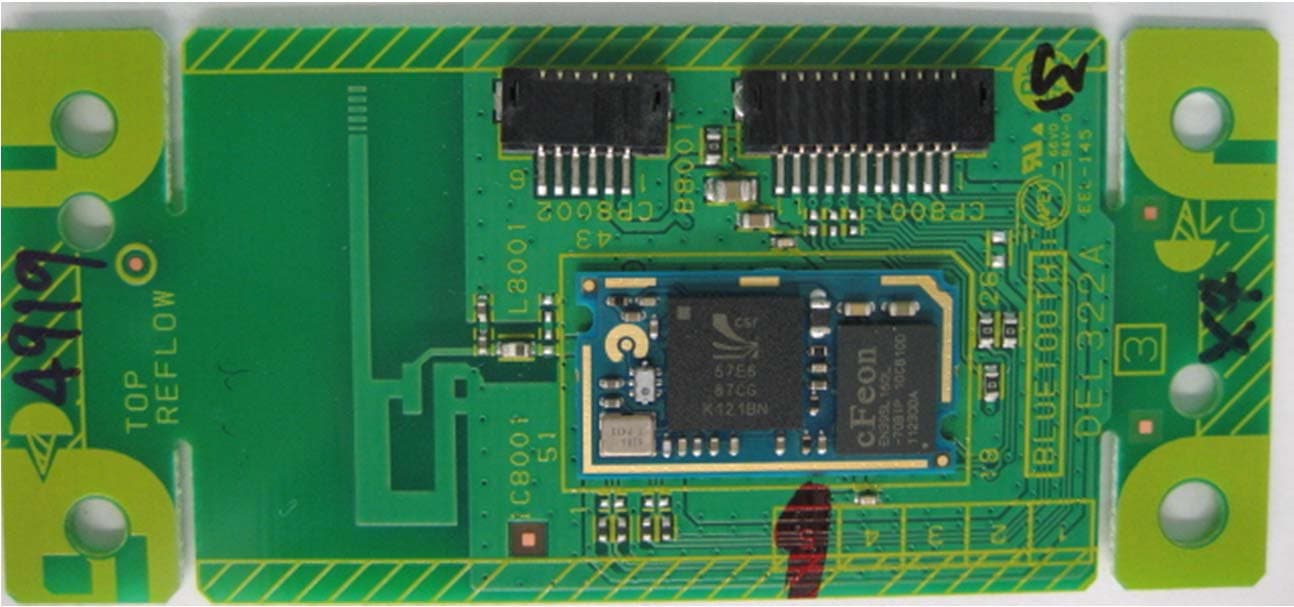
A7RM115A
Jul 16, 2012BLUETOOTH MODULE
Equipment Class
DSS - Part 15 Spread Spectrum Transmitter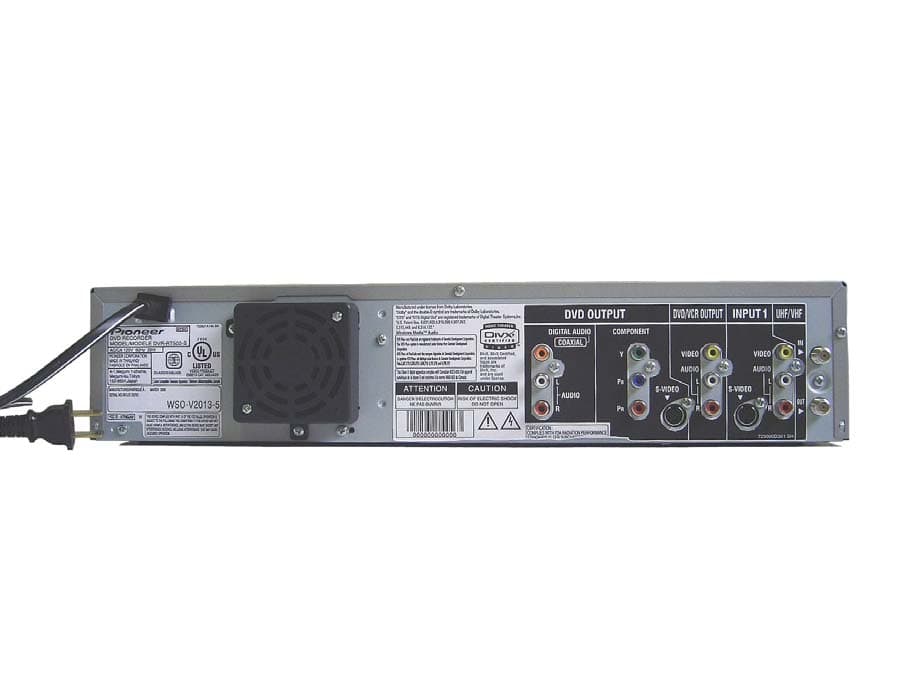
A7RM2J4B
May 23, 2006DVD / VCR TV Interface Device
Equipment Class
HID - Part 15 TV Interface Device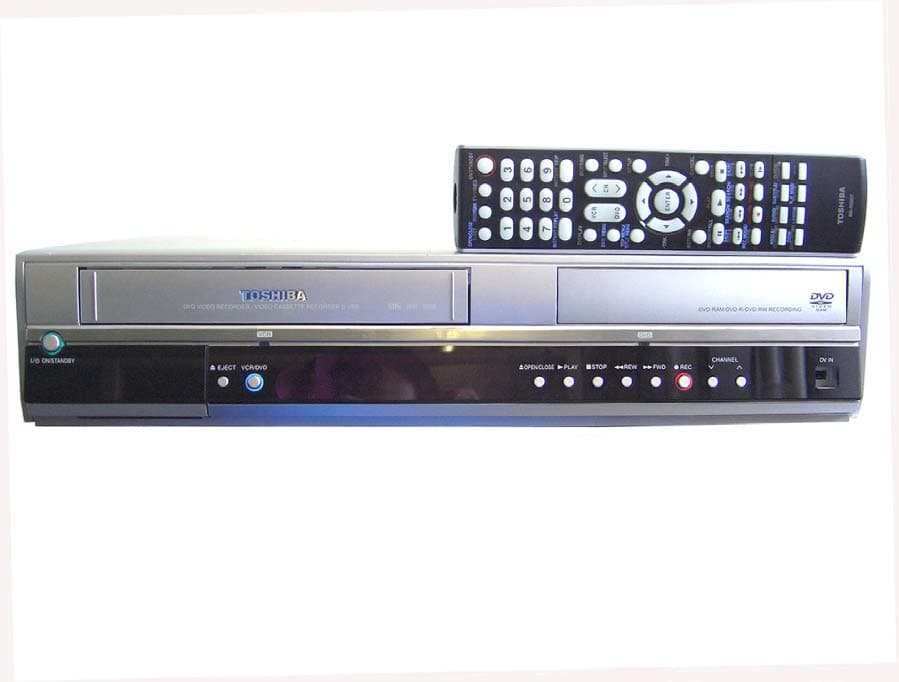
A7RM2J4A
Apr 11, 2006DVD / VCR TV Interface Device
Equipment Class
HID - Part 15 TV Interface Device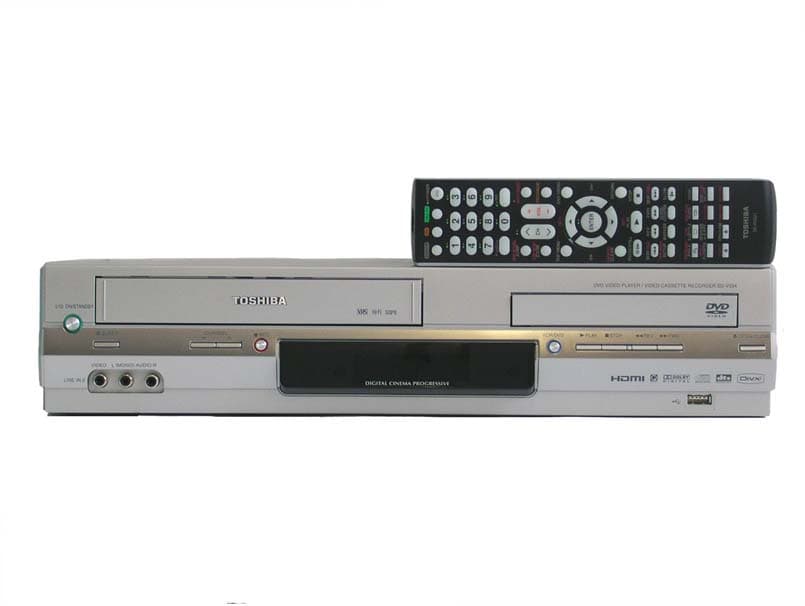
A7RM2I4A
Jan 26, 2006DVD / VCR TV Interface Device
Equipment Class
HID - Part 15 TV Interface Device
A7RM2I3A
Dec 06, 2005DVD/VCR TV Interface Device
Equipment Class
HID - Part 15 TV Interface Device