AAO3301186T900 MHz Stereo Transmitter
RadioShack Corporation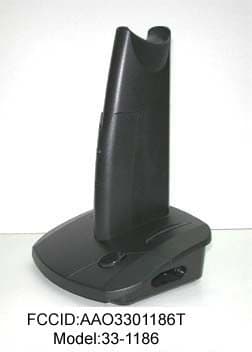
Click to zoom
Application Details
- Equipment Class
- DXX - Part 15 Low Power Communication Device Transmitter
- Date of Grant
- Jan 17, 2001
- Application Purpose
- Original Equipment
- Date of Application
- Jan 17, 2001
- Equipment Note
- 900 MHz Stereo Transmitter
- Frequency Range
- 911.50000000 - 918.50000000
- Company
- RadioShack Corporation
- Country
- United States
Documents & Files
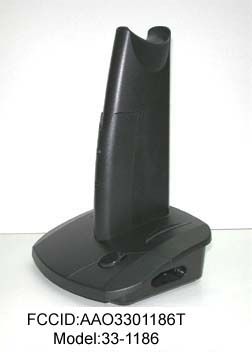
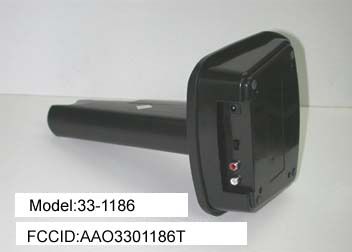
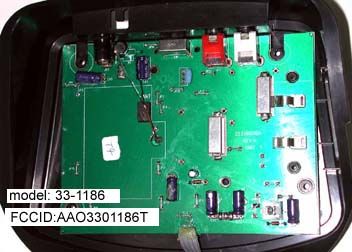
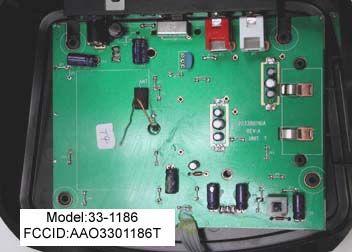
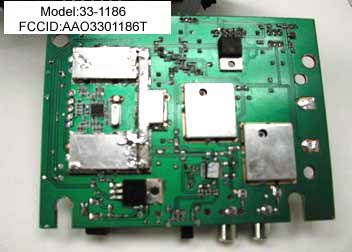
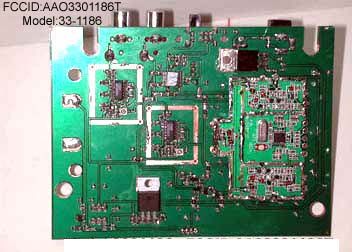
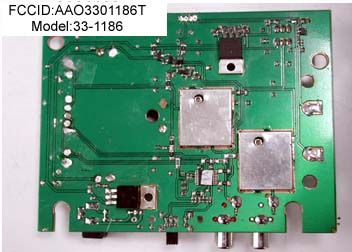
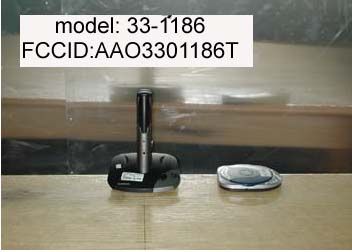
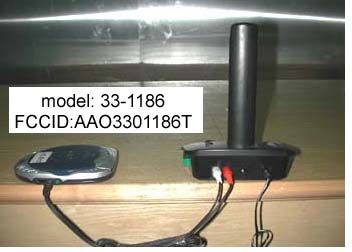
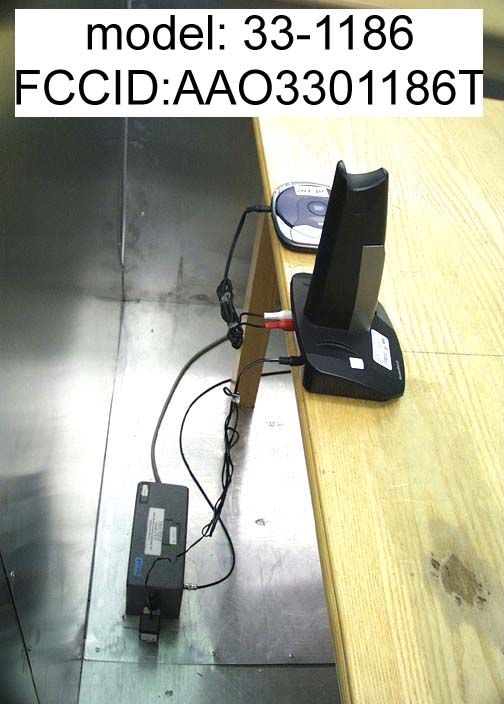
Document Text
Text extracted from the exhibit documents filed with the FCC. Open a document above to read the original.
Users Manual
OWNER’S MANUAL — Please read before using this equipment. © 2000 RadioShack Corporation. All Rights Reserved. RadioShack and RadioShack.com are trademarks used by RadioShack Corporation. 900 MHz Wireless Stereo Headphones Your RadioShack Rechargeable 900 MHz Wireless Stereo Headphones use the 900 MHz band to deliver high-quality stereo sound to almost anywhere in or around your home. Your headphones’ three selectable channels, PLL (Phase-Locked Loop) circuitry and built-in antenna give you precise tuning, so you can enjoy your favorite sounds with- out disturbing others while you exercise or work around your yard or house — up to 150 feet away from your stereo. Power/Transmitter Indicator — lights green when the AC adapter is correctly plugged in and turns amber when the trans- mitter is on. Charging Indicator — lights red when the battery is charging. THE FCC WANTS YOU TO KNOW Your headphones might cause TV or radio interference even when they are operating properly. To determine whether your head- phones are causing the interference, turn off the headphones. If the interference goes away, your headphones are causing the in- terference. Try to eliminate the interference by: • moving your headphones’ transmitter away from the receiver • connecting your headphones’ transmit- ter to an outlet that is on a different elec- trical circuit from the receiver • contacting your local RadioShack store for help If you cannot eliminate the interference, the FCC requires that you stop using your head- phones. Warning: Changes or modifications to this unit not expressly approved by the party re- sponsible for compliance could void the us- er’s authority to operate the unit. Notes: • This equipment has been tested and found to comply with the limits for a Class B digital device, pursuant to Part 15 of the FCC Rules. These limits are designed to provide reasonable protec- tion against harmful interference in a residential installation. This equipment generates, uses and can radiate radio frequency energy and, if not installed and used in accordance with the instruc- tions, may cause harmful interference to radio communications. • Your headphones are subject to interfer- ence from other devices, such as cord- less phones, wireless speakers, and other wireless headphones that operate on the same frequencies. If you experi- ence interference, try moving the head- phones away from the other device. PREPARATION Choosing a Location Many factors affect the range of your system. To achieve the best performance: • Position the transmitter as far as possi- ble from other electronic devices such as TVs, receivers, or VCRs. Radio inter- 33-1186.fm Page 1 Tuesday, October 31, 2000 4:48 PM 2 ference from these devices could affect your system’s performance. • Position the transmitter away from large metal objects, as these could block your transmitter’s signals. • Try several locations for the transmitter. Select the location that provides the best performance. Your system’s overall performance depends on your home’s construction method, the oth- er devices near the system, and other radio frequency sources in your home (such as cordless telephones). Using AC Power Use the supplied 12V, 250mA AC adapter to connect the transmitter to AC power. Cautions: • You must use a Class 2 power source that supplies 12 volts DC and delivers at least 250mA. Its center tip must be set to positive and its plug must fit the transmit- ter's DC 12V jack. The supplied adapter meets these specifications. Using an adapter that does not meet these specifi- cations could damage the transmitter or the adapter. • Always connect the AC adapter to the transmitter before you connect it to AC power. When you finish, disconnect the adapter from AC power before you dis- connect it from the transmitter. Plug the supplied AC adapter’s barrel plug into the transmitter’s DC 12V jack, then plug the adapter into a standard AC outlet. Charging the Rechargeable Battery Packs To power the headphones, use the supplied nickel-metal-hydride rechargeable battery packs. There are two batteries supplied, so you can alternately charge one and use the other. Your transmitter has a built-in charger to charge the rechargeable battery pack. When the headphones are not in use, the battery pack can be continuously charged over sever- al days. Before using your headphones for the first time, you must charge the battery pack for at least 24 hours. If the headphones’ range de- creases, you do not hear sound from the au- dio source, or the headphones’ POWER indicator is blinking, recharge the batteries. It takes 12 to 14 hours to completely recharge the batteries. To charge the battery pack, plug it into the transmitter’s charging portal. The battery pack automatically be- gins charging and the CHARGE indica- tor lights. When charging is complete, unplug the bat- tery pack. The indicator turns off. Note: You can charge the battery pack with the transmitter set to on or off. Installing a Battery Pack 1. Remove the battery com- partment cover on the left earpiece by pressing the sides of the cover and lifting it off. Battery Pack Charging Portal POWER 33-1186.fm Page 2 Tuesday, October 31, 2000 4:48 PM 3 2. Place the battery pack in the compart- ment so its metal plates contact the metal tabs inside the compartment. 3. Replace the cover. Warning: Dispose of old batteries promptly and properly. Do not burn or bury them. Caution: When you replace the battery, use a RadioShack replacement battery pack. Note: When the headphones stop operating properly, replace or recharge the battery pack. Connecting to an Audio Source To connect the transmitter to your audio source, connect one end of the supplied ste- reo audio cable to the transmitter’s R/AUDIO IN (red plug) and L/AUDIO IN (white plug) jacks. Then plug the other ends into the audio source's audio output or headphone jacks. 1. To operate the transmitter, press POWER . The power indicator turns amber. 2. Press POWER to switch t…
Text truncated - open the document above for the full version.
Test Report
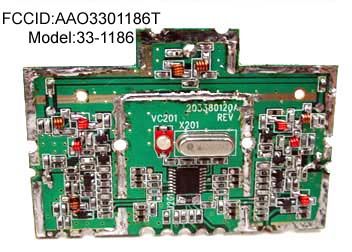
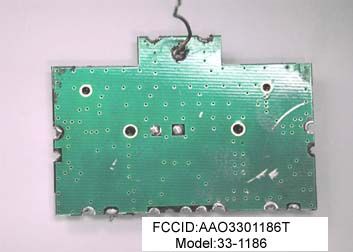
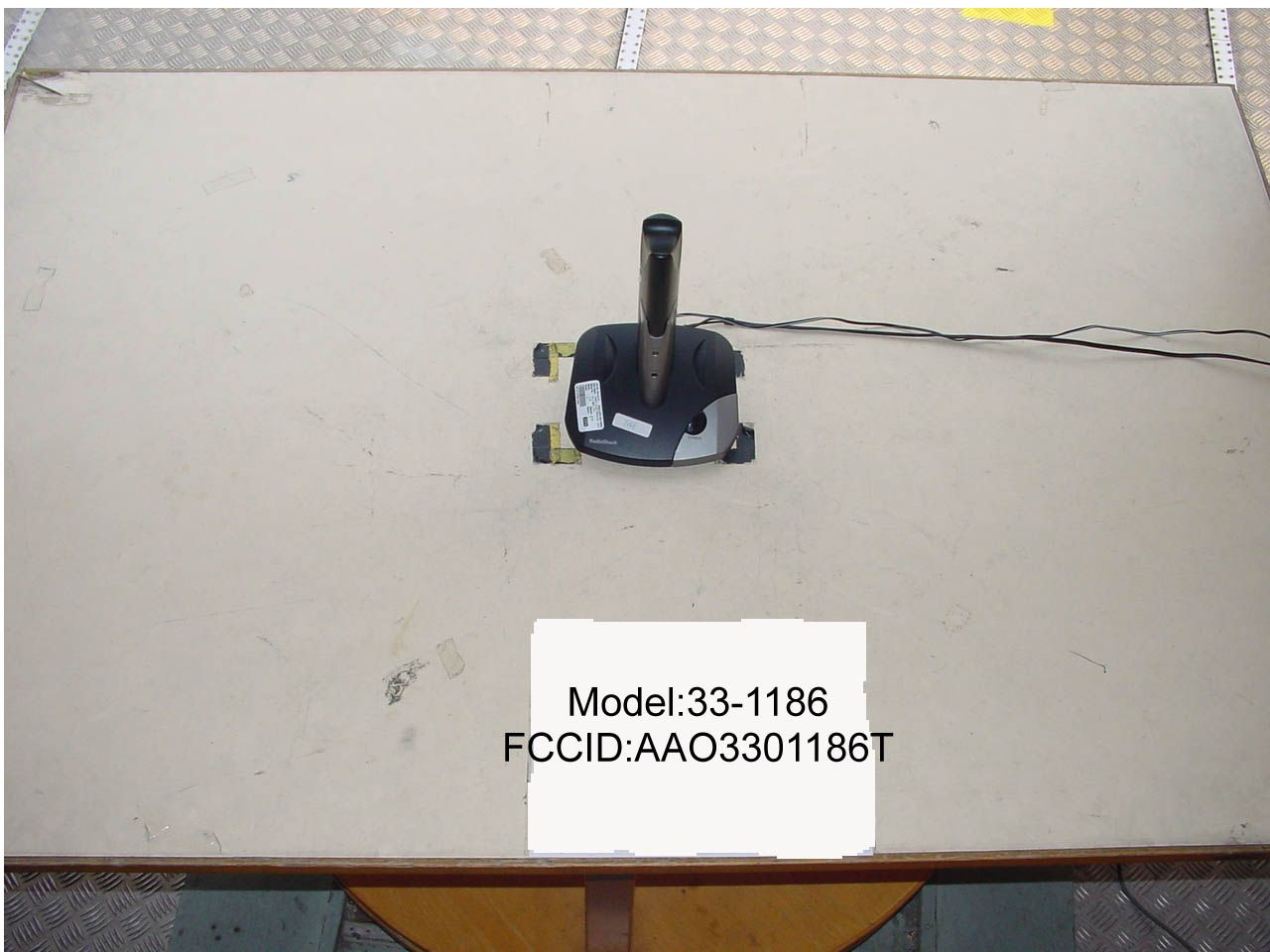
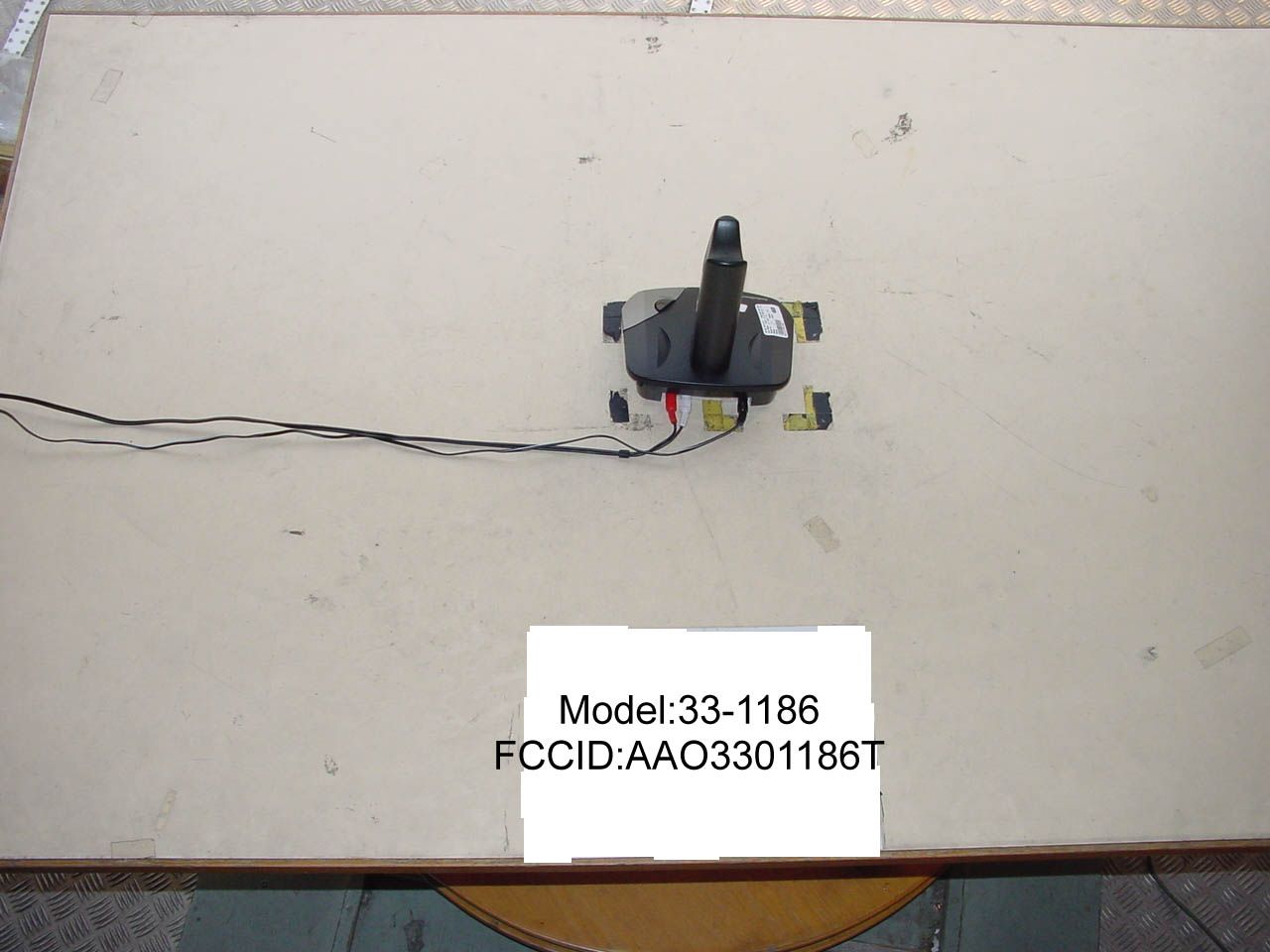
• The test results rep orted in this test rep ort shall refer only to the samp le actually tested and shall not refer or be deemed to refer to bulk from which such a samp le may be said to have been obtained. • This rep ort shall not be rep roduced excep t in full without p rior authorization from Intertek Testing Services Hong Kong Limit ed Inte rte k Te sting Se rvice s Hong Kong Ltd. 2/F., Garment Centre, 576 Castle Peak Road, Kowloon, Hong Kong. Tel: (852) 2173 8888 Fax: (852) 2745 8306 RadioShack Corporation Application For Certification (FCC ID: AAO3301186T) Transmitter WO# 0010127 DY/sc 17 November, 2000 FCC ID: AAO3301186T INTERTEK TESTING SERVICES FCC ID: AAO3301186Ti LIST OF EXHIBITS INTRODUCTION EXHIBIT 1 :General Description EXHIBIT 2 :System Test Configuration EXHIBIT 3 :Emission Results EXHIBIT 4 :Equipment Photographs EXHIBIT 5 :Product Labelling EXHIBIT 6 :Technical Specifications EXHIBIT 7 :Instruction Manual EXHIBIT 8 :Miscellaneous Information INTERTEK TESTING SERVICES FCC ID: AAO3301186Tii MEASUREMENT/TECHNICAL REPORT RadioShack Corporation - MODEL: RadioShack 33-1186 FCC ID: AAO3301186T This report concerns (check one:)Original Grant X Class II Change _____ Equipment Type: Low Power Transmitter (example: computer, printer, modem, etc.) Deferred grant requested per 47 CFR 0.457(d)(1)(ii)?Yes No X If yes, defer until: date Company Name agrees to notify the Commission by: date of the intended date of announcement of the product so that the grant can be issued on that date. Transition Rules Request per 15.37?Yes No X If no, assumed Part 15, Subpart B for unintentional radiator - the new 47 CFR [10-1-96 Edition] provision. Report prepared by:Daniel Yau Intertek Testing Services Hong Kong Ltd. 2/F., Garment Centre, 576, Castle Peak Road, Kowloon, Hong Kong Phone:852-2173-8542 Fax:852-2371-0914 INTERTEK TESTING SERVICES FCC ID: AAO3301186Tiii Table of Contents 1.0 General Description ................................................................................................................ 2 1.1 Product Description............................................................................................................. 2 1.2 Related Submittal(s) Grants.................................................................................................2 1.3 Test Methodology................................................................................................................ 3 1.4 Test Facility......................................................................................................................... 3 2.0 System Test Configuration ...................................................................................................... 5 2.1 Justification.......................................................................................................................... 5 2.2 EUT Exercising Software ....................................................................................................5 2.3 Special Accessories ............................................................................................................. 5 2.4 Equipment Modification......................................................................................................6 2.5 Support Equipment List and Description ............................................................................ 6 3.0 Emission Results ...................................................................................................................... 8 3.1 Field Strength Calculation ................................................................................................... 9 3.1 Field Strength Calculation (cont’d) ................................................................................... 10 3.2 Radiated Emission Configuration Photograph .................................................................. 11 3.3 Radiated Emission Data .................................................................................................... 12 3.4 Conducted emission Configuration Photograph ................................................................ 15 3.5 Conducted Emission Data ................................................................................................. 17 4.0 Equipment Photographs ....................................................................................................... 19 5.0 Product Labelling .................................................................................................................. 21 6.0 Technical Specifications ........................................................................................................ 23 7.0 Instruction Manual ................................................................................................................ 25 8.0 Miscellaneous Information ................................................................................................... 27 8.1 Measured Bandwidth.........................................................................................................28 8.2 Discussion of Pulse Desensitization .................................................................................. 29 8.3 Calculation of Average Factor .......................................................................................... 30 8.4 Emissions Test Procedures ................................................................................................ 31 8.4 Emissions Test Procedures (cont'd)................................................................................... 32 INTERTEK TESTING SERVICES FCC ID: AAO3301186Tiv List of attached file Exhibit typeFile Descriptionfilename Cover LetterLetter of Agencyletter.pdf Test ReportTest Reportreport.doc Operation DescriptionTechnical Descriptiondescri.pdf Test Setup PhotoRadiated Emissionradiated1.jpg, radiated2.jpg Conduct EmissionConduct Emissionconduct1.jpg, conduct2.jpg, conduct3.jpg Test ReportConducted Emission Test …
Text truncated - open the document above for the full version.
Contact Information
Applicant
Elizabeth Granados(Regulatory Affairs Manager)
Technical Contact
Intertek Testing Services Hong Kong Ltd.Daniel Yau
[email protected]852-2173-8542
2/F., Garment Centre, · Kowloon · Hong Kong
Non-Technical Contact
Intertek Testing Services Hong Kong Ltd.Daniel Yau
[email protected]852-2173-8542
Test Firm
Intertek Testing Services Hong KongBilly Chow
Technical Specifications
| # | Rule Parts | Frequency Range | Power Output |
|---|---|---|---|
| 1 | 15C | 911.5 MHz - 918.5 MHz | - |
Other Applications from RadioShack Corporation
AAO2302500
Feb 10, 2015Bluetooth Power Bank
Equipment Class
DXX - Part 15 Low Power Communication Device Transmitter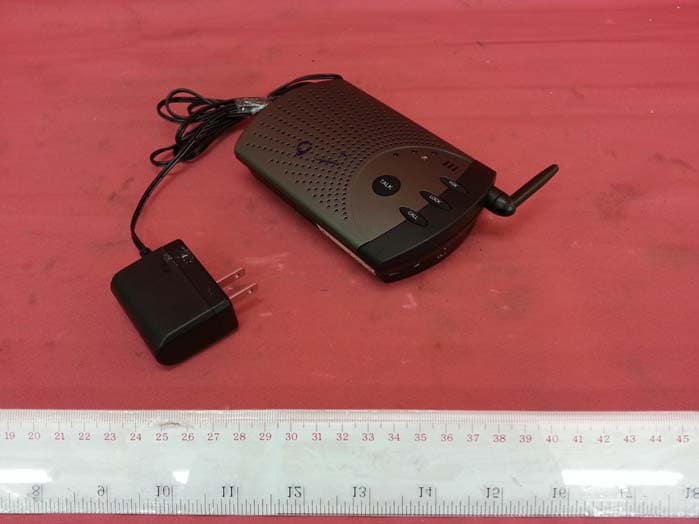
AAO4300124C
May 02, 2013900MHz Wireless Intercom
Equipment Class
DXT - Part 15 Low Power Transceiver, Rx Verified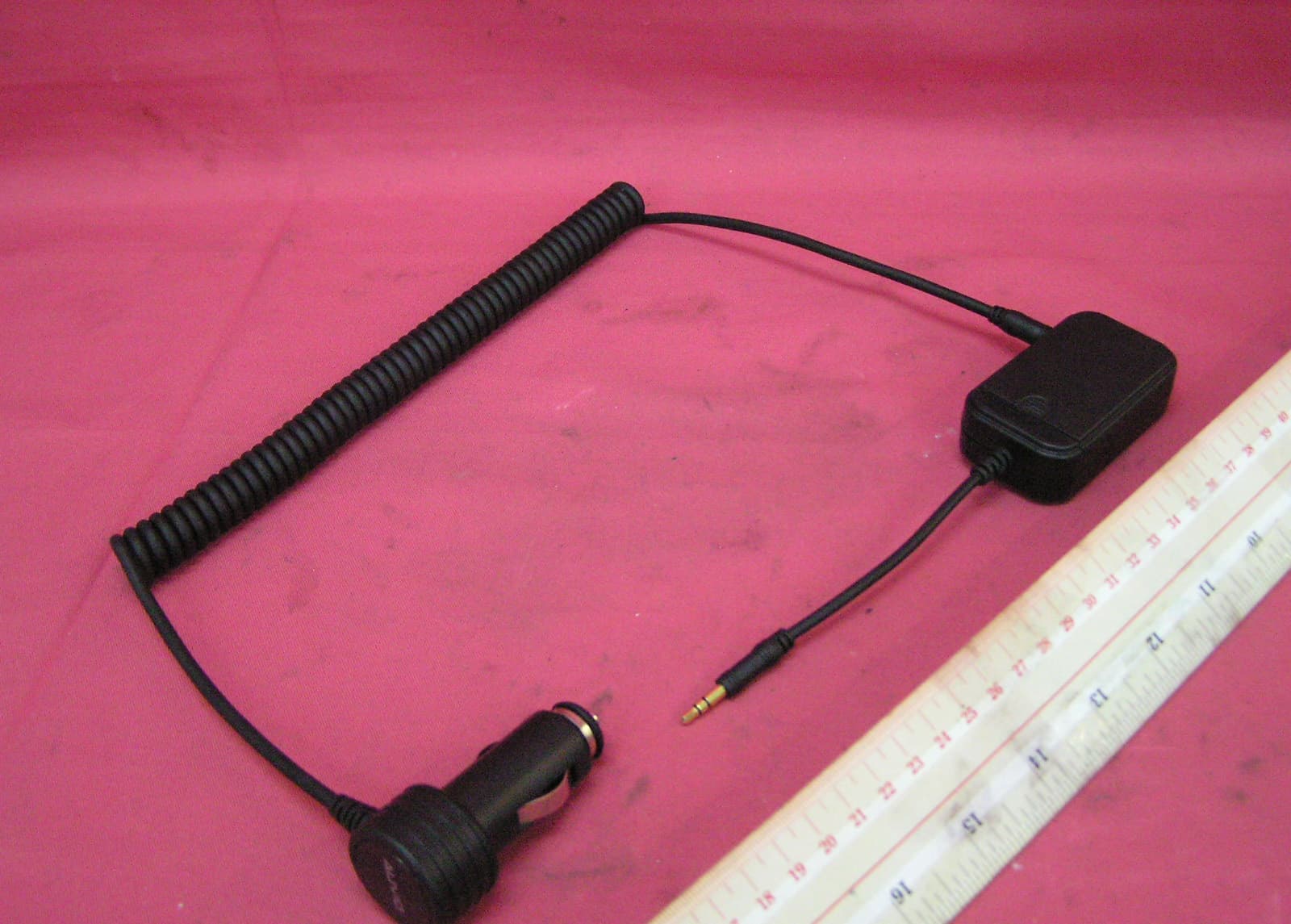
AAO1200876
Nov 30, 2011Universal FM Transmitter
Equipment Class
DXX - Part 15 Low Power Communication Device Transmitter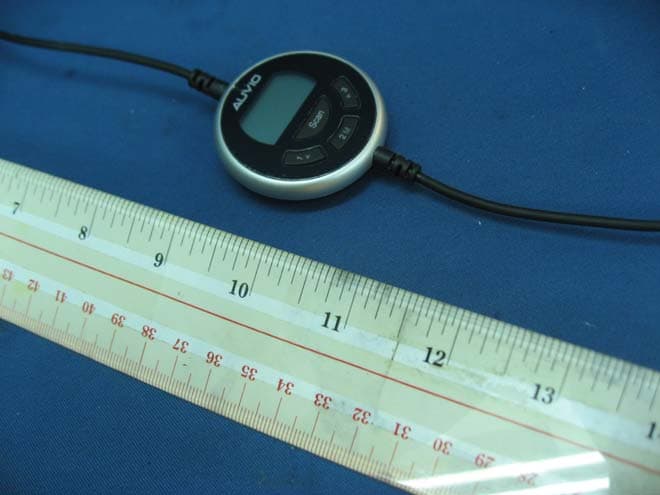
AAO1200962
Aug 02, 2011Universal FM Transmitter
Equipment Class
DXX - Part 15 Low Power Communication Device Transmitter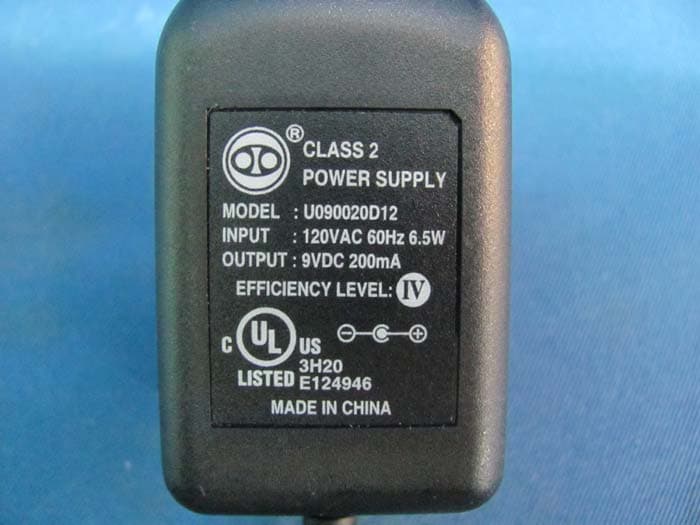
AAO1500044T
Apr 02, 20112.4GHz Digital Wireless Rear Speaker Kit - Transmitter
Equipment Class
DSS - Part 15 Spread Spectrum Transmitter