BOOKP-810-XXXVoice Mini Wireless Keyboard
Unisen Limited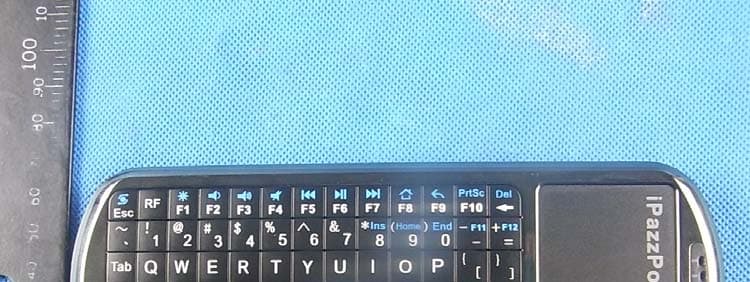
Click to zoom
Application Details
- Equipment Class
- DXX - Part 15 Low Power Communication Device Transmitter
- Date of Grant
- Apr 16, 2012
- Application Purpose
- Original Equipment
- Date of Application
- Apr 16, 2012
- Equipment Note
- Voice Mini Wireless Keyboard
- Frequency Range
- 2402.00000000 - 2480.00000000
- Company
- Unisen Limited
- Country
- Hong Kong
Documents & Files
Document Text
Text extracted from the exhibit documents filed with the FCC. Open a document above to read the original.
Users Manual
Voice Wireless Keyboard with IR Remote Model: KP-810-18V 1.Introduction: Voice wireless keyboard with IR remote, combo of wireless keyboard, mouse touchpad, microphone, speaker and remote for other home electric appliance, is designed small and portable, it is widely used for: ■ chat tool for Skype, QQ, Google talk, MSN. ■ Enhanced tool for teaching, speech, presentation, multi-media home entertainment ■ External keyboard for tablet PC, car PC, Android PC, smart TV remote ■ Remote of other home electric appliance, such as DVD PLAYER, CD PLAYER, TV, Air Conditioner, with the feature of IR learning, Mini Air Mouse and Keyboard can quickly learn original code from other home electric appliance remote 2.Package: Mini Wireless Keyboard with IR Remote USB Receiver USB cable for recharge the unit Headset User manual 3.Feature and specifications: ■R.F 2.4G connection(microphone+speaker) ■ rechargeable lithium-ion battery ■backlit for operation in darken room ■ USB receiver, Plug and play ■Ultra sensitive mouse touchpad ■Battery capacity: 800mA ■charge voltage: DC 5V/300mA ■standby time: 400 hours ■QWERTY keyboard ■ quick learning original code from other remote ■ Size: 163mm*60mm*12mm ■ Weight: 107g English 4.System requirement: - Windows 2000/XP/ vista/ 7/win CE - linux/- Android/- Mac How to use 1.right view 2. Bottom view 2. Recharge your keyboard: when your keyboard backlit flash without any operation that means your keyboard is in low charge, and need to recharge connect your keyboard to your computer with mini end of USB cable to your keyboard and another end to computer, then led will light up with steady on, and go out when it is fully recharged, and LED will light up English 3.press and push battery cover downward 4. Take battery out Battery cover Battery 3. Change battery: 1. Insert USB RECEIVER into USB port in the computer, system will find new hardware “wireless Audio HID Device” and will install driver automatically, Turn unit on after driver installation successfully by switching power button to on, LED and will flash one time then go out. That means your keyboard and computer have been built connection. 4. Feature of IR learning: with feature of IR learning, this Keyboard can be used as remote for other home electric appliance, such as DVD/CD player, TV, air conditioner, refrigerator. In order to be a remote for other electric appliance, Keyboard must learn the original code from other electric appliance, take TV remote as an example: 4.1 set the device to be learned by pressing key “AV” or “TV”, if you want to learn TV Remote please press key TV, LED blue will flash, if AV, LED orange will flash 4.2. Press key “set” for about 2 seconds till LED on to enter learning mode, then tap the key you want and LED will flash one time then light on that means keyboard is waiting signal to learning.(LED will go out and quit learning mode if no operation within 10seconds) 4.3. Approach TV remote to keyboard within 10mm by aiming them at IR Emitter, press KEY on the TV remote for about 1 seconds, then release this key and you will see LED on the keyboard flash 3 time quickly then light up with a steady on, that means your keyboard has learned the original code of the TV Remote successfully. 4.4. Repeat step 4.2 and 4.3 to complete other key original code learning. 4.5. Press key “set” to save and quit learning mode when all key finish original code learning 5. Back view 6. Top view IR sensor 5. Change operation directions: As we know, some times, we want to operate the wirelss keyboard vertically, and some times horizontally, when operation direction is changed from vertical to horizontal, but touchpad will not, for example, supposed you operate unit vertically, and you slide your finger on the touchpad vertically, the mouse cursor on the screen of computor will move vertically but when operation direction is changed from vertical to horizontal, when you slide your finger vertically and mouse cursor will move horizontally, now please press key Fn together with key Esc to change its operation direction, and mouse cursor will move with your finger direction. English MENU SE T Input AV TV OK VL + O VO L - - CH CH + 8. Top view 9. Back view 10. Sound,audio 6. Activate audio: 6.1 press audio active button to activate audio feature. Plug your headset into headset jack, then you can enjoy music or chat with your friend through keyboard. Press this button again to cancel audio feature. 7. Left view Audio Active button Headset jack chon Mi rop e 6.2 Change audio output settings: when plug USB receiver into USB port on the computer system will set wireless audio HID device as default audio output device, and you only can hear sound from computer by the wireless keyboard, So if you want set other audio device as output device, please follow below step to change its settings: ==> start==> settings==> control panel==>sound,audio and devices ==>change speaker settings, in the following popup window, please change the default audio output device to other output device, for example, if you device is Realtek HD Audio,please select Realtek HD Audio Device. Please re-start your player to enjoy music. Speaker 7. Function description of keyboard Item Function Operation Mouse left Mouse left Press to operate like left mouse key Mouse right Mouse right Press to operate like right mouse key Key R.F Key R.F Press to pair keyboard and USB receiver Navigate key Cursor up,down left, right Press the four keys to move cursor up, down, left,and right Page up Page up Press to scroll page up Page down Page down Press to scroll page down 11. Front view 8. Front view F1 F2 F3 F4 F5 F6 F7 F8 F9 F10 F11 F12 KEY R.F Back Space Touch PAD Touch PAD Indicator Mouse left Navigator Mouse right Mouse touch pad Slide your finger on touch pad to move mouse cursor Indicator recharge indicator and go out when fully recharged Light up when fully recharged Flash when signal transited Light up when switch to Caps lock input or audio feature i…
Text truncated - open the document above for the full version.
Cover Letter(s)
Authorization Letter We, (the approval holder) Company name Unisen Limited Addresss Room 907, Fook Hong Industrial Bldg.,19 Sheung Yuet Road, Kowloon Bay City Kowloon Country Hong Kong declare that the following representative (agent): Name (person) Bovey.yang Company name NTEK Testing Technology Co., Ltd. Addresss 1/F, Building E, Fenda Science Park Sanwei Community, Xixiang Street, Baoan District City Shenzhen Country China to act on our behalf on all matters concerning the application and documents submitted to PHOENIX TEST-LAB for product certification below Product Description Voice Mini Wireless Keyboard Type or Model(s) KP-810-XXX (XXX in the model designation may be any alphanumeric characters denoting different configuration options) Tradename or Brand(s) iPazzPort We also authorize BZT – TCP Certification GmbH, Ms.Wanida Patthanavoj (address: Hermann - Loens - Weg 6, 15859 Storkow b. Berlin Germany) to process the application. Attestation: City and Country: Date:Name: (this must be a person) Function:Signature: (or official company stamp) Hong Kong 2012/4/1 Yi Deng Engineer
Cover Letter(s)
FCC Confidentiality Request To the FCC and FCC TCB handling this application for certification Pursuant to 47 CFR Section 0.459(a) & (b), we, (the applicant / grantee) Company name Unisen Limited Addresss Room 907, Fook Hong Industrial Bldg.,19 Sheung Yuet Road, Kowloon Bay City Kowloon Country Hong Kong request non-disclosure and confidential treatment for our certification under: Grantee Code Product Number FCC ID: BOO KP-810-XXX of the following materials submitted within this certification application: (please cross what is applicable, or add other documents) x Operational Description x Block Diagrams x Schematics Diagrams Bill of Materials Above materials contain secrets, proprietary and technical information, which would customarily be guarded from competitors under 47 CFR, section 0.457(d)(2). Disclosure or publication or any portion of this company confidential material to other parties could cause substantial competitive harm and provide unjustified benefits for competitors. We understand that pursuant to 47 CFR section 0.457(d)(1)(ii) disclosure of the applicant and all accompanying documentation will not be made before the date of the grant. Attestation: City and Country: Date: Name: (this must be a person) Function:Signature: (or official company stamp) Hong Kong 2012/4/1 Yi Deng Engineer
Cover Letter(s)
Ersteller: D. Brandhorst Revision: 00 Erstelldatum: 07.03.2008 Datum: 00.00.00 Seite 1 von 1 PHOENIX TEST-LAB GmbH Product Certification Königswinkel 10 D 32825 Blomberg Date:2012-04-14 FCC ID: BOOKP-810-XXX Subject: Attestation Letter “Declaration of Conformity” Dear Sirs, Our products with the above FCC ID are defined as composite device. The transmitter is authorized under the “Certification” procedure. The device is also defined as “PC Periphery” acc to §15.101 Equipment authorization of unintentional radiators, where we hereby declare, that we apply and follow the “Declaration of Conformity” procedure. If you have any questions, please feel free to contact me at the address shown below. Yours sincerely, Signatory Signature Name Yi Deng Title Engineer Unisen Limited Room 907, Fook Hong Industrial Bldg.,19 Sheung Yuet Road, Kowloon Bay, Kowloon, Hong Kong
External Photos
APPENDIX-PHOTOGRAPHS OF EUT CONSTRUCTIONAL DETAILS Photo 1 Photo 2 Photo 3 Photo 4 Photo 5 Photo 6
ID Label/Location Info
5.2*3.1cm
Internal Photos
Photo 7 Photo 8 Photo 9 Photo 10 Photo 11 Photo 12 Photo 13
Test Report
FCC RADIO TEST REPORT FCC ID: BOOKP-810-XXX Product: Voice Mini Wireless Keyboard Trade Name: iPazzPort Model Name: KP-810-18V Serial Model: KP-810-XXX Report No.: NTEK-2012NT0331517F Prepared for Unisen Limited Room 907, Fook Hong Industrial Bldg.,19 Sheung Yuet Road, Kowloon Bay,Kowloon, Hong Kong Prepared by NTEK Testing Technology Co., Ltd. 1/F, Building E, Fenda Science Park, Sanwei Community,Xixiang Street Bao’an District, Shenzhen P.R. China Tel.: +86-0755-61156588 Fax.: +86-0755-61156599 Website:www.ntek.org.cn Page 2 of 38 Report No.: NTEK-2012NT0331517F ` TEST RESULT CERTIFICATION Applicant’s name ................. : Unisen Limited Address ................................. : Room 907, Fook Hong Industrial Bldg.,19 Sheung Yuet Road,Kowloon Bay,Kowloon, Hong Kong Manufacture's Name ............ : Unisen Limited Address ................................. : Room 907, Fook Hong Industrial Bldg.,19 Sheung Yuet Road,Kowloon Bay,Kowloon, Hong Kong Product description Product name ........................... : Voice Mini Wireless Keyboard Model and/or type reference : KP-810-18V Serial Model: KP-810-XXX Rating(s) ................................ : DC 3.7V Standards ............................. : FCC Part15.249 Test procedure ..............................ANSI C63.4-2003 This device described above has been tested by NTEK, and the test results show that the equipment under test (EUT) is in compliance with the FCC requirements. And it is applicable only to the tested sample identified in the report. This report shall not be reproduced except in full, without the written approval of NTEK, this document may be altered or revised by NTEK, personal only, and shall be noted in the revision of the document. Date of Test ............................................ : Date (s) of performance of tests ............. : 01 Apr. 2012 ~07 Apr. 2012 Date of Issue ........................................... : 07 Apr. 2012 Test Result ............................................... : Pass Testing Engineer : (Apple Huang) Technical Manager : (Tom Zhang) Authorized Signatory : (Bovey Yang) Page 3 of 38 Report No.: NTEK-2012NT0331517F ` Table of Contents Page 1 . SUMMARY OF TEST RESULTS 4 1.1 TEST FACILITY 5 1.2 MEASUREMENT UNCERTAINTY 5 2 . GENERAL INFORMATION 6 2.1 GENERAL DESCRIPTION OF EUT 6 2.2 DESCRIPTION OF TEST MODES 8 2.3 BLOCK DIGRAM SHOWING THE CONFIGURATION OF SYSTEM TESTED 9 2.4 DESCRIPTION OF SUPPORT UNITS(CONDUCTED MODE) 10 3 . TEST RESULT 12 3.1 ANTENNA REQUIREMENT 12 3.1.1 STANDARD REQUIREMENT 12 3.1.2 EUT ANTENNA 12 3.2 CONDUCTED EMISSION MEASUREMENT 13 3.2.1 POWER LINE CONDUCTED EMISSION LIMITS 13 3.2.2 TEST PROCEDURE 14 3.2.3 DEVIATION FROM TEST STANDARD 14 3.2.4 TEST SETUP 14 3.2.5 TEST RESULT 15 3.3 RADIATED EMISSION MEASUREMENT 17 3.3.1 RADIATED EMISSION LIMITS 17 3.3.2 TEST PROCEDURE 18 3.3.3 DEVIATION FROM TEST STANDARD 18 3.3.4 TEST SETUP 19 3.3.5 TEST RESULTS (BLOW 30MHZ) 21 3.3.6 TEST RESULTS (BETWEEN 30 – 1000 MHZ) 22 3.3.7 TEST RESULTS (ABOVE 1000 MHZ) 24 4 . BANDWIDTH TEST 34 4.1 TEST PROCEDURE 34 4.2 DEVIATION FROM STANDARD 34 4.3 TEST SETUP 34 4.4 TEST RESULTS 35 5 . EUT TEST PHOTO 38 APPENDIX-PHOTOGRAPHS OF EUT CONSTRUCTIONAL DETAILS Page 4 of 38 Report No.: NTEK-2012NT0331517F ` 1. SUMMARY OF TEST RESULTS Test procedures according to the technical standards: FCC Part15, Subpart C (15.249) Standard Section Test Item Judgment Remark 15.207 Conducted Emission Pass 15.203 Antenna Requirement Pass 15.249 Radiated Spurious Emission Pass 15.249 Occupied Bandwidth Pass Page 5 of 38 Report No.: NTEK-2012NT0331517F ` 1.1 TEST FACILITY NTEK Testing Technology Co., Ltd Add. : 1/F, Building E, Fenda Science Park, Sanwei Community, Xixiang Street, Bao’an District, Shenzhen P.R. China. FCC FRN Registration Nombre:238937; IC Registration Nombre:9270A-1 1.2 MEASUREMENT UNCERTAINTY The reported uncertainty of measurement y ± U,where expended uncertainty U is based on a standard uncertainty multiplied by a coverage factor of k=2,providing a level of confidence of approximately 95 %。 No. Item Uncertainty 1 Conducted Emission Test ±1.38dB 2 RF power,conducted ±0.16dB 3 Spurious emissions,conducted ±0.21dB 4 All emissions,radiated(<1G) ±4.68dB 5 All emissions,radiated(>1G) ±4.89dB 6 Temperature ±0.5°C 7 Humidity ±2% Page 6 of 38 Report No.: NTEK-2012NT0331517F ` 2. GENERAL INFORMATION 2.1 GENERAL DESCRIPTION OF EUT Equipment Voice Mini Wireless Keyboard Trade Name iPazzPort Model Name KP-810-18V Serial Model KP-810-XXX Model Difference XXX in the model designation may be any alphanumeric characters denoting different configuration options Product Description The EUT is a Voice Mini Wireless Keyboard Operation Frequency: 2402~2480MHz Modulation Type: GFSK Antenna Designation: PCB Antenna Antenna Gain(Peak) 1.0 dBi EIRP 102.2dbuv/m@3m Based on the application, features, or specification exhibited in User's Manual, the EUT is considered as an ITE/Computing Device. More details of EUT technical specification, please refer to the User's Manual. Channel List Please refer to the Note 2. Adapter N/A Battery Rated Voltage: 3.7V Charge Limit: 4.2V capacity :800mah Note: 1. For a more detailed features description, please refer to the manufacturer’s specifications or the User's Manual. Page 7 of 38 Report No.: NTEK-2012NT0331517F ` 2. Channel Frequency (MHz) 01 2402 02 2403 ...... ...... 40 2441 41 2442 ...... ...... 78 2479 79 2480 3. Table for Filed Antenna Ant . Brand Model Name Antenna Type Connector Gain (dBi) NOTE 1 N/A N/A PCB Antenna NA 1.0 Antenna Page 8 of 38 Report No.: NTEK-2012NT0331517F ` 2.2 DESCRIPTION OF TEST MODES To investigate the maximum EMI emission characteristics generates from EUT, the test system was pre-scanning tested base on the consideration of following EUT operation mode or test configuration mode which possible have effect on EMI emission level. Each of these EUT operation mode(s) or test configuration mode(s) mentioned above was evaluated respectively. Pretest Mode Descrip…
Text truncated - open the document above for the full version.
Test Setup Photos
Page 38 of 38 Report No.: NTEK-2012NT0331517F ` 5. EUT TEST PHOTO Radiated Measurement Photos Conducted Measurement Photos
Contact Information
Applicant
Yi Deng(Engineer)
Test Firm
NTEK Testing Technology Co., Ltd.Wetow Huang
Technical Specifications
| # | Rule Parts | Frequency Range | Power Output |
|---|---|---|---|
| 1 | 15C | 2.40 GHz - 2.48 GHz | - |
Other Applications from Unisen Limited
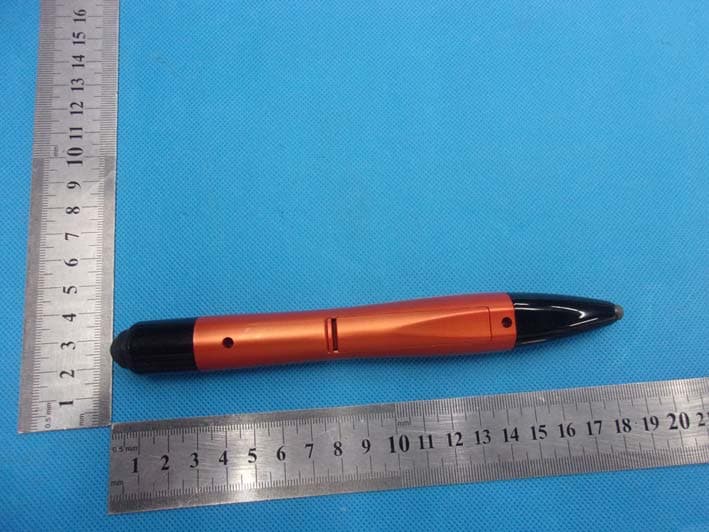
BOOKP-Y4073821
Nov 18, 2015Wireless Electric Pen
Equipment Class
DSS - Part 15 Spread Spectrum Transmitter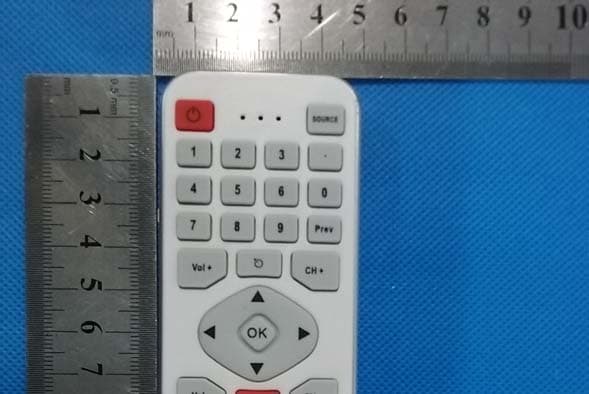
BOOKP-810-30XX
May 03, 2015Smart Remote control
Equipment Class
DSS - Part 15 Spread Spectrum Transmitter
BOOKP-810-XXXX
Jan 08, 2014WIRELESS KEYBOARD
Equipment Class
DXX - Part 15 Low Power Communication Device Transmitter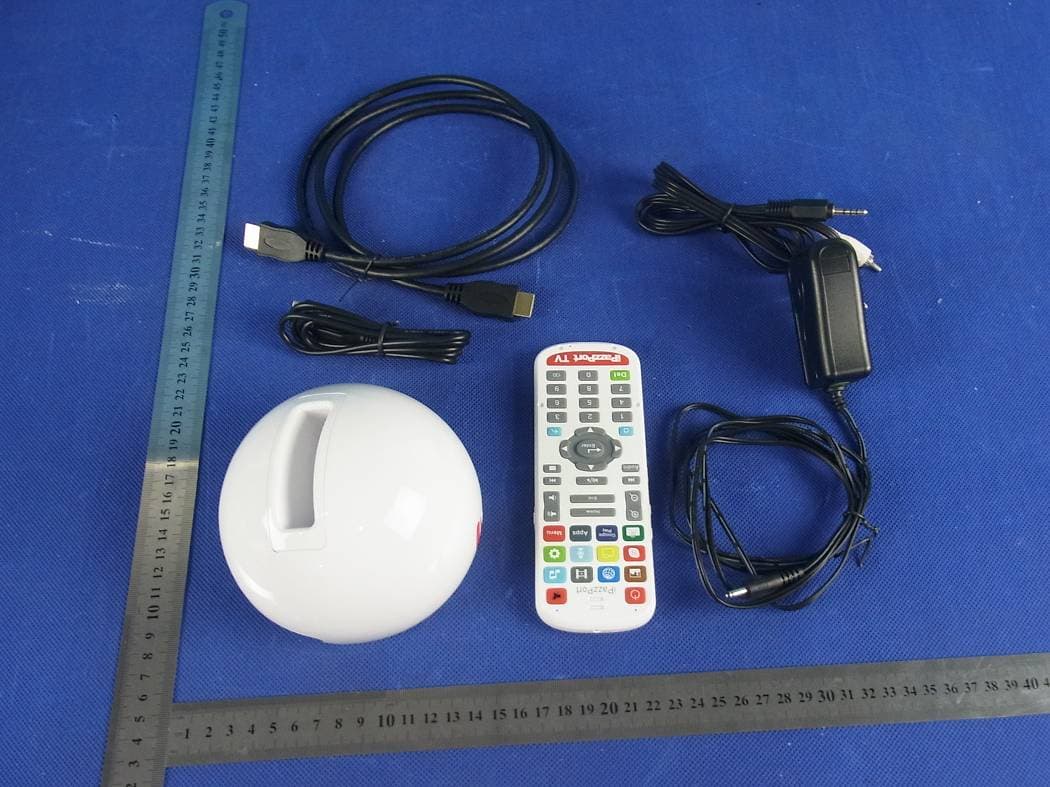
BOOKP-20-XXX
Jul 10, 2013Android mini PC
Equipment Class
DTS - Digital Transmission System
BOONC-812-16XX
Nov 12, 2012Android mini PC
Equipment Class
DTS - Digital Transmission System