BPO-T708TABLET PC(MID)
Bright Win Technology Co., Ltd.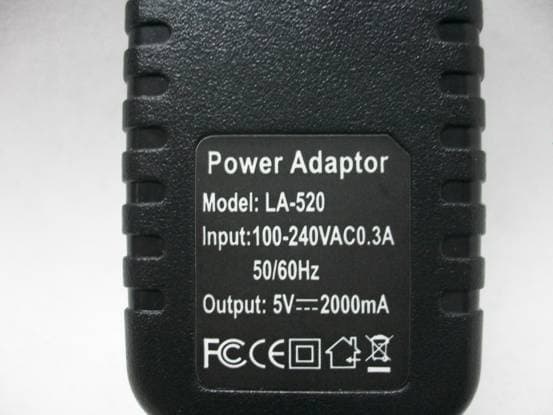
Click to zoom
Application Details
- Equipment Class
- DTS - Digital Transmission System
- Date of Grant
- Apr 15, 2012
- Application Purpose
- Original Equipment
- Date of Application
- Apr 15, 2012
- Equipment Note
- TABLET PC(MID)
- Frequency Range
- 2412.00000000 - 2462.00000000
- Country
- China
Documents & Files
Document Text
Text extracted from the exhibit documents filed with the FCC. Open a document above to read the original.
Users Manual
ATP7658 EXCELLENT 8 4.0 User Manual ATP7658 EXCELLENT 8 4.0 2 CONTENTS 1. Welcome 3 2. Important notices 3 3. Keys and functions 4 4. Getting started 5 4.1. Connect to your computer 5 4.2. Turn on / off 5 4.2.1.Turn on 5 4.2.2. Turn off 4.3. Lock / unlock the screen (sleep mode) 5 5. Your homescreen 6 5.1. Change wallpaper for homescreen 7 5.2. Add / delete applications from the homescreen 7 5.3. Add widgets from the homescherm 7 6. Network connection 7 6.1. Wi-fi 7 6.1.1. Turn on Wi-fi 8 6.1.2. Turn off Wi-fi 8 6.1.3. Add a Wi-fi network manually 8 6.2. 3G-netwerk 8 7. Internet Browsing 8 8. Install and manage Apps 10 8.1. Install Apps 10 8.2. Manage Apps 10 8.3. Market 11 9. Multi-media Functions 11 9.1. Music 11 9.2. Video 12 9.2.1. Video Player 12 9.2.2. HDMI Output 12 9.3. Gallery 13 9.4. Camera 13 9.5. E-book reader 14 9.6. E-mail 15 10. Settings 20 10.1. Wireless and networks 20 10.2. Device 20 10.3. Personal 20 10.4. System 20 11. Explorer 21 12. Battery 22 13. Troubleshooting 23 ATP7658 EXCELLENT 8 4.0 3 1. WELCOME Thank you for purchasing this Excellent 8 tablet. This tablet offers total convenience for your business (supports Word, Excel, send & receive e-mails...) and personal entertainment needs (chatting, movie playback, e-books etc.). Running on Android 4.0 and with a highly responsive capacitive touch screen, it will bring you a wonderful user experience. Before you begin, please read this User Manual carefully. 2. IMPORTANT NOTICES Your tablet's battery will reach optimum performance after you have fully charged and discharged the tablet 2-3 times. Excessive use of earphones at high volumes may cause hearing impairment. Adjust the volume of the player to a moderate level and limit earphone usage. Do not suddenly disconnect the tablet when formatting or uploading and downloading, this can lead to program errors. Do not dismantle the tablet by yourself, and do not use alcohol, thinner or benzene to clean its surface. Do not use the tablet while driving or walking. The tablet is not moisture/water-resistant. Please do not use it in a damp environment. Do not drop the tablet or slam it down on a hard surface as this may damage the screen. ATP7658 EXCELLENT 8 4.0 4 3. KEYS AND FUNCTIONS Front view Side view Backside view 1. Vol- key Press to decrease the volume 2. Vol+ key Press to increase the volume 3. Menu key Tap to view the option menu. Note: When you tap the Menu key from within an application, you will see the sub- menu for the application. 4. ESC key Tap to return to the previous screen/page. If the keyboard is in use, close the keyboard. 5. Camera 0.3M camera 6. USB host Supports USB stick, keyboard and mouse, USB 3G Dongle, etc. 7. SD card slot To insert an SD card 8. Mini USB port Connect to a computer via a USB cable to transfer data (e.g. music, videos, photos and other files). 9. Earphone jack To connect your earphone 10. Power jack (DC input) Connect to a 5V output adapter 11. MIC Microphone 12. Power and lock key Key to switch the tablet on or off 13. Reset hole Press to reset the tablet. Insert a paper clip or other small object with a narrow tip into this reset hole. 14. Speaker Speaker ATP7658 EXCELLENT 8 4.0 5 4. GETTING STARTED 4.1. Connect to computer Connect your tablet to your computer with the supplied USB cable to transfer media files when you are running Windows 7 or Vista. For Windows XP, please install Windows Media Player 11 before you transfer media files. Earlier versions of Windows require the MTP Porting Kit. For Mac please refer to: www.android.com/filetransfer. 4.2 Turn On / Off 4.2.1. Turn on To start your tablet, press and hold the power key at the right side of your tablet for about 5 seconds. → After your tablet has booted click and hold the lock and do the following: Drag the lock on the open lock icon: you will go to the home screen. Drag the lock on the camera icon: you will go directly to the camera app. 4.2.2. Turn off To turn off your tablet, press and hold the power button until the “Would you like to shut down?” dialog appears and tap “OK” to turn it off. 4.3. Lock/unlock the screen (sleep mode) To save the battery, place your tablet in sleep mode by turning off the LCD display. To do this, shortly press the power key. Press it again to wake up the screen. After you have turned on the screen click and hold the lock and do the following: Drag the lock on the open lock icon: you will go to the home screen. Drag the lock on the camera icon: you will directly go to the camera app. ATP7658 EXCELLENT 8 4.0 6 5. YOUR HOME SCREEN a b c d e f g h i j a. Google search Tap to enter a Google search b. Voice search Tap to start a voice search c. Apps Launcher Tap to view all the applications installed d. ESC key Tap to return to the previous screen/page e. Home Tap to return to your home page f. Recent apps Tap to view your most recently opened apps g. Connect to PC When connected to a PC, this icon will appear. h. System time Displays the current system time i. Wi-Fi Wi-Fi-signal when your tablet is connected to a Wi-Fi network j. Battery status Displays the battery status ATP7658 EXCELLENT 8 4.0 7 Click once on the time on the home screen to open the status screen and view the Wi-Fi, battery status and the current time and date. If you click again on the time in the status screen a menu will appear enabling a quick way of adjusting the settings of your tablet. 5.1. Change wallpaper for home screen: Tap and hold your finger in an empty space on the home screen, you will then see a pop-up screen; you can choose to select a wallpaper from the Gallery or a pre installed Wallpaper or Live Wallpaper. 5.2. Add/delete applications from the home screen: You can add frequently used apps on the home page and delete undesired apps. Tap the app launcher in the top right corner to go to the apps panel, then tap and hold the app you want to add to the home screen. To delete an app from the home screen, tap and hold it, and then drag the a…
Text truncated - open the document above for the full version.
External Photos
FRONT VIEW OF SAMPLE BACK VIEW OF SAMPLE LEFT VIEW OF SAMPLE RIGHT VIEW OF SAMPLE TOP VIEW OF SAMPLE BOTTOM VIEW OF SAMPLE PHOTO OF POWER SUPPLY-1 PHOTO OF POWER SUPPLY-2 PHOTO OF POWER Battery-1 PHOTO OF POWER USB CABLE-1 PHOTO OF THE ENTIRE SAMPLE-1 PHOTO OF THE ENTIRE SAMPLE-2
ID Label/Location Info
FCC ID Label Sample for FCC ID: BPO-T708_ FCC ID: BPO-T708 This device complies with Part 15 of the FCC Rules. Operation is subject to the following two conditions: (1) this device may not cause harmful interference, and (2) this device must accept any interference received, including interference that may cause undesired operation.
Internal Photos
INTERNAL PHOTO OF SAMPLE – 1 INTERNAL PHOTO OF SAMPLE – 2 INTERNAL PHOTO OF SAMPLE – 3 INTERNAL PHOTO OF POWER SUPPLY – 1 INTERNAL PHOTO OF POWER SUPPLY – 2
RF Exposure Info
Maximum Permissible Exposure (MPE) Estimation 1. Limits and Guidelines on Exposure to Electromagnetic Fields General population/uncontrolled exposure apply in situations is which the general public may be exposed, or in which persons that are exposed as a consequence of their employment may not be fully aware of the potential for exposure or can not exercise control over their exposure. The exposure levels can be expressed in terms of power density, electric field strength, or magnetic field strength, as averaged over 30 minutes for the general public and 6 minutes for trained personnel. The exposure criterion is frequency dependent, and a chart covering the range from 3 kHz to 100 GHz can be found in NCRP No.86 (references IEEE C95.1-1999). Below are the limits. Limits for Occupational/Controlled Exposure Frequency Range (MHz) Electric Field Strength (E) (V/m) Magnetic Field Strength (H) (A/m) Power Density (S) (mW/cm2) 0.3-3.0 3.0-30 30-300 300-1500 15,00-100,000 614 1842/f 61.4 -- -- 16.3/f 16.3/f 0.163 -- -- (100)* (900/f2)* 1.0 f/300 5 Limits for General Population/Uncontrolled Exposure Frequency Range (MHz) Electric Field Strength (E) (V/m) Magnetic Field Strength (H) (A/m) Power Density (S) (mW/cm2) 0.3-1.34 1.34-30.0 30-300 300-1500 15,00-100,000 614 824/f 27.5 -- -- 1.63 2.19/f 0.073 -- -- (100)* (180/f2)* 0.2 f/1500 1 Power density S [mW/cm2] for controlled area at 2440 MHz, (TX:2412MHz-2462MHz) S= f (MHz)/300=5Mw/cm2 Power density S [mW/cm2] for uncontrolled area at 2440MHz, S= f (MHz)/1500=914.75/1500=1Mw/cm2 Reference levels are provided for exposure assessment to determine whether the basic restrictions on exposure of humans to electromagnetic fields are exceeded. The basic restrictions on exposure to electromagnetic fields are based directly on established health effects and biological considerations. 2. Prediction of the Exposure to Electromagnetic Fields Calculations can be made on a site by site basis to ensure the power density is below the limits given above, or guidelines can be done beforehand to ensure the minimum distances from the antenna is maintained through the site planning. The calculations are based on FCC OET 65 Appendix B. 3. Calculation method of the Safe Distance Below method describes a theoretical approach to calculate possible exposure to electromagnetic radiation around a base station transceiver antenna. Precise statements are basically only possible either with measurements or complex calculations considering the complexity of the environment (e.g. soil conditions, near buildings and other obstacles) which causes reflections, scattering of electromagnetic fields. The maximum output power (given in EIRP) of a base station is usually limited by license conditions of the network operator. A rough estimation of the expected exposure in power flux density on a given point can be made with the following equation. The calculations are based on FCC OET 65 Appendix B. Whereas: S= Power Density P = Maximum output power in W of the site G numeric = Numeric gain of the antenna relative to isotropic antenna R = distance between the antenna and the point of exposure in meters 4. Test Result 2412 MHz Power at antenna connector: 11.32 dBm (14mW) Antenna gain: 2.0 dBi (Numeric gain:1.58) Predication Distance: 20 cm Predication Frequency: 2412MHz S= (14*1.58)/ (4*20*20*3.14) =0.004(mW/cm 2 ) SO, Power Density at Predication Frequency and Predication Distance: 0.004 (mW/cm 2 ) Limit for Occupational/Controlled Exposure at the Predication Frequency: 5(mW/cm 2 ) Limit for General Population/Uncontrolled Exposure at the Predication Frequency: 1(mW/cm 2 ) TEST RESULT: PASS
Test Report
FCC 47 CFR PART 15 SUBPART C TEST REPORT For Applicant : Bright Win Technology Co., Ltd. Address : Huafeng Technology Building,Bao’An, Shenzhen, China Product Name : Tablet PC(MID) Model Name : T708, M701, M702, M711, M7610, M7810, M7210, M7813, M7213, M788, M790, M798, T706, M801, M826, M1001, M1005, M970, M972, M975 Brand Name : N/A FCC ID : BPO-T708 Report No. : MTE/EAH/D12040374 Date of Issue : Apr. 07, 2012 Issued by : Most Technology Service Co., Ltd. Address : No.5, Langshan 2nd Rd., North Hi-Tech Industrial park, Nanshan, Shenzhen, Guangdong, China Tel : 86-755-8617 0306 Fax : 86-755-8617 0310 The report consists 56 pages in total. It may be duplicated completely for legal use with the approval of the applicant. It should not be reproduced except in full, without the written approval of our laboratory. The client should not use it to claim product endorsement by MOST. The test results in the report only apply to the tested sample. The test report shall be invalid without all the signatures of testing engineers, reviewer and approver. FCC ID: BPO-T708 Report No.: MTE/EAH/D12040374 Page 2 of 56 TABLE OF CONTENTS 1. VERIFICATION OF CONFORMITY ....................................................................................... 3 2. GENERAL INFORMATION.................................................................................................... 4 2.1 Product Information.................................................................................................................................. 4 2.2 Objective.................................................................................................................................................... 5 2.3 Test Standards and Results ..................................................................................................................... 5 2.4 Environmental Conditions........................................................................................................................ 5 3. TEST FACILITY ..................................................................................................................... 6 4. TEST EQUIPMENT LIST ....................................................................................................... 7 5. 47 CFR Part 15 C 15.247 Requirements.............................................................................. 8 5.1 6dB Bandwidth .......................................................................................................................................... 8 5.1.1 Definition ........................................................................................................................................... 8 5.1.2 Test Description ................................................................................................................................. 8 5.1.3 Test Result.......................................................................................................................................... 8 5.2 Peak Output Power ................................................................................................................................. 15 5.2.1 Definition ......................................................................................................................................... 15 5.2.2 Test Description ............................................................................................................................... 15 5.2.3 Test Result........................................................................................................................................ 15 5.3 Conducted Spurious Emission .............................................................................................................. 17 5.3.1 Definition ......................................................................................................................................... 17 5.3.2 Test Description ............................................................................................................................... 17 5.3.3 Test Result........................................................................................................................................ 17 5.4 Band Edge ............................................................................................................................................... 23 5.4.1 Definition ......................................................................................................................................... 23 5.4.2 Test Description ............................................................................................................................... 23 5.4.3 Test Result........................................................................................................................................ 23 5.5 Power Spectral Density (PSD)................................................................................................................ 31 5.5.1 Definition ......................................................................................................................................... 31 5.5.2 Test Description ............................................................................................................................... 31 5.5.3 Test Result........................................................................................................................................ 31 5.6 Conducted Emission .............................................................................................................................. 37 5.6.1 Definition ......................................................................................................................................... 37 5.6.2 Test Description .................................................................................................................................. 37 5.6.3 Test Result.........…
Text truncated - open the document above for the full version.
Test Setup Photos
CE TEST SETUP RE TEST SETUP CONDUCTED SPURIOUS EMISSION TEST SETUP ------END OF REPORT------
Contact Information
Applicant
Ming Yang(General Manager)
Test Firm
Most Technology Service Co., Ltd.Mark Wen
Technical Specifications
| # | Rule Parts | Frequency Range | Power Output |
|---|---|---|---|
| 1 | 15C | 2.41 GHz - 2.46 GHz | 14.00 mW |
Other Applications from Bright Win Technology Co., Ltd.
BPO-TM88
Nov 23, 2014Bluetooth Keyboard
Equipment Class
DXX - Part 15 Low Power Communication Device Transmitter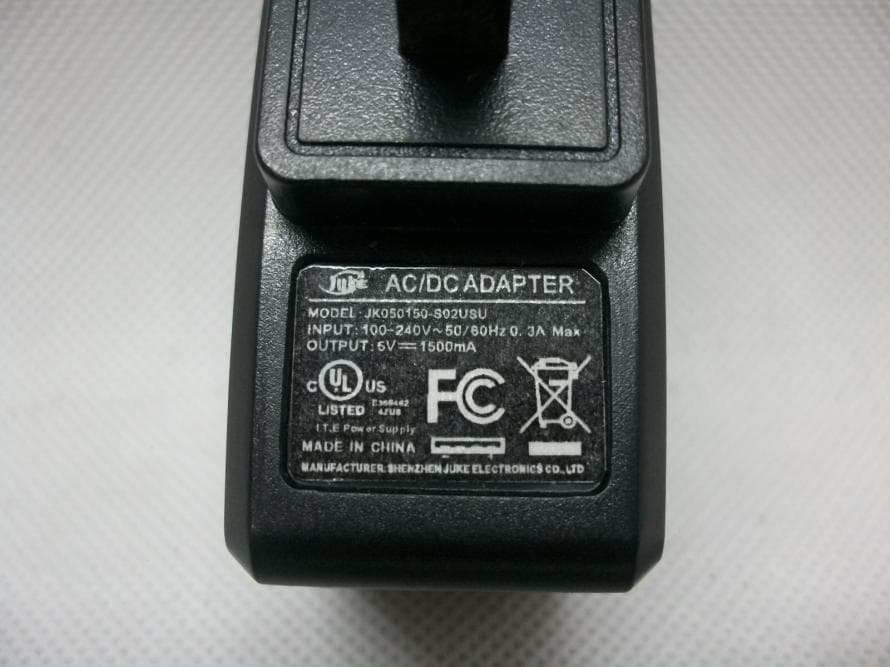
BPO-S7SA13
Sep 29, 2013Tablet
Equipment Class
DTS - Digital Transmission System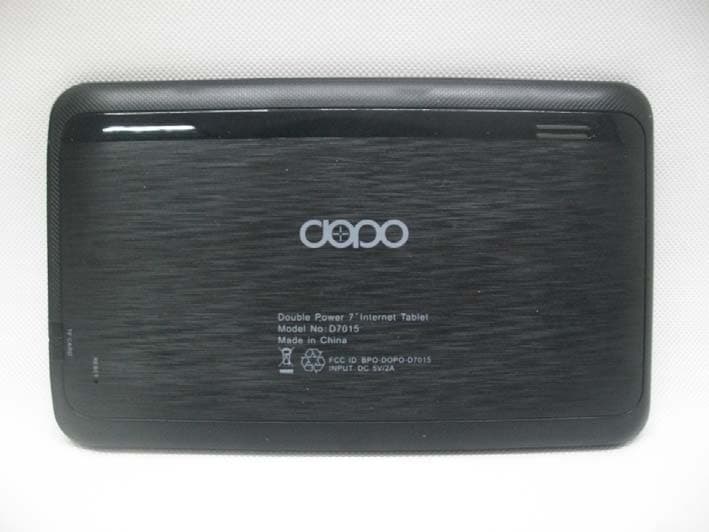
BPO-DOPO-D7015
Jan 30, 2013Tablet
Equipment Class
DTS - Digital Transmission System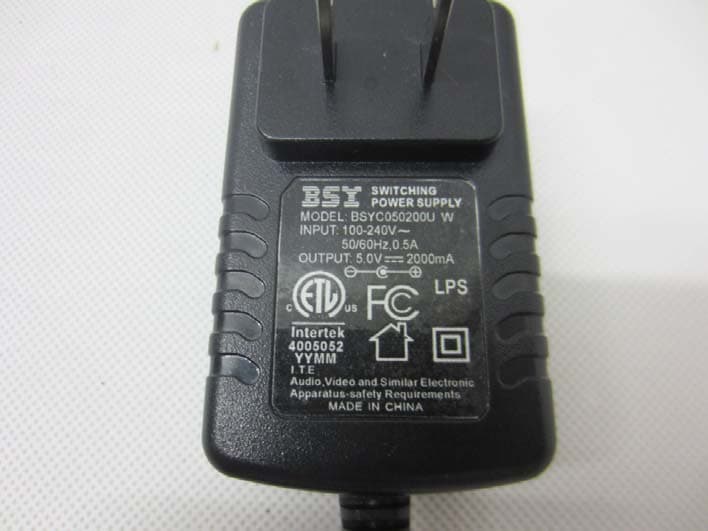
BPO-DOPO-M7088
Nov 15, 2012Tablet
Equipment Class
DTS - Digital Transmission System
BPO-DAGE-DA988
Nov 13, 20129"Internet Tablet
Equipment Class
DTS - Digital Transmission System