CH8A90HS1058Spread Spetrum Transmitter
Westell Inc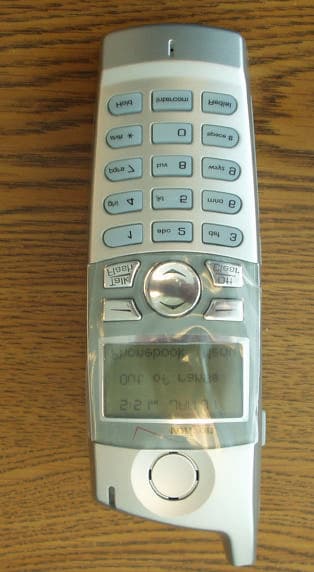
Click to zoom
Application Details
- Equipment Class
- DSS - Part 15 Spread Spectrum Transmitter
- Date of Grant
- Apr 07, 2005
- Application Purpose
- Original Equipment
- Date of Application
- Apr 07, 2005
- Equipment Note
- Spread Spetrum Transmitter
- Frequency Range
- 5725.80900000 - 5848.88900000
- Company
- Westell Inc
- Country
- United States
Documents & Files
Document Text
Text extracted from the exhibit documents filed with the FCC. Open a document above to read the original.
Users Manual
030-300419 Rev. A Draft 8 – 11/30/04 © Copyright 2004 Westell, Inc. 030-300419 Rev. A Draft 7 Changed power to AC 12V Draft 8 Updates section 3.1 Telephone Safety Instructions per Joe Gage VERIZON ONE TELEPHONE SUBSYSTEM 5.8 G HZ DIGITAL CORDLESS SPEAKERPHONE USER GUIDE 030-300419 Rev. A Draft 8– 11/30/04 030-300419 Rev. A 2 November 2004 User Guide Verizon One Telephone Subsystem TABLE OF CONTENTS 1. PRODUCT DESCRIPTION.................................................................................................................................4 2. CONVENTIONS USED IN THIS DOCUMENT ................................................................................................4 3. SAFETY INSTRUCTIONS .................................................................................................................................5 3.1 Telephone Safety Instructions ....................................................................................................................5 3.2 Battery Safety Instructions .........................................................................................................................5 4. REGULATORY INFORMATION ......................................................................................................................6 FCC Compliance Note ...........................................................................................................................................6 5. GETTING TO KNOW YOUR VERIZON ONE SYSTEM.................................................................................7 5.1 Caring for Your Verizon One .....................................................................................................................7 5.2 Base Unit Telephone Features ....................................................................................................................7 5.3 Cordless Handset Telephone Features........................................................................................................8 6. TELEPHONE SUBSYSTEM QUICK STARTUP...............................................................................................9 7. INSTALLING THE VERIZON ONE BASE UNIT...........................................................................................10 7.1 Choosing a Location to Install Verizon One ............................................................................................10 7.2 Installing the Base Unit on a Desktop or Flat Surface..............................................................................10 7.3 Wall Mounting on a Hollow Drywall Surface (Optional) ........................................................................10 8. INSTALLING THE VERIZON ONE HANDSET.............................................................................................12 8.1 Installing the Handset Battery ..................................................................................................................12 8.2 Charging the Handset (Battery) ................................................................................................................13 8.3 Battery Charge Indication.........................................................................................................................14 8.4 Turning On the Handset ...........................................................................................................................15 8.5 Parking the Handset on the Base ..............................................................................................................16 8.6 Using the Handset Belt Clip .....................................................................................................................16 9. REGISTERING THE HANDSET TO THE Verizon One BASE ......................................................................17 10. VERIZON ONE HANDSET CONTROLS ........................................................................................................18 10.1 Handset Control Buttons ..........................................................................................................................18 10.2 Handset Activity LED ..............................................................................................................................19 10.3 Backlighting .............................................................................................................................................19 11. Verizon One HANDSET SCREENS..................................................................................................................20 11.1 Standby .....................................................................................................................................................20 11.2 No New Calls ...........................................................................................................................................20 11.3 Twelve New Calls ....................................................................................................................................21 11.4 Ringer Off.................................................................................................................................................21 11.5 Fifteen New Calls, No Messages Waiting, Line In use ............................................................................21 11.6 Fifteen New Calls, Messages Waiting, Line In use ..................................................................................21 12. USING THE Verizon One MAIN MENU..........................................................................................................22 12.1 Accessing Handset Main Menu ................................................................................................................22 12.2 Registration Menu ....................................................................................................................................…
Text truncated - open the document above for the full version.
Users Manual
030-300419 Rev. A Draft 8– 11/30/04 030-300419 Rev. A 31 November 2004 User Guide Verizon One Telephone Subsystem 12.6.1.2 Phonebook is Full - No Entries Accepted from the Incoming Calls Log If you select [Save] in the “Save/Erase/Erase All” screen and phonebook detects that it is full, the following “Phonebook Full” screen will be displayed for 2 seconds. When the Phonebook is full, you must delete existing entries from the phonebook prior to saving new entries to the phonebook. 12.6.2 Erasing Calls from the Incoming Calls log To erase calls from the Incoming Calls log, first select [Incoming Calls] at the main menu screen. View the list of incoming calls and select the entry that you want to erase (delete). Next, select [Options] to display the following “Save/Erase/Erase All” screen. 030-300419 Rev. A Draft 8– 11/30/04 030-300419 Rev. A 32 November 2004 User Guide Verizon One Telephone Subsystem 12.6.2.1 Erasing Selected Entries Selecting [Erase] at the “Save/Erase/Erase All” screen enables you to delete specific Caller ID records from the Incoming Calls logs. To erase a selected entry, move the pointer to [Erase] and then select [Select]. The Handset LCD will display the following “Entry erased” screen, and after 2 seconds, the LCD will return to the next Caller ID record. Note: If there is only one record, and you choose to erase this record, the LCD will return to the Standby screen. 12.6.2.2 Erasing All Entries Selecting [Erase All] at the “Save/Erase/Erase All” screen enables you to delete all Caller ID records from the Incoming Calls logs. To erase all entries from the Incoming Calls log, move the pointer to [Erase All] and then select [Select]. The LCD will display the following [Erase all?] screen. Select [OK] to erase all entries in the Caller ID log. NOTE: If you do not want to erase all entries in the log, select [Exit] to return to the last Caller ID message in the log. If you select [OK] in the “Erase all?” screen, the following “List erased” screen will be displayed. After 2 seconds, the LCD will return to the Standby screen. 030-300419 Rev. A Draft 8– 11/30/04 030-300419 Rev. A 33 November 2004 User Guide Verizon One Telephone Subsystem 13. USING THE PHONEBOOK MENU 13.1 Accessing the Phonebook To access the Handset’s phonebook, select [Phonebook] in from Standby menu, the following screen will be displayed, and the pointer will be positioned at “(Add New Name).” Please choose one of the following options and then select [Select]: • Select [Select] while the pointer is positioned at (Add New Name) and perform the steps explained in section 13.2). • Press the <Up/Down> button to scroll through the list of Phonebook entries, and then select [Select] to select an entry. • Press a number (1 – 50) to go to an entry number in the phonebook. Note: The second digit is ignored if the number entered is greater than the number of entries in the Phonebook. • After selecting a phone entry, press the <TALK> button to go off-hook and dial the selected phone number. If there is no entry in the Phonebook, the “Empty List” message will be displayed in the screen. 030-300419 Rev. A Draft 8– 11/30/04 030-300419 Rev. A 34 November 2004 User Guide Verizon One Telephone Subsystem 13.2 Adding a New Name To add a new name, select [Select] when pointer is at (Add New Name). The following Name screen will be displayed. This screen will prompt you for Name information. Select one of the following options: NOTE: If the phonebook is full, you will not be able to enter a new name until entries are deleted from the phonebook. • Enter a name at the blinking underscore using the keypad characters (0-9, *, #). Note: If user tries to input more than 11 characters, an error tone will be emitted and additional input will not be accepted. While in the Name screen, you can select the [Clear] key to delete (backspace) characters. • Press the <OFF> button to return to the Standby screen. If the <Up/Down> button is pressed while you are at the Name screen, the Number screen will be displayed. Select one of the following options: • Enter a number at the blinking underscore using the keypad characters (0-9, *, #). Note: While in the “Number” screen, you can select the [Clear] key to delete (backspace) numbers. NOTE: Press the # symbol once to enter #. Press the # symbol twice to insert “P,” which is a 3-second pause during dialing. If you try to input more than 24 digits, an error tone will emit and digit input is not accepted.) The phone number will be formatted according to the following rules: String of digits Screen Format 1 7 digit number ###-#### 2 8 digits, leading digit 1 1 ###-#### 3 10 digits (###)###-#### 4 11 digits, leading digit 1 1(###)###-#### 5 Other cases No formatting 030-300419 Rev. A Draft 8– 11/30/04 030-300419 Rev. A 35 November 2004 User Guide Verizon One Telephone Subsystem • Press the <OFF> button to return to the Standby screen. • Press the <Up/Down> button to go back to the “Name” input screen. After you have entered the name and number into the screens, select [Save] to store the entry to the Phonebook. The entry will be listed in alphabetical order, and the list will be renumbered. After you select [Save], the following “Name Saved” screen will be displayed for 2 seconds. If you selected [Save] but did not enter a name into the name field, the empty name record is treated as "space" and is sorted to the beginning of the list regardless the number field, using first found/first display. The screen then returns to the Phonebook List at the “Add New Name” item. If you selected [Save] but did not enter a phone number entered has been entered, a “No Number Entered” message will be displayed on the screen for 2 seconds, an error tone will be emitted, and then the screen will return to the “number edit” screen. If the Phonebook is full when you select (Add New Name), a “Phonebook Full” message will be displayed for 2 seconds. When the Phonebook is full, you can store new a Name entry only aft…
Text truncated - open the document above for the full version.
Block Diagram
Authorized Agent: Radiometrics Midwest Corporation (815) 293-0772 – [email protected] Block Diagram Base and Handset RJ11FAX Port RJ11DSL Port POTS Splitter DSL Hybrid Data Processor 35.328MHz XTAL 802.11b/g Radio SDRAM FLASH Memory 4-Port Ethernet Switch RJ45 4-Ports Ethernet Port Circular DIN Power Power Supply Application Processor SDRAM FLASH Memory 25.000MHz XTAL 12.000MHz XTAL 5.8GHz Cordless Phone Radio 13.824MHz XTAL Rocker Switch On/Off Toggle Switch Reset Internal Diversity Antenna Internal Antenna LCD Display Keypad Audio Speaker Audio Microphone 32.768KHz XTAL Handset Cradle 40.000MHz XTAL 120MHZ CLK 100MHZ CLK 133MHZ CLK
External Photos
Authorized Agent: Radiometrics Midwest Corporation (815) 293-0772 – [email protected] External EUT Photographs FCC ID: CH8A90HS1058 Handset
ID Label/Location Info
Authorized Agent: Radiometrics Midwest Corporation (815) 293-0772 – [email protected] ID Label/Location FCC ID CH8A90HS1058 Drawing of Handset Label • Material to be Polyester • Text to be Black ink on white background • Adhesive to be Permanent • Size to be 21.4 x 8.3mm Radiometrics Midwest Corporation (815) 293-0772 – [email protected] Drawing of label as placed on EUT ( Handset)
Internal Photos
Authorized Agent: Radiometrics Midwest Corporation (815) 293-0772 – [email protected] Internal EUT Photographs FCC ID: CH8A90HS1058 5.8 GHz PCB Authorized Agent: Radiometrics Midwest Corporation (815) 293-0772 – [email protected] 5.8 GHz PCB Authorized Agent: Radiometrics Midwest Corporation (815) 293-0772 – [email protected] 5.8 GHz PCB Authorized Agent: Radiometrics Midwest Corporation (815) 293-0772 – [email protected] Partially disassembled Authorized Agent: Radiometrics Midwest Corporation (815) 293-0772 – [email protected] Authorized Agent: Radiometrics Midwest Corporation (815) 293-0772 – [email protected]
Operational Description
Radiometrics Midwest Corporation (815) 293-0772 – [email protected] Operational Description FCC ID: CH8A90HS1058 Overall Description Verizon One is an interactive device utilizing the power of PSTN and Broadband to deliver a feature rich and customer friendly service. This device will have all the standard features of a regular phone (Cordless Handset operating in the 5.8 GHz range , CID display, speakerphone, mute button, etc.) as well as an LCD display, and an integrated DSL modem and 802.11 WIFI router (to support connectivity to WiFi enabled devices throughout the home). On top of the normal phone features, this device will deliver a suite of services via the LCD screen, including o Proactive communications to guide DSL installation o Access to online Address Book with ability to touch the screen and automatically dial a number o Access to an online Calendar o Email notification w/ header information o Online Directory Searches – yellow and white page searches o CallerID log and ability to incorporate this information into an online Address Book o Real time call management o Schedule and manage call forwarding events, o Visual voice mail log, including name, number and time of message, o Instant access to information services like weather, news, stock quotes, movie listings, etc.
RF Exposure Info
RP-5394-RF Rev. 1 Page 1 of 1 RF exposure FCC ID: CH8A90HS1058 The 5.8 GHz transmitter Peak Power is 11 dBm output with 3 dBi antenna gain The following information provides the minimum separation distance for the EUT, as calculated from FCC OET 65 Appendix B, Table 1B “Guidelines for General Population/Uncontrolled Exposure” This calculation is based on the highest EIRP possible from the EUT considering maximum power and antenna gain. The formulas were used: GP limit is = 1 mW/cm^2 above 1.5 GHz S= E^2/3770 mW/cm^2 E or V/m = (ERP*30)^0.5/d, (d in meters) d = ((ERP*30)/3770*S))^0.5 SPEAKAntennaMSD Freq.GP limitRF powerGainERPEd MHzmW/cm^2dBmdBiwattsV/mmeters 585011130.02561.40.014 GP is the limit for general Population/Uncontrolled Exposure MSD is the minimum Seperation Distance NOTE: For mobile or fixed location transmitters, minimum separation distance is 20 cm, even if calculations indicate MPE distance is less MPE for both transmitters is 20 cm.
Test Report
Master: PT15C-FHT Date: February 7, 2002 Test Report: 5W38286 Applicant: Mitel Networks Corporation 350 Legget Drive Kanata, Ontario K2K 2W7 Equipment Under Test: Verizon One Phone Handset (EUT) In Accordance With: FCC Part 15.247, Subpart C FHSS System and Digitally Modulated Radiators 902-928MHz, 2400 - 2483.5 MHz, 5725-5850MHz Tested By: Nemko Canada Inc. 303 River Road, R.R. 5 Ottawa, Ontario K1V 1H2 Authorized By: Sim Jagpal, Resource Manager Date: 18 February 2005 Total Number of Pages: 24 Nemko Canada Inc. FCC PART 15, SUBPART C FREQUENCY HOPPING TRANSMITTERS PROJECT NO.: 5W38286 EQUIPMENT: Verizon One Phone Handset Page 2 of 24 Table of Contents Section 1. Summary of Test Results ...................................................................................3 Section 2. General Equipment Specification......................................................................5 Section 3. 20 dB Bandwidth.................................................................................................6 Section 4. Occupancy Time .................................................................................................7 Section 5. Number of Hopping Channels ...........................................................................9 Section 6. Minimum Channel Separation ........................................................................12 Section 7. Peak Output Power...........................................................................................13 Section 8. Spurious Emissions ...........................................................................................15 Section 9. Block Diagrams ..................................................................................................22 Section 10. Test Equipment List ..........................................................................................23 Section 11. Restricted bands (15.205) ..................................................................................24 Nemko Canada Inc. FCC PART 15, SUBPART C FREQUENCY HOPPING TRANSMITTERS PROJECT NO.: 5W38286 EQUIPMENT: Verizon One Phone Handset Page 3 of 24 Section 1. Summary of Test Results General All measurements are traceable to national standards. These tests were conducted on a sample of the equipment for the purpose of demonstrating compliance with Part 15, Subpart C. Radiated tests were conducted is accordance with ANSI C63.4-2003. Radiated emissions are made on an open area test site. A description of the test facility is on file with the FCC. THIS TEST REPORT RELATES ONLY TO THE ITEM(S) TESTED. THE FOLLOWING DEVIATIONS FROM, ADDITIONS TO, OR EXCLUSIONS FROM THE TEST SPECIFICATIONS HAVE BEEN MADE. See “ Summary of Test Data”. TESTED BY: _______________________________ DATE: 18 February 2005 Jason Nixon, Telecom Specialist Nemko Canada Inc. authorizes the above named company to reproduce this report provided it is reproduced in its entirety and for use by the company’s employees only. Any use which a third party makes of this report, or any reliance on or decisions to be made based on it, are the responsibility of such third parties. Nemko Canada Inc. accepts no responsibility for damages, if any, suffered by any third party as a result of decisions made or actions based on this report. This report applies only to the items tested. Nemko Canada Inc. FCC PART 15, SUBPART C FREQUENCY HOPPING TRANSMITTERS PROJECT NO.: 5W38286 EQUIPMENT: Verizon One Phone Handset Page 4 of 24 Summary Of Test Data Name Of Test Para. No. Result Powerline Conducted Emissions 15.207(a) N/A (1) 6dB Bandwidth 15.247(a)(2) N/A (2) 20 dB Bandwidth 15.247(a)(1)(ii) Complies Number of Hopping Channels 15.247(a)(1)(ii) Complies Occupancy Time 15.247(f) Complies Minimum Channel Separation 15.247(a)(1) Complies Peak Output Power 15.247(b)(1) Complies Spurious Emissions (Antenna Conducted) 15.247(c) N/A(3) Spurious Emissions (Radiated) 15.247(c) Complies Peak Power Spectral Density 15.247(d) N/A(2) Footnotes For N/A’s: 1) The EUT is battery operated. 2) The EUT is not a digitally modulated system. 3) The EUT contained an integral antenna, therefore a conducted measurement was not possible. Test Conditions: Indoor Temperature: 22°C Humidity: 21% Outdoor Temperature: 10°C Humidity: 47% Nemko Canada Inc. FCC PART 15, SUBPART C FREQUENCY HOPPING TRANSMITTERS PROJECT NO.: 5W38286 EQUIPMENT: Verizon One Phone Handset Page 5 of 24 Section 2. General Equipment Specification Manufacturer: Verizon for Mitel Model No.: A90-VZ1015-06 Serial No.: 04B412000471 Date Received In Laboratory: February 10, 2005 Nemko Identification No.: 6 Band of Operation: 5725-5850MHz Operating Frequency of EUT: 5725.809323-5848.888935MHz Peak Output Power (measured): 10.2dBm Modulation: EDCT FHSS Antenna Gain: 3dBi Nemko Canada Inc. FCC PART 15, SUBPART C FREQUENCY HOPPING TRANSMITTERS PROJECT NO.: 5W38286 EQUIPMENT: Verizon One Phone Handset Page 6 of 24 Section 3. 20 dB Bandwidth Para. No.: 15.247(a) (1)(ii) Test Performed By: Jason Nixon Date of Test: February 16, 2005 Limit: </= 1MHz Measurement Data: 700kHz Nemko Canada Inc. FCC PART 15, SUBPART C FREQUENCY HOPPING TRANSMITTERS PROJECT NO.: 5W38286 EQUIPMENT: Verizon One Phone Handset Page 7 of 24 Section 4. Occupancy Time Para. No.: 15.247(f) Test Performed By: Jason Nixon Date of Test: February 1, 2005 Limit: For the purposes of this section, hybrid systems are those that employ a combination of both frequency hopping and digital modulation techniques. The frequency hopping operation of the hybrid system, with the direct sequence or digital modulation operation turned off, shall have an average time of occupancy on any frequency not to exceed 0.4 seconds within a time period in seconds equal to the number of hopping frequencies employed multiplied by 0.4. The digital modulation operation of the hybrid system, with the frequency hopping operation turned off, shall comply with the power density requirements of paragraph (d) of this section. Measure…
Text truncated - open the document above for the full version.
Test Setup Photos
Authorized Agent: Radiometrics Midwest Corporation (815) 293-0772 – [email protected] Test Setup Photographs FCC ID: CH8A90HS1058 Photographs of Radiated Emissions Test Setup Handset There are also setup photographs in the test reports.
Contact Information
Applicant
Joseph Gage(Compliance Engineer)
Test Firm
Nemko Canada Inc.Stuart Beck
Technical Specifications
| # | Rule Parts | Frequency Range | Power Output |
|---|---|---|---|
| 1 | 15C | 5.73 GHz - 5.85 GHz | 10.40 mW |
Other Applications from Westell Inc
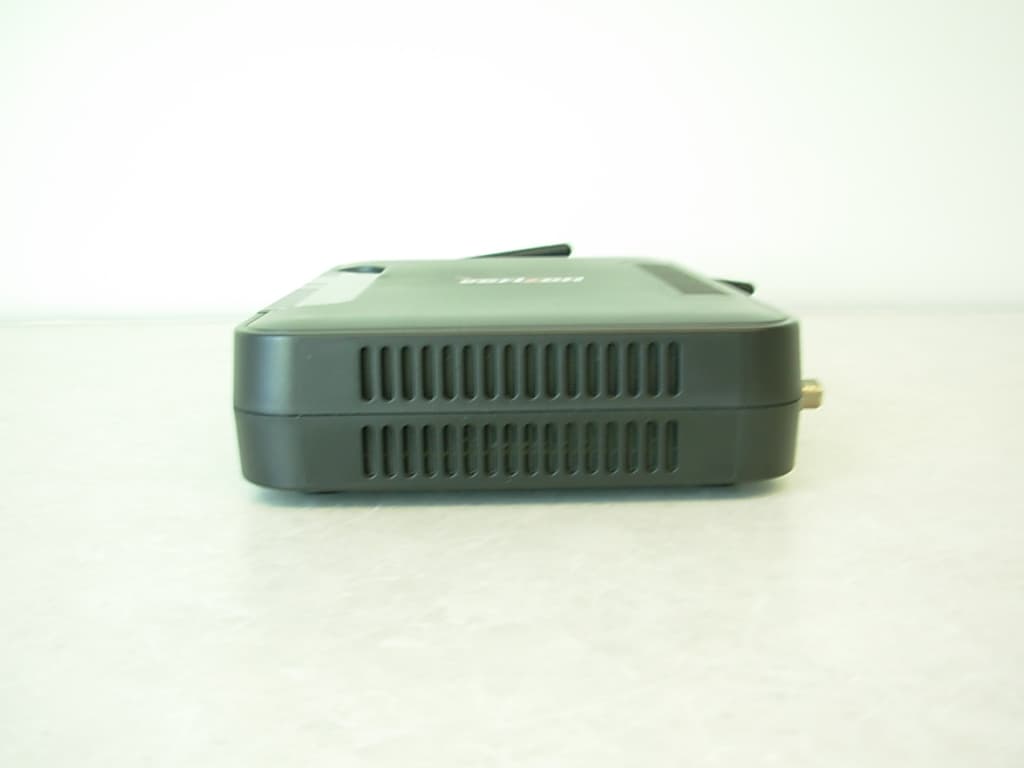
CH8MXX50
Jan 23, 2013Wireless Broadband Wi-Fi Router
Equipment Class
DTS - Digital Transmission System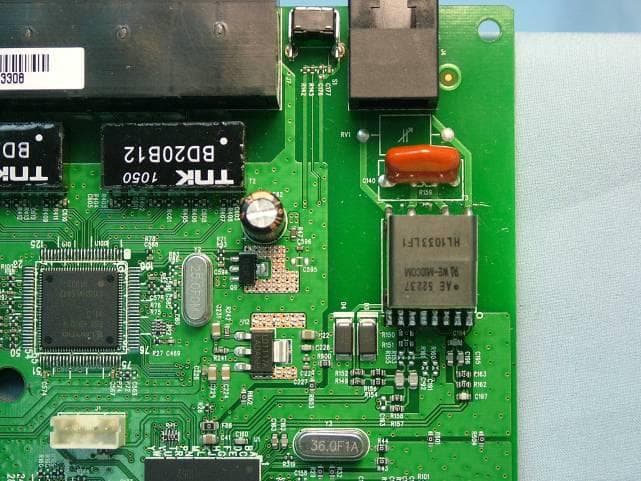
CH8B755
Mar 31, 2011VersaLink Wireless Gateway
Equipment Class
DTS - Digital Transmission System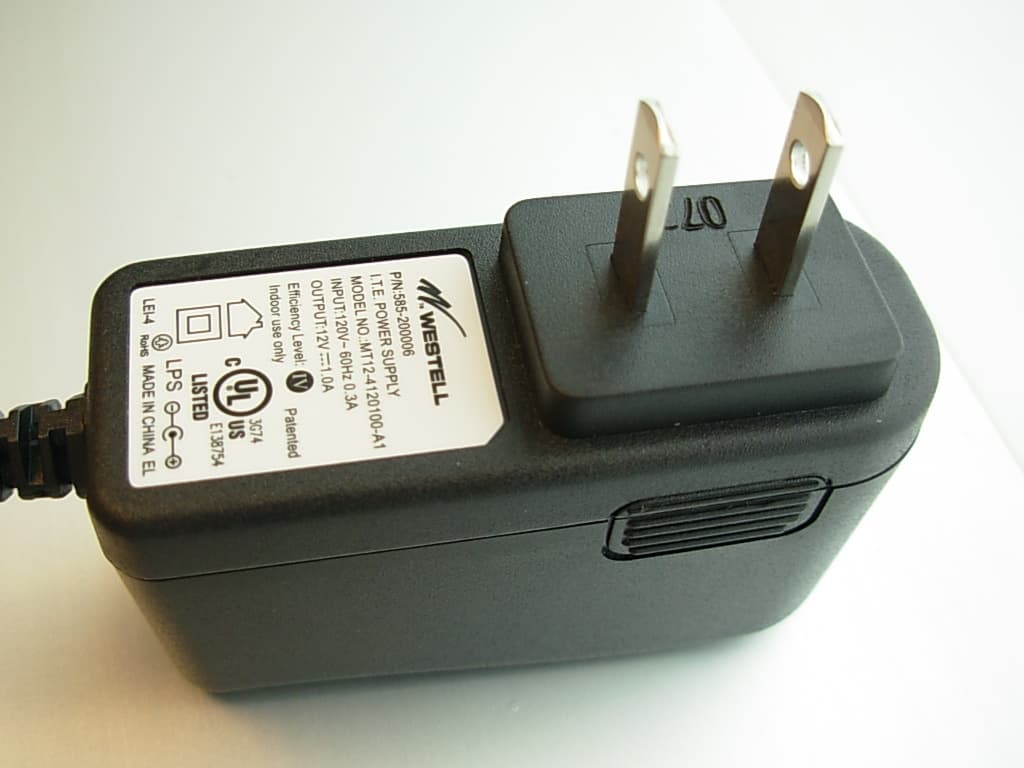
CH87500XX-07
Dec 20, 2007Versalink Wifi Device
Equipment Class
DTS - Digital Transmission System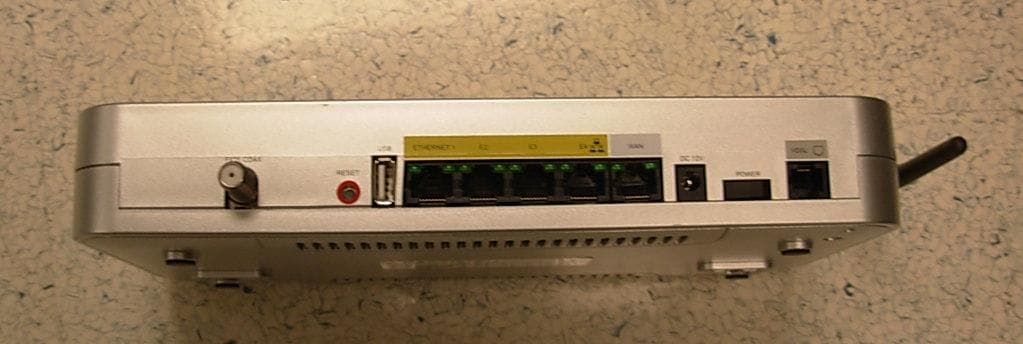
CH89100VMXX-10
Dec 08, 2007Wireless Broadband router with WiFi
Equipment Class
DTS - Digital Transmission System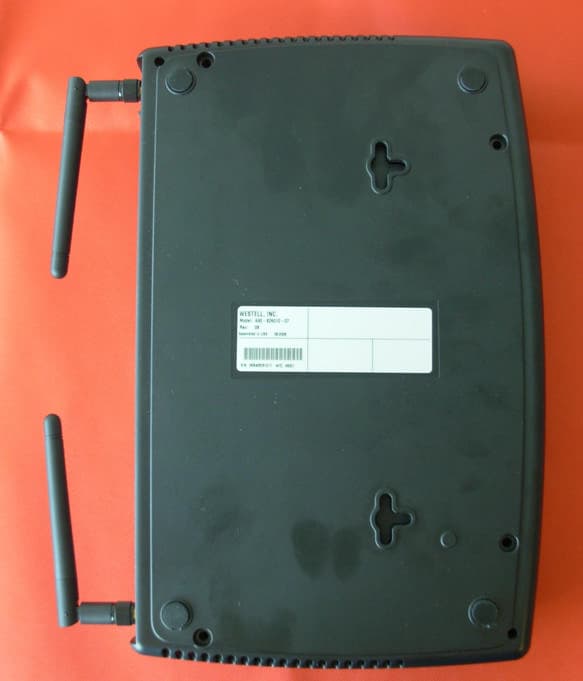
CH8A908260XX
Aug 29, 2006Wireless Gateway
Equipment Class
DTS - Digital Transmission System