F2Q-RFLYNXP11URechargeable Wireless Optical Mouse
Ione International Co., Ltd.
Click to zoom
Application Details
- Equipment Class
- DXX - Part 15 Low Power Communication Device Transmitter
- Date of Grant
- Oct 05, 2005
- Application Purpose
- Original Equipment
- Date of Application
- Oct 05, 2005
- Equipment Note
- Rechargeable Wireless Optical Mouse
- Frequency Range
- 27.04500000 - 27.04500000
- Company
- Ione International Co., Ltd.
- Country
- Taiwan
Documents & Files
Document Text
Text extracted from the exhibit documents filed with the FCC. Open a document above to read the original.
Users Manual
Lynx-P11 Rechargeable Wireless Optical Mouse User's Guide Thank you for purchasing Lynx-P11 Rechargeable Wireless Optical Mouse. The flexible mouse-extension-holder creates comfortable support and smooth operating on the desk. Please read this user's guide to help you using this product easily. If you have any questions, please contact us at the website www.ione.com.tw or www.itron-europe.com. Introduction Lynx-P11 is designed for mobility. The flexible mouse-extension-holder is suitable for laptop and desktop. Plug in Lynx-P11's mini-receiver to your USB port and you can use this wireless mouse without cable cluttering on your desk. And once Lynx-P11 is in low battery status you can connect the charging cable to Lynx-P11 and mini receiver. The rechargeable batteries in Lynx-P11 will receive electrical power from the connected receiver. When you do so, please make sure you put rechargeable batteries into the battery holder of Lynx-P11. DO NOT PUT REGULAR BATTERIES INSIDE LYNX-P11 WHILE YOU CONNECT LYNX-P11 AND MINI RECEIVER. IT COULD CAUSE BATTERY EXPLOSURE IF YOU DO SO. For Win 95/98/ME/2000/XP/2003 server and Office 97/2000/XP/WinXp64 bits Lynx P11 does not require any driver. Just plug and play. You can enjoy this convenient device. Feature . Optical Mouse with 800dpi Sensor . 27MHz RF technology with 256 ID . Battery charging by USB cable . Low power consumption . Battery low indicator . Flexible mouse-extension-holder to change from laptop to desktop usage Package Contents: 1. Wireless Optical Mouse 2. Mini Wireless Receiver 3. Flexible mouse-extension-holder 4. 2 AAA Rechargeable Batteries 5. Charging Connection Cable 6. User's Guide Hardware Installation Step1: Insert the Rechargeable Batteries. Step2: Refer to the +, - diagram inside the battery compartment. Software Setup: The mouse does NOT require a driver. However, the Magic-Pop-Up function (Scroll Wheel Button software) offers a convenient way to configure and select up to 12 shortcuts for various applications and files. Please download this software from our website www.ione.com.tw or www.itron-europe.com Download from www.ione.com.tw: Step1: Go to “Support” section and choose the item "3D mouse driver" (Magic-Pop-Up). Step2: Choose the version that suits with your language requirement. Step3: Double-click the icon or execute the .exe file to install the software. Step4: Select the interface. Step5: Follow the steps to complete the installation. Download from www.itron-europe.com: Step1: Go to “Download – Driver / Manuals” Step2: Download the version that suits with your operating system Step3: Extract the .zip-file. Step4:Navigate to the Folder to which you extracted the zip-file and double-click the icon or execute the .exe file to install the software. Step5: Select the interface. Step6: Follow the steps to complete the installation. Note: If you still have problems with this program, please read the “help”-files or contact us at [email protected] or [email protected] ID Setting The product has been pre-set, mouse and receiver are already paired. It is not necessary to do the ID setting when you use the mouse for the first time. However, the connection may be lost due to RF interference of environment. Hence, it may be necessary to re-set the connection-ID. Please follow the process below for the ID setting. Step 1: Plug the Mini Wireless Receiver in your computer. For best performance, please plug the Mini Wireless Receiver in the front USB port of computer or use the USB Extension Cable. Step 2: Press the connect button on the Mini Wireless Receiver. The LED will start to blink. Step 3: Press the connect button on the back of the Wireless Mouse within 8 seconds after Step 2. Step 4: The LED on the Mini Wireless Receiver will blink faster for a while. This means that ID setting is completed. Note: 1. If the Wireless Mouse does not work properly, please go back to step 2. 2. If the ID is used by other users or devices, please go back to step 2. Reminder: For optimal performance, please place the Mini Wireless Receiver 20cm away from other electrical devices such as computer monitors and speakers. Now, Enjoy and Have Fun !!! TROUBLE SHOOTING GUIDE Symptom Possible Reason Remedy Computer can't recognize the Mouse or the Mouse does not work Wireless Mouse is not connected to receiver. Follow the steps of ID setting to connect wireless Mouse and receiver again. Mouse can’t work after Magic-Pop-Up software is installed or removed. The software (de-)installation is not finished. Reboot the PC. Magic Popup software does not work properly Magic-Pop-Up software is not properly installed. Re-install the software following the software setting procedure. The red LED of scroll wheel flashes three times while pressing a mouse button Battery low remind display Use the charging cable to connect mouse and receiver for battery charging. *It will not affect your operating during battery charging process. Further questions. Please send an email to [email protected] or [email protected] Federal Communications Commission (FCC) Statement 15.21 You are cautioned that changes or modifications not expressly approved by the part responsible for compliance could void the user’s authority to operate the equipment. 15.105(b) This equipment has been tested and found to comply with the limits for a Class B digital device, pursuant to part 15 of the FCC rules. These limits are designed to provide reasonable protection against harmful interference in a residential installation. This equipment generates, uses and can radiate radio frequency energy and, if not installed and used in accordance with the instructions, may cause harmful interference to radio communications. However, there is no guarantee that interference will not occur in a particular installation. If this equipment does cause harmful interference to radio or television reception, which can be determined by turning the equipment off and on, the user is encouraged to try to correc…
Text truncated - open the document above for the full version.
Cover Letter(s)
Aug 11, 2005 Federal Communications Commission Authorization and Evaluation Division FCC ID: F2Q-RFLYNXP11U Confidentiality Request Pursuant to Sections 0.457 and 0.459 of the Commission’s Rules, the Applicant hereby requests confidential treatment of information accompanying this Application as outlined below: 1. Schematics 2. Block Diagram 3. Operational Description The above materials contain trade secrets and proprietary information not customarily released to the public. The public disclosure of these matters might be harmful to the Applicant and provide unjustified benefits to its competitors. The Applicant understands that pursuant to Rule 0.457, disclosure of this Application and all accompanying documentation will not be made before the date of the Grant for this application. Sincerely, William /Senior sales Itron Technology Inc.
External Photos
Report No.: ER/2005/80009 ID: F2Q-RFLYNXP11U Issue Date: Aug. 10, 2005 The results shown in this test report refer only to the sample(s) tested unless otherwise stated. This test report cannot be reproduced, except in full, without prior written permission of the Company. SGS Taiwan Ltd. No. 134, Wu Kung Rd., Wuku Industrial Zone, Taipei Country, Taiwan. / 台北縣五股工業區五工路134號 台灣檢驗科技股份有限公司 t (886-2) 2299-3939 f (886-2) 2298-2698 www.sgs.com.tw APPENDIX 2 PHOTOGRPHS OF EUT Report No.: ER/2005/80009 ID: F2Q-RFLYNXP11U Issue Date: Aug. 10, 2005 The results shown in this test report refer only to the sample(s) tested unless otherwise stated. This test report cannot be reproduced, except in full, without prior written permission of the Company. SGS Taiwan Ltd. No. 134, Wu Kung Rd., Wuku Industrial Zone, Taipei Country, Taiwan. / 台北縣五股工業區五工路134號 台灣檢驗科技股份有限公司 t (886-2) 2299-3939 f (886-2) 2298-2698 www.sgs.com.tw All View of EUT All View of EUT-1 Report No.: ER/2005/80009 ID: F2Q-RFLYNXP11U Issue Date: Aug. 10, 2005 The results shown in this test report refer only to the sample(s) tested unless otherwise stated. This test report cannot be reproduced, except in full, without prior written permission of the Company. SGS Taiwan Ltd. No. 134, Wu Kung Rd., Wuku Industrial Zone, Taipei Country, Taiwan. / 台北縣五股工業區五工路134號 台灣檢驗科技股份有限公司 t (886-2) 2299-3939 f (886-2) 2298-2698 www.sgs.com.tw Front View of EUT Back View of EUT Report No.: ER/2005/80009 ID: F2Q-RFLYNXP11U Issue Date: Aug. 10, 2005 The results shown in this test report refer only to the sample(s) tested unless otherwise stated. This test report cannot be reproduced, except in full, without prior written permission of the Company. SGS Taiwan Ltd. No. 134, Wu Kung Rd., Wuku Industrial Zone, Taipei Country, Taiwan. / 台北縣五股工業區五工路134號 台灣檢驗科技股份有限公司 t (886-2) 2299-3939 f (886-2) 2298-2698 www.sgs.com.tw Tip View of EUT
ID Label/Location Info
FCC ID LABEL FORMAT AND LOCATION Applicant: Itron Technology Inc. FCC ID: F2Q-RFLYNXP11U FCC ID: F2Q-RFLYNXP11U This device complies with part 15 of the FCC Rules. Operation is subject to the following two conditions: (1) This device may not cause harmful interference, and (2) this device must accept any interference received, including interference that may cause undesired operation. FCC ID LABEL AREA
Internal Photos
Report No.: ER/2005/80009 ID: F2Q-RFLYNXP11U Issue Date: Aug. 10, 2005 The results shown in this test report refer only to the sample(s) tested unless otherwise stated. This test report cannot be reproduced, except in full, without prior written permission of the Company. SGS Taiwan Ltd. No. 134, Wu Kung Rd., Wuku Industrial Zone, Taipei Country, Taiwan. / 台北縣五股工業區五工路134號 台灣檢驗科技股份有限公司 t (886-2) 2299-3939 f (886-2) 2298-2698 www.sgs.com.tw APPENDIX 3 PHOTOGRPHS OF EUT Report No.: ER/2005/80009 ID: F2Q-RFLYNXP11U Issue Date: Aug. 10, 2005 The results shown in this test report refer only to the sample(s) tested unless otherwise stated. This test report cannot be reproduced, except in full, without prior written permission of the Company. SGS Taiwan Ltd. No. 134, Wu Kung Rd., Wuku Industrial Zone, Taipei Country, Taiwan. / 台北縣五股工業區五工路134號 台灣檢驗科技股份有限公司 t (886-2) 2299-3939 f (886-2) 2298-2698 www.sgs.com.tw Internal of EUT – Open Internal of EUT – 1 Report No.: ER/2005/80009 ID: F2Q-RFLYNXP11U Issue Date: Aug. 10, 2005 The results shown in this test report refer only to the sample(s) tested unless otherwise stated. This test report cannot be reproduced, except in full, without prior written permission of the Company. SGS Taiwan Ltd. No. 134, Wu Kung Rd., Wuku Industrial Zone, Taipei Country, Taiwan. / 台北縣五股工業區五工路134號 台灣檢驗科技股份有限公司 t (886-2) 2299-3939 f (886-2) 2298-2698 www.sgs.com.tw Internal of EUT – 2
Test Report
Report No.: ER/2005/80009 ID: F2Q-RFLYNXP11U Issue Date: Aug. 10, 2005 Page: 1 of 29 The results shown in this test report refer only to the sample(s) tested unless otherwise stated. This test report cannot be reproduced, except in full, without prior written permission of the Company. SGS Taiwan Ltd. No. 134, Wu Kung Rd., Wuku Industrial Zone, Taipei Country, Taiwan. / 台北縣五股工業區五工路134號 台灣檢驗科技股份有限公司 t (886-2) 2299-3939 f (886-2) 2298-2698 www.sgs.com.tw ELECTROMAGNETIC EMISSIONS COMPLIANCE REPORT INTENTIONAL RADIATOR CERTIFICATION TO FCC PART 15 SUBPART C REQUIREMENT OF Product Name: Rechargeable Wireless Optical Mouse Brand Name: IONE Model Name: Lynx-P11 Model Difference: N/A FCC ID: F2Q-RFLYNXP11U Report No.: ER/2005/80009 Issue Date: Aug. 10, 2005 FCC Rule Part: §15.227 Prepared for Itron Technology Inc. 9F, #75, Sec. 1, Hsin Tai Wu Rd., Hsichih, Taipei Hsien, Taiwan, R.O.C. Prepared by SGS Taiwan Ltd. No. 134, Wu Kung Rd., Wuku Industrial Zone, Taipei County, Taiwan. Note: This report shall not be reproduced except in full, without the written approval of SGS Taiwan Ltd. This document may be altered or revised by SGS Taiwan Ltd. personnel only, and shall be noted in the revision section of the document. Report No.: ER/2005/80009 ID: F2Q-RFLYNXP11U Issue Date: Aug. 10, 2005 Page: 2 The results shown in this test report refer only to the sample(s) tested unless otherwise stated. This test report cannot be reproduced, except in full, without prior written permission of the Company. SGS Taiwan Ltd. No. 134, Wu Kung Rd., Wuku Industrial Zone, Taipei Country, Taiwan. / 台北縣五股工業區五工路134號 台灣檢驗科技股份有限公司 t (886-2) 2299-3939 f (886-2) 2298-2698 www.sgs.com.tw VERIFICATION OF COMPLIANCE Applicant: Itron Technology Inc. 9F, #75, Sec. 1, Hsin Tai Wu Rd., Hsichih, Taipei Hsien, Taiwan, R.O.C. Product Description: Rechargeable Wireless Optical Mouse FCC ID Number: F2Q-RFLYNXP11U Brand Name: IONE Model No.: Lynx-P11 Model Difference: N/A File Number: ER/2005/80009 Date of Test: Aug. 08, 2005 ~ Aug. 10, 2005 Date of EUT Received: Aug. 08, 2005 We hereby certify that: The above equipment was tested by SGS Taiwan Ltd. The test data, data evaluation, test procedures, and equipment configurations shown in this report were made in accordance with the procedures given in ANSI C63.4 (2003) and the energy emitted by the sample EUT tested as described in this report is in compliance with conducted and radiated emission limits of FCC Rules Part 15.227. The test results of this report relate only to the tested sample identified in this report. Test By: Date Aug. 10, 2005 Henk Huang Prepared By: Date Aug. 10, 2005 Gigi Yeh Approved By: Date Aug. 10, 2005 Vincent Su Report No.: ER/2005/80009 ID: F2Q-RFLYNXP11U Issue Date: Aug. 10, 2005 Page: 3 The results shown in this test report refer only to the sample(s) tested unless otherwise stated. This test report cannot be reproduced, except in full, without prior written permission of the Company. SGS Taiwan Ltd. No. 134, Wu Kung Rd., Wuku Industrial Zone, Taipei Country, Taiwan. / 台北縣五股工業區五工路134號 台灣檢驗科技股份有限公司 t (886-2) 2299-3939 f (886-2) 2298-2698 www.sgs.com.tw Table of Contents 1. GENERAL INFORMATION ........................................................................................... 5 1.1 PRODUCT DESCRIPTION................................................................................................................... 5 1.2 RELATED SUBMITTAL(S) / GRANT (S) .............................................................................................. 5 1.3 TEST METHODOLOGY....................................................................................................................... 5 1.4 TEST FACILITY................................................................................................................................. 5 2. SYSTEM TEST CONFIGURATION .............................................................................. 6 2.1 EUT CONFIGURATION...................................................................................................................... 6 2.2 EUT EXERCISE................................................................................................................................. 6 2.3 TEST PROCEDURE............................................................................................................................. 6 2.4 LIMITATION...................................................................................................................................... 6 2.5 CONFIGURATION OF TESTED SYSTEM.............................................................................................. 8 3. SUMMARY OF TEST RESULTS ................................................................................... 9 4. DESCRIPTION OF TEST MODES ................................................................................ 9 5. CONDUCTED EMISSIONS TEST ............................................................................... 10 5.1 MEASUREMENT PROCEDURE: ........................................................................................................ 10 5.2 TEST SET-UP (BLOCK DIAGRAM OF CONFIGURATION) ................................................................ 10 5.3 MEASUREMENT EQUIPMENT USED: ............................................................................................... 11 5.4 MEASUREMENT RESULT: ............................................................................................................... 11 6. RADIATED EMISSION TEST ...................................................................................... 14 6.1 MEASUREMENT PROCEDURE.......................................................................................................... 14 6.2 TEST SET-UP (BLOCK DIAGRAM OF CONFIGURATION) ................................................................ 14 6.3 MEASUREMENT EQUIPMENT USED: .............................................................................…
Text truncated - open the document above for the full version.
Test Setup Photos
Report No.: ER/2005/80009 ID: F2Q-RFLYNXP11U Issue Date: Aug. 10, 2005 The results shown in this test report refer only to the sample(s) tested unless otherwise stated. This test report cannot be reproduced, except in full, without prior written permission of the Company. SGS Taiwan Ltd. No. 134, Wu Kung Rd., Wuku Industrial Zone, Taipei Country, Taiwan. / 台北縣五股工業區五工路134號 台灣檢驗科技股份有限公司 t (886-2) 2299-3939 f (886-2) 2298-2698 www.sgs.com.tw APPENDIX 1 PHOTOGRPHS OF SET UP Report No.: ER/2005/80009 ID: F2Q-RFLYNXP11U Issue Date: Aug. 10, 2005 The results shown in this test report refer only to the sample(s) tested unless otherwise stated. This test report cannot be reproduced, except in full, without prior written permission of the Company. SGS Taiwan Ltd. No. 134, Wu Kung Rd., Wuku Industrial Zone, Taipei Country, Taiwan. / 台北縣五股工業區五工路134號 台灣檢驗科技股份有限公司 t (886-2) 2299-3939 f (886-2) 2298-2698 www.sgs.com.tw Radiated Emission Setup Photos(charge mode) Radiated Emission Setup Photos(transmittingl mode) Report No.: ER/2005/80009 ID: F2Q-RFLYNXP11U Issue Date: Aug. 10, 2005 The results shown in this test report refer only to the sample(s) tested unless otherwise stated. This test report cannot be reproduced, except in full, without prior written permission of the Company. SGS Taiwan Ltd. No. 134, Wu Kung Rd., Wuku Industrial Zone, Taipei Country, Taiwan. / 台北縣五股工業區五工路134號 台灣檢驗科技股份有限公司 t (886-2) 2299-3939 f (886-2) 2298-2698 www.sgs.com.tw Conducted Emission Setup Photos
Contact Information
Applicant
Ming Wang(Electronic Engineer Supervisor)
Test Firm
SGS Taiwan Ltd.Jason Lin
Technical Specifications
| # | Rule Parts | Frequency Range | Power Output |
|---|---|---|---|
| 1 | 15C | 27.045 MHz - 27.045 MHz | - |
Other Applications from Ione International Co., Ltd.
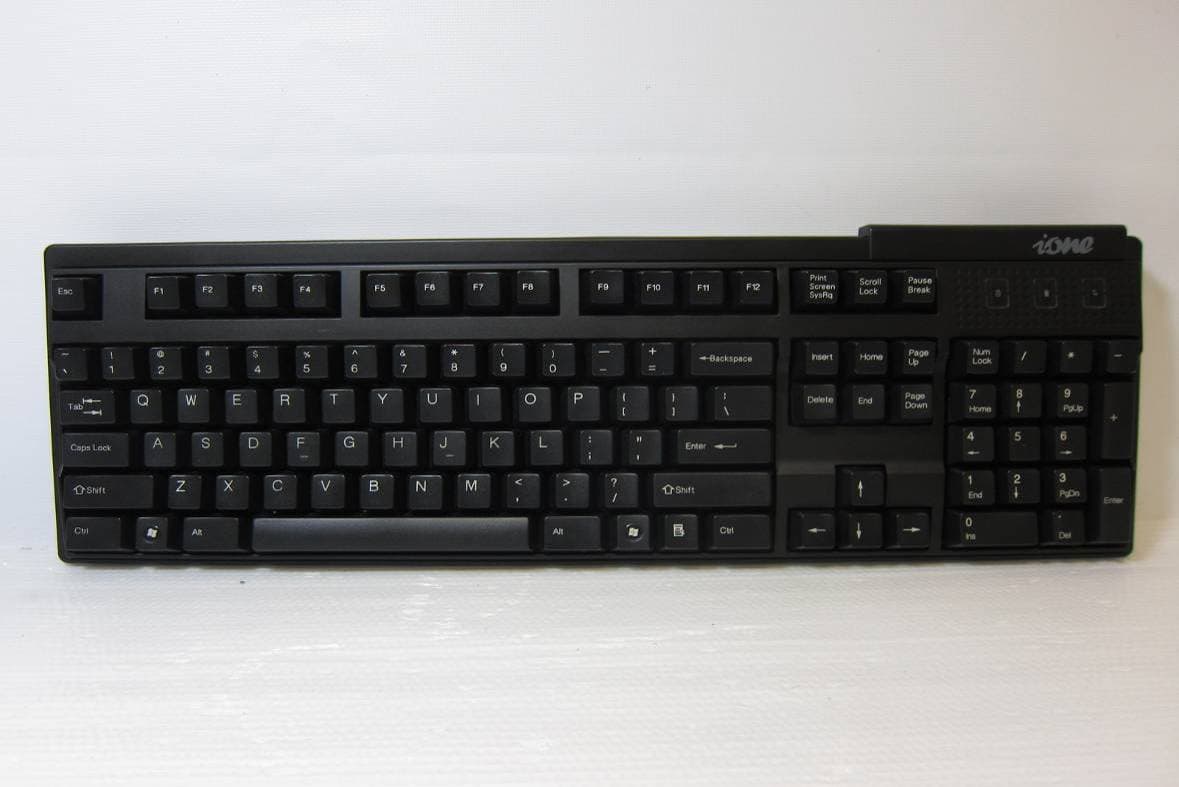
F2QSCORPIUSU9WL
May 02, 2011Wireless Keyboard
Equipment Class
DXX - Part 15 Low Power Communication Device Transmitter
F2QRFLIBRA-S10HU
Dec 09, 2010Wireless Presenter Mouse
Equipment Class
DXX - Part 15 Low Power Communication Device Transmitter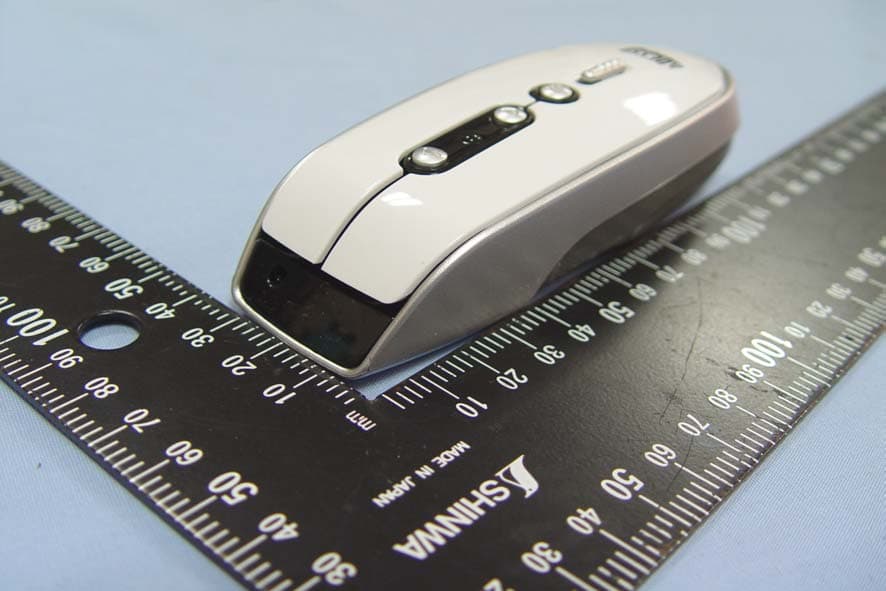
F2QRFLYNXP2
Sep 08, 2010Wireless mouse
Equipment Class
DXX - Part 15 Low Power Communication Device Transmitter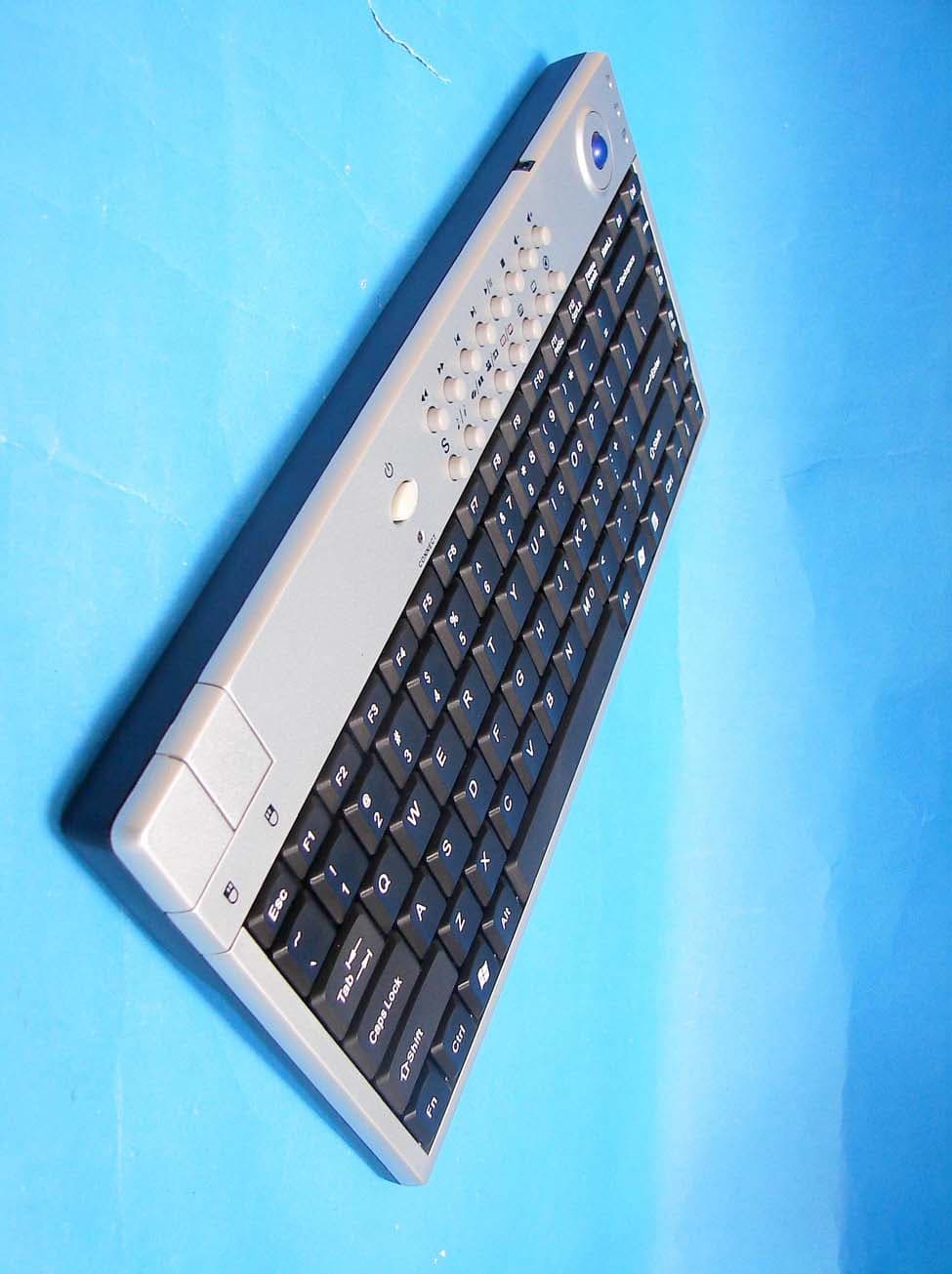
F2QSCORPIUSP20MTU
Jul 01, 20072.4 GHz MCE Keyboard with Optical Trackball
Equipment Class
DXX - Part 15 Low Power Communication Device Transmitter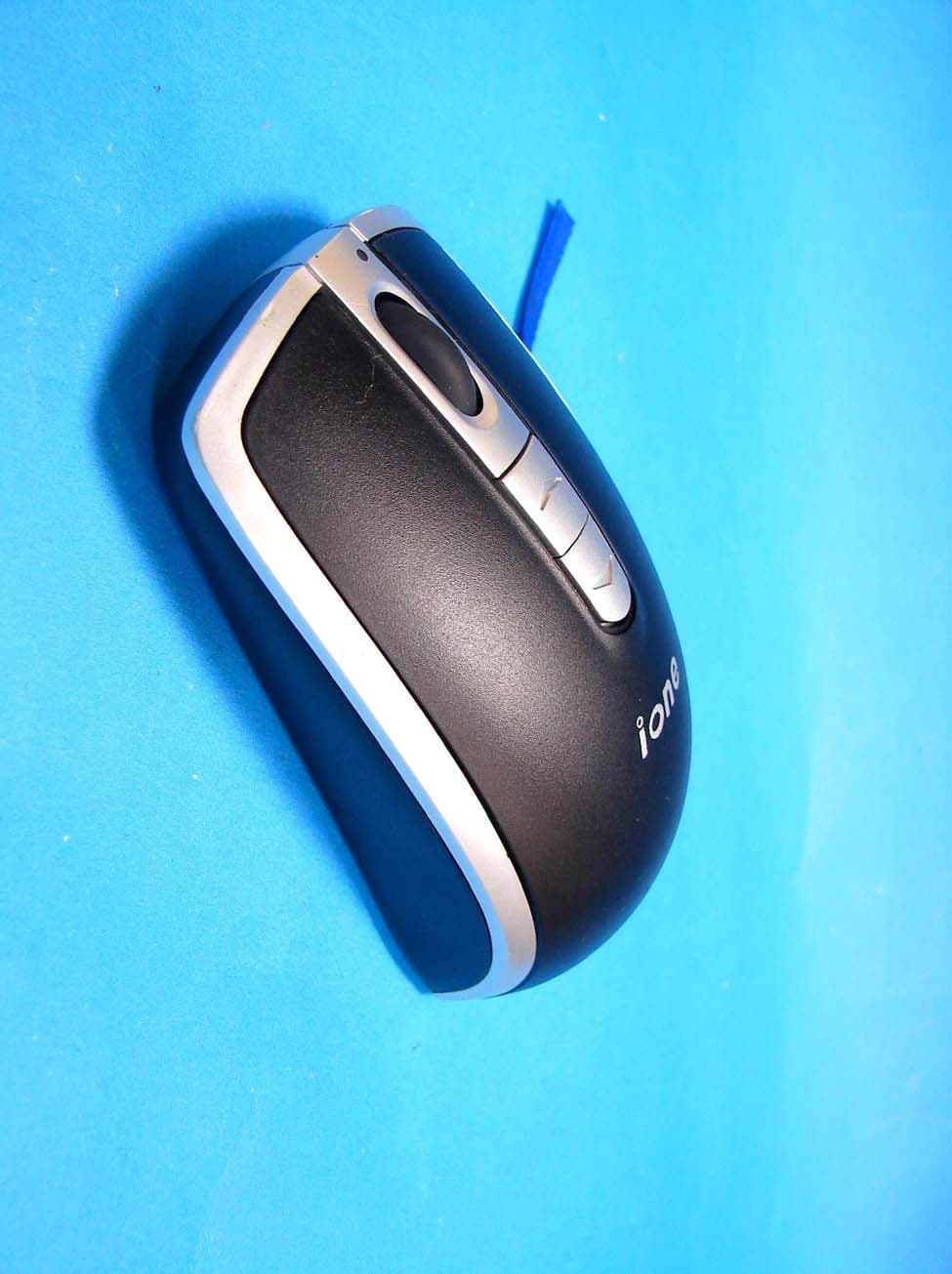
F2QLYNXR7AU
Apr 08, 200727MHz OPTICAL MOUSE
Equipment Class
DXX - Part 15 Low Power Communication Device Transmitter