J9CQCT-7000Network Interface Unit
Qualcomm Technologies, Inc.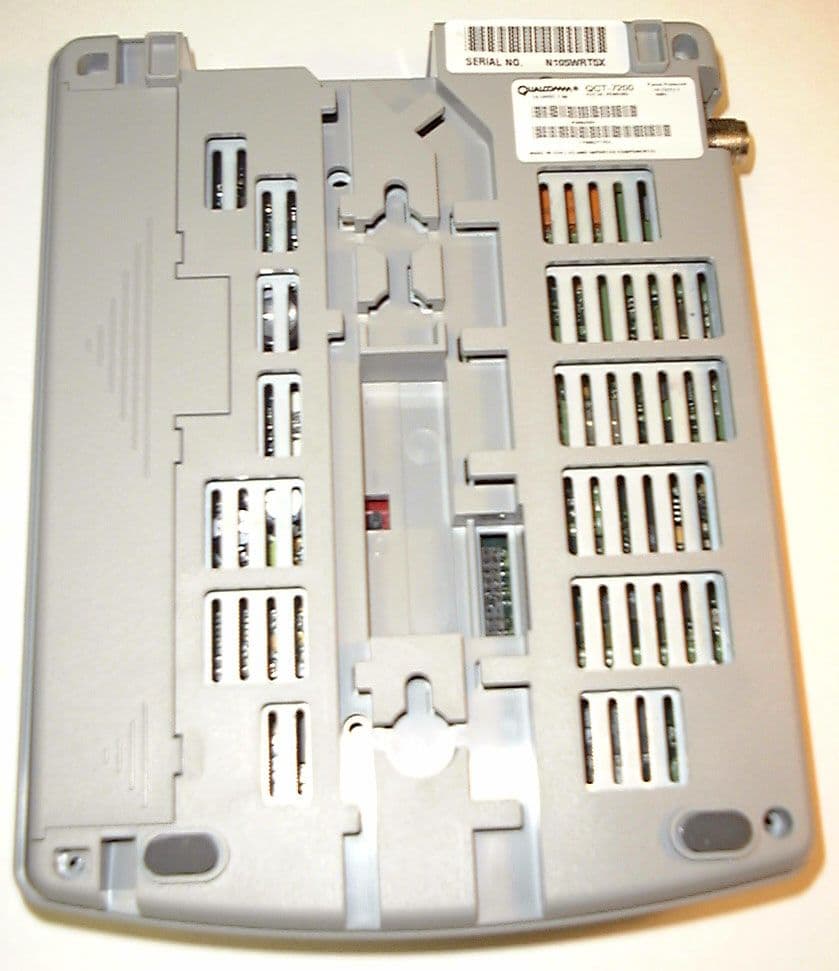
Click to zoom
Application Details
- Equipment Class
- TNB - Licensed Non-Broadcast Station Transmitter
- Date of Grant
- Apr 01, 1999
- Application Purpose
- Original Equipment
- Date of Application
- Dec 22, 1998
- Equipment Note
- Network Interface Unit
- Frequency Range
- 824.04000000 - 848.97000000
- Company
- Qualcomm Technologies, Inc.
- Country
- United States
Documents & Files
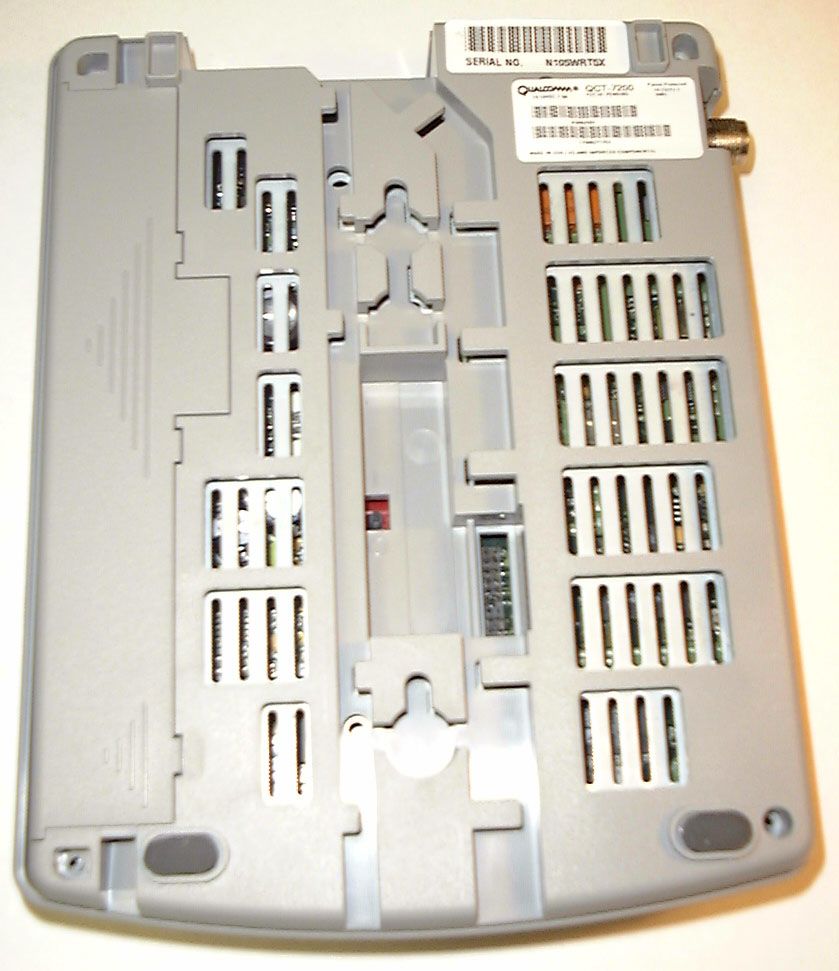
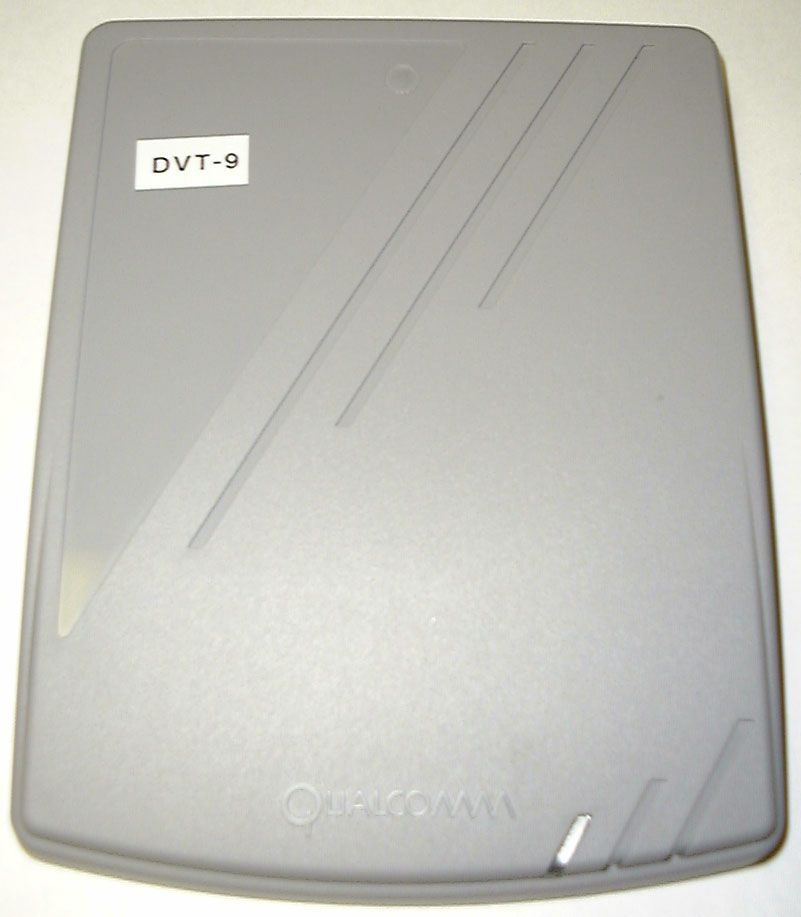
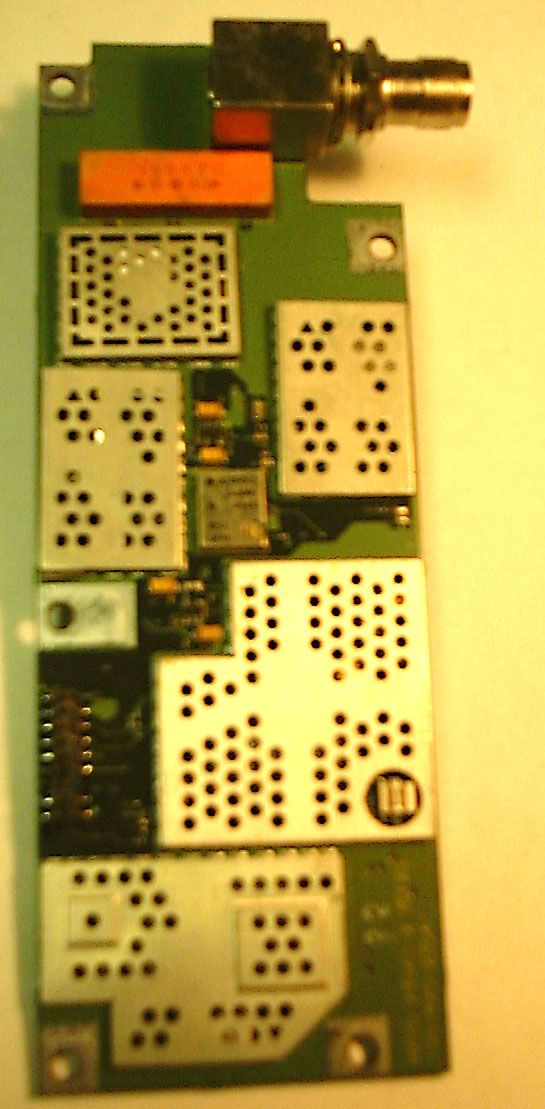
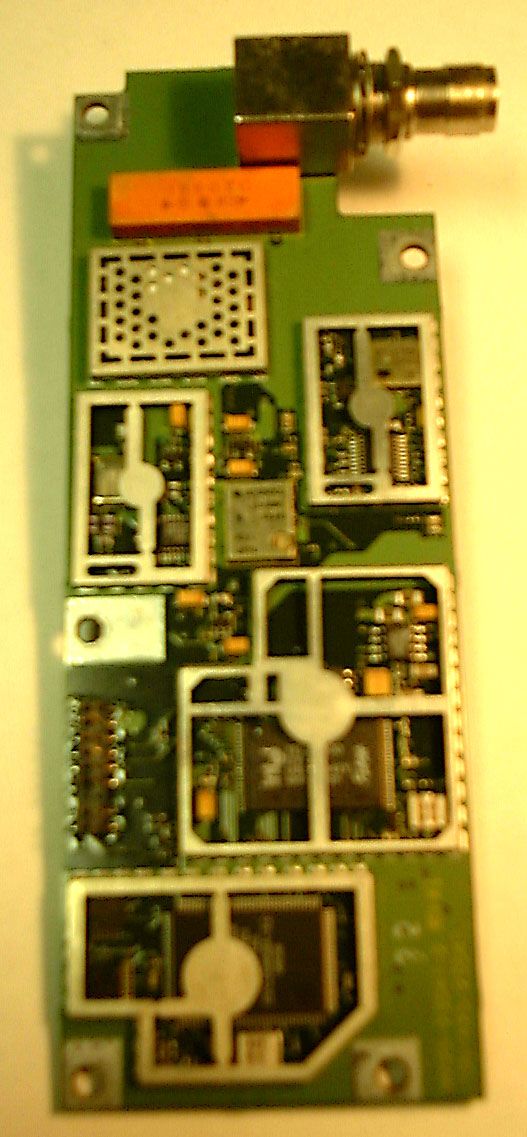
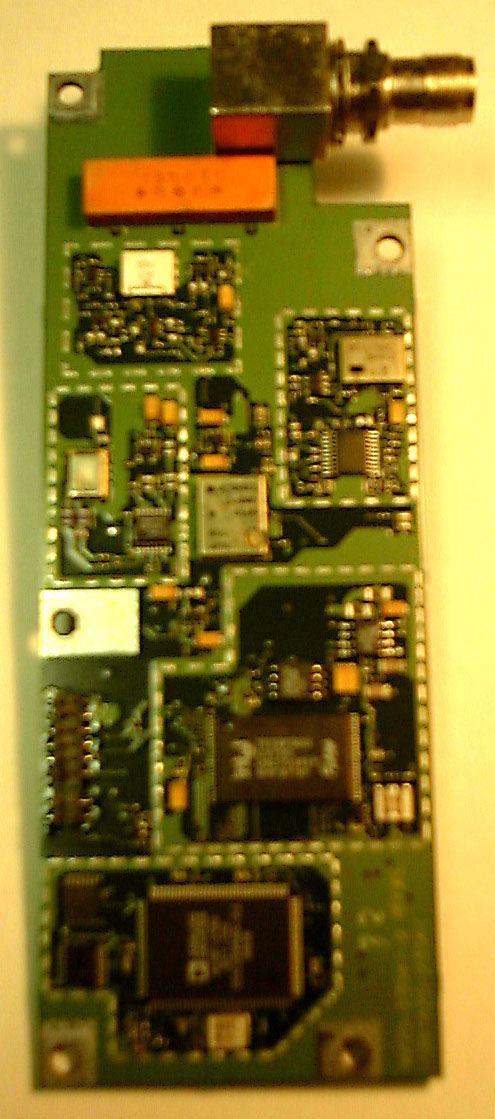
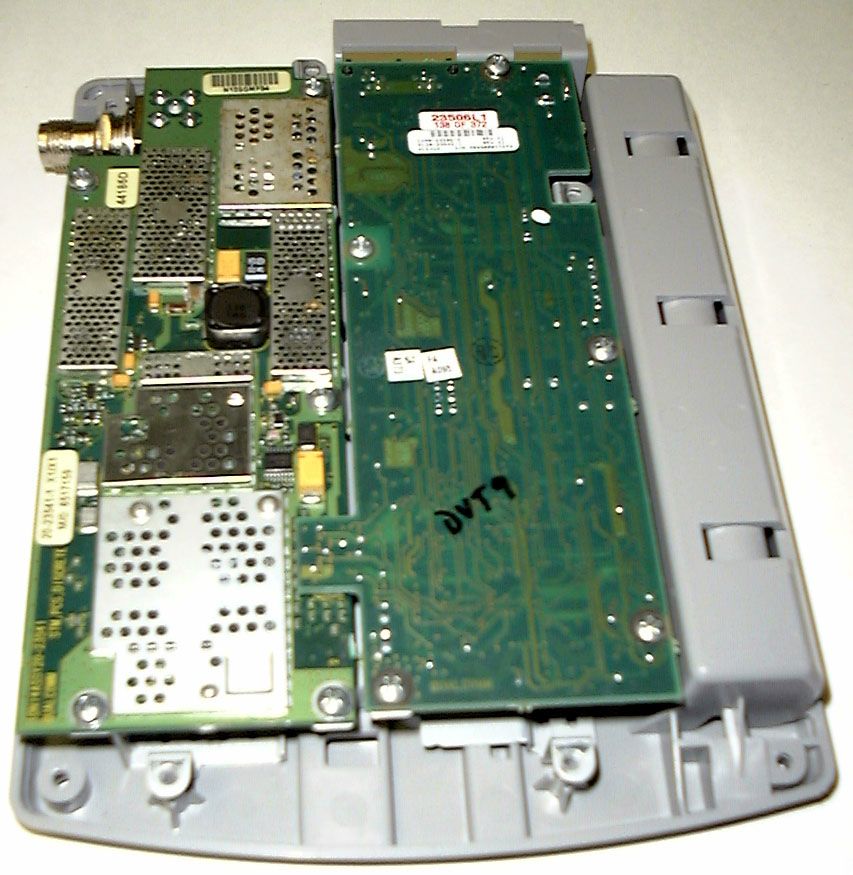
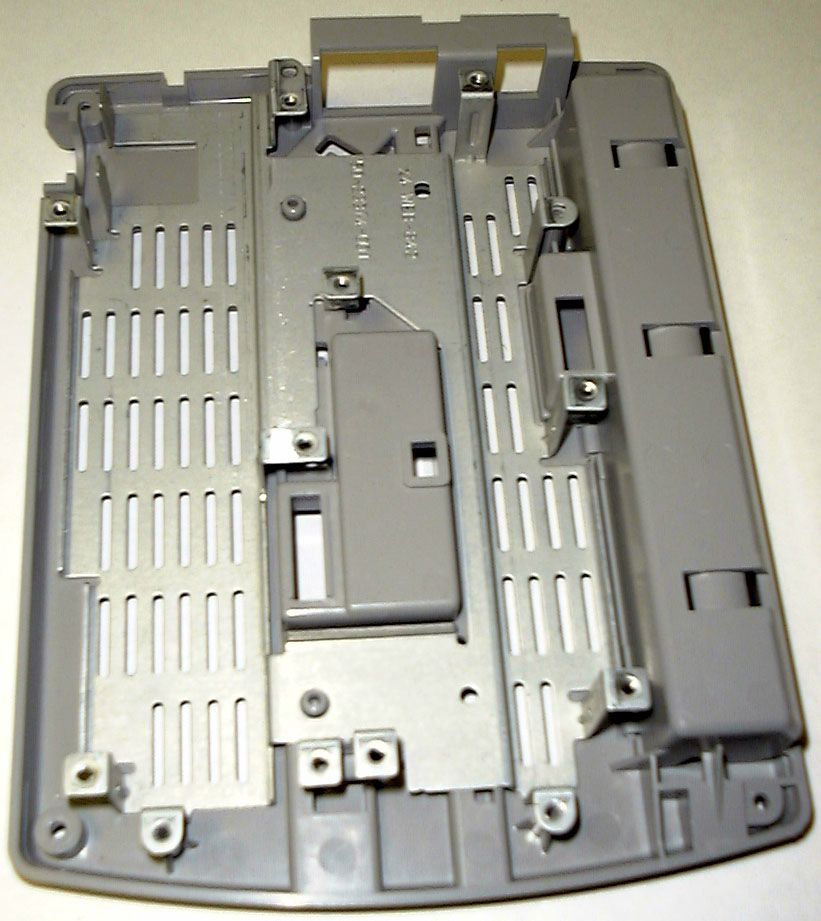
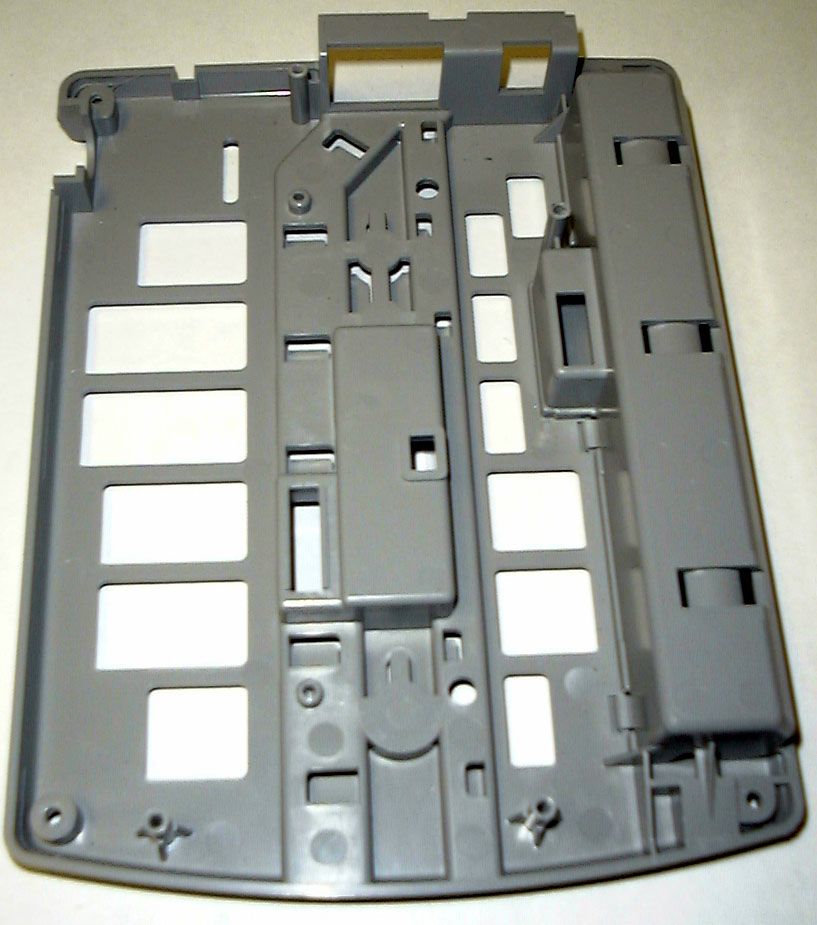
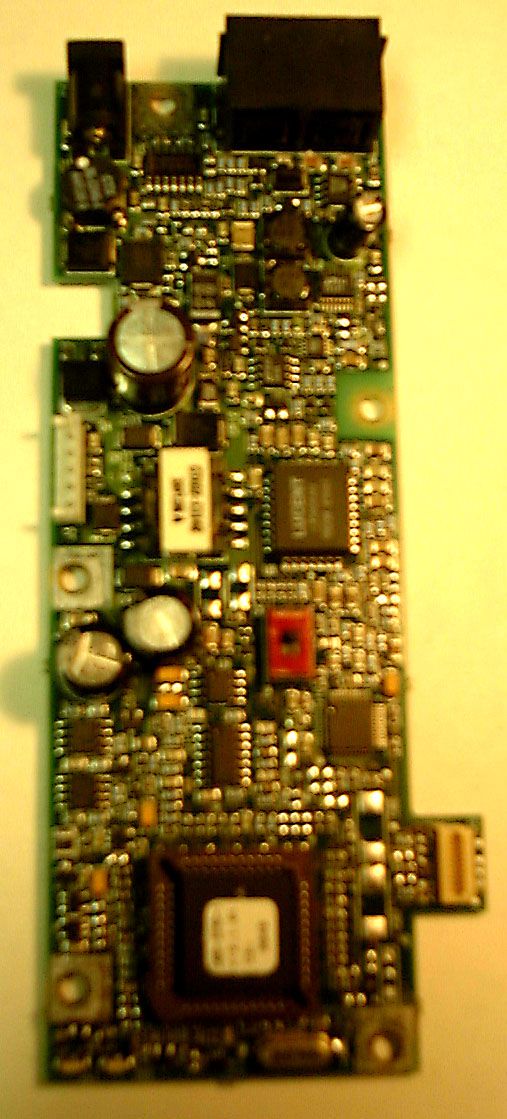
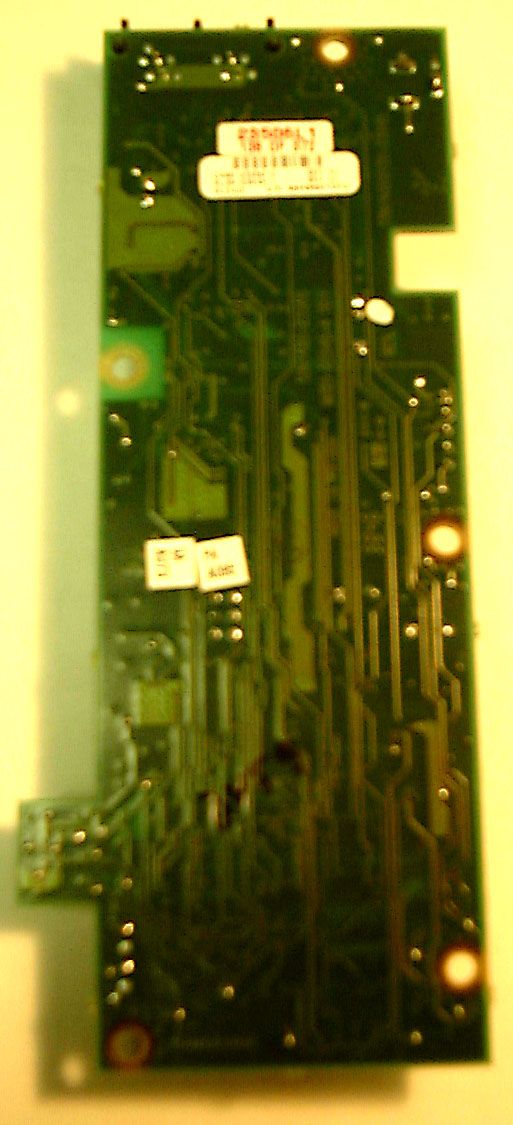
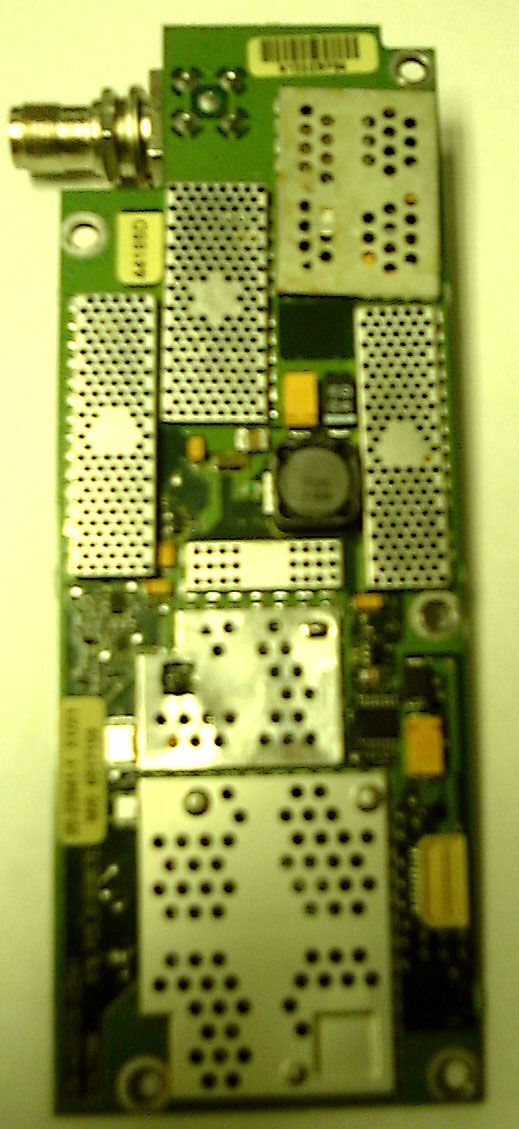
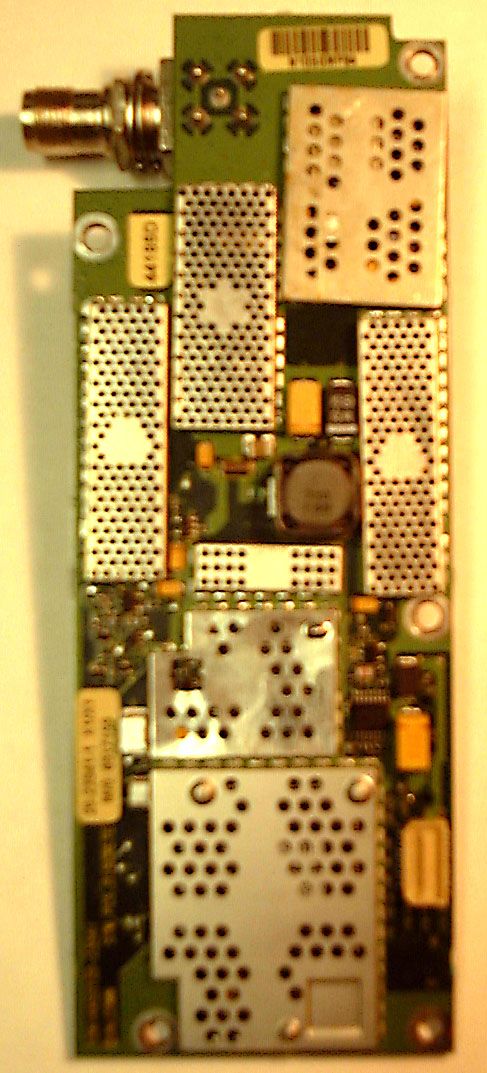
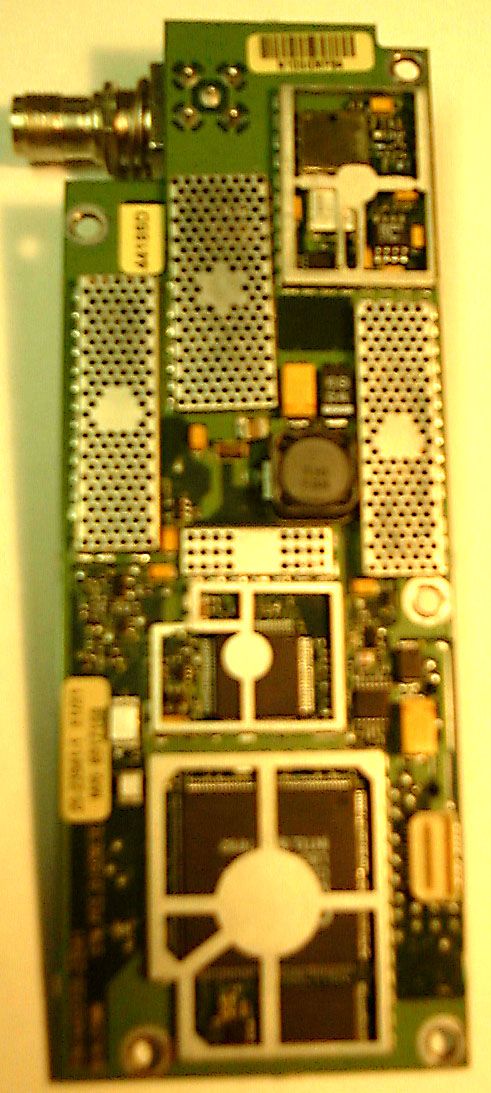
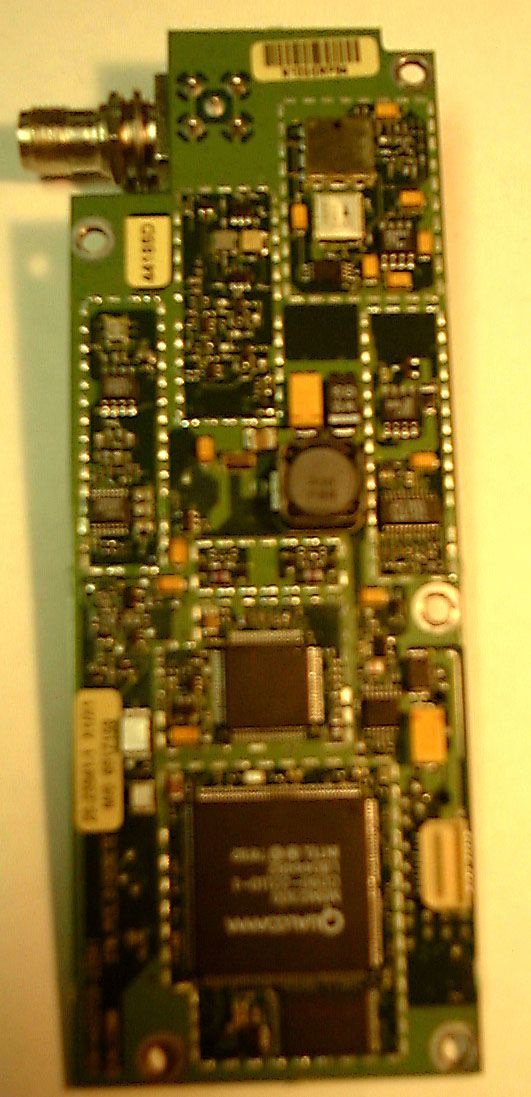
Document Text
Text extracted from the exhibit documents filed with the FCC. Open a document above to read the original.
Users Manual
QCT-7000/QCT-7200 Network Interface Unit User’s Guide QUALCOMM Incorporated 6455 Lusk Boulevard, San Diego, California 92121-2779 http://www.qualcomm.com/cdma niu.book Page i Friday, January 8, 1999 11:04 AM QUALCOMM reserves the right to make changes in technical and product specifications without prior notice. The Products/Equipment described in the attached documentation are manufactured under one or more of the following U.S. Patents: 4,658,096,4,901,307, 5,056,109,5,099,204,5,101,501,5,103,459, 5,107,225,5,109,390, 5,193,094,5,228,054,5,257,283, 5,265,119, 5,267,261,5,267,262, 5,280,472,5,283,536, 5,289,527,5,307,405, 5,309,474,5,337,338, 5,339,046, 5,341,456,5,383,219,5,392,287, 5,396,516,D356,560, 5,408,697,5,414,728,5,414,796,5,416,797, 5,426,392, 5,437,055, D361,065,5,442,322,5,442,627,5,452,473, 5,461,639,5,469,115, 5,469,471,5,471,497,5,475,870, 5,479,475, 5,483,696,5,485,486, 5,487,175,5,490,165, 5,497,395,5,499,280, 5,504,773,5,506,865, 5,509,015, 5,509,035,5,511,067,5,511,073, 5,513,176,5,515,177, 5,517,323,5,519,761,5,528,593,5,530,928, 5,533,011, 5,535,239, 5,539,531,5,544,196,5,544,223,5,546,459, 5,548,812,5,559,881, 5,559,865,5,561,618,5,564,083, 5,566,000, 5,566,206,5,566,357, 5,568,483,5,574,773, 5,574,987,D375,740, 5,576,662,5,577,022, 5,577,265, D375,937,5,588,043,D376,804, 5,589,756,5,590,069, 5,590,406,5,590,408,5,592,548,5,594,718, 5,596,570, 5,600,754, 5,602,834,5,602,833,5,603,096,5,604,730, 5,604,459,5,604,730, 5,608,722,5,614,806,5,617,060, 5,621,752, 5,621,784,5,621,853, 5,625,876,5,627,857,5,629,955,5,629,975, 5,638,412,5,640,414, 5,642,398,5,644,591,5,644,596,5,646,991, 5,652,814,5,654,979, 5,655,220,5,657,420,5,659,569,5,663,807, Other patents pending. QUALCOMM and DIGITAL by QUALCOMM are registered trademarks and QCT-7000/QCT-7200 and PureVoice are trademarks of QUALCOMM Incorporated. Other product and brand names may be trademarks or registered trademarks of their respective owners. Important Information FCC/IC Notice This computer peripheral complies with part 15 of the FCC Rules. Operation is subject to the following two conditions: (1) This device may not cause harmful interference, and (2) this device must accept any interference received, including interference that may cause undesirable operation. This receiver complies with part 15 of the FCC Rules. Operation is subject to the condition that this device does not cause harmful interference. Caution The user is cautioned that any changes or modifications not expressly approved by the party responsible for compliance could void the warranty and user’s authority to operate the equipment. Warning Use only QUALCOMM-approved accessories with QUALCOMM phones. Use of any unauthorized accessories may be dangerous and will invalidate the phone warranty if said accessories cause damage or a defect to the phone. The use of any other type will invalidate the warranty and may be hazardous. Customer Service Your service provider’s customer support department should be able to answer all of your questions. If they are unable to assist you, then please call 619-651-4028 or toll-free (USA) at 800-349-4478 for QUALCOMM Customer Service. Copyright © 1999 QUALCOMM Incorporated. All rights reserved. Printed in the United States of America.80-67736-1 Rev. X1 niu.book Page ii Friday, January 8, 1999 11:04 AM Quick Start: Connecting Unit iii 80-67736-1 Rev. X1 QUICK START: CONNECTING UNIT À Connect your phone to the Network Interface Unit (NIU). a.Slide connector panel cover (not shown) off back of NIU. b.Plug your telephone connector into one of the telephone jacks on the NIU. Be sure the phone is set for touchtone dialing. (See the “Uses of Your NIU” section.) c.Plug the other end of the connector into your touchtone telephone. Á Connect the antenna. a.Align the nut on the antenna with the thread on the NIU. b.Thread the antenna onto the NIU’s antenna connector and hand-tighten. c.Position the antenna vertically for optimal reception. Â Attach the power source. a.Insert the small plug on the AC adaptor into the DC jack on the back of the NIU. b.Plug the AC adaptor into any available AC wall outlet. 3 3 1 1 2 Make a call 1. Lift the handset. 2. Listen for a dial tone. (If dial tone is not present, see the “Troubleshooting” section.) 3. Press the appropriate digit keys to dial the desired phone number. 4. Replace the handset in the cradle to end the call. niu.book Page iii Friday, January 8, 1999 11:04 AM iv QCT-7000/QCT-7200 Network Interface Unit User’s Guide 80-67736-1 Rev. X1 QUICK START: USING FEATURES TaskDialing CodePage Dialing a speed dial number <speed dial> * Note: <speed dial> = 1–20 8 Storing a speed dial number # 10 <speed dial location> < phone number > # Notes: <speed dial location> = 1–20 Enter a zero when storing locations 1 through 9; for example, 01 or 03. 8 Storing a hotline number # 20 <phone number> # 10 Canceling a hotline number # 200 # 10 Setting an occasional alarm # 16 <hhmm> # Note: <hhmm> = time in hours and minutes based on a 24-hour clock format. 10 Canceling an occasional alarm # 17 <hhmm> # 11 Setting a standing alarm # 19 <hhmm> # 11 Canceling a standing alarm # 190 # 11 Voice mail retrieval99 * (reserved speed-dial number if supported by your service provider) 13 Making a data call # 3282< phone number > # 15 Making a fax call # 329< phone number > # 15 Resetting to default values # 9190 0000 # 18 niu.book Page iv Friday, January 8, 1999 11:04 AM Important Safety Information v 80-67736-1 Rev. X1 IMPORTANT SAFETY INFORMATION When using your Network Interface Unit (NIU), follow these safety precautions to reduce the risk of fire, electrical shock, and injury. Caution • Never spill liquid onto the NIU. Do not use it near water (a bathtub, sink, wet basement, or swimming pool) or during an electrical storm. • Do not use the NIU to report a gas leak if you are in the vicinity of the gas leak. • Do not overload wall outlets and extension cords. This can result in risk of fire or electric shoc…
Text truncated - open the document above for the full version.
Users Manual
QCT- ™ 7000/QCT- ™ 7200 Network Interface Unit User’s Guide QUALCOMM Incorporated 6455 Lusk Boulevard, San Diego, California 92121-2779 USA http://www.qualcomm.com/cdma Software changes may have occurred after this printing. QUALCOMM reserves the right to make changes in technical and product specifications without prior notice. The products and equipment described in this documentation are manufactured under one or more of the following U.S. Patents: 4,901,3075,056,1095,099,2045,101,5015,103,4595,107,2255,109,390 5,193,0945,228,0545,257,2835,265,1195,267,2615,267,2625,280,472 5,283,5365,289,5275,307,4055,309,4745,337,3385,339,0465,341,456 5,383,2195,392,2875,396,516D356,5605,408,6975,414,7285,414,796 5,416,7975,426,3925,437,055D361,0655,442,3225,442,6275,452,473 5,461,6395,469,1155,469,4715,471,4975,475,8705,479,4755,483,696 5,485,4865,487,1755,490,1655,497,3955,499,2805,504,7735,506,865 5,509,0155,509,0355,511,0675,511,0735,513,1765,515,1775,517,323 5,519,7615,528,5935,530,9285,533,0115,535,2395,539,5315,544,196 5,544,2235,546,4595,548,8125,559,8815,559,8655,561,6185,564,083 5,566,0005,566,2065,566,3575,568,4835,574,7735,574,987D375,740 5,576,6625,577,0225,577,265D375,9375,588,043D376,8045,589,756 5,590,0695,590,4065,590,4085,592,5485,594,7185,596,5705,600,754 5,602,8345,602,8335,603,0965,604,4595,604,7305,608,7225,614,806 5,617,0605,621,7525,621,7845,621,8535,625,8765,627,8575,629,955 5,629,9755,638,4125,640,4145,642,3985,644,5915,644,5965,646,991 5,652,8145,654,9795,655,2205,657,4205,659,5695,663,8075,666,122 5,673,2595,675,5815,675,6445,680,3955,687,229D386,1865,689,557 5,691,9745,692,0065,696,4685,697,0555,703,9025,704,0015,708,448 5,710,5215,710,7585,710,7685,710,7845,715,2365,715,5265,722,044 5,722,0535,722,0615,722,0635,724,3855,727,1235,729,5405,732,134 5,732,3415,734,7165,737,6875,737,7085,742,734D393,8565,748,104 5,751,7255,751,7615,751,9015,754,5335,754,5425,754,7335,757,767 5,757,8585,758,2665,761,2045,764,6875,774,4965,777,9905,778,024 5,778,3385,781,5435,781,8565,781,8675,784,4065,784,5325,790,589 5,790,6325,793,338D397,1105,799,0055,799,2545,802,1055,805,648 5,805,8435,812,0365,812,0945,812,0975,812,5385,812,6075,812,651 5,812,9385,818,8715,822,3185,825,2535,828,3485,828,6615,835,065 5,835,8475,839,0525,841,8065,842,1245,844,7845,844,8855,844,899 5,844,9855,848,0635,848,0995,850,6125,852,4215,854,5655,854,786 5,857,1475,859,6125,859,8385,859,8405,861,8445,862,4715,862,474 5,864,7605,864,7635,867,5275,867,7635,870,4275,870,4315,870,674 5,872,4815,872,7745,872,7755,872,8235,877,9425,878,0365,870,631 5,881,0535,881,3685,884,1575,884,1935,884,196 Other patents pending QUALCOMM and DIGITAL by QUALCOMM are U.S.-registered trademarks and QCT- and PureVoice are trademarks of QUALCOMM Incorporated. Other product and brand names may be trademarks or registered trademarks of their respective owners. Important Information FCC/IC Notice This computer peripheral complies with part 15 of the FCC Rules. Operation is subject to the following two conditions: (1) This device may not cause harmful interference, and (2) this device must accept any interference received, including interference that may cause undesirable operation. This receiver complies with part 15 of the FCC Rules. Operation is subject to the condition that this device does not cause harmful interference. Caution The user is cautioned that any changes or modifications not expressly approved by the party responsible for compliance could void the warranty and user’s authority to operate the equipment. Warning Use only QUALCOMM-approved accessories with QUALCOMM phones. Use of any unauthorized accessories may be dangerous and will invalidate the phone warranty if said accessories cause damage or a defect to the phone. The use of any other type will invalidate the warranty and may be hazardous. Customer Service Your service provider’s customer support department should be able to answer all of your questions. To reach them, dial *611 or the phone number on your monthly bill. Copyright © 1999 QUALCOMM Incorporated. All rights reserved. Printed in the United States of America.80-67736-1 Rev. X3 Quick Start: Connecting Unit iii QUICK START: CONNECTING UNIT À Connect your phone to the Network Interface Unit (NIU). a. Slide connector panel cover (see illustration on page 3) off back of NIU. b. Plug telephone connector into one of the telephone jacks on the NIU. Be sure the phone is set for touchtone dialing (see page 6). c. Plug the other end of the connector into your touchtone telephone. Á Connect the antenna. a. Align the nut on the antenna with the thread on the NIU. b. Thread the antenna onto the NIU’s antenna connector and hand-tighten. c. Position the antenna vertically for optimal reception. Â Attach the power source. a. Insert the small plug on the AC adaptor into the DC jack on the back of the NIU. b. Plug the AC adaptor into any available AC wall outlet providing the voltage specified on the adaptor. c. Reattach connector panel cover if desired (see illustration on page 3). 3 1 2 Make a call 1. Lift the handset. 2. Listen for a dial tone. (If dial tone is not present, see the “Troubleshooting” section.) 3. Press the appropriate digit keys to dial the desired phone number. 4. Replace the handset in the cradle to end the call. iv QCT-7000/QCT-7200 Network Interface Unit User’s Guide QUICK START: USING FEATURES TaskDialing CodePage Dialing a speed dial number <speed dial> * Note: <speed dial> = 1–20 8 Storing a speed dial number # 10 <speed dial location> < phone number > # Notes: <speed dial location> = 0 1–20 Enter a zero when storing locations 1 through 9; for example, 01 or 03. 8 Storing a hotline number # 20 <phone number> # 10 Canceling a hotline number # 200 # 10 Setting an occasional alarm # 16 <hhmm> # Note: <hhmm> = time in hours and minutes based on a 24-hour clock format. 11 Canceling an occasional alarm # 17 <hhmm> # 11 Setting a standing alarm # 19 <hhmm> # 11 Canceling a standing alarm # 190 # 12 Voice mail re…
Text truncated - open the document above for the full version.
Test Report
TÜV PRODUCT SERVICE 10040 Mesa Rim Road San Diego, CA 92121-2912 Phone 619 546 3999 FAX 619 546 0364 Report No. S8591-03 Page 1 of 15 Rev.No 1.0 SPURIOUS RADIATED EMISSIONS DATA FOR QUALCOMM, INC. 10300 Campus Point Drive San Diego, CA 92121 Prepared by TÜV PRODUCT SERVICE 10040 Mesa Rim Road San Diego, CA 92121-2912 TÜV PRODUCT SERVICE 10040 Mesa Rim Road San Diego, CA 92121-2912 Phone 619 546 3999 FAX 619 546 0364 Report No. S8591-03 Page 2 of 15 Rev.No 1.0 Measurement Requirements (CFR 47 Part 2, Paragraph 2.993 & Part 22, Paragraph 22.917) The measurements which follow were performed by TÜV Product Service. To the best of my knowledge these tests were conducted in accordance with the procedures outlined in Part 2 of the Commission's Rules and Regulations. The data presented below demonstrates compliance with the appropriate technical standards. Floyd R. Fleury EMC Manager, EIC TÜV PRODUCT SERVICE 10040 Mesa Rim Road San Diego, CA 92121-2912 Phone 619 546 3999 FAX 619 546 0364 Report No. S8591-03 Page 3 of 15 Rev.No 1.0 Emissions Test Conditions: SPURIOUS RADIATED EMISSIONS The Spurious Radiated Emissions measurements were performed using the following equipment: Test Equipment Used : Model No.Prop. No.DescriptionManufacturerSerial No.Cal Date 8566B720/721Spectrum Analyzer & DisplayHewlett Packard2115A00842 2112A02185 02/18/99 AA-190-10.00.0655CableUnited Microwave Prod. --N/A AA-190-06.00.0657CableUnited Microwave Prod. --N/A AA-190-30.00.0733CableUnited Microwave Prod. --N/A AMF-5D-010180-35-10P719Pre-amplifierMiteq54946004/07/99 3115453Double Ridge AntennaEMCO9412-436403/10/99 3146244Log Periodic AntennaEMCO106303/09/99 3146418Log Periodic AntennaEMCO9402-377506/25/99 F4777--High Pass FilterQualcomm--N/A Remarks: TÜV PRODUCT SERVICE 10040 Mesa Rim Road San Diego, CA 92121-2912 Phone 619 546 3999 FAX 619 546 0364 Report No. S8591-03 Page 10 of 15 Rev.No 1.0 Testing Facilities Certificates of Approval TÜV PRODUCT SERVICE 10040 Mesa Rim Road San Diego, CA 92121-2912 Phone 619 546 3999 FAX 619 546 0364 Report No. S8591-03 Page 14 of 15 Rev.No 1.0 Photograph of Test Setup TÜV PRODUCT SERVICE 10040 Mesa Rim Road San Diego, CA 92121-2912 Phone 619 546 3999 FAX 619 546 0364 Report No. S8591-03 Page 15 of 15 Rev.No 1.0 Photograph of Test Setup
Test Report
Applicant: QUALCOMMFCC ID: J9CQCT-7000 Exhibit 6 Transmitter RF Carrier Frequency Stability Transmitter RF Carrier Frequency Stability - FCC part 2.995, 24.235 Phone transmitting in CDMA mode, but with no modulation on the carrier Measured with a HP8560A Spectrum Analyzer Carrier Frequency :836.490737MHzCDMA transmitter carrier frequency (MHz)Specification Temperature (°C) Low Line 102V, 60 Hz Nominal 120V, 60 Hz High 138V, 60 Hz lower limit Hz upper limit Hz -30329207353-20912091 -20-161-195-60-20912091 -10-234-303-207-20912091 0-141-247-93-20912091 10-13-11320-20912091 206673767-20912091 308917383-20912091 40159270163-20912091 50246340243-20912091 60376464369-20912091 NOTE: 1. Measurements for channel #383 -400 -200 0 200 400 600 800 -30-20-100102030405060 Temperature(C) Frequency Error Low AC Line Nominal AC Line High AC Line -2091 Lower Limit 2091 Upper Limit Carrier Frequency Stability Applicant: QUALCOMMFCC ID: J9CQCT-7000
Contact Information
Applicant
Paul Guckian(Vice President, Regulatory Engineering)
Technical Contact
QUALCOMM INC.Bob A Scodellaro
[email protected](619) 651 - 1159
10290 Campus Point drive · San Diego, California · United States
Non-Technical Contact
QUALCOMM INc.Yogendra A Shah
[email protected](619) 651 - 1159
Technical Specifications
| # | Rule Parts | Frequency Range | Power Output | Emission | Tolerance |
|---|---|---|---|---|---|
| 2 | 22.901(d) | 824.04 MHz - 848.97 MHz | 800.00 mW | 1M25F9W | 2.5 ppm |
Other Applications from Qualcomm Technologies, Inc.
J9C-M2X75
Aug 13, 2024Module
Equipment Class
CBE - Citizens Band End User DevicesJ9C-M2X72
Aug 13, 2024Module
Equipment Class
PCB - PCS Licensed Transmitter
J9C-QCNCM825
Aug 26, 2023Qualcomm WiFi 7/BT Combo module
Equipment Class
6CD - 15E 6 GHz Low Power Dual Client
J9C-QCNCM865
Apr 04, 2023Qualcomm WiFi 7/BT Combo module
Equipment Class
NII - Unlicensed National Information Infrastructure TX
J9CQCARD7280N
Nov 07, 2022QCARD7280
Equipment Class
DTS - Digital Transmission System