KUT89Remote Keypad (Transmitter)
Capital Prospect Ltd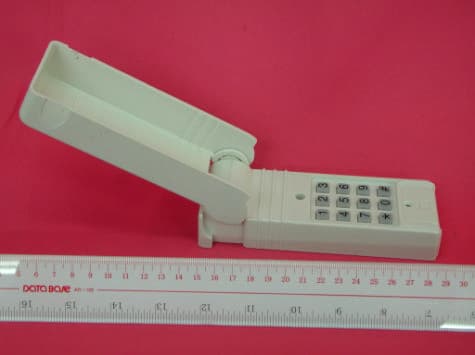
Click to zoom
Application Details
- Equipment Class
- DSC - Part 15 Security/Remote Control Transmitter
- Date of Grant
- Feb 21, 2003
- Application Purpose
- Original Equipment
- Date of Application
- Feb 21, 2003
- Equipment Note
- Remote Keypad (Transmitter)
- Frequency Range
- 390.00000000 - 390.00000000
- Company
- Capital Prospect Ltd
- Country
- Hong Kong
Documents & Files
Document Text
Text extracted from the exhibit documents filed with the FCC. Open a document above to read the original.
Users Manual
1a. Locate frequency switch on the top of the transmitter: (See diagram A) 1b. Determine the brand of your garage door opener and set the frequency switch to the corresponding position. (See chart 1) Diagram A STEP 1 - SET FREQUENCY SWITCH STEP 2 - SET BRAND JUMPERS PROGRAMMING THE TRANSMITTER A = “+” B = “-” Diagram B ABCD Step 1 Frequency Switch Step 2 Brand Jumpers Step 3 Code Setting Brand Jumper ABCD REMOVE JUMPER = “0” Thank you for your purchase of the Skylink garage door remote control, Model 89. There are 3 different steps you need to setup in order to use this universal garage door remote control to operate your existing garage door opener. These 3 steps are: 1) Frequency switch – select the correct frequency according to the brand of your existing garage door opener. 2) Brand jumpers – place the brand jumpers at the correct posi- tion according to the brand of your existing garage door opener. 3) Code setting – Set the DIP switch on the Model 89 so that they match the code setting of your existing garage door opener. Please follow the detailed instructions below in order to setup the Skylink Model 89 to work with your existing opener. If your existing garage door remote control does not have any DIP switches for code setting, then you can skip Step 3, i.e. no need to change the code setting of the DIP switch on the Model 89. Chart 1 Chamberlain ® Lift-Master ® Sears ® Wayne Dalton ® Master Mechanic ® Genie ® Overhead ® Pulsar/Allister/Allstar ® Linear ® MegaCode TM Linear ® M-O-M ® Stanley ® Multi-Code ® Martec/Teckey ® Skylink ® UR-100 390 390 390 300/390 390 390 390 318 318 310 310 310 300/310 300 390 Brand of your opener Set switch to position Frequency USA D D D A/D D D D C C B B B A/B A D USA CANADA A 300 310 B 310 315 C 318 318 D 390 390 Set switch to position Frequency CANADA B/D B/D B/D B/D B/D B/D D C C A A A A - D 315/390 315/390 315/390 315/390 315/390 315/390 390 318 318 310 310 310 310 - 390 Group Brand Brand jumpers setting AB 1Stanley ® , Multi-Code ® , Martec ® -- 2Linear ® , Moore-O-Matic ® +0 3Pulsar ® , Allstar ® , Allister ® , Linear ® MegaCode TM -0 Skylink ® UR-100 4Chamberlain ® , Lift-Master ® , Sears ® , Wayne Dalton ® , +- Master Mechanic ® (with DIP switches) Genie ® Intellicode TM * 5Genie ® (with DIP switches), Overhead ® 0+ 6Chamberlain ® , Lift-Master ® , Sears ® , Wayne Dalton ® , 0- Master Mechanic ® (without DIP switches but with yellow, white, or gray learn button) 7*Genie ® Intellicode TM * ++ 8Chamberlain ® ,“Security +” TM , Sears ® , Lift-Master ® -+ (without DIP switches but with red, orange or green learn button) Chart 2 * Note: If your existing garage door opener belongs to Genie ® Intellicode TM , please use setting for Group 7 unless this setting cannot operate your garage door opener properly, then use setting for Group 4. 3c. If your existing transmitter or receiver has fewer than12 switches, match only the first corresponding DIP switch. Leave the remaining posts in center position “0”. 3d. Enter the current 4-digit PIN, on the keypad of the Model 89, then press [#] will activate the garage door opener. If you have just purchased the Model 89, the factory default 4-digit PIN is 0000. So please enter [0], [0], [0], [0], [#]. If the garage door does not open, reverse all of the DIP switch on the model 89. The “ + ” will be changed to the “ - “ position and the “ - ”position will be changed to the “ + ” position (see diagram F). Also try the unused DIP switches in the “ + ”, “ 0 ” or “ - ” positions. STEP 3 - SET DIP SWITCHES NOTE: The backlight comes on and a beep is emitted when any key is pressed. The backlight of the key pad may not be visible when it is too bright outside. When any key is pressed, the next key must be pressed within 5 seconds or the backlight turns off and the sequence is canceled. You must begin again. If the keypad does not emit a beep when pressed,wait a few seconds and press the key again. If you hear a beep, the keypad has accepted that key. - Operation Press [ PIN ] , [#] To open or close garage door, press your four digit PIN and the [#] key. If confirmed, the model 89 will emit three beeps. - To change your PIN: 1. Enter the current PIN, (currently set at 0 0 0 0), press , 2. Enter new 4 digit PIN, press , 3. Enter new PIN again, press . For example, if you are changing the PIN number from 0000 to 1234, enter the following sequence, 0000, ,1234, ,1234, . If confirmed, the backlit LED flashes and the unit emits a long beep. * Two 3 volt Lithium type (CR2032) batteries (included). + - It is time to change the batteries when the backlight no longer appears. Battery Compartment BATTERY ** * KEY PAD OPERATION WARNING If this transmitter triggers other garage doors in your neighborhood, change all your trans- mitters and receiver to a new code setting. DO NOT let children use the garage door trans- mitter without adult supervision. Children can injure themselves or others by the garage door. If you do not hear 3 beeps after the 4-digit PIN and [#] is entered, that means you have entered an incorrect PIN, and the Model 89 will not operate your garage door. * * Original Position Reversed Position Diagram F -Position the keypad on the garage door frame. -Lift up the cover and insert screw above the keypad in the slot provided (a). -Remove the battery cover and insert the second screw in the lower slot (b). -Replace the battery cover and insert screw (c). (a) (c) (b) INSTALLATION SKYLINK TECHNOLOGIES INC. 2213 Dunwin Drive Mississauga, Ontario, L5L 1X1, CANADA (905)608-9223 (905)608-8744 FAX Email:[email protected] (Reply within 24 hrs) Customer Service : (800)304-1187 From 9am to 5pm EST (Mon-Fri) http://www.skylinkhome.com P/N. 101A162-X Rev.X Patent no. 5680134, 6005508 Patents Pending ©2002 SKYLINK TECHNOLOGIES INC. Skylink will not be held liable or responsible for any misuse or application of this product other than for its intended use. ® are registered trademarks of their respective corporations ® WI…
Text truncated - open the document above for the full version.
External Photos
Test Setup FCCID : KUT89 External Photo -front External Photo - rear
ID Label/Location Info
89IC Confidential Information Dec 28, 2002 10 FCC LABEL AND LOCATION
Internal Photos
Test Setup FCCID : KUT89 Internal Photo - 1 Internal Photo - 2
Test Report
• The test results reported in this test report shall refer only to the sample actually tested and shall not refer or be deemed to refer to bulk from which such a sample may be said to have been obtained. • This report shall not be reproduced except in full without prior authorization from Intertek Testing Services Hong Kong Limited. • For Terms And Conditions of the services, it can be provided upon request. • The evaluation data of the report will be kept for 3 years from the date of issuance. Intertek Testing Services Hong Kong Ltd. 2/F., Garment Centre, 576 Castle Peak Road, Kowloon, Hong Kong. Tel: (852) 2173 8888 Fax: (852) 2785 5487 Capital Prospect Ltd. Application For Certification (FCC ID: KUT89) Transmitter WO# 0217260 DL/Sandy January 11, 2003 INTERTEK TESTING SERVICES FCC ID: KUT89 i LIST OF EXHIBITS INTRODUCTION EXHIBIT 1:General Description EXHIBIT 2:System Test Configuration EXHIBIT 3:Emission Results EXHIBIT 4:Equipment Photographs EXHIBIT 5:Product Labelling EXHIBIT 6:Technical Specifications EXHIBIT 7:Instruction Manual EXHIBIT 8:Miscellaneous Information INTERTEK TESTING SERVICES FCC ID: KUT89 ii MEASUREMENT/TECHNICAL REPORT Capital Prospect Ltd. - MODEL:SKYLINK 89 SKYLINK 89C FCC ID: KUT89 January 11, 2003 This report concerns (check one:)Original Grant X Class II Change Equipment Type: Low Power Transmitter (example: computer, printer, modem, etc.) Deferred grant requested per 47 CFR 0.457(d)(1)(ii)?Yes No X If yes, defer until: date Company Name agrees to notify the Commission by: date of the intended date of announcement of the product so that the grant can be issued on that date. Transition Rules Request per 15.37?Yes No X If no, assumed Part 15, Subpart C for intentional radiator - the new 47 CFR [12-18-01 Edition] provision. Report prepared by:Derek Leung Intertek Testing Services 2/F., Garment Center, 576, Castle Peak Road, HONG KONG. Phone:852-2173-8504 Fax:852-2371-0521 INTERTEK TESTING SERVICES FCC ID: KUT89 iii Table of Contents 1.0 General Description............................................................................................................2 1.1 Product Description............................................................................................................2 1.2 Related Submittal(s) Grants.................................................................................................2 1.3 Test Methodology...............................................................................................................3 1.4 Test Facility........................................................................................................................3 2.0 System Test Configuration.................................................................................................5 2.1 Justification.........................................................................................................................5 2.2 EUT Exercising Software....................................................................................................5 2.3 Special Accessories............................................................................................................5 2.4 Equipment Modification......................................................................................................6 2.5 Measurement Uncertainty....................................................................................................6 2.6 Support Equipment List and Description..............................................................................6 3.0 Emission Results.................................................................................................................8 3.1 Field Strength Calculation....................................................................................................9 3.2 Radiated Emission Configuration Photograph.....................................................................11 3.3 Radiated Emission Data....................................................................................................12 4.0 Equipment Photographs....................................................................................................15 5.0 Product Labelling..............................................................................................................17 6.0 Technical Specifications....................................................................................................19 7.0 Instruction Manual............................................................................................................21 8.0 Miscellaneous Information...............................................................................................23 8.1 Measured Bandwidth........................................................................................................24 8.2 Discussion of Pulse Desensitization....................................................................................25 8.3 Calculation of Average Factor...........................................................................................26 8.4 Emissions Test Procedures................................................................................................27 INTERTEK TESTING SERVICES FCC ID: KUT89 iv List of attached file Exhibit typeFile Descriptionfilename Test ReportTest Reportreport.pdf Operation DescriptionTechnical Descriptiondescri.pdf Test Setup PhotoRadiated Emissionradiated photos.pdf Test ReportBandwidth Plotbw.pdf External PhotoExternal Photoexternal photos.pdf Internal PhotoInternal Photointernal photos.pdf Block DiagramBlock Diagramblock.pdf SchematicsCircuit Diagramcircuit.pdf ID Label/LocationLabel Artwork and Locationlabel.pdf User ManualUser Manualmanual.pdf Test ReportTiming Diagramtiming.pdf INTERTEK TESTING SERVICES FCC ID: KUT89 1 EXHIBIT 1 GENERAL DESCRIPTION INTERTEK TESTING SERVICES FCC ID: KUT89 2 1.0General Description 1.1Product Description The Equipment Under Test …
Text truncated - open the document above for the full version.
Test Setup Photos
Test Setup FCCID : KUT89 Radiated -front Radiated – rear
Contact Information
Applicant
Joe Ng(Project Manager)
Technical Contact
Intertek Testing Services Hong Kong Ltd.Derek Leung
[email protected]852-2173-8504
2/F., Garment Centre, · Kowloon, · Hong Kong
Non-Technical Contact
Intertek Testing Services Hong Kong Ltd.Derek Leung
[email protected]852-2173-8504
Test Firm
Intertek Testing Services Hong KongBilly Chow
Technical Specifications
| # | Rule Parts | Frequency Range | Power Output |
|---|---|---|---|
| 4 | 15.231 | 390 MHz - 390 MHz | - |
Other Applications from Capital Prospect Ltd

KUTSM001
Jun 25, 2023Side Mount Garage Door Opener
Equipment Class
DXX - Part 15 Low Power Communication Device Transmitter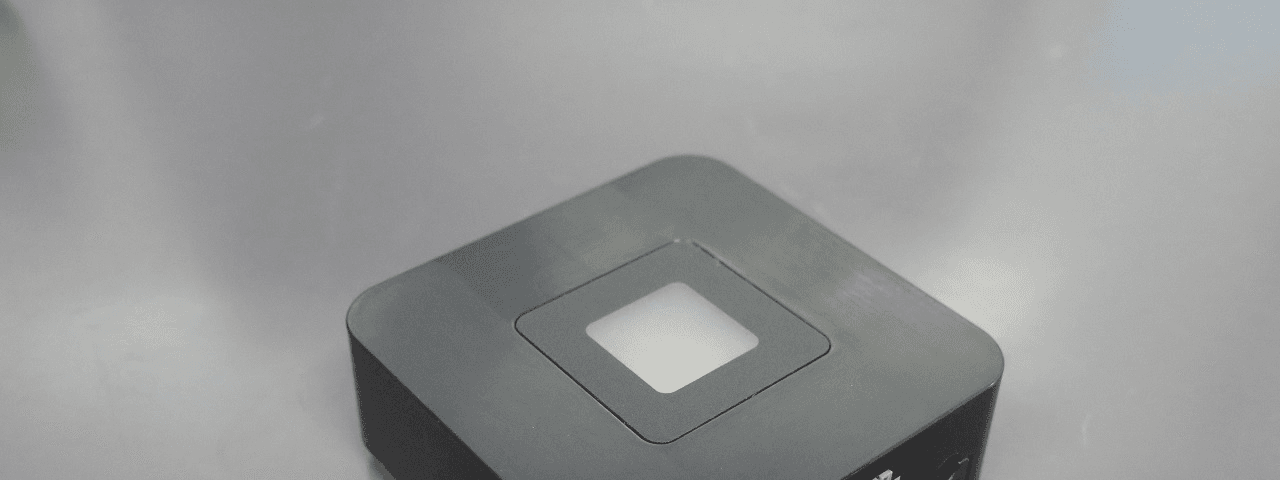
KUT2NV9
Feb 19, 2020Garage Door Controller Mini Nova Hub
Equipment Class
DXT - Part 15 Low Power Transceiver, Rx Verified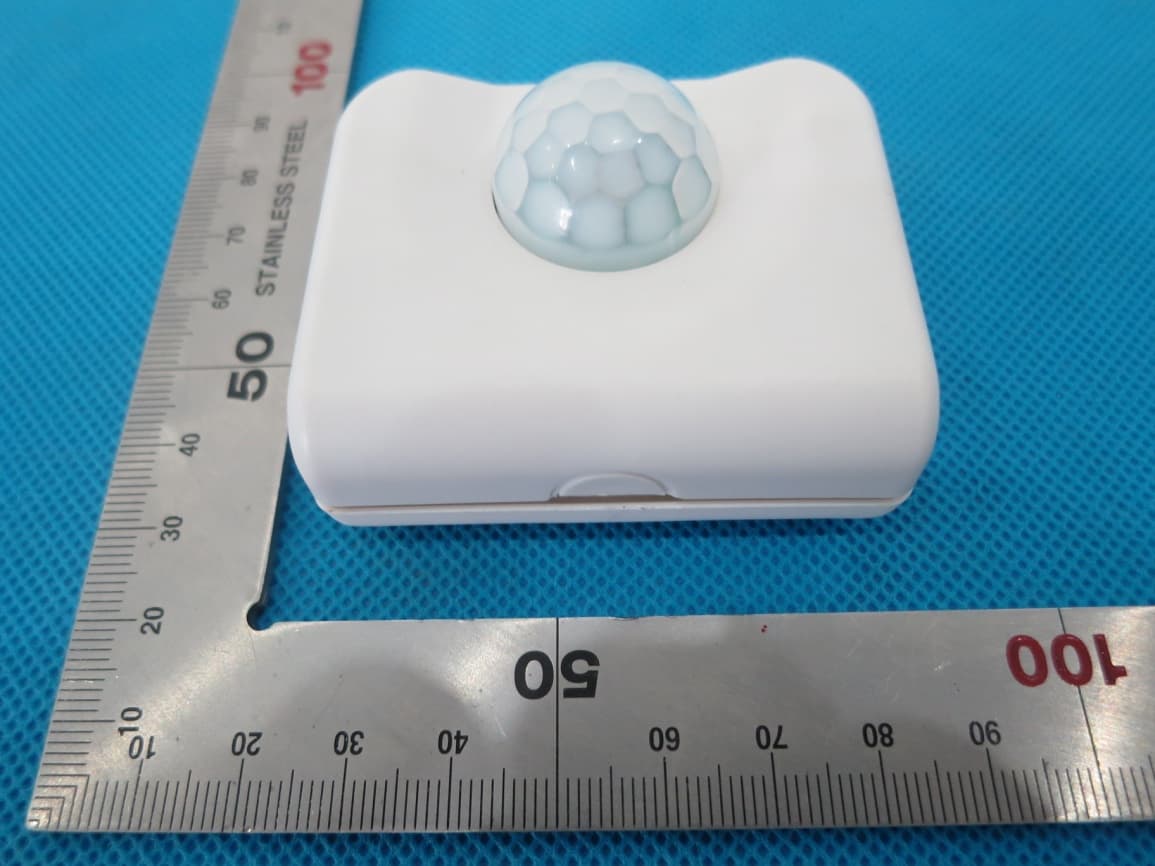
KUTPS10X
Sep 09, 2014Motion Sensor
Equipment Class
DSC - Part 15 Security/Remote Control Transmitter
KUTMKA315
Aug 27, 2014315MHz remote control
Equipment Class
DSC - Part 15 Security/Remote Control Transmitter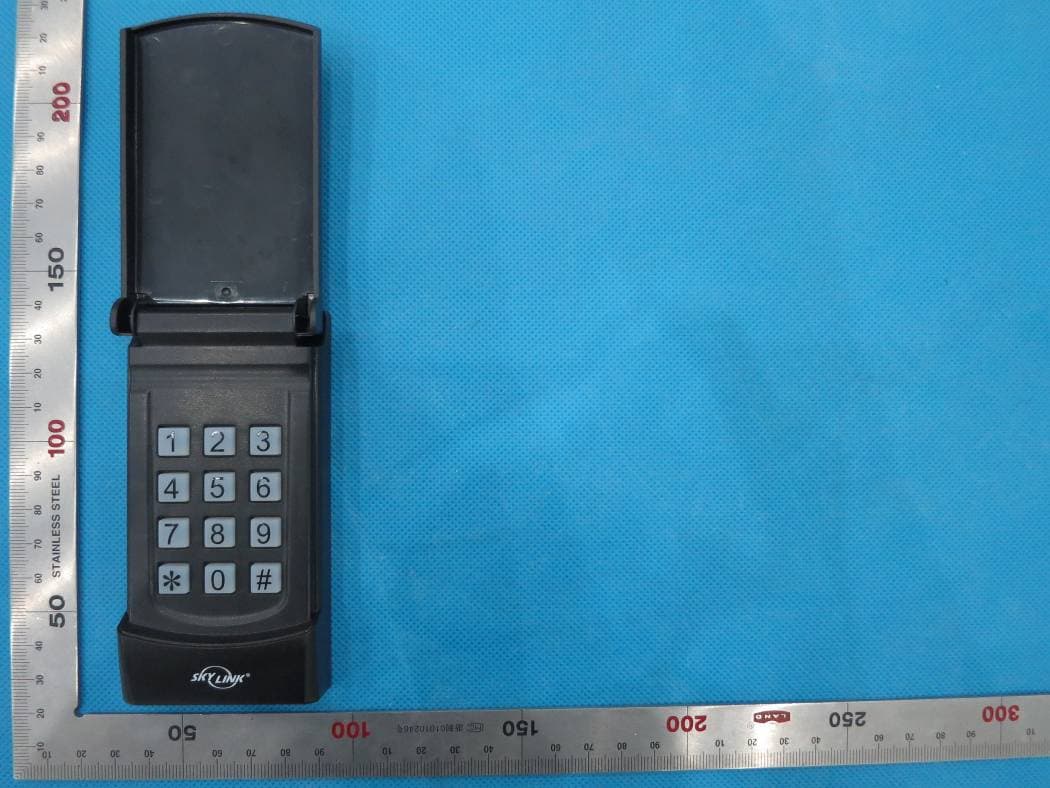
KUTKN103
Jul 16, 2014Wireless keypad
Equipment Class
DSC - Part 15 Security/Remote Control Transmitter