LEMGAN1021ADSL Modem
Garnet Systems Co Ltd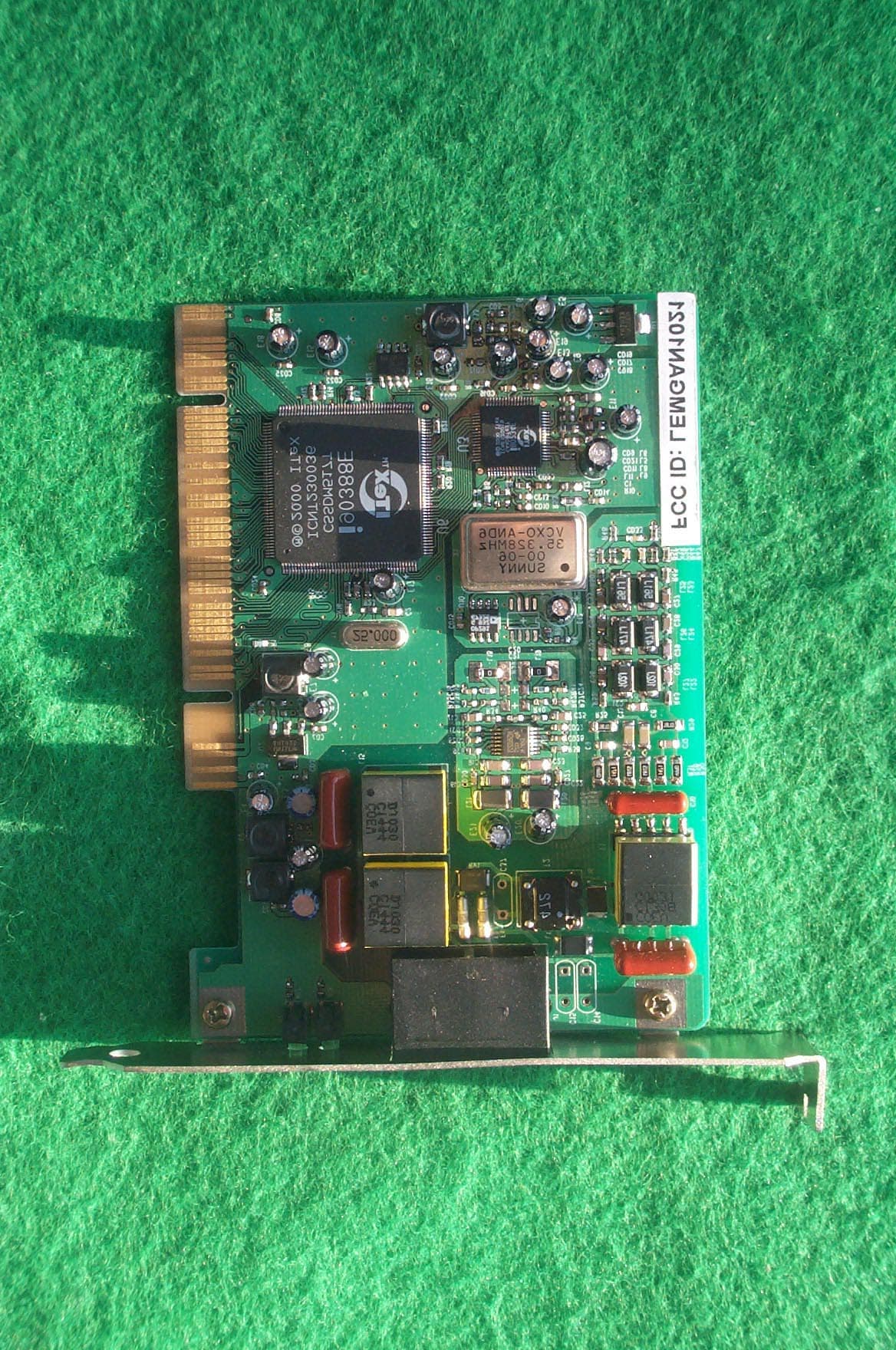
Click to zoom
Application Details
- Equipment Class
- JBP - Part 15 Class B Computing Device Peripheral
- Date of Grant
- Jan 22, 2001
- Application Purpose
- Original Equipment
- Date of Application
- Jan 22, 2001
- Equipment Note
- ADSL Modem
- Company
- Garnet Systems Co Ltd
- Country
- South Korea
Documents & Files
Document Text
Text extracted from the exhibit documents filed with the FCC. Open a document above to read the original.
Users Manual
GAN-1021 ADSL MODEM INSTALL GUIDE GARNET SYSTEMS CO.LTD Scaleable ADSL Modem Installation Guide Before you start Step 1 – Gather system and service connection information System 1 Determining your Operating System 1Determining your Internet service protocol Determining your connection address and service configuration Step 2 – Install the ADSL modem card Hardware installation Step 3 – Install the drivers and establish an Internet service connection ADSL Connection mode selection Driver installation and Internet service connection. RFC 2364 - Point to Point Protocol over ATM Windows 98, 98SE. Windows 2000. RFC 1483 - Bridged Ethernet over ATM Windows 98, 98SE Windows 2000 Appendix Appendix A – Editing RFC 2364 Internet service connection Appendix B – Editing RFC 1483 Internet service connection Appendix C – Removing drivers Windows 98 Windows 2000 Appendix D – Diagnostic tools Accessing the diagnostic tools . Advanced diagnostic tools. Connector pin-out Appendix E – ADSL Configuration. Appendix F – System requirements Before you Start! The Installation Guide tells you everything you need to know to install and use the GAN-1021 ADSL modem card. This guide is designed to walk you through the installation of the GAN-1021 card and drivers, and then through the establishment of an Internet service connection. This is a (3) step process. Step 1 – Gather system and service connection information Step 2 – Install the ADSL modem card Step 3 – Install the drivers and establish an Internet service connection ! If you’re a beginner to the Internet – or if you’re experienced but have never installed an ADSL PCI card before – Start at the beginning and work your way carefully through the instructions. It is important to gather all the information required before you actually install the PCI card and ADSL drivers. ! If you’re familiar with installing PCI cards and drivers - you may be able to browse the chapters to get the basics - However, it is still important to gather all the information required before you actually install the PCI card and ADSL drivers. Step 1 – Gather system and service connection information SYSTEM REQUIRMENTS Make sure your PC system meets ALL of the following requirements: Hardware: " IBM PC/AT or compatible " Pentium 500Mhz or faster " 30Mbytes available hard disk space or more " 2x CD-ROM drive or better " 32Mbyte available system memory or more Software: Your Operating System must be one of the following: Microsoft Windows 98, 98SE, 2000 DETERMINING YOUR OPERATING SYSTEM You will need to know the exact version of Microsoft Windows installed in your computer. If you do not know or are unsure, please proceed as follows to determine your version of the Microsoft Operating System. On the desktop, right click My Computer. Then select Properties. The version number of the Microsoft Windows Operating System installed in your computer will be displayed on the General tab. Refer to the following table for more detailed information. Version System Description Release Name Win 98 4.10.1998 Window 98 Win 98A 4.10.2222A 2 nd Edition Windows 98 2 nd Edition Win 5.00.2195 Windows 2000. DETERMINING YOUR INTERNET SERVICE PROTOCOL Your Internet service protocol will be one of the following. Contact your ADSL service provider if you are unsure of your service type. RFC 1483 Bridged Ethernet over ATM RFC 2364 Point-to-Point Protocol over ATM DETERMINING YOUR CONNECTION ADDRESS AND CONFIGURATION You will need to know the connection address and configuration for your Internet service. Find your Internet Service Protocol below and proceed gathering the connection address and configuration. If you are unsure or do not have all the information, please contact your ADSL service provider. ! RFC1483 - Bridged Ethernet over ATM service requires the following information: IP Address . . . Subnet Mask . . . Gateway . . . (Domain Name Service) DNS Host DNS Domain DNS Server . . . VPI value VCI value VPI = ____ (Default VPI=0) VCI = ____ (Default VCI=35) ADSL Mode Type " ANSI T1.413 Issue 2 " ITU G.992.2 Annex A (G.lite) " ITU G.992.1 Annex A (G.dmt) ! RFC2364 – Point-to-Point Protocol over ATM User Name Password Logon Domain VPI value VCI value VPI = ____ (Default VPI=0) VCI = ____ (Default VCI=35) ADSL Mode Type " ANSI T1.413 Issue 2 " ITU G.992.2 Annex A (G.lite) " ITU G.992.1 Annex A (G.dmt). Step 2 – Install the ADSL modem card HARDWARE INSTALLATION WARNING! To avoid possible damage to your GAN-1021 card you need to use an anti-static grounding device or hold onto the metal chassis of the PC to provide anti-static grounding. 1. Shut down the system and switch the power off. 2. Unplug the AC power cable from the PC. 3. Remove the cover from the PC chassis. 4. Unscrew the “slot cover bracket” from an unused PCI slot. 5. Insert the card into an empty PCI slot. 6. Firmly press the GAN-1021 card into the slot and secure the card to the chassis with the chassis bracket screw. 7. Connect one end of a phone cable to the RJ-11 port on the GAN-1021 card and plug the other end of the cable into the ADSL data service. 8. Replace the cover of the PC chassis. ! Before you plug the power cable back into the PC system and turn the power on, go to Step 3 and determine the section/page you need to be on to install the drivers. Step 3 – Install the drivers and establish an Internet service connection ADSL CONNECTION MODE SELECTION The GAN-1021 Multi-Mode Drivers will automatically determine the ADSL connection mode supplied by your ADSL service provider. If for any reason you require a mode setting different from the automatic default setting, you can manually set the mode as required. Please refer to Appendix E – ADSL Configuration – Select Protocol/Mode. The connection mode is one of the following: " ITU G.992.1 (G.dmt) .............referred to as G.dmt " ITU G.992.2 (G.lite)................referred to as G.lite " ANSI T1.413 ...........................referred to as ANSI DRIVER INSTALLATION AND INTERNET SERVICE CONNEC…
Text truncated - open the document above for the full version.
Block Diagram
A A B B C C D D E E 44 33 22 11 DO VCXO 35.328Mhz GAN-1021 BLOCK DIAGRAM PCI BUS E2PROM DI AFE,MUX,D/A CONVERT I80234E I90388E 3.0 GARNET 66Tuesday, December 26, 2000 Title SizeDocument NumberRev Date:Sheet of <Value> PCI,DMT <Value> T TIP RING PCICLK nCBE[0:3]AD[0:31] R ADSLC-TXP ADSLC-TXN HYBRID_RXP HYBRID_RXN TX[0:3]RX[0:3] +12V_IC -12V_IC T2 12 43 J1 RJ11 1 2 3 4 A T R A1 + - + - U8 11 10 13 12 14 4 5 2 1 3 L17 F2 FUSE L16 C11 F1 FUSE RV1 2 1 C10 T1 6 10 7 9 5 2 4 1
External Photos
SK TECH CO., LTD. Page 1 of 2 SKT SKTOS-01007 FCC ID : LEMGAN1021 External Photographs of EUT SK TECH CO., LTD. Page 2 of 2 SKT SKTOS-01007 FCC ID : LEMGAN1021
ID Label/Location Info
SK TECH CO., LTD. Page 1 of 1 SKT SKTOS-01007 FCC ID : LEMGAE1021 FCC ID Label Location
ID Label/Location Info
SK TECH CO., LTD. Page 1 of 1 SKT SKTOS-01007 FCC ID : LEMGAN1021 FCC ID Sample Label & Location Information LABELLING REQUIREMENTS PER ∫∫∫∫ ∫∫∫∫∫∫∫∫ ∫∫∫∫2.928 The Label shown shall be permanently affixed at a conspicuous location on the device and be readily visible to the user at the time of purchase. FCC ID : LEMGAN1021 This device complies with part 15 of the FCC Rules. Operation is subject to the following two conditions: (1) This device may not cause harmful interference, and (2) this device must accept any interference received, including interference that may cause undesired operation.
Internal Photos
SK TECH CO., LTD. Page 1 of 1 SKT SKTOS-01007 FCC ID : LEMGAN1021 Internal Photographs of EUT
Test Report
SK TECH CO., LTD. Page 1 of 13 SKT SKTOS-01007 FCC ID : LEMGAN1021 Certificate of Compliance Test Report No.: SKTOS-01007 NVLAP CODE : 200220-0 Applicant: Garnet Systems Co., Ltd. Applicant Address: MYUNGSUNG Bldg., 545-7, DOGOK-DONG, KANGNAM-GU, SEOUL, KOREA Product: ADSL MODEM FCC ID: LEMGAN1021 Model No.: GAN-1021 Receipt No.: SKE20001219-933 Date of receipt: Dec. 19, 2000 Date of Issue: Jan. 11, 2001 Testing location: SK TECH CO., LTD. 820-2, Wolmoon-Ri, Wabu-Up, Namyangju-Si, Kyunggi-Do, Korea Test Standards: ANSI C63.4 / 1992 Rule Parts: FCC part 15 Subpart B /This Class B digital apparatus complies with Canadian ICES-003 Equipment Class : Class B Digital Device Peripheral Test Result: The above mentioned product has been tested and passed. Prepared by:Y.H. Kang Tested by:K.T.Lee/Engineer Approved by: J.Y.Hyun /Lab.Manager Signature Signature Signature Other Aspects : Abbreviations : · OK, Pass = passed · Fail = failed · N/A = not applicable ☞ ☞☞ ☞ •This test report is not permitted to copy partly without our permission. •This test result is dependent on only equipment to be used. •This test result is based on a single evaluation of one sample of the above mentioned. •This test report must not be used by the client to claim product endorsement by NVLAP or any agency of the U.S Government. • We certify that this test report has been based on the measurement standards that is traceable to the national or International standards. NVLAP Lab. Code: 200220-0 SK TECH CO., LTD. Page 2 of 13 SKT SKTOS-01007 FCC ID : LEMGAN1021 》》 》》》》 》》 Contents 《《 《《《《 《《 Contents 2 List of Tables 2 List of Figures 2 List of Photographs 2 1. General 3 2. Test Site 3 2.1 Location 3 2.2 List of Test and Measurement Instruments 4 2.3 Test Data 4 2.4 Test Environment 4 3. Description of the tested samples 5 3.1 Rating and Physical characteristics 5 3.2 Submitted documents 5 4. Measurement conditions 6 4.1 Modes of operation 6 4.2 List of Peripherals 6 4.3 Type of Used cables 7 4.4 Test Setup 7 4.5 Uncertainty 7 5. Emission Test 8 5.1 Conducted Emissions 8 5.2 Radiated Emissions 12 》 》》 》List of Tables Table 1 List of test and measurement equipment 4 Table 2 Test Data, Conducted Emissions 11 Table 3 Test Data, Radiated Emissions 13 》 》》 》List of Figures Figure 1 Spectral Diagram, LINE-PE 9 Figure 2 Spectral Diagram, Neutral-PE 10 SK TECH CO., LTD. Page 3 of 13 SKT SKTOS-01007 FCC ID : LEMGAN1021 1. General This equipment has been shown to be capable of compliance with the applicable technical standards and was tested in accordance with the measurement procedures as indicated in this report. We attest to the accuracy of data. All measurements reported herein were performed by SK Tech Co., Ltd. and were made under Chief Engineer’s supervision. We assume full responsibility for the completeness of these measurements and vouch for the qualifications of all persons taking them. 2. Test Site SK TECH Co., Ltd. 2.1 Location 820-2, Wolmoon Ri, Wabu-Up, Namyangju-Si, Kyunggi-Do, Korea The test site is in compliance with ANSI C63.4/1992 for measurement of radio interference. SK TECH CO., LTD. Page 4 of 13 SKT SKTOS-01007 FCC ID : LEMGAN1021 2.2 List of Test and Measurement Instruments Table 1 : List of Test and Measurement Equipment z Conducted Emissions Kind of Equipment Type S/N Calibrated until Field Strength Meter ESHS 10 862970/019 04.2001 LISN KNW-407 M63284 07.2001 LISN ESH2-Z5 862060/029 06.2001 Conducted Cable N/A N/A 07.2001 z Radiated Emissions Kind of Equipment Type S/N Calibrated until Field Strength Meter ESVS 10 825120/013 04.2001 Spectrum Analyzer R3361A 11730187 07.2001 Amplifier 8447F 3113A05153 05.2001 Log Periodic Antenna UHALP9107 91071238 04.2001 Biconical Antenna BBA9106 N/A 04.2001 Open Site Cable N/A N/A 07.2001 Antenna Mast 5907 N/A N/A Antenna & Turntable controller 5906 91X519 N/A Amp & Receiver connection cable N/A N/A 07.2001 Amp & Spectrum connection cable N/A N/A 07.2001 50Ω Switcher MP59B M93083 07.2001 2.3 Test Date Date of Application : Dec. 19, 2000 Date of Test : Jan. 04, 2001 2.4 Test Environment See each test item’s description. SK TECH CO., LTD. Page 5 of 13 SKT SKTOS-01007 FCC ID : LEMGAN1021 3. Description of the tested samples The EUT is ADSL Modem. 3.1 Rating and Physical Characteristics z Hardware • “IBM PC/AT or compatible • “Pentium 500MHz or faster • “30Mbytes available hard disk space or more • “2x CD-ROM drive or better • “32Mbyte available system memory or more z Software • Microsoft Windows 98, 98SE, 2000 z Power requirements • 0.75A Max @ +5V ±5%, 0.1A max @ ±12V, ±5% 3.2 Submitted Documents N/A SK TECH CO., LTD. Page 6 of 13 SKT SKTOS-01007 FCC ID : LEMGAN1021 4. Measurement Conditions Testing Input Voltage : AC 120V, 60Hz 4.1 Modes of Operation The EUT was in the following operation mode during all testing; The EUT is tested to communication mode. (up and down load mode) 4.2 List of Peripherals Description Manufacturer Model Name Serial No. FCC ID Personal Computer H.P Brio BA600/650 SG03603357 DoC Monitor Samsung SyncMaster750P PG17HS9U/ADC DoC Printer H.P 2225C 3132S00310 DSI6XU2225 Keyboard I-GANG IGK-2000i 100060126134 DoC Mouse (PS/2) Logitech M-S48 LZA93274466 DZL211153 Mouse (USB) Logitech M-BE55 LZE02551778 DoC Joystick Logitech J-ZA10 LZA01651409 DoC Speaker FAN HAI DIAN CMK600 None N/A INNO Dispenser Biopia BD-2000 None DoC Mic None None None N/A Telephone LG Telecom GS-460T 009KC20109 N/A AC Adapter Surim Elec. SR-0950K N/A N/A SK TECH CO., LTD. Page 7 of 13 SKT SKTOS-01007 FCC ID : LEMGAN1021 4.3 Type of Used Cables Description Length Type of shield Manufacturer Remark PC power cable 1.8m Non-shield None Monitor power cable 1.8m Non-shield None Video interface cable 1.8m Shield None Pinter power cable 1.8m Non-shield None Printer interface cable 1.6m Shield None Joystick interface cable 1.8m Non-shield None Mouse 1 interface cable 1.8m shield None Mouse 2 interface cable 1.8m shield None Keyboard interface cable 1.5m shield None Speaker interface cable 1.…
Text truncated - open the document above for the full version.
Test Setup Photos
SK TECH CO., LTD. Page 1 of 2 SKT SKTOS-01007 FCC ID : LEMGAN1021 Test set up photos Photograph 1: Setup for Conducted Emissions SK TECH CO., LTD. Page 2 of 2 SKT SKTOS-01007 FCC ID : LEMGAN1021 Photograph 2: Setup for Radiated Emissions
Contact Information
Applicant
Taeyoung Cho(Manager)
Test Firm
SK Tech Co., Ltd.Jae-Yeong Hyun
Technical Specifications
| # | Rule Parts | Frequency Range | Power Output |
|---|---|---|---|
| 1 | 15B | - | - |
Other Applications from Garnet Systems Co Ltd
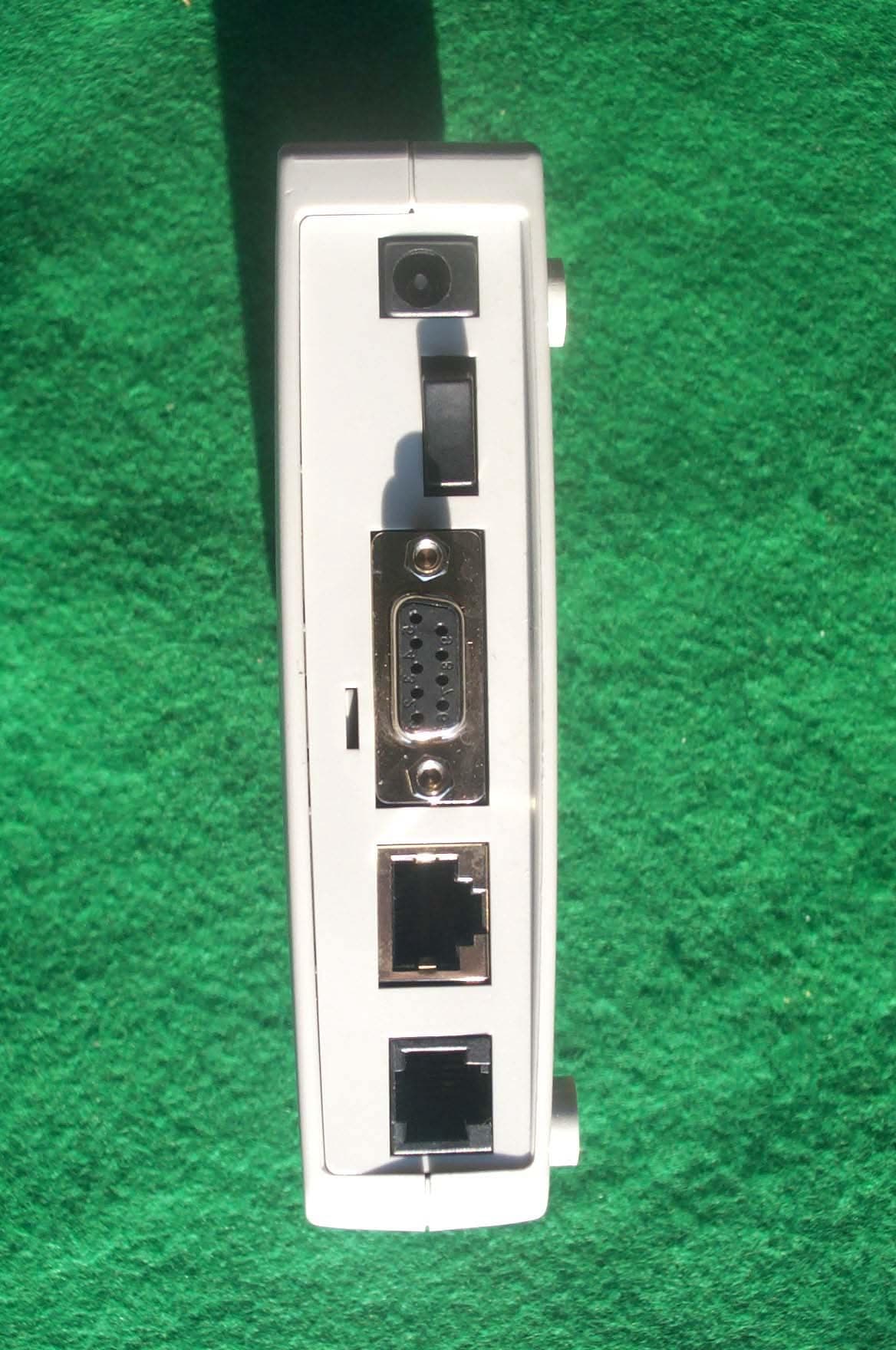
LEMGAE3030
Apr 09, 2001ADSL Modem
Equipment Class
JBP - Part 15 Class B Computing Device Peripheral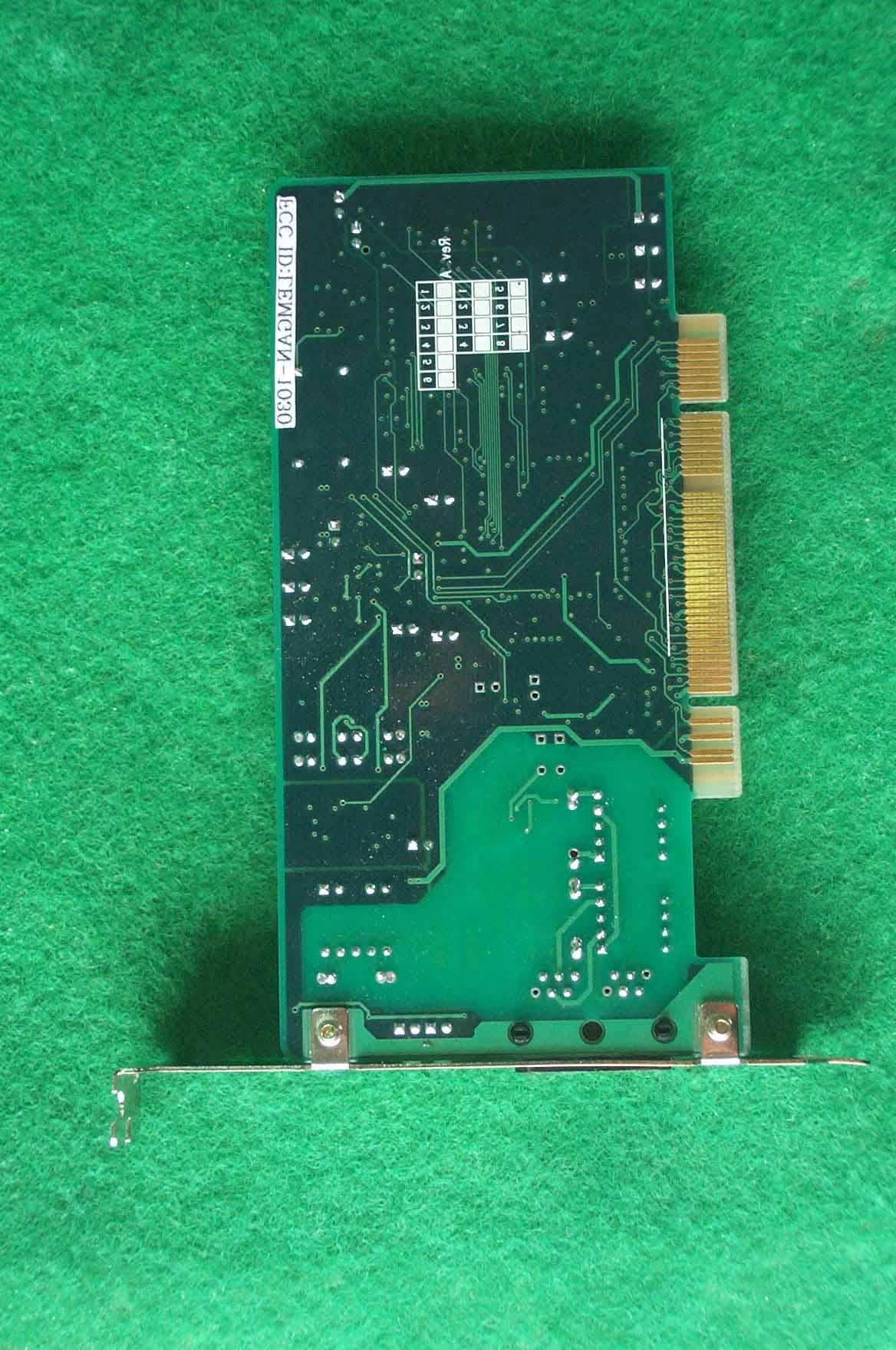
LEMGAN-1030
Mar 19, 2001ADSL Modem
Equipment Class
JBP - Part 15 Class B Computing Device Peripheral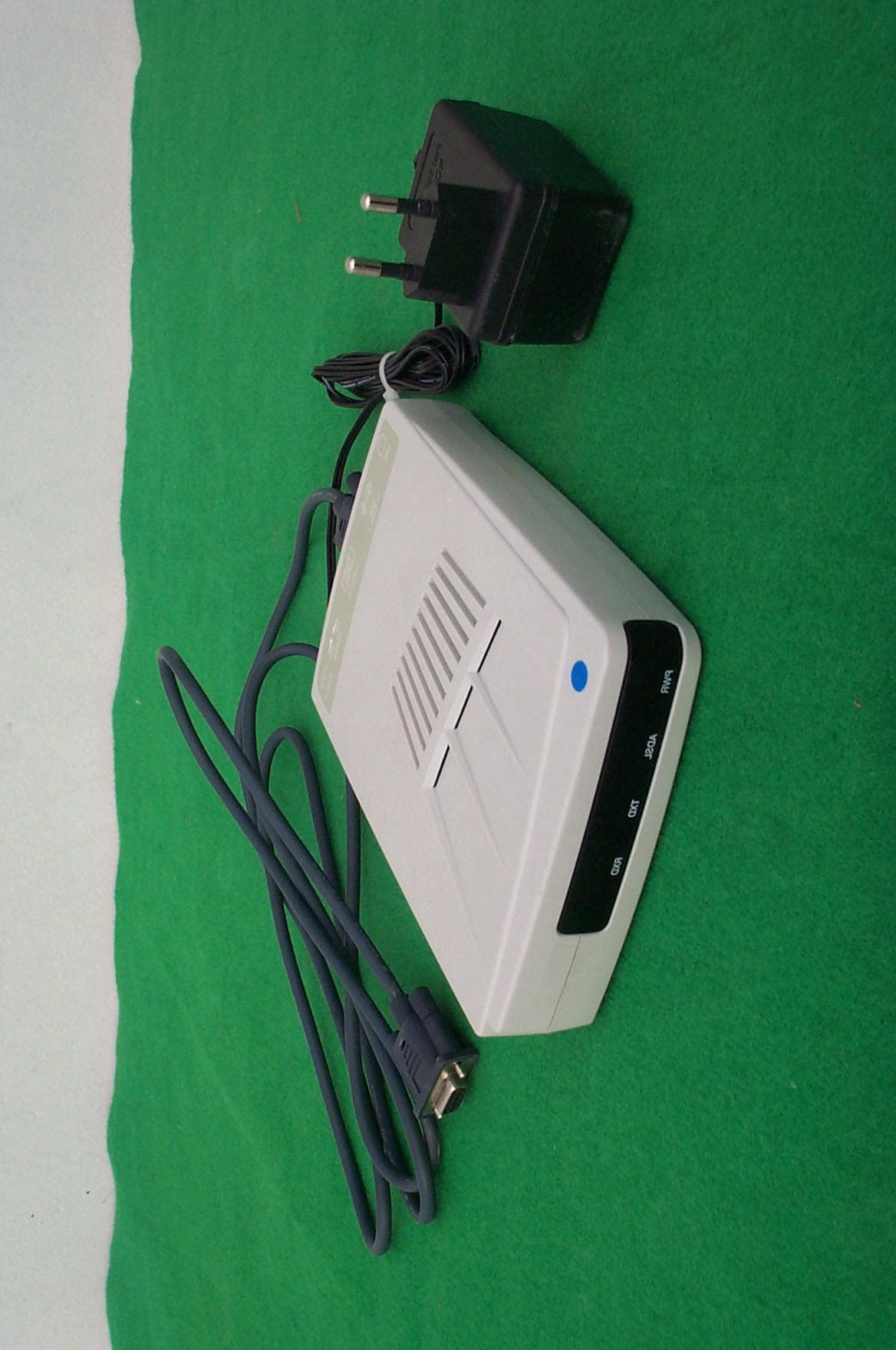
LEMGAE3020
Jan 18, 2001ADSL Modem
Equipment Class
JBP - Part 15 Class B Computing Device Peripheral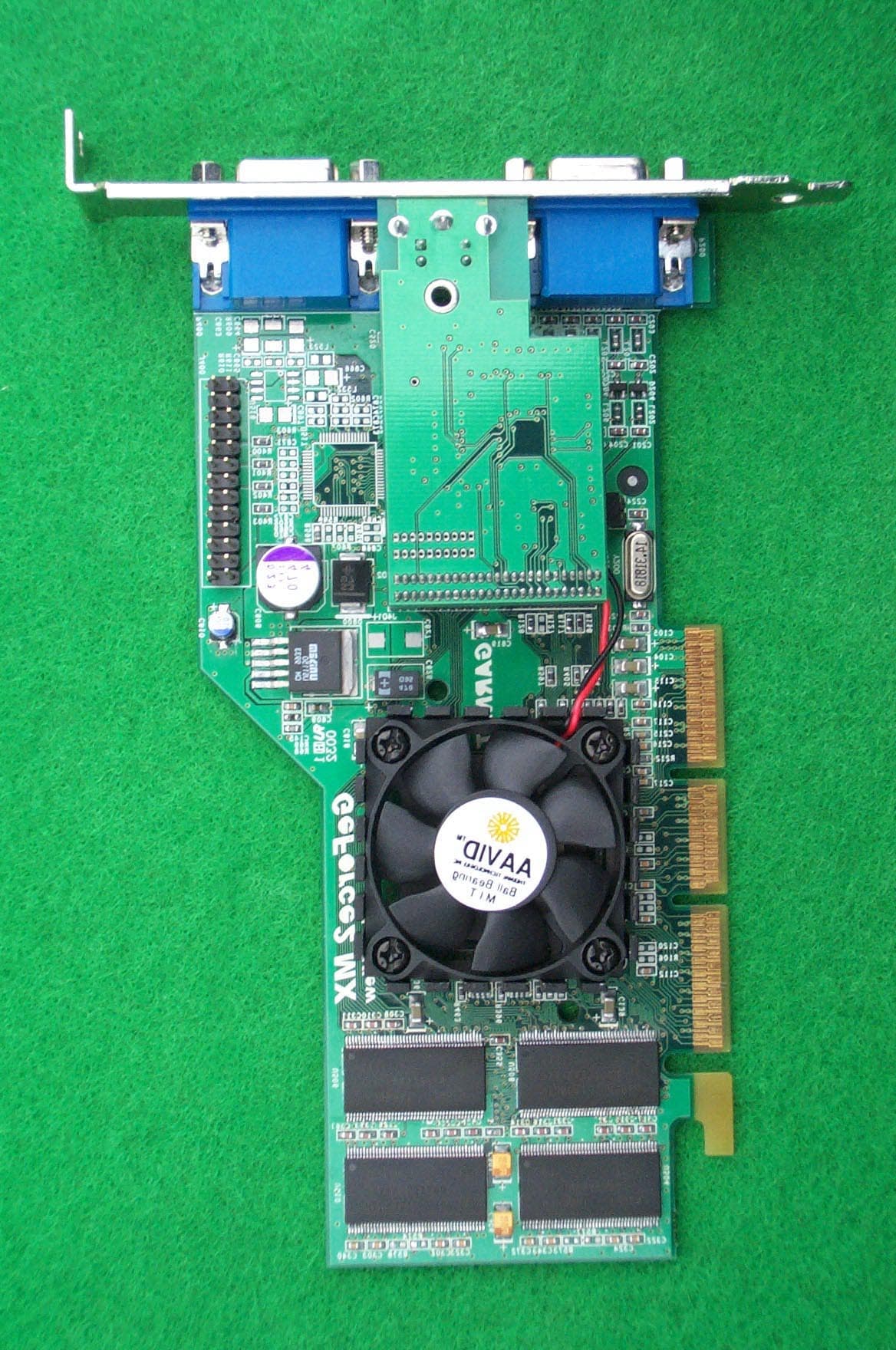
LEMGV-4400
Oct 18, 2000VGA Card
Equipment Class
JBP - Part 15 Class B Computing Device Peripheral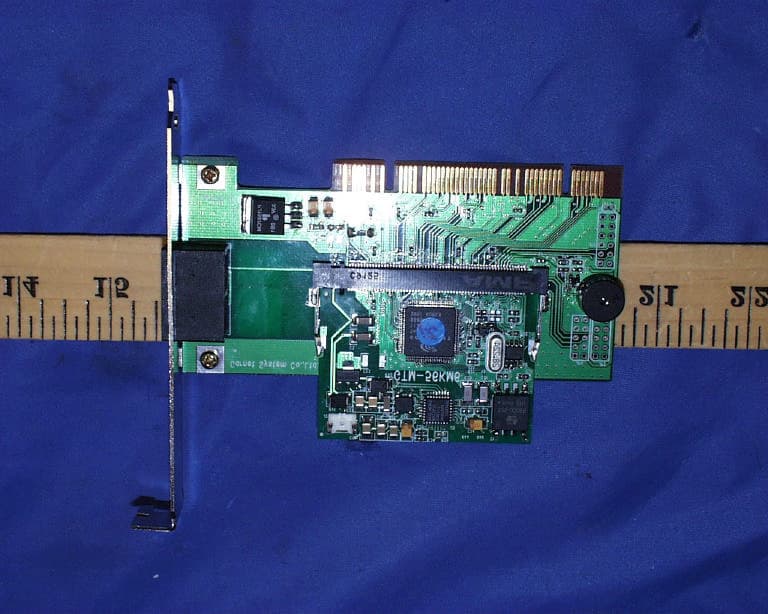
LEMGTM-56KM6
Aug 24, 200056Kbps Modem Board
Equipment Class
JBP - Part 15 Class B Computing Device Peripheral