LEMGV-4400VGA Card
Garnet Systems Co Ltd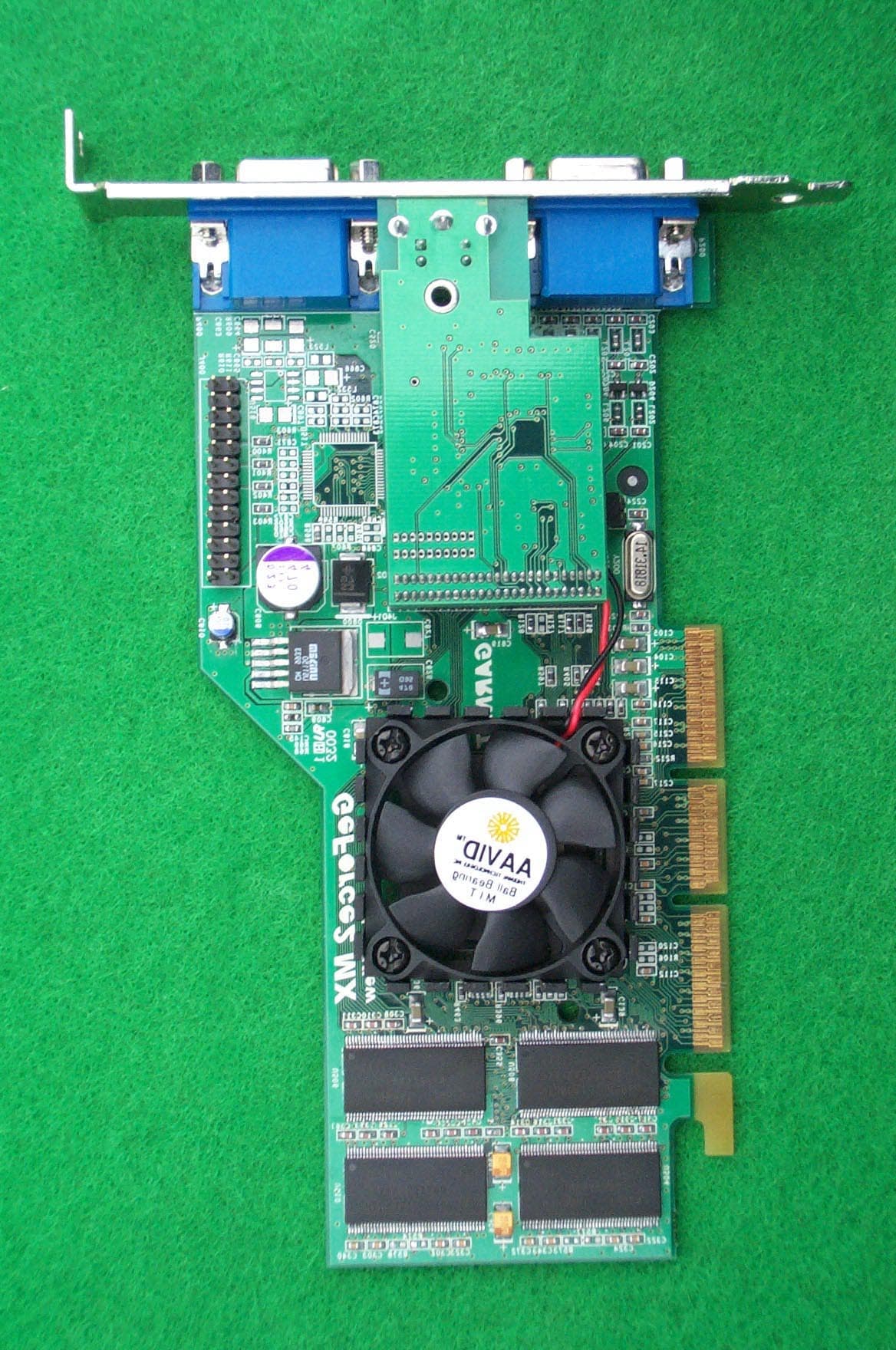
Click to zoom
Application Details
- Equipment Class
- JBP - Part 15 Class B Computing Device Peripheral
- Date of Grant
- Oct 18, 2000
- Application Purpose
- Original Equipment
- Date of Application
- Oct 18, 2000
- Equipment Note
- VGA Card
- Company
- Garnet Systems Co Ltd
- Country
- South Korea
Documents & Files
Document Text
Text extracted from the exhibit documents filed with the FCC. Open a document above to read the original.
Users Manual
1 Garnet GeForce 2 MX Twin View (Model No. : GV-4400) User's Manual GARNET SYSTEMS CO., LTD. 2 ¢∫ This equipment has been tested and found against harmful radio electromagnetic interference and can be installed and used in any residential areas as well as offices. ¢∫ Any copying or reproduction of this whole manual or part of contents is strictly prohibited. ¢∫ Information in this manual is subject to change without prior notice for improvement. Copyright(C) 2000 GARNET SYSTEMS CO., LTD. °⁄ GeForce2 MX is a registered trademark of nVIDIA °⁄ Windows 95/98/2000/NT is a registered trademark of Microsoft Corporation. °⁄ Other trademarks are registered properties by their respective holders. 3 Table of Contents 1. About Garnet GeForce2 MX Twin View ---------------------------- 4 1.1 Features of Garnet GeForce2 MX Twin View -------------- 4 1.2 Recommended System Requirements --------------------- 4 1.3 Delivery Check ------------------------------------------------------5 1.4 Contents of Installing Program CD -------------------------- 5 2. Installation ------------------------------------------------------------------ 6 2.1 To install the Graphic Card into PC --------------------------6 2.2 Driver Installation --------------------------------------------------6 2.2.1 Driver Installation in Windows 9x ---------------------- 6 2.2.1.1 When replace existing VGA Card with Garnet GeForce2 MX Twin View ---------------------------------7 2.2.1.2 When Windows 9x is re-installed after replacing Graphic card ------------------------------------------------ 11 2.2.2 Driver installation in Windows 2000 ------------------ 23 2.2.3 Driver update in Windows NT4.0 ---------------------- 27 2.3 Installation of DirectX 7.0a ------------------------------------- 35 3. To Change Properties Set-up ------------------------------------ 36 4. To set up Twin View ----------------------------------------------- 37 5. To set up TV Out -------------------------------------------------- 38 6. Q & A -------------------------------------------------------------------- 39 GARNET GeForce2 MX 4 1. About GARNET GeForce2 MX Twin View Thank you very much for purchasing GARNET GeForce2 MX Graphic Card. Please read carefully this manual in order to use this equipment right. The information in this book including program and driver is subject to change for updating and improvement of its performances. 1.1 Features of GARNET GeForce2 MX Twin View This Graphic Card supports twin-view function with two D-SUB and execute its role for Twin View such as office purpose and game and other tasks at the same time. ¢¡ Extended Mode - enables users to view with two monitors at the same time - enables users to multitask with two different monitors. ¢¡ Clone Mode GARNET GeForce2 MX 5 - Mounted with High-speed GeForce MX chip, made by nVidia - Supports AGP Execute Mode in AGP 4X or 2X, AGP Texturing, Fast Write - Capable to process 20 Mil Triangles, 700 Mega Texels - Supports 2 independent Pixel Rendering Pipelines - Realize superb graphic with Digital Vibrance Control - Perform perfect graphics with newly-equipped NSR(Nvidia Shading Rasterizer) - Perform dynamic real image with 2nd generation T&L(Transform and Lighting) engine - Supports superlative game conditions with DirextX 7.0a, OpenGL - Smooth surface control with H/W FSAA (Full Scene Anti-Aliasing) function - Supports stable 2048x1536 high resolution through 350MHz Ramdec - Supports Video Acceleration function through such as Direct- Show, MPEG-I, MPEG-II(DVD) for moving picture - High-speed 32MB SDRAM - Supports TV-Out Functions(Optional) - 2048x1536 @60Hz Support. 1.2 Recommended System Requirements PC : Pentium/P-II/P-III-grade or compatible system with AGP Slot O/S : Windows 9x, Windows NT 4.0, Windows 2000 Memory : 64MB or more Monitor : VGA Monitor (800 x 600 or higher @ 60Hz) Hard Disk : 20MB or more 1.3 Delivery Check - GARNET GeForce 2 MX Graphic Card 1 Piece GARNET GeForce2 MX 6 - Installation Program CD 1 Piece - User's Manual 1 Piece - composite Cable (TV-Out Model Only) 1.4 Contents of Installation Program CD - DirectX 7.0a Microsoft DirectX 7.0a - Win9x Driver Windows95/98 Driver - Windows NT4.0 Driver Windows NT 4.0 Driver - Win2000 Driver Windows 2000 Driver - User's Manual GARNET GeForce2 MX Twin View User Manual ¢— For your reference, this graphic card may not be compatible with some minor main boards, which do not perfectly support AGP 2.0-Compliant constant current 6A. GARNET GeForce2 MX 7 2. Installation ¢— The pictures shown in this manual are based on Windows 98 SE and Windows 2000. 2.1 Installing Graphic Card into PC Please read carefully and follow the instructions as below in order to install GARNET GeForce2 MX Twin View. ®Á Turn off power of your computer. ®Ë Undress the cover of your computer by unleashing bolts. ®È Check whether AGP Bus Slot is in place or not. If not, it is impossible to install. Remove and save the screw on the slot cover. You will need it to secure the card in place. ®Í Hold the card upright by the metal edge, and carefully slide it into the expansion slot. Gently apply pressure to the upper metal edge only, making sure it snaps into AGP Bus Slot. ®Î Fasten securely the card into place with the screw that fits into the top notch of the metal bracket. ®Ï Dress the cover of your computer by leashing bolts. ®Ì Connect the Monitor with GARNET TNT2 Ultra Video Connector ®Ó Turn power on and check whether display is O.K. 2.2 Driver Installation This section is the explanation on driver installation. Minimum requirements for GARNET GeForce2 MX Twin View be Windows95 OSR2.1 or higher, Windows98, Windows NT4.0 (Service Pack 4), Windows 2000, as O/S. And also, after installing driver, DirectX 7.0a is recommended for correct display. (for DirectX installation, see page #24.) 2.2.1 Driver Installation in Windows 9x GARNET GeForce2 MX Windows 9x driver is operate-able in both Windows 95 and 98. When operating system in your computer is Windows 95 or 98…
Text truncated - open the document above for the full version.
Block Diagram
Nvidia GeForce2 MX (CRT Controller) Memory SDRAM 32MB AGP(Accelerated Graphic Port) Interface Rom Bios Feature Connector D-SUB (1st Monitor) Output System Signal Data addr mclk Sync data Data addr RGB Sync GV -4400 Block Diagram D-SUB (2nd Monitor) Output RGB Sync S-VIDEO (TV Out) Optional Data clk
External Photos
SK TECH CO., LTD. Page 1 of 2 SKT SKTOS-00132 FCC ID : LEMGV-4400 External Photographs of EUT SK TECH CO., LTD. Page 2 of 2 SKT SKTOS-00132 FCC ID : LEMGV-4400
ID Label/Location Info
SK TECH CO., LTD. Page 1 of 1 SKT SKTOS-00132 FCC ID : LEMGV-4400 FCC ID Sample Label & Location Information LABELLING REQUIREMENTS PER ∫∫∫∫ ∫∫∫∫∫∫∫∫ ∫∫∫∫2.928 The Label shown shall be permanently affixed at a conspicuous location on the device and be readily visible to the user at the time of purchase. FCC ID : LEMGV-4400 This device complies with part 15 of the FCC Rules. Operation is subject to the following two conditions: (1) This device may not cause harmful interference, and (2) this device must accept any interference received, including interference that may cause undesired operation.
ID Label/Location Info
SK TECH CO., LTD. Page 1 of 1 SKT SKTOS-00132 FCC ID : LEMGV-4400 FCC ID Label Sample
Internal Photos
SK TECH CO., LTD. Page 1 of 1 SKT SKTOS-00132 FCC ID : LEMGV-4400 Internal Photographs of EUT
Operational Description
SK TECH CO., LTD. Page 1 of 2 SKT SKTOS-00132 FCC ID : LEMGV-4400 Operational Description Section 1: Hardware Setup 1. Installing Graphic Card into PC 1) Turn off power of your computer. 2) Undress the cover of your computer by unleashing bolts. 3) Check whether AGP Bus Slot is in place or not. If not, it is impossible to install. Remove and save the screw on the slot cover. You will need it to secure the card in place. 4) Hold the card upright by the metal edge, and carefully slide it into the expansion Slot. Gently apply pressure to the upper metal edge only, making sure it snaps into AGP Bus Slot. 5) Fasten securely the card into place with the screw that fits into the top notch of the metal bracket. 6) Dress the cover of your computer by leashing bolts. 7) Connect the Monitor with GARNET TNT2 Ultra Video Connector. 8) Turn power on and check whether display is O.K. Section 2: Software Setup 1. Driver Installation This section is the explanation on driver installation. Minimum requirements for GARNET GeForce2 MX Twin View be Windows95 OSR2.1 or higher, Windows98, Windows NT4.0 (Server Pack 4), Windows 2000, as O/S. And also, after installing driver, DirectX 7.0a is recommended for correct display. 2. Driver Installation in Windows 9x GARNET GeForce2 MX Windows 9x driver is operate-able in both Windows 95 and 98. When operating system in your computer is Windows 95 or 98 and you would like to replace only graphic card with our Graphic Card, please review section 2-3 for driver installation. And when you would like to change O/S into Windows 9x after installing GeForce2 MX altogether, please review Section 2-4 for driver installation. 3. When you are to replace existing VGA card with Garnet GeForce2 MX 1) When Windows starts, PnP Bios recognized new VGA card and <Add New Hardware Wizard> will come out on screen automatically as below. Click <Next> in following picture. SK TECH CO., LTD. Page 2 of 2 SKT SKTOS-00132 FCC ID : LEMGV-4400 2) Click <Display a list—you want.> and <Next> in following picture. 3) Click <Have Disk...> in following picture. 4) Click <Browse...> and <OK> in the following picture. 5) Put driver installation CD on your CD-ROM drive and select Win9x Driver and Click <OK> in the following picture. 6) Click <Browse> and <OK> in the following picture. 7) Select Garnet GeForce2 MX and click <OK> in the following picture. 8) Click <Next> in the following picture. 9) Click <Finish> in the following picture. 10) Click <Yes> in the following picture and driver installation is finished, re-starting your computer. 4. When Windows 9x is re-installed after replacing Graphic Card in following picture. 1) Click <My Computer> in the <Desktop> and <Control Panel> in the following Picture. 2) Double-click <Control Panel> in the <Display> in the following picture. 3) Click <Display Properties>, <Settings>, and <Advanced...> in the following picture. 4) Click <Adapter> and <Change> in the following picture. 5) Click <Next> at the <Update Device Driver Wizard> in the following picture. 6) Click <Display... want.> and <Next> in the following picture. 7) Click <Have Disk...> in the following picture. 8) Click <Browse...> and <OK> in the following picture. 9) Put driver installation CD, select Win9x driver in the related driver and click <OK> in the following picture. 10) Click <OK> in the following picture. 11) Select Garnet GeForce2 MX and click <OK> in the following picture. 12) Click <next> in the following picture. 13) Click <Finish> in the following picture. 14) Click <Close> in the following picture. 15) Please click <Close> in the following picture. 16) Please click <Yes> in the following picture.
Test Report
SK TECH CO., LTD. Page 1 of 13 SKT SKTOS-00132 FCC ID : LEMGV-4400 Certificate of Compliance Test Report No.: SKTOS-00132 NVLAP CODE : 200220-0 Applicant: Garnet Systems Co., Ltd. Applicant Address: MYUNGSUNG Bldg., 545-7, DOGOK-DONG, KANGNAM-GU, SEOUL, KOREA Product: VGA Card FCC ID: LEMGV-4400 Model No.: GV-4400 Receipt No.: SKE20000901-656 Date of receipt: Sep. 01, 2000 Date of Issue: Oct. 10, 2000 Testing location: SK TECH CO., LTD. 820-2, Wolmoon-Ri, Wabu-Up, Namyangju-Si, Kyunggi-Do, Korea Test Standards: ANSI C63.4 / 1992 Rule Parts: FCC part 15 Subpart B Equipment Class : Class B Digital Device Peripheral Test Result: The above mentioned product has been tested and passed. Prepared by:Y.H. Kang Tested by:S.K.Lee/Engineer Approved by: J.Y.Hyun /Lab.Manager Signature Date Signature Date Signature Date Other Aspects : Abbreviations : · OK, Pass = passed · Fail = failed · N/A = not applicable ☞ ☞☞ ☞ •This test report is not permitted to copy partly without our permission. •This test result is dependent on only equipment to be used. •This test result is based on a single evaluation of one sample of the above mentioned. •This test report must not be used by the client to claim product endorsement by NVLAP or any agency of the U.S Government. • We certify that this test report has been based on the measurement standards that is traceable to the national or International standards. NVLAP Lab. Code: 200220-0 SK TECH CO., LTD. Page 2 of 13 SKT SKTOS-00132 FCC ID : LEMGV-4400 》》 》》》》 》》 Contents 《《 《《《《 《《 Contents 2 List of Tables 2 List of Figures 2 List of Photographs 2 1. General 3 2. Test Site 3 2.1 Location 3 2.2 List of Test and Measurement Instruments 4 2.3 Test Data 4 2.4 Test Environment 4 3. Description of the tested samples 5 3.1 Rating and Physical characteristics 5 3.2 Submitted documents 5 4. Measurement conditions 6 4.1 Modes of operation 6 4.2 List of Peripherals 6 4.3 Type of Used cables 7 4.4 Test Setup 7 4.5 Uncertainty 7 5. Emission Test 8 5.1 Conducted Emissions 8 5.2 Radiated Emissions 12 》 》》 》List of Tables Table 1 List of test and measurement equipment 4 Table 2 Test Data, Conducted Emissions 11 Table 3 Test Data, Radiated Emissions 13 》 》》 》List of Figures Figure 1 Spectral Diagram, LINE-PE 9 Figure 2 Spectral Diagram, Neutral-PE 10 SK TECH CO., LTD. Page 3 of 13 SKT SKTOS-00132 FCC ID : LEMGV-4400 1. General This equipment has been shown to be capable of compliance with the applicable technical standards and was tested in accordance with the measurement procedures as indicated in this report. We attest to the accuracy of data. All measurements reported herein were performed by SK Tech Co., Ltd. and were made under Chief Engineer’s supervision. We assume full responsibility for the completeness of these measurements and vouch for the qualifications of all persons taking them. 2. Test Site SK TECH Co., Ltd. 2.1 Location 820-2, Wolmoon Ri, Wabu-Up, Namyangju-Si, Kyunggi-Do, Korea The test site is in compliance with ANSI C63.4/1992 for measurement of radio interference. SK TECH CO., LTD. Page 4 of 13 SKT SKTOS-00132 FCC ID : LEMGV-4400 2.2 List of Test and Measurement Instruments Table 1 : List of Test and Measurement Equipment z Conducted Emissions Kind of Equipment Type S/N Calibrated until Field Strength Meter ESHS 10 862970/019 04.2001 LISN KNW-407 M63284 07.2001 LISN ESH2-Z5 862060/029 06.2001 Conducted Cable N/A N/A 07.2001 z Radiated Emissions Kind of Equipment Type S/N Calibrated until Field Strength Meter ESVS 10 825120/013 04.2001 Spectrum Analyzer R3361A 11730187 07.2001 Amplifier 8447F 3113A05153 05.2001 Log Periodic Antenna UHALP9107 91071238 04.2001 Biconical Antenna BBA9106 N/A 04.2001 Open Site Cable N/A N/A 07.2001 Antenna Mast 5907 N/A N/A Antenna & Turntable controller 5906 91X519 N/A Amp & Receiver connection cable N/A N/A 07.2001 Amp & Spectrum connection cable N/A N/A 07.2001 50Ω Switcher MP59B M93083 07.2001 2.3 Test Date Date of Application : Sep. 01, 2000 Date of Test : Sep. 08, 2000 2.4 Test Environment See each test item’s description. SK TECH CO., LTD. Page 5 of 13 SKT SKTOS-00132 FCC ID : LEMGV-4400 3. Description of the tested samples The EUT is VGA Card. 3.1 Rating and Physical Characteristics • Mounted with High-speed GeForce MX chip, made by nVidia • Supports AGP Execute Mode in AGP 4X or 2X, AGP Texturing, Fast Write • Capable to process 20 Mil Triangles, 700 Mega Texels • Supports 2 independent Pixel Rendering Pipelines • Realize superb graphic with Digital Vibrance Control • Perform perfect graphics with newly-equipped NSR (Nvidia Shading Rasterizer) • Perform dynamic real image with 2 nd generation T&L (Transform and Lighting) engine • Supports superlative game conditions with DirextX 7.0a, OpenGL • Smooth surface control with H/W FSAA (Full Scene Anti-Aliasing) function • Supports stable 2048x1536 high resolution through 350MHz Ramdec • Supports Video Acceleration function through such as Direct-Show, MPEG-I, MPEG- II(DVD) for moving picture • High-speed 32MB SDRAM • Supports TV-Out Functions (Optional) 3.2 Submitted Documents N/A SK TECH CO., LTD. Page 6 of 13 SKT SKTOS-00132 FCC ID : LEMGV-4400 4. Measurement Conditions Testing Input Voltage : AC 120V, 60Hz (DC 5V, 0.6A by the PC) 4.1 Modes of Operation The EUT was in the following operation mode during all testing; Setting the PC and supports twin-view function with two D-SUB and execute its role for twin view. Test to view with two monitors at the same time. Check to normal operating condition. 4.2 List of Peripherals Description Manufacturer Model Name Serial No. FCC ID Monitor1 Samsung SyncMaster750P PG17HS9U/ADC DoC Monitor2 Samsung SyncMaster750P PG17HS9U/ADD DoC Printer H.P 2225C 3245S12493 DSI6XU2225 Keyboard H.P SK-2502C M0004100712 DoC Mouse Logitech M-S48 LZA91457567 DZL211153 Personal Computer Mother board Micro-Star MS-6161 96K6262664G1144716 DoC Power supply HIPRO HP-235ATXA6 F3-9911252206 DoC FDD Drive Panasonic JU-257A604P 62638 DoC HDD Quantum Pro Drive LPS 944…
Text truncated - open the document above for the full version.
Test Setup Photos
SK TECH CO., LTD. Page 1 of 2 SKT SKTOS-00132 FCC ID : LEMGV-4400 Test set up photos Photograph 1: Setup for Conducted Emissions SK TECH CO., LTD. Page 2 of 2 SKT SKTOS-00132 FCC ID : LEMGV-4400 Photograph 2: Setup for Radiated Emissions
Contact Information
Applicant
Taeyoung Cho(Manager)
Test Firm
SK Tech Co., Ltd.Jae-Yeong Hyun
Technical Specifications
| # | Rule Parts | Frequency Range | Power Output |
|---|---|---|---|
| 1 | 15B | - | - |
Other Applications from Garnet Systems Co Ltd
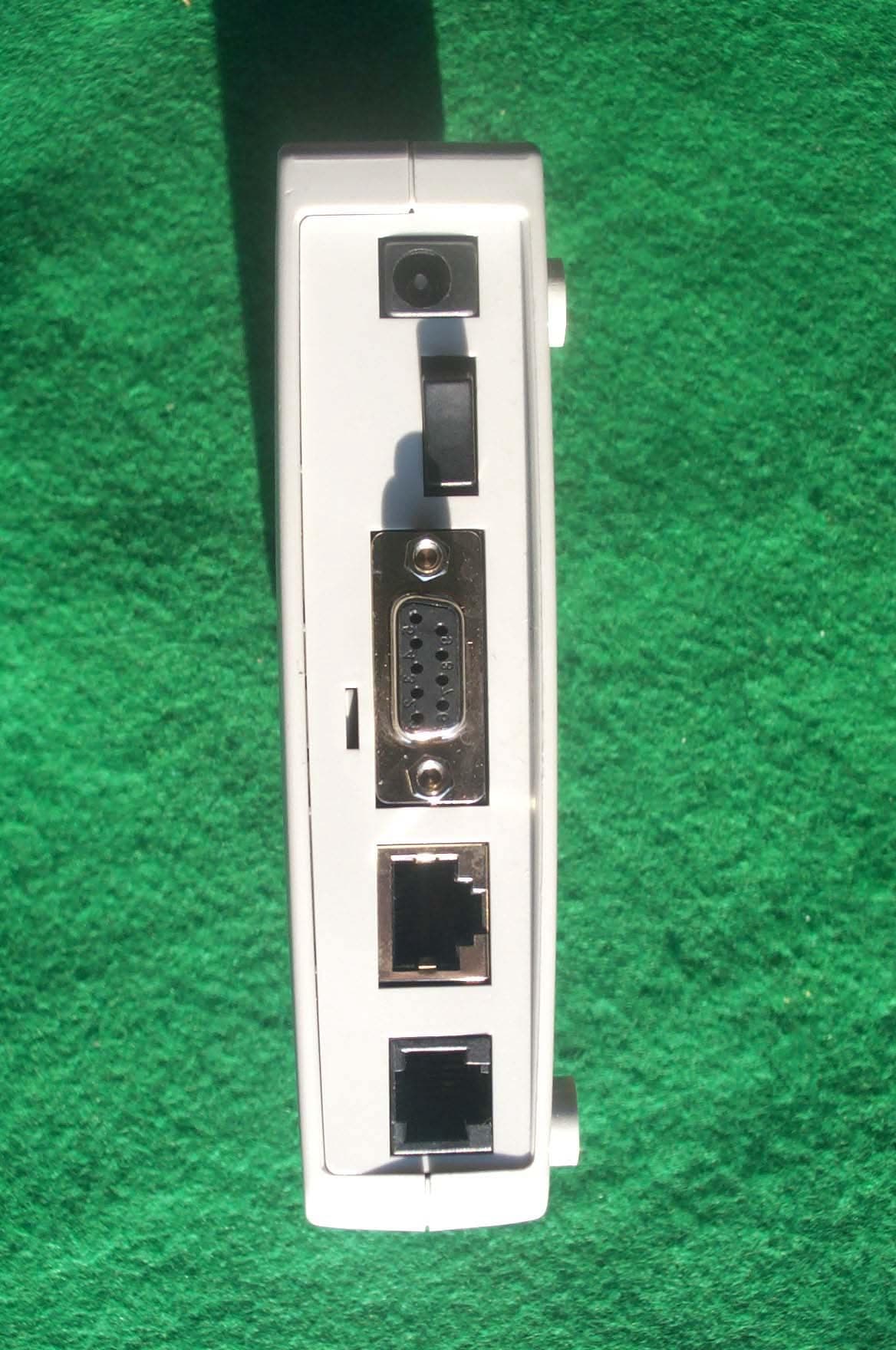
LEMGAE3030
Apr 09, 2001ADSL Modem
Equipment Class
JBP - Part 15 Class B Computing Device Peripheral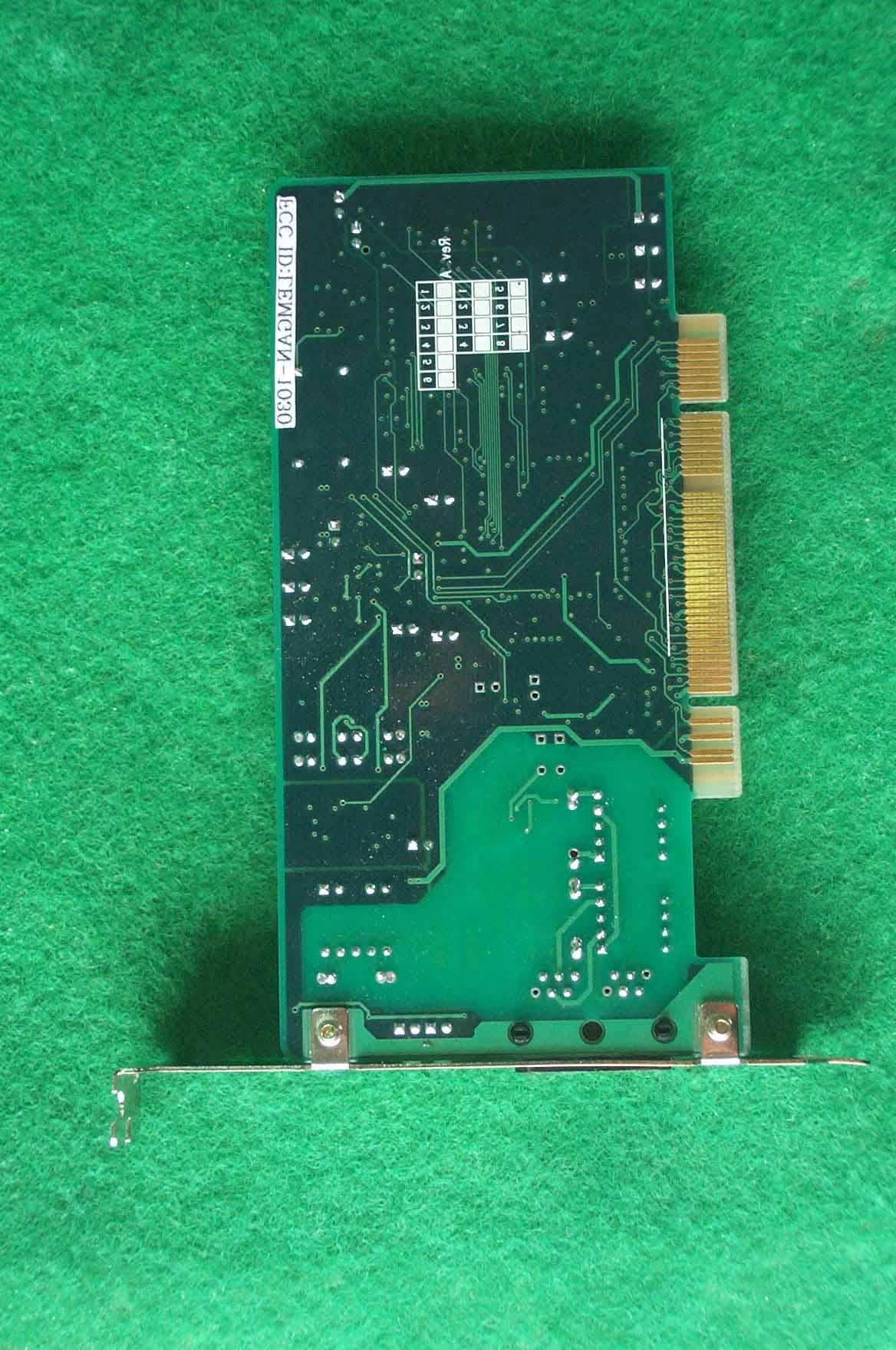
LEMGAN-1030
Mar 19, 2001ADSL Modem
Equipment Class
JBP - Part 15 Class B Computing Device Peripheral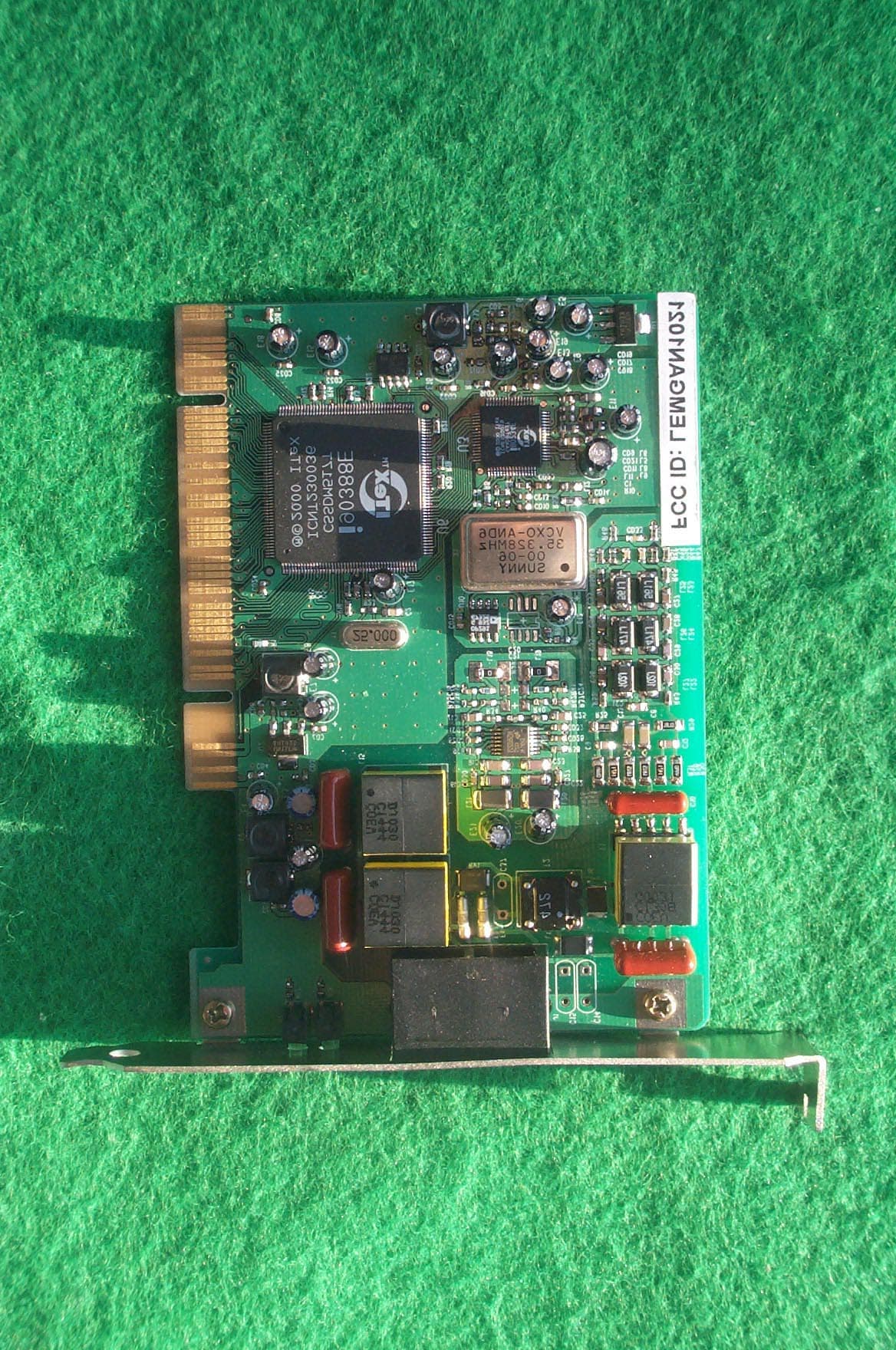
LEMGAN1021
Jan 22, 2001ADSL Modem
Equipment Class
JBP - Part 15 Class B Computing Device Peripheral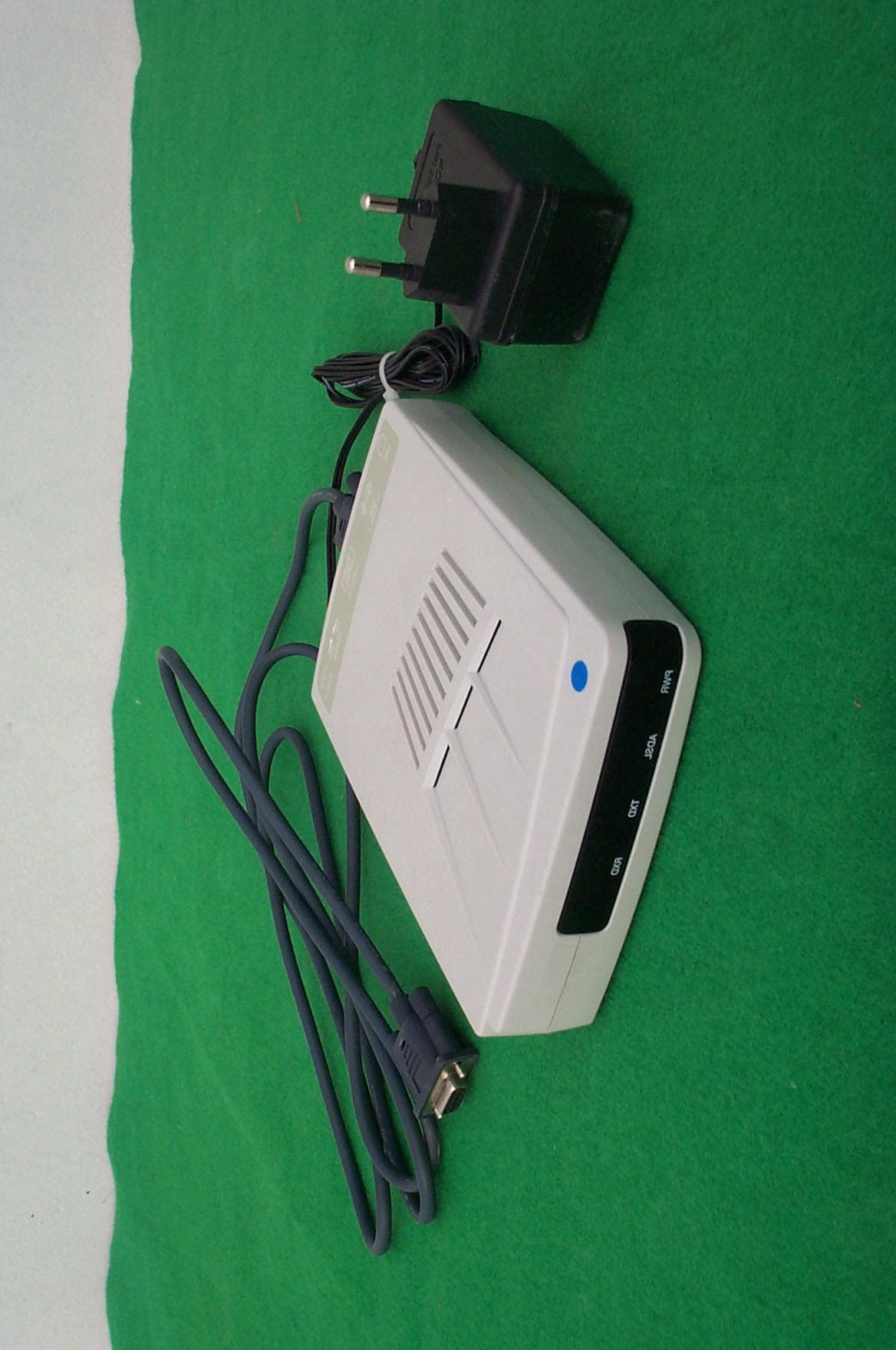
LEMGAE3020
Jan 18, 2001ADSL Modem
Equipment Class
JBP - Part 15 Class B Computing Device Peripheral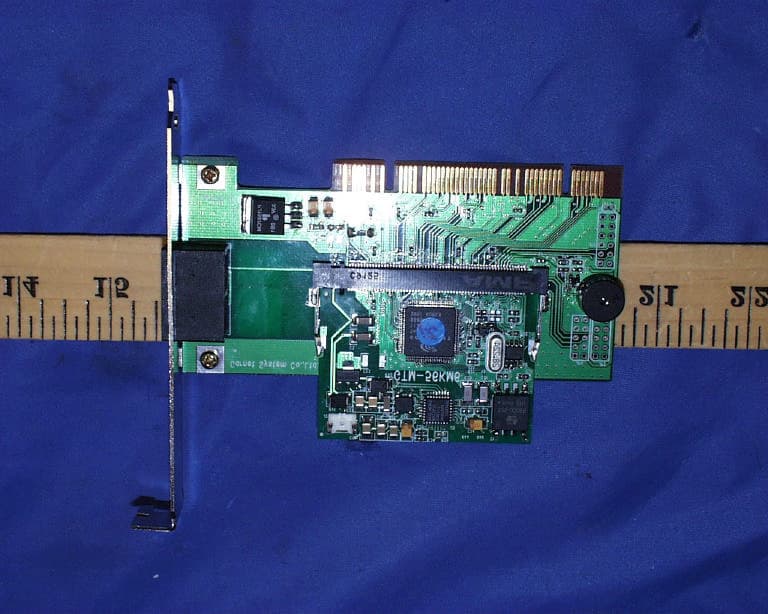
LEMGTM-56KM6
Aug 24, 200056Kbps Modem Board
Equipment Class
JBP - Part 15 Class B Computing Device Peripheral