O3W820PDA With Bluetooth
Palm Inc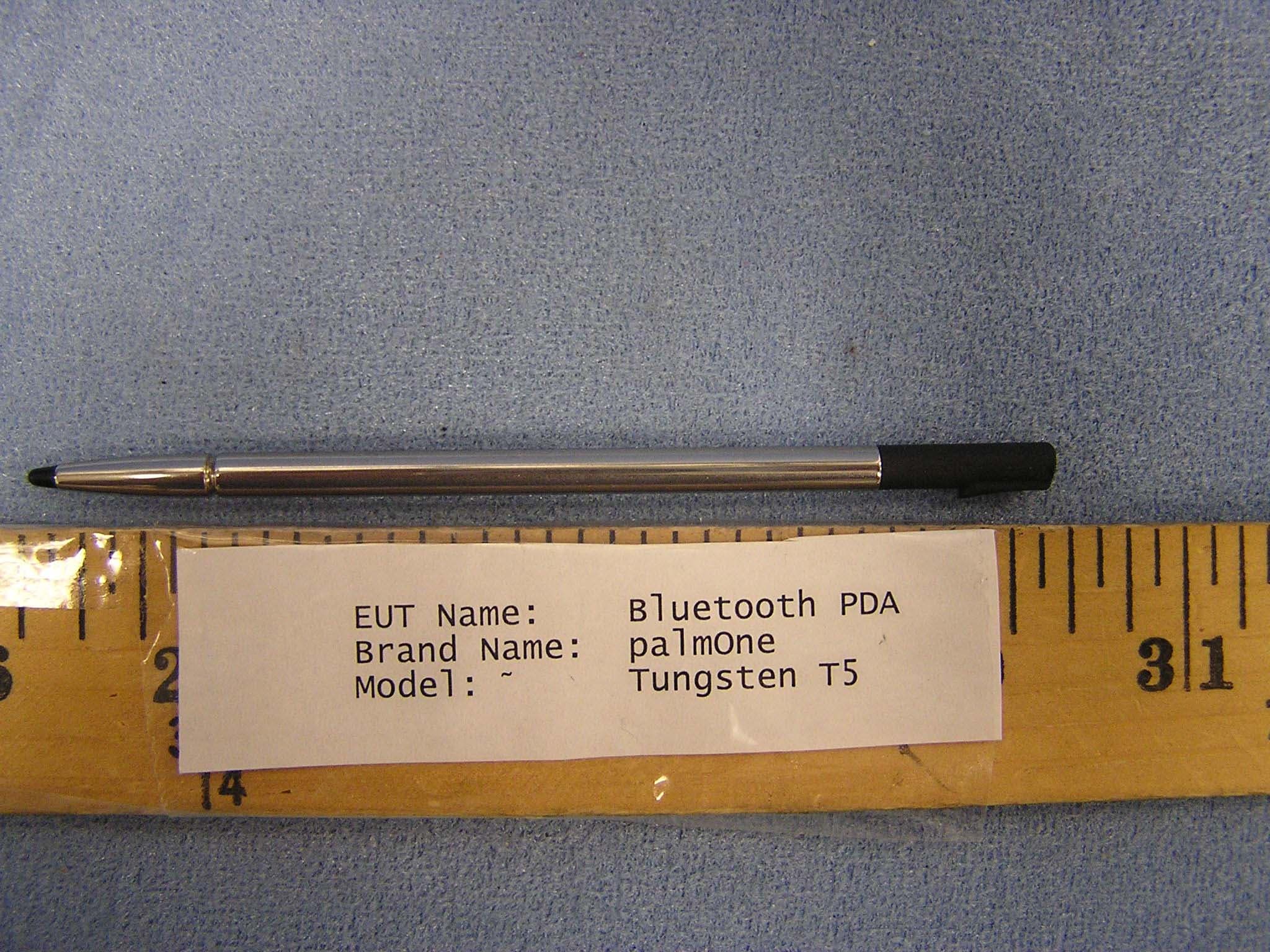
Click to zoom
Application Details
- Equipment Class
- DSS - Part 15 Spread Spectrum Transmitter
- Date of Grant
- Oct 03, 2004
- Application Purpose
- Original Equipment
- Date of Application
- Oct 03, 2004
- Equipment Note
- PDA With Bluetooth
- Frequency Range
- 2402.00000000 - 2480.00000000
- Company
- Palm Inc
- Country
- United States
Documents & Files
Document Text
Text extracted from the exhibit documents filed with the FCC. Open a document above to read the original.
Users Manual
User Guide Tungsten™ T5 Handheld ii Copyright and Trademark© 2004 palmOne, Inc. All rights reserved. palmOne, Tungsten, the Tungsten logo, “T” (Stylized), Addit, Blazer, Graffiti, HotSync, the HotSync logo, Palm, Palm Powered, Palm OS, the Palm logo, and VersaMail are among the trademarks or registered trademarks owned by or licensed to palmOne, Inc. All other brand and product names are or may be trademarks of, and are used to identify products or servic es of, their respective owners. palmOne, Inc. uses the Bluetooth wireless technology trademark under express license from Bluetooth SIG, Inc. RealPlayer is a trademark or registered trademark of RealNetworks, Inc. MPEG Layer-3 audio decoding technology is licensed from Fraunhofer IIS and Thomson. This product is licensed under the MPEG-4 systems patent portfolio license for encoding in compliance with the MPEG-4 systems st andard, except that an additional license and payment of roya lties are necessary for encoding in co nnection with (i) data stored or replicated in physical media which is paid for on a title-by-title basis and/or (ii) data which is paid for on a title-by-title basis and is transmitted to an end user for perman ent storage and/or use. Such additional license may be obtained from MPEG, LLC. See www.mpegla.com for additional details. This product includes technology owned by Microsoft Cor poration and cannot be used or di stributed without a license from Microsoft Licensing, GP. Disclaimer and Limitation of LiabilitypalmOne, Inc. assumes no responsibility for any damage or loss resulting from the use of this guide.palmOne, Inc. assumes no re sponsibility for any loss or claims by third parties which may arise through the use of this software. palmOne, Inc. a ssumes no responsi bility for any damage or lo ss caused by deletion of data as a result of malfunction, dead battery, or repairs. Be sure to make backup copies of all important data on other media to protect against data loss. Please read the End User Software License Ag reement with this prod uct before using the accompanying software program(s). Using any part of th e software indicates that yo u accept the terms of the End User Software License Agreement. Software Download AvailablePalm ® Desktop software is supplied on a CD. If you do no t have access to a CD drive for your computer, you can download Palm Desktop software from www.palmOne.com / intl/ support IMPORTANT [ ! ] Tungsten™ T5 Handheld iii Table of Contents About This Guide ............ .............. .............. .............. ............xx Tips for viewing this guide.........................................................................xxWhat’s in this guide? .................................................................................xxi Step-by-step instructions................................................................... xxiLinks..................................................................................................... xxi Sidebars .....................................................................................................xxiiChapter 1: Setting Up Your Handheld and Your Computer .1What’s in the box? ........................................................................................2System requirements ...................................................................................2Step 1: Charging your handheld................. ............. ............. ............. ..........4 What you should know about your handheld’s battery ..................... 5 Step 2: Turning on your handheld for the first time ........... ............. ..........6 Step 3: Installing your software ...................................................................7Step 4: Connecting your handheld to your comput er ............... ................8 Switching to another desktop software application ................................10Using user profiles......................................................................................11 Creating a user profile .........................................................................12Synchronizing with a user profile ......................................................14 Related topics ..............................................................................................17 Chapter 2: Basics ............. .............. .............. .............. ............18 Locating the controls on your handheld ...................................................19 Front panel controls ............................................................................ 19Top and side panel controls ............................................................... 20Back panel controls ............................................................................. 21 Using the status bar....................................................................................22Rotating the screen .....................................................................................23What’s on the screen? ................................................................................24 Input area ............ ................ ................ ................ ............. ............. ....... 24 Tungsten™ T5 Handheld iv Application controls ............................................................................ 25 What software is on my handheld?...........................................................26What’s on the CD? ......................................................................................28Related topics ..............................................................................................31 Chapter 3: Moving Around in Applicat ions ........... ..............33 Opening applications..................................................................................34 Using Favorites.................................................................................... 34Using Applications ...............................…
Text truncated - open the document above for the full version.
Users Manual
Tungsten™ T5 Handheld 279 CHAPTER 15 Sending and Receiving Email Messages • The name of the outgoing mail (Simple Mail Transfer Protocol, or SMTP) server • Your account’s security feature (if it has one), such as Secure Socket s Layer (SSL), Authenticated Post Office Protocol (APOP), or Extended Simple Mail Transfer Protocol (ESMTP) • Your email address and passwordGo to your email provider’s website or contact their customer support to obtain this information. Using a corporate email accountIf you want to access email on your handheld using your corporate email account, you create this account on your handheld in exactly the same way as any other account, with one exception: for a corporate email account, you may need to set up a virtual private network (VPN). If your company has a Bluetooth network located behind the corporate firewall, or if you are using an 802.11b (also called Wi-Fi) SDIO card (go to www.palmOne.com to check on the availability of these cards) in your handheld and your company has an 802.11b network located behind the corporate firewall, you may not need to set up a VPN to access your corporate email account. See the following section for details.Before you set up a corporate email account, check with your company’s system administrator to get the following information:Username and password This might be your Windows username and password, your Lotus Notes ID username and password, or something else. The VersaMail application provides strong 128-bit AES encryption for your password.Protocol Many corporate mail servers use the IMAP protocol for retrieving mail. In rare cases, your company server may use the POP protocol. Some corporate mail servers do not use either protocol. If so, you cannot send and receive email wirelessly from your handheld. You can synchronize email on your handheld with email in Microsoft Outlook or Lotus Notes on your computer. » Key Term Firewall A system set up to protect against unauthorized access into a private network. NOTE Tungsten™ T5 Handheld 280 CHAPTER 15 Sending and Receiving Email Messages Incoming and outgoing mail server settings Check with your company’s system administrator to obtain these settings.With a corporate email account, you may be able to access the following types of mail servers, among others:• Microsoft Exchange•IBM Lotus Domino• Sun iPlanet VPNsIf you want to access email on your handheld using your corporate email account, you may need to set up a virtual private network (VPN) on your handheld. A VPN enables you to log in to your corporate mail server through the company’s firewall (security layer). Without a VPN, you cannot pass through the firewall to gain access to the mail server.You need to set up a VPN to access corporate email in either of the following situations:• Your company’s wireless local area network (LAN) is located outside the firewall.• Your company’s wireless LAN is located inside the firewall, but you are trying to access the network from outside the firewall (for ex ample, from a public location or at home). Check with your company’s syst em administrator to see if a VPN is required to access the corporate network.The auto get mail with notification feature in the VersaM ail application may not work with a VPN connection. Also, you cannot use scheduled sending retry of email with accounts that use a VPN connection. Tungsten™ T5 Handheld 281 CHAPTER 15 Sending and Receiving Email Messages Creating an accountThe steps for creating an account are different depending on how you plan to send and receive email:Wireless only If you plan only to send and receive email wirelessly from your handheld, set up the account on your handheld by following the procedures below.Synchronize only (Windows only) If you plan only to synchronize email on your handheld with email on your computer, and never to send and receive email wirelessly from your handheld, do not set up the account on your handheld. Instead, follow the steps for setting synchronization options on your computer later in this chapter. When you are finished, synchronize to transfer the account settings to your handheld.Both wireless and synchronize (Windows only) If you plan both to send and receive email wirelessly and to synchronize email on your handheld with email on your computer, you must set up the account on your handheld and follow the steps for setting synchronization options on your computer. If you do not set up the account in both places, synchronizing email does not work. If you plan to synchronize your new handheld with an existing username from another handheld, you must do so before you enter your email account information in the VersaMail application. If you enter the email acco unt information first and then synchronize your handheld to an existing username, the email account information you entered is overwritten. IMPORTANT [ ! ] Tungsten™ T5 Handheld 282 CHAPTER 15 Sending and Receiving Email Messages Setting basic account options0 1 Go to Favorites and select VersaMail . 2 Open the Account Setup screen:a. Open the menus . b. Select Accounts, and then select Account Setup. c. Select New. Continued Tungsten™ T5 Handheld 283 CHAPTER 15 Sending and Receiving Email Messages 3 Enter the basic account information:a. In the Account Name field, enter a descriptive name. b. Select the Mail Service pick list, and then select your emailprovider. Select Other if yourprovider is not listed. c. If you chose Other, select the Protocol pick list, and then select POP or IMAP. Do not check the Synchronize Only Account box. If you plan only to synchronize email on your handheld with email on your computer, do not set up the account on your handheld. Instead, follow the steps for setting synchronization options on your computer later in this chapter. d. Select Next. Continued » Key Term Protocol Settings your email provider uses to receive email messages. Most providers use the Post Office Protocol (POP); a few use the Internet Message Access …
Text truncated - open the document above for the full version.
ID Label/Location Info
PROPOSED FCC ID LABEL AND LOCATION PALMONE This device complies with Part 15 of the FCC Rules. Operation is subject to the following two conditions: (1) this device may not cause harmful interference, and (2) this device must accept any interference received, including interference that may cause undesired operation. FCC ID: O3W820 FCC ID LABEL LOCATION
Test Report
FCC CFR47 PART 15 SUBPART C CERTIFICATION TEST REPORT FOR PDA WITH BLUETOOTH MODEL NUMBER: TUNGSTEN T5 FCC ID: O3W820 REPORT NUMBER: 04U2730-3 ISSUE DATE: JUNE 17, 2004 Prepared for PALMONE, INC. 400 N. MCCARTHY BLVD. MILPITAS, CA 95035 USA Prepared by COMPLIANCE CERTIFICATION SERVICES 561F MONTEREY ROAD, MORGAN HILL, CA 95037, USA TEL: (408) 463-0885 FAX: (408) 463-0888 REPORT NO: 04U2730-3 DATE: JUNE 17, 2004 EUT: PDA WITH BLUETOOTH FCC ID:O3W820 Page 2 of 77 COMPLIANCE CERTIFICATION SERVICES DOCUMENT NO: CCSUP4031A 561F MONTEREY ROAD, MORGAN HILL, CA 95037 USA TEL: (408) 463-0885 FAX: (408) 463-0888 This report shall not be reproduced except in full, without the written approval of CCS. This document may be altered or revised by Compliance Certification Services personnel only, and shall be noted in the revision section of the document. TABLE OF CONTENTS 1. TEST RESULT CERTIFICATION.................................................................................................. 3 2. EUT DESCRIPTION.......................................................................................................................... 4 3. TEST METHODOLOGY .................................................................................................................. 5 4. FACILITIES AND ACCREDITATION .......................................................................................... 5 5. CALIBRATION AND UNCERTAINTY.......................................................................................... 6 5.1. MEASURING INSTRUMENT CALIBRATION ............................................................................. 6 5.2. MEASUREMENT UNCERTAINTY ............................................................................................... 6 5.3. TEST AND MEASUREMENT EQUIPMENT................................................................................ 7 6. SETUP OF EQUIPMENT UNDER TEST ....................................................................................... 8 7. APPLICABLE LIMITS AND TEST RESULTS ........................................................................... 12 7.1. 20 dB BANDWIDTH ................................................................................................................... 12 7.2. HOPPING FREQUENCY SEPARATION................................................................................... 16 7.3. NUMBER OF HOPPING CHANNELS....................................................................................... 18 7.4. AVERAGE TIME OF OCCUPANCY .......................................................................................... 23 7.5. PEAK OUTPUT POWER............................................................................................................ 26 7.6. AVERAGE POWER..................................................................................................................... 30 7.7. PEAK POWER SPECTRAL DENSITY ....................................................................................... 31 7.8. CONDUCTED SPURIOUS EMISSIONS.................................................................................... 35 7.9. RADIATED EMISSIONS.............................................................................................................44 7.9.1. TRANSMITTER RADIATED SPURIOUS EMISSIONS ................................................. 44 7.9.2. TRANSMITTER RADIATED EMISSIONS ABOVE 1 GHZ .......................................... 47 7.9.3. WORST-CASE RADIATED EMISSIONS BELOW 1 GHz ............................................. 57 7.9.4. DIGITAL DEVICE RADIATED EMISSIONS ................................................................. 61 7.10. POWERLINE CONDUCTED EMISSIONS ............................................................................ 62 7.10.1. STANDALONE POWERLINE CONDUCTED EMISSIONS .......................................... 63 7.10.2. DIGITAL DEVICE POWERLINE CONDUCTED EMISSIONS ..................................... 65 8. SETUP PHOTOS .............................................................................................................................. 67 REPORT NO: 04U2730-3 DATE: JUNE 17, 2004 EUT: PDA WITH BLUETOOTH FCC ID:O3W820 Page 3 of 77 COMPLIANCE CERTIFICATION SERVICES DOCUMENT NO: CCSUP4031A 561F MONTEREY ROAD, MORGAN HILL, CA 95037 USA TEL: (408) 463-0885 FAX: (408) 463-0888 This report shall not be reproduced except in full, without the written approval of CCS. This document may be altered or revised by Compliance Certification Services personnel only, and shall be noted in the revision section of the document. 1. TEST RESULT CERTIFICATION COMPANY NAME: PALMONE, INC. 400 N. MCCARTHY BLVD. MILPITAS, CA 95035 EUT DESCRIPTION: PDA WITH BLUETOOTH MODEL: TUNGSTEN T5 DATE TESTED: MAY 6 - JUNE 8, 2004 APPLICABLE STANDARDS STANDARD TEST RESULTS FCC PART 15 SUBPART C NO NON-COMPLIANCE NOTED Compliance Certification Services, Inc. tested the above equipment in accordance with the requirements set forth in the above standards. The test results show that the equipment tested is capable of demonstrating compliance with the requirements as documented in this report. Note: This document reports conditions under which testing was conducted and results of tests performed. This document may not be altered or revised in any way unless done so by Compliance Certification Services and all revisions are duly noted in the revisions section. Any alteration of this document not carried out by Compliance Certification Services will constitute fraud and shall nullify the document. Approved & Released For CCS By: Tested By: NEELESH RAJ DAVID GARCIA EMC ENGINEER EMC ENGINEER COMPLIANCE CERTIFICATION SERVICES COMPLIANCE CERTIFICATION SERVICES REPORT NO: 04U2730-3 DATE: JUNE 17, 2004 EUT: PDA WITH BLUETOOTH FCC ID:O3W820 Page 4 of 77 COMPLIANCE CERTIFICATION SERVICES DOCUMENT NO: CCSUP4031A 561F MONTEREY ROAD, MORGAN HILL, CA 95037 USA TEL: (408) 463-0885 FAX: (408) 463-0888 This report shall…
Text truncated - open the document above for the full version.
Test Setup Photos
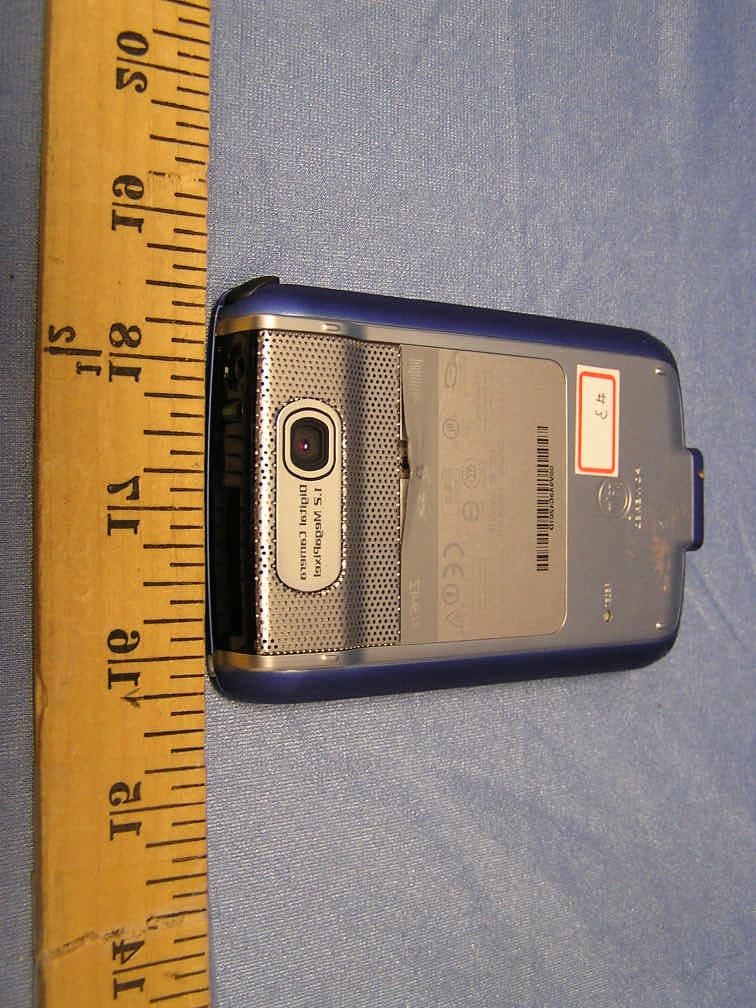
REPORT NO: 04U2730-3 DATE: JUNE 17, 2004 EUT: PDA WITH BLUETOOTH FCC ID:O3W820 Page 67 of 77 COMPLIANCE CERTIFICATION SERVICES DOCUMENT NO: CCSUP4031A 561F MONTEREY ROAD, MORGAN HILL, CA 95037 USA TEL: (408) 463-0885 FAX: (408) 463-0888 This report shall not be reproduced except in full, without the written approval of CCS. This document may be altered or revised by Compliance Certification Services personnel only, and shall be noted in the revision section of the document. 8. SETUP PHOTOS ANTENNA PORT CONDUCTED RF MEASUREMENT SETUP ANTENNA PORT CONDUCTED PHOTO REPORT NO: 04U2730-3 DATE: JUNE 17, 2004 EUT: PDA WITH BLUETOOTH FCC ID:O3W820 Page 68 of 77 COMPLIANCE CERTIFICATION SERVICES DOCUMENT NO: CCSUP4031A 561F MONTEREY ROAD, MORGAN HILL, CA 95037 USA TEL: (408) 463-0885 FAX: (408) 463-0888 This report shall not be reproduced except in full, without the written approval of CCS. This document may be altered or revised by Compliance Certification Services personnel only, and shall be noted in the revision section of the document. RADIATED RF MEASUREMENT SETUP RADIATED FRONT PHOTO REPORT NO: 04U2730-3 DATE: JUNE 17, 2004 EUT: PDA WITH BLUETOOTH FCC ID:O3W820 Page 69 of 77 COMPLIANCE CERTIFICATION SERVICES DOCUMENT NO: CCSUP4031A 561F MONTEREY ROAD, MORGAN HILL, CA 95037 USA TEL: (408) 463-0885 FAX: (408) 463-0888 This report shall not be reproduced except in full, without the written approval of CCS. This document may be altered or revised by Compliance Certification Services personnel only, and shall be noted in the revision section of the document. RADIATED BACK PHOTO REPORT NO: 04U2730-3 DATE: JUNE 17, 2004 EUT: PDA WITH BLUETOOTH FCC ID:O3W820 Page 70 of 77 COMPLIANCE CERTIFICATION SERVICES DOCUMENT NO: CCSUP4031A 561F MONTEREY ROAD, MORGAN HILL, CA 95037 USA TEL: (408) 463-0885 FAX: (408) 463-0888 This report shall not be reproduced except in full, without the written approval of CCS. This document may be altered or revised by Compliance Certification Services personnel only, and shall be noted in the revision section of the document. RADIATED RF MEASUREMENT SETUP RADIATED FRONT PHOTO REPORT NO: 04U2730-3 DATE: JUNE 17, 2004 EUT: PDA WITH BLUETOOTH FCC ID:O3W820 Page 71 of 77 COMPLIANCE CERTIFICATION SERVICES DOCUMENT NO: CCSUP4031A 561F MONTEREY ROAD, MORGAN HILL, CA 95037 USA TEL: (408) 463-0885 FAX: (408) 463-0888 This report shall not be reproduced except in full, without the written approval of CCS. This document may be altered or revised by Compliance Certification Services personnel only, and shall be noted in the revision section of the document. RADIATED BACK PHOTO REPORT NO: 04U2730-3 DATE: JUNE 17, 2004 EUT: PDA WITH BLUETOOTH FCC ID:O3W820 Page 72 of 77 COMPLIANCE CERTIFICATION SERVICES DOCUMENT NO: CCSUP4031A 561F MONTEREY ROAD, MORGAN HILL, CA 95037 USA TEL: (408) 463-0885 FAX: (408) 463-0888 This report shall not be reproduced except in full, without the written approval of CCS. This document may be altered or revised by Compliance Certification Services personnel only, and shall be noted in the revision section of the document. DIGITAL DEVICE RADIATED EMISSIONS SETUP DIGITAL DEVICE FRONT PHOTO REPORT NO: 04U2730-3 DATE: JUNE 17, 2004 EUT: PDA WITH BLUETOOTH FCC ID:O3W820 Page 73 of 77 COMPLIANCE CERTIFICATION SERVICES DOCUMENT NO: CCSUP4031A 561F MONTEREY ROAD, MORGAN HILL, CA 95037 USA TEL: (408) 463-0885 FAX: (408) 463-0888 This report shall not be reproduced except in full, without the written approval of CCS. This document may be altered or revised by Compliance Certification Services personnel only, and shall be noted in the revision section of the document. DIGITAL DEVICE BACK PHOTO REPORT NO: 04U2730-3 DATE: JUNE 17, 2004 EUT: PDA WITH BLUETOOTH FCC ID:O3W820 Page 74 of 77 COMPLIANCE CERTIFICATION SERVICES DOCUMENT NO: CCSUP4031A 561F MONTEREY ROAD, MORGAN HILL, CA 95037 USA TEL: (408) 463-0885 FAX: (408) 463-0888 This report shall not be reproduced except in full, without the written approval of CCS. This document may be altered or revised by Compliance Certification Services personnel only, and shall be noted in the revision section of the document. POWERLINE CONDUCTED EMISSIONS MEASUREMENT SETUP LINE CONDUCTED FRONT PHOTO REPORT NO: 04U2730-3 DATE: JUNE 17, 2004 EUT: PDA WITH BLUETOOTH FCC ID:O3W820 Page 75 of 77 COMPLIANCE CERTIFICATION SERVICES DOCUMENT NO: CCSUP4031A 561F MONTEREY ROAD, MORGAN HILL, CA 95037 USA TEL: (408) 463-0885 FAX: (408) 463-0888 This report shall not be reproduced except in full, without the written approval of CCS. This document may be altered or revised by Compliance Certification Services personnel only, and shall be noted in the revision section of the document. LINE CONDUCTED BACK PHOTO REPORT NO: 04U2730-3 DATE: JUNE 17, 2004 EUT: PDA WITH BLUETOOTH FCC ID:O3W820 Page 76 of 77 COMPLIANCE CERTIFICATION SERVICES DOCUMENT NO: CCSUP4031A 561F MONTEREY ROAD, MORGAN HILL, CA 95037 USA TEL: (408) 463-0885 FAX: (408) 463-0888 This report shall not be reproduced except in full, without the written approval of CCS. This document may be altered or revised by Compliance Certification Services personnel only, and shall be noted in the revision section of the document. DIGITAL DEVICE POWERLINE CONDUCTED EMISSIONS MEASUREMENT SETUP LINE CONDUCTED FRONT PHOTO REPORT NO: 04U2730-3 DATE: JUNE 17, 2004 EUT: PDA WITH BLUETOOTH FCC ID:O3W820 Page 77 of 77 COMPLIANCE CERTIFICATION SERVICES DOCUMENT NO: CCSUP4031A 561F MONTEREY ROAD, MORGAN HILL, CA 95037 USA TEL: (408) 463-0885 FAX: (408) 463-0888 This report shall not be reproduced except in full, without the written approval of CCS. This document may be altered or revised by Compliance Certification Services personnel only, and shall be noted in the revision section of the document. END OF REPORT LINE CONDUCTED BACK PHOTO
Contact Information
Applicant
David Woo(Sr Regulatory Engineer)
Test Firm
Compliance Certification Services IncSteve Cheng
Technical Specifications
| # | Rule Parts | Frequency Range | Power Output |
|---|---|---|---|
| 1 | 15C | 2.40 GHz - 2.48 GHz | 360.00 µW |
Other Applications from Palm Inc
O3W810
Apr 27, 2004PDA With Bluetooth
Equipment Class
DSS - Part 15 Spread Spectrum Transmitter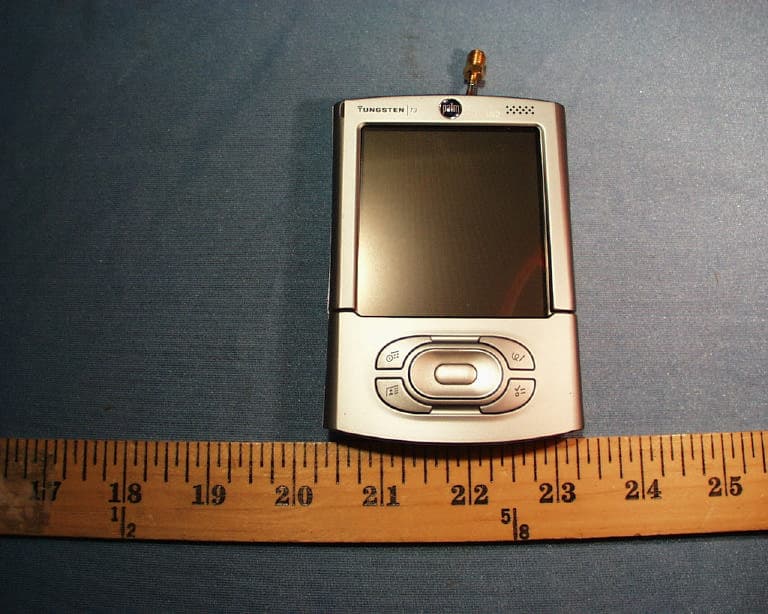
O3W800
Sep 30, 2003Bluetooth PDA, M/N:Tungsten T3
Equipment Class
DSS - Part 15 Spread Spectrum Transmitter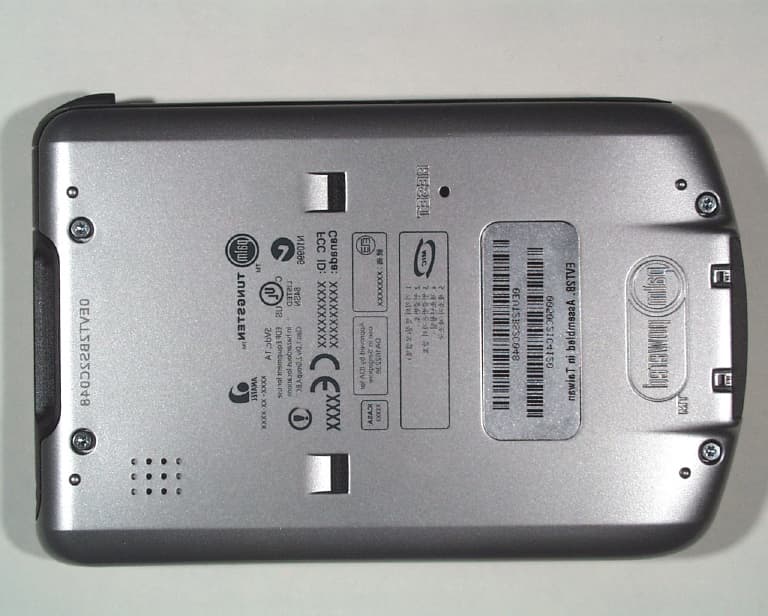
O3W200000
Apr 22, 2003PDA With 802.11b WLAN
Equipment Class
DTS - Digital Transmission System
O3W710000
Oct 24, 20021900MHz GSM/GPRS PDA Communicator
Equipment Class
PCT - PCS Licensed Transmitter worn on body
O3W550000
Oct 24, 2002Handhelds PDA With Bluetooth Transceiver
Equipment Class
DSS - Part 15 Spread Spectrum Transmitter