O9DLAPC RF Link
FitLinxx
Click to zoom
Application Details
- Equipment Class
- DXT - Part 15 Low Power Transceiver, Rx Verified
- Date of Grant
- Jun 24, 2001
- Application Purpose
- Original Equipment
- Date of Application
- Mar 12, 2001
- Equipment Note
- PC RF Link
- Frequency Range
- 916.50000000 - 916.50000000
- Company
- FitLinxx
- Country
- United States
Documents & Files
Document Text
Text extracted from the exhibit documents filed with the FCC. Open a document above to read the original.
Users Manual
.:WELCOME Congratulations! The FitSense™ FS-1 Speedometer is the world's first accurate pace and distance watch for walking and running with an optional wireless Internet link. The FS-1 measures every stride and reports your speed, pace, distance, and calorie burn. The FS-1 is a fully functional watch and exercise monitor. Its features include: • Time, day, and date • Chronograph • Current Speed and Pace • Average Pace • Distance (activity and total) • Calories • Heart Rate (using optional heart rate monitor) • Training Log • AutoSplitz™ • Pace Zones • Backlight • Wireless Connection to your PC and the Internet (using optional Netlink). GETTING THE MOST OUT OF YOUR FS-1 How can you use your FS-1? The options are limitless. Here are a few suggestions: • Tracking your Runs or Walks • Monitoring your Calorie Burn • Measuring your Courses • Tracking your Fitness • Training with Pace • Automating your Log WATCH FOOT POD NETLINK (OPTIONAL) .:CONTENTS .:BEFORE YOU BEGIN...................................................1 .:FS-1 COMPONENTS.....................................................1 Watch 1 Foot Pod 3 NetLink (Optional) 5 Heart Rate Monitor (Optional) 6 .:QUICK START...............................................................7 Mode Functionality 7 Learning New Sensors 8 Calibrating your FS-1 8 Running and Walking with your FS-1 9 Linking to FitSense Interactive (Using Optional Netlink) 10 Displaying Heart Rate on your FS-1 10 .:USING YOUR FS-1......................................................11 TIME Mode 11 SPED Mode: Speedometer 12 LOG Mode 15 ODOM Mode: Odometer 16 COMM Mode: Communication 17 CALB Mode: Calibration 19 ALARM Mode 22 .:CARE AND MAINTENANCE.......................................23 Replacing Batteries 23 Replacing the Rungee Cord 23 .:SPECIFICATIONS.......................................................24 .:REGULATORY INFORMATION..................................25 .:CUSTOMER SERVICE................................................25 .:LIMITED WARRANTY.................................................26 1 .:BEFORE YOU BEGIN ß Consult your physician prior to beginning or modifying any exercise program. ß DO NOT use the FS-1 heart rate monitor if you have a pace maker. ß DO NOT use FS-1 in an airplane. ß When exercising with FS-1, be aware of your surroundings and exercise safely. Remain alert to vehicles, footing and other potential hazards. .:FS-1 COMPONENTS WATCH The FS-1 watch is the window to your activity. It has a revolutionary side-mounted display. Your activity info is available at a glance without turning your wrist, pressing buttons, or breaking stride. Strap your FS-1 to your wrist with the buttons pointing up from the top of your wrist. 2 WATCH BUTTONS Button functions listed in normal font (MODE, SELECT, LIGHT, SPLIT, START/STOP) are performed by pressing and releasing the button. BUTTON FUNCTIONS MODE Cycles through the seven main modes. If you stay in any mode for more than three seconds, the title screen will disappear and the mode content screen will appear. The next press of the MODE button will return you to TIME mode. SELECT Toggles between "pace display" and "speed display" in SPED mode. Toggles between track and treadmill calibration in CALB mode. Accepts selected values and advances to next field while setting. LIGHT Turns on the light for 3 seconds. Holding LIGHT for 3 seconds turns on Night Mode. In Night Mode, pressing any button will turn on the light for 5 seconds. Holding LIGHT for 3 seconds turns off Night Mode. SPLIT In SPED mode, with the chronograph running, SPLIT freezes the screen and records a manual split in the daily chart. Holding for 3 seconds in TIME mode launches COMM mode. 3 The FS-1 foot pod may be placed on either your right or left foot. The stride characteristics of your right leg may be different from those of your left leg. Always keep the foot pod on the same foot. START Starts and stops the chronograph in SPED mode. /STOP Button functions listed in reverse font (SET , RESET) are performed by pressing and holding the button for 3 seconds. SET Hold SET in TIME mode to change time. Hold SET in SPED mode to set weight, view alert interval and toggle Pace Zones ON and OFF. Hold SET in ALRM mode to change alarm settings. RESET Hold RESET in SPED mode to store activity in your log and clear the display. Hold RESET in SPED mode when the chronograph is zeroed to enter the LOG clear menu. Hold RESET in the LOG clear menu to clear chart data and log data. Hold RESET in ODOM mode to zero the odometer. (+) BUTTON Increments values while setting. (-) BUTTON Decrements values while setting. FOOT POD 4 VIEW FROM ABOVE TOE SIDE VIEW Loosen your shoelaces. Place the rungee cord beneath 2 or 3 lace crossings. Snap the rungee cord into the slot at the front of the pod. Tighten your laces and tie your shoes comfortably. The foot pod should be firmly attached with the narrow end of the pod facing your toe. If the pod is loose, place the cord beneath another lace crossing. The pod may remain attached to your shoe between activities. Also, the cord may be laced into the shoe and remain there for convenience and added security. FOOT POD BUTTONS The foot pod has three states (ON, OFF and COMM LEARN) that are controlled by pressing the rubber button. Unique sounds confirm the state you have entered. PRESSES WHAT THEY DO ONE Turns pod ON. When the pod is off, push and hold the button until you hear a beep. On button release, you will hear a single confirmation beep. The pod is now ready for your activity. When the foot pod is communicating with the watch, the foot icon on the watch display will be lit. TWO Turns pod OFF. Pressing the button twice in quick succession turns the pod off. A descending tone confirms that the foot pod is off. THREE Allows a watch to learn a foot pod ID. Pressing the button three times in quick succession resets the COMM Address. Three beeps confirms that the foot pod is in COMM LEARN mode. Now any FS-1 watch can lear…
Text truncated - open the document above for the full version.
Cover Letter(s)
Federal Communicatio ns Co mmissionFCC ID: O9DLA 7435 Oakland Mills Road Columbia MD 21046 Gentle me n: This letter is is to comply with Section 0.457(d)(2)(I) pertaining to confidential material. FitSense Technology requests that the following documents regarding this submission for FCC ID O9DLA be kept confidential; 1. Block diagram 2. Schematic 3. Circuit Description The material above contains trade secrets or technical data which would customarily be guarded from competitors. It represents several years of research and development by FitSense Technology and its availability is normally subject to confidentiality and non-disclosure agreements. We respectfully request that these documents not be available to the general public. Sincerely, John Maclean Vice President of Manufacturing FitSense Technology Inc. 212 Worcester St. Wellesley MA 02481
Operational Description
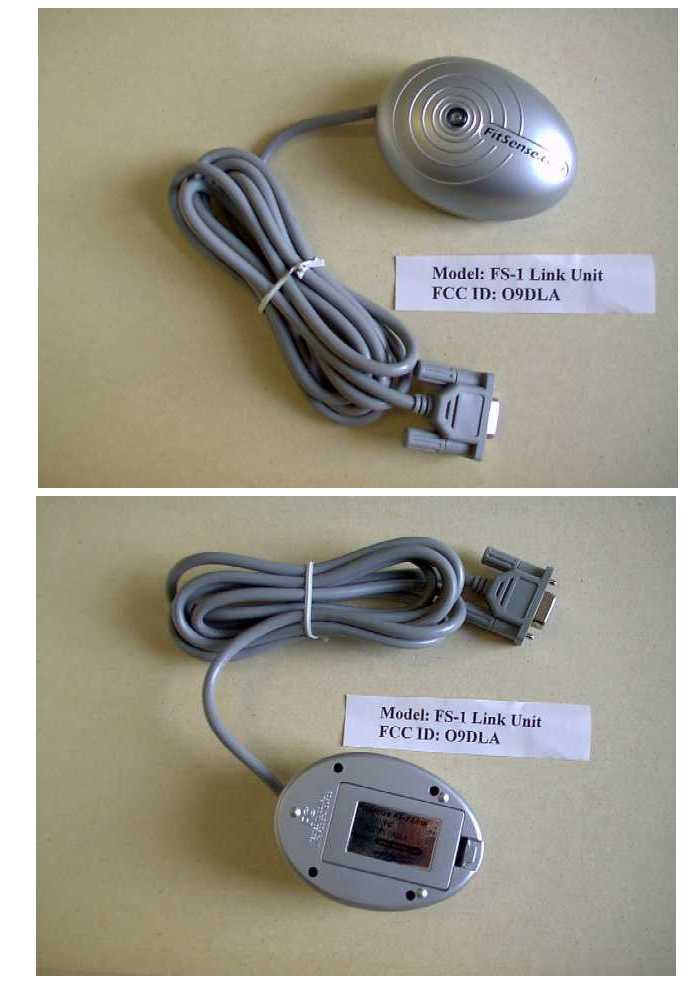
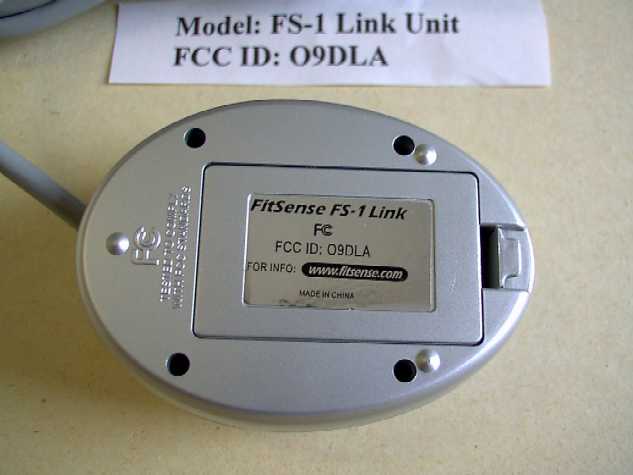
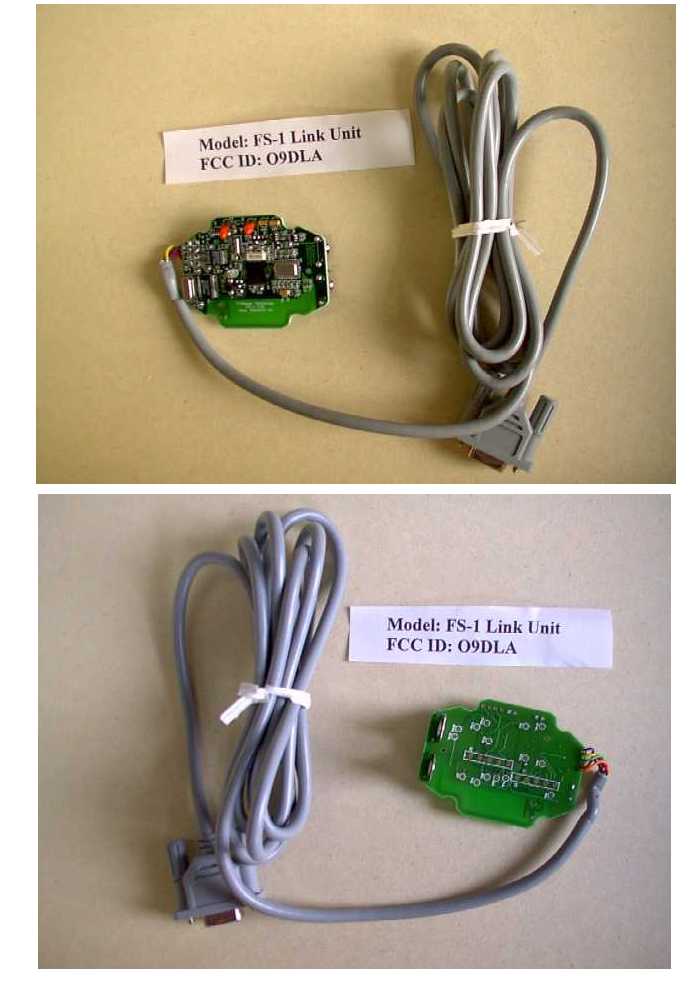
Circuit Description of Link unitFCC ID O9DLA (referring to Block Diagram) The Link is designed to be attached to the RS-232 serial port of a personal computer (“PC”), and its purpose is to receive and transmit data via a 915 MHz radio link to a control and display unit worn on a person’s wrist (“Wrist unit”). It is part of the FitSense Technology model FS-1 system. The entire Link circuit is built on a single printed circuit board and is connected to a PC serial port through an attached cable terminated with a DB-9 female connector. The unit is powered from the RS-232 RTS and DTR lines from the PC, through the linear Voltage Regulator. A battery of two AA cells and a switched-capacitor type DC-DC converter IC will turn on and power the Link if the Voltage Regulator output is insufficient. An RS- 232 Transceiver IC converts the serial signal levels between the RS-232 standard and the Link’s 3.3 volt signal levels. The UART circuit is a microprocessor programmed to operate as a UART and buffer for the RS-232 serial data to and from the PC. It communicates directly with the main Microprocessor. The Microprocessor interprets and formats the serial data stream from both the PC and the 915 MHz Transceiver. The bit stream is formatted to conform to the FS-1 network protocol and applied to the transmitter input of the 915 MHz Transceiver. The Microprocessor also receives data from the 915 MHz Transceiver through a receive bit stream. In addition, the Microprocessor monitors the battery and operates a blue LED status indicator. The 915 MHz Transceiver is a RF Monolithics TR1000, with its necessary passive parts. It is a SAW-based device using an ASH (Amplifier Sequenced Hybrid) receiver with no local oscillator. The Transceiver operates in A1 mode (OOK), with a transmission data rate of approximately 9600 Bauds. The antenna is printed on the Link’s circuit board that contains the Transceiver and other circuits. There are no adjustable parts in the Link, and no tune-up procedure.
Test Report
Curtis-Straus LLC Confidential RE TablePage 1 Radiated Emissions Table Curtis-Straus LLC Date: 08-Jan-01 Company: FitSense Table Engineer: Evan Gould EUT Desc: FS-1 Work Order: B0026 Frequency Range:1-10GHzMeasurement Distance:3m Notes:HarmonicsEUT Max Freq:915MHz AntennaPreampAntennaCableAdjusted---FCC Class B PolarizationFrequencyReadingFactorFactorFactorReadingLimitMarginResultLimitMarginResult (H / V)(MHz)(dBμV)(dB)(dB/m)(dB)(dBμV/m)(dBμV/m)(dB)(Pass/Fail)(dBμV/m)(dB)(Pass/Fail) PC link--------------------------- V2745.035.724.429.81.242.3---------63.5-21.2Pass V3660.035.624.232.81.345.5---------63.5-18.0Pass V4575.034.824.332.51.544.5---------63.5-19.0Pass V5490.034.724.034.81.647.1---------63.5-16.4Pass V6405.035.023.135.31.849.0---------63.5-14.5Pass V7320.035.722.236.61.952.0---------63.5-11.5Pass V8235.035.921.237.52.054.2---------63.5-9.3Pass V9150.034.620.638.52.254.7---------63.5-8.8Pass ------------------------------ ------------------------------ ------------------------------ ------------------------------ ------------------------------ ------------------------------ ------------------------------ ------------------------------ ------------------------------ ------------------------------ ------------------------------ ------------------------------ ------------------------------ ------------------------------ ------------------------------ ------------------------------ ------------------------------ ------------------------------ ------------------------------ ------------------------------ ------------------------------ Table Result:Pass by -8.8 dB Worst Freq:9150.0 MHz Test Site:"T"Pre-Amp:Or-BlkCable:3m SucoflexAnalyzer:OrangeAntenna:Orange Horn Curtis-Straus LLC ConfidentialRE Table3/13/01
Test Report
MEASUREMENT/TECHNICAL REPORT Company - Model: FitSense Technology FS-1 NetLink FCC ID: O9DLA June 1, 2001 Description: This is a report to support a request for an original grant of equipment authorization. Equipment Type: Low Power Communications Device Transmitter (DXX) Report prepared for: FitSense Technology 212 Worcester Street Wellesly, MA 02481 Phone: (781) 237-2233 Fax: (781) 237-6669 Report prepared by: Evan D. Gould Curtis-Straus LLC 527 Great Road Littleton, MA 01460 USA Phone: 978-486-8880 FAX: 978-486-8828 FCC Application for FitSense Technology •• FCC ID: O9DLA •• Report No. EB0408-1 1-Jun-01 ______________________________________________________________________ _____________________________________________________________ Curtis-Straus LLC •• 527 Great Road •• Littleton, MA •• TEL (978) 486-8880 •• FAX (978) 486-8828 page 2 of 13 Introduction This report is an application for Certification of a Transmitter operating pursuant to Part 15.249 of the FCC Rules, Code of Federal Regulations 47. The model number covered by this report is FS-1 NetLink. This report is designed to demonstrate the compliance of this device with the requirements outlined in Part 15 of CFR 47 using the methods outlined in Part 2 of CFR 47. The confidential information and descriptions included in this application are detailed descriptions of the products, block diagrams, component specifications, and schematic diagrams. We hereby respectfully request under the provision of section 0.457d of the code that the documents listed below be held confidential. Technical Descriptions and Block Diagrams Schematics Bill of Materials FitSense is requesting that the Technical Descriptions, Block Diagrams, Schematics and Bill of Materials be kept confidential in the FCC application because of the proprietary design developed by FitSense that is unique to the industry. FCC Application for FitSense Technology •• FCC ID: O9DLA •• Report No. EB0408-1 1-Jun-01 ______________________________________________________________________ _____________________________________________________________ Curtis-Straus LLC •• 527 Great Road •• Littleton, MA •• TEL (978) 486-8880 •• FAX (978) 486-8828 page 3 of 13 Statement of Conformity The FitSense FS-1 NetLink has been found to conform with the following parts of the 47 CFR as detailed below: Part 2 Part 15 Comments 15.15(b) The product contains no user accessible controls that increase transmission power above allowable levels. 2.925 15.19 The label is shown in the label exhibit. 15.21 Information to the user is shown in the instruction manual exhibit. 15.27 No special accessories are required for compliance. 15.203 The antenna is built into the board and there is no external antenna connection. 15.205 15.209 The fundamental is not in a Restricted band and the spurious and harmonic emissions in the Restricted bands comply with the general emission limits of 15.209. 15.207 The unit is battery powered without the capability of being recharged or operated from the AC mains. 15.249(a) The unit complies with the field strength limits of the 15.249(a) table including the 20dB peak restriction of 15.35(b) and 15.249(d). 15.249(c) The unit complies with the field strength limits of the 15.209(a) table. FCC Application for FitSense Technology •• FCC ID: O9DLA •• Report No. EB0408-1 1-Jun-01 ______________________________________________________________________ _____________________________________________________________ Curtis-Straus LLC •• 527 Great Road •• Littleton, MA •• TEL (978) 486-8880 •• FAX (978) 486-8828 page 4 of 13 Unit Tested Model Number: FS-1 NetLink FCC Application for FitSense Technology •• FCC ID: O9DLA •• Report No. EB0408-1 1-Jun-01 ______________________________________________________________________ _____________________________________________________________ Curtis-Straus LLC •• 527 Great Road •• Littleton, MA •• TEL (978) 486-8880 •• FAX (978) 486-8828 page 5 of 13 Test Methodology Radiated emission testing was performed according to the procedures in ANSI C63.4 (1992). Radiated testing was performed at an antenna to EUT distance of 3 meters below 1 GHz, and at a distance of 3 or 1 meter(s) above 1 GHz. The actual test distance used is noted in the test data sheets. The device’s performance was investigated to 10GHz. The EUT was powered by two Duracell Ultra AA batteries for all tests. Fresh batteries were used for all testing. Since the NetLink can be operated in any orientation, the emissions were maximized in each of the three orthogonal axes and the maximum reading was recorded. The integrated antenna cannot be maximized separately. All other performance tests were made in accordance with the procedures outlined in Part 15 of CFR 47. The applicable sections provided under Part 15 are provided in the measurement section of this report. Discussion of CFR47 Part 15.249 Testing Procedure The FS-1 NetLink is part of a system involving four separate units. The NetLink receives data from the FS-1 Watch (a separate part of the FS-1 system) and downloads the data to a PC. During the download cycle, the NetLink performs a handshaking operation with the Watch, thereby utilizing a transmitter. The duration of the download cycle varies between approximately 20 to 30 seconds, thereafter the download must be reactivated. The download cycle was continuously reactivated and peak readings were taken during that time. FCC Application for FitSense Technology •• FCC ID: O9DLA •• Report No. EB0408-1 1-Jun-01 ______________________________________________________________________ _____________________________________________________________ Curtis-Straus LLC •• 527 Great Road •• Littleton, MA •• TEL (978) 486-8880 •• FAX (978) 486-8828 page 6 of 13 Test Facility Curtis-Straus LLC All testing for the range 30–10,000MHz was performed at Curtis-Straus (A2LA Certificate Number 1627-01). The open area test site used to collect the radiated data is located at 527 Great Road, Littleton, MA …
Text truncated - open the document above for the full version.
Test Setup Photos
Link Unit FCC ID: O9DLA Unintentional Radiation
Contact Information
Applicant
John E MacLean(Vice President of Manufacturing)
Test Firm
Curtis-Straus LLCJonathan Stewart
Technical Specifications
| # | Rule Parts | Frequency Range | Power Output |
|---|---|---|---|
| 1 | 15C | 916.5 MHz - 916.5 MHz | - |
Other Applications from FitLinxx
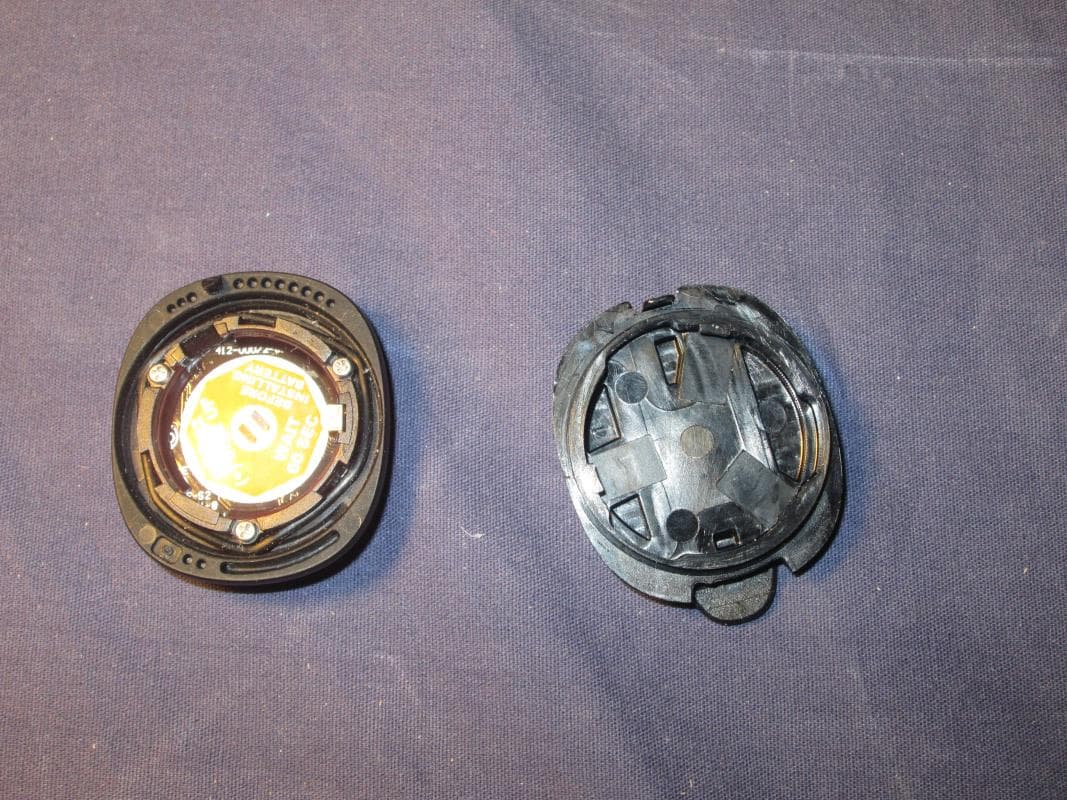
O9DA
Dec 18, 2014Bluetooth Activity Sensor
Equipment Class
DXX - Part 15 Low Power Communication Device Transmitter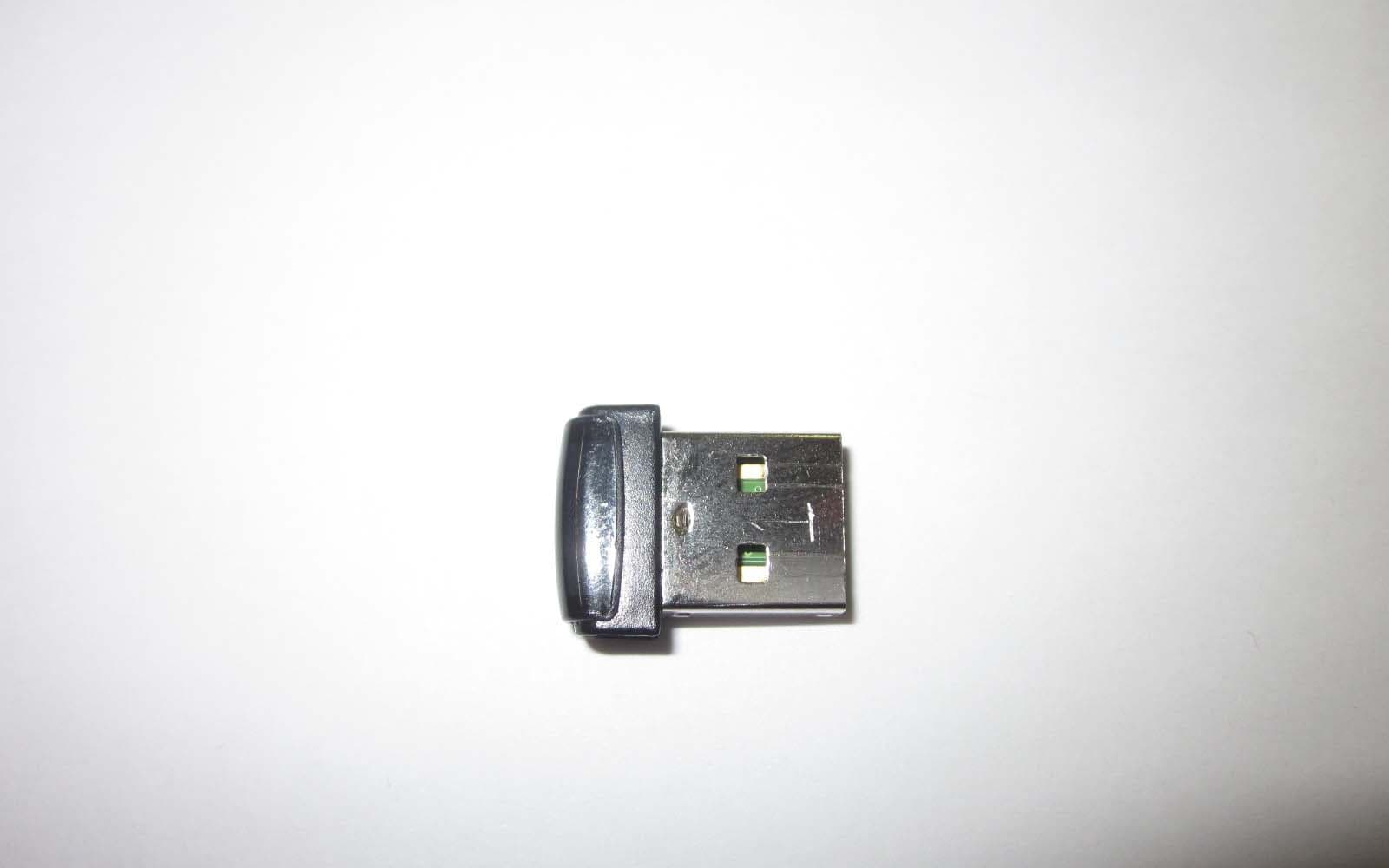
O9DAL3
Nov 20, 2012Wireless Access Point
Equipment Class
DXX - Part 15 Low Power Communication Device Transmitter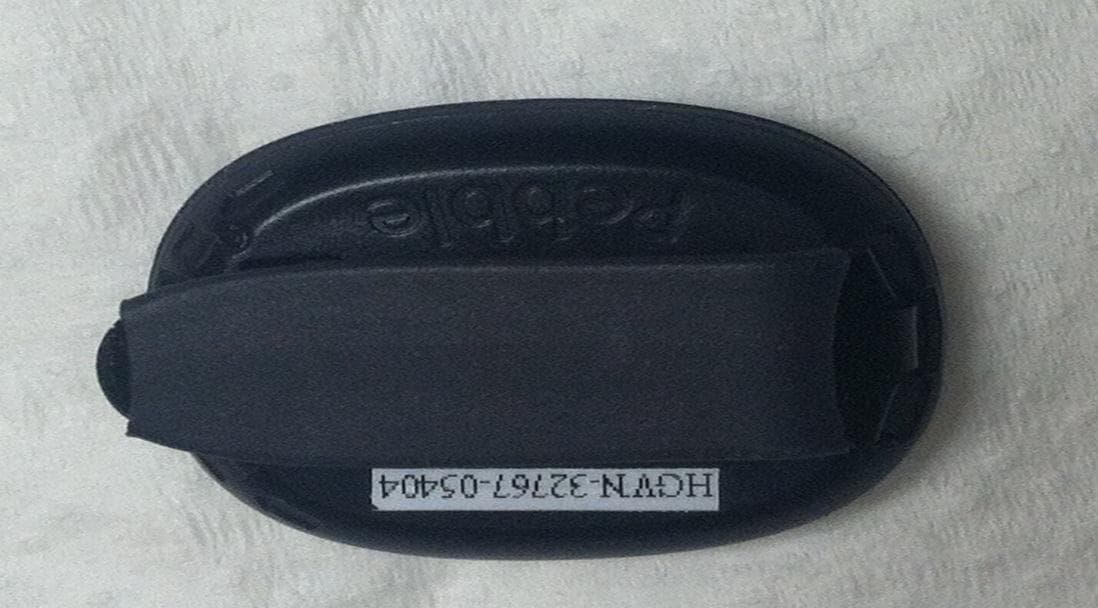
O9DAP5
Jun 10, 2012Wireless Activity Monitor
Equipment Class
DXX - Part 15 Low Power Communication Device Transmitter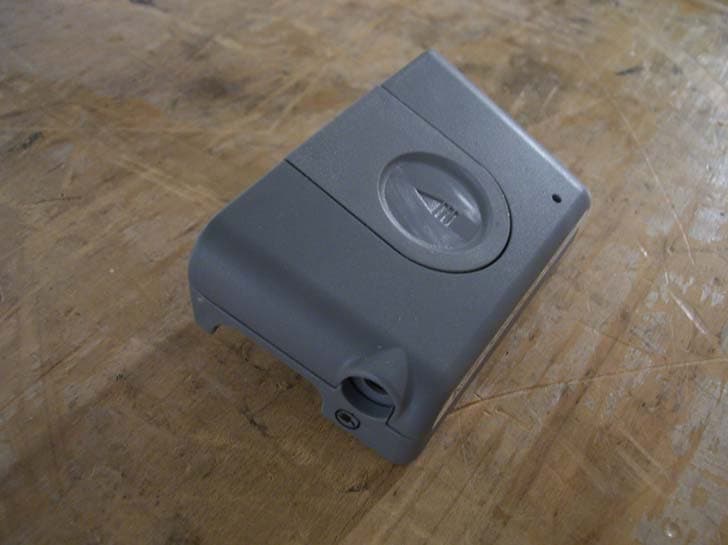
O9DIRB
Dec 05, 2011Alere AirLink for INRatio
Equipment Class
DTS - Digital Transmission System
O9DAP4
Feb 09, 2011Wireless Step Sensor/Pedometer
Equipment Class
DXX - Part 15 Low Power Communication Device Transmitter