OAJBH-1000Bluetooth Headset
J Communications Co Ltd
Click to zoom
Application Details
- Equipment Class
- DSS - Part 15 Spread Spectrum Transmitter
- Date of Grant
- Dec 29, 2002
- Application Purpose
- Original Equipment
- Date of Application
- Dec 29, 2002
- Equipment Note
- Bluetooth Headset
- Frequency Range
- 2402.00000000 - 2480.00000000
- Company
- J Communications Co Ltd
- Country
- South Korea
Documents & Files
Document Text
Text extracted from the exhibit documents filed with the FCC. Open a document above to read the original.
Users Manual
BH-1000 Bluetooth Headset of User Manual Overview Any device that you want to use with the Bluetooth Headset has to be compatible with Bluetooth wireless technology and support the Headset Profile. To be able to use the Headset together with a mobile phone, you need to have a phone with built-in Bluetooth capability, or another Bluetooth audio gateway connected to it. Putting On the Headset. 1. Put on the Headset with the ear hook behind your ear. 2. Make sure the microphone is pointing towards your mouth. Pairing the Headset Before you start using the Headset for the first time, you must pair the Headset with the device you want to use it with, for example a mobile phone. -Before you start pairing, you must reset the Headset. And then Headset will go to pairing mode. 1. Press the three keys, Volume Up, Down and Talk button simultaneously with the Headset turned on. To ensure, press the keys (Up, Down and Talk button) in 2 or three times. 2. Wait until hear a short melody tone and then turn the Headset off. 3. After 1 or more seconds, Turn the Headset on. -Using a mobile phone with built-in Bluetooth capability 1. You pair the Headset with your phone by adding it to a list of paired devices in the phone. They then recognize each other when they connect. 2. To pair the Headset with the phone, refer to manual which provided mobile phone provider. NOTE: The Headset passkey is 1234 Making call and Receiving Calls. Once you have paired the Headset with your Bluetooth Audio-gateway, you can make and receiving calls using the Headset as long as it is turned on and within range of the phone (up to 10m/ 30ft. with no solid objects in the way) In connection with making and receiving calls you press the Headset Talk button to . Make a call . Answer a call . End a call . Transfer the sound from the phone to the Headset. Making Call To make a call using the phone keys 1. Make sure the phone and the Headset are on and within range of each other. 2. Enter the number as you normally would. 3. With an Ericsson, Motorola or other phones with built-in Bluetooth capability: When the call has been set up, transfer the sound to the Headset by pressing the Headset Talk button. 4. To end the call, press the Headset Talk button. Answering Calls To answer a call using the Headset Talk button 1. When the phone rings, press the Headset Talk button once. you can hear melody(short). 2. End the call by pressing the Headset Talk button, At this time also you can hear different melody(long) from calling melody. Adjusting the Volume You can adjust the volume in the Headset earpiece via either the Headset volume buttons or by using the phone. To changing the listening volume using the phone 1. Use the volume control keys as you normally would To changing the listening volume using the Headset earpiece 1. Use Up key to increase the volume, or Down key to decrease the volume. Charging The Headset(BH-1000) comes with a built-in rechargeable battery(Li-Polymer). The batteries are not fully charged when you buy the Headset and we recommend that you charge the Headset until the indicator light turns green before using these for the first time. How to charge the Headset 1. Connect AC/DC Adapter(power supply) to the cradle. 2. Put the Headset into the cradle to charge it. The cradle indicator light(HD) flashes green. If the battery is low, the light flashes red. Battery Information The battery delivered with your Headset and Audio-gateway are not fully charged. We recommend that you fully charge these before you use these for the first time. * Notice1 : The changes or modifications not expressly approved by the party responsible for compliance could void the user’s authority to operate the equipment. * IMPORTANT NOTE :To comply with the FCC RF exposure compliance requirements, no change to the antenna or the device is permitted. Any change to the antenna or the device could result in the device exceeding the RF exposure requirements and void user’s authority to operate the device. FCC INFORMATION The Federal Communication Commission Radio Frequency Interference Statement includes the following paragraph: The equipment has been tested and found to comply with the limits for a Class B Digital Device, pursuant to part 15 of the FCC Rules. These limits are designed to provide reasonable protection against harmful interference in a residential installation. This equipment generates, uses and can radiate radio frequency energy and, if not installed and used in accordance with the instruction, may cause harmful interference to radio communication. However, there is no grantee that interference will not occur in a particular installation. If this equipment dose cause harmful interference to radio or television reception, which can be determined by turning the equipment off and on, the user is encouraged to try to correct the interference by one or more of the following measures: Reorient or relocate the receiving antenna. Increase the separation between the equipment and receiver. Connect the equipment into an outlet on a circuit different from that to which the receiver is connected. Consult the dealer or an experienced radio/TV technician for help. The user should not modify or change this equipment without written approval Form J communications Co., Ltd. Modification could void authority to use this equipment.
External Photos
ETC Report No. : ET91R-10-022-04 FCC ID.: OAJBH-1000 Rev. No 2.0 CONSTRUCTED PHOTOS of EUT Top View of EUT Bottom View of EUT ETC Report No. : ET91R-10-022-04 FCC ID.: OAJBH-1000 Rev. No 2.0 CONSTRUCTED PHOTOS of EUT Side View of EUT
ID Label/Location Info
Label information BH-1000 Photo: Bluetooth Headset BH-1000 with Enclosure <Back> Label position (Size 31,8 mm x 6,8 mm)
Internal Photos
ETC Report No. : ET91R-10-022-04 FCC ID.: OAJBH-1000 Rev. No 2.0 CONSTRUCTED PHOTOS of EUT Internal View of EUT Internal View of EUT ETC Report No. : ET91R-10-022-04 FCC ID.: OAJBH-1000 Rev. No 2.0 CONSTRUCTED PHOTOS of EUT Component View of Main PCB Soler View of Main PCB
Operational Description
* Notice1 : The changes or modifications not expressly approved by the party responsible for compliance could void the user’s authority to operate the equipment. * IMPORTANT NOTE :To comply with the FCC RF exposure compliance requirements, no change to the antenna or the device is permitted. Any change to the antenna or the device could result in the device exceeding the RF exposure requirements and void user’s authority to operate the device. FCC INFORMATION The Federal Communication Commission Radio Frequency Interference Statement includes the following paragraph: The equipment has been tested and found to comply with the limits for a Class B Digital Device, pursuant to part 15 of the FCC Rules. These limits are designed to provide reasonable protection against harmful interference in a residential installation. This equipment generates, uses and can radiate radio frequency energy and, if not installed and used in accordance with the instruction, may cause harmful interference to radio communication. However, there is no grantee that interference will not occur in a particular installation. If this equipment dose cause harmful interference to radio or television reception, which can be determined by turning the equipment off and on, the user is encouraged to try to correct the interference by one or more of the following measures: Reorient or relocate the receiving antenna. Increase the separation between the equipment and receiver. Connect the equipment into an outlet on a circuit different from that to which the receiver is connected. Consult the dealer or an experienced radio/TV technician for help. The user should not modify or change this equipment without written approval Form J communications Co., Ltd. Modification could void authority to use this equipment.
Test Report
Rev. No 2.0 FCC Part 15 EMI TEST REPORT of E.U.T. : Bluetooth Headset MODEL : BH-1000 FCC ID. : OAJBH-1000 for APPLICANT : J Communications Co., Ltd ADDRESS : No.124-4, Ojeon-Dong, Uiwang-City, Kyunggi-Do, Korea Test Performed by ELECTRONICS TESTING CENTER, TAIWAN NO. 34, LIN 5, DING FU TSUN, LINKOU HSIANG TAIPEI HSIEN, TAIWAN, R.O.C. Tel:(02)26023052, (02)26023052 Fax:(02)26010910 Report Number : ET91R-10-022-04 ETC Report No. : ET91R-10-022-04 FCC ID. : OAJBH-1000 Rev. No 2.0 Table of Contents Page 1 GENERAL INFORMATION.......................................................................................................1 1.1 Product Description...................................................................................................................1 1.2 Characteristics of Device..........................................................................................................1 1.3 Test Methodology......................................................................................................................1 1.4 Test Facility................................................................................................................................1 2 PROVISIONS APPLICABLE.......................................................................................................2 2.1 Definition....................................................................................................................................2 2.2 Requirement for Compliance....................................................................................................3 2.3 Restricted Bands of Operation..................................................................................................5 2.4 Labeling Requirement................................................................................................................5 2.5 User Information........................................................................................................................6 3. SYSTEM TEST CONFIGURATION...........................................................................................7 3.1 Justification................................................................................................................................7 3.2 Devices for Tested System........................................................................................................7 4 RADIATED EMISSION MEASUREMENT..............................................................................8 4.1 Applicable Standard....................................................................................................................8 4.2 Measurement Procedure...........................................................................................................8 4.3 Measuring Instrument..............................................................................................................10 4.4 Radiated Emission Data...........................................................................................................11 4.4.1 RF Portion...............................................................................................................................11 4.4.2 Other Emission........................................................................................................................14 4.5 Field Strength Calculation.......................................................................................................14 4.6 Photos of Radiation Measuring Setup....................................................................................15 5 CONDUCTED EMISSION MEASUREMENT........................................................................16 5.1 Description...............................................................................................................................16 6 ANTENNA REQUIREMENT....................................................................................................17 6.1 Standard Applicable..................................................................................................................17 6.2 Antenna Construction..............................................................................................................17 7 HOPPING CHANNEL SEPARATION......................................................................................18 7.1 Standard Applicable..................................................................................................................18 7.2 Measurement Procedure.........................................................................................................18 7.3 Measurement Equipment.........................................................................................................18 7.4 Measurement Data...................................................................................................................19 8 NUMBER OF HOPPING FREQUENCY USED.......................................................................20 ETC Report No. : ET91R-10-022-04 FCC ID. : OAJBH-1000 Rev. No 2.0 8.1 Standard Applicable..................................................................................................................20 8.2 Measurement Procedure.........................................................................................................20 8.3 Measurement Equipment.........................................................................................................20 8.4 Measurement Data...................................................................................................................21 9 CHANNEL BANDWIDTH.........................................................................................................22 9.1 Standard Applicable..................................................................................................................22 9.2 Measurement Procedure..............................................…
Text truncated - open the document above for the full version.
Test Setup Photos
ETC Report No. : ET91R-10-022-04 FCC ID. : OAJBH-1000 Rev. No 2.0 Photos of Radiation Measuring Setup
Contact Information
Applicant
C H YOO(Assistant Manager)
Test Firm
Electronics Testing Center, TaiwanWin-Po Tsai
Technical Specifications
| # | Rule Parts | Frequency Range | Power Output |
|---|---|---|---|
| 1 | 15C | 2.40 GHz - 2.48 GHz | 2.30 mW |
Other Applications from J Communications Co Ltd
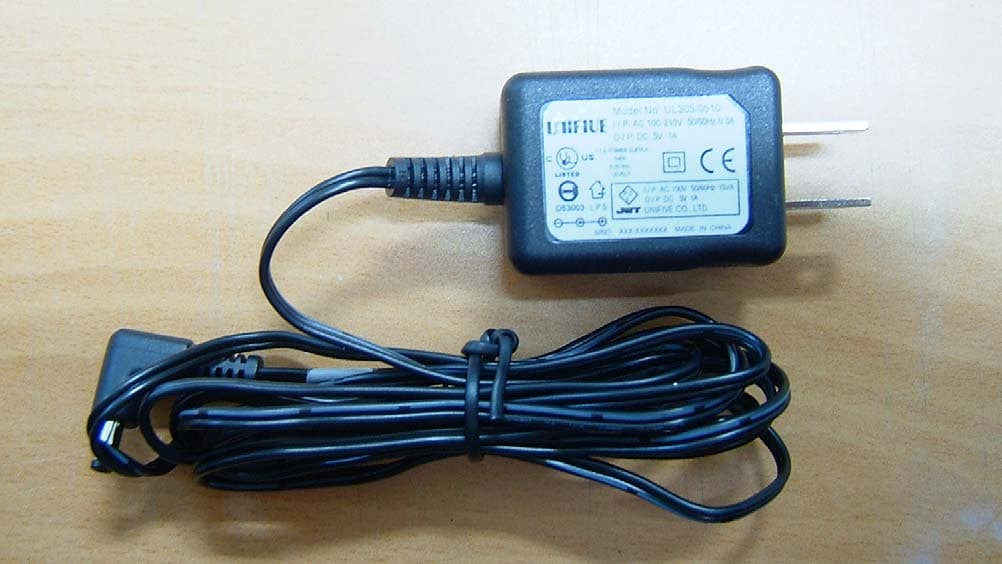
OAJBGP2000
Dec 13, 2004Bluetooth GPS Receiver
Equipment Class
DTS - Digital Transmission System
OAJBAG-1000
May 29, 2003Bluetooth Audio Gateway
Equipment Class
DSS - Part 15 Spread Spectrum Transmitter
OAJBAG-2000
Dec 29, 2002Bluetooth Audio Gateway
Equipment Class
DSS - Part 15 Spread Spectrum Transmitter
OAJBA-1000U
Dec 23, 2002Bluetooth USB Dongle
Equipment Class
DSS - Part 15 Spread Spectrum Transmitter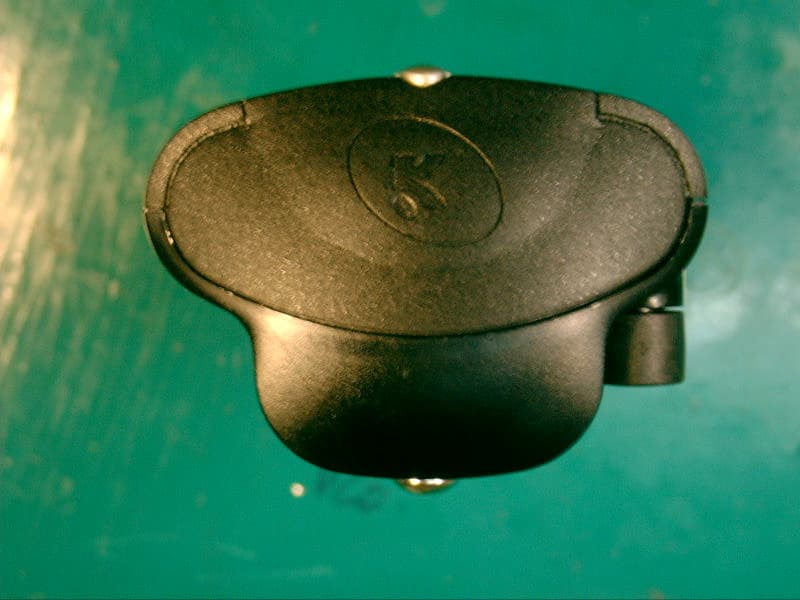
OAJJGG2002
Dec 12, 2002GMRS Transceiver
Equipment Class
FRF - Part 95 Family Radio Face Held Transmitter