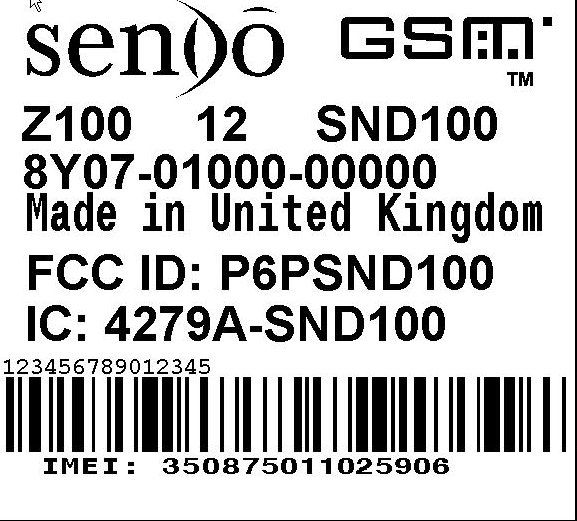
P6PSND100Z100
Sendo International Ltd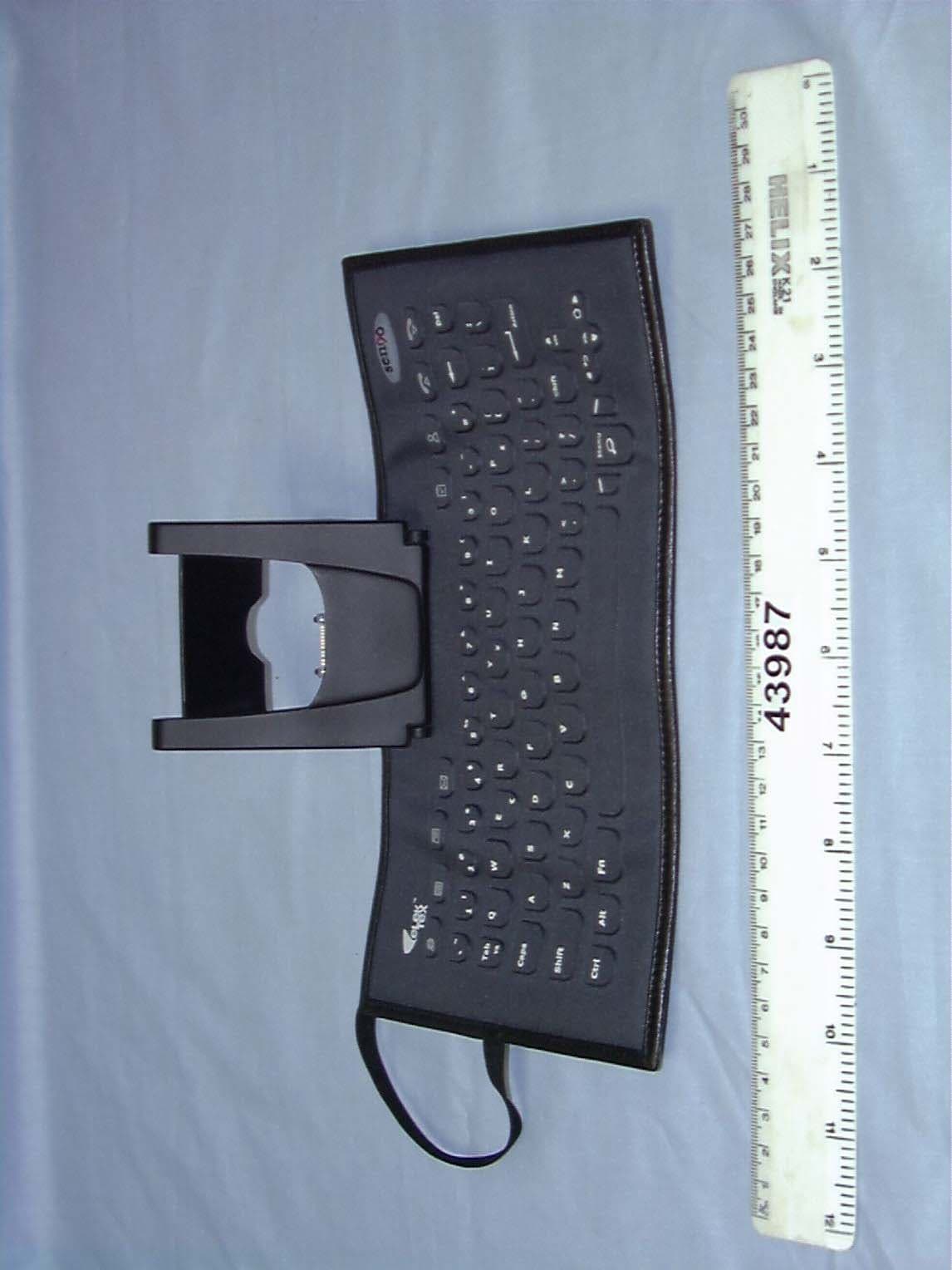
Click to zoom
Application Details
- Equipment Class
- PCE - PCS Licensed Transmitter held to ear
- Date of Grant
- Jan 29, 2003
- Application Purpose
- Original Equipment
- Date of Application
- Jan 29, 2003
- Equipment Note
- Z100
- Frequency Range
- 1850.20000000 - 1909.80000000
- Company
- Sendo International Ltd
- Country
- United Kingdom
Documents & Files
Document Text
Text extracted from the exhibit documents filed with the FCC. Open a document above to read the original.
Users Manual
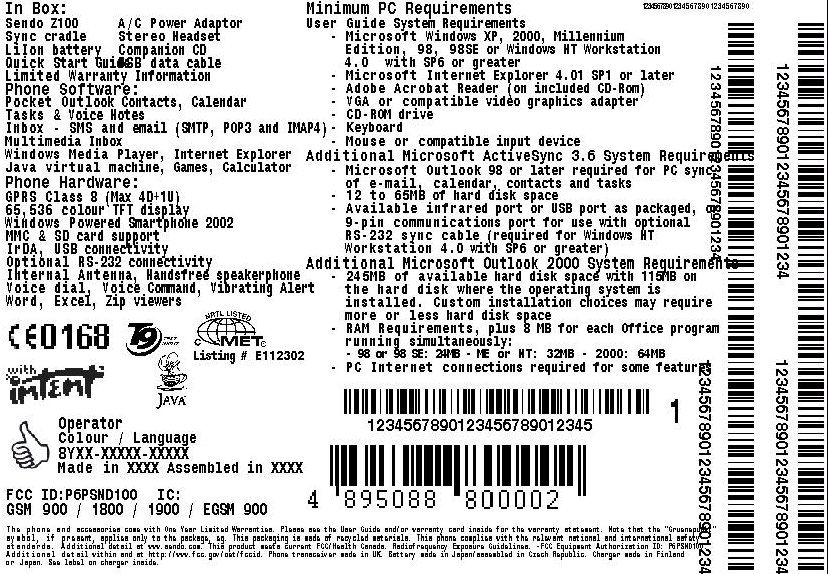
i Sendo Z100 User Guide Copyright Information Part No.8E30-16010-90000, Edition 1. Copyright © Sendo 2002. All rights reserved.SENDO is a trademark of Sendo International and/or its affiliates. Reproduction, transfer, distribution or storage of part or all of the contents in this document in any form without the prior written permission of Sendo is prohibited.T9® Text Input is a registered trademark of Tegic Communications. All rights reserved. T9 Text input is licensed under one or more of the following U.S. Patents: 5,818,437, 5,953,541, 5,945,928, 6,011,554 and additional patents are pending worldwide. Complying with all applicable copyright laws is the responsibility of the user. © 2002 Microsoft Corporation. All rights reserved. ActiveSync, Hotmail, Microsoft, MS-DOS, MSN, Outlook, Passport, Windows, Windows NT, Windows CE, Windows Media are either registered trademarks or trademarks of Microsoft Corporation in the United States and/or other countries.Java and all Java based trademarks and logos are trademarks are trademarks or registered trademarks of Sun Microsystems, Inc. in the U.S and other countries. The names of actual companies and products mentioned herein may be the trademarks of their respective owners.Portions of this User Manual have been authored in whole of in part by the following entities, and use of third party text is subject to the following: © 2002 Emblaze Systems Ltd. All rights reserved. The Emblaze name and logo is a registered trademark of Emblaze Systems Ltd. Emblaze Messaging, Emblaze Video Email Message, Emblaze Player, Emblaze Personal Video Recorder, Emblaze Messaging Service, Emblaze Message Player, Emblaze Mobile Multimedia Platform and Emblaze Remote Server Management, are product and brand names of Emblaze Systems Ltd.Microsoft, Windows, Microsoft Internet Explorer, Outlook and ActiveX names and logos are registered trademarks of Microsoft Corporation Inc. Java, and the Solaris name and logos are trademarks, and Sun UltraSPARC, Java Virtual Machine and Sun Solaris 7 are product names, of Sun Microsystems, Inc. The Pentium name and logo, MMX and the MMX logo are registered trademarks of Intel Corporation Inc. Oracle is a registered trademark of Oracle Corporation Inc.Important: Please read the Emblaze Systems Ltd. End User Software License Agreement before using the accompanying software. Using the software indicates that you accept the terms of the Agreement.Copyright © 2000-2002 PacketVideo Corporation. All rights reserved. This manual may not be copied, photocopied, reproduced, translated, or converted to any electronic or machine-readable form in whole or in part without prior written approval of PacketVideo Corporation. z100.book Page i Wednesday, September 18, 2002 4:03 PM ii Sendo Z100 User Guide PacketVideo, the PacketVideo logo pv3, pv3 Mobilemedia System, pvAuthor, pvPlayer, and pvServer are trademarks of PacketVideo Corporation. Other product names, logos, designs, titles, words or phrases mentioned within this user guide may be trademarks, service marks or trade names of PacketVideo Corporation or other third parties and may be registered in the U.S. or other jurisdictions.PACKETVIDEO CORPORATION MAKES NO WARRANTIES, EITHER EXPRESS OR IMPLIED, REGARDING THE ENCLOSED COMPUTER SOFTWARE, ITS MERCHANTABILITY OR FITNESS FOR ANY PARTICULAR PURPOSE. THE EXCLUSION OF IMPLIED WARRANTIES IS NOT PERMITTED BY SOME STATES. THE ABOVE EXCLUSION MAY NOT APPLY TO YOU. THIS WARRANTY PROVIDES YOU WITH SPECIFIC LEGAL RIGHTS. THERE MAY BE OTHER RIGHTS THAT YOU MAY HAVE WHICH VARY FROM STATE TO STATE. Disclaimer The information contained in this user guide is written for the Sendo Z100 phone. Sendo reserves the right to make changes and improvements to the products and any of the features of the products described in this document without prior notice THE CONTENTS OF THIS DOCUMENT ARE PROVIDED "AS IS". EXCEPT AS REQUIRED BY APPLICABLE LAW, NO WARRANTIES OF ANY KIND, EITHER EXPRESS OR IMPLIED, INCLUDING, BUT NOT LIMITED TO, THE IMPLIED WARRANTIES OF MERCHANTABILITY AND FITNESS FOR A PARTICULAR PURPOSE, ARE MADE IN RELATION TO THE ACCURACY, RELIABILITY OR CONTENTS OF THIS DOCUMENT. SENDO RESERVES THE RIGHT TO REVISE THIS DOCUMENT OR WITHDRAW IT AT ANY TIME WITHOUT PRIOR NOTICE. UNDER NO CIRCUMSTANCES SHALL SENDO BE RESPONSIBLE FOR ANY LOSS OF DATA OR INCOME OR ANY SPECIAL, INCIDENTAL, CONSEQUENTIAL OR INDIRECT DAMAGES HOWSOEVER CAUSED. Using This Guide The wireless phone described in this guide is approved for use on the GSM and GPRS networks operating on the 900, 1800 (DCS/PCN) and 1900 (PCS) bands. It is approved for use in the country where it was originally sold and may be approved for use in other countries.A number of features included in this guide are called Network Services. They are special services provided by wireless service providers. Before you can take advantage of any of these Network Services, you must subscribe to these service(s) from your home service provider and obtain instructions for their use. Some of these network services may not be available when roaming on a network other than your home network. z100.book Page ii Wednesday, September 18, 2002 4:03 PM i Sendo Z100 User Guide Table of Contents Table of Contents Table of Contents ............................................................................................................ i For your safety................................................................................................................ ....................... viii Chapter 1 The Basics............................................................................................................ ........... 1 Getting Started ................................................................................................................ ..................... 1 Inserting the SIM card......................................................................................................... .............. 1 Fitting th…
Text truncated - open the document above for the full version.
Users Manual
40 Sendo Z100 User Guide 4 Messaging Features Chapter 4 Messaging Features This chapter introduces messaging features, such as sending and receiving e-mail, viewing and managing your message folders, customizing message notifications, and using MSN® Messenger and Short Message Service (SMS) messages, sending and receiving Enhanced Message Service (EMS) messages, sending and receiving Multimedia Message System (MMS) messages.z Before you can use e-mail, you must have set up your Z100 to send and receive e-mail messages. The easiest way to do this is to visit www.sendo.com/config. The configurator sends an SMS to your phone (or sends the information to your phone directly if it’s connected to your PC using ActiveSync) containing the settings you require to start using e-mail. z Note: EMS and MMS messages are handled by the Multimedia Inbox. See for more information. SMS messages You can send and receive SMS messages of up to 160 GSM characters, or 70 Unicode characters. GSM characters are used for all the Latin based languages, whereas non-Latin characters use Unicode characters which take up more space.z Note: Unicode characters are used to enter non-Latin characters on your phone. Unicode characters take up more room on your phone, so the length of the messages you can send is restricted. If an SMS message you send, or receive, is longer, it is automatically broken down into several small SMS messages, which are joined together as one SMS message when all of the small SMS messages have been received.z Note: When you send a long SMS message, if the phone receiving the messages is not concatenated SMS enabled, then the messages are separate and not necessarily in the correct order. The Z100 IS concatenated SMS enabled. The advantages of SMS messages include the following:• SMS messages are sent instantly. • SMS messages can be sent or received during a voice or data call. • Most mobile phones support SMS, so most recipients can read SMS messages you send. z Note: SMS messages are not synchronized, so you cannot use them to send or receive attachments. X To import SMS messages from the SIM card to your Inbox1. On the Home screen, press Programs d , select Inbox/SMS , and then press Action A . 2. Press Menu g, select Options , Import Messages from SIM , and then press Action A . z Note: You cannot export anything in your Inbox from your phone to a SIM card.SMS messages are not moved from the SIM z100.book Page 40 Wednesday, September 18, 2002 4:03 PM 41 Sendo Z100 User Guide 4 Messaging Features card when they are imported to Inbox, they are copied. Sending e-mail and SMS messagesThere are several ways to send e-mail and SMS messages using your Z100. The easiest way to send messages is from Inbox or from a contact card.z Note: For information on text input see Entering text and numbers on your phone Sending messages from InboxYou can send SMS messages directly from your phone to any compatible device.You can send e-mail messages by synchronizing with your PC, or by connecting directly to an e-mail server through your Internet service provider (ISP) or a corporate network.For more information on setting up your phone to send and receive e-mail, please see E-mail set up.For more information on Microsoft ActiveSync™see Chapter 6 - Synchronizing Information X To compose an e-mail or SMS message from Inbox1. On the Home screen, press Programs d , select Inbox/SMS and then press Action A . 2. Select New d , enter an e-mail address or SMS number in the To field. z Tip: You can also select a name from your Contacts. Press Action A and use the joystick to select the relevant address or number for the contact. Press Action A . 3. Move Down ; and enter a subject in the Subj: field. 4. Move Down ; , enter your message, and then select Send d. z Note: To insert the @ sign for an e-mail address, press 1 repeatedly, in multitap mode, until the @ sign is displayed. z Note: To send e-mail messages to multiple recipients, separate each name with a semicolon by repeatedly pressing 1, in multitap mode, until a semicolon is displayed. If you add the recipients from the contact list the semicolon is inserted automatically. z Note: If you have started to compose a message and you decide you do not want to send it press Menu g and select Cancel compose . Figure 10 New e-mail z100.book Page 41 Wednesday, September 18, 2002 4:03 PM 42 Sendo Z100 User Guide 4 Messaging Features X To request a delivery receipt for a SMS message 1. Before you send the SMS message, select Menu g, select Message Options , and then press Action A . 2. Select the Request SMS text message delivery notification check box by pressing Action and then select Done d . Sending messages from a Contact cardYou can send a message to a contact quickly if you have an e-mail address or SMS number included in their contact card. X To compose an e-mail or SMS message from a contact card1. On the Home screen, press Contacts g. 2. Use the : and ; keys to select a contact and press Action A . 3. Use the : and ; keys to select the e-mail address or SMS number and press Action A . 4. Move Down ; to enter a Subj: (subject). 5. Press Down ; , enter your message, and then press Send d . Inserting predefined text into messagesYou can save time when writing messages by inserting predefined text. Your phone comes with some predefined text already set up, but you can change it to words or phrases that you use most often. X To insert predefined text into a message1. On the Home screen, select Programs d , select Inbox/SMS , and then press Action A . 2. Press New d and enter the contact details and subject as required. When the cursor is in the body text field, press Menu g , select Insert Te x t , and press Action A . 3. Use the : and ; keys to select the text you want to insert into your message and press Insert d . X To edit predefined text 1. On the Home screen, press Programs d, select Inbox/SMS , then press Action A . 2. Press Menu g , select Options , Predefined…
Text truncated - open the document above for the full version.
Users Manual
45 15 RF and FDA/FCC Statements 15 RF and FDA/FCC Statements Radio frequency (RF) signals THIS MODEL PHONE MEETS THE GOVERNMENT’S REQUIREMENTS FOR EXPOSURE TO RADIO WAVES. Your wireless phone is a radio transmitter and receiver. It is designed and manufactured not to exceed the emission limits for exposure to radio frequency (RF) energy set by the Federal Communications Commission of the U.S. Government and by Health Canada. These limits are part of comprehensive guidelines and establish permitted levels of RF energy for the general population. The guidelines are based on standards that were developed by independent scientific organizations through periodic and thorough evaluation of scientific studies. The standards include a substantial safety margin designed to assure the safety of all persons, regardless of age and health. The exposure standard for wireless mobile phones employs a unit of measurement known as the Specific Absorption Rate, or SAR. The SAR limit set by the FCC and Health Canada is 1.6W/kg.* Tests for SAR are conducted using standard operating positions accepted by the FCC and Industry Canada with the phone transmitting at its highest certified power level in all tested frequency bands. Although the SAR is determined at the highest certified power level, the actual SAR level of the phone while operating can be well below the maximum value. This is because the phone is designed to operate at multiple power levels so as to use only the power required to reach the network. In general, the closer you are to a wireless base station antenna, the lower the power output. Before a phone model is available for sale to the public in the US and Canada, it must be tested and certified to the FCC and Industry Canada that it does not exceed the limit established by the government-adopted requirement for safe exposure. The tests are performed in positions and locations (for example, at the ear and worn on the body) as approved by the FCC and Industry Canada for each model. The highest SAR value for this model phone as reported to the FCC and available for review by Industry Canada when tested for use at the ear is 1.296 W/kg, and when worn on the body, as described in this user guide, is 1.034 W/kg. (Body-worn measurements differ among phone models, depending upon available accessories and FCC requirements.) While there may be differences between the SAR levels of various phones and at various positions, they all meet the government requirement. The FCC and Industry Canada have granted an Equipment Authorization for this model phone with all reported SAR levels evaluated as in compliance with the FCC RF exposure guidelines. SAR information on this model phone is on file with the FCC and can be found under the Display Grant section of http://www.fcc.gov/oet/fccid after searching on FCC ID:P6PSND100, Industry Canada ID: IC:4279A-SND100 or MET Listing no:E112302. For body-worn operation, to maintain compliance with FCC RF exposure guidelines, use only Sendo-approved accessories. When carrying the phone while it is on, place the phone in the original Sendo carry case that has been tested for compliance. Use of non-Sendo-approved accessories may violate FCC RF exposure guidelines and should be avoided. *In the United States and Canada, the SAR limit for mobile phones used by the public is 1.6 watts/kg (W/kg) averaged over one gram of tissue and allows for testing and other tolerances. The standard incorporates a substantial margin of 46 15 RF and FDA/FCC Statements safety to give additional protection for the public and to account for any variations in measurements. The U.S. Food and Drug Administration’s Center for Devices and Radiological Health Consumer Update on Mobile Phones FDA has been receiving inquiries about the safety of mobile phones, including cellular phones and PCS phones. The following summarizes what is known—and what remains unknown—about whether these products can pose a hazard to health, and what can be done to minimize any potential risk. This information may be used to respond to questions. Why the concern? Mobile phones emit low levels of radiofrequency energy (i.e. radiofrequency radiation) in the microwave range while being used. They also emit very low levels of radiofrequency energy (RF), considered non-significant, when in the stand-by mode. It is well known that high levels of RF can produce biological damage through heating effects (this is how your microwave oven is able to cook food). However, it is not known whether, to what extent, or through what mechanism, lower levels of RF might cause adverse health effects as well. Although some research has been done to address these questions, no clear picture of the biological effects of this type of radiation has emerged to date. Thus, the available science does not allow us to conclude that mobile phones are absolutely safe, or that they are unsafe. However, the available scientific evidence does not demonstrate any adverse health effects associated with the use of mobile phones. What kinds of phones are in question? Questions have been raised about hand-held mobile phones, the kind that have a built-in antenna that is positioned close to the user’s head during normal telephone conversation. These types of mobile phones are of concern because of the short distance between the phone’s antenna—the primary source of the RF— and the person’s head. The exposure to RF from mobile phones in which the antenna is located at greater distances from the user (on the outside of a car, for example) is drastically lower than that from hand-held phones, because a person’s RF exposure decreases rapidly with distance from the source. The safety of so-called "cordless phones," which have a base unit connected to the telephone wiring in a house and which operate at far lower power levels and frequencies, has not been questioned. How much evidence is there that hand-held mobile phones might be harmful? Briefly, there is not enough evi…
Text truncated - open the document above for the full version.
Cover Letter(s)
18 th November 2002 Telecommunication Certification Body Radio Frequency Investigation Ltd. Ewhurst Park Ramsdell Basingstoke Hampshire RG26 5RQ England Subject: Certification Application FCC ID: P6PSND100 It is requested that the following information is to be held confidential on behalf of Sendo International Ltd. FCC Rules Part 0.459 refers. 8J60-07000-12000-SCH_1.pdf One File 11 (Eleven) Pages 8J60-07000-12000-ASY_1.pdf One File 2 (Two) Pages SND100 Rev 12 BOM.XLS One File 1 (One) File SND100_Z100 Block Diagram.doc One File 2 (Two) Pages SP5202.doc One File 32 (Thirty Two) Pages SP5201 pdf One File 6 (Six) Pages Means for determining and stabilizing frequency.doc One File 3 (Three) Pages Detailed description of modulation system.doc One File 3 (Three) Pages The above files are confidential to Sendo. The above files give reference to the schematics, board layout and parts list of the product undergoing approval. Disclosure of this information could cause substantial competitive harm, due to the technical content of the files, as they explicitly detail the technical design of the product under approval. The above files are controlled internally by Sendo via appropriate document management procedures/control and are submitted in this instance, in confidence, for the purpose of obtaining product approval. None of the above files are available to the public in any way. The above material should remain confidential at all times. Yours sincerely Mike Roper Senior Approvals Engineer
External Photos
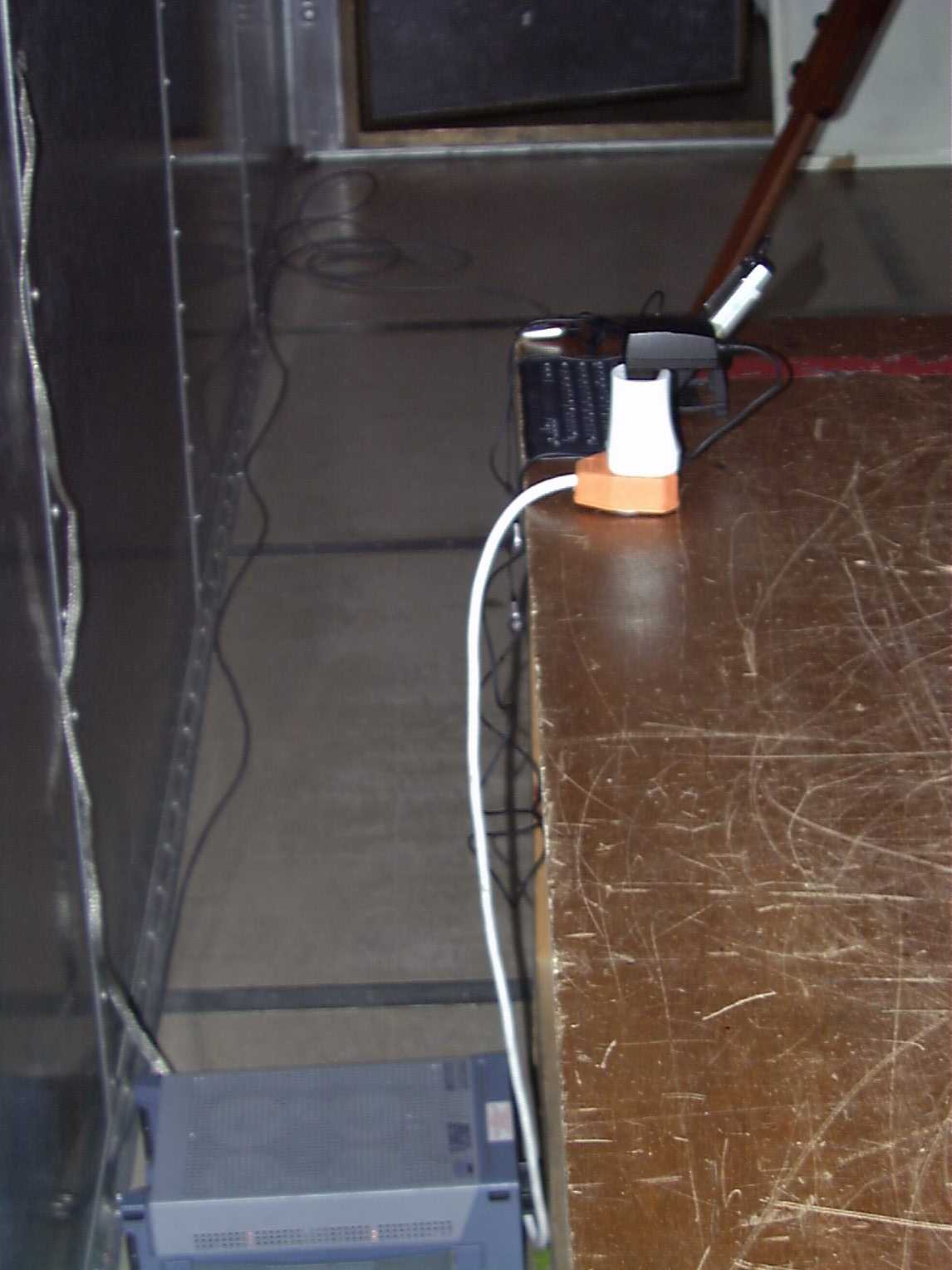
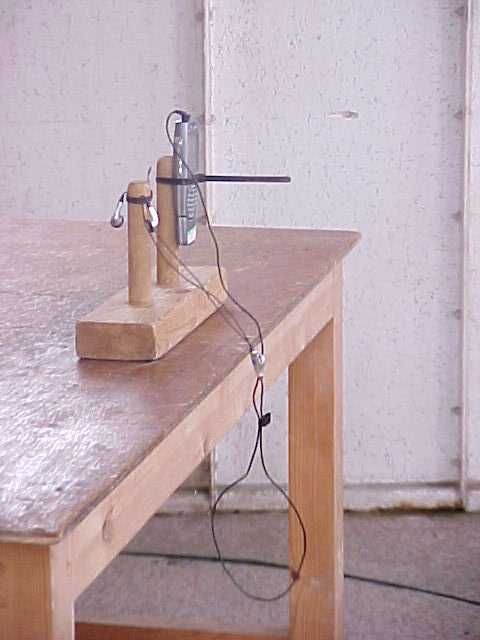
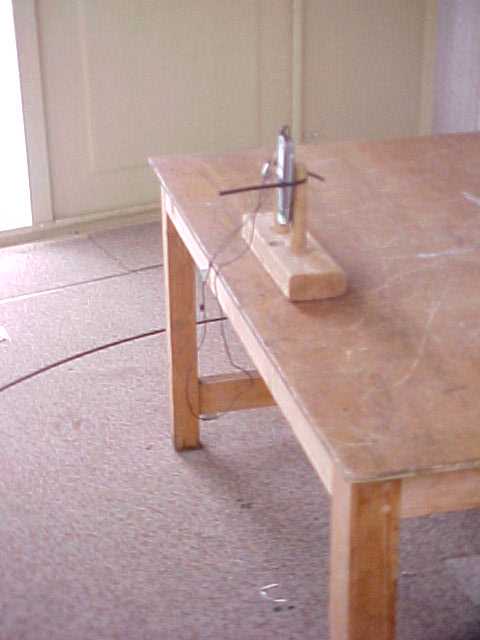
Radio Frequency Investigation Ltd, Ewhurst Park, Ramsdell, Basingstoke, Hampshire, RG26 5RQ, ENGLAND. Tel: +44 (0) 1256 851193 Fax: +44 (0) 1256 851192 Registered in England, No. 211 7901. Registered Office: Ewhurst Park, Ramsdell, Basingstoke, Hampshire RG26 5RQ TESTING 0644 EXTERNAL PHOTOGRAPHS Sendo Ltd. Z100 PCS Mobile Telephone RADIO FREQUENCY INVESTIGATION LTD. External Photographs 43987JD03 Of: Sendo Ltd. Z100 PCS Mobile Telephone This section contains the following photographs: Photo Reference Number Title PHT\43987JD03\001 Camera Overall Front View PHT\43987JD03\002 Camera Overall Rear View PHT\43987JD03\003 Hands Free Kit PHT\43987JD03\004 Hands Free Kit Front View PHT\43987JD03\005 Hands Free Kit Rear PHT\43987JD03\006 Keyboard Front View PHT\43987JD03\007 Keyboard Rear View PHT\43987JD03\008 Front View of Phone PHT\43987JD03\009 Rear View of Phone PHT\43987JD03\010 Front of Phone Holder PHT\43987JD03\011 Back of Phone Holder PHT\43987JD03\012 Front View of Power Supply PHT\43987JD03\013 Rear View of Power Supply PHT\43987JD03\014 Front View of USB Cable PHT\43987JD03\015 Rear View of USB Cable RADIO FREQUENCY INVESTIGATION LTD. External Photographs 43987JD03 Of: Sendo Ltd. Z100 PCS Mobile Telephone PHT\43987JD03\001 Camera Overall Front View RADIO FREQUENCY INVESTIGATION LTD. External Photographs 43987JD03 Of: Sendo Ltd. Z100 PCS Mobile Telephone PHT\43987JD03\002 Camera Overall Rear View RADIO FREQUENCY INVESTIGATION LTD. External Photographs 43987JD03 Of: Sendo Ltd. Z100 PCS Mobile Telephone PHT\43987JD03\003 Hands Free Kit RADIO FREQUENCY INVESTIGATION LTD. External Photographs 43987JD03 Of: Sendo Ltd. Z100 PCS Mobile Telephone PHT\43987JD03\004 Hands Free Kit Front View RADIO FREQUENCY INVESTIGATION LTD. External Photographs 43987JD03 Of: Sendo Ltd. Z100 PCS Mobile Telephone PHT\43987JD03\005 Hands Free Kit Rear RADIO FREQUENCY INVESTIGATION LTD. External Photographs 43987JD03 Of: Sendo Ltd. Z100 PCS Mobile Telephone PHT\43987JD03\006 Keyboard Front View RADIO FREQUENCY INVESTIGATION LTD. External Photographs 43987JD03 Of: Sendo Ltd. Z100 PCS Mobile Telephone PHT\43987JD03\007 Keyboard Rear View RADIO FREQUENCY INVESTIGATION LTD. External Photographs 43987JD03 Of: Sendo Ltd. Z100 PCS Mobile Telephone PHT\43987JD03\008 Front View of Phone RADIO FREQUENCY INVESTIGATION LTD. External Photographs 43987JD03 Of: Sendo Ltd. Z100 PCS Mobile Telephone PHT\43987JD03\009 Rear View of Phone RADIO FREQUENCY INVESTIGATION LTD. External Photographs 43987JD03 Of: Sendo Ltd. Z100 PCS Mobile Telephone PHT\43987JD03\010 Front of Phone Holder RADIO FREQUENCY INVESTIGATION LTD. External Photographs 43987JD03 Of: Sendo Ltd. Z100 PCS Mobile Telephone PHT\43987JD03\011 Back of Phone Holder RADIO FREQUENCY INVESTIGATION LTD. External Photographs 43987JD03 Of: Sendo Ltd. Z100 PCS Mobile Telephone PHT\43987JD03\012 Front View of Power Supply RADIO FREQUENCY INVESTIGATION LTD. External Photographs 43987JD03 Of: Sendo Ltd. Z100 PCS Mobile Telephone PHT\43987JD03\013 Rear View of Power Supply RADIO FREQUENCY INVESTIGATION LTD. External Photographs 43987JD03 Of: Sendo Ltd. Z100 PCS Mobile Telephone PHT\43987JD03\014 Front View of USB Cable RADIO FREQUENCY INVESTIGATION LTD. External Photographs 43987JD03 Of: Sendo Ltd. Z100 PCS Mobile Telephone PHT\43987JD03\015 Rear View of USB Cable
Internal Photos
Radio Frequency Investigation Ltd, Ewhurst Park, Ramsdell, Basingstoke, Hampshire, RG26 5RQ, ENGLAND. Tel: +44 (0) 1256 851193 Fax: +44 (0) 1256 851192 Registered in England, No. 211 7901. Registered Office: Ewhurst Park, Ramsdell, Basingstoke, Hampshire RG26 5RQ TESTING 0644 INTERNAL PHOTOGRAPHS Sendo Ltd. Z100 PCS Mobile Telephone RADIO FREQUENCY INVESTIGATION LTD. Internal Photographs 43987JD03 Of: Sendo Ltd. Z100 PCS Mobile Telephone This section contains the following photographs: Photo Reference Number Title PHT\43987JD03\001 Antenna with Packing Foam Removed PHT\43987JD03\002 Back of Circuit board on with RF Shield Removed PHT\43987JD03\003 Camera Circuit Board Close Up PHT\43987JD03\004 Camera Internal View PHT\43987JD03\005 Close Up of Antenna PHT\43987JD03\006 Close Up of Display Board PHT\43987JD03\007 Close Up of Internal ID PHT\43987JD03\008 Close Up of Rear Showing ID Label PHT\43987JD03\009 Close Up of RF Enclosure PHT\43987JD03\010 Close Up of Sub Assembly PHT\43987JD03\011 Contents of RF Enclosure PHT\43987JD03\012 Contents of RF Enclosure PHT\43987JD03\013 Front Cover Removed PHT\43987JD03\014 Front pf Phone with Ear Piece Removed PHT\43987JD03\015 Main Assembly Split Open PHT\43987JD03\016 Rear Cover Removed PHT\43987JD03\017 Rear Cover with Antenna in Place and RF Shield Removed PHT\43987JD03\018 Rear Cover with Antenna Removed PHT\43987JD03\019 Rear Cover with RF Shield Removed PHT\43987JD03\020 Rear View with Cover Removed PHT\43987JD03\021 Rear with Battery Removed PHT\43987JD03\022 RF Cover Inside View PHT\43987JD03\023 RF Cover Outside View RADIO FREQUENCY INVESTIGATION LTD. Internal Photographs 43987JD03 Of: Sendo Ltd. Z100 PCS Mobile Telephone PHT\43987JD03\001 Antenna with Packing Foam Removed RADIO FREQUENCY INVESTIGATION LTD. Internal Photographs 43987JD03 Of: Sendo Ltd. Z100 PCS Mobile Telephone PHT\43987JD03\002 Back of Circuit board on with RF Shield Removed RADIO FREQUENCY INVESTIGATION LTD. Internal Photographs 43987JD03 Of: Sendo Ltd. Z100 PCS Mobile Telephone PHT\43987JD03\003 Camera Circuit Board Close Up RADIO FREQUENCY INVESTIGATION LTD. Internal Photographs 43987JD03 Of: Sendo Ltd. Z100 PCS Mobile Telephone PHT\43987JD03\004 Camera Internal View RADIO FREQUENCY INVESTIGATION LTD. Internal Photographs 43987JD03 Of: Sendo Ltd. Z100 PCS Mobile Telephone PHT\43987JD03\005 Close Up of Antenna RADIO FREQUENCY INVESTIGATION LTD. Internal Photographs 43987JD03 Of: Sendo Ltd. Z100 PCS Mobile Telephone PHT\43987JD03\006 Close Up of Display Board RADIO FREQUENCY INVESTIGATION LTD. Internal Photographs 43987JD03 Of: Sendo Ltd. Z100 PCS Mobile Telephone PHT\43987JD03\007 Close Up of Internal ID RADIO FREQUENCY INVESTIGATION LTD. Internal Photographs 43987JD03 Of: Sendo Ltd. Z100 PCS Mobile Telephone PHT\43987JD03\008 Close Up of Rear Showing ID Label RADIO FREQUENCY INVESTIGATION LTD. Internal Photographs 43987JD03 Of: Sendo Ltd. Z100 PCS Mobile Telephone PHT\43987JD03\009 Close Up of RF Enclosure RADIO FREQUENCY INVESTIGATION LTD. Internal Photographs 43987JD03 Of: Sendo Ltd. Z100 PCS Mobile Telephone PHT\43987JD03\010 Close Up of Sub Assembly RADIO FREQUENCY INVESTIGATION LTD. Internal Photographs 43987JD03 Of: Sendo Ltd. Z100 PCS Mobile Telephone PHT\43987JD03\011 Contents of RF Enclosure RADIO FREQUENCY INVESTIGATION LTD. Internal Photographs 43987JD03 Of: Sendo Ltd. Z100 PCS Mobile Telephone PHT\43987JD03\012 Contents of RF Enclosure RADIO FREQUENCY INVESTIGATION LTD. Internal Photographs 43987JD03 Of: Sendo Ltd. Z100 PCS Mobile Telephone PHT\43987JD03\013 Front Cover Removed RADIO FREQUENCY INVESTIGATION LTD. Internal Photographs 43987JD03 Of: Sendo Ltd. Z100 PCS Mobile Telephone PHT\43987JD03\014 Front pf Phone with Ear Piece Removed RADIO FREQUENCY INVESTIGATION LTD. Internal Photographs 43987JD03 Of: Sendo Ltd. Z100 PCS Mobile Telephone PHT\43987JD03\015 Main Assembly Split Open RADIO FREQUENCY INVESTIGATION LTD. Internal Photographs 43987JD03 Of: Sendo Ltd. Z100 PCS Mobile Telephone PHT\43987JD03\016 Rear Cover Removed RADIO FREQUENCY INVESTIGATION LTD. Internal Photographs 43987JD03 Of: Sendo Ltd. Z100 PCS Mobile Telephone PHT\43987JD03\017 Rear Cover with Antenna in Place and RF Shield Removed RADIO FREQUENCY INVESTIGATION LTD. Internal Photographs 43987JD03 Of: Sendo Ltd. Z100 PCS Mobile Telephone PHT\43987JD03\018 Rear Cover with Antenna Removed RADIO FREQUENCY INVESTIGATION LTD. Internal Photographs 43987JD03 Of: Sendo Ltd. Z100 PCS Mobile Telephone PHT\43987JD03\019 Rear Cover with RF Shield Removed RADIO FREQUENCY INVESTIGATION LTD. Internal Photographs 43987JD03 Of: Sendo Ltd. Z100 PCS Mobile Telephone PHT\43987JD03\020 Rear View with Cover Removed RADIO FREQUENCY INVESTIGATION LTD. Internal Photographs 43987JD03 Of: Sendo Ltd. Z100 PCS Mobile Telephone PHT\43987JD03\021 Rear with Battery Removed RADIO FREQUENCY INVESTIGATION LTD. Internal Photographs 43987JD03 Of: Sendo Ltd. Z100 PCS Mobile Telephone PHT\43987JD03\022 RF Cover Inside View RADIO FREQUENCY INVESTIGATION LTD. Internal Photographs 43987JD03 Of: Sendo Ltd. Z100 PCS Mobile Telephone PHT\43987JD03\023 RF Cover Outside View
RF Exposure Info
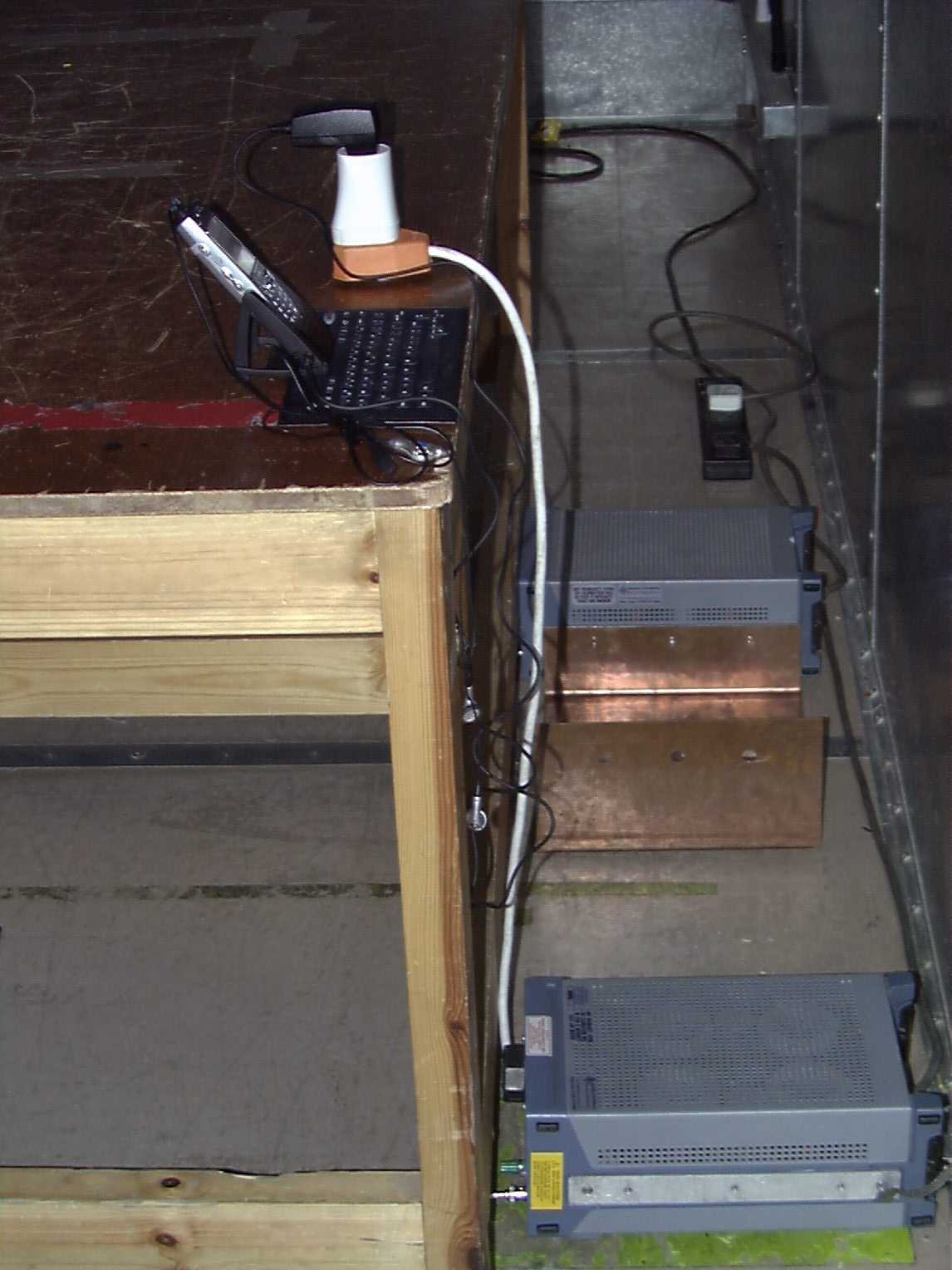
Radio Frequency Investigation Ltd, Ewhurst Park, Ramsdell, Basingstoke, Hampshire, RG26 5RQ, ENGLAND. Tel: +44 (0) 1256 851193 Fax: +44 (0) 1256 851192 Registered in England, No. 211 7901. Registered Office: Ewhurst Park, Ramsdell, Basingstoke, Hampshire RG26 5RQ TEST REPORT FROM RADIO FREQUENCY INVESTIGATION LTD. Test Of: Sendo Ltd. Z100 Tri-Band Mobile Phone To: OET Bulletin 65 Supplement C (2001-01) Test Report Serial No: RFI/SARB2/RP43987JD02C Supersedes Test Report Serial No: RFI/SARB1/RP43987JD02C This Test Report Is Issued Under The Authority Of Richard Jacklin, Operations Director: Checked By: Tested By: Release Version No: PDF01 Issue Date: 29 January 2003 Test Dates: 30 September 2002 It should be noted that the standard, OET Bulletin 65 Supplement C: (2001-01) is not listed on RFIs current UKAS schedule and is therefore “not UKAS accredited”. This report is issued in Adobe Acrobat portable document format (PDF). It is only a valid copy of the report if it is being viewed in PDF format with the following security options not allowed: Changing the document, Selecting text and graphics, Adding or changing notes and form fields. Furthermore, the date of creation must match the issue date stated above. This report may be copied in full. The results in this report apply only to the sample(s) tested. RADIO FREQUENCY INVESTIGATION LTD. TEST REPORT S.No. RFI/SARB2/RP43987JD02C Operations Department Page 2 of 45 Issue Date: 29 January 2003 Test Of: Sendo Ltd. Z100 Tri-Band Mobile Phone To: OET Bulletin 65 Supplement C (2001-01) This page has been left intentionally blank. RADIO FREQUENCY INVESTIGATION LTD. TEST REPORT S.No. RFI/SARB2/RP43987JD02C Operations Department Page 3 of 45 Issue Date: 29 January 2003 Test Of: Sendo Ltd. Z100 Tri-Band Mobile Phone To: OET Bulletin 65 Supplement C (2001-01) Table of Contents 1. Client Information..............................................................................................................4 2. Equipment Under Test (EUT) .................................…
Text truncated - open the document above for the full version.
Contact Information
Applicant
Mike Roper(Senior Approvals Engineer)
Test Firm
RFI Global Services Ltd.Allan Hume
Technical Specifications
| # | Rule Parts | Frequency Range | Power Output | Emission | Tolerance |
|---|---|---|---|---|---|
| 1 | 24E | 1.85 GHz - 1.91 GHz | 630.00 mW | 280KGXW | 190.0000000000 Hz |
Other Applications from Sendo International Ltd
P6PSND601
Jul 20, 2004S601
Equipment Class
PCE - PCS Licensed Transmitter held to ear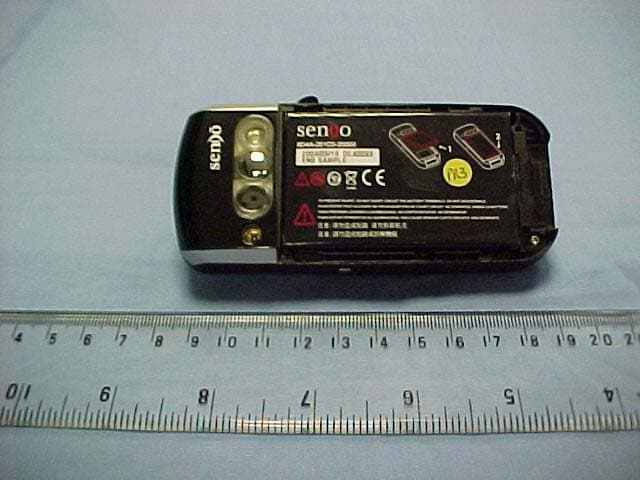
P6PSNDX00
Mar 24, 2004Sendo X
Equipment Class
PCE - PCS Licensed Transmitter held to ear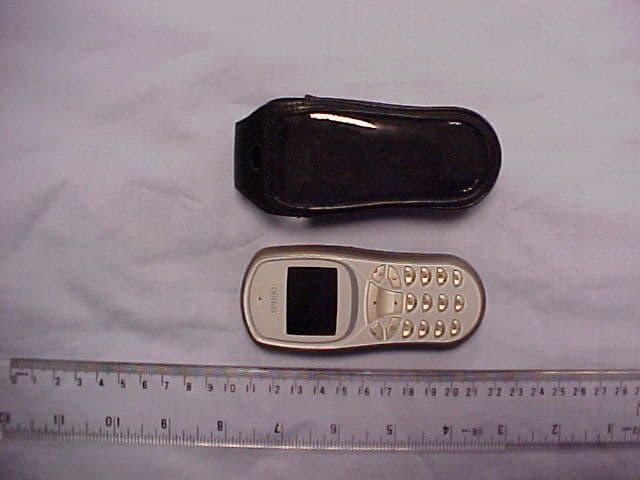
P6PSND331
Mar 01, 2004S331
Equipment Class
PCE - PCS Licensed Transmitter held to ear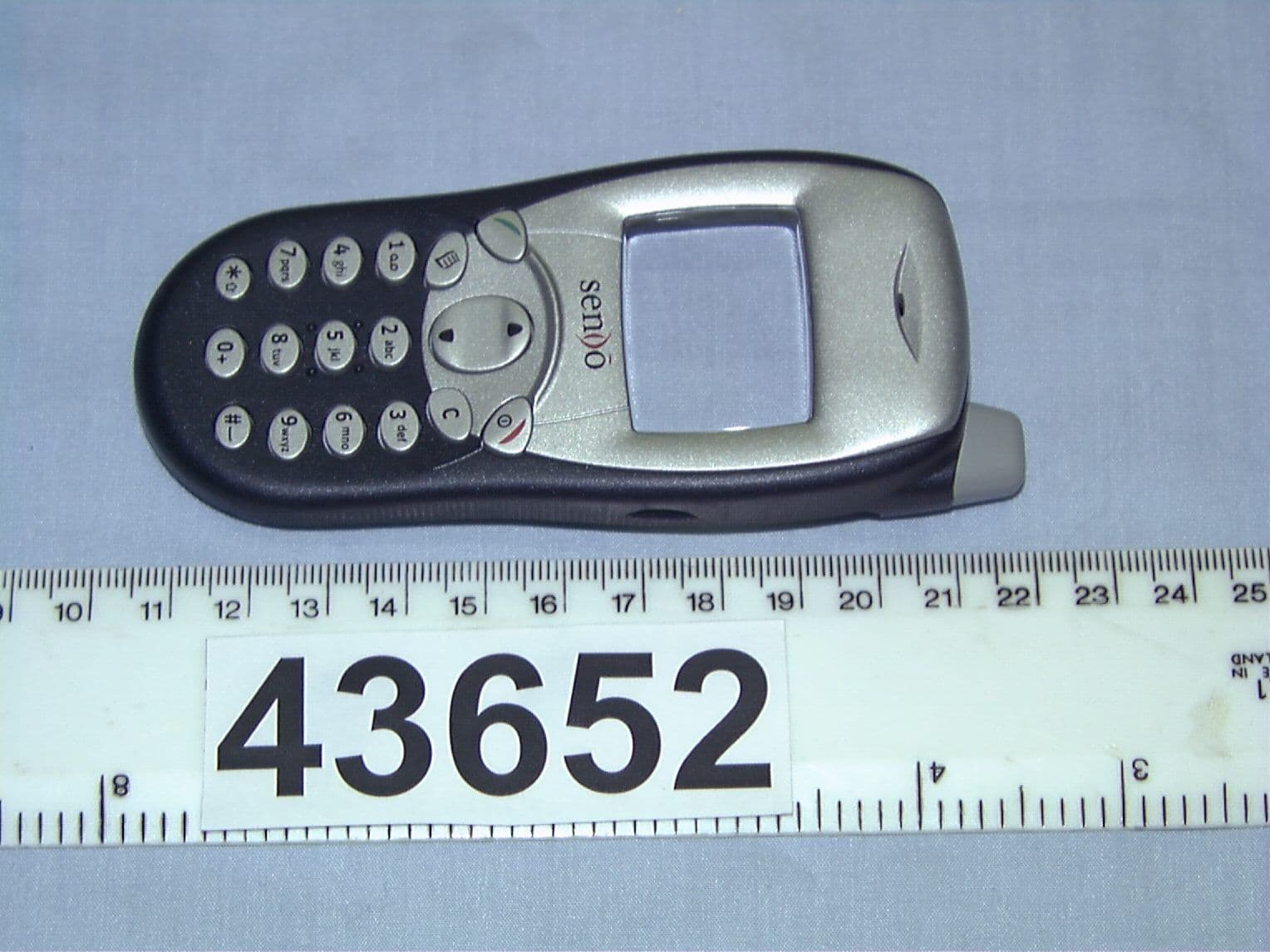
P6PSND251
Oct 07, 2002Dual Band Portable Cellular Transceiver
Equipment Class
PCE - PCS Licensed Transmitter held to ear