P87-ETR0002Down Loader
INKEL Corporation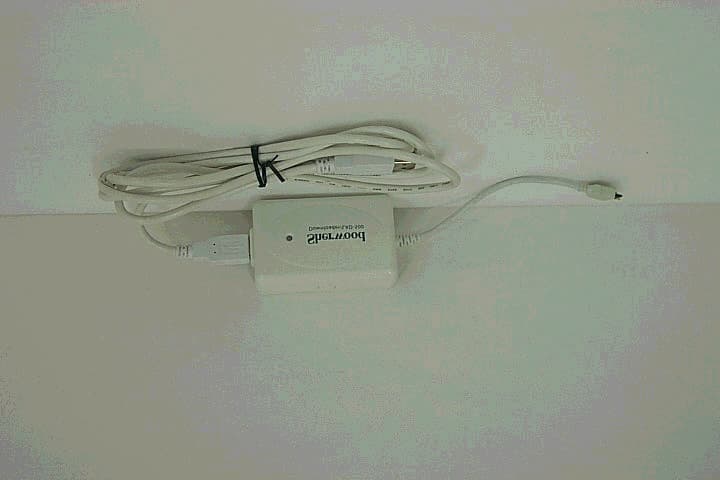
Click to zoom
Application Details
- Equipment Class
- JBP - Part 15 Class B Computing Device Peripheral
- Date of Grant
- Apr 18, 2002
- Application Purpose
- Original Equipment
- Date of Application
- Apr 18, 2002
- Equipment Note
- Down Loader
- Company
- INKEL Corporation
- Country
- South Korea
Documents & Files
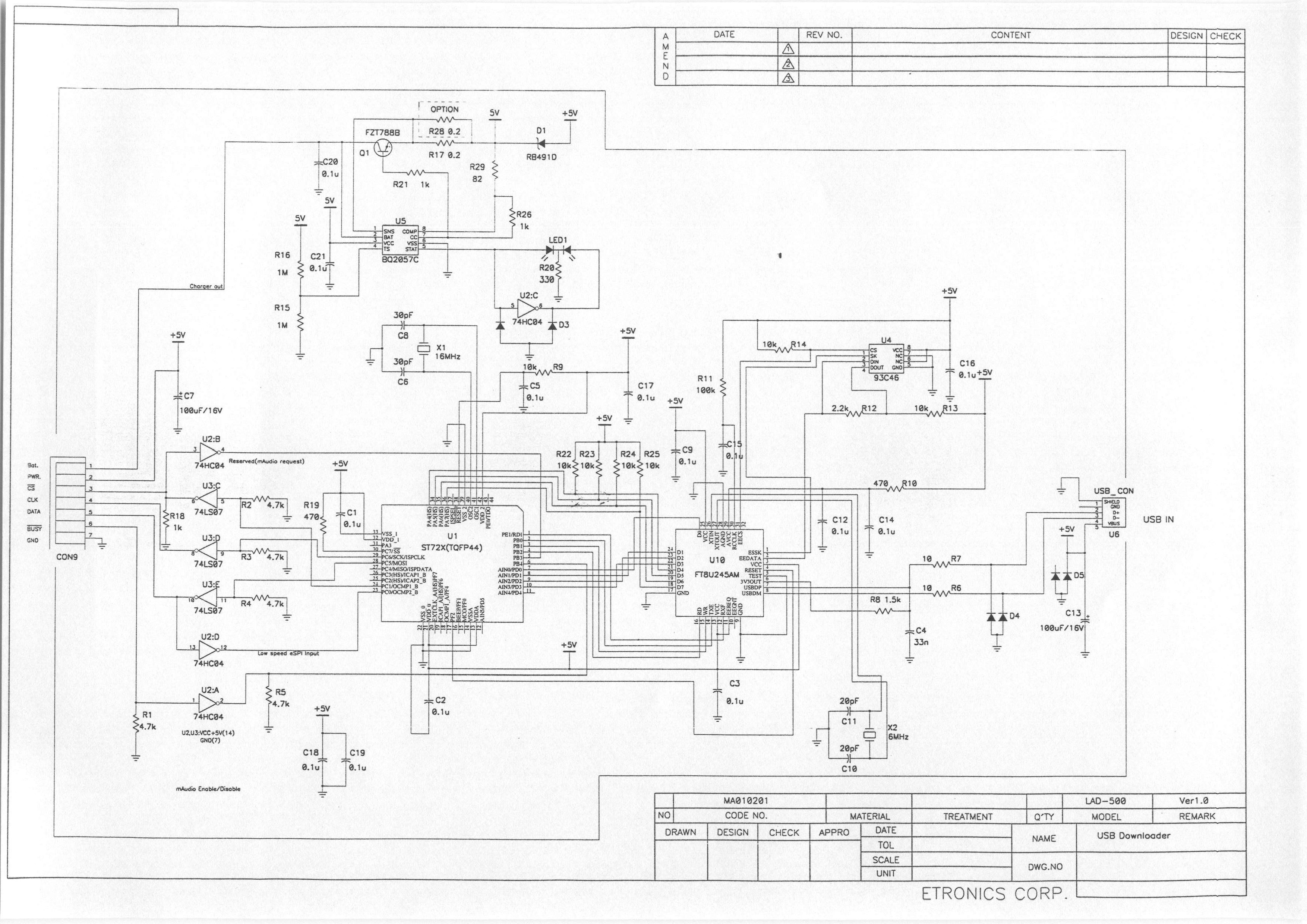
Document Text
Text extracted from the exhibit documents filed with the FCC. Open a document above to read the original.
Users Manual
1. Specifications and Precautions1 1) Product Construction 2) Specification 3) Cautions 2. S/W Installation2~5 1) Connecting with computer2 2) Installing the USB driver2 A. Windows 98/ME3 B. Windows 2000/XP4 3) Installing the USB downloader program.5 3. Program overview and usage6 1) An overview of USB downloader program6 A. Functions of Icons on toolbar7 B. Functions of My Computer Window8 C. Functions of Audio card window9 D. Status window10 2) Usage of USB downloader program11 A. Make the music file list that will be downloaded11 B. Download the music file into the audio card12 C. Delete the music file in the audio card13 D. View the music file list in the audio card14 E. Format the audio card memory15 F. Display the equalizer mode setting16 G. About USB download program16 4. Error messages and recovery17 5. Troubleshooting18 Q. The communication between audio card and USB downloader(LAD-500) is not good Q. USB connection status is displayed ‘disconnected’ Q. The audio card status is displayed ‘disconnected’ Q. The audio card memory is ‘0 (zero)’ Q. The texts in the audio card’s music list are shattered. CONTENTS USB downloader - Support the USB protocol ver. 1.1 - Maximum transfer rate : 0.8 Mbps Note) this is variable according to the users system. - Maximum SPI controlling signal rate : 5 Kbps - Audio cards power supply voltage : DC 5V Audio card charger - Li-ion/Polymer charger - Output voltage : DC 4.2V - Charging time : 2 hours, 5.5 hours continuous play. - USB downloader (LAD-500 charger included) - USB cable - Installation CD - User’s manual - Do not seperate the USB cable or audio card from the USB downloader when the USB downloader program is in operation. - Do not turn off the audio card when it is connected to the USB downloader. If so, USB downloader program may malfunction. - Keep this product free from strong shock or water. Strong shock can cause damage to this product. If the water comes in, clean it with dry cloth and contact your dealer (A/S center). - Do not use the USB downloader for another purposes except charging/communicating/music downloading. - If another application programs use the PC’s resources a lot, it may cause degradation of music downloading performance. 1. Specifications and Precautions 1) Product Construction 2) Specification 3) Cautions Install the driver as follows. Computer : IBM PC compatible, 586 or more with a CD-ROM drive and USB port (USB 1.1) OS : Windows 98/ME/2000/XP Memory : 16M or more (over 32M recommended) System requirements To download the music files into the audio card from the PC(B), connect the PC and USB downloader(A) first with the USB cable(C). 2. S/W Installation 1) Connecting with computer After connecting USB downloader(A) and the PC(B) with USB cable(C), the OS requires to install the USB driver. 2) Installing the USB driver A B C Put the installation CD in the CD-ROM and set the drivers location on CD-ROM. Note) Installation procedures are variable according to the users OS. 2. S/W Installation A. Windows 98/ME 2. S/W Installation Put the installation CD in the CD-ROM and set the drivers location on CD-ROM. Note) Installation procedures are variable according to the users OS. B. Windows 2000/XP 2. S/W Installation 3) Installing the USB downloader program Insert the installation CD in the CD-ROM. Setup program is started automatically. If not, run the install.exe in the CD-ROM. If the setup is started, it can be settled as follows. After finishing the installation, SlimAudio is registered in the Windows start program group. A. Icons on toolbar : for each functions of this program B. My Computer Window : shows the list of music file that will be downloaded from users computer to the audio card. C. Audio Card Window : shows the list of music file that saved from users computer to audio card. D. Information Window : shows the information of the selected music. E. Status Window : displays the audio card status, USB connection status and memory size. 3. Program overview and usage 1) An overview of USB downloader program A B C E D 3. Program overview and usage A. Functions of Icons on toolbar Select the music file that will be downloaded into audio card. Delete the selected list of music file. Displays the presetting equalizer mode. Shows the information about this program. Download the selected music file. Delete the selected music file. Renews and displays the contents that saved in the audio card. Check the memory capacity of the audio card. Format the memory of the audio card. user ’ s computer menus audio card ’ smenus 3. Program overview and usage B. Functions of My Computer Window (1) Popup menus when there is(are) no selected file(s). A - selects the music files that will be downloaded. B - deletes the selected music files. C - deletes the all music files on the download list. (3) File information window shows details of the selected music file. (2) Popup menus when there is(are) selected file(s). A - selects the music files that will be downloaded. B - downloads the file list (in A) into the audio card. C - deletes the selected music file(s) in the list. D - deletes the all listed music files. E - set the equalizer mode to the selected music file(s) A B C A B C D E 3. Program overview and usage C. Functions of Audio card window (1) Popup menus when right-clicked A - deletes the selected file(s) in the list. B - shows the file list saved in the audio card memory. C - checks the memory capacity of audio card. D - formats the audio card memory. (2) Status window A - displays the relative things of audio card memory. B - displays the maximum memory capacity of the audio card. Note) If the maximum memory size is displayed 0(zero), check the connection between downloader and audio card. C - displays the usable memory size of the audio card. D - displays the connection status between USB downloader and PC. E - displays the connection status between USB downloader and audio card. F - displays the communication status between…
Text truncated - open the document above for the full version.
External Photos
1 / 2 ITN Test Lab. a Devision of ETRONICS Corporation. External Photographs of EUT 2 / 2 ITN Test Lab. a Devision of ETRONICS Corporation.
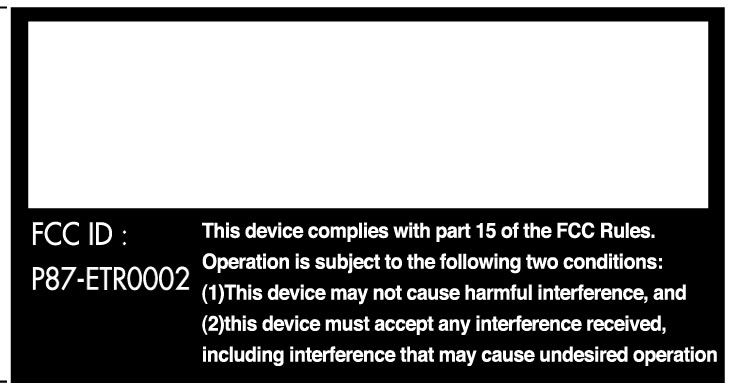
ID Label/Location Info
1 / 1 ITN Test Lab. a Devision of ETRONICS Corporation. FCC ID Label Sample
Internal Photos
1 / 1 ITN Test Lab. a Devision of ETRONICS Corporation. Internal photographs of EUT
Test Report
1 / 13 ITN Test Lab. a Devision of ETRONICS Corporation. Certificate of compliance Test report No.: ITN-02 009-EMC Applicant : Etronics Corporation. Applicant Address : 345-50, Gasan-Dong, Geumcheon-Gu, Seoul, Korea, 153-802 Product : USB Downloader FCC ID : P87-ETR0002 Model NO.: LAD-500 Receipt NO.: N/A Date of receipt Mar. 10, 2002 Date of Issue : April. 01, 2002 Testing Iocatlon : Etronics Corporation. 461, Tokjeong-Ri, Changan-Myun, Hwaseong-city, Kyunggi-Do, Korea Test Standards: ANSI C63.4 / 1992 Rule Parts : FCC Part 15 Subpart B Equipment Class : Class B Device Peripheral Test Result : The above mentioned preduct has been tested and passed. Prepared by : H.N.Choi Tested by : S.S.Oh / Engineer Approved By : J.W.Cho / Lab. Manager Signature Date Signature Date Signature Date Other Aspects : Abbreviations : OK, Passed · Fall = falled · N/A = not applicable This test report is not permitted to copy partly without our permission. This test result Is dependent on only equipment to be used. This test result is based on single evaluation of one sample of the above mentioned. We certify that this test report has been based on the measurement standards that is traceable to the national or International standards. 2 / 13 ITN Test Lab. a Devision of ETRONICS Corporation. contents Contents 2 List of Tables 2 1. General 3 2. Test Site 3 2.1 Location 3 2.2 List of Test and Measurement Instruments 4 2.3 Test Data 4 2.4 Test Environment 4 3. Descrioption of the tested samples 5 3.1 Rating and Physical characteristics 5 3.2 Submitted documents 5 4. Measurement conditions 6 4.1 Modes of operation 6 4.2 List of Peripherals 6 4.3 Type of Used cables 7 4.4 Test Setup 7 4.5 Uncertainty 7 5. Emission Test 8 5.1 Conducted Emissions 8 5.2 Radiated Emissions 10 ÿ List of Tables Table 1 List of test and measurement equioment 4 Table 2 Test Data, Conducted Emissions 11 Table 3 Test Data,Radiated Emissions 13 3 / 13 ITN Test Lab. a Devision of ETRONICS Corporation. 1. General This equipment has been shown to be capable of compliance with the applicable technical standards and was tested in accordance with the measurement procedures as indicated in this report. We attest to the accuracy of data. All measurements reported herein were performed by Etronics Corp. and were made under Chief Engineer’s supervision. We assume full responsibility for the completeness of these measurements and vouch for the qualifications of all persons taking them. 2. Test Site Etronics Corporation. 2.1 Location 461, Tokjeong-Ri, Changan-Myun, Hwaseong-city, Kyunggi-do, Korea, 445-944 The test site is in compliance with ANSI C63.4/1992 for measurement of radio Interference. 4 / 13 ITN Test Lab. a Devision of ETRONICS Corporation. 2.2 List of Test and Measurement Instruments Table 1 : List of Test and Measurement Equlpment ·Conducted Emissions Kind of Equipment Type S/N Calibrated until EMI Reciver ESS 841432/010 08.2002 Artificial Mains Network 3825/2 8905-1506 08.2002 Conducted Cable N/A N/A 06.2002 ·Radiated Emissions Kind of Equipment Type S/N Calibrated EMI Reciver ESS 841432/010 08.2002 Spectrum Analyzer 8568B 3019A05457 08.2002 Amplifier 8447F 3113A04584 08.2002 Log Periodic Antenna UHALP9107 9107846 02.2003 Biconical Antenna BBA9106 91039103 02.2003 Open Site Cable N/A N/A 06.2002 Antenna Mast EMRT2014 N/A N/A Antenna & Turntable controller EMAT2015 N/A N/A 2.3 Test Date Date of Application : March. 12, 2002 Date of Test : March. 13, 2002 March. 31, 2002 2.4 Test Environment See each test item’s description 5 / 13 ITN Test Lab. a Devision of ETRONICS Corporation. 3. Description of the tested samples The EUT is USB Downloader 3.1 Rating and Physical Characteristics Support the USB protocol ver. 1.1 Maximun transfer rate : 0.8Mbps Note) this is variable according to the user’s system Maximun SPI controlling signal rate : 5Kbps Audio card’s power supply voltage : DC 5V 3.2 Submitted Documents N/A 6 / 13 ITN Test Lab. a Devision of ETRONICS Corporation. 4. Measurement Conditions The operating voltage of EUT is supplied by a USB Downloader 4.1 Modes of Operation The EUT was in the follwing operation mode during all testing; The measurement was conducted under down-loading of data and PC operating Mode with interfaced by PC and USB cable. 4.2 List of Peripherals Descrlption Manufacturer Model Name Serial No. FCC ID Personal Computer Compaq Deskpro5120 3511N5 CNT75MDB65 Monitor Compaq 444T 607BA03BA398 BR8SM-1557 Keyboard Compaq RT101 120375-001B AQ6-MTN4XZ15 Mouse Compaq M-S34-6MD 141189-201 DZL210472 Adapter (for printer) Hewlett Packard C2182A 060795 N/A Printer Hewlett Packard C2164A ES64H130ZR B94C2164X 7 / 13 ITN Test Lab. a Devision of ETRONICS Corporation. 4.3 Type of Used Cables Description Length Type of shield Manufacturer Remark PC power cable 2.0m Non-Shield None Video interfacd cable 1.5m Shield None Keyboard interface cable 1.2m Non-Shield None Mouse interface cable 1.8m Non-Shield None Adapter cable 1.8m Non-Shield None For printer USB cable 1.8m Non-Shield None For EUT 4.4 Test Setup The test setup photographs showed the external supply connections and interfaces. 4.5 Uncertainty 1) Rediated disturbance Uc (Combined standard Uncertainty) = ±3.45B Expanded uncertainty U = Kuc U = ± 6.9dB 2) Conducted disturbance Uc = ± 2.18dB U = Kuc – 2×Uc = ± 4.36B 8 / 13 ITN Test Lab. a Devision of ETRONICS Corporation. 5. Emission Test 5.1 Conducted Enissions Result : Passed The line-conducted facility is located inside a 3.0M ×4.0M ×7.0M shielded enclosure. The shidlding effectiveness of the shielded room is in accordance with MIL-Std-285 or NSA 604-05. A1m×1.5m wooden table 80cm. High is placed 40cm away from the vertical wall and 1.5m away from the side wall of the shielded room. EMCO Model 3825/2 (10KHz-30MHz) 50ohm/50uH Lone-Impedance Stabilization Networks(LISNs) are bonded to the shielded room. The EUT is powered from the EMCO LISN and the support equipment is powered from the EMCO LISN. Power to the LISNs are…
Text truncated - open the document above for the full version.
Test Setup Photos
1 / 2 ITN Test Lab. a Devision of ETRONICS Corporation. Test set up photos Photograph 1 : Setup for Conducted Emissions 2 / 2 ITN Test Lab. a Devision of ETRONICS Corporation. Photograph 2 : Setup for Radiated Emissions
Contact Information
Applicant
Ohvom Kwon(Seniorl Research Engineer)
Test Firm
Inkel Testing LaboratoryBon-Keun Koo
Technical Specifications
| # | Rule Parts | Frequency Range | Power Output |
|---|---|---|---|
| 1 | 15B | - | - |
Other Applications from INKEL Corporation
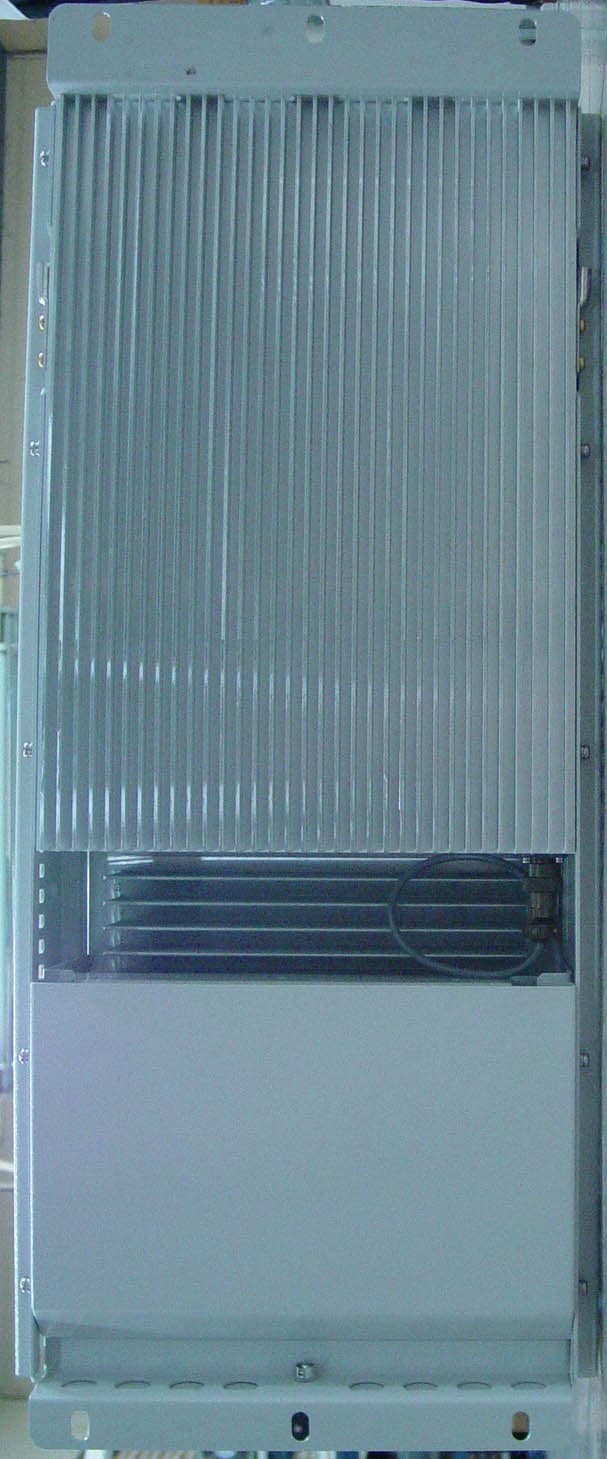
P87JF43E1900CFN03
Oct 30, 2005CDMA Fiber-Fed Repeater System
Equipment Class
PCB - PCS Licensed Transmitter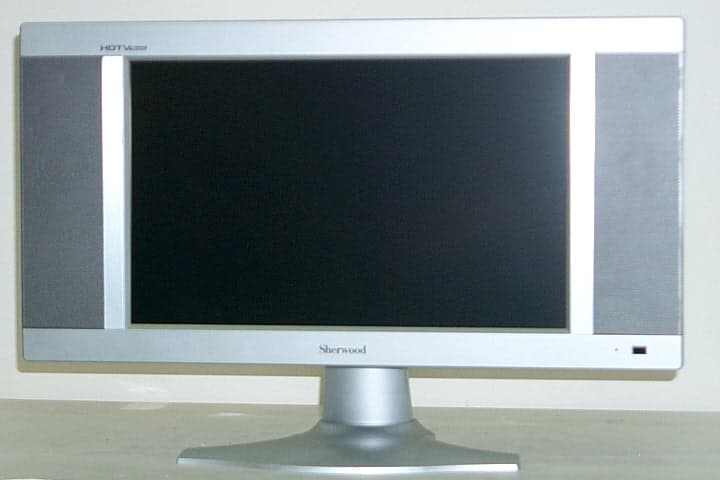
P87-ETR0005
Oct 06, 2004TFT LCD TV MONITOR
Equipment Class
JBP - Part 15 Class B Computing Device Peripheral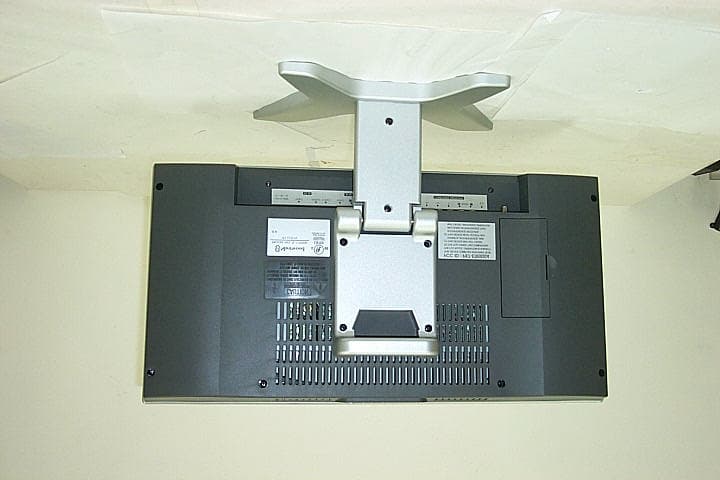
P87-ETR0004
Nov 03, 2003TFT LCD TV MONITOR
Equipment Class
JBP - Part 15 Class B Computing Device Peripheral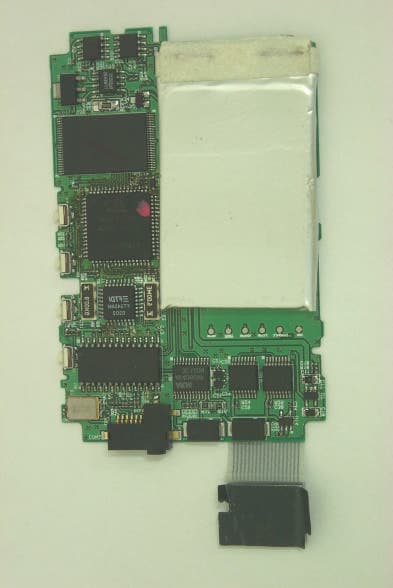
P87-ETR0003
Jun 19, 2003MP3 Player
Equipment Class
JBP - Part 15 Class B Computing Device Peripheral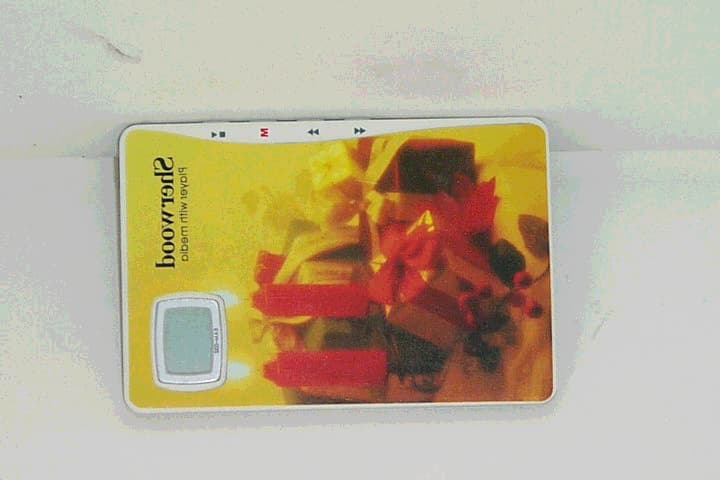
P87-ETR0001
Apr 18, 2002MP3 Player
Equipment Class
JBP - Part 15 Class B Computing Device Peripheral