PBKMS010074Electronic Personnel Identification System
Precise Biometrics AB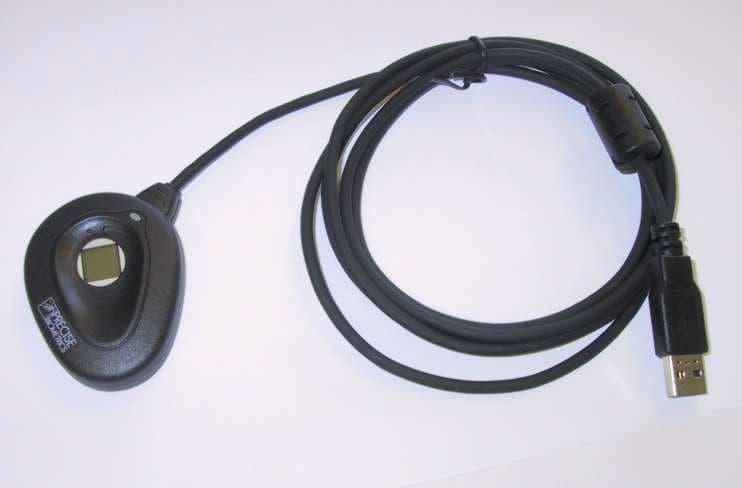
Click to zoom
Application Details
- Equipment Class
- JBP - Part 15 Class B Computing Device Peripheral
- Date of Grant
- Jun 29, 2003
- Application Purpose
- Original Equipment
- Date of Application
- Jun 29, 2003
- Equipment Note
- Electronic Personnel Identification System
- Company
- Precise Biometrics AB
- Country
- Sweden
Documents & Files
Document Text
Text extracted from the exhibit documents filed with the FCC. Open a document above to read the original.
Users Manual
PRECISE 100 QUICK REFERENCE Using the Precise 100 Reader General Information The Precise 100 readers—Precise 100 MC, Precise 100 SC, Precise 100 A, Precise 100 SC BioKeyboard, Precise 100 A BioKeyboard and Precise 100 PC-Card—require the Precise 100 Driversto be installed on the computer to work. See the “Installation of the Precise 100 reader”section for more information. Correct Finger Placement Ensure that the middle of the finger pad is placed in the center of the sensor because most of the fingerprint information is located here. Improving the Fingerprint Image Quality If your fingers are very dry • Breathe on your finger before putting it on the sensor. •Press a little harder on the sensor. If your fingers are very damp • Wipe your finger on a piece of cloth before putting it on the sensor. • Ease the pressure on the sensor a little. Maintaining the Precise 100 Reader •Protect the Precise 100 reader from any kind of physical damage. •Ensure that you are electrostatic discharged before putting the finger on the sensor. High electrostatic discharges might damage the fingerprint sensor. •Keep the sensor surface clean or there is an increased risk that the fingerprint can’t be successfully matched. •If necessary, clean the surface with a clean cotton cloth. You can dampen the cloth slightly with a cleaner. •Do not use paper tissues for cleaning purposes, because they may scratch the surface. •Do not spray cleaner directly onto the fingerprint reader. •Do NOT use chlorine-based cleaners, non-chlorine bleach, or chlorine-based bathroom or mildew cleaners. •Do NOT use any solvents, such as acetone, paint thinners, turpentine etc. Installation of the Precise 100 Reader General Information The Precise 100 readers require the Precise 100 Drivers to be installed on the computer to work. The Precise 100 Driver Installation and Updateapplication is available for free downloading from Precise Biometrics’ Web site, www.precisebiometrics.com/downloads*. The Precise 100 Driversmay also be bundled with an application that uses the Precise 100 reader. The Precise 100 readers are available with three different computer interfaces, parallel, USB and PCMCIA. The parallel readers are powered through the PS/2 port. The USB readers are powered by the USB system. The PC-Card rea- ders are powered through the PMCMCIA interface. System Requirements •Minimum 200 Mhz Pentium processor. •Parallel port supporting ECP, USB port or PCMCIA •Microsoft Smart Card Base Components have to be installed if Windows 98, Windows ME or Windows NT is used. •Support for bus powered USB hub (only Precise 100 SC BioKeyboard USB and Precise 100 A BioKeyboard USB). •Bios support for USB keyboards (only Precise 100 SC BioKeyboard USB and Precise 100 A BioKeyboard USB). Precise 100 readers work on these operating systems. Installation of a Precise100 Parallel Reader 1. Install the Precise 100 Drivers Run the Precise 100 Driver Installation and Updateappli- cation or follow installation instructions in the application that bundles the Precise 100 Drivers. 2. Set the parallel port Note:Ensure that the parallel port is set to ECP mode before connecting the Precise 100 reader; otherwise, the reader won’t work. If you don’t know if your computer is in ECP mode (most new computers are), see the computer manual or follow these steps: 1. Access the system setup utility. On most computers, you press the F1, F10, Delete or Esc key during system booting, that is, immediately after the power switch on your computer is turned on. Keep pressing the key until the system setup, sometimes called the BIOS, appears. 2. Find the parallel port mode. Set the port mode to ECP (sometimes called Flexible mode). If you can’t find the port mode, your computer is probably in ECP mode. 3. Save the changes and exit the system setup utility. If problems occur with the ECP settings, contact your computer retailer. Perfectly placed finger Capture area 1. Place the middle of the finger pad in the center of the sensor. 2. Position the cuticle level with the center line of the sensor; see the next figure. 3. Ensure that the fingertip touches the plastic cover just above the sensor. 4. Press the finger pad flat to the sensor with medium pressure. 5. Avoid rotating the finger. Precise 100 reader Pass through PS/2 connector Paralell port connector * The Precise 100 Driver Installation and Updateis also available on a CD. 3. Connect the Precise 100 Reader 1. Ensure that the parallel port is in ECP mode; see step 2. 2. Turn off the computer. 3. Connect the Precise 100 reader to the parallel port on the computer. 4. Unplug the keyboard/mouse PS/2 connector from the keyboard or mouse port at the back of the computer. 5. Plug the pass-through PS/2 connector from the finger- print reader into the keyboard/mouse port instead. 6. Connect the keyboard/mouse PS/2 connector to the pass-through PS/2 connector. Installation of a Precise 100 USB Reader 1. Install the Precise 100 Drivers Run the Precise 100 Driver Installation and Update application or follow installation instructions in the appli- cation that bundles the Precise 100 Drivers. 2. Connect the Precise 100 Reader Connect the Precise 100 reader to the USB port on the computer and the Precise 100 reader will now work. Note:Ensure that USB keyboard support is enabled in the BIOS before connecting a Precise 100 BioKeyboard. Operating system Windows ® 98 OSR2 Windows ® ME Windows ® NT 4.0 Service Pack 6 Windows ® 2000 Windows ® XP Precise 100 MC USB Precise 100 SC, Precise 100A, Precise 100 SC BioKeyboard and Precise 100 A BioKeyboard USB Parallel • • • • • • • • • • • Precise 100 PC-Card PCMCIA • • • • Precise 100 reader USB port connector Installation of a Precise 100 PC-Card Reader 1. Install the Precise 100 Drivers Run the Precise 100 Driver Installation and Updateappli- cation or follow installation instructions in the application that bundles the Precise 100 Drivers. 2. Insert the Precise 100 PC-Card reader Insert the Prec…
Text truncated - open the document above for the full version.
Attestation Statements
Document No ALA4/LET/0008/PB Date 2003-05-30 Revision A Page 1/1 Precise Biometrics AB Address: Phone: Fax: E-mail: WWW: FCC statements for Precise 100 AX Fingerprint reader Statements The following statements will be included in the Quick Reference or equivalent delivered with the product: The Precise 100 AX device complies with Part 15 of the FCC Rules. Operation is subject to the following two conditions: (1) this device may not cause harmful interference, and (2) this device must accept any interference received, including interference that may cause undesired operation. NOTE: This equipment has been tested and found to comply with the limits for a Class B digital device, pursuant to Part 15 of the FCC Rules. These limits are designed to provide reasonable protection against harmful interference in a residential installation. This equipment generates, uses and can radiate radio frequency energy and, if not installed and used in accordance with the instructions, may cause harmful interference to radio communications. However, there is no guarantee that interference will not occur in a particular installation. If this equipment does cause harmful interference to radio or television reception, which can be determined by turning the equipment off and on, the user is encouraged to try to correct the interference by one or more of the following measures: • Reorient or relocate the receiving antenna. • Increase the separation between the equipment and receiver. • Connect the equipment into an outlet on a circuit different from that to which the receiver is connected. • Consult the dealer or an experienced radio/TV technician for help. CAUTION: Changes or modifications not expressly approved by the party responsible for compliance could void the user’s authority to operate the equipment. Scheelevägen 19 C +46(46)311100 +46(46)311101 [email protected] www.precisebiometrics.com SE-223 70 Lund, Sweden
Cover Letter(s)
Document No ALA4/LET/0007/PB Author Håkan Lohmander Date 2003-06-30 Revision B Page 1/1 Precise Biometrics AB Address: Phone: Fax: E-mail: WWW: Request for Confidentiality Monday, 30 June 2003 American Telecommunications Certification Body, Inc. 6731 Whittier Avenue Suite C110 McLean, VA 22101 RE: Certification Application FCC ID: PBKMS010074 Please be advised that the following information is to be held confidential on behalf of Precise Biometrics AB: • Schematics • Block Diagram • Bill of Materials (Parts List) • Circuit description and statement of how the device operates • Variant description • Modification Letter The application contains technical information, which Precise Biometrics AB deems to be trade secrets and proprietary. If made public, the information might be used to the disadvantage of the applicant in the market place. Thank you for your attention to this matter. Håkan Lohmander Scheelevägen 19 C +46(46)311100 +46(46)311101 [email protected] www.precisebiometrics.com SE-223 70 Lund, Sweden
External Photos
Document No ALA4/LET/0004/PB Date 2003-05-30 Revision A Page 1/4 Precise Biometrics AB Address: Phone: Fax: E-mail: WWW: External photographs of Precise 100 AX Scheelevägen 19 C +46(46)311100 +46(46)311101 [email protected] www.precisebiometrics.com SE-223 70 Lund, Sweden Document No: ALA4/LET/0004/PB Date: 2003-05-30 Revi si on: A Page: 2/4 The Precise 100 AX reader Document No: ALA4/LET/0004/PB Date: 2003-05-30 Revi si on: A Page: 3/4 The Precise 100 AX reader Document No: ALA4/LET/0004/PB Date: 2003-05-30 Revision: A Page: 4/4 The Precise 100 AX reader
ID Label/Location Info
Document No ALA4/LET/0006/PB Author Håkan Lohmander Date 2003-05-30 Revision A Page 1/2 Precise Biometrics AB Address: Phone: Fax: E-mail: WWW: FCC ID Label Location and Information for Precise 100 AX Fingerprint Reader Scheelevägen 19 C +46(46)311100 +46(46)311101 [email protected] www.precisebiometrics.com SE-223 70 Lund, Sweden Document No: ALA4/LET/0006/PB Date: 2003-05-30 Revision: A Page: 2/2 Position of label on backside of reader Label size: Ca 39 mm x ca 29 mm. Label type: Self-adhesive label. UL Marked. FCC text: PBKMS010074. Below: Drawing of label. FCC ID: PBKMS010074 Ca 29 mm Ca 39 mm FCC ID: PBKMS010074FCC ID: PBKMS010074 Ca 29 mm Ca 39 mm
Internal Photos
Document No ALA4/LET/0005/PB Date 2003-06-18 Revision A Page 1/3 Precise Biometrics AB Address: Phone: Fax: E-mail: WWW: Internal Photographs of Precise 100 AX Scheelevägen 19 C +46(46)311100 +46(46)311101 [email protected] www.precisebiometrics.com SE-223 70 Lund, Sweden Document No: ALA4/LET/0005/PB Date: 2003-06-18 Revi si on: A Page: 2/3 Front Document No: ALA4/LET/0005/PB Date: 2003-06-18 Revision: A Page: 3/3 Back
Test Report
Test Report DANAK Reg. no. 19 Radio frequency interference from Fingerprint Reader Precise 100AX according to FCC requirements Performed for Precise Biometrics AB DANAK-196991 Project no.: E501178-1 Page 1 of 9 4 annexes 11 June 2003 20dan-uk-j DELTA Danish Electronics, Light & Acoustics Venlighedsvej 4 2970 Hørsholm Denmark Tel. (+45) 72 19 40 00 Fax (+45) 72 19 40 01 www.delta.dk This report is issued under the rules of DANAK (Danish Accreditation). Further information about DANAK can be found at www.danak.dk. The report must not be reproduced, except in full, without the written approval of DELTA. DANAK-196991 DELTA-E501178-1 Page 2 of 9 Title Radio frequency interference from Fingerprint Reader Precise 100AX according to FCC requirements Test object Fingerprint Reader Precise 100AX Report no. DANAK-196991 Project no. E501178-1 Test period 2003-05-19 Client Precise Biometrics AB Dag Hammerskjöldsväg 224 64 Lund Sweden Telephone: +46 46 311100 Fax: +46 46 311101 Contact person Mr. Per Ola Olsson Manufacturer Precise Biometrics AB Specifications FCC Part 15, Subpart B, Class B Results The AC mains conducted emission and radiated electro- magnetic field did not exceed the limits of FCC Part 15, Subpart B, Class B. Test personnel Jesper Nielsen Date 11 June 2003 Project manager Per Hansen Facility Manager - EMC DELTA Responsible Vagn Sylvest Project Manager - EMC DELTA PEH/blj DANAK-196991 DELTA-E501178-1 Page 3 of 9 Table of contents Page 1. Summary of test results 4 2. Test object and auxiliary equipment 5 2.1 Test object - Fingerprint Reader Precise 100AX 5 2.2 Auxiliary equipment - PC 5 2.3 Auxiliary equipment - AC adapter 5 2.4 Auxiliary equipment - Printer 5 2.5 Auxiliary equipment - AC adapter (marketed with Printer, part 2.4) 5 2.6 Auxiliary equipment - Mouse 6 3. General test conditions 7 3.1 Test set-up 7 4. Tests and results 8 4.1 Conducted emission, AC mains 8 4.2 Radiated electromagnetic field 9 Annex 1 List of instruments (1 page) Annex 2 Test record sheets and photos regarding conducted emission, AC mains (4 pages) Annex 3 Test record sheets and photos regarding radiated electromagnetic field (6 pages) Annex 4 Photo of test object (1 page) PEH/blj DANAK-196991 DELTA-E501178-1 Page 4 of 9 1. Summary of test results The results of the emission tests can be summarised as follows: FCC Part 15 Subpart B, Class B Conducted emission, AC mains Passed Radiated electromagnetic field emission Passed Abbreviations Passed : The requirements are met. Not done : No test was performed. N/A : Not applicable. Not relevant : The test was not relevant for the test object. The test results relate only to the object tested. PEH/blj DANAK-196991 DELTA-E501178-1 Page 5 of 9 2. Test object and auxiliary equipment 2.1 Test object - Fingerprint Reader Precise 100AX Category Electronic personnel identification equipment Manufacturer Precise Biometrics AB Model / type Precise 100AX Part no. MS010074 Serial no. 0001 FCC ID PBKMS010074 Supply voltage Internal from USB Operational mode Normal 2.2 Auxiliary equipment - PC Manufacturer IBM Model/type 2545-4BG Part no. - Serial no. 5528TVC 02/99 FCC ID Compliant 2.3 Auxiliary equipment - AC adapter Manufacturer IBM Model/type AC adapter Part no. - Serial no. - FCC ID - 2.4 Auxiliary equipment - Printer Manufacturer HP Model/type DeskJet 895Cxi Part no. C6410A Serial no. HU0151N087 FCC ID Compliant 2.5 Auxiliary equipment - AC adapter (marketed with Printer, part 2.4) Manufacturer HP Model/type - Part no. C6409-60014 Serial no. T5018499464 FCC ID - PEH/blj DANAK-196991 DELTA-E501178-1 Page 6 of 9 2.6 Auxiliary equipment - Mouse Manufacturer Microsoft Model/type 83351-576 Part no. X05-51692 Serial no. 0304842-00000 FCC ID Compliant PEH/blj DANAK-196991 DELTA-E501178-1 Page 7 of 9 3. General test conditions 3.1 Test set-up 1.5 m cable. Unshielded Aux Mouse 2.6 1.5 m cable. Unshielded 1.5 m power cable. Unshielded 2.0 m power cable. Unshielded 2.0 m power cable. Unshielded 115 VAC Aux PC 2.2 Aux AC adapter 2.3 Aux AC adapter 2.5 Test object Fingerprint Reader Precise 100AX 2.1 Aux Printer 2.4 2.0 m cable. Shielded. Connected to parallel port 1.5 m power cable. Unshielded 230 VAC Semi-anechoic shielded room FIG. 1 Test set-up including all cables and peripheral equipment. PEH/blj DANAK-196991 DELTA-E501178-1 Page 8 of 9 4. Tests and results 4.1 Conducted emission, AC mains Requirements Specification FCC Rules and Regulations Part 15, Subpart B, Class B Test method FCC Rules and Regulations Part 15, Subpart B Test set-up ANSI C63.4:1992 Frequency range 0.15 - 30 MHz Limit: (quasi-peak) 0.15 - 0.50 MHz: (decreasing lin. with the logarithm of freq.) 0.50 - 5 MHz: 5 - 30 MHz: 66 - 56 dBμV 56 dBμV 60 dBμV Limit: (average) 0.15 - 0.50 MHz: (decreasing lin. with the logarithm of freq.) 0.50 - 5 MHz: 5 - 30 MHz: 56 - 46 dBμV 46 dBμV 50 dBμV Test record sheets Annex 2 Results The AC mains conducted emission did not exceed the specified limits. Climatic conditions 22.3°C and 51.9% R.H. Supply voltage 115 VAC to PC power adapter. Comments None. PEH/blj DANAK-196991 DELTA-E501178-1 Page 9 of 9 4.2 Radiated electromagnetic field Requirements Specification FCC Rules and Regulations Part 15, Subpart B, Class B Test method FCC Rules and Regulations Part 15, Subpart B Test set-up ANSI C63.4:1992 Measuring distance 3 m Frequency range 30 - 1.000 MHz Limits: (quasi-peak) 30 - 88 MHz: 88 - 216 MHz: 216 - 960 MHz: Above 960 MHz: 40 dBμV/m 43.5 dBμV/m 46 dBμV/m 54 dBμV/m Test record sheets Annex 3 Results The radiated electromagnetic field did not exceed the specified limits. Climatic conditions 22.3°C and 51.9% R.H. Supply voltage 115 VAC to PC power adapter. Comments None. PEH/blj DANAK-196991 DELTA-E501178-1 Annex 1 List of instruments (1 page) PEH/blj DANAK-196991 DELTA-E501178-1 NO DESCRIPTION MANUFACTURER TYPE NO. 29916 AUTOMATIC EMI RECEIVER ROHDE & SCHWARZ ESCS-30 29861 EMI-SOFTWARE Ver. 1.60 ROHDE & SCHWARZ ES-K1 29797 BILOG ANTENNA, 30-1000 MHz CHASE CBL6111A 29337 ARTIFICIA…
Text truncated - open the document above for the full version.
Test Setup Photos
Photos Radio frequency interference from Fingerprint Reader Precise 100AX according to FCC requirements Performed for Precise Biometrics AB Page 1 of 4 This exhibit is an extract of 20rap-uk-j DELTA Danish Electronics, Light & Acoustics Venlighedsvej 4 2970 Hørsholm Denmark Tel. (+45) 72 19 40 00 Fax (+45) 72 19 40 01 www.delta.dk DELTA Test Report E501178-1 DANAK-196991 11 June 2003 containing only the photos of the test set-ups. DANAK-196991 DELTA-E501178-1 Page 2 of 4 Photo A2.1 AC mains conducted emission measurement. Photo A2.2 AC mains conducted emission measurement. PEH/BLJ DANAK-196991 DELTA-E501178-1 Page 3 of 4 Photo A2.3 AC mains conducted emission measurement. Photo A3.1 Radiated electromagnetic field measurement. PEH/BLJ DANAK-196991 DELTA-E501178-1 Page 4 of 4 PEH/BLJ Photo A3.2 Radiated electromagnetic field measurement. Photo A3.3 Radiated electromagnetic field measurement.
Contact Information
Applicant
Per-Ola Olsson(Staff Engineer, Hardware Development)
Technical Contact
Delta Electronics TestingHakan Lohmander
[email protected]+46 46 31 11 00
Scheelevagen 19 C · SE-223 70 Lund · Sweden
Test Firm
Delta Electronics, IncKelvin Ma
Technical Specifications
| # | Rule Parts | Frequency Range | Power Output |
|---|---|---|---|
| 2 | 15B | - | - |
Other Applications from Precise Biometrics AB
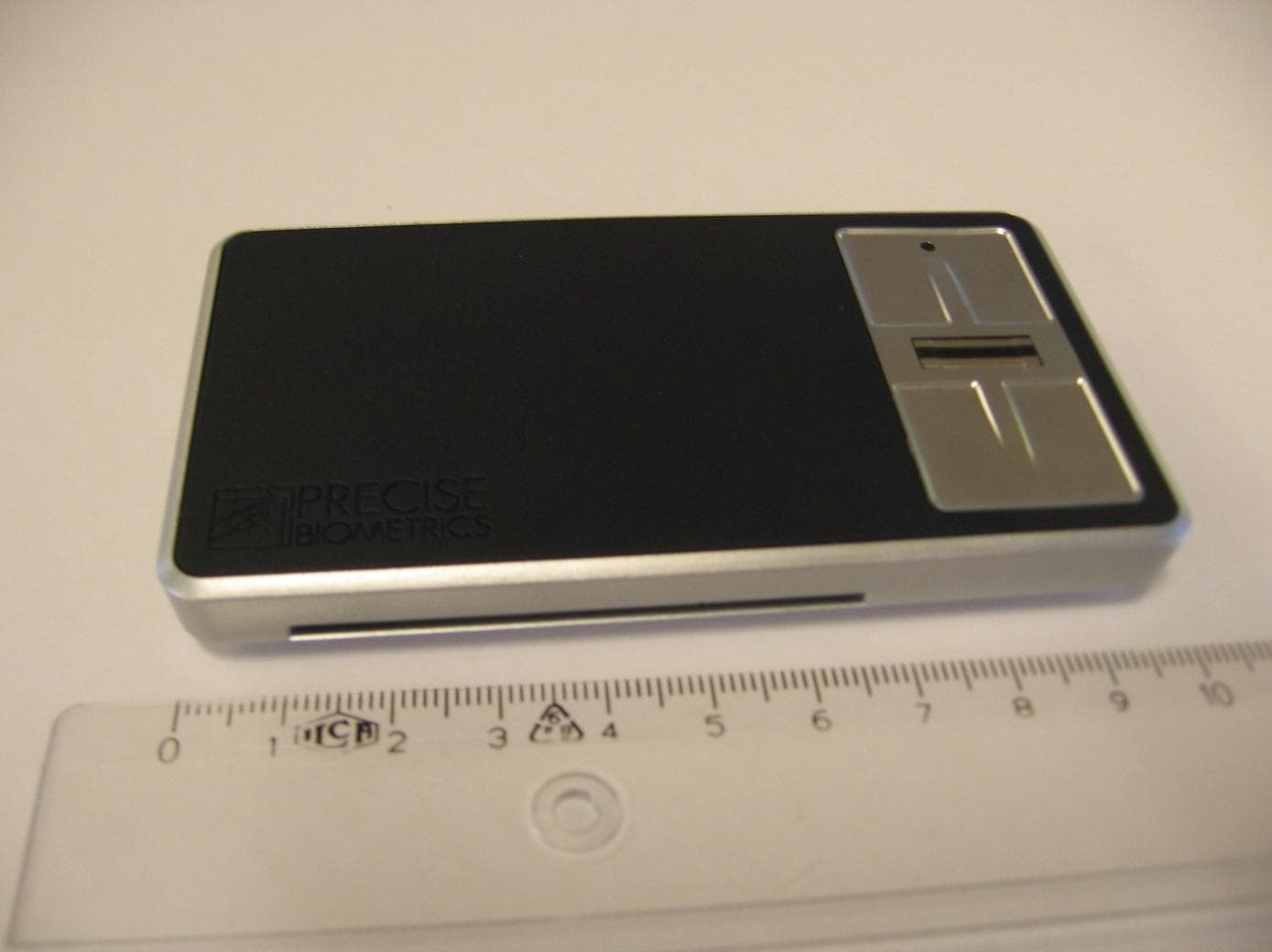
PBKASP1031009
Sep 22, 2011Precise Sense
Equipment Class
JBP - Part 15 Class B Computing Device Peripheral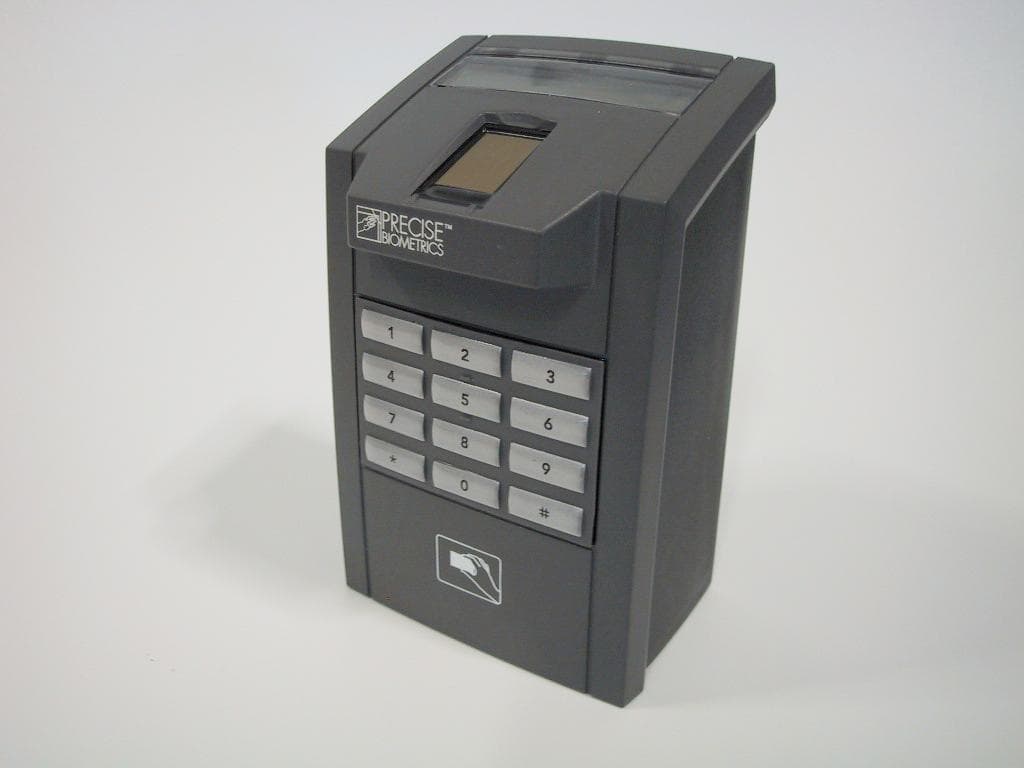
PBKMS010120
Sep 28, 2005Fingerprint Reader
Equipment Class
DXT - Part 15 Low Power Transceiver, Rx Verified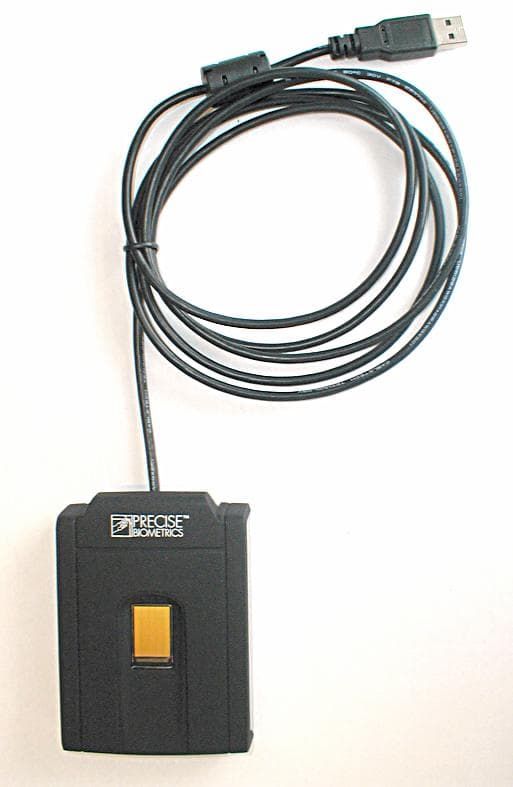
PBKMS010114
Jun 14, 2005Combined Finger Print and Smart Card Reader
Equipment Class
JBP - Part 15 Class B Computing Device Peripheral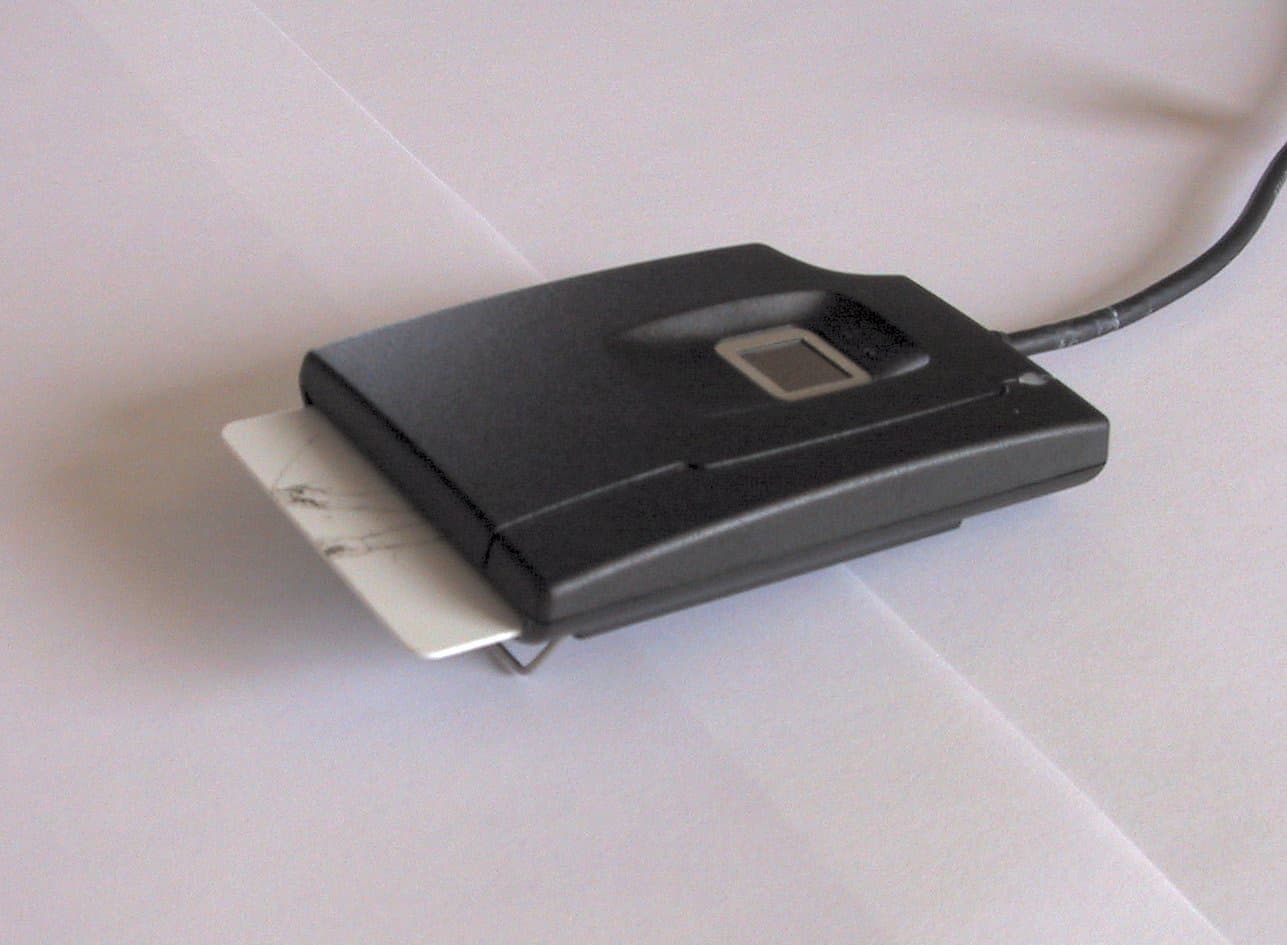
PBKMS010041
May 05, 2002USB Fingerprint Sensor/Smart Card Reader
Equipment Class
JBP - Part 15 Class B Computing Device Peripheral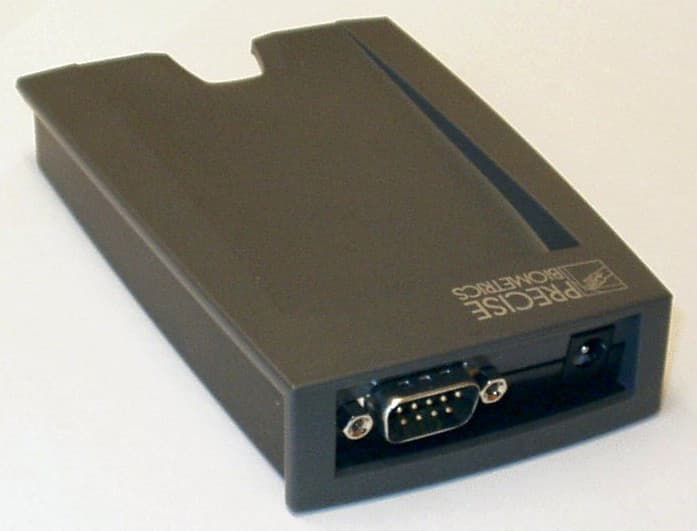
PBKMS010040
Mar 08, 2002Smart card
Equipment Class
DXX - Part 15 Low Power Communication Device Transmitter