PBLWL533UAMUSB Adapter
Advance Multimedia Internet Technology Inc.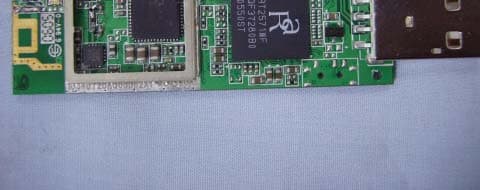
Click to zoom
Application Details
- Equipment Class
- DTS - Digital Transmission System
- Date of Grant
- Apr 20, 2006
- Application Purpose
- Original Equipment
- Date of Application
- Apr 20, 2006
- Equipment Note
- USB Adapter
- Frequency Range
- 2412.00000000 - 2462.00000000
- Country
- Taiwan
Documents & Files
Document Text
Text extracted from the exhibit documents filed with the FCC. Open a document above to read the original.
Users Manual
USB Adapter User’s Manual - 1 - Production component This Wireless USB adapter product should contain the following items: 1. One piece of USB Wireless LAN Adapter 2. One piece of CD which contain drivers, user’s manual, and utility Quick Installation 1. Insert the product’s CD into CD-ROM. 2. Exit all application programs and insert the 11b/g Wireless USB Adapter into the USB Port on notebook or desktop. 3. Following “Found New Hardware Wizard” window to install driver step by step. 4. Install “Driver & Utility” 5. Configure your Wireless USB Adapter with “Zero Configure” or “ Wireless Utility” to connect to Wireless network. FCC Information This device complies with Part 15 of the FCC Rules. Operation is subject to the following two conditions: 1. This device may not cause harmful interference. 2. This device must accept any interference received; including interference that may cause undesired operation. Federal Communications Commission (FCC) Statement. This Equipment has been tested and found to comply with the limits for a Class B digital device, pursuant to Part 15 of the FCC rules. These limits are designed to provide reasonable protection against harmful interference in a residential installation. This equipment generates uses and can radiate radio frequency energy and if not installed and used in accordance with the instructions, may cause harmful interference to radio communications. However, there is no guarantee that interference will not occur in a particular installation. If this equipment does cause harmful interference to radio or television reception, which can be determined by turning the equipment off and on, the user is encouraged to try to correct the interference by one or more of the following measures: - Reorient or relocate the receiving antenna. - Increase the separation between the equipment and receiver. - Connect the equipment into an outlet on a circuit different from that to which the receiver - 3 - Contents Chapter 1 System Requirements ____________________ 5 1-1 Hardware ________________________________________________________________ 5 1-2 Software _________________________________________________________________ 5 Chapter 2 Install Driver for Windows Series __________ 6 2-1 Set up 11b/g Wireless USB Adapter for Windows Series __________________________ 6 Chapter 3 Configure Wireless USB Adapter __________ 8 3-1 Install Utility______________________________________________________________ 8 3-2 Configure Wireless USB Adapter with Zero Configure __________________________ 10 Chapter 4 Configure Wireless USB Adpter with “ Wireless Utility” for Windows 98/ME/2000/XP ______________ 13 4-1 Site Survey Page__________________________________________________________ 13 4-1-1 Add/Edit Profile ______________________________________________________ 14 4-2 Authentication & Security _________________________________________________ 17 4-2-1 802.1x Setting ________________________________________________________ 18 4-2-2 CA Server ___________________________________________________________ 19 4-3 Profile Page______________________________________________________________ 21 4-4 Link Status Page _________________________________________________________ 22 4-5 Statistics Page____________________________________________________________ 23 4-6 Advance Page ____________________________________________________________ 25 4-7 About Page ______________________________________________________________ 27 Chapter 5 Example _____________________________ 28 5-1 Adding profile in site survey page ___________________________________________ 28 5-2 Add profile in profile page _________________________________________________ 31 5-3 WEP encryption__________________________________________________________ 35 - 4 - 5-4 Configure connection with WPA-PSK________________________________________ 38 5-5 Configure connection with WPA2-PSK _______________________________________ 41 5-6 Configure connection with WPA by 802.1x setting______________________________ 44 5-7 Configure connection with WPA2 by 802.1x setting_____________________________ 53 - 5 - Chapter 1 System Requirements Before installing the adapter and related software, make sure the computer system meets the minimum requirements described below. 1-1 Hardware The adapter can be installed in any recent-model IBM-type microcomputer with a USB port on notebook or desktop which support USB interface. 1-2 Software The drivers included with the adapter allow the adapter to be used in Microsoft Windows 98, ME, 2000, and XP. - 6 - Chapter 2 Install Driver for Windows Series This section describes the installation of the 11b/g Wireless USB Adapter driver for the Windows98/ME/2000 and Windows XP operating systems. 2-1 Set up 11b/g Wireless USB Adapter for Windows Series Step 1: After inserting the Wireless USB Adapter into the USB port on notebook or desktop, the Windows will auto-detect the Wireless USB Adapter and a “Found New Hardware Wizard” window will show up. Select “Cancel” to install the driver from CD-Rom. - 7 - Step 2: Insert the Product CD-ROM into the CD-ROM drive. Select “Setup.exe” to install Driver and Utility. Step 3: After installing the driver, you can check if your device is active in the device management - 8 - Chapter 3 Configure Wireless USB Adapter This chapter will show you how to configure your Wireless USB Adapter by using utility in the Product CD Package under Windows series Operation System 3-1 Install Utility 1. After finishing the install process, you can execute the utility as follows 2. You will see the utility icon after you executing program “Wireless Utility” if your Wireless USB Adapter is alive 3. If your operation system belong to Windows XP and have update to SP1, click the right button on the icon. You will see the frame below. If you want to configure your Wireless USB Adapter with “Wireless Zero Configure” supported by XP, you should choose “Use Zero Configuration as - 9 - Configuration utility”…
Text truncated - open the document above for the full version.
External Photos
Compliance Certification Services Inc.Report No.60214401-RP1 External Photo ( Model : WL533UAM )
ID Label/Location Info
Company : Advance Multimedia Internet Technology Inc. Model : WL533UAM Product : USB Adapter Label Here USB Adapter Model No: WL533UAM FCC ID:PBLWL533UAM This device complies with part 15 of the FCC Rules. Operation is subject to the following two conditions: [1] this device may not cause harmful interference and [2] this device must accept any interference received, including interference that may cause undesired operation. S/N: Made in Taiwan
Internal Photos
Compliance Certification Services Inc.Report No.60214401-RP1 Internal Photo Compliance Certification Services Inc.Report No.60214401-RP1
Test Report
Compliance Certification Services Inc. Report No: 60214401-RP1 FCC ID: PBLWL533UAM Date of Issue: April 11, 2006 Note: This report shall not be reproduced except in full, without the written approval of Compliance Certification Services Inc. This document may be altered or revised by Compliance Certification Services Inc. personnel only, and shall be noted in the revision section of the document. Page 1 FCC 47 CFR PART 15 SUBPART C TEST REPORT For USB Adapter Model: WL533UAM Issued to Advance Multimedia Internet Technology Inc. No. 32, Hwan-Gong Rd. Yung Kang City, Tainan Hsien, Taiwan Issued by Compliance Certification Services Inc. Ta i n a n L a b . No. 8, Jiu Cheng Ling, Jiaokeng Village,Sinhua Township, Tainan Hsien 712, Taiwan R.O.C. TEL: 886-6-580-2201 FAX: 886-6-580-2202 Compliance Certification Services Inc. Report No: 60214401-RP1 FCC ID: PBLWL533UAM Date of Issue: April 11, 2006 Page 2 TABLE OF CONTENTS 1 TEST RESULT CERTIFICATION....................................................................................................3 2 EUT DESCRIPTION ...........................................................................................................................4 3 TEST METHODOLOGY ....................................................................................................................5 3.1 EUT CONFIGURATION.......................................................................................................................5 3.2 EUT EXERCISE..................................................................................................................................5 3.3 GENERAL TEST PROCEDURES............................................................................................................5 3.4 FCC PART 15.205 RESTRICTED BANDS OF OPERATIONS .......................................................6 3.5 DESCRIPTION OF TEST MODES...........................................................................................................7 4 INSTRUMENT CALIBRATION........................................................................................................7 5 FACILITIES AND ACCREDITATIONS ..........................................................................................8 5.1 FACILITIES.........................................................................................................................................8 5.2 EQUIPMENT.......................................................................................................................................8 5.3 LABORATORY ACCREDITATIONS AND LISTING.................................................................................8 5.4 TABLE OF ACCREDITATIONS AND LISTINGS......................................................................................9 6 SETUP OF EQUIPMENT UNDER TEST .......................................................................................10 6.1 SETUP CONFIGURATION OF EUT......................................................................................................10 6.2 SUPPORT EQUIPMENT ...............................................................................................................10 7 FCC PART 15.247 REQUIREMENTS.............................................................................................11 7.1 6DB BANDWIDTH ........................................................................................................................11 7.2 PEAK POWER...................................................................................................................................15 7.3 BAND EDGES MEASUREMENT ................................................................................................19 7.4 PEAK POWER SPECTRAL DENSITY...................................................................................................29 7.5 RADIO FREQUENCY EXPOSURE........................................................................................................33 7.6 SPURIOUS EMISSIONS ...............................................................................................................36 7.7 POWER LINE CONDUCTED EMISSIONS.............................................................................................62 8 APPENDIX 1 PHOTOGRAPHS OF TEST SETUP .......................................................................65 Compliance Certification Services Inc. Report No: 60214401-RP1 FCC ID: PBLWL533UAM Date of Issue: April 11, 2006 Page 3 1 TEST RESULT CERTIFICATION Applicant Advance Multimedia Internet Technology Inc. Address No. 32, Hwan-Gong Rd. Yung Kang City, Tainan Hsien, Taiwan Manufacture Advance Multimedia Internet Technology Inc. Address NO. 32, Hwan-Gong Rd. Yung Kang City, Tainan Hsien, Taiwan Equipment Under Test USB Adapter Model Number WL533UAM Date of Test February 16, 2006 ~ April 10, 2006 APPLICABLE STANDARDS STANDARD TEST RESULT FCC 47 CFR Part 15 Subpart C No non-compliance noted We hereby certify that: The above equipment was tested by Compliance Certification Services Inc. The test data, data evaluation, test procedures, and equipment configurations shown in this report were made in accordance with the procedures given in ANSI C63.4 and the energy emitted by the sample EUT tested as described in this report is in compliance with the requirements of FCC Rules Part 15.207, 15.209, 15.247. The test results of this report relate only to the tested sample EUT identified in this report. Approved by: Reviewed by: April 11, 2006 April 11, 2006 Alex Chiu Jeter Wu Manager Section Manager Compliance Certification Services Inc. Compliance Certification Services Inc. Compliance Certification Services Inc. Report No: 60214401-RP1 FCC ID: PBLWL533UAM Date of Issue: April 11, 2006 Page 4 2 EUT DESCRIPTION Product USB Adapter Model Number WL533UAM Model Discrepancy N/A Power Supply Powered from PC 5Vdc Frequency Range 2412 ~ 2462 MHz Transmit Power IEEE802.11b mode: 12.31 dBm IEEE802.…
Text truncated - open the document above for the full version.
Test Setup Photos
Compliance Certification Services Inc. Report No: 60214401-RP1 FCC ID: PBLWL533UAM Date of Issue: April 11, 2006 Page 65 9 APPENDIX 1 PHOTOGRAPHS OF TEST SETUP Radiated Emission Set up Photos Compliance Certification Services Inc. Report No: 60214401-RP1 FCC ID: PBLWL533UAM Date of Issue: April 11, 2006 Page 66 Compliance Certification Services Inc. Report No: 60214401-RP1 FCC ID: PBLWL533UAM Date of Issue: April 11, 2006 Page 67 Conducted Emission Set Up Photos End of report
Contact Information
Applicant
Fred Lin(Engineer)
Test Firm
Compliance Certification Service Inc.Paul Liau
Technical Specifications
| # | Rule Parts | Frequency Range | Power Output |
|---|---|---|---|
| 1 | 15C | 2.41 GHz - 2.46 GHz | 17.00 mW |
Other Applications from Advance Multimedia Internet Technology Inc.
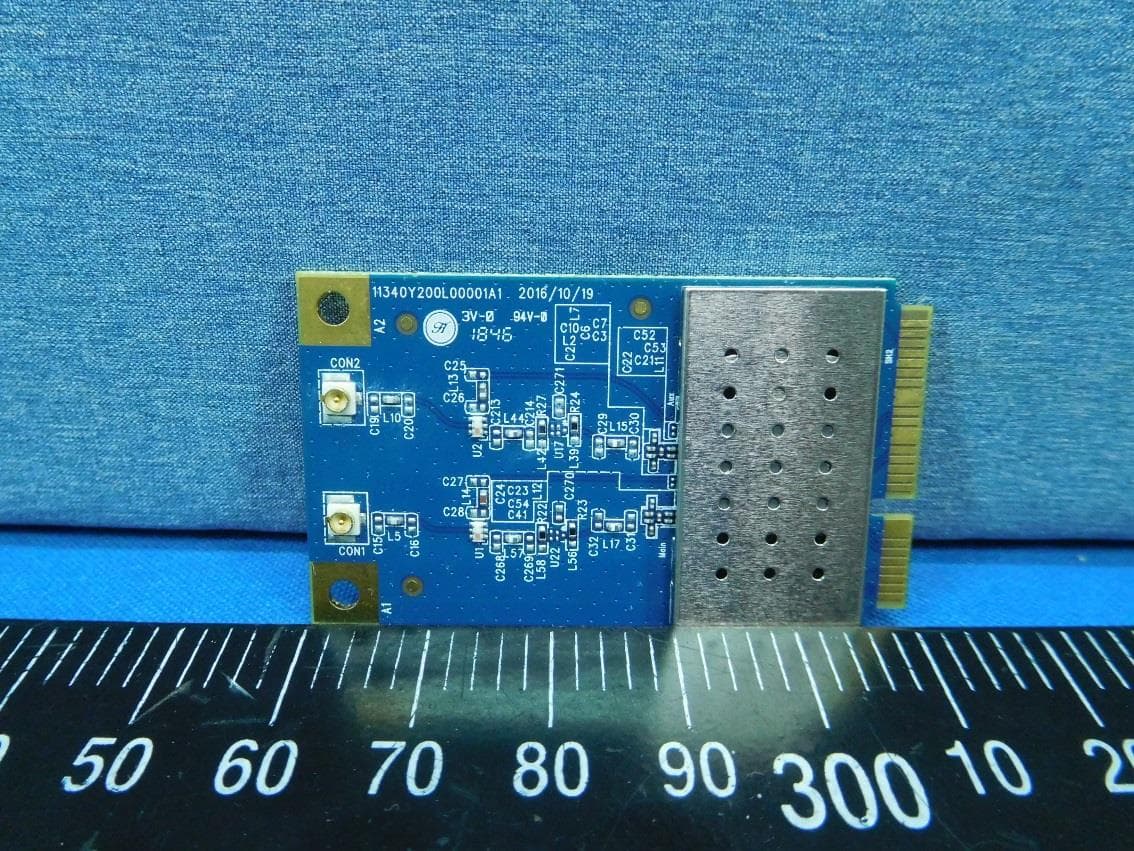
PBLMLC21AAM
Jan 29, 2020WiFi Module
Equipment Class
NII - Unlicensed National Information Infrastructure TX
PBLCDD531AMU03
Apr 25, 2013WiFi ADSL2/2+ RG
Equipment Class
DTS - Digital Transmission System
PBLCDE560AM001
Apr 18, 2013WiFi Combo Router / WiFi Broadband Router
Equipment Class
DTS - Digital Transmission System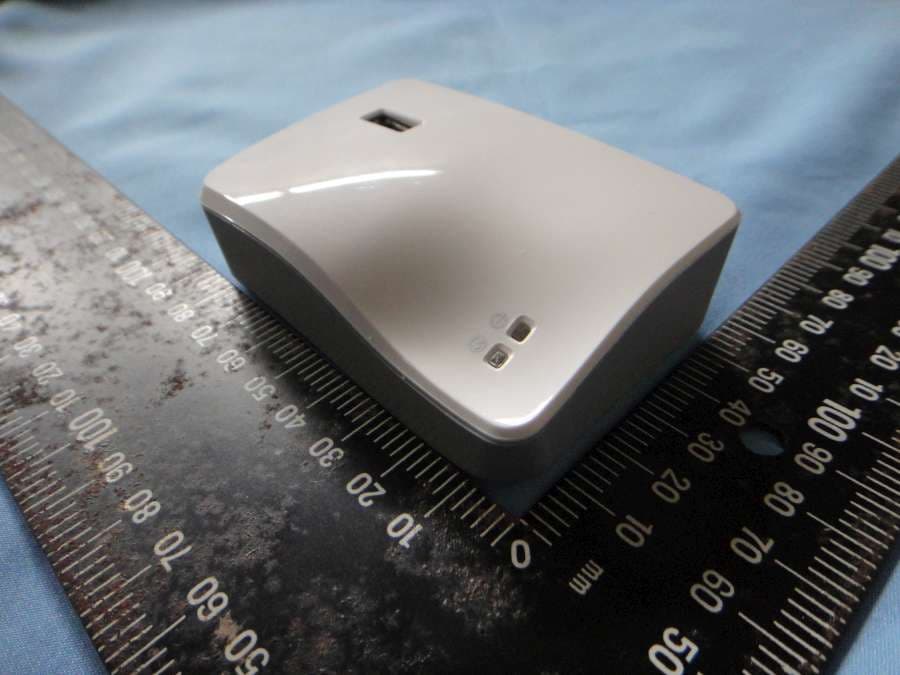
PBLCDM532AM001
Feb 05, 2013WiFi Mobile Router
Equipment Class
DTS - Digital Transmission System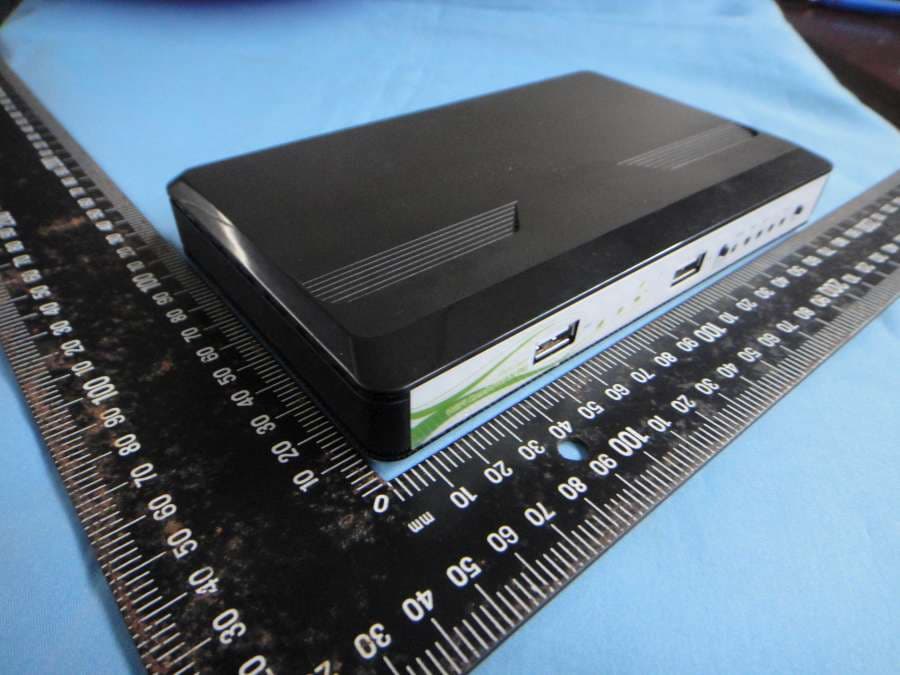
PBLCDW68AAMU01
Nov 01, 2012WiFi Broadband Router
Equipment Class
DTS - Digital Transmission System