PBLWUC128802.11 b/g Wireless Broadband Router
Advance Multimedia Internet Technology Inc.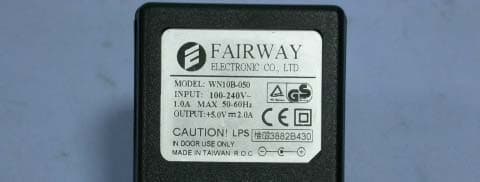
Click to zoom
Application Details
- Equipment Class
- DTS - Digital Transmission System
- Date of Grant
- Jun 01, 2005
- Application Purpose
- Original Equipment
- Date of Application
- Jun 01, 2005
- Equipment Note
- 802.11 b/g Wireless Broadband Router
- Frequency Range
- 2412.00000000 - 2462.00000000
- Country
- Taiwan
Documents & Files
Document Text
Text extracted from the exhibit documents filed with the FCC. Open a document above to read the original.
Users Manual
1 User’s Manual Copyright The contents of this publication may not be reproduced in any part or as a whole, stored, transcribed in an information retrieval system, translated into any language, or transmitted in any form or by any means, mechanical, magnetic, electronic, optical, photocopying, manual, or otherwise, without the prior written permission. Trademarks All products, company, brand names are trademarks or registered trademarks of their respective companies. They are used for identification purpose only. Specifications are subject to be changed without prior notice. FCC Interference Statement This equipment has been tested and found to comply with the limits for a Class B digital device pursuant to Part 15 of the FCC Rules. These limits are designed to provide reasonable protection against radio interference in a commercial environment. This equipment can generate, use and radiate radio frequency energy and, if not installed and used in accordance with the instructions in this manual, may cause harmful interference to radio communications. Operation of this equipment in a residential area is likely to cause interference, in which case the user, at his own expense, will be required to take whatever measures are necessary to correct the interference. CE Declaration of Conformity This equipment complies with the requirements relating to electromagnetic compatibility, EN 55022/A1 Class B. The specification is subject to change without notice. 2 Table of Contents Chapter 1 Introduction .............................................................................. 3 Functions and Features ........................................................................ 3 Packing List ......................................................................................... 5 Chapter 2 Hardware Installation ............................................................... 6 2.1 Panel Layout .................................................................................. 6 2.2 Procedure for Hardware Installation .............................................. 9 Chapter 3 Network Settings and Software Installation........................... 10 3.1 Make Correct Network Settings of Your Computer..................... 10 Chapter 4 Configuring Wireless Broadband Router ............................... 11 4.1 Start-up and Log in ...................................................................... 12 4.2 Status............................................................................................ 13 4.3 Wizard .......................................................................................... 14 4.4 Basic Setting ................................................................................ 15 4.5 Forwarding Rules......................................................................... 27 4.6 Security Settings .......................................................................... 31 4.7 Advanced Settings........................................................................ 45 4.8 Toolbox ........................................................................................ 57 Chapter 5 Print Server............................................................................. 62 5.1 Configuring on Windows 95/98 Platforms .................................. 62 5.2 Configuring on Windows NT Platforms ...................................... 65 5.3 Configuring on Windows 2000 and XP Platforms....................... 66 5.4 Configuring on Unix-like based Platforms .................................. 71 5.5 Configuring on Apple PC............................................................. 76 Appendix A TCP/IP Configuration for Windows 95/98 ........................ 77 Appendix B 802.1x Setting..................................................................... 83 Appendix C WPA-PSK and WPA .......................................................... 89 Appendix D FAQ and Troubleshooting................................................ 102 Reset to factory Default ................................................................... 102 3 C C C h h h a a a p p p t t t e e e r r r 1 1 1 I I I n n n t t t r r r o o o d d d u u u c c c t t t i i i o o o n n n Congratulations on your purchase of this outstanding Wireless Broadband Router. This product is specifically designed for Small Office and Home Office needs. It provides a complete SOHO solution for Internet surfing, and is easy to configure and operate even for non-technical users. Instructions for installing and configuring this product can be found in this manual. Before you install and use this product, please read this manual carefully for fully exploiting the functions of this product. Functions and Features Router Basic functions z Auto-sensing Ethernet Switch Equipped with a 4-port auto-sensing Ethernet switch. z WAN type supported The router supports some WAN types, Static, Dynamic, PPPoE , PPTP ,L2TP, Dynamic IP with Road Runner. z Firewall All unwanted packets from outside intruders are blocked to protect your Intranet. z DHCP server supported All of the networked computers can retrieve TCP/IP settings automatically from this product. z Web-based configuring Configurable through any networked computer’s web browser using Netscape or Internet Explorer. z Virtual Server supported Enable you to expose WWW, FTP and other services on your LAN to be accessible to Internet users. z User-Definable Application Sensing Tunnel User can define the attributes to support the special applications requiring multiple connections, like Internet gaming, video conferencing, Internet telephony and so on, then this product can sense the application type and open multi-port tunnel for it. z DMZ Host supported Lets a networked computer be fully exposed to the Internet; this function is used when special application sensing tunnel feature is insufficient to allow an application to function correctly. 4 z Statistics of WAN Supported Enables you to monitor inbo…
Text truncated - open the document above for the full version.
Users Manual
51 4.7.5 Routing Table Routing Tables allow you to determine which physical interface address to use for outgoing IP data grams. If you have more than one routers and subnets, you will need to enable routing table to allow packets to find proper routing path and allow different subnets to communicate with each other. Routing Table settings are settings used to setup the functions of static. Static Routing: For static routing, you can specify up to 8 routing rules. You can enter the destination IP address, subnet mask, gateway, hop for each routing rule, and then enable or disable the rule by checking or unchecking the Enable checkbox. 52 Example: Configuration on NAT Router Destination SubnetMask Gateway Hop Enabled 192.168.1.0 255.255.255.0 192.168.123.216 1 ˇ 192.168.0.0 255.255.255.0 192.168.123.103 1 ˇ So if, for example, the client3 wanted to send an IP data gram to 192.168.0.2, it would use the above table to determine that it had to go via 192.168.123.103 (a gateway), And if it sends Packets to 192.168.1.11 will go via 192.168.123.216 Each rule can be enabled or disabled individually. After routing table setting is configured, click the save button. 53 4.7.6 Schedule Rule You can set the schedule time to decide which service will be turned on or off. Select the “enable” item. Press “Add New Rule” 54 You can write a rule name and set which day and what time to schedule from “Start Time” to “End Time”. The following example configure “ftp time” as everyday 14:10 to 16:20 55 After configure Rule 1Æ Schedule Enable Selected if you want to Enable the Scheduler. Edit To edit the schedule rule. Delete To delete the schedule rule, and the rule# of the rules behind the deleted one will decrease one automatically. Schedule Rule can be apply to Virtual server and Packet Filter, for example: 56 Exanple1: Virtual Server – Apply Rule#1 (ftp time: everyday 14:10 to 16:20) Exanple2: Packet Filter – Apply Rule#1 (ftp time: everyday 14:10 to 16:20). 57 4.8 Toolbox 58 4.8.1 System Log You can View system log by clicking the View Log button 59 4.8.2 Firmware Upgrade You can upgrade firmware by clicking Firmware Upgrade button. 60 4.8.3 Backup Setting You can backup your settings by clicking the Backup Setting button and save it as a bin file. Once you want to restore these settings, please click Firmware Upgrade button and use the bin file you saved. 4.8.4 Reset to default You can also reset this product to factory default by clicking the Reset to default button. 4.8.5 Reboot You can also reboot this product by clicking the Reboot button. 61 4.8.6 Miscellaneous Items MAC Address for Wake-on-LAN Wake-on-LAN is a technology that enables you to power up a networked device remotely. In order to enjoy this feature, the target device must be Wake-on-LAN enabled and you have to know the MAC address of this device, say 00-11-22-33-44-55. Clicking "Wake up" button will make the router to send the wake-up frame to the target device immediately. 62 C C C h h h a a a p p p t t t e e e r r r 5 5 5 P P P r r r i i i n n n t t t S S S e e e r r r v v v e e e r r r This product provides the function of network print server for MS Windows 95/98/NT/2000 and Unix based platforms. (If the product you purchased doesn’t have printer port, please skip this chapter.) 5.1 Configuring on Windows 95/98 Platforms After you finished the software installation procedure described in Chapter 3, your computer has possessed the network printing facility provided by this product. For convenience, we call the printer connected to the printer port of this product as server printer. On a Windows 95/98 platform, open the Printers window in the My Computer menu: Now, yon can configure the print server of this product: 63 1. Find out the corresponding icon of your server printer, for example, the HP LaserJet 6L. Click the mouse’s right button on that icon, and then select the Properties item: 64 2. Click the Details item: 3. Choose the “PRTmate: (All-in-1)” from the list attached at the Print To item. Be sure that the Printer Driver item is configured to the correct driver of your server printer. 4. Click on the button of Port Settings: Type in the IP address of this product and then click the OK button. 6. Make sure that all settings mentioned above are correct and then click the OK button. 65 5.2 Configuring on Windows NT Platforms The configuration procedure for a Windows NT platform is similar to that of Windows 95/98 except the screen of printer Properties: Compared to the procedure in last section, the selection of Details is equivalent to the selection of Ports, and Port Settings is equivalent to Configure Port. 66 5.3 Configuring on Windows 2000 and XP Platforms Windows 2000 and XP have built-in LPR client, users could utilize this feature to Print. You have to install your Printer Driver on LPT1 or other ports before you preceed the following sequence. 1.Open Printers and Faxs . 67 2.Select “Ports” page, Click “Add Port...” 3. Select “Standard TCP/IP Port”, and then click “New Port...” 68 4.Click Next and then provide the following information: Type address of server providing LPD that is our NAT device:192.168.123.254 1. Select Custom, then click “Settings...” 69 6.Select “LPR”, type ” lp“ lowercase letter in “Queue Name:” And enable “LPR Byte Counting Enabled”. 70 7.Apply your settings 71 5.4 Configuring on Unix-like based Platforms Please follow the traditional configuration procedure on Unix platforms to setup the print server of this product. The printer name is “lp.” In X-Windows, for example, In Redhat Platforms, Please follow the below steps to configure your printer on Red Hat 9.0.1. Start from the Red Hat---> System Setting---> Printing. 72 2. Click New---> Forward. 1. Enter the Pinter Name, Comments then forward. 73 4. Select LPD protocol and then forward. 5. Enter Router LAN IP Address and the queue name "lp". Then forward. 74 6. Select the Printer Brand and Model Name. Then Forward. 7. Click Apply to finish setup. 8. A…
Text truncated - open the document above for the full version.
Cover Letter(s)
Mike Kuo Subject: RE: Advance Multimedia Internet Technology Inc., FCC ID: PBLWUC128, Assessment NO.: AN05T4789, Notice#1- --Updated(0601)--[Summary done!!] 6/1/2005 ----- lucy_tsai/ccsemc 2005/05/13 05:56 PM ----- daphne_liang 2005/06/01 03:30 PM [email protected] lucy_tsai/ccsemc@ccsemc "Mike Kuo" <[email protected]> 2005/05/13 11:08 AM <[email protected]> Best Regards Mike Kuo Compliance Certification Services 561F Monterey Road Morgan Hill CA 95037 Tel: (408)463-0885 x: 105 Fax: (408)463-0888 http://www.ccsemc.com -----Original Message----- From: Compliance Certification Services [mailto:[email protected]] Sent: Thursday, May 12, 2005 7:52 PM To: Mike Kuo Cc: [email protected] Subject: Advance Multimedia Internet Technology Inc., FCC ID: PBLWUC128, Assessment NO.: AN05T4789, Notice#1 Question#1: User manual indicated the EUT drawing shown on the user manual is different from the external photos. Please explain. Ans:Please see the attached for updated:WUC128_User mnaual(0601). Question#2: User manual indicated that channel is selectable by user which is not allowed. Please explain. Ans:Please see the attached for updated:WUC128_User mnaual(0525). Page 22-25, 90, 92, 95 and 100 of user manual still indicates that channel is selectable by user. Please adress it again. [6/1 Daphne]Ans:We have add some points on last page.Please see the attached for updated:WUC128_User mnaual(0601). Question#3: User manual doesn't include 15.21 and RF exposure statement. Please provide. Ans:Please see the attached for updated:WUC128_User mnaual(0525). Question#4: Please provide block diagram of radio and digital portions. Ans:Please see the attached for updated:WUC128_RF Block Diagram(0525). No digital portions' block diagram found. [6/1 Daphne] Ans:Please see the attached for updated:WUC128_Block Diagram(0601). Question#5: Please provide schematic of radio portion. Ans:Please see the attached for updated:WUC128_RF Circuit Diagram(0525). Question#6: Please provide the photos of RF module without shielding and the power adapter. Ans:Please see the attached for updated:WUC128_Int Photo(0525). No power adapter's photo found. Besides, please file internal and external photos separately. [6/1 Daphne] Ans:We add the power adapter.Please see the attached for updated:WUC128_Ext Photo(0601) and internal photos. Question#7: There are two 1.8dBi dipole antenna specifications submitted, please explain which one was chose for final test. Ans:The part no. of antenna: C381-510009-B which has been choiced for final test. 6/1/2005 Question#8: Page 29-34 of test report indicated some frequencies' emission reading is 0, but still been recorded. Please remove them from the report. Ans:Please see the attached for updated:WUC128_Report(0525). Question#9: Per setup photo of AC line conduction test, four lan cable were connected to the EUT for test, one was linked to WAN and other three were placed on the table. Compared to EUT photo, the EUT total has 5 lan ports which can't agree the test setup. Also, according to the ANSI C63.4, the signal cable shall be draped to the floor but not placing on the table. Please explain. Ans:Please see the attached for updated:WUC128_Setup Photo(0525). Though test was redid but the signal cable was still been placed on the test table which doesn't comply with ANSI C63.4 test requirement. Please adress it again. Besides, please remove the test setup photo from test report. [6/1 Daphne] Ans:Please see the attached for updated:WUC128_Setup Photo(0601) & test report(0601). Best Regards, The items indicated above must be submitted before processing can continue on the above referenced application. Failure to provide the requested information within 30 days of the original e-mail date may result in application dismissal and forfeiture of the filing fee. Also, please note that partial responses increase processing time and should not be submitted. Any questions about the content of this correspondence should be directed to the e-mail address listed below the name of the sender. ________________________________________________________________________ This e-mail transmission is confidential and intended solely for being reviewed by the recipient(s) identified above. If you are not an identified recipient, please ensure that this communication remains confidential and promptly return it to the sender. Please contact immediately by phone (Tel: 886-2-2299-9720) for any problem with this transmission, Thank you for your attention. ________________________________________________________________________ This e-mail transmission is confidential and intended solely for being reviewed by the recipient(s) identified above. If you are not an identified recipient, please ensure that this communication remains confidential and promptly return it to the sender. Please contact immediately by phone (Tel: 886-2-2299-9720) for any problem with this transmission, Thank you for your attention. ________________________________________________________________________ This e-mail transmission is confidential and intended solely for being reviewed by the recipient(s) identified above. If you are not an 6/1/2005 identified recipient, please ensure that this communication remains confidential and promptly return it to the sender. Please contact immediately by phone (Tel: 886-2-2299-9720) for any problem with this transmission, Thank you for your attention. ________________________________________________________________________ This e-mail transmission is confidential and intended solely for being reviewed by the recipient(s) identified above. If you are not an identified recipient, please ensure that this communication remains confidential and promptly return it to the sender. Please contact immediately by phone (Tel: 886-2-2299-9720) for any problem with this transmission, Thank you for your attention. 6/1/2005
Cover Letter(s)
Advance Multimedia Internet Technology Inc. No. 32, Hwan-Gong Rd, Yung Kang City, TainanHsien, Taiwan Confidentiality Request FCC ID : PBLWUC128 Product : Wireless Broadband Router Model : WUC128 Pursuant to Sections 0.457 and 0.459 of the Commission’s Rules, the Applicant hereby requests confidential treatment of information accompanying this Application as outlined below: Schematics Block Diagram Operational Description The above materials contain trade secrets and proprietary information not customarily released to the public. The public disclosure of these matters might be harmful to the Applicant and provide unjustified benefits to its competitors. The Applicant understands that pursuant to Rule 0.457, disclosure of this Application and all accompanying documentation will not be made before the date of the Grant for this application. Sincerely yours,
Cover Letter(s)
Advance Multimedia Internet Technology Inc. No. 32, Hwan-Gong Rd, Yung Kang City, TainanHsien, Taiwan *********************************************************************************** Authorization Agency Letter Product : Wireless Broadband Router Model : WUC128 To Whom It May Concern: Please be advised that Advance Multimedia Internet Technology Inc. authorizes Compliance Certification Services Inc. to act on our behalf on the produce certificate applications submitted,(For example:FCC certificate,IC certificate,CE application,& notification) until otherwise notified, for all relation certificated institute. Thank you for your attention to this matter. Sincerely, Signature:
External Photos
Compliance Certification Services Inc.Report No.50221404-RP1 External Photo ( Model:WUC128 ) Compliance Certification Services Inc.Report No.50221404-RP1 Adapter Photo
ID Label/Location Info
Company : Advance Multimedia Internet Technology Inc. Model : WUC128 Product : Wireless Broadband Router Wireless Broadband Router Model No: WUC128 FCC ID:PBLWUC128 This device complies with part 15 of the FCC Rules. Operation is subject to the following two conditions: [1] this device may not cause harmful interference and [2] this device must accept any interference received, including interference that may cause undesired operation. S/N: Made in Taiwan Label Here
Internal Photos
Compliance Certification Services Inc.Report No.50221404-RP1 Internal Photo Compliance Certification Services Inc.Report No.50221404-RP1 Compliance Certification Services Inc.Report No.50221404-RP1 Compliance Certification Services Inc.Report No.50221404-RP1
Test Report
Compliance Certification Services Inc. FCC ID PBLWUC128 Report No.50221404-RP1 Page 1 of 55 TEST REPORT Product Name Wireless Broadband Router Model Number WUC128 FCC ID PBLWUC128 Applicant Advance Multimedia Internet Technology Inc. Address No. 32, Hwan-Gong Rd, Yung Kang City, Tainan Hsien, Taiwan Received Date February 21, 2005 Tested Date February 23 ~ April 26 , 2005 Issued by Compliance Certification Services Inc. Tainan Lab. No. 8, Jiu Ceng Ling, Jiaokeng Village,Sinhua Township, Tainan Hsien 712, Taiwan R.O.C. TEL : (06)580-2201 FAX : (06)580-2202 Notes 1. This report will be invalid if duplicated or photocopied in part. 2. This report refers only to the specimen(s) submitted to testing, and be invalid as seperately used. 3. This report is invalid without examination stamp and signature of this institute. 4. The tested specimen(s) will be preserved for thirty days from the data issued. 5. The report must not be used to claim product certification, approval, or endorsement by NVLAP, NIST, or any agency of the federal government. Compliance Certification Services Inc. FCC ID PBLWUC128 Report No.50221404-RP1 Page 2 of 55 Test Report Certification Product Name Wireless Broadband Router Model Number WUC128 FCC ID PBLWUC128 Applicant Advance Multimedia Internet Technology Inc. . Measurement Standard : FCC 47 C.F.R. Part 15, Subpart B and Subpart C (2004) ANSI C63.4 (2003) Tested By _________________________ , Date : May 05, 2005 (Jeter Wu Section Manager) Approved By __________________________, Date : May 05, 2005 (Alex Chiu Manager) WE HEREBY CERTIFY THAT: The measurements shown in the attachment were made in accordance with the procedures indicated, and the energy emitted by the equipment was found to be within the limits applicable. We assume full responsibility for the accuracy and completeness of these measurements and vouch for the qualifications of all persons taking them. Compliance Certification Services Inc. FCC ID PBLWUC128 Report No.50221404-RP1 Page 3 of 55 TABLE OF CONTENTS TITLE PAGE NO. 1. GENERAL INFORMATION .............................................................................................. 5 1.1 General Statement ........................................................................................................................... 5 1.2 General Description of EUT & Power............................................................................................ 5 1.3 Description of Peripherals............................................................................................................... 6 1.4 EUT & Peripherals Setup Diagram................................................................................................. 6 1.5 EUT Operating Procedure............................................................................................................... 6 1.6 Description of Laboratory............................................................................................................... 7 1.7 Summary of Test Results ................................................................................................................ 7 2. CONDUCTED POWERLINE TEST.................................................................................. 8 2.1 Test Equipments.............................................................................................................................. 8 2.2 Test Setup ....................................................................................................................................... 8 2.3 Conducted Power Line Emission Limit .......................................................................................... 9 2.4 Test Procedure ................................................................................................................................ 9 2.5 Uncertainty of Conducted Emission ............................................................................................... 9 2.6 Conducted RF Voltage Measurement ............................................................................................. 10 2.7 Photos of Conduction Test.............................................................................................................. 12 3. RADIATED EMISSION TEST ........................................................................................... 13 3.1 Test Equipments.............................................................................................................................. 13 3.2 Test Setup ....................................................................................................................................... 13 3.3 Radiation Limit ............................................................................................................................... 14 3.4 Test Procedures............................................................................................................................... 15 3.5 Uncertainty of Radiated Emission .................................................................................................. 15 3.6 Radiated RF Noise Measurement ................................................................................................... 16 3.7 Photos of Open Site ........................................................................................................................ 35 4. 6dB BANDWIDTH MEASUREMENT .............................................................................. 37 4.1 Test Equipments.............................................................................................................................. 37 4.2 Test Setup ....................................................................................................................................... 37 4.3 Limits of 6dB Bandwidth Measurement .........................................................................................37 4.4 Test Procedure ..............................…
Text truncated - open the document above for the full version.
Test Setup Photos
Compliance Certification Services Inc. FCC ID PBLWUC128 Report No.50221404-RP1 Page 12 of 55 2.7 Photos of Conduction Test Compliance Certification Services Inc. FCC ID PBLWUC128 Report No.50221404-RP1 Page 35 of 55 3.7 Photos of Open Site Compliance Certification Services Inc. FCC ID PBLWUC128 Report No.50221404-RP1 Page 36 of 55
Contact Information
Applicant
Fred Lin(Engineer)
Test Firm
Compliance Certification Services Inc.Paul Liau
Technical Specifications
| # | Rule Parts | Frequency Range | Power Output |
|---|---|---|---|
| 1 | 15C | 2.41 GHz - 2.46 GHz | 78.00 mW |
Other Applications from Advance Multimedia Internet Technology Inc.
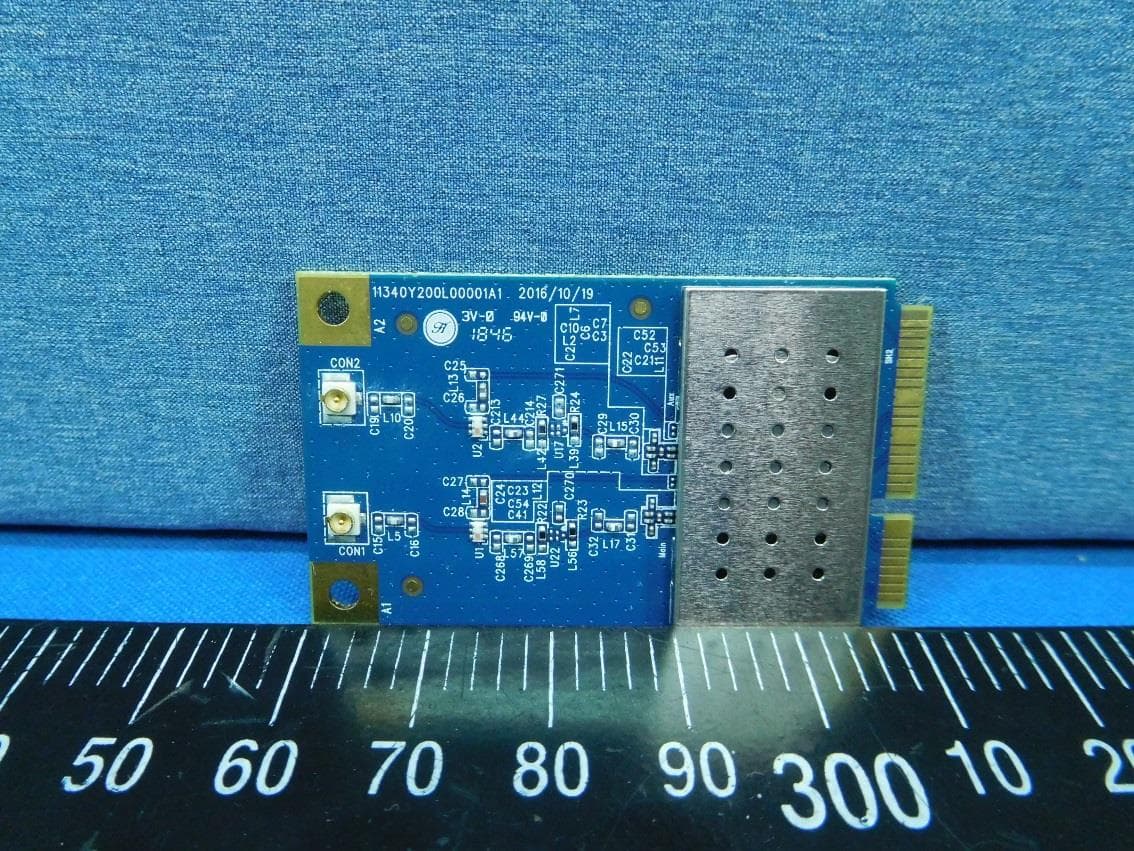
PBLMLC21AAM
Jan 29, 2020WiFi Module
Equipment Class
NII - Unlicensed National Information Infrastructure TX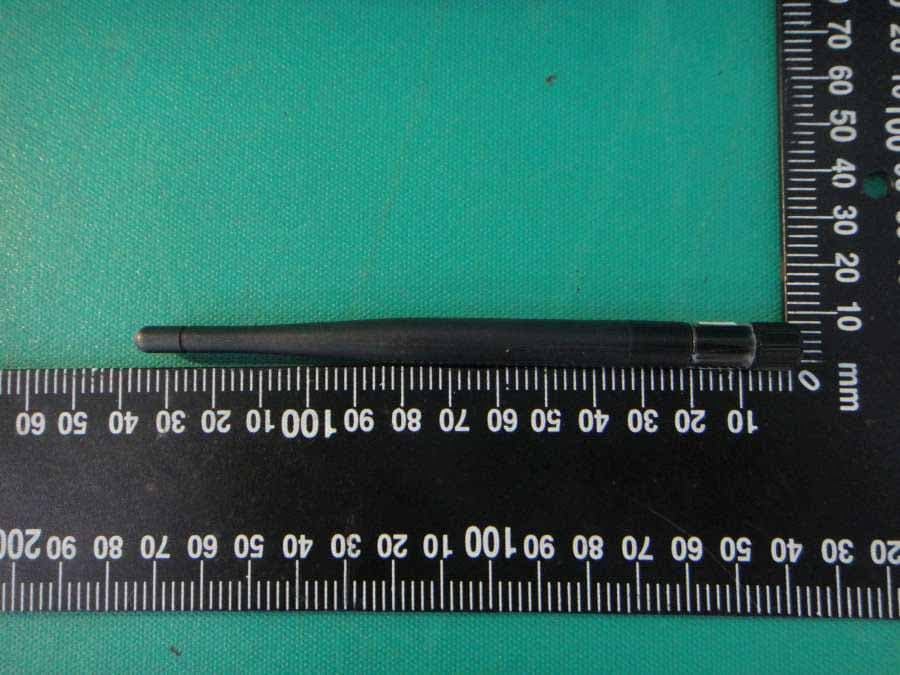
PBLCDD531AMU03
Apr 25, 2013WiFi ADSL2/2+ RG
Equipment Class
DTS - Digital Transmission System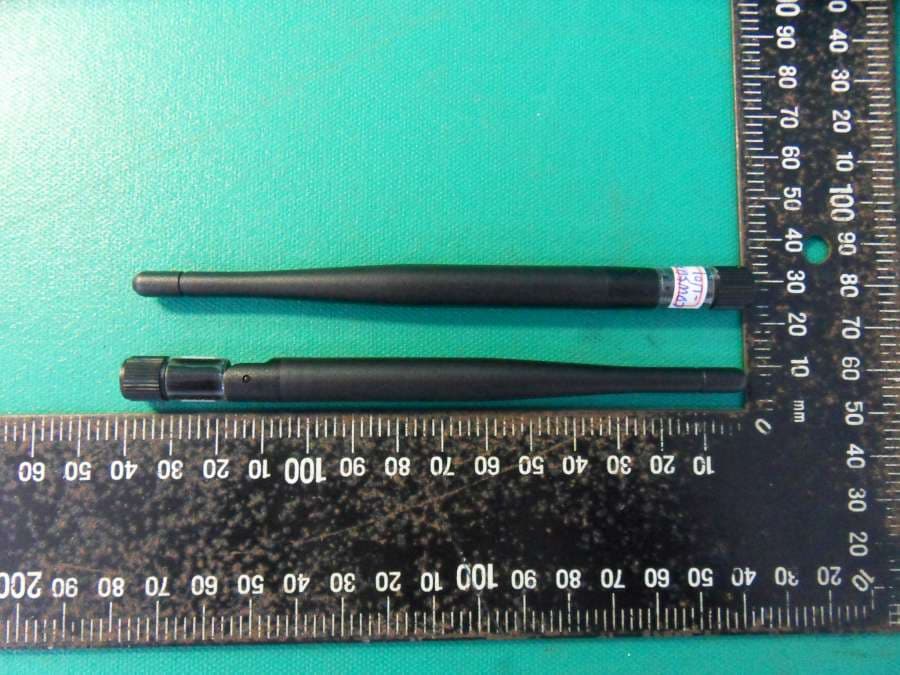
PBLCDE560AM001
Apr 18, 2013WiFi Combo Router / WiFi Broadband Router
Equipment Class
DTS - Digital Transmission System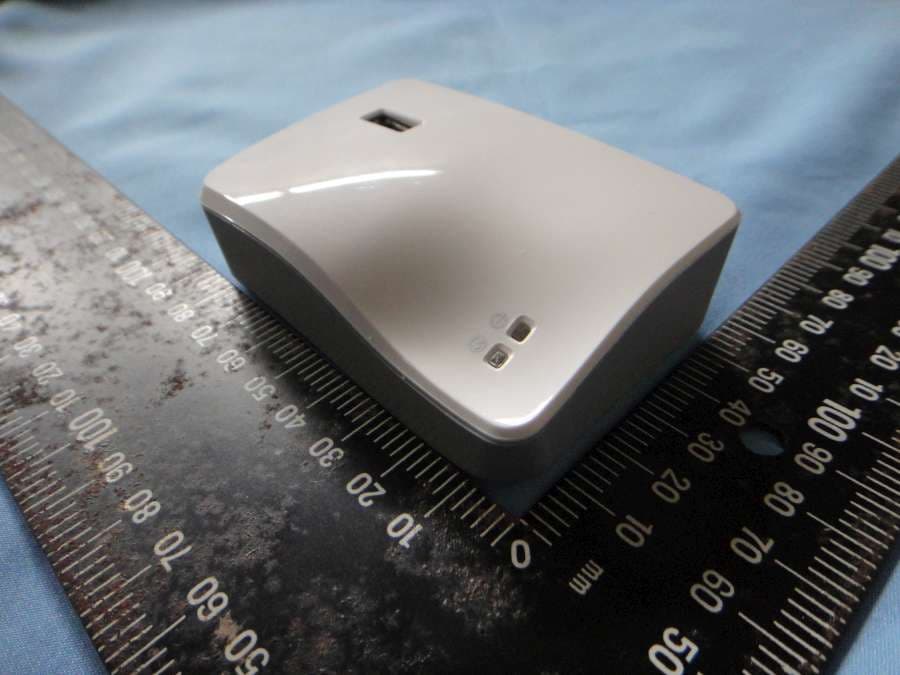
PBLCDM532AM001
Feb 05, 2013WiFi Mobile Router
Equipment Class
DTS - Digital Transmission System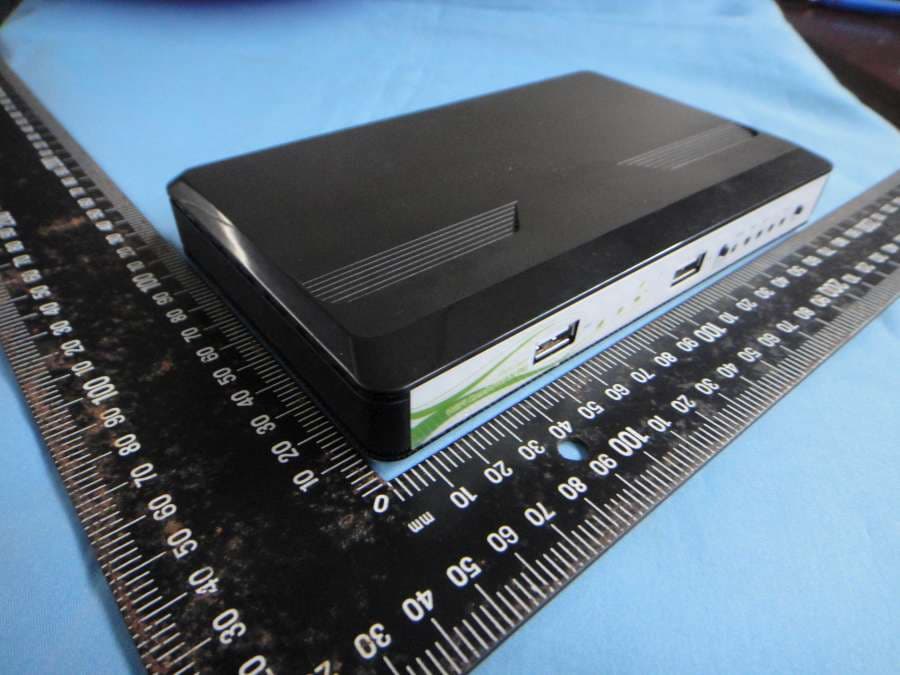
PBLCDW68AAMU01
Nov 01, 2012WiFi Broadband Router
Equipment Class
DTS - Digital Transmission System