PKTP1DKF1Wireless Broadband Modem
General Dynamics Broadband, Inc.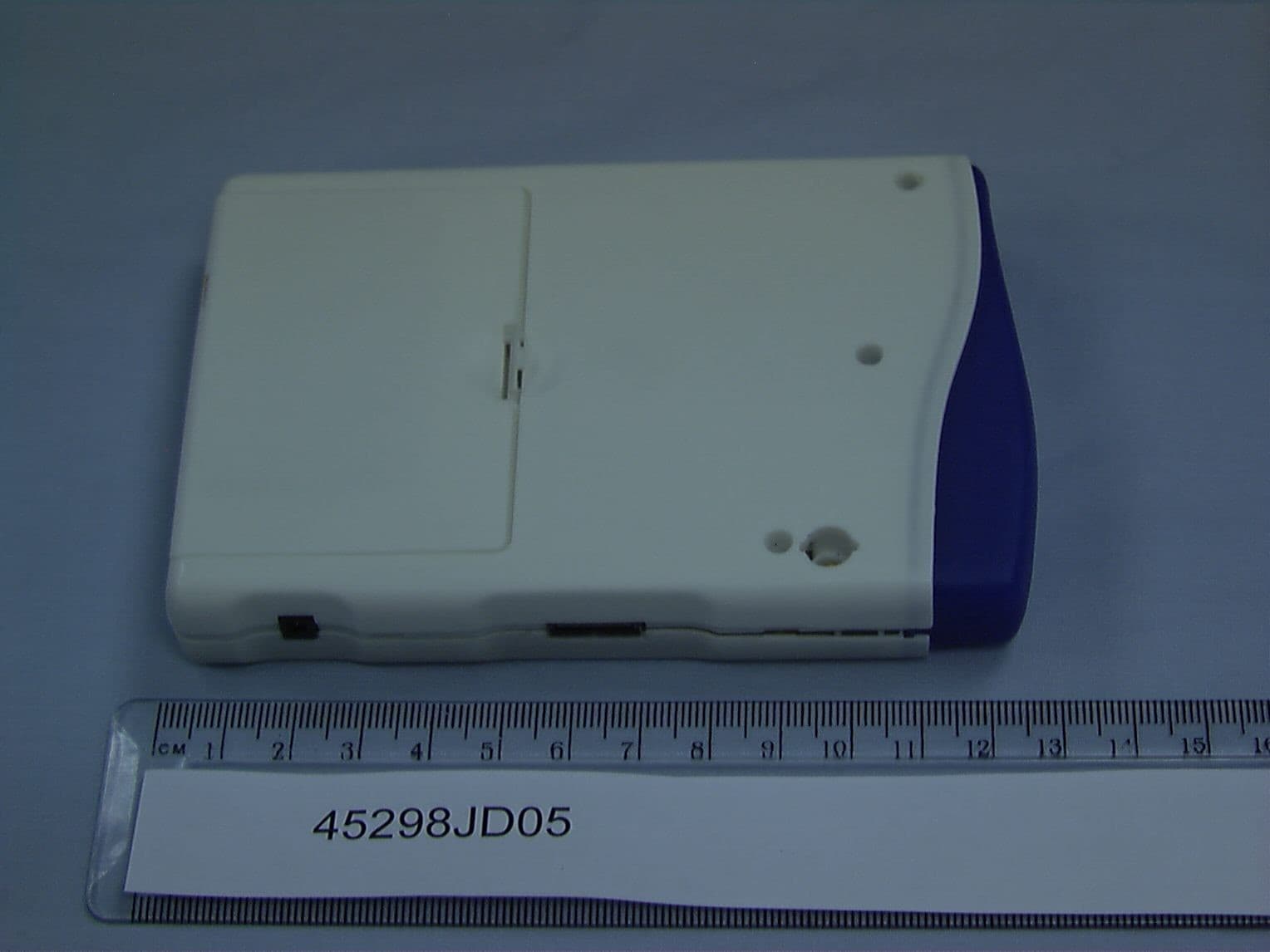
Click to zoom
Application Details
- Equipment Class
- TNB - Licensed Non-Broadcast Station Transmitter
- Date of Grant
- May 03, 2005
- Application Purpose
- Original Equipment
- Date of Application
- May 03, 2005
- Equipment Note
- Wireless Broadband Modem
- Frequency Range
- 2506.00000000 - 2680.00000000
- Country
- United States
Documents & Files
Document Text
Text extracted from the exhibit documents filed with the FCC. Open a document above to read the original.
Users Manual
Copyright IP Wireless 2003 – October 2003 – Version 1.0 P P 1 1 D D W W i i r r e e l l e e s s s s B B r r o o a a d d b b a a n n d d M M o o d d e e m m U U S S E E R R M M A A N N U U A A L L P1D Wireless Broadband Modem User Manual - Page 2 of 46 - NOTICE Information in this document and the products described are subject to change without notice. IP Wireless offers this manual with no warranty, either explicit or implied. Reproduction, alteration, or distribution in any manner whatsoever without the written permission of IPWireless Inc., is strictly forbidden. Trademarks used in this text: the IPWireless logo, icon, and Wireless Broadband Modem are trademarks of IPWireless, Inc.; Microsoft, Windows, and Windows NT are registered trademarks of Microsoft Corporation. Other trademarks and trade names may be used in this document to refer to either the entities claiming t he marks and names or their products. IPWireless, Inc., disclaims any proprietary interest in trademarks and trade names other than its own. P1D Wireless Broadband Modem User Manual - Page 3 of 46 - CONTENTS S ECTION 1 – I NTRODUCTION 5 Safety Guidelines for Power Connection 5 Safety Guidelines for the P1D Wireless Broadband Modem 5 Exposure to Radio Frequency Signals 6 Care and Cleaning Guidelines 6 Pack Contents 7 S ECTION 2 – G ETTING S TARTED 8 Key Areas on Your Wireless Broadband Modem 8 Required Equipment 10 S ECTION 3 – I NSTALLATION AND R EGISTRATION 11 Prepare the P1D Modem for use 11 Find the best radio signal 12 Install the software on your computer 13 Connect the interface cable to your computer 14 USB Cable Connection 14 Ethernet LAN Cable Connection 14 Perform Registration 14 Microsoft Windows Operating System Patches 16 Windows Internet Configuration Setting 16 S ECTION 4 – C ONNECT TO THE I NTERNET 17 A PPENDIX A – T ROUBLESHOOTING T IPS 21 Troubleshooting Tips 21 A PPENDIX B – B ATTERY I NFORMATION 26 Internal Battery 26 Battery Safety Guidelines 26 A PPENDIX C – F REQUENTLY A SKED Q UESTIONS 27 Q. W HERE CAN I FIND A COVERAGE MAP ? 27 Q. H OW DO I CHANGE MY SERVICE LEVEL ? 27 P1D Wireless Broadband Modem User Manual - Page 4 of 46 - Q. H OW DO I SET COOKIE PREFERENCES ON MY BROWSER ? 27 Q. H OW DO I SET MY HOME PAGE ? 27 Q. H OW WILL I KNOW WHEN TO UPGRADE MY PC SOFTWARE ? 28 Q. H OW DO I PERFORM A W IRELESS B ROADBAND M ODEM PC S OFTWARE U PGRADE ? 28 Q. H OW WILL I KNOW WHEN TO UPGRADE MY W IRELESS B ROADBAND M ODEM ? 28 Q. H OW DO I PERFORM A W IRELESS B ROADBAND M ODEM U PGRADE ? 28 Q. A RE ANY M ODEM ACCESSORIES AVAILABLE ? 28 Q. H OW DO I INSTALL MY M ODEM ON A DIFFERENT COMPUTER ? 29 Q. W HEN SHOULD I DE - INSTALL THE MODEM AND / OR PC S OFTWARE ? 29 A PPENDIX D – M ODEM D ISPLAY W ARNINGS 30 Power-On Self Test Failure 30 Software Upgrade Warning 30 A PPENDIX E – [T ECHNICAL S PECIFICATIONS ] 31 A PPENDIX F – [PPP O E R OUTERS T ESTED ] 33 A PPENDIX G – [PPP O E C LIENTS T ESTED ] 34 A PPENDIX H – E RROR M ESSAGES 35 Microsoft Remote Access Service (RAS) Error Codes 37 Wireless Broadband Modem Extended Errors 40 A PPENDIX I – T HIRD P ARTY S OFTWARE 44 R EGULATORY I NFORMATION 45 North America and Canada 45 Europe 46 Statements of Conformity 46 P1D Wireless Broadband Modem User Manual - Page 5 of 46 - Section 1 – Introduction Before using your Wireless Broadband Modem for the first time, please read and follow all warnings, safety, care, cleaning and operating instructions on the Wireless Broadband Modem label and in this guide. These guidelines will help protect your Wireless Broadband Modem from potential damage and ensure your personal safety. Safety Guidelines for Power Connection Danger - Do not place or use the P1D Wireless Broadband Modem near any body of water. Accidental immersion can result in electric shock. Danger - Never alter the AC adapter or plug. If the plug will not fit into the electrical outlet without force, contact a qualified electrician to install a proper outlet. Connect the AC adapter to 120V or 230V electrical outlets only. To disconnect the unit from mains power, remove the AC adapter from the wall socket. To reduce the risk of damage, always remove each end of the power cable by pulling the plug rather than the cable. Do not allow anything to rest on the power cable. Do not position the power cable in any area where people will step on it. Do not use the P1D Modem if the power cable becomes frayed or damaged in any way. Do not overload the power outlet. Power overloads are often caused by too many electrical devices connected by extension cords and can result in electric shock or fire. See Appendix B for important safety information about the internal battery. Safety Guidelines for the P1D Wireless Broadband Modem Do not attempt to disassemble the Wireless Broadband Modem; doing so may expose you to unsafe conditions. The Wireless Broadband Modem does not contain consumer serviceable components. Service should be performed by the Service Provider Service Center only. Contact Service Provider Customer Service to find the nearest Service Centre. Position the Wireless Broadband Modem so that it is protected from falling objects. Do not allow liquids to spill on or into the Wireless Broadband Modem. Do not expose the Wireless Broadband Modem to extreme heat (over 131° F/+55°C) or cold (under 14° F/-10°C) temperatures. Do not leave the Wireless Broadband Modem in a motor vehicle parked in direct sunlight for more than fifteen minutes. P1D Wireless Broadband Modem User Manual - Page 6 of 46 - Do not expose the P1D Modem to open flames. Switch your P1D Modem off when near medical equipment, fuel, chemicals, a potentially explosive atmosphere such as a gasoline station, or when in an area in which blasting is in progress. Also, switch it off before boarding an aircraft. Follow any other rules, regulations, or posted notices that apply to the use of electronic or radio equipment. Before using the P1D Modem near a pacemaker or similar device, consult a physician or the d…
Text truncated - open the document above for the full version.
Cover Letter(s)
1250 Bayhill Drive, Suite 113 San Bruno CA 94066 U.S.A. Tel: +44 (0) 1249 705 400 Fax: +44 (0) 1249 705 401 IPWireless UK Limited Registered Office: 4 Lansdowne Court, Bumpers Way, Chippenham SN14 6RZ Registered in England No. 4218312 3 rd May 2005 Federal Communications Commission 7435 Oakland Mills Road Columbia MD 21046 Dear Sir/Madam RE: Confidentiality Request This letter is to comply with Section 0.457(d)(2)(i) pertaining to confidential material. IPWireless Inc. would like the following documents regarding this submission for FCC ID: PKTP1DKF1 to be kept confidential. 1. All Schematics. 2. All pages of file: UE1BRAD.DOC. 3. All Bills of Materials 4. All Block Diagrams. The above material contains trade secrets or technical data, which would customarily be guarded from competitors. We do not want these documents to be accessible to the general public. Yours Sincerely, Peter Warburg Technical Associate
ID Label/Location Info
PDFMAILER.COM Print and send PDF files as Emails with any application, ad-sponsored and free of charge www.pdfmailer.com N o t e s : 1 . L a b e l m a t e r i a l & a d h e s i v e t o b e U L a p p r o v e d 2 . T a b l e h a s t h e f i e l d c o n t e n t s t h a t a r e f i l l e d i n p e r m o d e l n u m b e r . 3 . S N - S e r i a l N u m b e r f i e l d i s c o m p l e t e d a t t h e f a c t o r y 4 . T e x t p r i n t c o l o u r B L A C K o n S I L V E R b a c k g r o u n d 5 . A d d i t i o n a l s h e e t s i l l u s t r a t e t h e v a r i a n t s 6 . L a b e l i s p u r c h a s e d b l a n k a s s h o w n o n s h e e t 1 & a l l p r i n t i s a d d e d o n d e m a n d @ f a c t o r y 7 . W h e r e t h e r e a r e n o a p p r o v a l s c o n t a c t I P W i r e l e s s . PDFMAILER.COM Print and send PDF files as Emails with any application, ad-sponsored and free of charge www.pdfmailer.com PDFMAILER.COM Print and send PDF files as Emails with any application, ad-sponsored and free of charge www.pdfmailer.com F C C I D : P K T P 1 D K F 1 C o m p l i e s w i t h F C C R e g u l a t i o n s P a r t 1 5 . PDFMAILER.COM Print and send PDF files as Emails with any application, ad-sponsored and free of charge www.pdfmailer.com PDFMAILER.COM Print and send PDF files as Emails with any application, ad-sponsored and free of charge www.pdfmailer.com
Parts List/Tune Up Info
This device is set at the factory, there is no tune-up procedure.
Test Report
TEST REPORT FROM RFI GLOBAL SERVICES LTD Test Of: IPWireless UK Ltd UE P1D Model: KF To: FCC Part 27 Test Report Serial No: RFI/MPTE1/RP47147JD01A Supersedes Test Report Serial No: RFI/MPTB3/RP45298JD05A This Test Report Is Issued Under The Authority Of Andrew Brown, Operations Manager: pp Tested By: Steven Wong Checked By: Tony Henriques Report Copy No: PDF01 Issue Date: 22 April 2005 Test Dates: 08 September 2003 to 12 September 2003 and 11 April 2005 This test report was produced at the request of the client to demonstrate compliance with the requirements of FCC Part 27 and supersedes the original test report that was issued against the requirements of FCC Parts 21 and 74. This report is issued in Adobe Acrobat portable document format (PDF). It is only a valid copy of the report if it is being viewed in PDF format with the following security options not allowed: Changing the document, Selecting text and graphics, Adding or changing notes and form fields. Furthermore, the date of creation must match the issue date stated above. This report may be copied in full. The results in this report apply only to the sample(s) tested. RFI GLOBAL SERVICES LTD TEST REPORT S.No: RFI/MPTE1/RP47147JD01A Page 2 of 66 Issue Date: 22 April 2005 Test Of: IPWireless UK Ltd UE P1D Model: KF To: FCC Part 27 This page has been left intentionally blank. RFI GLOBAL SERVICES LTD TEST REPORT S.No: RFI/MPTE1/RP47147JD01A Page 3 of 66 Issue Date: 22 April 2005 Test Of: IPWireless UK Ltd UE P1D Model: KF To: FCC Part 27 Table of Contents 1. Client Information..............................................................................................................4 2. Equipment Under Test (EUT) ...........................................................................................5 3. Test Specification, Methods And Procedures ................................................................9 4. Deviations From The Test Specification .......................................................................10 5. Operation Of The EUT During Testing ..........................................................................11 6. Summary Of Test Results...............................................................................................12 7. Measurements, Examinations And Derived Results....................................................13 8. Measurement Uncertainty ..............................................................................................51 9. Measurement Methods ...................................................................................................52 Appendix 1. Test Equipment Used ....................................................................................60 Appendix 2. Test Configuration Drawings ........................................................................63 Test Report Serial No: RFI/MPTE1/RP47147JD01A Supersedes Test Report Serial No: RFI/MPTB3/RP45298JD05 RFI GLOBAL SERVICES LTD TEST REPORT S.No: RFI/MPTE1/RP47147JD01A Page 4 of 66 Issue Date: 22 April 2005 Test Of: IPWireless UK Ltd UE P1D Model: KF To: FCC Part 27 1. Client Information Company Name: IPWireless (UK) Ltd. Address: Unit 7 Greenways Business Park Bellinger Close Chippenham Wilts SN15 1BN Contact Name: Mr P. Warburg RFI GLOBAL SERVICES LTD TEST REPORT S.No: RFI/MPTE1/RP47147JD01A Page 5 of 66 Issue Date: 22 April 2005 Test Of: IPWireless UK Ltd UE P1D Model: KF To: FCC Part 27 2. Equipment Under Test (EUT) The following information has been supplied by the client: 2.1. Identification Of Equipment Under Test (EUT) Brand Name: Wireless Broadband Modem Model Name or Number: KF Serial Number: KF3D442013H21 Country of Manufacture: UK FCC ID Number: PKTP1DKF1 Brand Name: Phihong PSU Model Name or Number: PSC05R-050 (IP) Serial Number: C31603026A1 Country of Manufacture: Taiwan RFI GLOBAL SERVICES LTD TEST REPORT S.No: RFI/MPTE1/RP47147JD01A Page 6 of 66 Issue Date: 22 April 2005 Test Of: IPWireless UK Ltd UE P1D Model: KF To: FCC Part 27 2.2. Description Of EUT The equipment under test is a wireless broadband modem; the modem provides high- speed internet access when used with a host computer. 2.3. Modifications Incorporated In EUT During the course of testing the EUT has not been modified. RFI GLOBAL SERVICES LTD TEST REPORT S.No: RFI/MPTE1/RP47147JD01A Page 7 of 66 Issue Date: 22 April 2005 Test Of: IPWireless UK Ltd UE P1D Model: KF To: FCC Part 27 2.4. Additional Information Related To Testing Power Supply Requirement: Nominal 110V, 60 Hz, AC Mains Supply Intended Operating Environment: Residential, Commercial, Light Industry Equipment Category: Miscellaneous Wireless Communications Services Type of Unit: Wireless Broadband Modem Interface Ports: USB Port Mains 110 VAC Input Antenna Port Transmit Frequency Range 2.506 GHz to 2.680 GHz Band Edges 2.500 GHz and 2.690 GHz Channel ID Channel Number Channel Frequency (MHz) Bottom N/A 2506 Middle N/A 2596 Transmit Channels Tested Top N/A 2680 Receive Frequency Range 2.506 GHz to 2.680 GHz Channel ID Channel Number Channel Frequency (MHz) Bottom N/A 2506 Middle N/A 2596 Receive Channels Tested Top N/A 2680 Highest Fundamental Frequency 2680 MHz Highest Oscillator Frequency 2300 MHz Maximum Power Output (EIRP) 26.0 dBm (24 dBm conducted, 2.0 dBi antenna gain) RFI GLOBAL SERVICES LTD TEST REPORT S.No: RFI/MPTE1/RP47147JD01A Page 8 of 66 Issue Date: 22 April 2005 Test Of: IPWireless UK Ltd UE P1D Model: KF To: FCC Part 27 2.5. Support Equipment The following support equipment was supplied by the applicant and used to exercise the EUT during testing: Description: Laptop PC Brand Name: Sony Vaio Model Name or Number: PCG-Z505HSK Serial Number: 28305733 3350053 Cable Length and Type 2 m Connected to Port: USB Description: External Power supply for Laptop Brand Name: Sony Model Name or Number: PCGA-ACX1 Serial Number: 0004-A-0632772P Cable Length and Type 2 m Mains Cable 1.8 m 2 core Connected to Port: AC I/P DC O/P RFI GLOBAL SERVICES LTD TEST REPO…
Text truncated - open the document above for the full version.
Contact Information
Applicant
Joseph Cheung
Technical Contact
IP Wireless UK LtdPeter Warburg
[email protected]01249 800 084
Unit 7 Greenways Business Park · Chippenham · United Kingdom
Test Firm
RFI Global Services Ltd.Allan Hume
Technical Specifications
| # | Rule Parts | Frequency Range | Power Output | Emission | Tolerance |
|---|---|---|---|---|---|
| 1 | 27 | 2.51 GHz - 2.68 GHz | 398.00 mW | 8M36G7D | 27000.0000000000 Hz |
Other Applications from General Dynamics Broadband, Inc.
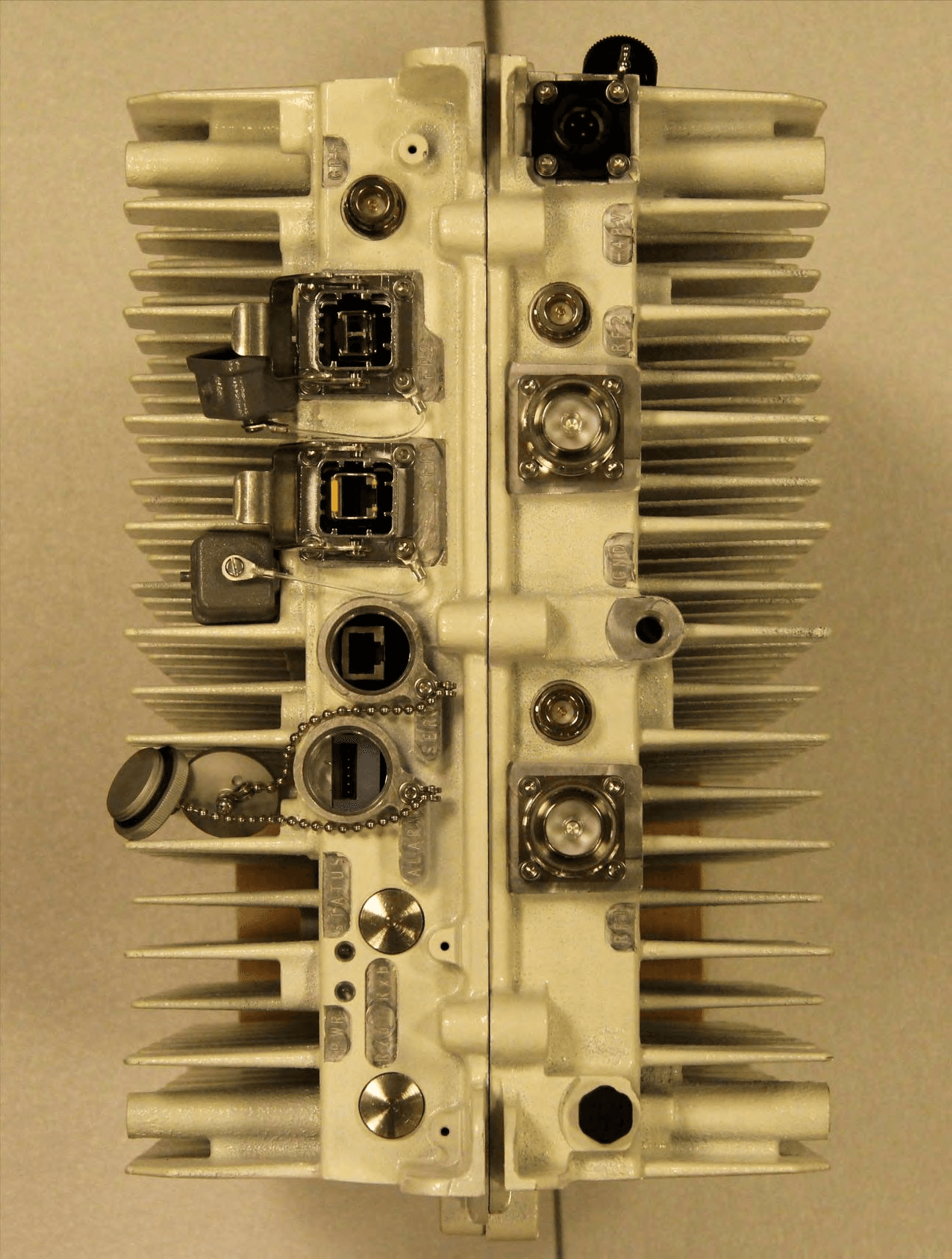
PKTNODEBAZY
Oct 21, 2015Band 12 LTE Base Station
Equipment Class
TNB - Licensed Non-Broadcast Station Transmitter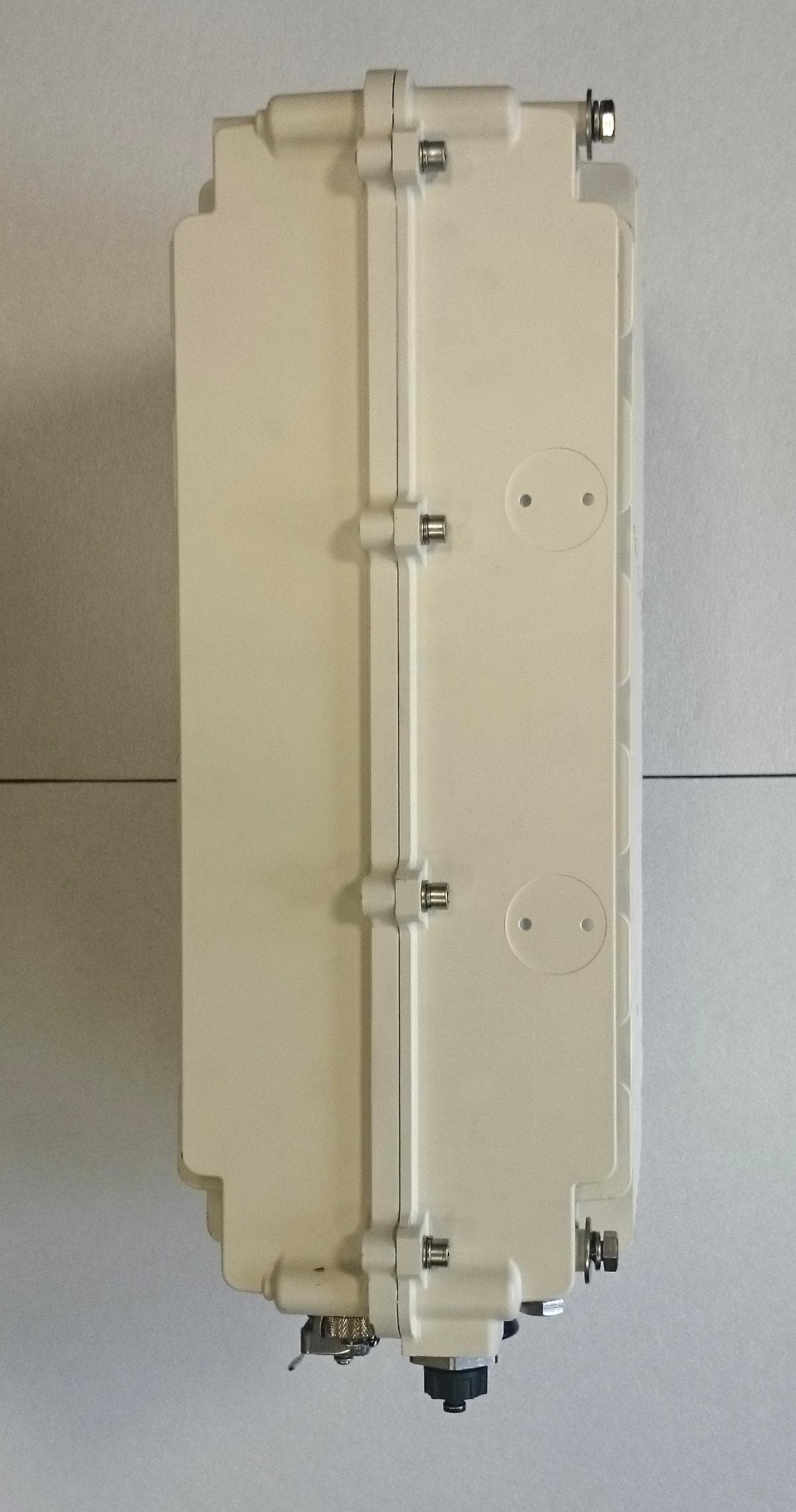
PKTNODEBBBK
Mar 23, 2015Band 14 LTE Base Station
Equipment Class
TNB - Licensed Non-Broadcast Station Transmitter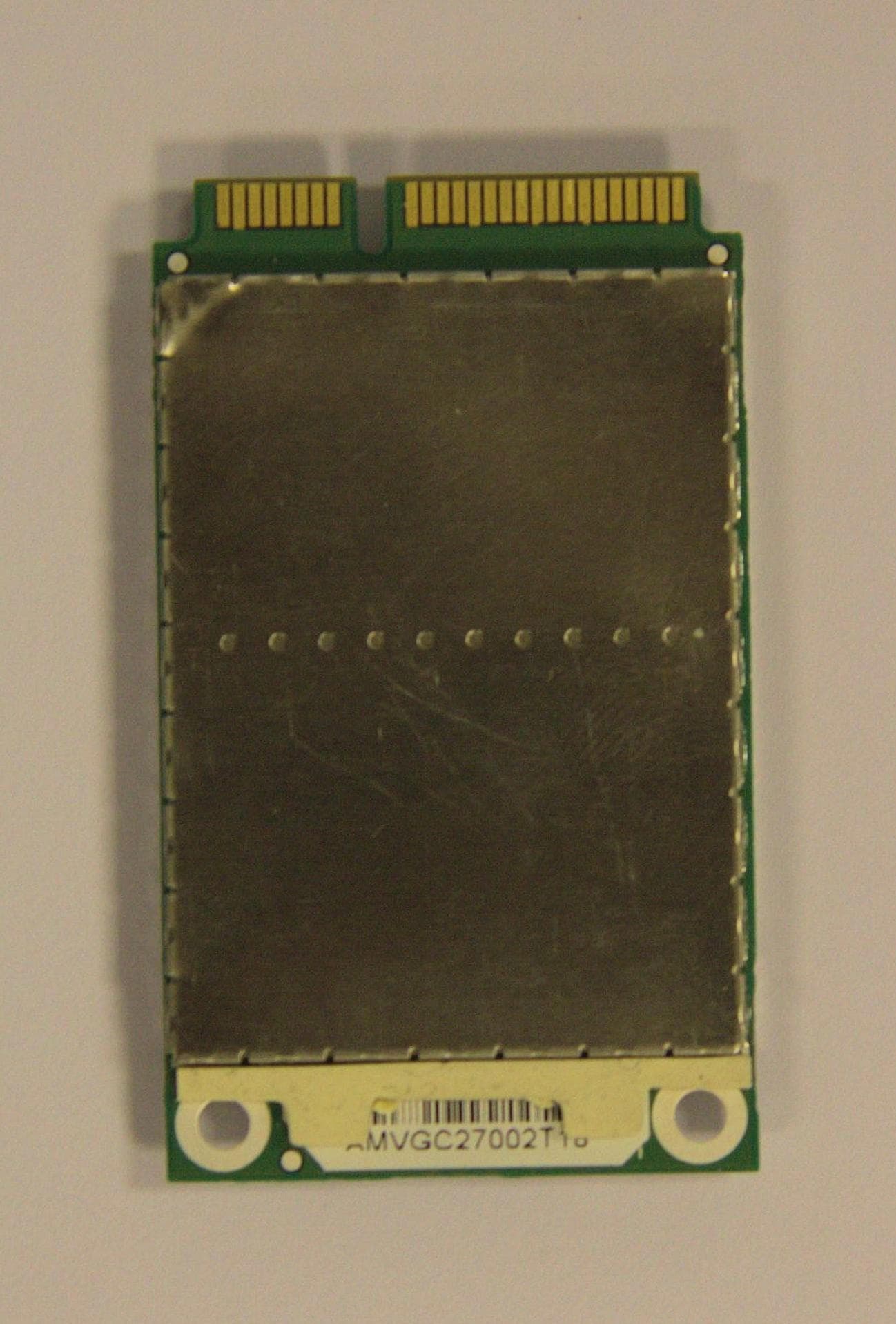
PKTPEMAMW1
Apr 03, 2014Broadband PCI Express Mini Module
Equipment Class
TNB - Licensed Non-Broadcast Station Transmitter
PKTUSBSTKARM
Dec 02, 2012LTE Band 12 USB Stick Modem
Equipment Class
TNB - Licensed Non-Broadcast Station Transmitter
PKTNODEBAQQ
Oct 03, 20123GPP Band 12 LTE Base Station
Equipment Class
TNB - Licensed Non-Broadcast Station Transmitter