PPQ-MS7000PREMIUM SPEAKER DOCK
LITE-ON TECHNOLOGY CORP.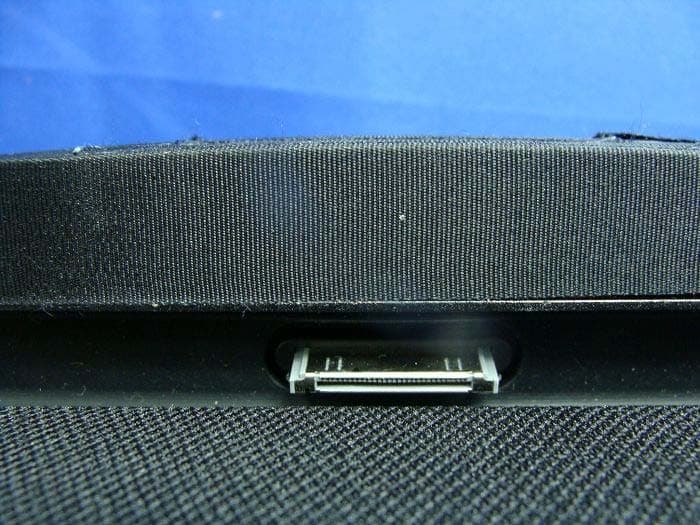
Click to zoom
Application Details
- Equipment Class
- DTS - Digital Transmission System
- Date of Grant
- Aug 30, 2012
- Application Purpose
- Original Equipment
- Date of Application
- Aug 28, 2012
- Equipment Note
- PREMIUM SPEAKER DOCK
- Frequency Range
- 2412.00000000 - 2462.00000000
- Company
- LITE-ON TECHNOLOGY CORP.
- Country
- Taiwan
Documents & Files
Document Text
Text extracted from the exhibit documents filed with the FCC. Open a document above to read the original.
Users Manual
www.marantz.com because music matters Premium Speaker Dock Quick Setup Guide 2 3 EN DE FR ES NL IT DK JP CH Thank you for purchasing the Marantz Consolette. Let’s get started to play your music! Vielen Dank für den Kauf der Marantz Consolette. Lassen Sie uns Ihre Musik abspielen! Merci d’avoir fait l’acquisition de la Marantz Consolette. C’est parti pour écouter vos musiques! Gracias por adquirir Marantz Consolette. ¡Empieza a reproducir tu Música! Bedankt dat u hebt gekozen voor de Marantz Consolette. Laten we snel aan de slag gaan zodat u uw musiek kunt afspelen! Grazie per aver scelto Marantz Consolette. Iniziate subito ad ascoltare und po’ di musica! Tak fordi du købte Marantz Consolette. Lad os nu komme i gang med at spille din musik! マランツ コンソレットをお買い上げ頂き、 ありがとうございます。 感谢您购买 Marantz Consolette 让我们开始播放您的音乐吧! You cannot get any closer to Music 4 Musik abspielen Schalten Sie Ihre Consolette ein & docken Sie Ihr iOS-Gerät. 01 Verbinden Sie das mitgelieferte Stromkabel der Consolette mit einer Steckdose. 02 Betätigen Sie den „AN / STANDBy“-Schalter auf Ihrer Consolette. 03 Wählen Sie für eine permanente Anzeige der Uhrzeit „yes/No“ (Ja/Nein) mit der Plus- oder Minus- taste an Ihrem Consolette aus. Bitte warten Sie, bis „Consolette“ auf dem Display erscheint. *) 04 Drücken Sie, um den Dock auszufahren, Musik abzuspielen und Ihr iOS-Gerät aufzuladen. Für das Netzwerk-Setup gehen Sie zu Seite 7. * Hinweis: Wenn die Uhrzeitanzeige auf „always on“ (immer ein) eingestellt ist, kann das Gerät über AirPlay und/oder die Consolette-App aus dem Standby eingeschaltet werden. Profitez de votre musique Mise en marche de votre Consolette et insertion de votre appareil iOS. 01 Branchez le cordon d‘alimentation fourni avec votre Consolette à une prise de courant. 02 Pressez le bouton «ON / STANDBy» de votre Consolette. 03 Sélectionnez «yes/No» (Oui/Non) pour toujours afficher l'horloge en pressant les boutons + ou - de votre Consolette. Veuillez patienter jusqu'à ce que «Consolette» s'affiche à l'écran. *) 04 Pressez pour ouvrir la station d‘accueil permettant d‘écouter votre musique et de charger votre appareil iOS. Allez à la page 7 pour configurer la connexion réseau. * Important : lorsque l'horloge de l'écran est réglée sur «always on», (toujours activée) cela permet de sortir l'appareil du mode veille via la fonction AirPlay et/ou l'application Consolette. Cómo disfruta de la música Enciende la Consolette y acopla el dispositivo iOS. 01 Conecta la Consolette a una toma de alimentación eléctrica con el cable de alimentación provisto. 02 Pulsa el botón „ON / STANDBy“ (ENCENDIDO / EN ESPERA) que se encuentra en la parte posterior de la Consolette. 03 Selecciona „yes/No“ (Sí/No) para que el reloj siempre sea visible pulsando los botones + o - en el Consolette. Espera a que aparezca la palabra „Consolette“ en la pantalla. *) 04 Pulsa para dejar a la vista la base a fin de reproducir música y cargar el dispositivo iOS. Ve a la página 7 para obtener datos sobre la configuración de red. * Nota: Cuando la visualización del reloj está „always on“ (siempre activada), se puede poner en marcha la unidad desde AirPlay o desde la aplicación Consolette en el modo de espera. Naar muziek luisteren De Consolette inschakelen en uw iOS-apparaat op het dock plaatsen. 01 Sluit het meegeleverde netsnoer van de Consolette aan op een stopcontact. 02 Druk op de knop ‚ON / STANDBy‘ (Aan/stand-by) op de achterkant van de Consolette. 03 Selecteer ‚yes/No‘ (Ja/Nee) voor continue weergave van de klok door het indrukken van de + of - knoppen op je Consolette. Wacht tot het woord ‚Consolette‘ op je display verschijnt. *) 04 Druk om het dock te onthullen, zodat u uw muziek kunt afspelen en uw iOS-apparaat kunt opladen. Ga naar de pagina 7 voor de netwerkconfiguratie. * Opmerking: Wanneer de klokweergave op ‚always on‘ (altijd aan) is ingesteld, kan het apparaat vanuit de standby-modus worden ingeschakeld via AirPlay en/of de Consolette App. DEIT FRDK ES JP NL CH Ascolto della musica Accendere la Consolette e inserire il dispositivo iOS nella docking station. 01 Collegare il cavo di alimentazione fornito in dotazione della Consolette a una presa di corrente. 02 Premere il pulsante „ON / STANDBy“ sul retro della Consolette. 03 Scegliere „yes/No“ (Sì/No) per visualizzare sempre l'orologio premendo i pulsanti + o - sul Consolette. Attendere fino a quando l'indicazione „Consolette“ appare sul display. *) 04 Premere per scoprire la docking station al fine di riprodurre la musica e caricare il dispositivo iOS. Passare alla pagina 7 per la configurazione di rete. * Nota: Quando la visualizzazione dell'orologio è impostata su „always on“ (sempre attivo) è possibile attivare l'unità dalla modalità standby tramite AirPlay e/o l'app Consolette. Nyder din musik Tænd din Consolette, og sæt dit iOS-apparat i. 01 Tilslut den medfølgende ledning på Consolette og i en stikkontakt. 02 Tryk på knappen „ON / STANDBy“ (tændt / standby) på bagsiden af din Consolette. 03 Välj „yes/No“ (Ja/Nej) för att alltid visa klockan genom att trycka på knapparna + eller - på din Consolette. Vänta tills „Consolette“ visas på displayen. *) 04 Tryk og åbne docken, så du kan afspille musik og oplade dit iOS-apparat. Gå til side 7 og se indstillingen af netværk. * Obs! När displayklockan är inställd på „always on“ (alltid på) kan enheten slås på via AirPlay och/eller Consolette-appen från viloläge. 音楽をお楽しみください コンソレットの電源を入れて、iOS デバイスをドックに接続します。 01 同梱のコンソレッテの電源ケーブルをコンセントに接続してください。 02 コンソレッテの裏側の「ON / STANDBy(オン/スタンバイ)」ボタンを押します。 03 常に時計を表示するには、コクーンでプラス(+)またはマイナス(-)ボタンを押して 「yes/No」(「はい」または「いいえ」)を選択します。 ディスプレイに「コクーン」と表示されるまで待ってください。*) 04 トレイを押すと、ドックアダプターが出てきます。iOS デバイスを接続して、 音楽を再生したり、充電をすることができます。 7 ページのネットワークセットアップをご覧下さい * 注:時計の表示を「always on」(常時オン)に設定すると、AirPlayやコクーンのアプリでスタン バイからオンに切り替えることができます。 欣赏您的音乐 打开您的 Consolette 并将您的苹果 iOS 设备放入底座 01 将原装 Consolette 电源线接至电源插座 02 按下您 Consolette 上的 “ON / STANDBy”(开启/待机)按钮。 03 按下您的 “Consolette” 上的 “+” 或 “-” 按钮选择 “yes/No” (是/否)以始终显示时钟。 请等待屏幕上出现 “C…
Text truncated - open the document above for the full version.
Cover Letter(s)
RF_160, Issue 03 Declaration of Authorization We Name: Lite-On Technology Corp. Address: 4F,90,Chien 1 Road,Chung-Ho,Taipei Hsien 235,Taiwan,R.O.C. City: Taipei Hsien Country: Taiwan,R.O.C. Declare that: Name Representative of agent: Gene Chang (1) Agent Company name: QuieTek Corp. Address: Fl.2, No.345, Xin-hu 2 nd Rd., Nei-hu District City: Taipei Country Taiwan is authorized to apply for Certification of the following product(s): Product description: PREMIUM SPEAKER DOCK Type designation: MS7000 Trademark: marantz on our behalf. Date: 2012/08/14 City: Taipei Hsien Name: TC Wu (2) Function: Deputy Director(R & D Division) Signature: Notes: (1): Required for FCC application (2): For FCC it must be the Grantee Code “owner” or the authorized agent.
Cover Letter(s)
Lite-On Technology Corp. FCC ID.: PPQ-MS7000 4F,90,Chien 1 Road,Chung-Ho,Taipei Hsien 235,Taiwan,R.O.C.Tel : 886-2-2222-6181 Federal Communications Commission Aug. 14, 2012 Authorization and Evaluation Division ATTESTATION FCC ID: PPQ-MS7000 Product: PREMIUM SPEAKER DOCK Model: MS7000 We don't provide any controls or software to allow operation outside the USA frequency band when we sell this product in USA. Sincerely, ---------------------------------------------------- TC Wu / Deputy Director(R & D Division) Lite-On Technology Corp.
Cover Letter(s)
Lite-On Technology Corp. FCC ID.: PPQ-MS7000 4F,90,Chien 1 Road,Chung-Ho,Taipei Hsien 235,Taiwan,R.O.C. Tel : 886-2-2222-6181 Lite-On Technology Corp. 4F,90,Chien 1 Road,Chung-Ho,Taipei Hsien 235,Taiwan,R.O.C. Tel : 886-2-2222-6181 Fax: 886-2-2226-6749 Federal Communications Commission Aug. 14, 2012 Authorization and Evaluation Division Confidentiality Request Pursuant to Sections 0.457 and 0.459 of the Commission’s Rules, the Applicant Hereby requests confidential treatment of information accompanying this Application As outlined below: Schematics: (MS7000) Schem Block Diagram: (MS7000) BlkDia Operational Description: (MS7000) OPDes The above materials contain trade secrets and proprietary information not customarily Released to the public. The public disclosure of these matters might be harmful to the Applicant and provide unjustified benefits to its competitors. The Applicant understands that pursuant to Rule 0.457, disclosure of this Application and all accompanying documentation will not be made before the date of the Grant for this application. Sincerely, ---------------------------------------------------- TC Wu / Deputy Director(R & D Division) Lite-On Technology Corp.
Cover Letter(s)
Lite-On Technology Corp. 4F,90,Chien 1 Road,Chung-Ho,Taipei Hsien 235,Taiwan,R.O.C. TEL No: 886-2-2222-6181 FAX No: 886-2-2226-6749 Attestation for FCC Declaration of Conformity FCC ID: PPQ-MS7000 Data: Aug. 14, 2012 Please be notified that we, the undersigned, Lite-On Technology Corp., declares that the product which bears the above FCC ID is also compliant with the FCC requirements for DoC. The test report number supporting the DoC is 124518R-ITUSP02V02. Testing in regards to this report was done by QuieTek Corporation, located at 2F, No.345, Xinhu 2nd Rd., Neihu District,Taipei City 114,Taiwan,R.O.C. which has been accredited in accordance to all of the requirements of 47CFR 2.948 (d) and (e) of the FCC rules and KDB349827. Sincerely, TC Wu / Deputy Director(R & D Division) Lite-On Technology Corp. Tel: 886-2-2222-6181 Fax: 886-2-2226-6749 Email: [email protected]
External Photos
Report No.: 124518R-RFUSP42V01 Page : 1 of 32 ٛٛ Attachment 2 : EUT Detailed Photographs (1) EUT Photo (2) EUT Photo Report No.: 124518R-RFUSP42V01 Page : 2 of 32 ٛٛ (3) EUT Photo (4) EUT Photo Report No.: 124518R-RFUSP42V01 Page : 3 of 32 ٛٛ (5) EUT Photo (6) EUT Photo Report No.: 124518R-RFUSP42V01 Page : 28 of 30 ٛٛ (55) EUT Photo (56) EUT Photo Report No.: 124518R-RFUSP42V01 Page : 29 of 30 ٛٛ (57) EUT Photo (58) EUT Photo Report No.: 124518R-RFUSP42V01 Page : 30 of 30 ٛٛ (59) EUT Photo
ID Label/Location Info
Lite-On Technology Corp. FCC ID.: PPQ-MS7000 4F,90,Chien 1 Road,Chung-Ho,Taipei Hsien 235,Taiwan,R.O.C.Tel : 86-769-7312821 The FCC ID will be placed on the equipment as shown in the photograph below.
ID Label/Location Info
Lite-On Technology Corp. FCC ID.: PPQ-MS7000 4F,90,Chien 1 Road,Chung-Ho,Taipei Hsien 235,Taiwan,R.O.C.Tel : 86-769-7312821 FCC ID Label
Internal Photos
Report No.: 124518R-RFUSP42V01 Page : 4 of 32 ٛٛ (7) EUT Photo (8) EUT Photo Report No.: 124518R-RFUSP42V01 Page : 5 of 32 ٛٛ (9) EUT Photo (10) EUT Photo Report No.: 124518R-RFUSP42V01 Page : 6 of 32 ٛٛ (11) EUT Photo (12) EUT Photo Report No.: 124518R-RFUSP42V01 Page : 7 of 32 ٛٛ (13) EUT Photo (14) EUT Photo Report No.: 124518R-RFUSP42V01 Page : 8 of 32 ٛٛ (15) EUT Photo (16) EUT Photo (SDRAM_Winbond) Report No.: 124518R-RFUSP42V01 Page : 9 of 32 ٛٛ (17) EUT Photo (SDRAM_ESMT) (18) EUT Photo Report No.: 124518R-RFUSP42V01 Page : 10 of 32 ٛٛ (19) EUT Photo (20) EUT Photo Report No.: 124518R-RFUSP42V01 Page : 11 of 32 ٛٛ (21) EUT Photo (22) EUT Photo Report No.: 124518R-RFUSP42V01 Page : 12 of 32 ٛٛ (23) EUT Photo (24) EUT Photo Report No.: 124518R-RFUSP42V01 Page : 13 of 32 ٛٛ (25) EUT Photo (26) EUT Photo Report No.: 124518R-RFUSP42V01 Page : 14 of 32 ٛٛ (27) EUT Photo (28) EUT Photo Report No.: 124518R-RFUSP42V01 Page : 15 of 32 ٛٛ (29) EUT Photo (30) EUT Photo Report No.: 124518R-RFUSP42V01 Page : 16 of 32 ٛٛ (31) EUT Photo (32) EUT Photo Report No.: 124518R-RFUSP42V01 Page : 17 of 32 ٛٛ (33) EUT Photo (34) EUT Photo Report No.: 124518R-RFUSP42V01 Page : 18 of 32 ٛٛ (35) EUT Photo (36) EUT Photo Report No.: 124518R-RFUSP42V01 Page : 19 of 32 ٛٛ (37) EUT Photo (38) EUT Photo Report No.: 124518R-RFUSP42V01 Page : 20 of 32 ٛٛ (39) EUT Photo (40) EUT Photo Report No.: 124518R-RFUSP42V01 Page : 21 of 32 ٛٛ (41) EUT Photo (42) EUT Photo Report No.: 124518R-RFUSP42V01 Page : 22 of 32 ٛٛ (43) EUT Photo (44) EUT Photo Report No.: 124518R-RFUSP42V01 Page : 23 of 32 ٛٛ (45) EUT Photo (46) EUT Photo Report No.: 124518R-RFUSP42V01 Page : 24 of 32 ٛٛ (47) EUT Photo (48) EUT Photo Report No.: 124518R-RFUSP42V01 Page : 25 of 32 ٛٛ (49) EUT Photo (50) EUT Photo Report No.: 124518R-RFUSP42V01 Page : 26 of 32 ٛٛ (51) EUT Photo (52) EUT Photo Report No.: 124518R-RFUSP42V01 Page : 27 of 32 ٛٛ (53) EUT Photo (54) EUT Photo Report No.: 124518R-RFUSP42V01 Page : 30 of 31 ٛٛ (60) EUT Photo (61) EUT Photo Report No.: 124518R-RFUSP42V01 Page : 31 of 31 ٛٛ (62) EUT Photo (63) EUT Photo
RF Exposure Info
Report No. 124518R-RFUSP42V01 Page: 1 of 3 ٛٛ RF Exposure Evaluation declaration Product Name : PREMIUM SPEAKER DOCK Model No. : MS7000 FCC ID : PPQ-MS7000 Applicant : Lite-On Technology Corp. Address : 4F,90,Chien 1 Road,Chung-Ho,Taipei Hsien 235,Taiwan,R.O.C. Date of Receipt : Apr. 25, 2012 Date of Declaration: Aug. 14, 2012 Report No. : 124518R-RFUSP42V01 The declaration results relate only to the samples calculated. The declaration shall not be reproduced except in full without the written approval of QuieTek Corporation. This report must not be used to claim product endorsement by NVLAP any agency of the U.S. Government Report No. 124518R-RFUSP42V01 Page: 2 of 3 ٛٛ 1. RF Exposure Evaluation 1.1. Limits According to FCC 1.1310: The criteria listed in the following table shall be used to evaluate the environment impact of human exposure to radio frequency (RF) radiation as specified in 1.1307(b) LIMITS FOR MAXIMUM PERMISSIBLE EXPOSURE (MPE) Frequency Range (MHz) Electric Field Strength (V/m) Magnetic Field Strength (A/m) Power Density (mW/cm 2 ) Average Time (Minutes) (A) Limits for Occupational/ Control Exposures 300-1500 -- -- F/300 6 1500-100,000 -- -- 5 6 (B) Limits for General Population/ Uncontrolled Exposures 300-1500 -- -- F/1500 6 1500-100,000 -- -- 1 30 F= Frequency in MHz Friis Formula Friis transmission formula: Pd = (Pout*G)/(4*pi*r 2 ) Where Pd = power density in mW/cm 2 Pout = output power to antenna in mW G = gain of antenna in linear scale Pi = 3.1416 R = distance between observation point and center of the radiator in cm Pd id the limit of MPE, 1 mW/cm 2 . If we know the maximum gain of the antenna and the total power input to the antenna, through the calculation, we will know the distance r where the MPE limit is reached. 1.2. Test Procedure Software provided by client enabled the EUT to transmit and receive data at lowest, middle and highest channel individually. The temperature and related humidity: 18°Cand 78% RH. R = distance between observation point and center of the radiator is 20 cm. Report No. 124518R-RFUSP42V01 Page: 3 of 3 ٛٛ 1.3. Test Result of RF Exposure Evaluation Product : PREMIUM SPEAKER DOCK Test Item : RF Exposure Evaluation Test Site : No.3 OATS (802.11b 1Mbps) Output Power Into Antenna & RF Exposure Evaluation Distance (6.41 dBi): Channel Frequency (MHz) Output Power to Antenna (mW) Power Density at R = 20 cm (mW/cm2) 01 2412.00 105.9254 0.092200 06 2437.00 103.0386 0.089687 11 2462.00 56.4937 0.049173 Power density in column 4 is much lower than the limit (1 mW/cm2). (802.11g 6Mbps) Output Power Into Antenna & RF Exposure Evaluation Distance (6.41 dBi): Channel Frequency (MHz) Output Power to Antenna (mW) Power Density at R = 20 cm (mW/cm2) 01 2412.00 184.9269 0.160965 06 2437.00 253.5129 0.220664 11 2462.00 186.2087 0.162080 Power density in column 4 is much lower than the limit (1 mW/cm2).
Test Report
Report No. 124518R-RFUSP42V01 Page : 1 of 75 Test Report Product Name PREMIUM SPEAKER DOCK Model No MS7000 FCC ID. PPQ-MS7000 Applicant Lite-On Technology Corp. Address 4F,90,Chien 1 Road,Chung-Ho,Taipei Hsien 235,Taiwan,R.O.C. Date of Receipt Apr, 25, 2012 Issue Date Aug. 14, 2012 Report No. 124518R-RFUSP42V01 Report Version V1.0 The test results relate only to the samples tested. The test report shall not be reproduced except in full without the written approval of QuieTek Corporation. This report must not be used to claim product endorsement by NVLAP any agency of the U.S. Government Report No. 124518R-RFUSP42V01 Page : 2 of 75 Test Report Certification Issue Date: Aug. 14, 2012 Report No.: 124518R-RFUSP42V01 Product Name PREMIUM SPEAKER DOCK Applicant Lite-On Technology Corp. Address 4F,90,Chien 1 Road,Chung-Ho,Taipei Hsien 235,Taiwan,R.O.C. Manufacturer DONG GUAN G-COM COMPUTER CO., LTD Model No. MS7000 FCC ID. PPQ-MS7000 EUT Rated Voltage AC 120V, 60Hz EUT Test Voltage AC 120V/60Hz Trade Name marantz Applicable Standard FCC CFR Title 47 Part 15 Subpart C: 2010 ANSI C63.4: 2003 Test Result Complied The test results relate only to the samples tested. The test report shall not be reproduced except in full without the written approval of QuieTek Corporation. This report must not be used to claim product endorsement by NVLAP any agency of the U.S. Government Documented By : ( Adm. Specialist / Joanne Lin ) Tested By : ( Assistant Engineer / Vincent Chu ) Approved By : ( Manager / Vincent Lin ) Report No. 124518R-RFUSP42V01 Page : 3 of 75 TABLE OF CONTENTS Description Page 1. GENERAL INFORMATION .....................................................................................................5 1.1. EUT Description............................................................................................................................5 1.2. Operational Description ................................................................................................................7 1.3. Tested System Details....................................................................................................................8 1.4. Configuration of Tested System ....................................................................................................8 1.5. EUT Exercise Software .................................................................................................................9 1.6. Test Facility .................................................................................................................................10 2. Conducted Emission.................................................................................................................. 11 2.1. Test Equipment............................................................................................................................11 2.2. Test Setup ....................................................................................................................................11 2.3. Limits ..........................................................................................................................................12 2.4. Test Procedure .............................................................................................................................12 2.5. Uncertainty ..................................................................................................................................12 2.6. Test Result of Conducted Emission.............................................................................................13 3. Peak Power Output ...................................................................................................................16 3.1. Test Equipment............................................................................................................................17 3.2. Test Setup ....................................................................................................................................17 3.3. Limits ..........................................................................................................................................17 3.4. Test Procedure .............................................................................................................................17 3.5. Uncertainty ..................................................................................................................................17 3.6. Test Result of Peak Power Output...............................................................................................18 4. Radiated Emission .....................................................................................................................20 4.1. Test Equipment............................................................................................................................20 4.2. Test Setup ....................................................................................................................................21 4.3. Limits ..........................................................................................................................................22 4.4. Test Procedure .............................................................................................................................23 4.5. Uncertainty ..................................................................................................................................23 4.6. Test Result of Radiated Emission................................................................................................24 5. RF antenna conducted test........................................................................................................34 5.1. Test Equipment............................................................................................................................34 5.2. Test Setup .............................................…
Text truncated - open the document above for the full version.
Test Setup Photos
Report No.: 124518R-RFUSP42V01 Page : 1 of 3 Attachment 1: EUT Test Setup Photographs Front View of Conducted Test Back View of Conducted Test Report No.: 124518R-RFUSP42V01 Page : 2 of 3 Front View of Radiated Test Back View of Radiated Test Report No.: 124518R-RFUSP42V01 Page : 3 of 3 Front View of Radiated Test (Horn) Back View of Radiated Test (Horn)
Contact Information
Applicant
TC Wu(Deputy Director(R & D Division))
Technical Contact
QuieTek CorporationVincent Lin
[email protected]886-2-8601-3788
No.5-22, Rueishu Keng, Linkou Dist., · Taiwan
Non-Technical Contact
QuieTek CorporationSabina Chen
[email protected]886-2-8601-3788
Test Firm
DEKRA TESTING AND CERTIFICATION CO., LTD. LinKouMirenda Liao
Technical Specifications
| # | Rule Parts | Frequency Range | Power Output |
|---|---|---|---|
| 1 | 15C | 2.41 GHz - 2.46 GHz | 250.00 mW |
Other Applications from LITE-ON TECHNOLOGY CORP.
PPQ-WPB8326
Sep 05, 2025Indoor Wi-Fi 7 2x2 Tri-Band Enterprise Access Point
Equipment Class
6ID - 15E 6 GHz Low Power Indoor Access Point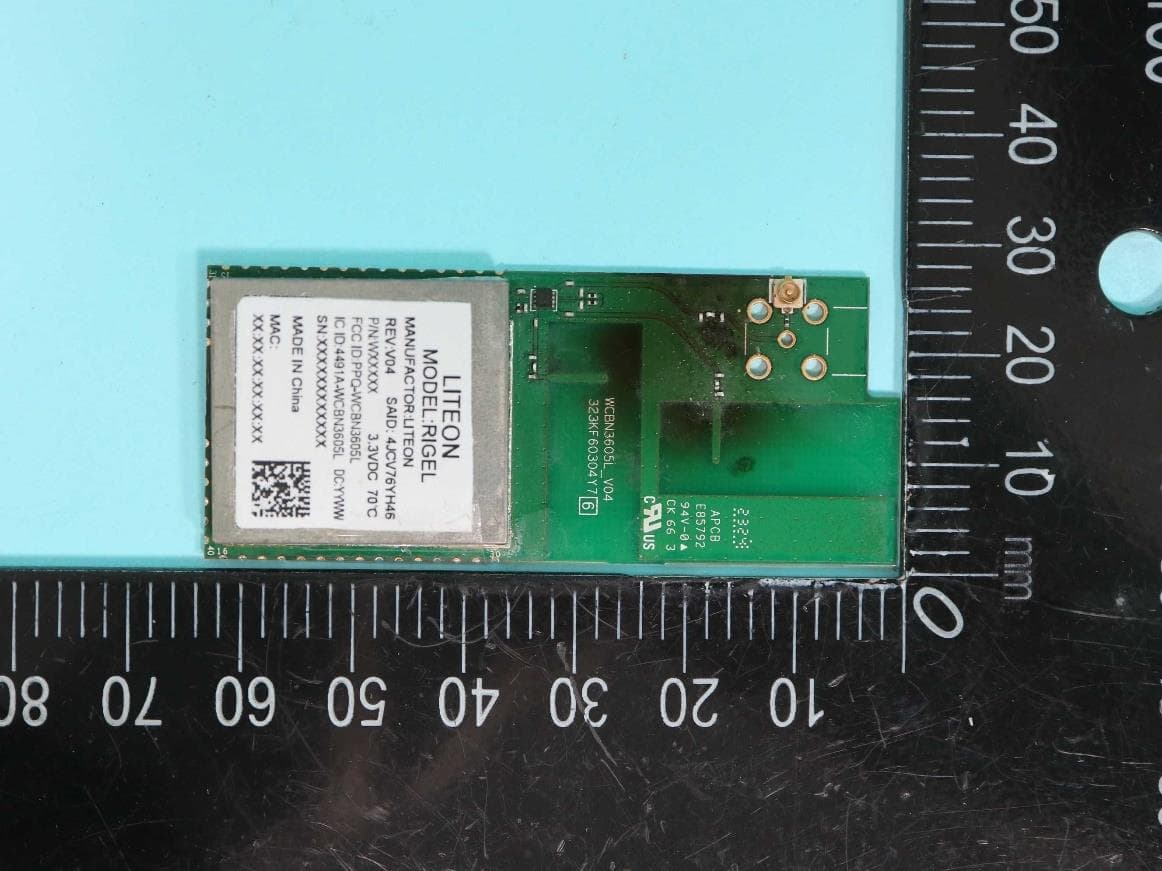
PPQ-WCBN3605L
Aug 30, 2023802.11b/g/n 1Tx1R + BT5.0 IOT Combo Module
Equipment Class
DTS - Digital Transmission System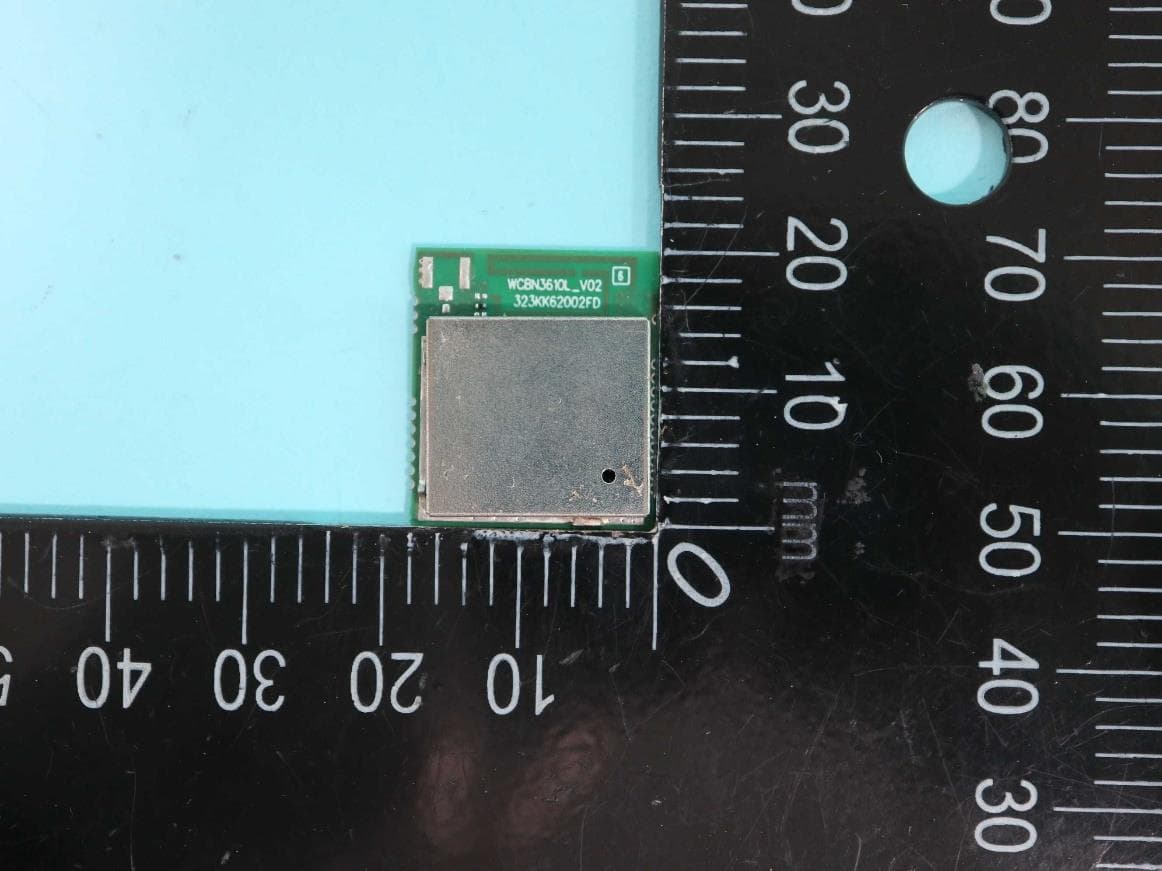
PPQ-WCBN3610L
Jul 24, 2023802.11 b/g/n, 1T1R 2.4G Wireless IoT Module
Equipment Class
DTS - Digital Transmission System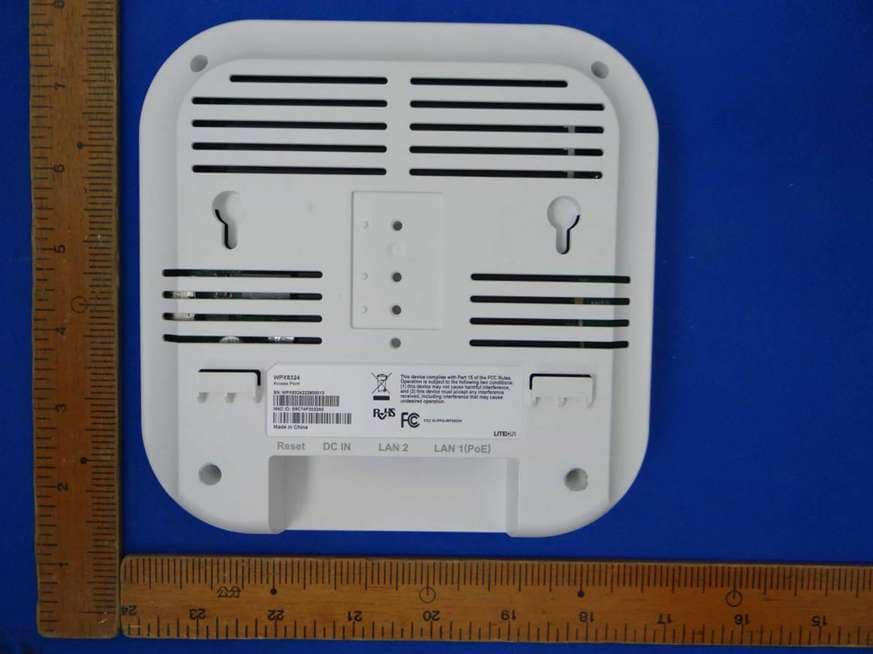
PPQ-WPX8324
Jan 30, 2023Access Point
Equipment Class
DTS - Digital Transmission System
PPQ-WM6321
Dec 16, 2021WM6321
Equipment Class
NII - Unlicensed National Information Infrastructure TX