PXK-EXO200EXO-200
ECORE TECHNOLOGY COMPANY LIMITED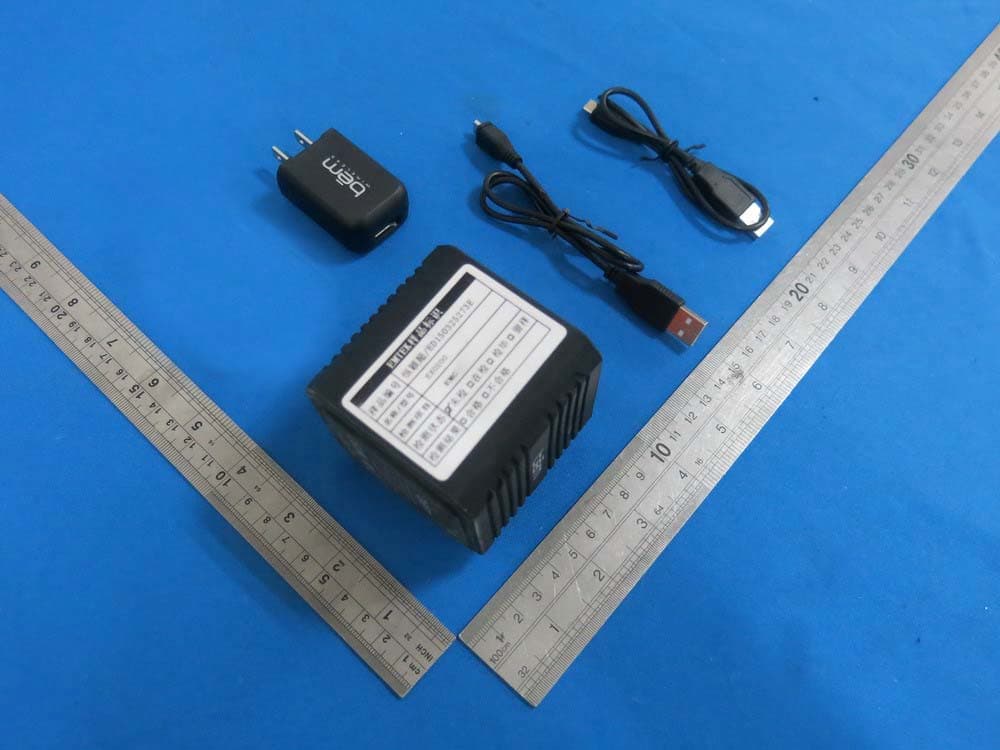
Click to zoom
Application Details
- Equipment Class
- DTS - Digital Transmission System
- Date of Grant
- Jul 01, 2015
- Application Purpose
- Original Equipment
- Date of Application
- Jun 30, 2015
- Equipment Note
- EXO-200
- Frequency Range
- 2402.00000000 - 2480.00000000
- Country
- China
Documents & Files
Document Text
Text extracted from the exhibit documents filed with the FCC. Open a document above to read the original.
Users Manual
® EXO-200_UserGuide_3T.indd 11/28/15 2:47 PM english3 Contents EXO-200_UserGuide_3T.indd 21/28/15 2:47 PM 3 Thanks for purchasing the bēm wireless EXO-200! This speaker is Bluetooth enabled, easy to use, and able to hit the trail, making it ideal for listening to music on a hike, at home, or anywhere in-between. But to make sure you get the best possible results from your new EXO-200 Bluetooth speaker, please thoroughly read and carefully follow all instructions in this User Guide. This short guide explains everything you need to know to start using your speaker. Please keep this User Guide in a convenient location for future reference and visit bemwireless.com for additional information. Product Overview EXO-200_UserGuide_3T.indd 31/28/15 2:47 PM 4 Product Overview (cont) The bēm wireless EXO-200 combines great sound with Bluetooth connectivity. With a rugged design and a built-in climbing hook, hands-free use on the go is easy! Simply pair your EXO-200 with your Bluetooth enabled device and enjoy wireless performance wherever you are. Package Contents Your EXO-200 should include: EXO-200 Water Resistant Speaker x 1 Auxiliary (AUX) Cable x 1 Micro USB Charging Cable x 1 USB AC Adaptor x 1 USB Car Adaptor x 1 Carabineer x 1 User Guide x 1 If any items are missing or damaged, please call bēm wireless customer support at 1-855-839-8616 or email [email protected] to arrange for replacements. EXO-200_UserGuide_3T.indd 41/28/15 2:47 PM 5 Durability V1 Trail-ready, life-ready, you ready. The EXO-200 is the perfect combination of good looks and durability. It’s water and dust resistant and can handle almost anything you throw at. Just clip it to your pack with the built in climbing clip and live life without worrying about your music. V2 Trail-ready, life-ready, you ready. The EXO-200 is the perfect combination of good looks and durability. Just clip it to your pack and live life without worrying about your music. - Dust and water resistant - Ultra compact design - Built in climbing clip Compatibility All devices enabled with Bluetooth technology, including iPhones, iPads, iPods, smartphones, laptops, tablets and more. EXO-200_UserGuide_3T.indd 51/28/15 2:47 PM 6 Meet Your New EXO-200 1. Power 2. Volume Decrease 3. Play/Pause 4. Volume Increase 5. Bluetooth Indicator LED 6. Charging Indicator LED 7. Micro USB Port 8. AUX IN Port 5 1 6 2 7 3 8 4 BOTTOM VIEWBACK VIEW EXO-200_UserGuide_3T.indd 61/28/15 2:47 PM 7 Getting Started We know you’re excited to start using with your new EXO-200. And you should be. Luckily, these three easy steps will get you up and running quickly. Step 1: Charge It Connect your EXO-200 to a wall outlet using the USB AC adaptor or to a PC/laptop using the micro USB charging cable. The red charging indicator LED will turn on during charging and will turn off when fully charged. Please allow approximately 2 hours to fully charge. You can use your EXO-200 while it’s charging. Step 2: Connect it When your EXO-200 is fully charged or plugged into a wall outlet or PC, pair it with your smartphone or other Bluetooth enabled device. 1. Press and hold the POWER button to turn on the speaker. A multi-tone chime will sound to indicate that the speaker has ly. EXO-200_UserGuide_3T.indd 71/28/15 2:47 PM 8 2. Activate Bluetooth on your smartphone or other Bluetooth enabled device (refer to your device user guide for details). Your smartphone/ device will now begin searching for Bluetooth devices. 00” from the device list. When connected, another multi-tone chime will After initial pairing, “EXO-200” will appear in your device list and a connection will automatically be established when the speaker is turned on and Bluetooth is activated on your device. A multi-tone chime will sound when the device is powered on and a second multi- tone chime indicating a successful Bluetooth connection will follow. NOTE: When you end the Bluetooth connection from your device, the ion has been lost. Step 3: Play it ice (you can play/pause on the EXO-200 after initially playing from your device). Enjoy your music. EXO-200_UserGuide_3T.indd 81/28/15 2:47 PM 9 The below instructions will help you get the most use out of your EXO-200. Power On/Off Press and hold the POWER button to turn on your EXO-200. A multi- tone chime will sound to indicate that the speaker has powered on and Press and hold the POWER button to turn off your EXO-200. No chime will sound when the unit is turned off, but the Bluetooth LED will stop NOTE: To preserve battery life, the speaker will automatically power off if not connected to Bluetooth for approximately 3 minutes. Music Control 1. On your EXO-200: Press the PLAY/PAUSE button to play/pause your music. 2. On your device: Play, pause, skip and otherwise control your music as you normally would. Operation Details EXO-200_UserGuide_3T.indd 91/28/15 2:47 PM 10 Volume Control 1. On your EXO-200: Repeatedly press the VOLUME UP (+) button to increase the volume incrementally or hold the VOLUME UP (+) button to steadily increase the volume. Repeatedly press the VOLUME DOWN (-) button to decrease the volume incrementally or hold the VOLUME DOWN (-) button to steadily decrease the volume. 2. On your device: Adjust the volume of your music as you normally would. NOTE: When maximum volume is reached, the VOLUME UP (+) button will no longer increase the volume. If the VOLUME DOWN (-) button is pressed often enough or held long enough, the speaker will stop producing sound until the volume is increased again, but the speaker will remain on. EXO-200_UserGuide_3T.indd 101/28/15 2:47 PM 11 Maintenance To keep your EXO-200 working well and looking sharp, simply wipe with a dry cloth as needed. Do not use cleaning agents as they may Product NameEXO-200 Model NumberEXO200 Music Time8 Hours BluetoothV2.1 with auto pairing Power SupplyDC IN and MICRO USB Dimensions2.5” x 2.5” x 2.5” (approximate) BatteryRechargeable 3.7V, 800mAH Bluetooth Range40 Feet EXO-200_UserGuide_3T.indd 111/28/15 2:47 PM…
Text truncated - open the document above for the full version.
Cover Letter(s)
SCS-F19: Confidentiality Request Letter Page 1 of 2 Rev 4.0 775 Montague Expressway Milpitas, CA 95035 Tel: 408-526-1188 Fax: 408-526-1088 Email: [email protected] Confidentiality Request Letter Reason for Amendment (current / obsolete) Revision History Approved Date From To Initial Release (obsolete) 1.0 1.0 Nov-14-2006 Adding CFR 2.459 (obsolete) 1.0 2.0 August – 11 - 2008 Updated company template & Added text box (obsolete) 2.0 3.0 Jan-31-2012 Added IC confidentiality letter form (current) 3.0 4.0 March-26-2015 SCS-F19: Confidentiality Request Letter Page 2 of 2 Rev 4.0 ECORE TECHNOLOGY COMPANY LIMITED (2015-06-11) To: Federal Communications Commission Authorization and Evaluation Division 7435 Oakland Mills Road Columbia, MD Subject: Permanent Confidentiality Request for FCC ID: PXK-EXO200 We hereby request confidential treatment of information accompanying this application as outlined below: - Block Diagram - Schematics - Operational Description The above materials contain trade secrets and proprietary information not customarily released to the public. The public disclosure of these materials may be harmful to the applicant and provide unjustified benefits to its competitors. The applicant understands that pursuant to Section 0.457 & 0.459 of the Rules, disclosure of this application and all accompanying documentation will not be made before the date of the Grant for this application. Sincerely, Liuchengliu Manager North of Bingang East Road, Huahu Development Zone, Ezhou city, Hubei Province, China
ID Label/Location Info
SCALE 1.000 1.000 SCALE 1.000SCALE 025 USB AUX IN USB AUX IN TF USB AUX IN USB AUX IN USB AUX IN USB AUX IN TF Made in China C 2015- Bem Wireless Model Number: EXO200 Input: Micro USB 5V 1A Output: 1.5Wx2 Li-ion battery:3.7V 800mAh FCC ID: PXK-EXO200 IC: 11348A-EXO200 Made in China C 2015- Bem Wireless Model Number: EXO200 Input: Micro USB 5V 1A Output: 1.5Wx2 Li-ion battery:3.7V 800mAh FCC ID: PXK-EXO200 IC: 11348A-EXO200
ID Label/Location Info
Label Location on EUT
Internal Photos
Antenna
RF Exposure Info
RF EXPOSURE EVALUATION EUT Specification EUT EXO-200 Model Number EXO200 FCC ID PXK- EXO200 Antenna gain (Max) 0dBi Kind of Device Bluetooth Ver. 2.1+EDR Operation Frequency 2402-2480MHz Modulation GFSK, π/4-DQPSK, 8DPSK Input Rating DC 5V, 1A Max. output power 1.21dBm(0.001321W) Classification Per Stipulated Test Standard §15.247(i), §2.1093 Test Requirement: According to §15.247(i) and §1.1307(b)(1), systems operating under the provisions of this section shall be operated in a manner that ensures that the public is not exposed to radio frequency energy level in excess of the Commission’s guidelines. Routine SAR evaluation refers to that specifically required by §2.1093, using measurements or computer simulation. When routine SAR evaluation is not required, portable transmitters with output power greater than the applicable low threshold require SAR evaluation to quality for TCB approval. One antenna is available for the EUT(BT product). The minimum separation distance is 5mm. Channel Frequency (MHz) Measurement Peak Output Power(dBm) GFSK Π/4-DQPSK 8DPSK 2402 -0.22 -1.11 -1.10 2441 0.38 -0.72 -0.70 2480 1.21 0.25 0.50 Channel Frequency (MHz) Tune up tolerance (dBm) Max tune up conducted power(dBm) Output Peak power (mW) Calculation Result Limits 2402 0±1 1 1.26 0.3906 3 2441 0±1 1 1.26 0.3937 3 2480 1±1 2 1.58 0.4976 3 2402 -1±1 0 1.00 0.3100 3 2441 -1±1 0 1.00 0.3125 3 2480 0±1 1 1.26 0.3968 3 2402 -1±1 0 1.00 0.3100 3 2441 -1±1 0 1.00 0.3125 3 2480 1±1 2 1.58 0.4976 3 According to KDB 447498, no stand-alone required for BT antenna, and no simultaneous SAR measurement is required. Signature Date: 2015-06-24
Test Report
TRF No. FCC Part 15.247/A Page 1 of 68 Report No. KAD150325107E Ver.1.0 ELECTROMAGNETIC EMISSIONS COMPLIANCE REPORT INTENTIONAL RADIATOR CERTIFICATION TO FCC PART 15 SUBPART C REQUIREMENT OF EXO-200 Model No.: EXO200 Trademark: FCC ID: PXK-EXO200 Report No.: KAD150325107E Issue Date: June 24, 2015 Prepared for ECORE TECHNOLOGY COMPANY LIMITED North of Bingang East Road, Huahu Development Zone, Ezhou city, Hubei Province, China Prepared by DONGGUAN EMTEK CO., LTD. No.281, Guantai Road, Nancheng District, Dongguan, Guangdong, China TEL: 86-769-22807078 FAX: 86-769-22807079 This report shall not be reproduced, except in full, without the written approval of DONGGUAN EMTEK CO., LTD. TRF No. FCC Part 15.247/A Page 2 of 68 Report No. KAD150325107E Ver.1.0 VERIFICATION OF COMPLIANCE Applicant: ECORE TECHNOLOGY COMPANY LIMITED North of Bingang East Road, Huahu Development Zone, Ezhou city, Hubei Province, China Manufacturer: ECORE TECHNOLOGY COMPANY LIMITED North of Bingang East Road, Huahu Development Zone, Ezhou city, Hubei Province, China Product Description: EXO-200 Trade Mark: Model Number: EXO200 We hereby certify that: The above equipment was tested by DONGGUAN EMTEK CO., LTD. The test data, data evaluation, test procedures, and equipment configurations shown in this report were made in accordance with the procedures given in ANSI C63.10-2013 and the energy emitted by the sample EUT tested as described in this report is in compliance with conducted and radiated emission limits of FCC Rules Part 15.247(2014). Date of Test : March 25, 2015 to June 16, 2015 Prepared by : Ivy Huang/Editor Reviewer : Hong Yang/Supervisor Approved & Authorized Signer : Sam Lv/Manager TRF No. FCC Part 15.247/A Page 3 of 68 Report No. KAD150325107E Ver.1.0 Modified Information Version Summary Revision Date Report No. Ver.1.0 Original Report / KAD150325107E TRF No. FCC Part 15.247/A Page 4 of 68 Report No. KAD150325107E Ver.1.0 Table of Contents 1. GENERAL INFORMATION ................................................................................................ 6 1.1 PRODUCT DESCRIPTION ................................................................................................................... 6 1.2 TEST FACILITY ................................................................................................................................. 7 2. SYSTEM TEST CONFIGURATION .................................................................................... 8 2.1 EUT CONFIGURATION ...................................................................................................................... 8 2.2 EUT EXERCISE ................................................................................................................................ 8 2.3 TEST PROCEDURE ........................................................................................................................... 8 2.4 LIMITATION....................................................................................................................................... 9 2.5 CONFIGURATION OF TESTED SYSTEM ............................................................................................ 12 3. SUMMARY OF TEST RESULTS ..................................................................................... 13 4. DESCRIPTION OF TEST MODES ................................................................................... 14 5. TEST SYSTEM UNCERTAINTY ...................................................................................... 15 6. CONDUCTED EMISSIONS TEST .................................................................................... 16 6.1 MEASUREMENT PROCEDURE: ........................................................................................................ 16 6.2 TEST SET-UP (BLOCK DIAGRAM OF CONFIGURATION) ................................................................... 16 6.3 MEASUREMENT EQUIPMENT USED: ................................................................................................ 16 6.4 MEASUREMENT RESULT: ................................................................................................................ 16 6.5 CONDUCTED MEASUREMENT PHOTOS: .......................................................................................... 19 7. RADIATED EMISSION TEST ........................................................................................... 20 7.1 MEASUREMENT PROCEDURE ......................................................................................................... 20 7.2 TEST SET-UP (BLOCK DIAGRAM OF CONFIGURATION) ................................................................... 21 7.3 MEASUREMENT EQUIPMENT USED: ................................................................................................ 22 7.4 MEASUREMENT RESULT ................................................................................................................. 24 7.5 RADIATED MEASUREMENT PHOTOS: .............................................................................................. 34 8. CHANNEL SEPARATION TEST ...................................................................................... 35 8.1 MEASUREMENT PROCEDURE ......................................................................................................... 35 8.2 TEST SET-UP (BLOCK DIAGRAM OF CONFIGURATION) ................................................................... 35 8.3 MEASUREMENT EQUIPMENT USED: ................................................................................................ 35 8.4 MEASUREMENT RESULTS: .............................................................................................................. 35 9. 20DB BANDWIDTH TEST ............................................................................................... 42 9.1 MEASUREMENT PROCEDURE ......................................................................................................... 42…
Text truncated - open the document above for the full version.
Contact Information
Applicant
Liucheng Liu(Manager)
Test Firm
EMTEK (DONGGUAN) CO.,LTDSam Lv
Technical Specifications
| # | Rule Parts | Frequency Range | Power Output |
|---|---|---|---|
| 1 | 15C | 2.40 GHz - 2.48 GHz | 1.32 mW |
Other Applications from ECORE TECHNOLOGY COMPANY LIMITED
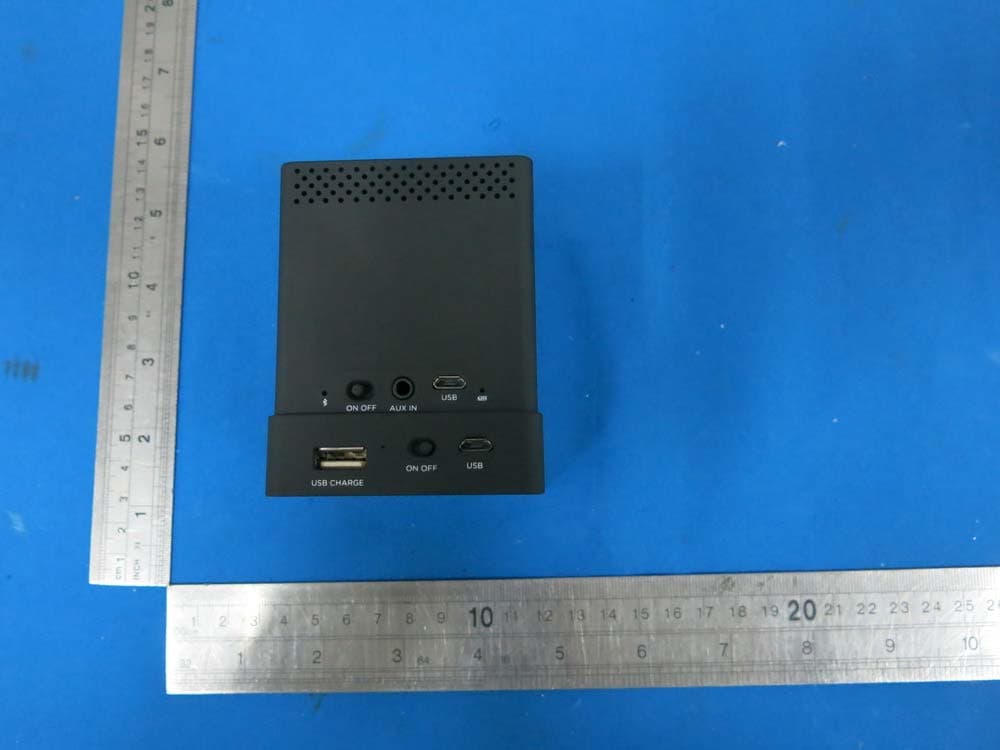
PXK-HL2750
Oct 31, 2015Speaker Mojo II
Equipment Class
DSS - Part 15 Spread Spectrum Transmitter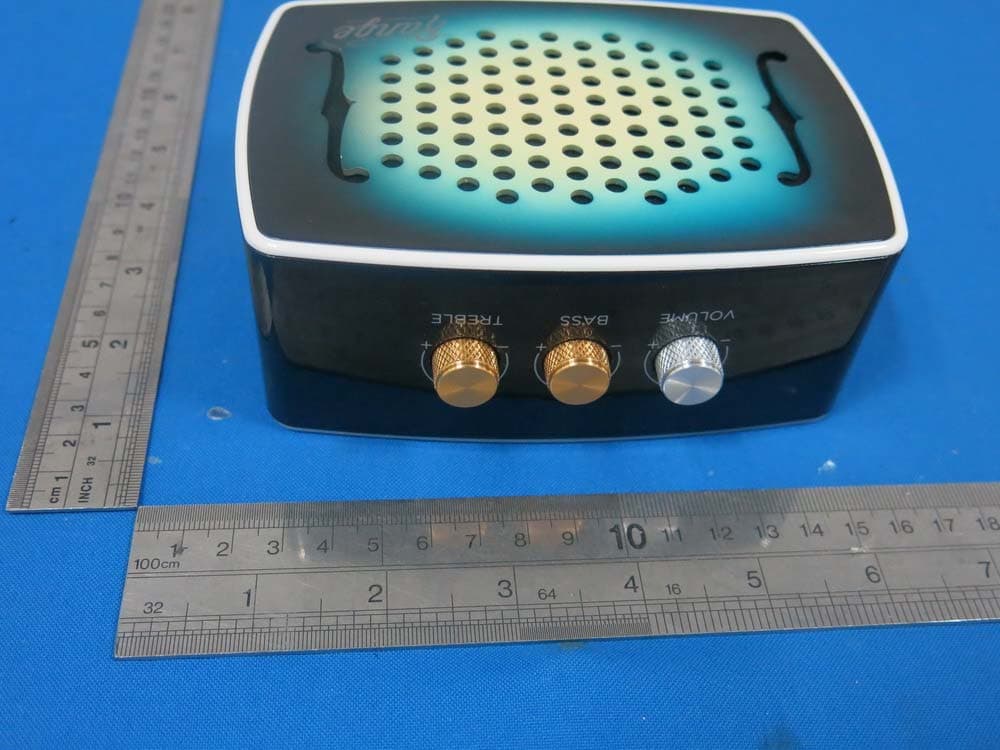
PXK-HL2515
Dec 22, 2014Strum
Equipment Class
DTS - Digital Transmission System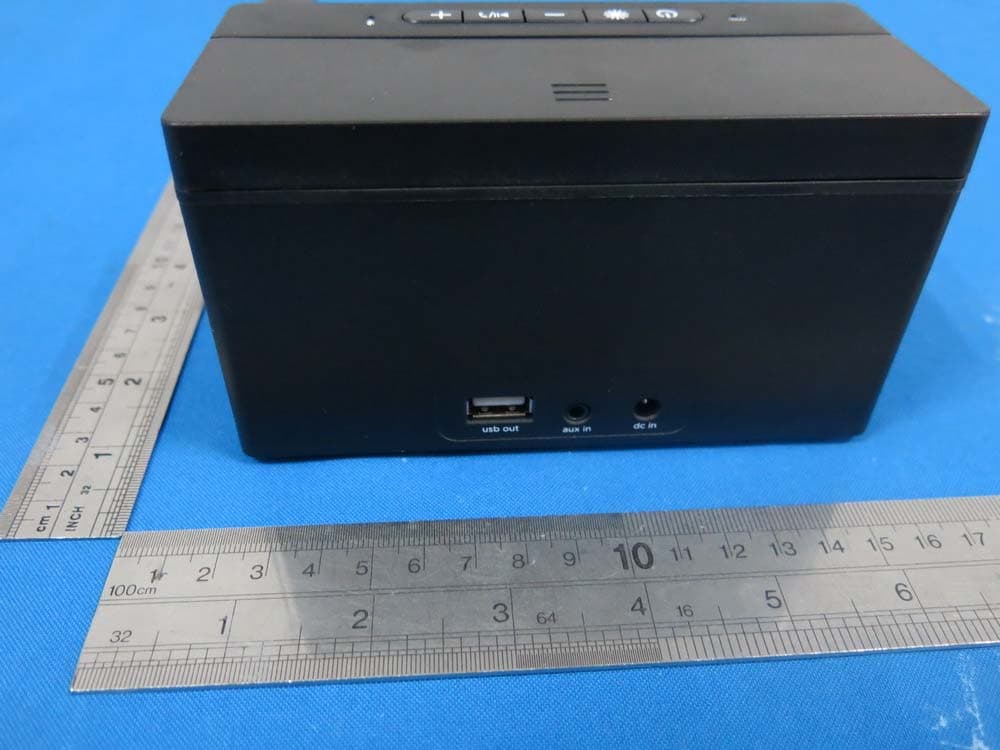
PXK-HL2507
Dec 22, 2014Express Speaker
Equipment Class
DTS - Digital Transmission System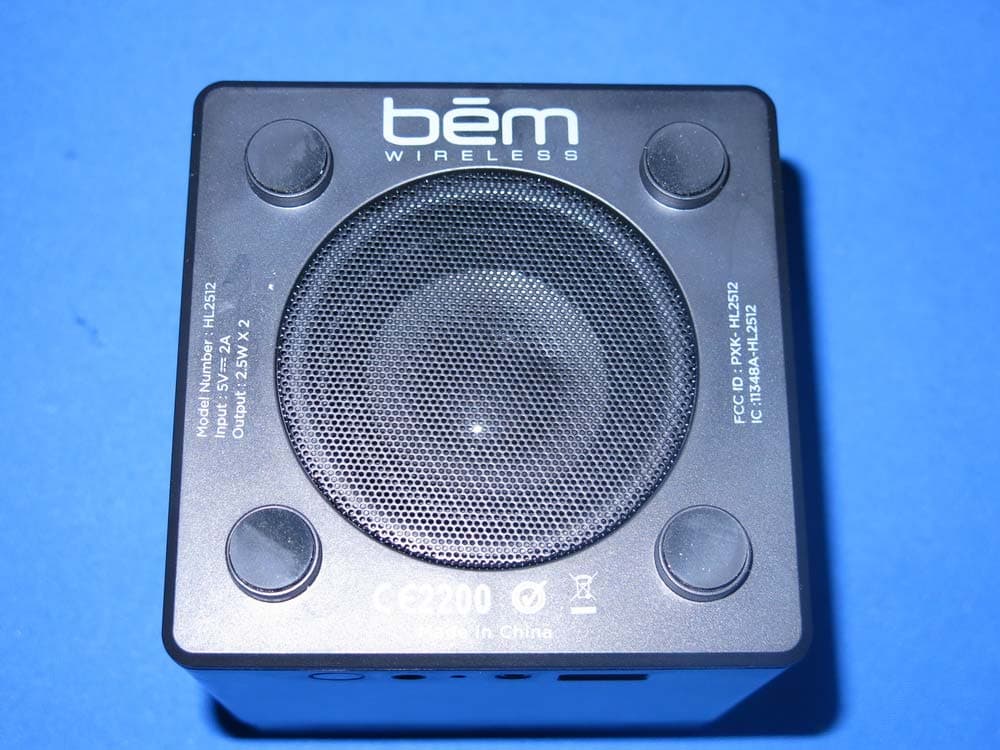
PXK-HL2512
Dec 22, 2014Eclipse
Equipment Class
DSS - Part 15 Spread Spectrum Transmitter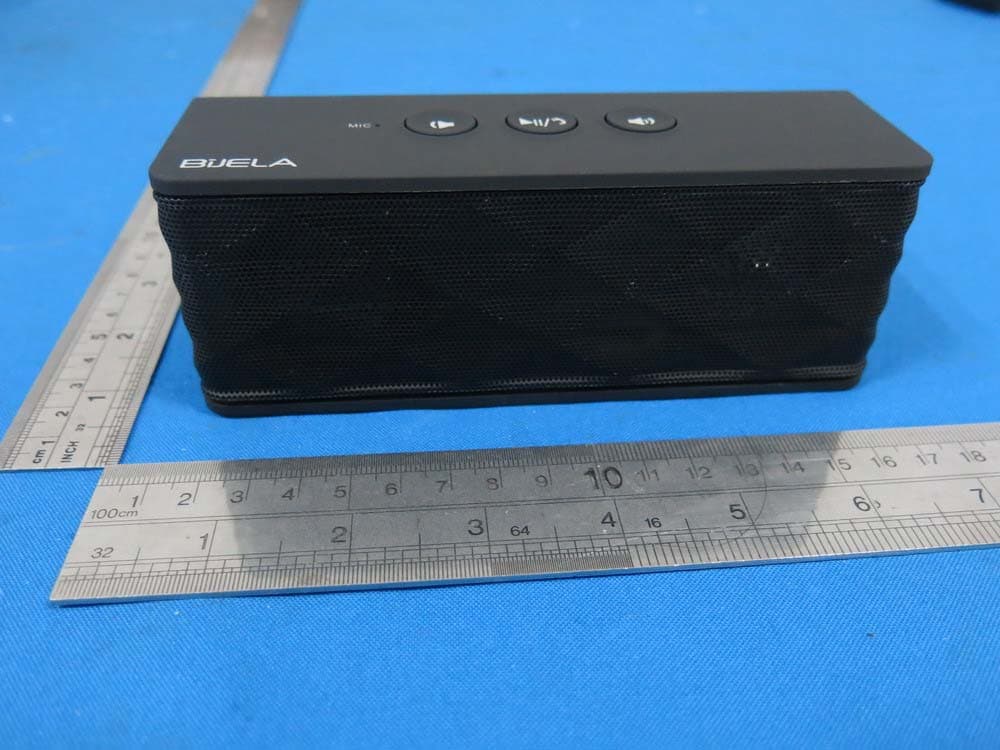
PXK-HT1051
Sep 09, 2014Magic SoundBox Bluetooth speaker
Equipment Class
DSS - Part 15 Spread Spectrum Transmitter