PXK-HL2507Express Speaker
ECORE TECHNOLOGY COMPANY LIMITED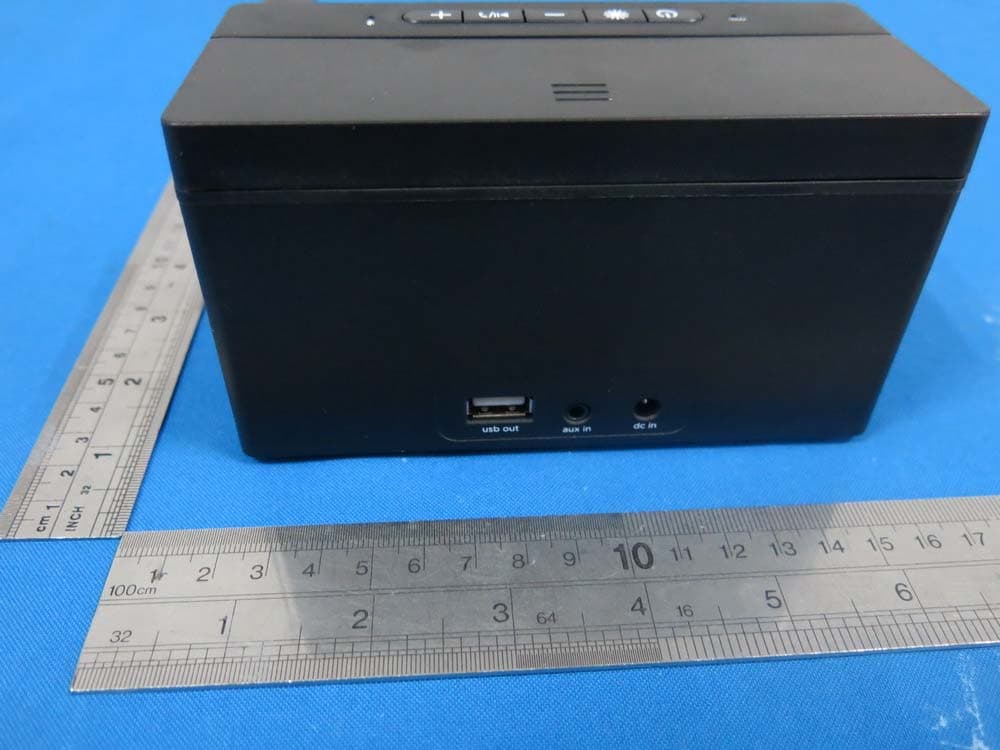
Click to zoom
Application Details
- Equipment Class
- DTS - Digital Transmission System
- Date of Grant
- Dec 22, 2014
- Application Purpose
- Original Equipment
- Date of Application
- Dec 21, 2014
- Equipment Note
- Express Speaker
- Frequency Range
- 2402.00000000 - 2480.00000000
- Country
- China
Documents & Files
Document Text
Text extracted from the exhibit documents filed with the FCC. Open a document above to read the original.
Users Manual
Contents English Page 4 Canadian Fran is Page 17 Español Page 31 140.0000 mic usb out aux in dc in 54 Product Overview In order to make sure you get the best possible results from your ne w Expres s Speaker , please thoroughly read and carefully follow all instructions in this User’s Manual or on the product. Keep this User’s Manual in a convenient location for future ref er ence. Package contents: Expres s Speaker x 1 Power Adapter x 1 Aux Cable x 1 User’s Manual x 1 If any of these wer e missing or damaged, please visit bemwirelesss.com to obtain replacement. Compatibility All devices enabled with Bluetooth technology, including iPhones, iP ads, iPods, smartphones, laptops, tablets and more. Also compatible with any device that has a standard 3.5mm earphone jack such as MP3 players, PSP, mobile phones, etc. Meet the Express Speaker Befor e learning about your Expres s Speaker , take a moment to look it over and familiarize yourself with its fea tures. 1. Bluetooth © indicator 2. Light Bar 3. Retracting back res t 4. USB port 5. Aux in 6. DC in 7. Microphone 8. Power 9. Dimmer 10 . Volume – 11. Power / Pair 12. Volume + Product Interface 76 Getting Started We know you ar e excited to experience your ne w Expres s Speaker . These two easy steps will get you up and running quickly. Step 1: Power It Connect your Expres s Speaker to an outlet using the included power adapter , Step 2: Connect it There are two options for connecting to your Expres s Speaker— wirelessly by Bluetooth © or wired using the included aux cable. Connect Wirelessly Once the Expres s Speaker is powered on the Bluetooth© indicator will light and tone confirming that the unit is currently in Bluetooth© pairing mode will sound. Go to the Bluetooth© settings on your mobile phone, tablet or computer to find the device named “Expres s”. A tone will sound to confirm the device has paired successfully. Next time the Expres s Speaker and connected device will pair automatically. Hold the Play/P ause button for 5 seconds will disconnect the connected device and enter pairing mode for pairing a new device. Direct Connection The Expres s Speaker can also be connected to any device that has a headphone jack or line out using the included aux cable. Please note the play/pause button only operates when connected via Bluetooth. Operation Details Pr es s the power button to turn on the Expres s Speaker . The Bluetooth © indicator will light up to signify the unit is on and ready to be paired. Pres s the power button again to turn off the unit and the Bluetooth indicator light will go out. Play modes Bluetooth mode: play an audio signal from the connected Bluetooth device. AUX mode: play an audio signal from the connected “wired” device. Please note: if an Aux cable is connected to the speaker it will not play music from Bluetooth connected devices. Speaker Phone Aft er paired your mobile phone to Expres s Speaker with Bluetooth, the speaker phone function can be used. Making calls: Call will automatically t ransfer to the speakerphone. If not, tap play/pause button 98 Charging Your Device The Expres s speaker fea tures a standard USB charging port at the back with 5V, 1A power output to charge your device, like iPhones, iPods and smartphones. Please ref er ence the instructions of device for details. The charging cable is not included. Connection Laptop / notebook / PC As the Bluetooth© versions for these types of devices varies gr ea tly , the connection methods will differ as well. If you can not connect with the Expres s Speaker using the previous method instructed you may need to install a new version of the Bluetooth driver . Please reference the instructions of device for details. Speaker Phone (cont.) Answering calls: Tap play/pause button to answer the incoming call Ending calls: Tap play/pause button during the call to end the call Rejecting calls: Hold play/pause button to reject the incoming call Redial last number: Double tap play/pause button to redial last number when it is not in a call Night Light The LED Night light will turn on when expres s is powered on, Pr es s the dimmer button to adjust the brightness by following or der: high-middle-low-off. Audio Use Follow the above connection steps to pair a Bluetooth device with the Expres s Speaker . At this point you can send any kind of audio signal to your speaker (music, video, gaming, etc.). Just use your device as normal and the audio will play through your Expres s Speaker . Controls Pr es s the Play/P ause button to play or pause the music when using a music player through your Bluetooth© connected device. Pr es sing the + and - buttons will increase or decrease the volume on the Expres s Speaker . Please note that this will not affect the volume levels on the connected device. Troubleshooting Issue: Pairing is unsuccessfully after multiple att empts Solution: •Check if the Bluetooth indicator light is on. If the indicator light is off, please pres s the power button to turn the unit on. If the Bluetooth indicator light still doesn’t come on after pr es sing the power button, please charge the unit. •Check for other Bluetooth devices around the surroundings that may interfer e with searching and turn devices off. 1110 •Power off and then power on the unit to res tart the Bluetooth function of the unit or your Bluetooth device •Unplug any cables plugged into the AUX IN, res tart all devices and then att empt pairing again. Issue: Interfer ence or sta tic during playback Solution: •Avoid using the device between concret e or other building structures that may interfer e with the signal. •Please check if the batt ery level of the unit and the Bluetooth© device and charge if neces sary. For more troubleshooting help go to http://bemwireless.com Maintenance Please follow the instructions below for cleaning your Expres s Speaker . •Power off the unit and unplug the power adapter from wall outlet •Use a soft, dry, lint-free cloth and wipe gently •Do not use alcohol, benz…
Text truncated - open the document above for the full version.
Cover Letter(s)
SCS-F18: Project and Product Certification Representative Authorization Letter Page 1 of 2 Rev 5.0 775 Montague Expressway Milpitas, CA 95035 Tel: 408-526-1188 Fax: 408-526-1088 Email: [email protected] Project and Product Certification Representative Authorization Letter Reason for Amendment (current / obsolete) Revision History Approved Date From To Initial Release (obsolete) 1.0 1.0 Nov-14-2006 Revised wording (obsolete) 1.0 2.0 Sept–25-2007 Updated company template (obsolete) 2.0 3.0 Jan-31-2012 Updated letter information (obsolete) 3.0 4.0 May-23-2014 Added FCC ID field (current) 4.0 5.0 Sept 16 2014 SCS-F18: Project and Product Certification Representative Authorization Letter Page 2 of 2 Rev 5.0 ECORE TECHNOLOGY COMPANY LIMITED (2014-12-17) To: SIEMIC, INC. 775 Montague Expressway, Milpitas, CA 95035 USA Dear Sir/Madam, Re: Product Certification Representative Authorization Letter We, _____ ECORE TECHNOLOGY COMPANY LIMITED _____hereby authorize SIEMIC, Inc. to act as a Certification Body for certifying for the following project(s): Product Name: Express Speaker Model Number: HL2507 FCC ID: PXK-HL2507 Sincerely, Liuchengliu Manager North of Bingang East Road, Huahu Development Zone, Ezhou city, Hubei Province, China
Cover Letter(s)
SCS-F19: Confidentiality Request Letter Page 1 of 2 Rev 3.0 775 Montague Expressway Milpitas, CA 95035 Tel: 408-526-1188 Fax: 408-526-1088 Email: [email protected] Confidentiality Request Letter Reason for Amendment (current / obsolete) Revision History Approved Date From To Initial Release (obsolete) 1.0 1.0 Nov-14-2006 Adding CFR 2.459 (obsolete) 1.0 2.0 August – 11 - 2008 Updated company template & Added text box (current) 2.0 3.0 Jan-31-2012 SCS-F19: Confidentiality Request Letter Page 2 of 2 Rev 3.0 ECORE TECHNOLOGY COMPANY LIMITED (2014-12-17) To: Federal Communications Commission Authorization and Evaluation Division 7435 Oakland Mills Road Columbia, MD Subject: Permanent Confidentiality Request for FCC ID: PXK-HL2507 We hereby request confidential treatment of information accompanying this application as outlined below: - Block Diagram - Schematics - Operational Description The above materials contain trade secrets and proprietary information not customarily released to the public. The public disclosure of these materials may be harmful to the applicant and provide unjustified benefits to its competitors. The applicant understands that pursuant to Section 0.457 & 0.459 of the Rules, disclosure of this application and all accompanying documentation will not be made before the date of the Grant for this application. Sincerely, Liuchengliu Manager North of Bingang East Road, Huahu Development Zone, Ezhou city, Hubei Province, China
ID Label/Location Info
30mm 16mm 材质:肖银龙 哑面 黑底银字 Input: 5V 2A USB Output: 5V 1A Model: HL2507 Output:2.5WX2 FCC ID: PXK-HL2507 IC: 11348A-HL2507 CAN ICES-3(B)/NMB-3(B) Made in China
ID Label/Location Info
Label Location on EUT
Internal Photos
Antenna
RF Exposure Info
RF EXPOSURE EVALUATION According to FCC 1.1310: The criteria listed in the following table shall be used to evaluate the environment impact of human exposure to radio frequency(RF) Radiation as specified in §1.1307(b) FCC ID:PXK-HL2507 EUT Specification EUT Express Speaker Frequency band (Operating) WLAN: 2.412GHz ~ 2.462GHz WLAN: 5.18GHz ~ 5.32GHz / 5.50GHz ~ 5.70GHz WLAN: 5.745GHz ~ 5825GHz Others Device category Portable (<20cm separation) Mobile (>20cm separation) Others ___ Exposure classification Occupational/Controlled exposure (S = 5mW/cm2) General Population/Uncontrolled exposure (S=1mW/cm2) Antenna diversity Single antenna Multiple antennas Tx diversity Rx diversity Tx/Rx diversity Max. output power -2.75dBm (0.000531W) Antenna gain (Max) 0 dBi Evaluation applied MPE Evaluation SAR Evaluation Limits for Maximum Permissible Exposure(MPE) Frequency Range(MHz) Electric Field Strength(V/m) Magnetic Field Strength(A/m) Power Density(mW/cm 2 ) Average Time (A) Limits for Occupational/Control Exposures 300-1500 -- -- F/300 6 1500-100000 -- -- 5 6 (B) Limits for General Population/Uncontrol Exposures 300-1500 -- -- F/1500 6 1500-100000 -- -- 1 30 Friis transmission formula: Pd=(Pout*G)\(4*pi*R2) Where Pd= Power density in mW/cm 2 Pout=output power to antenna in Mw G= gain of antenna in linear scale Pi=3.1416 R= distance between observation point and center of the radiator in cm Pd the limit of MPE, 1mW/cm2. If we know the maximum gain of the antenna and total power input to the antenna, through the calculation, we will know the distance where the MPE limit is reached. Measurement Result Channel Frequency (MHz) Measurement Peak Output Power(dBm) GFSK 2402 -2.75 2441 -3.84 2480 -4.87 Channel Frequency (MHz) Tune up tolerance (dBm) Max tune up conducted power(dBm) Output Peak power (mW) Ant. Gain (dBi) Ant. Gain (nume ric) Power density at 20cm (mW/cm 2 ) Power density Limits (mW/cm 2 ) 2402 -3±1 -2 0.63 0 1 0.000126 1 2440 -4±1 -3 0.50 0 1 0.000100 1 2480 -5±1 -4 0.40 0 1 0.000079 1 Signature Print: Sam Lv Title: Manager Company: DONGGUAN EMTEK CO., LTD. Address: No.281, Guantai Road, Nancheng District, Dongguan, Guangdong, China Date: 2014-12-17
Test Report
TRF No. FCC Part 15.247/A Page 1 of 47 Report No. KAD1406247144E1 Ver.1.0 ELECTROMAGNETIC EMISSIONS COMPLIANCE REPORT INTENTIONAL RADIATOR CERTIFICATION TO FCC PART 15 SUBPART C REQUIREMENT OF Express Speaker Model No.: HL2507 Trade Mark: FCC ID: PXK-HL2507 Report No.: KAD140627144E1 Issue Date: December 18, 2014 Prepared for ECORE TECHNOLOGY COMPANY LIMITED North of Bingang East Road, Huahu Development Zone, Ezhou city, Hubei Province, China Prepared by DONGGUAN EMTEK CO., LTD. No.281, Guantai Road, Nancheng District, Dongguan, Guangdong, China TEL: 86-769-22807078 FAX: 86-769-22807079 This report shall not be reproduced, except in full, without the written approval of DONGGUAN EMTEK CO., LTD. TRF No. FCC Part 15.247/A Page 2 of 47 Report No. KAD1406247144E1 Ver.1.0 VERIFICATION OF COMPLIANCE Applicant: ECORE TECHNOLOGY COMPANY LIMITED North of Bingang East Road, Huahu Development Zone, Ezhou city, Hubei Province, China Manufacturer: ECORE TECHNOLOGY COMPANY LIMITED North of Bingang East Road, Huahu Development Zone, Ezhou city, Hubei Province, China Product Description: Express Speaker Trade Mark: Model Number: HL2507 File Number: KAD140627144E1 Date of Test: June 27, 2014 to November 28, 2014 We hereby certify that: The above equipment was tested by DONGGUAN EMTEK CO., LTD. The test data, data evaluation, test procedures, and equipment configurations shown in this report were made in accordance with the procedures given in ANSI C63.4 (2009) and the energy emitted by the sample EUT tested as described in this report is in compliance with conducted and radiated emission limits of FCC Rules Part 15.247(2014). Approved By Sam.Lv / Q.A. Manager DONGGUAN EMTEK CO., LTD. TRF No. FCC Part 15.247/A Page 3 of 47 Report No. KAD1406247144E1 Ver.1.0 Modified Information Version Summary Revision Date Report No. Ver.1.0 Original Report / KAD140627144E1 TRF No. FCC Part 15.247/A Page 4 of 47 Report No. KAD1406247144E1 Ver.1.0 Table of Contents 1. GENERAL INFORMATION ....................................................................................... 6 1.1 PRODUCT DESCRIPTION............................................................................................................... 6 1.2 TEST METHODOLOGY .................................................................................................................. 7 1.3 SPECIAL ACCESSORIES ................................................................................................................ 7 1.4 EQUIPMENT MODIFICATIONS ........................................................................................................ 7 1.5 TEST FACILITY ............................................................................................................................. 7 2. SYSTEM TEST CONFIGURATION ........................................................................... 8 2.1 EUT CONFIGURATION .................................................................................................................. 8 2.2 EUT EXERCISE ............................................................................................................................ 8 2.3 TEST PROCEDURE ....................................................................................................................... 8 2.4 CONFIGURATION OF TESTED SYSTEM .......................................................................................... 9 3. DESCRIPTION OF TEST MODES ........................................................................... 10 4. CONDUCTED EMISSIONS TEST ........................................................................... 11 4.1 MEASUREMENT PROCEDURE: .................................................................................................... 11 4.2 TEST SET-UP (BLOCK DIAGRAM OF CONFIGURATION) ............................................................... 11 4.3 MEASUREMENT EQUIPMENT USED: ............................................................................................ 11 4.4 CONDUCTED EMISSION LIMIT ...................................................................................................... 11 4.5 MEASUREMENT RESULT: ............................................................................................................ 12 4.6 CONDUCTED MEASUREMENT PHOTOS: ....................................................................................... 14 5. RADIATED EMISSION TEST .................................................................................. 15 5.1 MEASUREMENT PROCEDURE ..................................................................................................... 15 5.2 TEST SET-UP (BLOCK DIAGRAM OF CONFIGURATION) ............................................................... 16 5.3 MEASUREMENT EQUIPMENT USED: ............................................................................................ 17 5.4 RADIATED EMISSION LIMIT .......................................................................................................... 17 5.5 MEASUREMENT RESULT ............................................................................................................. 18 5.6 RADIATED MEASUREMENT PHOTOS: ............................................................................................ 28 6. 6DB BANDWIDTH MEASUREMENT ...................................................................... 29 6.1 MEASUREMENT PROCEDURE ..................................................................................................... 29 6.2 TEST SET-UP (BLOCK DIAGRAM OF CONFIGURATION) ............................................................... 29 6.3 MEASUREMENT EQUIPMENT USED: ............................................................................................ 29 6.4 LIMIT .......................................................................................................................................... 29 6.5 MEASUREMENT RESULTS: .....................................…
Text truncated - open the document above for the full version.
Contact Information
Applicant
Liucheng Liu(Manager)
Test Firm
EMTEK (DONGGUAN) CO.,LTDSam Lv
Technical Specifications
| # | Rule Parts | Frequency Range | Power Output |
|---|---|---|---|
| 1 | 15C | 2.40 GHz - 2.48 GHz | 531.00 µW |
Other Applications from ECORE TECHNOLOGY COMPANY LIMITED
PXK-HL2750
Oct 31, 2015Speaker Mojo II
Equipment Class
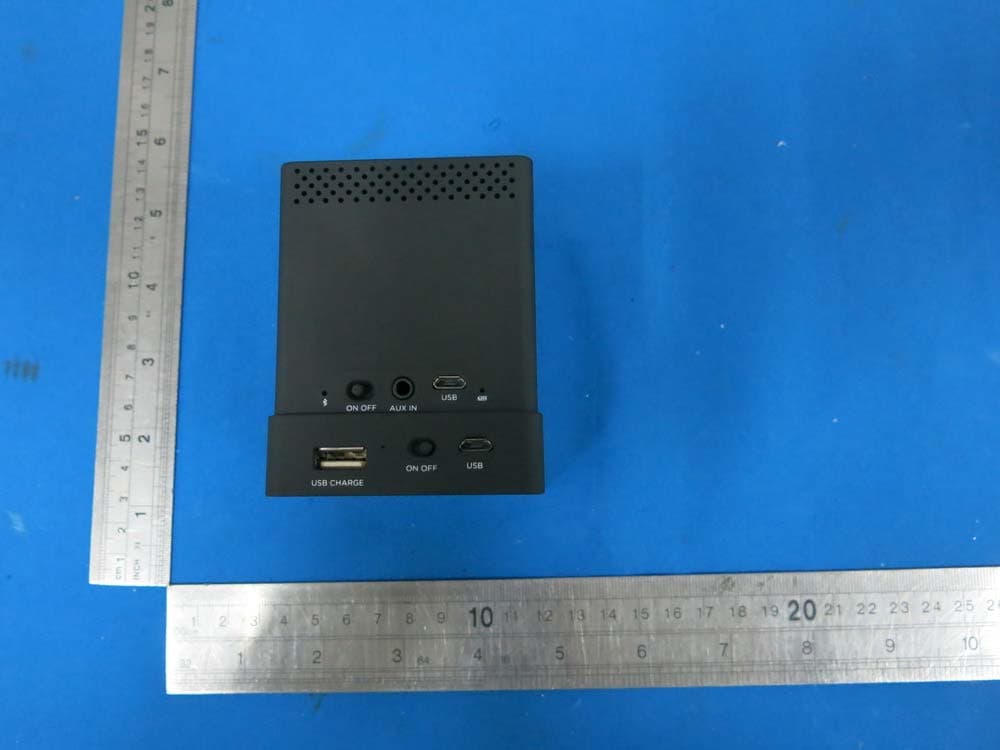
DSS - Part 15 Spread Spectrum Transmitter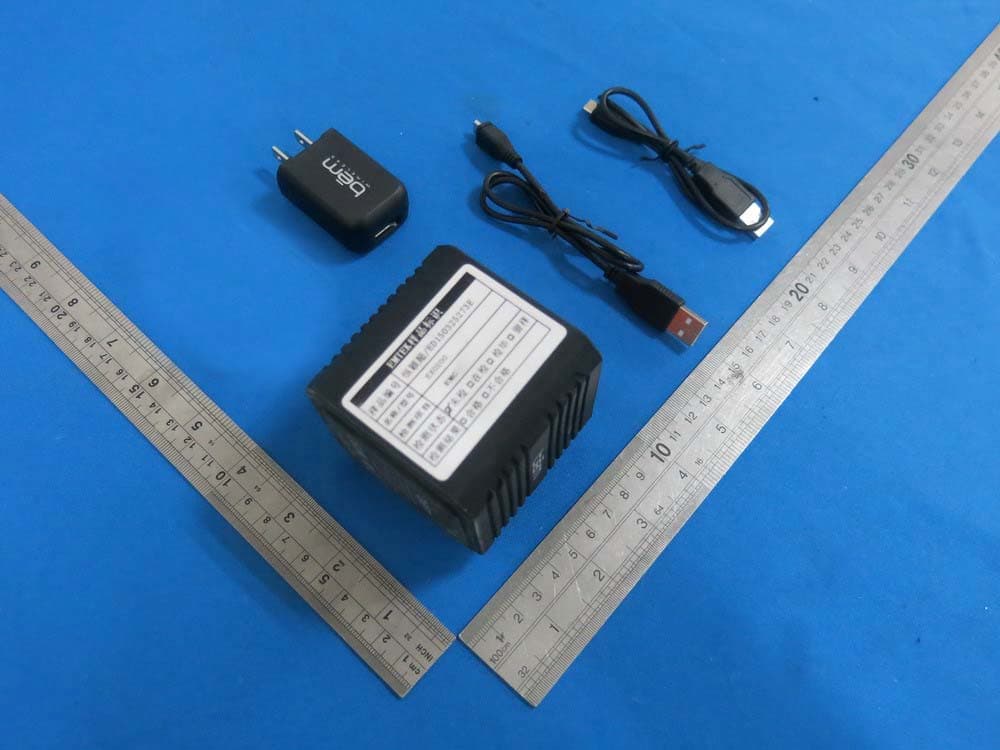
PXK-EXO200
Jul 01, 2015EXO-200
Equipment Class
DTS - Digital Transmission System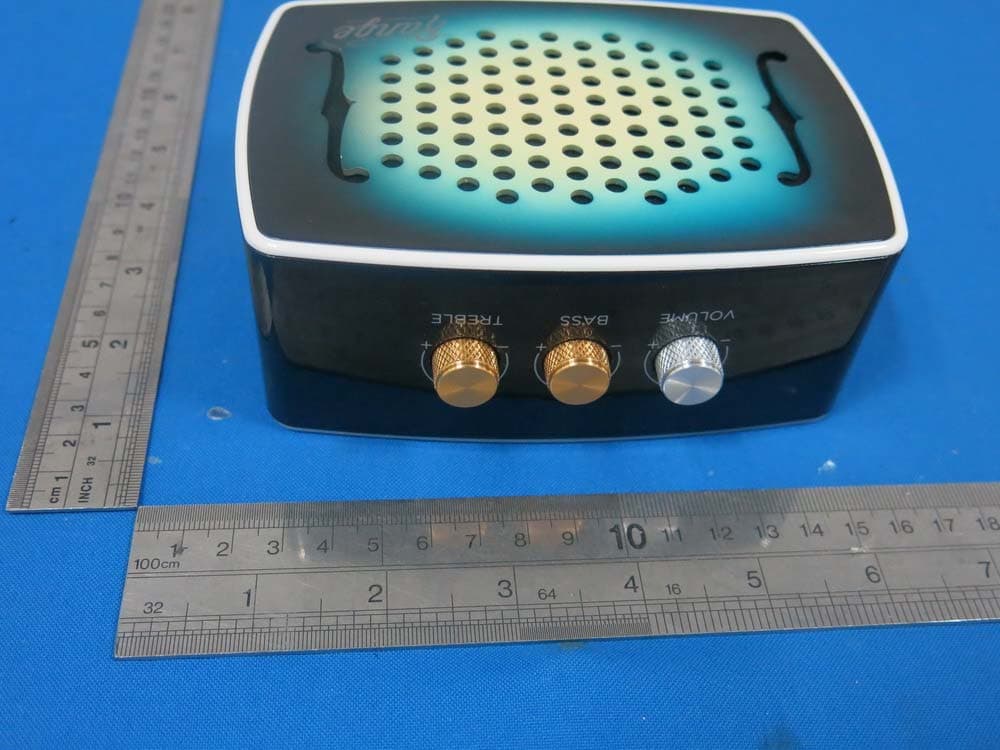
PXK-HL2515
Dec 22, 2014Strum
Equipment Class
DTS - Digital Transmission System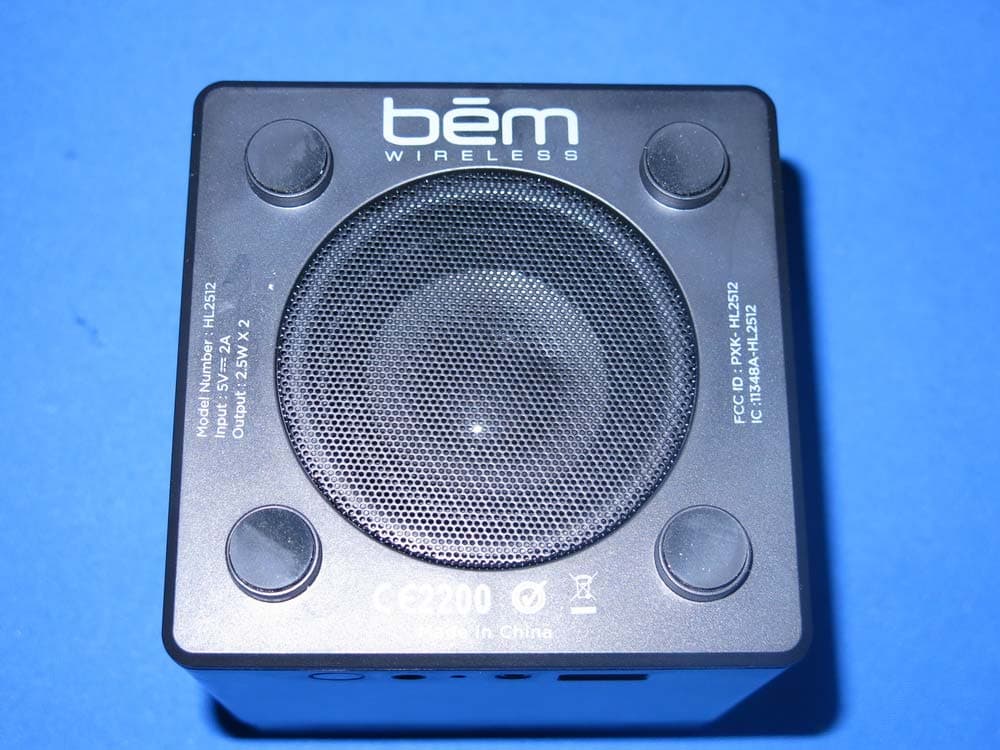
PXK-HL2512
Dec 22, 2014Eclipse
Equipment Class
DSS - Part 15 Spread Spectrum Transmitter
PXK-HT1051
Sep 09, 2014Magic SoundBox Bluetooth speaker
Equipment Class
DSS - Part 15 Spread Spectrum Transmitter