PXK-HL2737Speaker Trio
ECORE TECHNOLOGY COMPANY LIMITED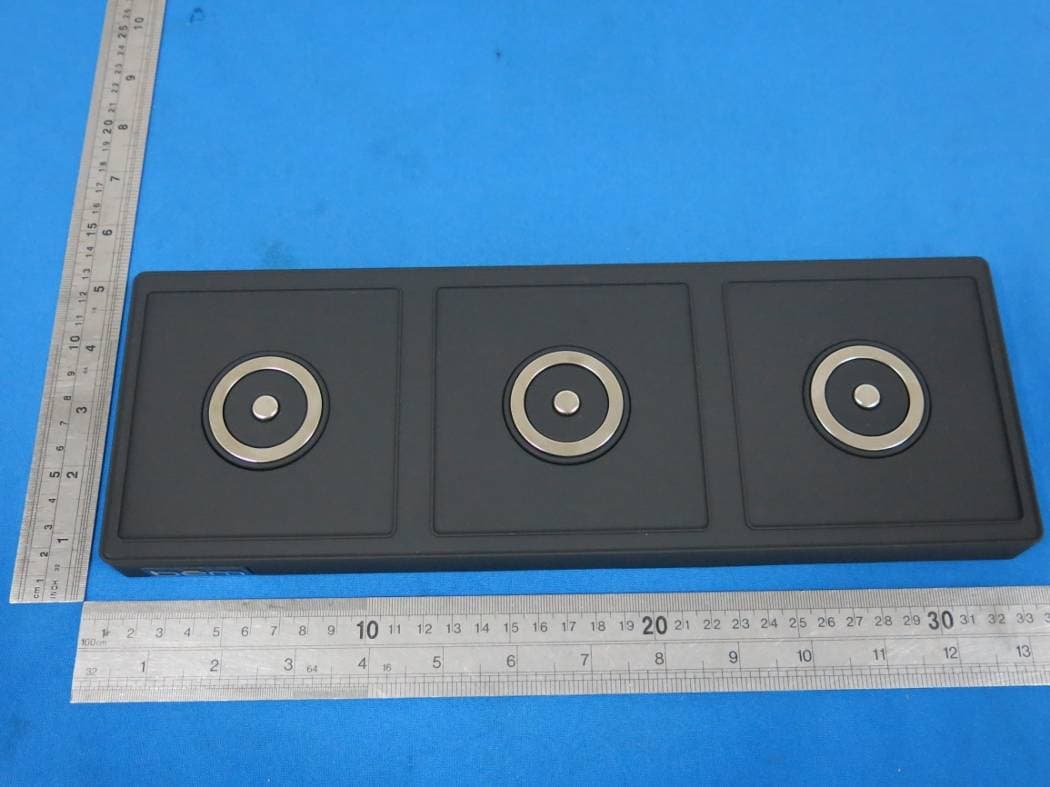
Click to zoom
Application Details
- Equipment Class
- DSS - Part 15 Spread Spectrum Transmitter
- Date of Grant
- Jul 31, 2014
- Application Purpose
- Original Equipment
- Date of Application
- Jul 30, 2014
- Equipment Note
- Speaker Trio
- Frequency Range
- 2402.00000000 - 2480.00000000
- Country
- China
Documents & Files
Document Text
Text extracted from the exhibit documents filed with the FCC. Open a document above to read the original.
Users Manual
speaker trio Contents English Page 4 Canadian Fran is Page 11 Español Page 19 English Power on / Power off Base : Press the power button to turn on the base of Speaker Trio. The Bluetooth© indicator will light up to signify the unit is on and ready to be paired. Press the power button again to turn off the base and the Bluetooth indicator light will go out. Speakers: Press the power button to turn the speaker on. The white light on the base will light up to signify the unit is on. Press the power button again to turn off the speaker and the white base light will also go out. Please note, always make sure to turn on the base unit before turning on the speakers Play modes Bluetooth mode: play an audio signal from the connected Bluetooth©device. AUX mode: play an audio signal from the connected "wired"device. Please note, if an Aux cable is connected to the speaker it will not play music from Bluetooth© connected devices. Audio Use Follow the above connection steps to pair a Bluetooth© device with the Speaker Trio. At this point you can send any kind of audio signal to your speaker (music, video, gaming, etc.). Just use your device as normal and the audio will play through your Speaker Trio. Controls Pressing the + and - buttons will increase or decrease the volume on the Speaker Trio. Please note that this will not effect the volume levels on the connected device. Connection Laptop / notebook / PC As the Bluetooth© versions for these types of devices varies greatly, the connection methods will differ Operation Details as well. If you can not connect with the Speaker Trio using the previous method instructed you may need to install a new version of the Bluetooth© driver. Please reference the instructions of device for details. Speaker Placement The 3 individual speakers can be removed from the Speaker Trio base to be set anywhere you like. Approximate range is 80ft away from the base. The Speaker Trio uses 5.8gHz signal so you're free to put the speakers where you like! AUX out The Speaker Trio can also be used as a “bridge” to wirelessly connect your devices to other speakers not enabled with Bluetooth©. Plug one end of the supplied Aux cable to the “AUX OUT” port in the back of unit and plug the other end of the cable to an “AUX IN” or “Line In” port on any other speaker system Please note, volume + & volume - on the Speaker Trio lose function on this occasion and only the connec ted Bluetooth© device or the connected speaker itself can control the volume. Charging Connect your Speaker Trio base to an outlet using the included power adapter. Place the speakers onto the charging area of the base. The red backlight will slowly flash during charging and goes out when it has reached a complete charge (Approx. 3.5 hours). Issue:Pairing is unsuccessfully after multiple attempts Solution: Check if the Bluetooth©indicator light is on. If the indicator light is off, please press the power button to turn the unit on. If the Bluetooth© indicator light still doesn’t come on after pressing the power button, please charge the unit. Check for other Bluetooth©devices around the surroundings that may interfere with searching and turn devices off. Power off and then power on the unit to restart the Bluetooth©function of the unit or your Bluetooth device Unplug any cables plugged into the AUX IN, restart all devices and then attempt pairing again. Issue: Interference or static during playback Solution: Avoid using the device between concrete or other building structures that may interfere with the signal. Please check if the battery level of the unit and the Bluetooth©device and charge if necessary. For more troubleshooting help go to http://bemwireless.com Storage Power off the Outlet Speaker If the unit will not be used for an extended period of time. Do not set the unit in a damp environment, high temperatures or in direct sunlight. Troubleshooting Maintenance Power off the unit Use a soft, dry, lint-free cloth and wipe gently Do not use alcohol, benzene, thinners or other chemical detergents as these can cause the casing to be warped or discolored Operation Details (cont.) Charging Indicator Light Modes Red LED / Flashing Fast: Battery is low, charge the unit soon. Red LED / Flashing Slow: Speaker Trio is charging Red LED / Turned Off: Battery is fully charged Note: if the unit has not been used in the past 7 days please charge for 10 minutes before using the Speaker Trio. 67 FCC STATEMENT Technical Parameters • Always position the unit on a stable and level surface. Unstable surface can cause the unittotopple and fall,resulting in possible damage or injury • Do not drop, unpack, open, beat, curve, prink and burn the unit • Avoid using the unit nearby basins or sinks where it maycome in contact with water • Do not place anyware with full water on the top of the unit, such as vase, glass, pot, and pleaseavoid placing candle on the speaker surface as well • Protect the using of the unit from any overheating devices(such as radiator, heating installation,cookingstove or other heating devices) • Regardless of whatreasons cause the unit damage, please ask for the maintenance personneltorepair • Ifyouwantto do the cleaning, please turn off the unit and unplug the power cable from the outlet first Safety Instructions •Set the volume properlyto prevent injury to the unit and your personal health WARNING: • The battery (battery or batteries or battery pack) shall not be exposedtoexcessive heat such as sunshine, fire or the like. • No naked flame sources, such as lighted candles, should be placed on the apparatus. • CAUTION: Danger of explosion if battery is incorrectlyreplaced.Replace only with the same or equivalent type. be ̄m wireless http://bemwireless.com/ be ̄m wireless LLC. 1725 Kilkenny Ct. Woodstock, IL. USA Made in China For questions,comments or to purchase more be ̄m wireless products go to: bemwireless.com You can also follow us at: More Info facebook.com/bemwireless twitter.com/bemwirelessco youtub…
Text truncated - open the document above for the full version.
Cover Letter(s)
SCS-F18: Project and Product Certification Representative Authorization Letter Page 1 of 2 Rev 4.0 775 Montague Expressway Milpitas, CA 95035 Tel: 408-526-1188 Fax: 408-526-1088 Email: [email protected] Project and Product Certification Representative Authorization Letter Reason for Amendment (current / obsolete) Revision History Approved Date From To Initial Release (obsolete) 1.0 1.0 Nov-14-2006 Revised wording (obsolete) 1.0 2.0 Sept–25-2007 Updated company template (obsolete) 2.0 3.0 Jan-31-2012 Updated letter information (current) 3.0 4.0 May-23-2014 SCS-F18: Project and Product Certification Representative Authorization Letter Page 2 of 2 Rev 4.0 ECORE TECHNOLOGY COMPANY LIMITED (2014-07-28) To: SIEMIC, INC. 775 Montague Expressway, Milpitas, CA 95035 USA Dear Sir/Madam, Re: Product Certification Representative Authorization Letter We, ECORE TECHNOLOGY COMPANY LIMITED hereby authorize SIEMIC, Inc. to act as a Certification Body for certifying for the following project(s): Product Speaker Tiro (M/N: HL2737) Sincerely, Liuchengliu Manager ECORE TECHNOLOGY COMPANY LIMITED North of Bingang East Road, Huahu Development Zone, Ezhou city, Hubei Province, China
Cover Letter(s)
SCS-F19: Confidentiality Request Letter Page 1 of 2 Rev 3.0 775 Montague Expressway Milpitas, CA 95035 Tel: 408-526-1188 Fax: 408-526-1088 Email: [email protected] Confidentiality Request Letter Reason for Amendment (current / obsolete) Revision History Approved Date From To Initial Release (obsolete) 1.0 1.0 Nov-14-2006 Adding CFR 2.459 (obsolete) 1.0 2.0 August – 11 - 2008 Updated company template & Added text box (current) 2.0 3.0 Jan-31-2012 SCS-F19: Confidentiality Request Letter Page 2 of 2 Rev 3.0 ECORE TECHNOLOGY COMPANY LIMITED (2014-07-28) To: Federal Communications Commission Authorization and Evaluation Division 7435 Oakland Mills Road Columbia, MD Subject: Permanent Confidentiality Request for FCC ID: PXK-HL2737 We hereby request confidential treatment of information accompanying this application as outlined below: - Block Diagram - Schematics - Operational Description The above materials contain trade secrets and proprietary information not customarily released to the public. The public disclosure of these materials may be harmful to the applicant and provide unjustified benefits to its competitors. The applicant understands that pursuant to Section 0.457 & 0.459 of the Rules, disclosure of this application and all accompanying documentation will not be made before the date of the Grant for this application. Sincerely, Liuchengliu Manager ECORE TECHNOLOGY COMPANY LIMITED North of Bingang East Road, Huahu Development Zone, Ezhou city, Hubei Province, China
ID Label/Location Info
Label Location on EUT
ID Label/Location Info
dc in 5v dc in 5v aux in aux in aux out aux out Li-ion battery:3.7V 2000mAh FCC ID:PXK-HL2737 Model Number:HL2737 Input:5V, 2.4A Output:2W Li-ion battery:3.7V 2000mAh FCC ID:PXK-HL2737 Model Number:HL2737 Input:5V, 2.4A Output:2W Model Number:HL2737 Input:5V, 2.4A Output:2WX3 FCC ID:PXK-HL2737 Model Number:HL2737 Input:5V, 2.4A Output:2WX3 FCC ID:PXK-HL2737
Internal Photos
Antenna
RF Exposure Info
RF EXPOSURE EVALUATION According to FCC 1.1310: The criteria listed in the following table shall be used to evaluate the environment impact of human exposure to radio frequency(RF) Radiation as specified in §1.1307(b) FCC ID:PXK-HL2737 EUT Specification EUT Speaker Trio Frequency band (Operating) WLAN: 2.412GHz ~ 2.462GHz WLAN: 5.18GHz ~ 5.32GHz / 5.50GHz ~ 5.70GHz WLAN: 5.745GHz ~ 5825GHz Others Device category Portable (<20cm separation) Mobile (>20cm separation) Others ___ Exposure classification Occupational/Controlled exposure (S = 5mW/cm2) General Population/Uncontrolled exposure (S=1mW/cm2) Antenna diversity Single antenna Multiple antennas Tx diversity Rx diversity Tx/Rx diversity Max. output power 2.35dBm(0.001718W) Antenna gain (Max) 1.0 dBi Evaluation applied MPE Evaluation SAR Evaluation Limits for Maximum Permissible Exposure(MPE) Frequency Range(MHz) Electric Field Strength(V/m) Magnetic Field Strength(A/m) Power Density(mW/cm 2 ) Average Time (A) Limits for Occupational/Control Exposures 300-1500 -- -- F/300 6 1500-100000 -- -- 5 6 (B) Limits for General Population/Uncontrol Exposures 300-1500 -- -- F/1500 6 1500-100000 -- -- 1 30 Friis transmission formula: Pd=(Pout*G)\(4*pi*R2) Where Pd= Power density in mW/cm 2 Pout=output power to antenna in Mw G= gain of antenna in linear scale Pi=3.1416 R= distance between observation point and center of the radiator in cm Pd the limit of MPE, 1mW/cm2. If we know the maximum gain of the antenna and total power input to the antenna, through the calculation, we will know the distance where the MPE limit is reached. Measurement Result Operating Mode Channel Frequency (MHz) Output Peak power (mW) Antenna Gain (dBi) Antenna Gain (numeric) Power density at 20cm (mW/ cm2 ) Power density Limits (mW/cm 2 ) op-mode 1 2402 0.865 1 1.258 0.0002165 1 op-mode 2 2441 1.253 1 1.258 0.0003136 1 op-mode 3 2480 1.718 1 1.258 0.0004300 1 op-mode 6 2402 0.515 1 1.258 0.0001289 1 op-mode 7 2441 0.818 1 1.258 0.0002047 1 op-mode 8 2480 1.072 1 1.258 0.0002683 1 op-mode 10 2402 0.557 1 1.258 0.0001394 1 op-mode 11 2441 0.885 1 1.258 0.0002215 1 op-mode 12 2480 1.175 1 1.258 0.0002941 1 Signature Liuchengliu [email protected] Tel: 0711-2383866 Fax: 0711-2383899 ECORE TECHNOLOGY COMPANY LIMITED North of Bingang East Road, Huahu Development Zone, Ezhou, Hubei, China
Test Report
TRF No. FCC Part 15.247/A Page 1 of 60 Report No. KAD140325063E Ver.1.0 ELECTROMAGNETIC EMISSIONS COMPLIANCE REPORT INTENTIONAL RADIATOR CERTIFICATION TO FCC PART 15 SUBPART C REQUIREMENT OF Speaker Tiro Model No.: HL2737 Trade Mark: FCC ID: PXK-HL2737 Report No.: KAD140325063E Issue Date: July 28, 2014 Prepared for ECORE TECHNOLOGY COMPANY LIMITED North of Bingang East Road, Huahu Development Zone, Ezhou city, Hubei Province, China Prepared by DONGGUAN EMTEK CO., LTD. No.281, Guantai Road, Nancheng District, Dongguan, Guangdong, China TEL: 86-769-22807078 FAX: 86-769-22807079 TRF No. FCC Part 15.247/A Page 2 of 60 Report No. KAD140325063E Ver.1.0 VERIFICATION OF COMPLIANCE Applicant: ECORE TECHNOLOGY COMPANY LIMITED North of Bingang East Road, Huahu Development Zone, Ezhou city, Hubei Province, China Manufacturer: ECORE TECHNOLOGY COMPANY LIMITED North of Bingang East Road, Huahu Development Zone, Ezhou city, Hubei Province, China Product Description: Speaker Tiro Trade Mark: Model Number: HL2737 Kind of Device: Bluetooth Ver. 3.0+EDR File Number: KAD140325063E Date of Test: March 25, 2014 to July 28, 2014 We hereby certify that: The above equipment was tested by DONGGUAN EMTEK CO., LTD. and SHENZHEN EMTEK CO., LTD. The test data, data evaluation, test procedures, and equipment configurations shown in this report were made in accordance with the procedures given in ANSI C63.4 (2009) and the energy emitted by the sample EUT tested as described in this report is in compliance with conducted and radiated emission limits of FCC Rules Part 15.247(2013). The test results of this report relate only to the tested sample identified in this report. Approved By Sam Lv / Q.A. Manager DONGGUAN EMTEK CO., LTD. TRF No. FCC Part 15.247/A Page 3 of 60 Report No. KAD140325063E Ver.1.0 Modified Information Version Summary Revision Date Report No. Ver.1.0 Original Report / KAD140325063E TRF No. FCC Part 15.247/A Page 4 of 60 Report No. KAD140325063E Ver.1.0 Table of Contents 1. GENERAL INFORMATION ....................................................................................... 6 1.1 PRODUCT DESCRIPTION............................................................................................................... 6 1.2 RELATED SUBMITTAL(S) / GRANT (S) ............................................................................................ 6 1.3 TEST METHODOLOGY .................................................................................................................. 6 1.4 SPECIAL ACCESSORIES ................................................................................................................ 7 1.5 EQUIPMENT MODIFICATIONS ........................................................................................................ 7 1.6 TEST FACILITY ............................................................................................................................. 7 2. SYSTEM TEST CONFIGURATION ........................................................................... 8 2.1 EUT CONFIGURATION .................................................................................................................. 8 2.2 EUT EXERCISE ............................................................................................................................ 8 2.3 TEST PROCEDURE ....................................................................................................................... 8 2.4 LIMITATION .................................................................................................................................. 9 2.5 CONFIGURATION OF TESTED SYSTEM ........................................................................................ 12 3. SUMMARY OF TEST RESULTS ............................................................................. 13 4. DESCRIPTION OF TEST MODES ........................................................................... 14 5. CONDUCTED EMISSIONS TEST ........................................................................... 15 5.1 MEASUREMENT PROCEDURE: .................................................................................................... 15 5.2 TEST SET-UP (BLOCK DIAGRAM OF CONFIGURATION) ............................................................... 15 5.3 MEASUREMENT EQUIPMENT USED: ............................................................................................ 15 5.4 MEASUREMENT RESULT: ............................................................................................................ 15 5.5 CONDUCTED MEASUREMENT PHOTOS: ...................................................................................... 18 6. RADIATED EMISSION TEST .................................................................................. 19 6.1 MEASUREMENT PROCEDURE ..................................................................................................... 19 6.2 TEST SET-UP (BLOCK DIAGRAM OF CONFIGURATION) ............................................................... 20 6.3 MEASUREMENT EQUIPMENT USED: ............................................................................................ 21 6.4 MEASUREMENT RESULT ............................................................................................................. 22 6.5 RADIATED MEASUREMENT PHOTOS: ........................................................................................... 28 7. CHANNEL SEPARATION TEST ............................................................................. 29 7.1 MEASUREMENT PROCEDURE ..................................................................................................... 29 7.2 TEST SET-UP (BLOCK DIAGRAM OF CONFIGURATION) ............................................................... 29 7.3 MEASUREMENT EQUIPMENT USED: ............................................................................................ 29 7.4 MEASUREMENT RESULTS: ..............................................…
Text truncated - open the document above for the full version.
Contact Information
Applicant
Liucheng Liu(Manager)
Test Firm
EMTEK (DONGGUAN) CO.,LTDSam Lv
Technical Specifications
| # | Rule Parts | Frequency Range | Power Output |
|---|---|---|---|
| 1 | 15C | 2.40 GHz - 2.48 GHz | 1.72 mW |
Other Applications from ECORE TECHNOLOGY COMPANY LIMITED
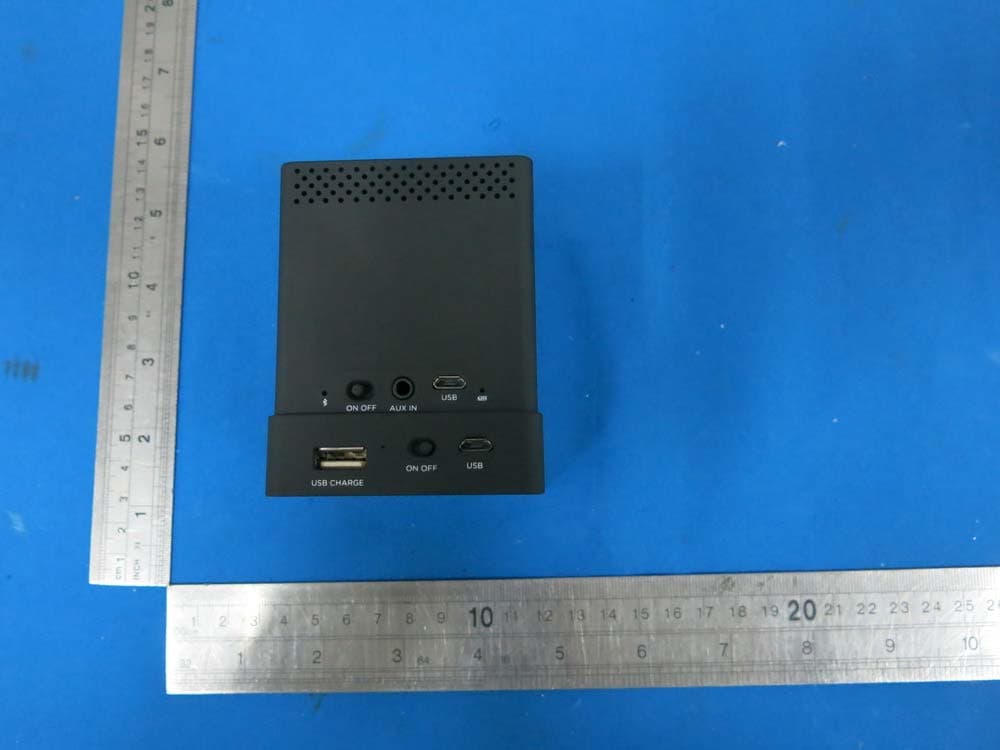
PXK-HL2750
Oct 31, 2015Speaker Mojo II
Equipment Class
DSS - Part 15 Spread Spectrum Transmitter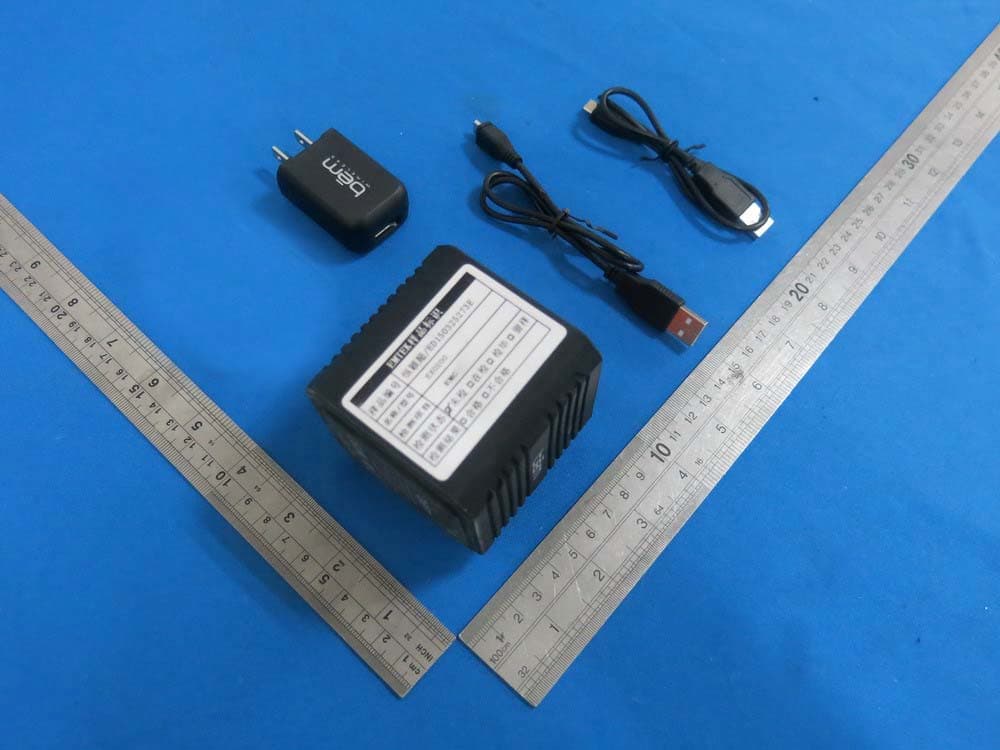
PXK-EXO200
Jul 01, 2015EXO-200
Equipment Class
DTS - Digital Transmission System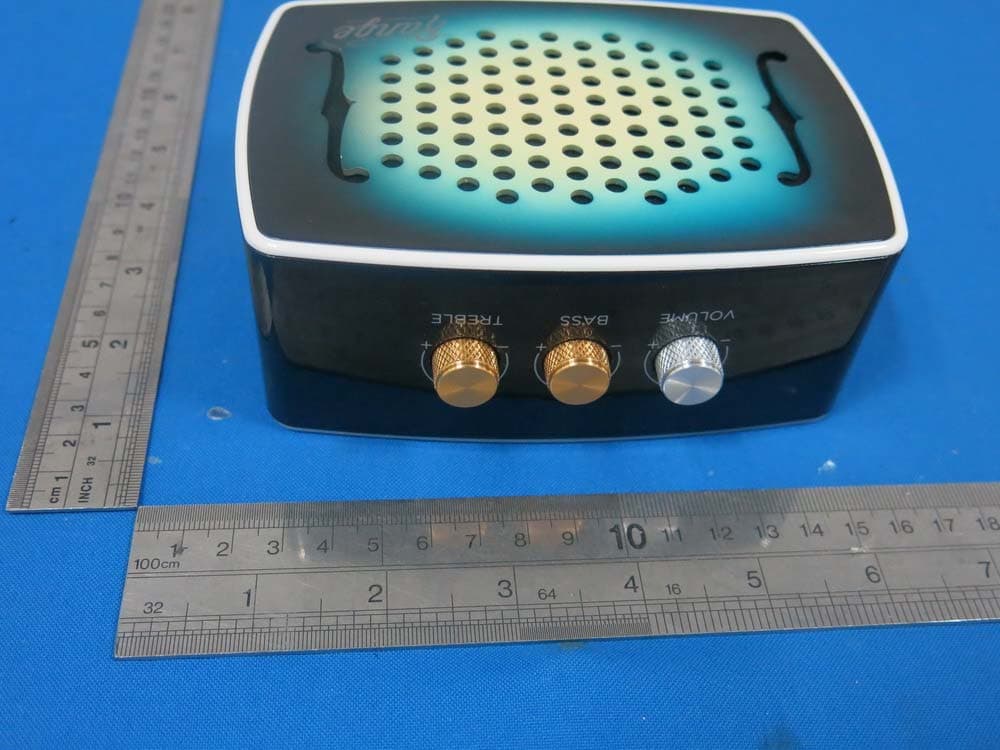
PXK-HL2515
Dec 22, 2014Strum
Equipment Class
DTS - Digital Transmission System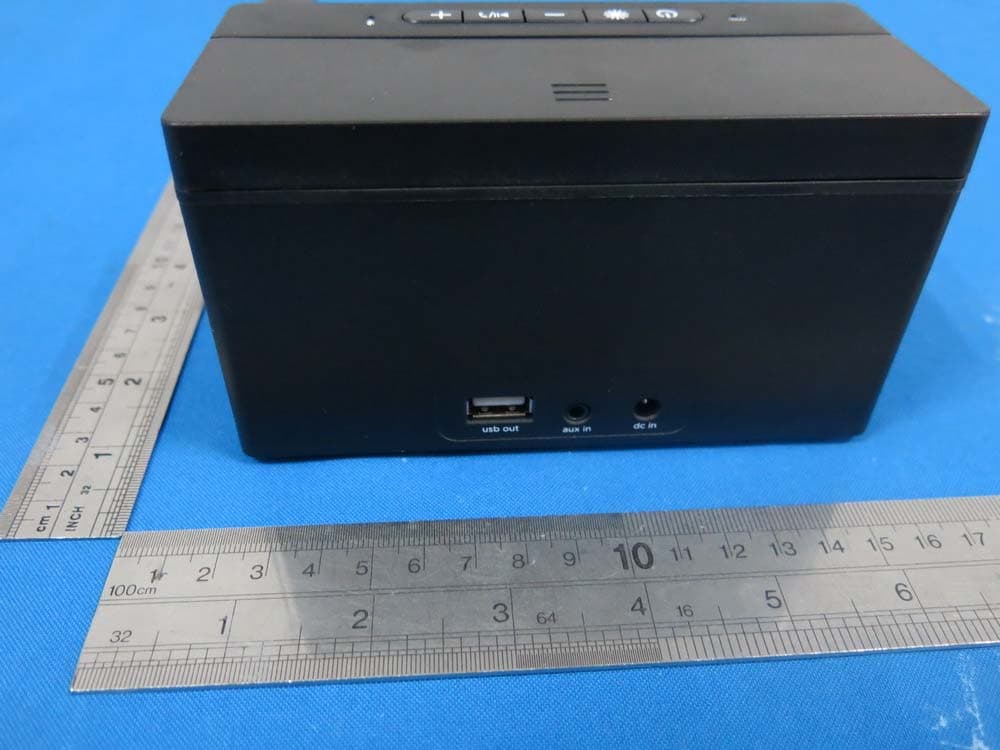
PXK-HL2507
Dec 22, 2014Express Speaker
Equipment Class
DTS - Digital Transmission System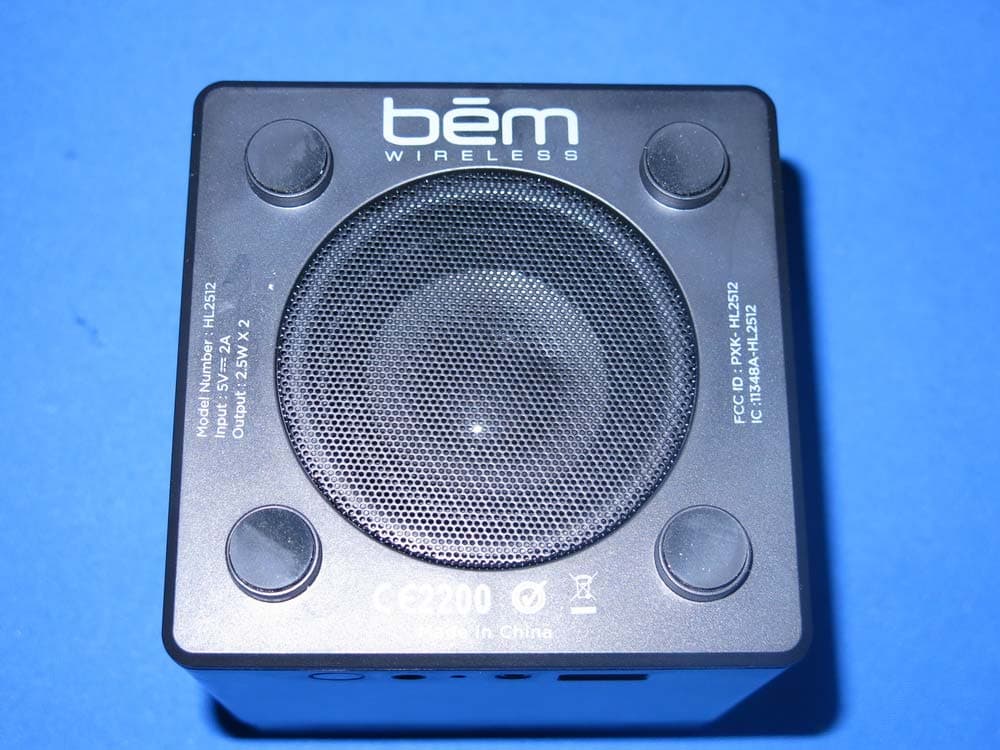
PXK-HL2512
Dec 22, 2014Eclipse
Equipment Class
DSS - Part 15 Spread Spectrum Transmitter