PXK-HL6606Cute
ECORE TECHNOLOGY COMPANY LIMITEDApplication Details
- Equipment Class
- DSS - Part 15 Spread Spectrum Transmitter
- Date of Grant
- Sep 08, 2014
- Application Purpose
- Original Equipment
- Date of Application
- Sep 07, 2014
- Equipment Note
- Cute
- Frequency Range
- 2402.00000000 - 2480.00000000
- Country
- China
Documents & Files
Document Text
Text extracted from the exhibit documents filed with the FCC. Open a document above to read the original.
Users Manual
1 / 5 User’s Manual Thank you for purchasing our Cute Bluetooth Speaker! Read carefully and follow all instructions in this User's Manual before you use the Cute Bluetooth Speaker. Keep this User's Manual in a convenient location for future reference. Safety Instructions This product is specially designed based on the full attention to safety; in order to make sure the accident‐free operation, please abide the guidelines listed below: z Always position the unit on a stable and level surface. Unstable surface can cause the unit to topple and fall, resulting in possible damage or injury; z Do not drop, unpack, open, beat, curve, prink and burn the unit; z Avoid using the unit nearby basins or sinks where it may come in contact with water; z Do not place any ware with full water on the top of the unit, such as vase, glass, pot, and please avoid placing candle on the speaker surface as well; z Protect the using of the unit from any overheating devices (such as radiator, heating installation, cooking stove or other heating devices); z Regardless of what reasons cause the unit damage, please ask for the maintenance personnel to repair; z If you want to do the cleaning, please turn off the unit and unplug the power cable from the outlet first; z Set the volume properly to prevent injury to the unit and your health; Correct Disposal of this product. This marking indicates that this product should not be disposed with other household wastes throughout the EU. To prevent possible harm to the environment or human health from uncontrolled waste disposal, recycle it responsibly to promote the sustainable reuse of material resources. To return your used device, please use the return and collection systems or contact the retailer where the product was purchased. They can take this product for environmental safe recycling. WARNING: z The battery (battery or batteries or battery pack) shall not be exposed to excessive heat such as sunshine, fire or the like. z No naked flame sources, such as lighted candles, should be placed on the apparatus. z CAUTION: Danger of explosion if battery is incorrectly replaced. Replace only with the same or equivalent type. Package Contents 1. Cute Bluetooth Speaker main unit x 1 2. USB charging cable x 1 3. Aux cable x 1 4. User’s manual x 1 2 / 5 Fit Models z Apply to:all iPhone and iPad series, Smartphones, Laptop, Tablets and other Bluetooth devices z Work with any device with standard 3.5mm earphone jack via the included Aux cable for connecting, such as MP3,PSP, Mobile phone...,etc Outstanding Features Cute Bluetooth Speaker is compatible with all wireless Bluetooth devices such as iPad, iPhone, Smartphones, Laptops, Tablets and other Bluetooth devices. It is portable, wireless, hand free. Just place it anywhere in a room and enjoy pristine streaming audio from your phone, computer, or other Bluetooth devices. Bring music, movies, and all your mobile audio vibrantly to life‐‐all in the palm of your hand z Go Anywhere and Go Wireless Easily compatible with iPhone, iPad, mobile phones, computers, tablets, or any other Bluetooth‐enabled device Wireless working range is around 8‐10 meters, no cords, no hassle z Calling and Conference on the Go With a powerful, built‐in microphone, it can frees you to share clean‐sounding conference calls or personal calling anywhere‐‐in the office, car, at home, alone, or with a group Part Names (1) Driver (2) Power (3) Volume down (4) Play/pause (5) Volume up (6) Microphone (7) Rubber cover (8) Micro USB charging port (9) Aux in (10) LED indicator 3 / 5 Getting Started We know you are excited to experience your new Cute Bluetooth Speaker. These two easy steps will get you up and running quickly. Step 1: Power It Connect your Cute Bluetooth Speaker to an USB power source using the included power cable. Step 2: Connect it There are two options for connecting to your Cute Bluetooth Speaker ‐ wirelessly by Bluetooth© or wired using the included aux cable. z Connect Wirelessly Once the Cute Bluetooth Speaker is powered on the Bluetooth© indicator will light and tone confirming that the unit is currently in Bluetooth© pairing mode will sound. Go to the Bluetooth© settings on your mobile phone, tablet or computer to find the device named "BiJELA HL6606". A tone will sound to confirm the device has paired successfully. Next time the Cute Bluetooth Speaker and connected device will pair automatically. Hold the Play/Pause button for 5 seconds will disconnect the connected device and enter pairing mode for pairing a new device. z Direct Connection The Cute Bluetooth Speaker can also be connected to any device that has a headphone jack or line out using the included aux cable. Please note the play/pause button only operates when connected via Bluetooth©. Operation Details Power on/power off 1. Power on the unit: Hold the ON/OFF button to turn on the unit, the Bluetooth indicator flashes when it is on; 2. Power off the unit:Hold the ON/OFF button to turn on the unit to turn off the unit, the Bluetooth indicator goes out at the same time. Play modes • Bluetooth mode: play an audio signal from the connected Bluetooth© device. • AUX mode: play an audio signal from the connected "wired" device. Please note, if an Aux cable is connected to the speaker it will not play music from Bluetooth© connected devices. Audio Use Follow the above connection steps to pair a Bluetooth© device with the Cute Bluetooth Speaker. At this point you can send any kind of audio signal to your speaker (music, video, gaming, etc.). Just use your device as normal and the audio will play through your Cute Bluetooth Speaker. Controls Press the Play/Pause button to play or pause the music when using a music player through your Bluetooth© connected device. Pressing the + and ‐ buttons will increase or decrease the volume on the Cute Bluetooth Speaker. Please note that this will not affect the volume levels on the connected device. Speaker Phone After paired your mobile phone to Cute B…
Text truncated - open the document above for the full version.
Cover Letter(s)
SCS-F18: Project and Product Certification Representative Authorization Letter Page 1 of 2 Rev 4.0 775 Montague Expressway Milpitas, CA 95035 Tel: 408-526-1188 Fax: 408-526-1088 Email: [email protected] Project and Product Certification Representative Authorization Letter Revision History Reason for Amendment (current / obsolete) From To Approved Date Initial Release (obsolete) 1.0 1.0 Nov-14-2006 Revised wording (obsolete) 1.0 2.0 Sept–25-2007 Updated company template (obsolete) 2.0 3.0 Jan-31-2012 Updated letter information (current) 3.0 4.0 May-23-2014
Cover Letter(s)
SCS-F19: Confidentiality Request Letter Page 1 of 2 Rev 3.0 775 Montague Expressway Milpitas, CA 95035 Tel: 408-526-1188 Fax: 408-526-1088 Email: [email protected] Confidentiality Request Letter Revision History Reason for Amendment (current / obsolete) From To Approved Date Initial Release (obsolete) 1.0 1.0 Nov-14-2006 Adding CFR 2.459 (obsolete) 1.0 2.0 August – 11 - 2008 Updated company template & Added text box (current) 2.0 3.0 Jan-31-2012
External Photos
Dongguan Nore Testing Center Co., Ltd. Report No.: NTC1408049F FCC ID: PXK-HL6606 Dongguan Nore Testing Center Co., Ltd. Report No.: NTC1408049F FCC ID: PXK-HL6606 Dongguan Nore Testing Center Co., Ltd. Report No.: NTC1408049F FCC ID: PXK-HL6606 Dongguan Nore Testing Center Co., Ltd. Report No.: NTC1408049F FCC ID: PXK-HL6606 Dongguan Nore Testing Center Co., Ltd. Report No.: NTC1408049F FCC ID: PXK-HL6606 Dongguan Nore Testing Center Co., Ltd. Report No.: NTC1408049F FCC ID: PXK-HL6606 Dongguan Nore Testing Center Co., Ltd. Report No.: NTC1408049F FCC ID: PXK-HL6606 Dongguan Nore Testing Center Co., Ltd. Report No.: NTC1408049F FCC ID: PXK-HL6606
ID Label/Location Info
USB MICMIC AUX IN USB AUX IN Product: Cute Model: HL6606 Output: 1.5W x 2 FCC ID: PXK-HL6606 Made in China Product: Cute Model: HL6606 Output: 1.5W x 2 FCC ID: PXK-HL6606 Made in China CE2200 Dongguan Nore Testing Center Co., Ltd. Report No.: NTC1408049F FCC ID: PXK-HL6606 Label Location
Internal Photos
Dongguan Nore Testing Center Co., Ltd. Report No.: NTC1408049F FCC ID: PXK-HL6606 Dongguan Nore Testing Center Co., Ltd. Report No.: NTC1408049F FCC ID: PXK-HL6606 Dongguan Nore Testing Center Co., Ltd. Report No.: NTC1408049F FCC ID: PXK-HL6606 BT Chip BT Antenna
RF Exposure Info
Dongguan Nore Testing Center Co., Ltd. Report No.: NTC1408049F FCC ID: PXK-HL6606 RF EXPOSURE EVALUATION EUT Specification EUT Cute Frequency band (Operating) WLAN: 2.412GHz ~ 2.462GHz WLAN: 5.18GHz ~ 5.32GHz / 5.50GHz ~ 5.70GHz WLAN: 5.745GHz ~ 5825GHz Others(Bluetooth: 2.402GHz ~ 2.480GHz) Device category Portable (<20cm separation) Mobile (>20cm separation) Others ___ Antenna diversity Single antenna Multiple antennas Tx diversity Rx diversity Tx/Rx diversity Max. output power 1.45dBm (1.40mW) Antenna gain 2.3dBi Evaluation applied MPE Evaluation SAR Evaluation Standard Requirement Portable Device According to §15.247(i) and §1.1307b(1), systems operating under the provisions of this section shall be operated in a manner that ensures that the public is not exposed to radio frequency energy levels in excess of the Commission’s guidelines. See KDB 447498 D01 General RF Exposure Guidance v05, section 4.3.1. The 1-g and 10-g SAR test exclusion thresholds for 100 MHz to 6 GHz at test separation distances ≤ 50 mm are determined by: [(max. power of channel, including tune-up tolerance, mW)/(min. test separation distance, mm)] ·[√f(GHz)] ≤ 3.0 for 1-g SAR and ≤ 7.5 for 10-g extremity SAR, 16 where ·f(GHz) is the RF channel transmit frequency in GHz ·Power and distance are rounded to the nearest mW and mm before calculation17 ·The result is rounded to one decimal place for comparison The test exclusions are applicable only when the minimum test separation distance is ≤ 50 mm and for transmission frequencies between 100 MHz and 6 GHz. When the minimum test separation distance is < 5 mm, a distance of 5 mm is applied to determine SAR test exclusion. Dongguan Nore Testing Center Co., Ltd. Report No.: NTC1408049F FCC ID: PXK-HL6606 Measurement Result Channel Channel Frequency (MHz) Max Output AVG power (dBm) Max Output AVG power (mW) Calculation Value (Note 1) Threshold Value GFSK Low 2402.00 0.79 1.20 0.37 3.0 Middle 2441.00 0.71 1.18 0.37 3.0 High 2480.00 -0.71 0.85 0.27 3.0 π/4-DQPSK Low 2402.00 1.40 1.38 0.43 3.0 Middle 2441.00 0.93 1.24 0.39 3.0 High 2480.00 -0.49 0.89 0.28 3.0 8DPSK Low 2402.00 1.45 1.40 0.43 3.0 Middle 2441.00 0.96 1.25 0.39 3.0 High 2480.00 -0.39 0.91 0.29 3.0 Note 1: Calculation Value =[(max. power of channel, mW)/(min. test separation distance, mm)] ·[√f(GHz)]. Fox example: 1.20/5*√2.402=0.37 ≤ 3.0 According to KDB447498 D01 v05, threshold at which no SAR required is ≤3.0 for 1-g SAR, separation distance is 5mm, and no simultaneous SAR measurement is required.
Test Report
Dongguan Nore Testing Center Co., Ltd. Report No.: NTC1408049F FCC ID: PXK-HL6606 Page 2 of 69 Table of Contents 1. GENERAL INFORMATION ................................................................................................ 4 1.1 PRODUCT DESCRIPTION FOR EQUIPMENT UNDER TEST.................................................................... 4 1.2 RELATED SUBMITTAL(S) / GRANT (S)................................................................................................ 6 1.3 TEST METHODOLOGY...................................................................................................................... 6 1.4 EQUIPMENT MODIFICATIONS............................................................................................................ 6 1.5 SUPPORT DEVICE............................................................................................................................ 6 1.6 TEST FACILITY AND LOCATION.......................................................................................................... 7 1.7 SUMMARY OF TEST RESULTS........................................................................................................... 7 2. SYSTEM TEST CONFIGURATION .................................................................................... 9 2.1 EUT CONFIGURATION...................................................................................................................... 9 2.2 SPECIAL ACCESSORIES.................................................................................................................... 9 2.3 DESCRIPTION OF TEST MODES......................................................................................................... 9 2.4 EUT EXERCISE................................................................................................................................9 3. CONDUCTED EMISSIONS TEST .................................................................................... 10 3.1 TEST SET-UP (BLOCK DIAGRAM OF CONFIGURATION)................................................................... 10 3.2 TEST CONDITION........................................................................................................................... 10 3.3 MEASUREMENT RESULTS............................................................................................................... 10 4. RADIATED EMISSION TEST........................................................................................... 13 4.1 TEST SET-UP (BLOCK DIAGRAM OF CONFIGURATION)................................................................... 13 4.2 MEASUREMENT PROCEDURE......................................................................................................... 14 4.3 LIMIT.............................................................................................................................................. 14 4.4 MEASUREMENT RESULTS ..................................................................................................... 16 5. CHANNEL SEPARATION TEST ...................................................................................... 21 5.1 MEASUREMENT PROCEDURE......................................................................................................... 21 5.2 TEST SET-UP (BLOCK DIAGRAM OF CONFIGURATION)................................................................... 21 5.3 MEASUREMENT RESULTS............................................................................................................... 21 6. 20DB BANDWIDTH.......................................................................................................... 27 6.1 MEASUREMENT PROCEDURE......................................................................................................... 27 6.2 TEST SET-UP (BLOCK DIAGRAM OF CONFIGURATION)................................................................... 27 6.3 MEASUREMENT RESULTS............................................................................................................... 27 7. HOPPING CHANNEL NUMBER ...................................................................................... 28 7.1 MEASUREMENT PROCEDURE......................................................................................................... 33 7.2 TEST SET-UP (BLOCK DIAGRAM OF CONFIGURATION)................................................................... 33 7.3 MEASUREMENT RESULTS............................................................................................................... 33 Dongguan Nore Testing Center Co., Ltd. Report No.: NTC1408049F FCC ID: PXK-HL6606 Page 3 of 69 8. TIME OF OCCUPANCY (DWELL TIME).......................................................................... 35 8.1 MEASUREMENT PROCEDURE......................................................................................................... 35 8.2 MEASUREMENT RESULTS............................................................................................................... 35 9. MAXIMUM PEAK OUTPUT POWER ............................................................................... 35 9.1 MEASUREMENT PROCEDURE......................................................................................................... 41 9.2 MEASUREMENT RESULTS............................................................................................................... 41 10. BAND EDGE ..................................................................................................................41 10.1 MEASUREMENT PROCEDURE....................................................................................................... 47 10.2 LIMIT............................................................................................................................................ 47 10.3 MEASUREMENT RESULTS............................................................................................................. 48 11.…
Text truncated - open the document above for the full version.
Test Setup Photos
Dongguan Nore Testing Center Co., Ltd. Report No.: NTC1408049F FCC ID: PXK-HL6606 Conducted Emission Dongguan Nore Testing Center Co., Ltd. Report No.: NTC1408049F FCC ID: PXK-HL6606 Radiated Emission
Contact Information
Applicant
Liucheng Liu(Manager)
Test Firm
Dongguan NTC Co.,Ltd.,sunm lv sunm lv
[email protected]86-769-22022444
Technical Specifications
| # | Rule Parts | Frequency Range | Power Output |
|---|---|---|---|
| 1 | 15C | 2.40 GHz - 2.48 GHz | 1.40 mW |
Other Applications from ECORE TECHNOLOGY COMPANY LIMITED
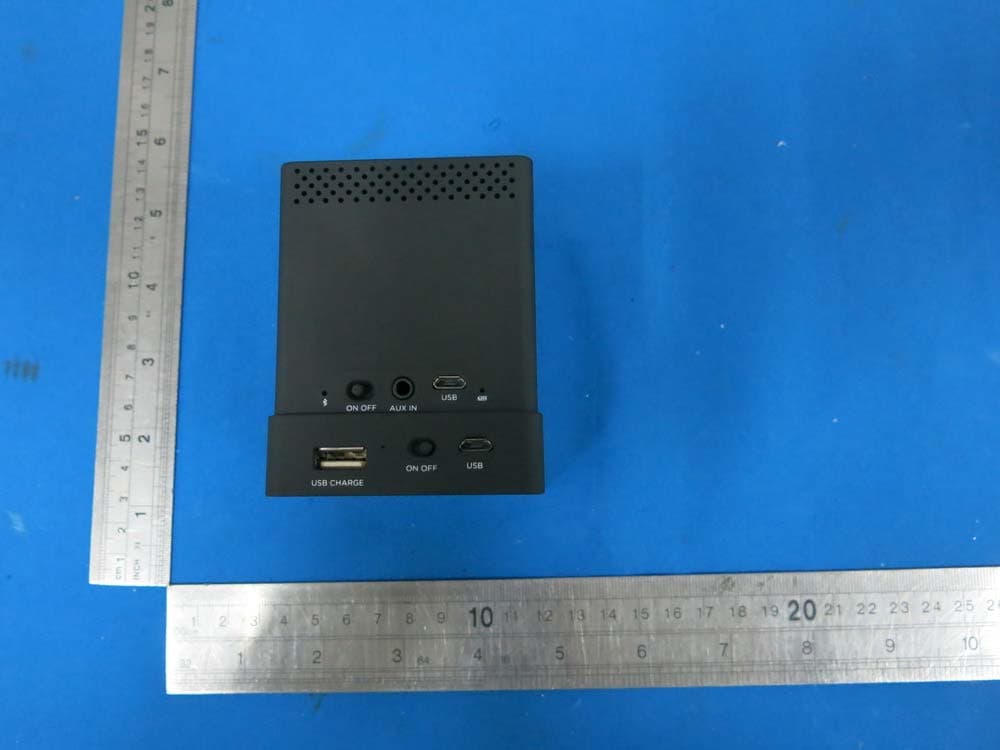
PXK-HL2750
Oct 31, 2015Speaker Mojo II
Equipment Class
DSS - Part 15 Spread Spectrum Transmitter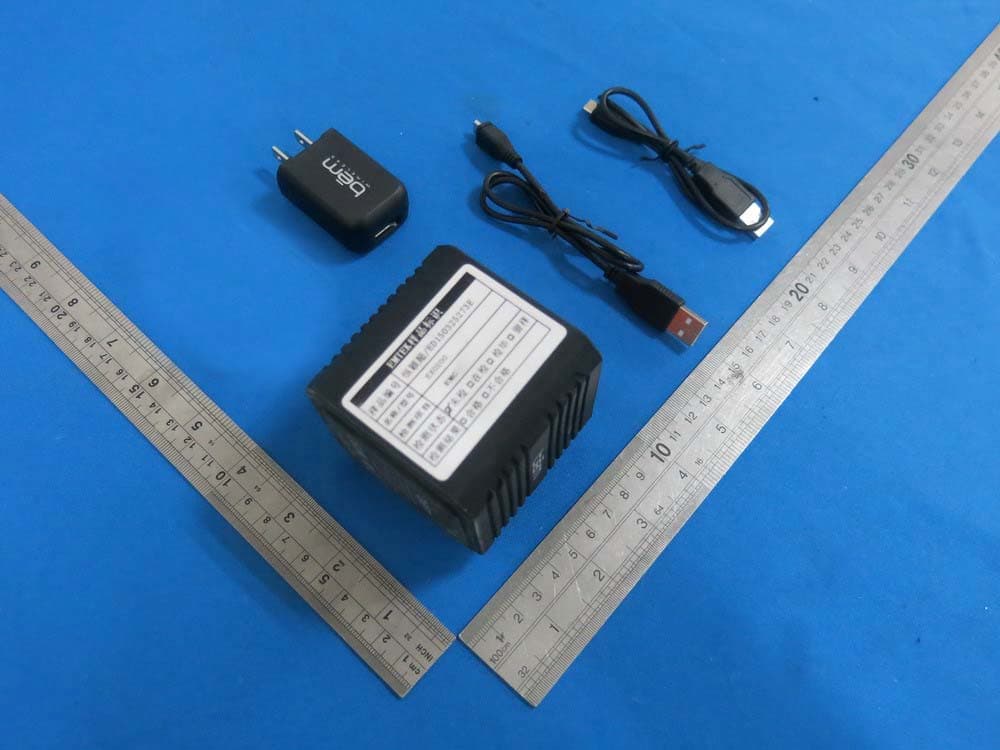
PXK-EXO200
Jul 01, 2015EXO-200
Equipment Class
DTS - Digital Transmission System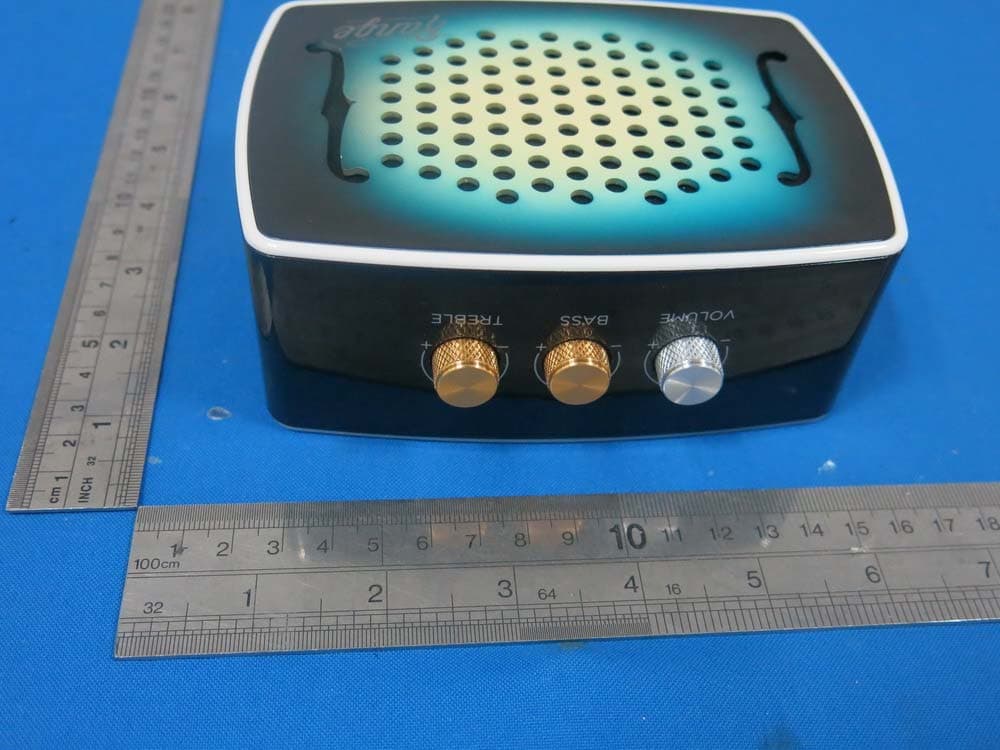
PXK-HL2515
Dec 22, 2014Strum
Equipment Class
DTS - Digital Transmission System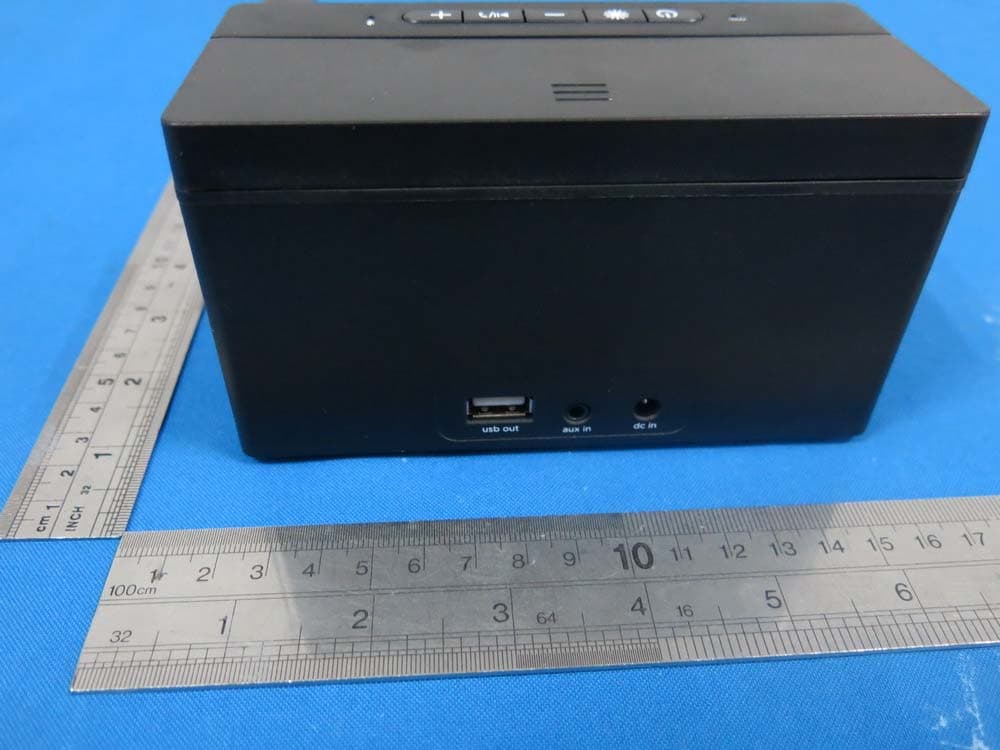
PXK-HL2507
Dec 22, 2014Express Speaker
Equipment Class
DTS - Digital Transmission System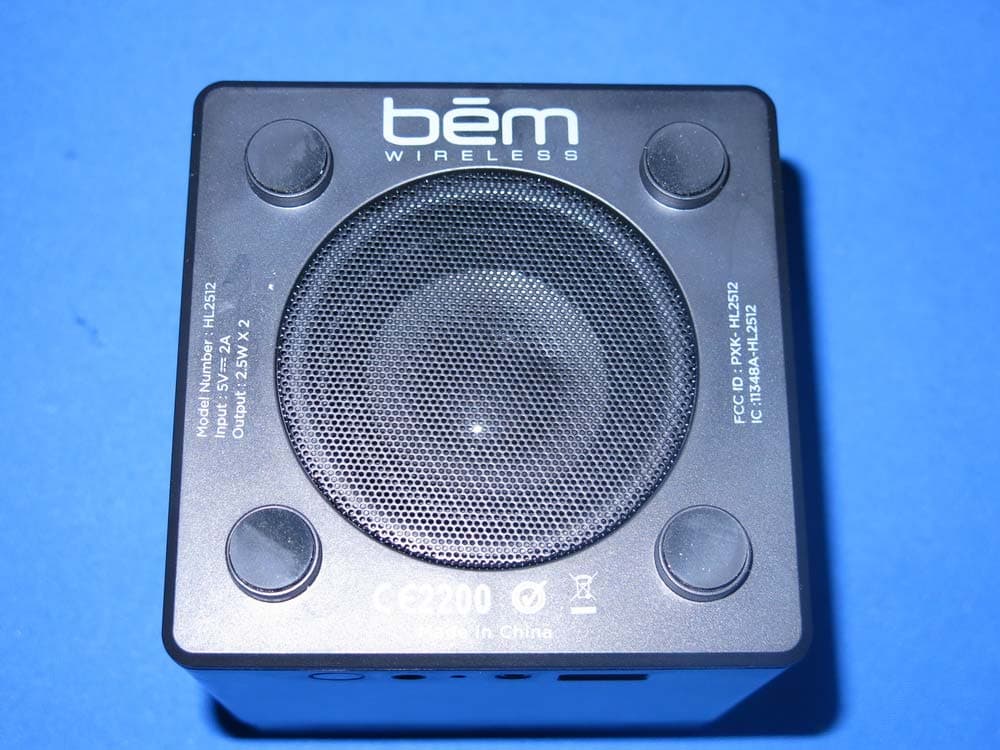
PXK-HL2512
Dec 22, 2014Eclipse
Equipment Class
DSS - Part 15 Spread Spectrum Transmitter