Q2VWIIRM5D20030RWii Remote
MAXWISE Production Enterprise Ltd.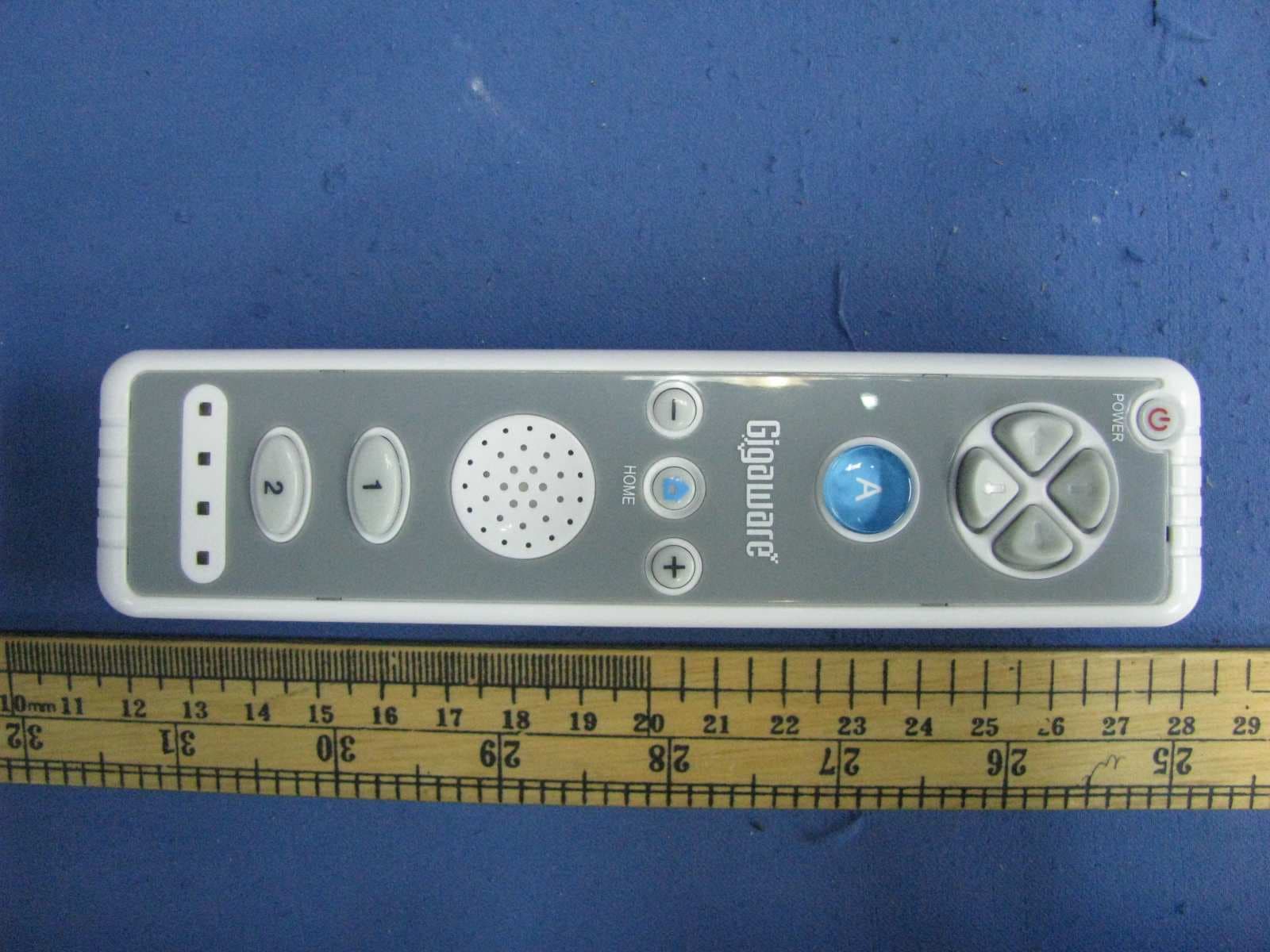
Click to zoom
Application Details
- Equipment Class
- DXX - Part 15 Low Power Communication Device Transmitter
- Date of Grant
- Jul 26, 2010
- Application Purpose
- Original Equipment
- Date of Application
- Jul 26, 2010
- Equipment Note
- Wii Remote
- Frequency Range
- 2402.00000000 - 2480.00000000
- Country
- China
Documents & Files
Document Text
Text extracted from the exhibit documents filed with the FCC. Open a document above to read the original.
Users Manual
® 2601712 User’s Guide Please read this user’s guide before using your new remote. Wireless Remote for Nintendo Wii ® 2345 2 Install the Silicone Skin 1. Insert the remote into the protective silicone skin. 2. Press the cover on the bottom to snugly fit the external extension connector. n Notes: • The power button can be operated with the silicone skin in place. • Remove the silicone skin before you connect a Nunchuk or MotionPlus accessory. 3 Attach the wrist strap 1. Insert the small end of the strap into the hole. 2. Loop the larger end in through the small end and pull to secure the strap firmly. Caution - Wear the wrist strap Game play with the Wii Remote can involve vigorous motion. To avoid losing your grip on the remote and causing injury or damage to objects and people around you, please be sure that all players wear a wrist strap during game play. 4. The Player LEDs will blink during synchronizing. When the blinking stops,the connection is complete. 5. Operate the remote according to the game. The Wii Remote will cancel synchronization if you: • turn off the console • return to the Wii menu • reset the console. 5 Using your Wii Remote 1. Open the lever on the wrist strap lock, loosen the strap, and place your hand through the wrist strap. 2. Slide the strap lock up, tightening the strap comfortably but securely. 3. Snap the lever closed to secure the lock. 4. Use your remote according to your game’s instructions. Package contents • Wii Remote • Silicone skin • Wrist Strap • User’s Guide • Quick Start Features • Works with all Wii games • Speaker enhances game play • Silicone skin provides a comfortable and more secure grip 1 Install batteries 1. Open the battery compartment cover. 2. Insert 2 AA batteries (not included) into the battery compartment, matching the polarity symbols (+ and –) marked inside. 3. Replace the battery cover. b Battery Notes: • Dispose of batteries promptly and properly. Do not burn or bury them. • Use only fresh batteries of the required size and type. • Do not mix old and new batteries, different types of batteries (alkaline, or rechargeable), or rechargeable batteries of different capacities. • If you do not plan to use the remote for more than one week, remove the batteries. Batteries can leak chemicals that can damage electronic parts. A A A A 4 Set up the Wii Remote Standard Mode Synchronization Standard Mode Synchronization adds additional Wii Remotes to your system or re-synchronizes your original remote. 1. Turn on the Wii console. 2. Remove the remote’s battery cover. Press SYNC. inside the compartment. The Player LEDs will blink. 3. Open the SD Card Slot cover on the front of the Wii console. Press the Wii’s SYNC button inside the compartment. 4. When the Player LEDs blinking stops, connection is complete. The LED that remains lit indicates the player number. nNotes: • Only a Wii Remote in Standard Mode can turn your console on/off. • The remote will stay synchronized with the console unless you synchronize the remote to a different console. One Time Mode Synchronization One Time Mode Synchronization allows you to temporarily use your remote with another console. It does not delete the Standard Mode setting stored in the remote. 1. Press HOME on the remote. 2. Select the Wii Remote Settings option from the Home menu, then select the Reconnect option. 3. Press 1 and 2 simultaneously on the remote. OR SYNC. 2601712_PM_EN.indd 1-57/7/2010 6:16:00 PM 678910 Specifications Power Supply ...........................................................2 AA batteries/DC 3V Connectivity .................................................................................Wireless Input ..................................................................................Motion sensing Range .....................................................................................up to 26 feet Specifications are subject to change and improvement without notice. Actual product may vary from the images found in this document. FCC Information This equipment has been tested and found to comply with the limits for a Class B digital device, pursuant to Part 15 of the FCC Rules. These limits are designed to provide reasonable protection against harmful interference in a residential installation. This equipment generates, uses and can radiate radio frequency energy and, if not installed and used in accordance with the instructions, may cause harmful interference to radio communications. However, there is no guarantee that interference will not occur in a particular installation. If this equipment does cause harmful interference to radio or television reception, which can be deter- mined by turning the equipment off and on, the user is encouraged to try to correct the interference by one or more of the following measures: • Reorient or relocate the receiving antenna. • Increase the separation between the equipment and receiver. • Connect the equipment into an outlet on a circuit different from that to which the receiver is connected. • Consult the dealer or an experienced radio/TV technician for help. Warning: Changes or modifications not expressly approved by Ignition L.P. could void the user’s authority to operate the equipment. This device complies with Part 15 of the FCC Rules. Operation is subject to the following two conditions: (1) This device may not cause harmful interference, and (2) this device must accept any interference received, including interference that may cause undesired operation Protect the environment by recycling used electronics. Go to E-CyclingCentral.com to find an electronic recycling center near you. Printed in China 07A10 2601712 © 2010. Ignition L.P. All rights reserved. Gigaware is a registered trademark used by Ignition L.P. Nintendo and Wii are either registered trademarks or trademarks of Nintendo of America, Inc. This product is not sponsored, endorsed or approved by Nintendo. Control Pad A button Front View Minus (-) Button Speaker 1 Button 2 Bu…
Text truncated - open the document above for the full version.
External Photos
External Photos
ID Label/Location Info
SIZE: 20.574 X 11.43 mm
Internal Photos
Internal Photos Internal Photos (different encapsulation of the IC U1, U7 & U10):
Test Report
Ref -10 dBmAtt 0 dB * A Center 2.4 GHzSpan 10 MHz1 MHz/ * * 3DB RBW 100 kHz VBW 300 kHz SWT 2.5 ms 1 PK MAXH -110 -100 -90 -80 -70 -60 -50 -40 -30 -20 -10 1 Marker 1 [T1 ] -24.96 dBm 2.402140000 GHz 1 Delta 1 [T1 ] -52.42 dB -2.180000000 MHz Ref -10 dBmAtt 0 dB * A 1 PK MAXH Center 2.4835 GHzSpan 10 MHz1 MHz/ * * 3DB RBW 100 kHz VBW 300 kHz SWT 2.5 ms -110 -100 -90 -80 -70 -60 -50 -40 -30 -20 -10 1 Marker 1 [T1 ] -30.69 dB m 2.480120000 GHz 1 Delta 1 [T1 ] -48.04 dB 4.220000000 MHz Date: 7.JUL.2010 16:40:26
Test Report
Ref -10 dBmAtt 0 dB * A 1 PK MAXH Center 2.402 GHzSpan 3 MHz300 kHz/ * * 3DB RBW 100 kHz VBW 300 kHz SWT 2.5 ms -110 -100 -90 -80 -70 -60 -50 -40 -30 -20 -10 1 Marker 1 [T1 ] -25.07 dBm 2.402042000 GHz ndB [T1] 20.00 dB BW 1.152000000 MHz T1 Temp 1 [T1 ndB] -44.97 dBm 2.401412000 GHz T2 Temp 2 [T1 ndB] -44.99 dBm 2.402564000 GHz Ref -10 dBmAtt 0 dB * A 1 PK MAXH Center 2.441 GHzSpan 3 MHz300 kHz/ * * 3DB RBW 100 kHz VBW 300 kHz SWT 2.5 ms -110 -100 -90 -80 -70 -60 -50 -40 -30 -20 -10 1 Marker 1 [T1 ] -28.57 dBm 2.441132000 GHz ndB [T1] 20.00 dB BW 1.182000000 MHz T1 Temp 1 [T1 ndB] -48.55 dBm 2.440400000 GHz T2 Temp 2 [T1 ndB] -48.49 dBm 2.441582000 GHz Date: 7.JUL.2010 16:38:05 Ref -10 dBmAtt 0 dB * A Center 2.48 GHzSpan 3 MHz300 kHz/ * * 3DB RBW 100 kHz VBW 300 kHz SWT 2.5 ms 1 PK MAXH -110 -100 -90 -80 -70 -60 -50 -40 -30 -20 -10 1 Marker 1 [T1 ] -30.93 dBm 2.480132000 GHz ndB [T1] 20.00 dB BW 1.200000000 MHz T1 Temp 1 [T1 ndB] -50.76 dBm 2.479388000 GHz T2 Temp 2 [T1 ndB] -51.03 dBm 2.480588000 GHz
Test Report
Intertek Testing Services Shenzhen Ltd. Kejiyuan Branch 6F, D Block, Huahan Building, Langshan Road, Nanshan District, Shenzhen, P. R. China Tel: (86 755) 8601 6288 Fax: (86 755) 8601 6751 Website: www.china.intertek-etlsemko.com 14 July, 2010 MAXWISE Production Enterprise Ltd. Room 1501, 15/F., AT Tower, 180 Electric Road, North Point, Hong Kong Dear Rui Yang Lin : Enclosed you will find your file copy of a Part 15 Certification (FCC ID: Q2VWIIRM5D20030R). For your reference, TCB will normally take another 5 days for reviewing the report. Approval will then be granted when no query is sorted. Please contact me if you have any questions regarding the enclosed material. Sincerely, Shawn Xing Assistant Manager Enclosure • •The test results reported in this test report shall refer only to the sample actually tested and shall not refer or be deemed to refer to bulk from which such a sample may be said to have been obtained. • This report is for the exclusive use of Intertek's Client and is provided pursuant to the agreement between Intertek and its Client. Intertek's responsibility and liability are limited to the terms and conditions of the agreement. Intertek assumes no liability to any party, other than to the Client in accordance with the agreement, for any loss, expense or damage occasioned by the use of this report. Only the Client is authorized to copy or distribute this report. Any use of the Intertek name or one of its marks for the sale or advertisement of the tested material, product or service must first be approved in writing by Intertek. The observations and test results referenced from this report are relevant only to the sample tested. This report by itself does not imply that the material, product, or service is or has ever been under an Intertek certification program. • For Terms And Conditions of the services, it can be provided upon request. • The evaluation data of the report will be kept for 3 years from the date of issuance. TRF No.: FCC 15C_TXa FCC ID: Q2VWIIRM5D20030R Intertek Testing Services Shenzhen Ltd. Kejiyuan Branch 6F, D Block, Huahan Building, Langshan Road, Nanshan District, Shenzhen, P. R. China Tel: (86 755) 8601 6288 Fax: (86 755) 8601 6751 Website: www.china.intertek-etlsemko.com MAXWISE Production Enterprise Ltd. Application For Certification (FCC ID: Q2VWIIRM5D20030R) Wii Remote Model: 2601712 2.4GHz Transceiver We hereby certify that the sample of the above item is considered to comply with the requirements of FCC Part 15, Subpart C for Intentional Radiator, mention 47 CFR [ 10-1-09] SZ10060384-1 Billy Li 14 July, 2010 INTERTEK TESTING SERVICES TRF No.: FCC 15C_TXa FCC ID: Q2VWIIRM5D20030R i LIST OF EXHIBITS INTRODUCTION EXHIBIT 1: General Description EXHIBIT 2: System Test Configuration EXHIBIT 3: Emission Results EXHIBIT 4: Equipment Photographs EXHIBIT 5: Product Labelling EXHIBIT 6: Technical Specifications EXHIBIT 7: Instruction Manual EXHIBIT 8: Miscellaneous Information EXHIBIT 9: Test Equipment List INTERTEK TESTING SERVICES TRF No.: FCC 15C_TXa FCC ID: Q2VWIIRM5D20030R ii MEASUREMENT/TECHNICAL REPORT MAXWISE Production Enterprise Ltd. - MODEL: 2601712 Additional Model: 5D04033MW FCC ID: Q2VWIIRM5D20030R 14 July, 2010 This report concerns (check one:) Original Grant X Class II Change Equipment Type: DXX - Part 15 Low Power Communication Device Transmitter Deferred grant requested per 47 CFR 0.457(d)(1)(ii)? Yes No X If yes, defer until: date Company Name agrees to notify the Commission by: date of the intended date of announcement of the product so that the grant can be issued on that date. Transition Rules Request per 15.37? Yes No X If no, assumed Part 15, Subpart C for intentional radiator − the new 47 CFR [10-1-09 Edition] provision. Report prepared by: Shawn Xing Intertek Testing Services Shenzhen Ltd. Kejiyuan Branch 6F, Block D, Huahan Building, Langshan Road, Nanshan District, Shenzhen, P. R. China Phone: (86 755) 8601 6288 Fax: (86 755) 8601 6751 INTERTEK TESTING SERVICES TRF No.: FCC 15C_TXa FCC ID: Q2VWIIRM5D20030R iii Table of Contents 1.0 General Description............................................................................................ 2 1.1 Product Description ............................................................................................ 2 1.2 Related Submittal(s) Grants ............................................................................... 2 1.3 Test Methodology............................................................................................... 3 1.4 Test Facility........................................................................................................ 3 2.0 System Test Configuration ................................................................................. 5 2.1 Justification ........................................................................................................ 5 2.2 EUT Exercising Software.................................................................................... 5 2.3 Special Accessories ........................................................................................... 5 2.4 Equipment Modification ...................................................................................... 5 2.5 Measurement Uncertainty .................................................................................. 6 2.6 Support Equipment List and Description ............................................................. 6 3.0 Emission Results ................................................................................................ 8 3.1 Field Strength Calculation................................................................................... 8 3.2 Radiated Emission Configuration Photograph..................................................... 9 3.3 Radiated Emission Data.........................................................................9 3.4 Transmitter Spurious Emissions (Radiated) ...............................................…
Text truncated - open the document above for the full version.
Test Setup Photos
Radiated Photos
Contact Information
Applicant
Rui Yang Lin(Managing Director)
Technical Contact
Intertek Testing Services Shenzhen Ltd KejiyuanShawn Xing
[email protected]8675586140603
6F, D Block Huahan Building, Langshan Road · Shenzhen · China
Non-Technical Contact
Intertek Testing Services Shenzhen Ltd KejiyuanShawn Xing
[email protected]8675586140603
Test Firm
Intertek Testing Services Shenzhen Ltd.Shawn Xing
Technical Specifications
| # | Rule Parts | Frequency Range | Power Output |
|---|---|---|---|
| 1 | 15C | 2.40 GHz - 2.48 GHz | - |
Other Applications from MAXWISE Production Enterprise Ltd.
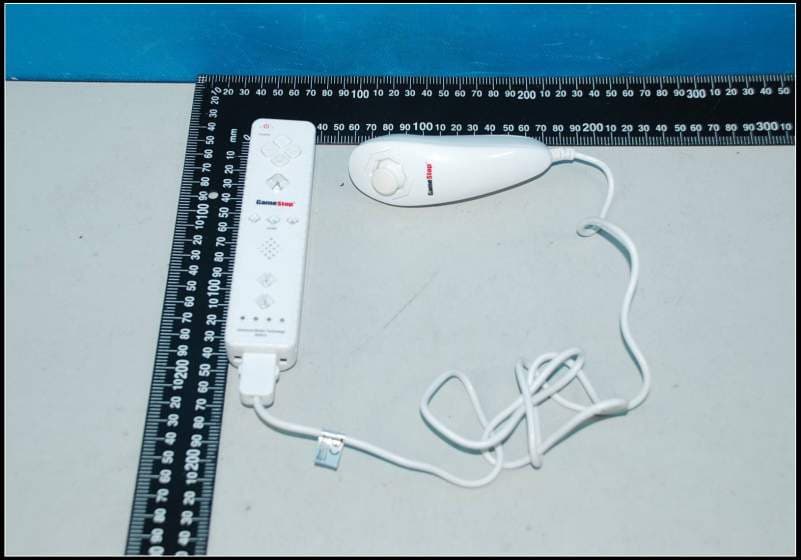
Q2V5D2007083MW
Jul 29, 2012WII WIRELESS CONTROLLER
Equipment Class
DSS - Part 15 Spread Spectrum Transmitter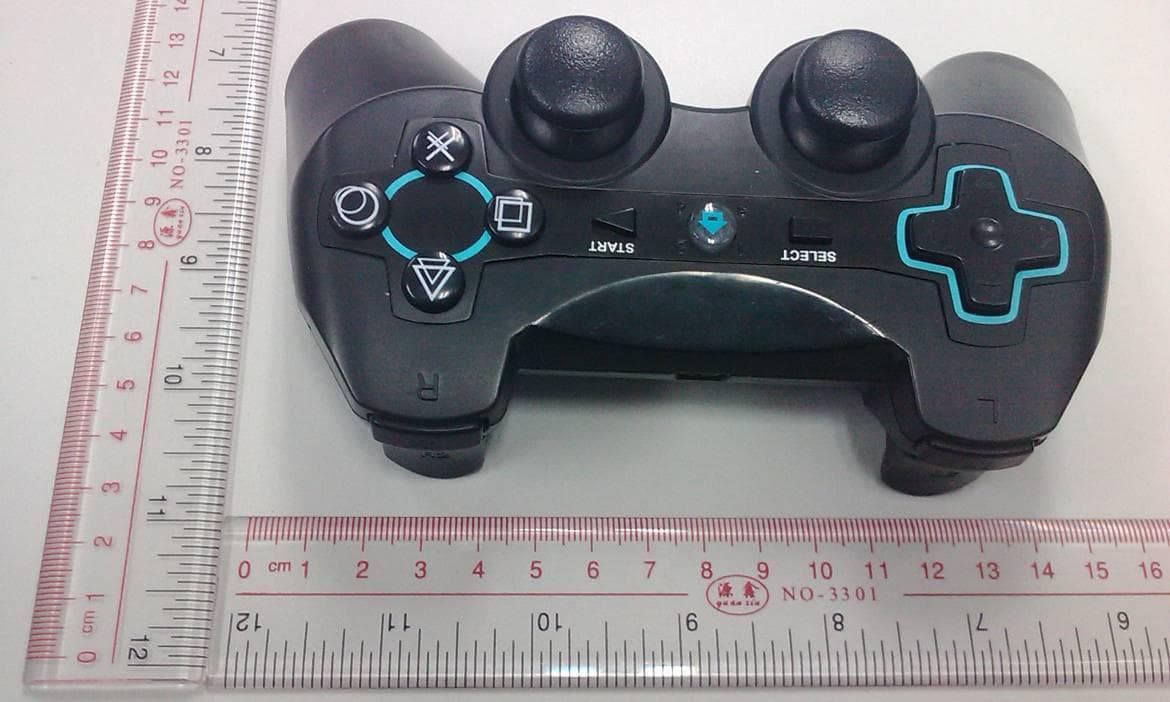
Q2VBTCT5K02047
Nov 02, 2011PS3 BLUETOOTH CONTROLLER
Equipment Class
DSS - Part 15 Spread Spectrum Transmitter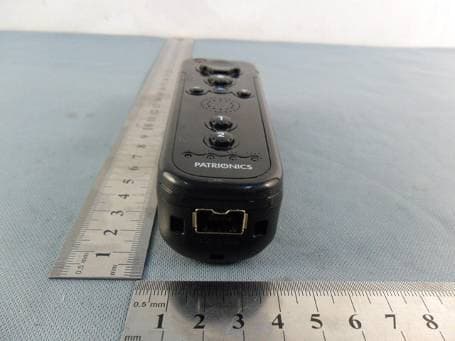
Q2VWIIRMB5D04036
Jun 13, 2011WII Mini Remote Bundle
Equipment Class
DSS - Part 15 Spread Spectrum Transmitter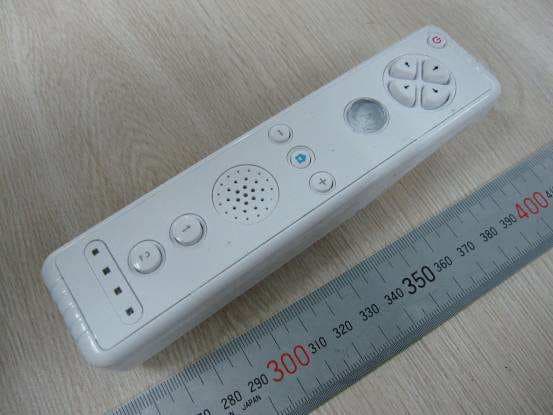
Q2V-WIIRMCM001
Mar 15, 20102.4GHz Wii Remote Controller
Equipment Class
DXX - Part 15 Low Power Communication Device Transmitter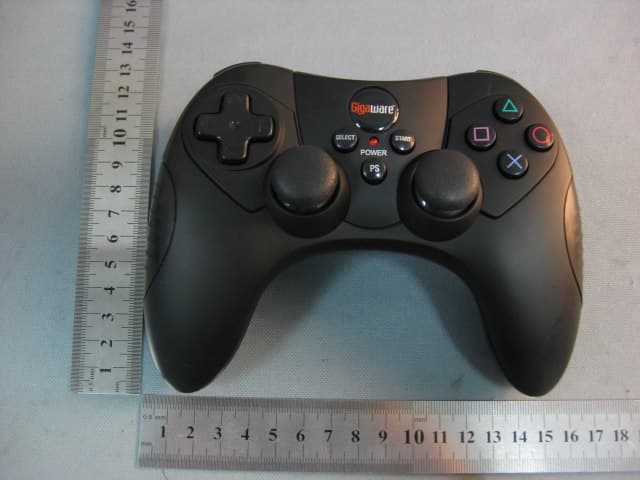
Q2VRFPCMWD03A
Jan 10, 2010PS3 Wireless Controller
Equipment Class
DXX - Part 15 Low Power Communication Device Transmitter