Q2VWIIRMB5D04036WII Mini Remote Bundle
MAXWISE Production Enterprise Ltd.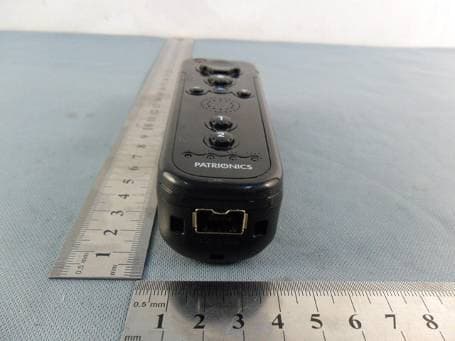
Click to zoom
Application Details
- Equipment Class
- DSS - Part 15 Spread Spectrum Transmitter
- Date of Grant
- Jun 13, 2011
- Application Purpose
- Original Equipment
- Date of Application
- Jun 13, 2011
- Equipment Note
- WII Mini Remote Bundle
- Frequency Range
- 2402.00000000 - 2480.00000000
- Country
- China
Documents & Files
Document Text
Text extracted from the exhibit documents filed with the FCC. Open a document above to read the original.
Users Manual
Sheenway Europe.USA .Japen V3 James04/21/11 James05/18/11 James05/23/11 1 2 3 Safety Notes: 1. Do not attempt to service or repair the device yourself. Leave any service work to qualified experts. 2. Do not modify the device in any way. Doing so voids the warranty. 67 Printed in China SYNC CRC#: 4690162 Instruction Manual For Wii™ Wii™ Black Mini Remote Bundle 4690162 Wii™ Black Mini Remote Bundle 1 Wii™, Wii™ Remote and Wii™ Nunchuck are either trademarks or Registered trademarks of Nintendo,.Inc. This product is not manufactured, sponsored, licensed, endorsed or distributed by Nintendo, Inc. Introduction: Thank you for choosing the Kidsmote Controller and congratulations on your decision. We are sure that our product will provide you with a great deal of gaming pleasure. These instructions contain valuable information about operating and configuring the controller. Please keep these instructions in a safe place for future reference. Package contents: • Kidsmote controller for the Nintendo Wii console • Nunchuck for the Nintendo Wii console • Instruction Manual Please contact your dealer immediately if parts are missing or visibly damaged. 23 Specifications: • Wireless Kidsmote controller for use with the Nintendo Wii console • Unique, intuitive game play using motion sensing • Simple connection with 4 controllers simultaneously using autoscan • Particularly slim and elegant design • Integrated speakers for saving avatars, game settings and Miis • Powerful vibration effects • Only 2AA batteries required (Batteries are not included in this product!) (Technical data is subject to change) Installation: To be able to use your Kidsmote controller with your Wii™ console, it must be synchronized with the Wii™ console or registered at the Wii™ console. This procedure is only required once if you only use this controller with your console. The Kidsmote controller always connects automatically when switching on the console and controller. (Standard mode) If you want to use the controller with other consoles, e.g. belonging to friends or acquaintances, you can register once at the respective console. This one time registration will be deleted when the console is switched off. The settings of standard mode and the associated registration with your own console are not overwritten. Note: When using “One Time mode”, the registration configurations safes all controllers (remote control unit) are overridden until the Wii™ console is switched off. The configurations of standard mode resume when Wii™ console is switched on again. Synchronization of the Kidsmote controller: Standard mode 1. Ensure there are batteries in the Kidsmote. 2. Remove the cover of the battery compartment of the Kidsmote controller. 3. Open the cover of the SD card reader of your Wii™ console. 4. Press the “SYNC” button on the Wii™ Console. 5. Then press the “SYNC” button in the Kidsmote battery compartment. 6. The Kidsmote controller is now registered at the Wii™ Console and this can be recognised by the flashing LEDs. When flashing stops, registration is complete and an LED lights up continually. This LED also displays the player number. 7. Repeat this procedure for each other controller that you want to connect with your Wii™ console in standard mode. The order in which you register the controllers at your console determines the respective player number. One Time Mode 1. Press the “HOME” button at the Kidsmote controller. 2. Select the Wii™ Remote Setting option from the home menu, then select the Reconnect option. 3. Press the “1” and “2” butttons simultaneously on your Kidsmote controller. 4. The 4LEDs begin to flash. Press and hold both buttons (1 & 2) until flashing stops and only one LED flashes continually. 45 5. Repeat this procedure for every other controller that you want to connect with your Wii™ console in One Time mode. The order in which you register the controllers at your console determines the respective player number. Inserting the batteries: • Remove the battery compartment cover of the Kidsmote controller. • Insert the batteries or rechargerble batteries ensuring correct polarity and secure placement. Using the Kidsmote controller: Your Kidsmote controller is sensitive using Motion Sensing Technol- ogy. You do not have to make any excessive movements. Always consider your environment and other players. Your Kidsmote controller has all the functions of the original Nintendo controller (Wii-mote). You can use the Kidsmote in the vertical position for Wii games that also require the pointer function. You can also use it in the horizontal position for virtual console classics that you can download on your Wii™ console. In addition, other accessories such as the Nunchuk or Nintendo controller. FAQs Before contacting your dealer or our support team, please refer to the common errors listed in this section and how to fix them. 1. Slow to respond to movements Check the batteries as they may be dead. If the batteries are weak, the controller is unreliable and imprecise when you play a game. 2. The Kidsmote controller is not functioning Switch the Wii™ console completely off and on again. Now register the controller again as described in these instructions. Note the two different log on options using Standard mode (continual connection with the console) and log on using the One Time mode (temporarily connection with the console). 3. Entry signals appear during a game although i have not touched the controller. Check that your sensor bar is clearly visible below and above your television. If you use a wireless sensor bar, check the batteries in the sensor bar. Observe the maximum range or distance between the sensor bar/console and the Kidsmote controller. The range can vary according to the sensor bar used. Try and stay within a maximum range of 5 metres between the console and bar to maintain optimum performance and precision. Stick the plug into the extension port of the kidsmote. Squeeze the release bar to remove the…
Text truncated - open the document above for the full version.
External Photos
1 Photographs - EUT Constructional Details (Test Model No.: 4690162)
Internal Photos
1 Photographs - EUT Constructional Details (Test Model No.: 4690162)
RF Exposure Info
SGS-CSTC Standards Technical Services Co., Ltd. No. 1 Workshop, M-10, Middle Section, Science & Technology Park, District Shenzhen, China 518057 Telephone: +86 (0) 755 2601 2053 Fax: +86 (0) 755 2671 0594 Email: [email protected] Page: 1 of 1 FCC ID: Q2VWIIRMB5D04036 “This document is issued by the Company subject to its General Conditions of Service printed overleaf, available on request or accessible at www.sgs.com/terms_and_conditions.htm and, for electronic format documents, subject to Terms and Conditions for Electronic Documents at www.sgs.com/terms_e-document.htm . Attention is drawn to the limitation of liability, indemnification and jurisdiction issues defined therein. Any holder of this document is advised that information contained hereon reflects the Company’s findings at the time of its intervention only and within the limits of Client’s instructions, if any. The Company’s sole responsibility is to its Client and this document does not exonerate parties to a transaction from exercising all their rights and obligations under the transaction documents. This document cannot be reproduced except in full, without prior written approval of the Company. Any unauthorized alteration, forgery or falsification of the content or appearance of this document is unlawful and offenders may be prosecuted to the fullest extent of the law. Unless otherwise stated the results shown in this test report refer only to the sample(s) tested and such sample(s) are retained for 90 days only.” 1.1 RF Exposure Compliance Requirement 1.1.1 Standard requirement 15.247(b)(4) requirement: (4) The conducted output power limit specified in paragraph (b) of this section is based on the use of antennas with directional gains that do not exceed 6 dBi. Except as shown in paragraph (c) of this section. if transmitting antennas of directional gain greater than 6 dBi are used. the conducted output power from the intentional radiator shall be reduced below the stated values in paragraphs (b)(1). (b)(2). and (b)(3) of this section. as appropriate. by the amount in dB that the directional gain of the antenna exceeds 6 dBi. 1.1.2 EUT RF Exposure The Max Conducted Peak Output Power is 0.67dBm(1.167mW) in middle channel; The best case gain of the antenna is 0dBi. 0dB logarithmic terms convert to numeric result is nearly 1. According to the formula. calculate the EIRP test result: EIRP= P x G = 1.167mW x 1 = 1.167mW ① SAR requirement: S= 60 / f(GHz) = 60/2.402 = 24.98mW ② ; ① < ②. So the SAR report is not required.
Test Report
SGS-CSTC Standards Technical Services Ltd. No. 1 Workshop, M-10, Middle section, Science & Technology Park, Shenzhen, Guangdong, China 518057 Telephone: +86 (0) 755 2601 2053 Fax: +86 (0) 755 2671 0594 Email: [email protected] Report No.: SZEM110500075201 Page: 1 of 45 Authorized Signature: Jack Zhang EMC Laboratory Manager The manufacturer should ensure that all products in series production are in conformity with the product sample detailed in this report. If the product in this report is used in any configuration other than that detailed in the report, the manufacturer must ensure the new system complies with all relevant standards. Any mention of SGS International Electrical Approvals or testing done by SGS International Electrical Approvals in connection with, distribution or use of the product described in this report must be approved by SGS International Electrical Approvals in writing. The report must not be used by the client to claim product certification, approval, or endorsement by NVLAP, NIST, or any agency of the federal government. All test results in this report can be traceable to National or International Standards. “This document is issued by the Company subject to its General Conditions of Service printed overleaf, available on request or accessible at www.sgs.com/terms_and_conditions.htm and, for electronic format documents, subject to Terms and Conditions for Electronic Documents at www.sgs.com/terms_e-document.htm . Attention is drawn to the limitation of liability, indemnification and jurisdiction issues defined therein. Any holder of this document is advised that information contained hereon reflects the Company’s findings at the time of its intervention only and within the limits of Client’s instructions, if any. The Company’s sole responsibility is to its Client and this document does not exonerate parties to a transaction from exercising all their rights and obligations under the transaction documents. This document cannot be reproduced except in full, without prior written approval of the Company. Any unauthorized alteration, forgery or falsification of the content or appearance of this document is unlawful and offenders may be prosecuted to the fullest extent of the law. Unless otherwise stated the results shown in this test report refer only to the sample(s) tested and such sample(s) are retained for 90 days only.” 1 Cover Page FCC REPORT Application No: SZEM1105000752RF Applicant: MAXWISE PRODUCTION ENTERPRISE LTD. Product Name: WII Mini Remote Bundle Operation Frequency: 2.402GHz to 2.480GHz FCC ID: Q2VWIIRMB5D04036 Standards: FCC CFR Title 47 Part 15 Subpart C Section 15.247: 2010 Date of Receipt: 2011-05-26 Date of Test: 2011-05-27 to 2011-06-02 Date of Issue: 2011-06-07 Test Result : PASS * * In the configuration tested, the EUT complied with the standards specified above. SGS-CSTC Standards Technical Services Ltd. Report No.: SZEM110500075201 Page: 2 of 45 “This document is issued by the Company subject to its General Conditions of Service printed overleaf, available on request or accessible at www.sgs.com/terms_and_conditions.htm and, for electronic format documents, subject to Terms and Conditions for Electronic Documents at www.sgs.com/terms_e-document.htm . Attention is drawn to the limitation of liability, indemnification and jurisdiction issues defined therein. Any holder of this document is advised that information contained hereon reflects the Company’s findings at the time of its intervention only and within the limits of Client’s instructions, if any. The Company’s sole responsibility is to its Client and this document does not exonerate parties to a transaction from exercising all their rights and obligations under the transaction documents. This document cannot be reproduced except in full, without prior written approval of the Company. Any unauthorized alteration, forgery or falsification of the content or appearance of this document is unlawful and offenders may be prosecuted to the fullest extent of the law. Unless otherwise stated the results shown in this test report refer only to the sample(s) tested and such sample(s) are retained for 90 days only.” 2 Contents Page 1 COVER PAGE.........................................................................................................................................................1 2 CONTENTS.............................................................................................................................................................. 2 3 TEST SUMMARY.................................................................................................................................................... 3 4 GENERAL INFORMATION................................................................................................................................... 4 4.1 CLIENT INFORMATION.......................................................................................................................................... 4 4.2 GENERAL DESCRIPTION OF E.U.T. ....................................................................................................................... 4 4.3 E.U.T OPERATION MODE...................................................................................................................................... 6 4.4 TEST FACILITY..................................................................................................................................................... 7 4.5 TEST LOCATION................................................................................................................................................... 7 4.6 OTHER INFORMATION REQUESTED BY THE CUSTOMER........................................................................................ 7 4.7 TEST INSTRUMENTS LIST...................................................................................................................................... 8 5 TEST RESULTS…
Text truncated - open the document above for the full version.
Test Setup Photos
1 Photographs-test setup photo(Test Model No.: 4690162) Radiated Spurious Emission Test Setup
Contact Information
Applicant
Rui Yang Lin(Managing Director)
Technical Contact
Test Firm
SGS-CSTC Standards Technical Services Co.,Ltd.June Zhang
Technical Specifications
| # | Rule Parts | Frequency Range | Power Output |
|---|---|---|---|
| 1 | 15C | 2.40 GHz - 2.48 GHz | 1.00 mW |
Other Applications from MAXWISE Production Enterprise Ltd.
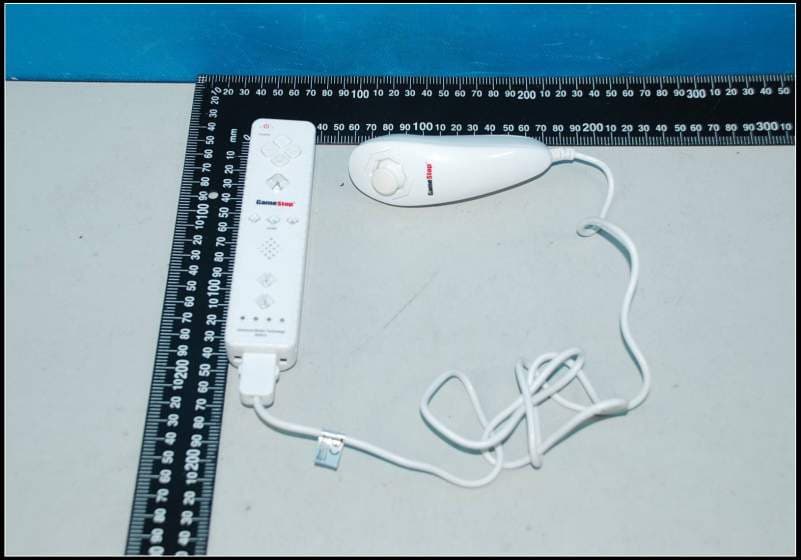
Q2V5D2007083MW
Jul 29, 2012WII WIRELESS CONTROLLER
Equipment Class
DSS - Part 15 Spread Spectrum Transmitter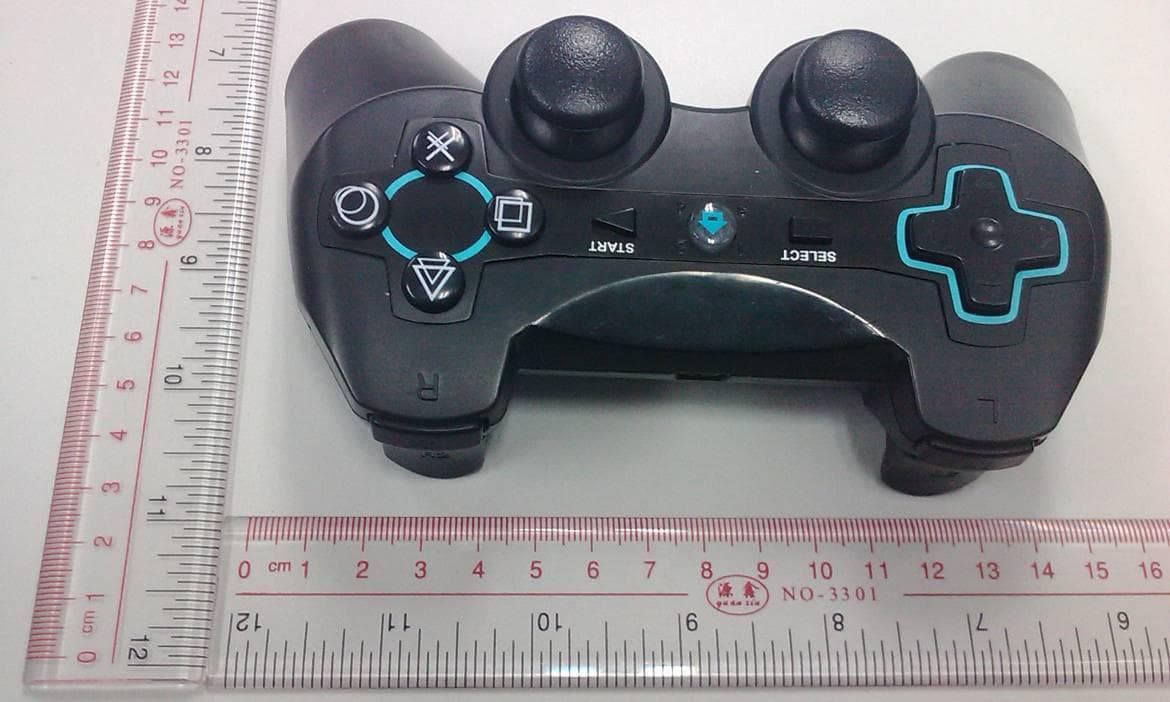
Q2VBTCT5K02047
Nov 02, 2011PS3 BLUETOOTH CONTROLLER
Equipment Class
DSS - Part 15 Spread Spectrum Transmitter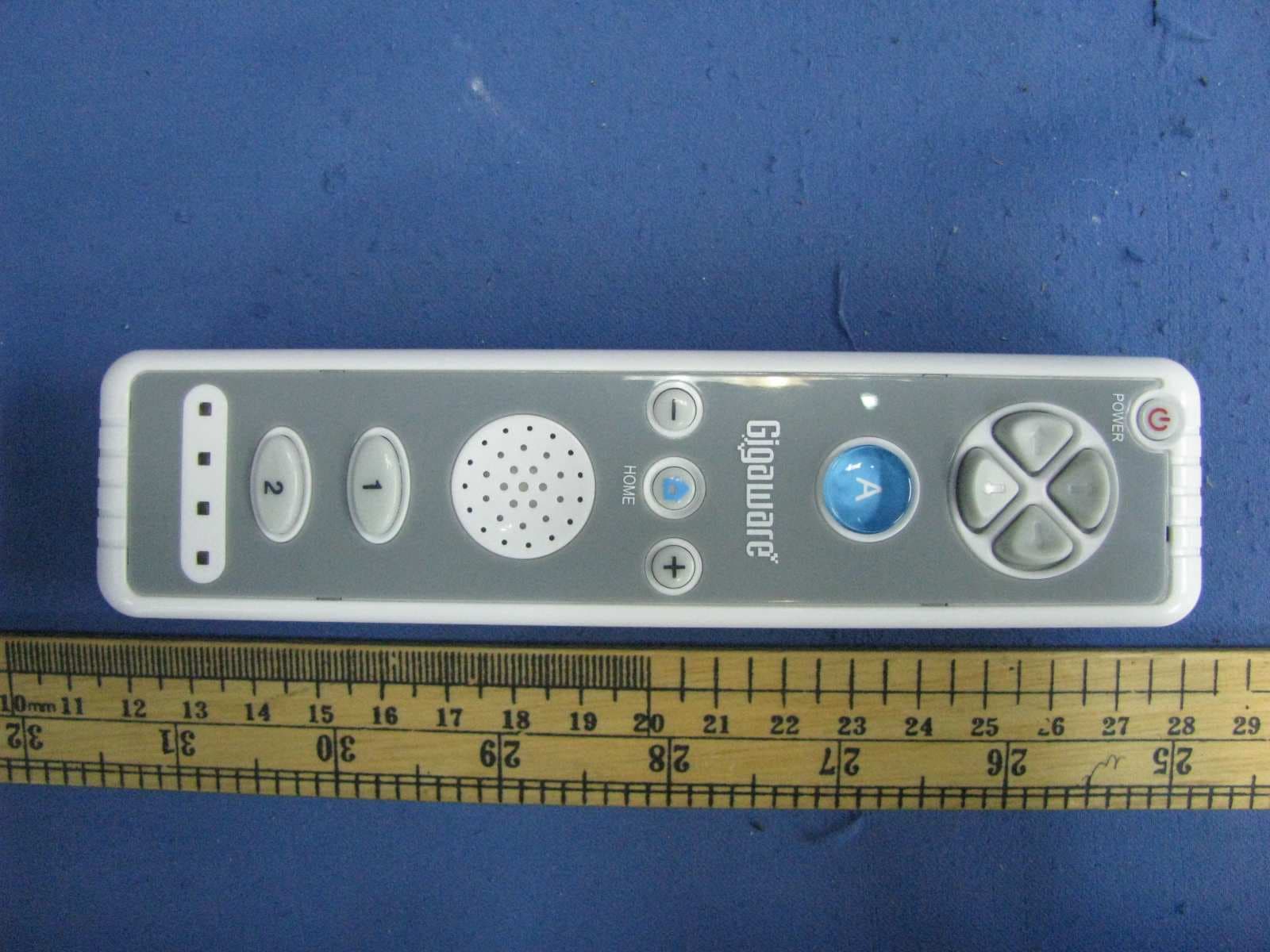
Q2VWIIRM5D20030R
Jul 26, 2010Wii Remote
Equipment Class
DXX - Part 15 Low Power Communication Device Transmitter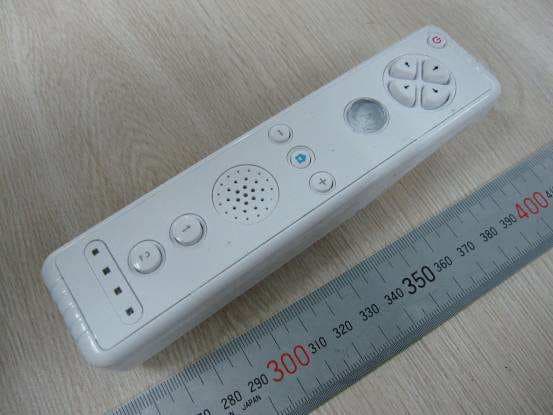
Q2V-WIIRMCM001
Mar 15, 20102.4GHz Wii Remote Controller
Equipment Class
DXX - Part 15 Low Power Communication Device Transmitter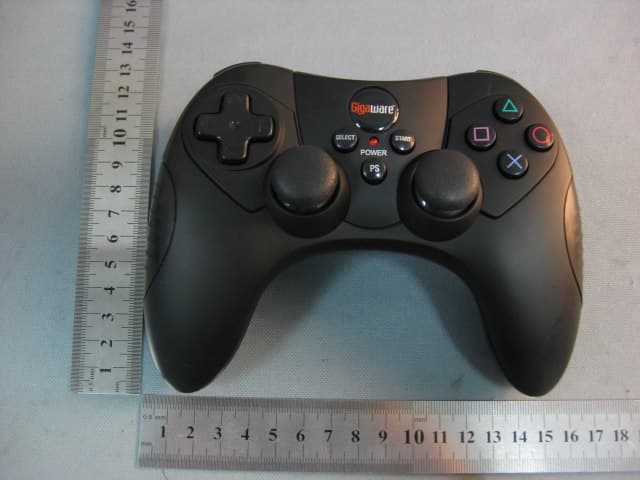
Q2VRFPCMWD03A
Jan 10, 2010PS3 Wireless Controller
Equipment Class
DXX - Part 15 Low Power Communication Device Transmitter