Q3QHWNVWEX725Cellular/ PCS CDMA Clinical Assistant
Xplore Technologies Corp of America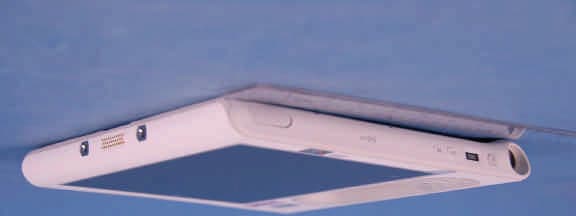
Click to zoom
Application Details
- Equipment Class
- PCB - PCS Licensed Transmitter
- Date of Grant
- Oct 22, 2007
- Application Purpose
- Original Equipment
- Date of Application
- Oct 22, 2007
- Equipment Note
- Cellular/ PCS CDMA Clinical Assistant
- Frequency Range
- 1851.25000000 - 1908.75000000
- Country
- United States
Documents & Files
Document Text
Text extracted from the exhibit documents filed with the FCC. Open a document above to read the original.
Users Manual
Familiarize yourself with the following reference materials: 1. Complete the interactive Get Going with Tablet PC tutorial. (Start > All Programs > Tablet PC > Get Going with Tablet PC) 2. Complete the other useful Tablet PC Tutorials. (Start > All Programs > Tablet PC > Tablet PC Tutorials) 3. Open and review the Motion Dashboard. (Start > All Programs > Motion Computing > Motion Dashboard or see "Using the Tablet PC Buttons" below) 4. Refer to the Motion User Guide if you have any questions. (Start > All Programs > Motion Computing > Motion User Guide) Getting started Using the pen Using the C5 pen on the screen is similar to using a mouse to make selections and open files. The following table explains the similarities between a C5 pen and a mouse. Helpful bar code scanner tips • The bar code button is located on the top right-edge of the C5. • Hold the C5 by the handle to scan. Ensure the scan beam covers the entire bar code. • Press the button once to trigger the scanner. Do not hold the button down when scanning. • The C5 beeps when the barcode successfully scans. • Hold the pen like a regular pen. • You can rest your hand on the screen. • Calibrate the digitizer and pen for better pointer alignment through the Pen & Tablet panel. • For more information, see the Motion C5 User Guide. SelectPoint and clickPoint and tap the display Open a file or application Double-clickDouble-tap or double-touch on the display Select and dragClick and drag Display properties or edit functions (cut, copy, paste) Right-click and hold Tap or touch and drag on the display Using the C5 buttons and LEDs Programmable A (to rotate display press Function and A) Directional control Optimizing battery life • Use AC power when available. When the C5 is connected to AC power, the battery will continue to charge while using the C5. • In the Display panel of the Motion Dashboard, adjust the brightness to the dimmest comfortable brightness level. • In the Motion Dashboard, set the power button to Stand By or Hibernate to conserve battery power, to quickly power on and off, or when not using the C5. • When not in use, turn off wireless adapters in Motion Dashboard. • For advanced tips about extending the battery life, go to www.motioncomputing.com/tips. Motion Computing and Speak Anywhere are registered trademarks and Motion is a trade- mark of Motion Computing, Inc. in the United States and other countries. All trademarks or registered trademarks are properties of their respective owners. Copyright © 2007 Motion Computing, Inc. All rights reserved. (April 2007) P/N 024-02-XXXX Rev. X00 Helpful tip: Use the Function button to activate the secondary functions of the Directional Control, Motion Dashboard, and Rotate buttons. For more information, see the Motion C5 User Guide on your Tablet PC desktop. Motion TM C5 Mobile Clinical Assistant Quick Reference Guide for Windows XP Function button (right-click function) Eraser Pen tip ® Hold the pen on the display until the mouse icon appears, and then remove the pen tip from the display 1. Press the power button. 2. When prompted, press the Windows Security button. 3. Using the pen and the on-screen keyboard, tap in your password. Logging on After turning on your C5, perform the following steps: This Quick Reference Guide provides information for using the C5 Mobile Clinical Assistant. NOTE: For additional reference information, see the Quick Setup included with your C5. Function Mouse action Pen action Programmable B Wi-Fi LED Battery LED Bluetooth LED Helpful pen tips Windows Security button Power button Function Motion Dashboard Open the Motion Dashboard by pressing this button on the front of the C5. You can use the Fingerprint Reader for user authentication, password replacement, and four-way directional scrolling. To set up the Fingerprint Reader, see "Using Motion OmniPass TM and Fingerprint Reader" in the Motion C5 User Guide. Setting up the Fingerprint Reader Using the Motion TM Dashboard to adjust C5 settings 1. For information about configuring speech recognition, see “Using Speech Recognition” in the Motion C5 User Guide. 2. Complete the Using Speech Recognition tutorial. (Start > All Programs > Tablet PC > Tablet PC Tutorials > Speech) Using speech recognition IMPORTANT: The Motion C5 User Guide, located on your C5 desktop, contains information about the following topics. Setting wireless devices Using the ports and card slots For information about the locations and uses for the ports and card slots, see "Features" in the Motion C5 User Guide. Note: The C5 must be powered by AC power to use USB ports. • To set up and use your Bluetooth wireless devices, see "Using Bluetooth" in the Motion C5 User Guide. • To set up the built-in Wi-Fi adapter, see "Using Wi-Fi (802.11 a/b/g)" in the Motion C5 User Guide. Using the digital camera Camera button Adjust brightness Select the default display scheme for the external monitor Control audio playback Configure microphones and Speak Anywhere ® Category View Classic View Click here to change views Access information for using the Motion Dashboard Set display to Off Click here to change views Set to Stand By Mode Configure power button for off, Hibernate, or Stand By mode Configure security settings Calibrate and customize the pen and buttons Set 802.11 on or off Set Bluetooth ® on or off Adjust power settings Entering text and data 1. To open the Input Panel, tap inside a text field, and then tap the floating Input Panel icon. Or, tap the Input Panel icon to the right of the Start button to open the Input Panel. 2. Select one of the three Input Panel input modes to enter data. Mode 3: Keyboard input Tap the on-screen keyboard. Mode 2: Character input Enter characters one at a time. Mode 1: Handwriting input Enter handwriting (use cursive or block letters). Tap Tap Tap • Hold the camera steady when pointing the lens at the object you want to photograph. • Press the Camera button once to activate the viewfinder. • Press the b…
Text truncated - open the document above for the full version.
Users Manual
Safety and Regulatory Guide C5 Mobile Clinical Assistant CFT-001 C5 Docking Station TCD001 Product Safety Information Safety Compliance Notices Regulatory Notices Guide de sécurité et de réglementation C5 Mobile Clinical Assistant CFT-001 C5 Station d’accueil TCD001 Informations relatives à la sécurité du produit Avis de conformité aux normes de sécurité Avis relatifs aux réglementations Sicherheits-und Vorschriftshandbuch C5 Mobile Clinical Assistant CFT-001 C5 Dockingstation TCD001 Produktsicherheitshinweise Sicherheitseinhaltungserklärung Vorschriftseinhaltungserklärung © 2007 Motion Computing, Inc. All rights reserved. The Motion Computing products and services may be covered by one or more patent- protected inventions. Additional patents may also be pending. For more information, see www.motioncomputing.com/info/ patents.asp. This product incorporates copy protection technology that is protected by U.S. and foreign patents, including patent numbers 5,315,448 and 6,836,549, and other intellectual property rights. The use of Macrovision's copy protection technology in the product must be authorized by Macrovision. Reverse engineering or disassembly is prohibited. Les produits et ser vices de Motion Computing peuvent être protégés par une ou plusieurs inventions brevetées. D’autres brevets peuvent être en cours de certification. Pour plus d’informations, consultez le site www.motioncomputing.com/info/ patents.asp. Ce produit inclut une technologie de protection contre la copie protégée par des brevets des Etats-Unis et d’autres pays, parmi lesquels les brevets 5315448 et 6836549, et d’autres droits de propriété intellectuelle. L’utilisation dans le produit de la technologie de protection contre la copie de Macrovision doit être autorisée par Macrovision. L’ingénierie inverse ou le désassemblage est interdit. Die Motion Computing-Produkte und - Dienstleistungen können einer oder mehreren der folgenden durch Patente geschützten Erfindungen unterliegen. Weitere Patente sind angemeldet. Weitere Informationen erhalten Sie unter www.motioncomputing.com/info/ patents.asp. Dieses Produkt ist mit Kopierschutztechnologie ausgestattet, die durch US-amerikanische Patente und Patente aus anderen Ländern geschützt ist, zu denen die Patentnummern 5,315,448 und 6,836,549 sowie weitere gewerbliche Schutz- und Urheberrechte zählen. Die Verwendung der Kopierschutztechnologie von Macrovision mit dem Produkt muss von Macrovision autorisiert werden. Reverse Engineering oder Demontage ist untersagt. PN 024-02-0156 Revision A02 August 2007 i Contents English. . . . . . . . . . . . . . . . . . . . . . . . . . . . . . . . . . . . . 1 Introduction . . . . . . . . . . . . . . . . . . . . . . . . . . . . . . . . . . . . . . . . . . . . . . . . 1 Symbol description . . . . . . . . . . . . . . . . . . . . . . . . . . . . . . . . . . . . . . . . . 2 Specifications . . . . . . . . . . . . . . . . . . . . . . . . . . . . . . . . . . . . . . . . . . . . . . . 3 Product safety information . . . . . . . . . . . . . . . . . . . . . . . . . . . . . . . . . . 3 Product mounting and installation disclaimer. . . . . . . . . . . . . . . . 3 Tablet PC information . . . . . . . . . . . . . . . . . . . . . . . . . . . . . . . . . . . . . . . 4 Setup precautions . . . . . . . . . . . . . . . . . . . . . . . . . . . . . . . . . . . . . . . . 4 Basic personal safety precautions . . . . . . . . . . . . . . . . . . . . . . . . . 5 Tablet PC precautions . . . . . . . . . . . . . . . . . . . . . . . . . . . . . . . . . . . . 6 High risk and dangerous activity warning . . . . . . . . . . . . . . . . . 6 Clinical usage notice . . . . . . . . . . . . . . . . . . . . . . . . . . . . . . . . . . . . . 7 Tablet PC disposal . . . . . . . . . . . . . . . . . . . . . . . . . . . . . . . . . . . . . . . . 7 Cabling and power cord precautions . . . . . . . . . . . . . . . . . . . . . . 7 ITE power adapter precautions . . . . . . . . . . . . . . . . . . . . . . . . . . . 8 Medical power adapter precaution. . . . . . . . . . . . . . . . . . . . . . . . 8 Battery pack warnings and precautions . . . . . . . . . . . . . . . . . . . 9 Battery pack disposal . . . . . . . . . . . . . . . . . . . . . . . . . . . . . . . . . . . .10 Travel precautions. . . . . . . . . . . . . . . . . . . . . . . . . . . . . . . . . . . . . . .11 Component replacement precautions . . . . . . . . . . . . . . . . . . .11 Wireless devices . . . . . . . . . . . . . . . . . . . . . . . . . . . . . . . . . . . . . . . . .11 Accessory precautions . . . . . . . . . . . . . . . . . . . . . . . . . . . . . . . . . . .12 Comfort and health . . . . . . . . . . . . . . . . . . . . . . . . . . . . . . . . . . . . .12 Regulatory and safety compliance . . . . . . . . . . . . . . . . . . . . . . .12 Other notices and marks. . . . . . . . . . . . . . . . . . . . . . . . . . . . . . . . .22 iiContents Docking Station information . . . . . . . . . . . . . . . . . . . . . . . . . . . . . . .25 Setup precautions . . . . . . . . . . . . . . . . . . . . . . . . . . . . . . . . . . . . . . .25 Clinical usage notice . . . . . . . . . . . . . . . . . . . . . . . . . . . . . . . . . . . .25 Basic personal safety precautions . . . . . . . . . . . . . . . . . . . . . . . .26 Docking Station precautions . . . . . . . . . . . . . . . . . . . . . . . . . . . . .26 Docking Station disposal . . . . . . . . . . . . . . . . . . . . . . . . . . . . . . . .26 Battery charger precautions . . . . . . . . . . . . . . . . . . . . . . . . . . . . .27 ITE power adapter precautions . . . . . . . . . . . . . . . . . . . . . . . . . .27 Medical power adapter precaution. . . . . . . . . . . . . . . . . . . . . . .28 Motion-recommended third-party accessories . . . . . . . . . . .28 Comfort and health . . . . . . . . . . . . . . . . . . . . . . . . . . . . . . . . . . . . .29 Regulatory and safety compliance . . . . . . . . . . . . . . . . . . . . . . .29 IC notice (Canada only) . . . . . . . . . . . . . . . . . . . . . . . …
Text truncated - open the document above for the full version.
Attestation Statements
FCC Authorization Date: September 14, 2007 FEDERAL COMMUNICATIONS COMMISSIONS Authorization and Evaluation Division 7435 Oakland Mills Road Columbia, MD 21046 Subject: Agent Authorization To whom it may concern: We Motion Computing Incorporated, the undersigned, Hereby authorizes PCTEST Engineering Laboratory Incorporated to act on its behalf in all matters relating to application for Equipment authorization, including the signing of all documents relating to these matters. All acts carried out by PCTEST on our behalf shall have the same effect as our own action. We, the undersigned, hereby certify that we are not subject to a denial of federal benefits, that includes FCC benefits, pursuant to Section 5301 of the Anti-Drug Abuse Act of 1988, 21 U.S.C. 853(a). This authorization is valid until further written notice from the applicant. Sincerely Yours, Signature: Typed or Printed Name: Don A. Bobo Title: International Regulatory Compliance Manager Company Name: Motion Computing Incorporated Form 04 September 14, 2007 ATTN: Reviewing Engineer RE: Motion Computing C5 Series Tablet PC (Model: CFT-001) FCC ID: Q3QHWNVWEX725 IC ID: 4587A-NVWEX725 To Whom It May Concern: This letter has been generated to provide the reviewing Engineer the “Tune-up Procedures” related to the C5 Tablet PC Model CFT-001. Motion Computing “Q3QHWNVWEX725” module does not require nor is allowed to be tuned up other than what has been programmed by the manufacturer (Novatel Wireless) upon component shipment to Motion Computing or to any Motion Computing affiliates. Sincerely, Don Bobo Motion Computing Incorporated ® 8601 Ranch Road 2222 Building 2; Austin, TX 78730 512-637-1149 (Direct) 512-637-1199 (Fax) [email protected] September 14, 2007 ATTN: Reviewing Engineer RE: Motion Computing C5 Series Tablet PC (Model: CFT-001) FCC ID: Q3QHWNVWEX725 IC ID: 4587A-NVWEX725 To Whom It May Concern: This letter has been generated to provide the reviewing Engineer the RF Exposure status for the combinations of Radio Frequency Device integrated into the C5 Tablet PC Model CFT-001. The C5 (Model: CFT-001) Tablet PC may contain a WWAN radio transmitter, a WLAN radio transmitter and a Bluetooth radio transmitter. This configuration has been tested and complies with the FCC and Industry Canada SAR RF exposure compliance requirements for lap-held portable operation. The C5 (Model: CFT-001) Tablet PC may contain a WWAN radio transmitter and a Bluetooth radio transmitter. This configuration has been tested and complies with the FCC and Industry Canada SAR RF exposure compliance requirements for lap-held portable operation. The C5 (Model: CFT-001) Tablet PC may contain a WLAN radio transmitter and a Bluetooth radio transmitter. This configuration has been tested and complies with the FCC and Industry Canada SAR RF exposure compliance requirements for lap-held portable operation. Internal radio(s) may have an individual FCC Identifier which does not apply to this configuration. Only the FCC ID (Identifier) shown on the label located on the bottom of the C5 (Model: CFT-001) Tablet PC is applicable to this internal radio configuration. The C5 (Model: CFT-001) Tablet PC must not be co- located or operating in conjunction with any other antenna or transmitter than specified in the certification of the FCC Identifier(s) shown on the label. Sincerely, Don Bobo Motion Computing Incorporated ® 8601 Ranch Road 2222 Building 2; Austin, TX 78730 512-637-1149 (Direct) 512-637-1199 (Fax) [email protected]
Cover Letter(s)
Confidential Authorization Date: September 14, 2007 FEDERAL COMMUNICATIONS COMMISSIONS Authorization and Evaluation Division 7435 Oakland Mills Road Columbia, MD 21046 Subject: Confidentiality for certification of FCC ID: Q3QHWNVWEX725 To: whom it may concern, We Motion Computing Incorporated hereby requests permanent confidential treatment for the following materials submitted in support of FCC certification application for FCC ID# Q3QHWNVWEX725; Bill of Materials, Functional Block Diagrams, Schematics, Antenna related information, Product Specification. We too would like to request that information such as internal and external photos of the product as well as the regulatory label content and or location be held from public view until December 1, 2007. Product Name: C5 Model #: CFT-001 Sincerely Yours, Don A. Bobo International Regulatory Compliance Manager Motion Computing Incorporated Form 05
Test Setup Photos
FCC ID: Q3QHWNVWEX725 Model: CFT-001 SAR Test Setup Photos Cellular/PCS CDMA Device with EVDO Page 1 of 4 © 2007 PCTEST Lab. REV 2.1 05/24/2007 1. Body SAR, Laptop position. 2. Body SAR, Laptop position. FCC ID: Q3QHWNVWEX725 Model: CFT-001 SAR Test Setup Photos Cellular/PCS CDMA Device with EVDO Page 2 of 4 © 2007 PCTEST Lab. REV 2.1 05/24/2007 3. Body SAR, Laptop position. 4. Body SAR, Tablet position. FCC ID: Q3QHWNVWEX725 Model: CFT-001 SAR Test Setup Photos Cellular/PCS CDMA Device with EVDO Page 3 of 4 © 2007 PCTEST Lab. REV 2.1 05/24/2007 5. Body SAR, Tablet position, Right side. 6. Body SAR, Tablet position, Left side. FCC ID: Q3QHWNVWEX725 Model: CFT-001 SAR Test Setup Photos Cellular/PCS CDMA Device with EVDO Page 4 of 4 © 2007 PCTEST Lab. REV 2.1 05/24/2007 7. Body SAR, Tablet position, Dock-Bottom side.
Test Setup Photos
MOTION COMPUTING FCC ID: Q3QHWNVWEX725 EUT Photographs © 2007 PCTEST Lab. C5 Mobile Clinical Assistant Model: CFT-001 MOTION COMPUTING FCC ID: Q3QHWNVWEX725 EUT Photographs © 2007 PCTEST Lab. C5 Mobile Clinical Assistant Model: CFT-001 MOTION COMPUTING FCC ID: Q3QHWNVWEX725 EUT Photographs © 2007 PCTEST Lab. C5 Mobile Clinical Assistant Model: CFT-001 MOTION COMPUTING FCC ID: Q3QHWNVWEX725 EUT Photographs © 2007 PCTEST Lab. C5 Mobile Clinical Assistant Model: CFT-001
Contact Information
Applicant
David J Ball(Senior Regulatory and Compliance Specialist)
Technical Contact
PCTEST Engineering Laboratory, Inc.Randy Ortanez
[email protected]410-290-6652
6660-B Dobbin Road · Columbia, Maryland · United States
Test Firm
PCTEST Engineering Laboratory, Inc.Randy Ortanez
Technical Specifications
| # | Rule Parts | Frequency Range | Power Output | Emission | Tolerance |
|---|---|---|---|---|---|
| 2 | 24E | 1.85 GHz - 1.91 GHz | 261.00 mW | 1M26F9W | 2.5 ppm |
Other Applications from Xplore Technologies Corp of America
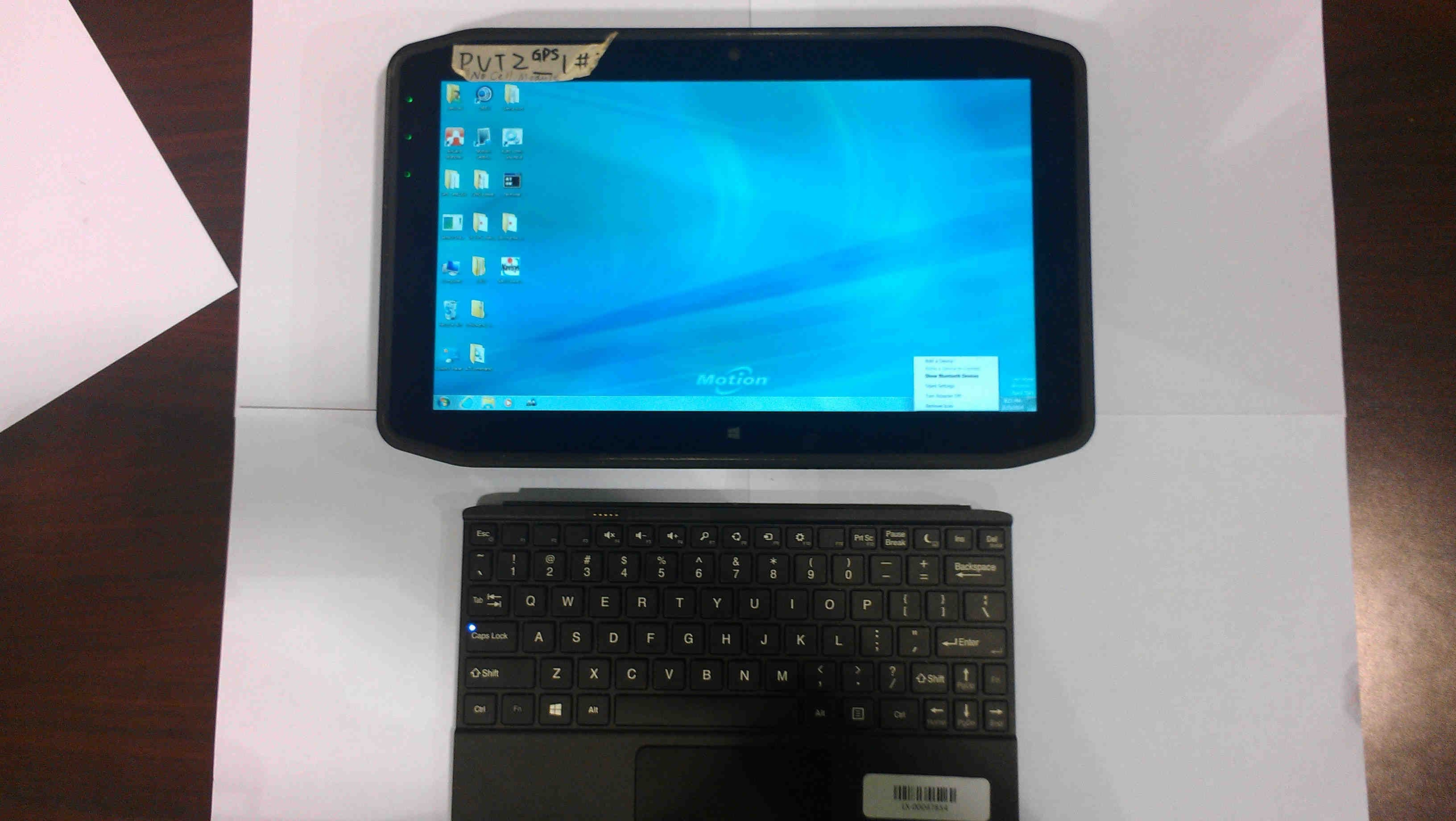
Q3QHMRKB001
Jul 30, 2014Wireless Keyboard
Equipment Class
DSS - Part 15 Spread Spectrum Transmitter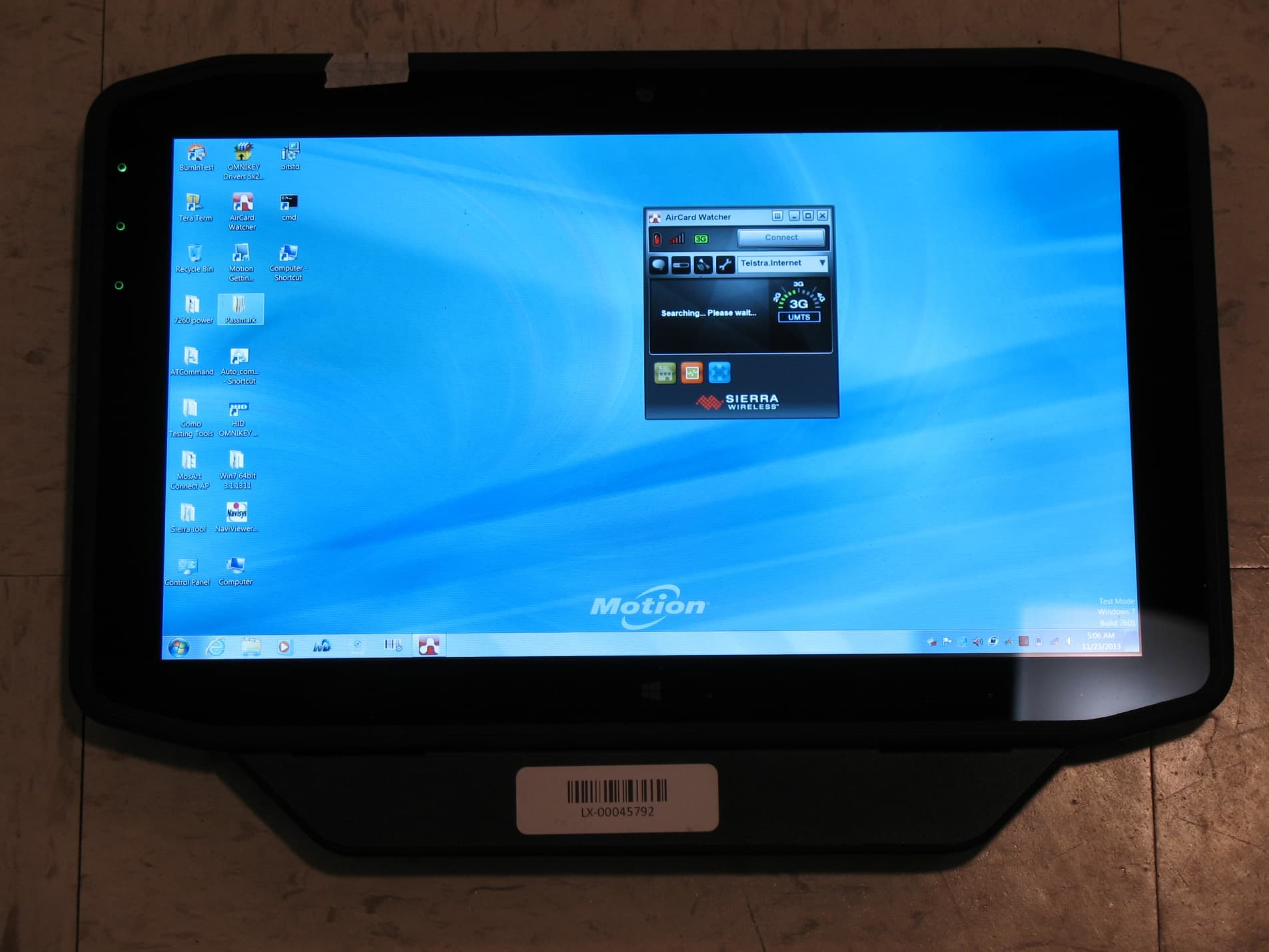
Q3QHOK6321
Mar 25, 2014RFID Tag Reader
Equipment Class
DXX - Part 15 Low Power Communication Device Transmitter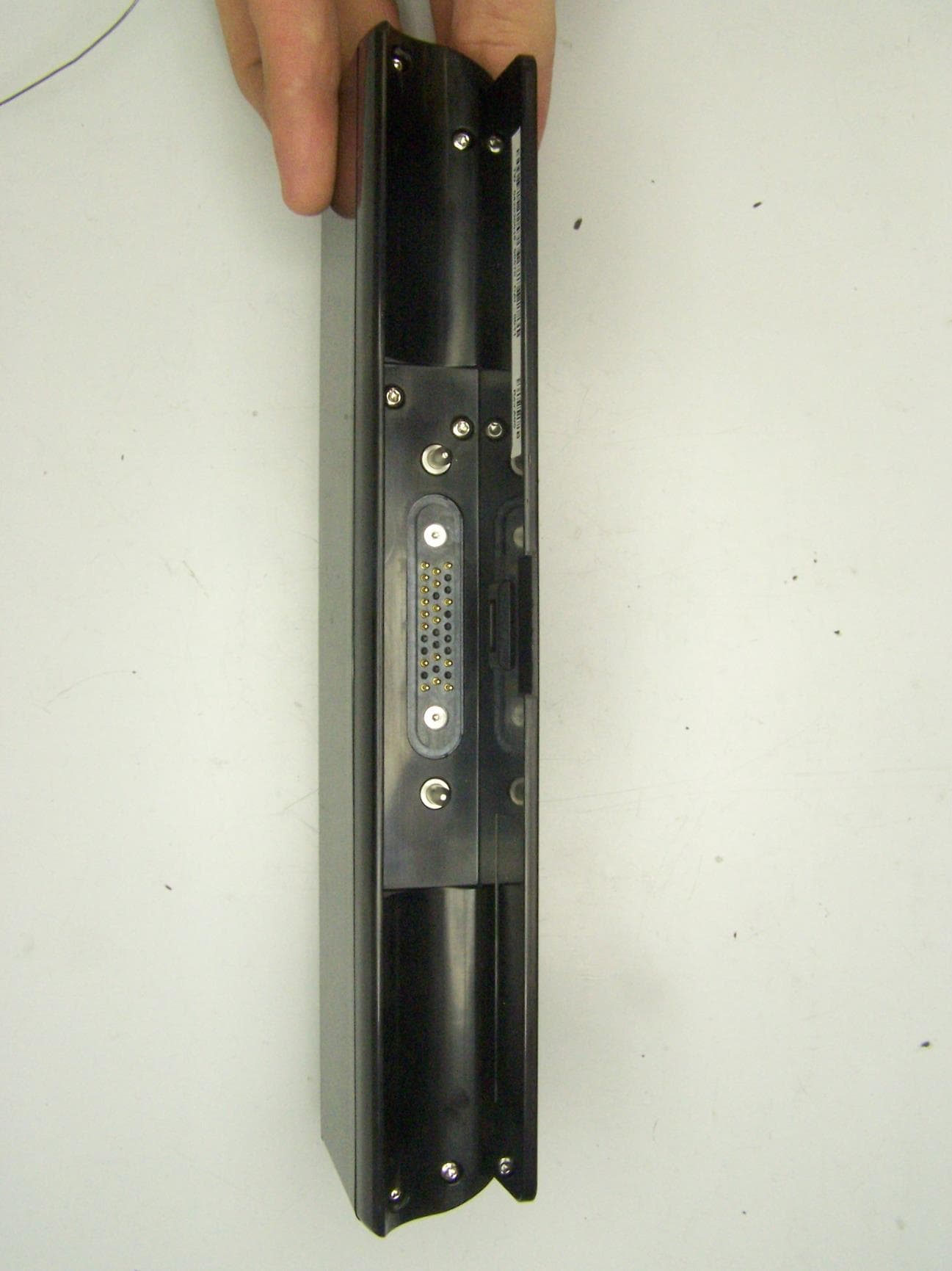
Q3QUHFRFID
Dec 12, 2013RFID Module
Equipment Class
DSS - Part 15 Spread Spectrum Transmitter
Q3QTIRFID7960
Feb 01, 2012MC-C5/MC-F5
Equipment Class
DXX - Part 15 Low Power Communication Device Transmitter
Q3QIHWM622ANH
May 05, 2010Tablet PC MC-C5 / MC-F5
Equipment Class
DTS - Digital Transmission System