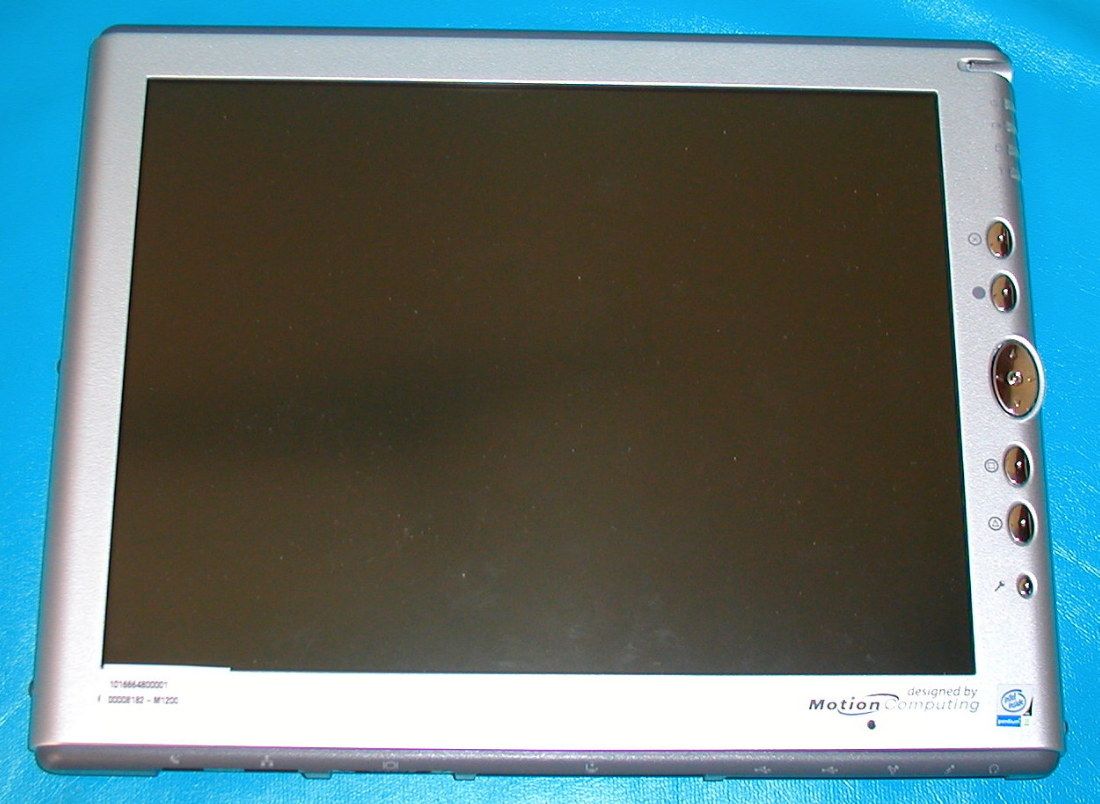
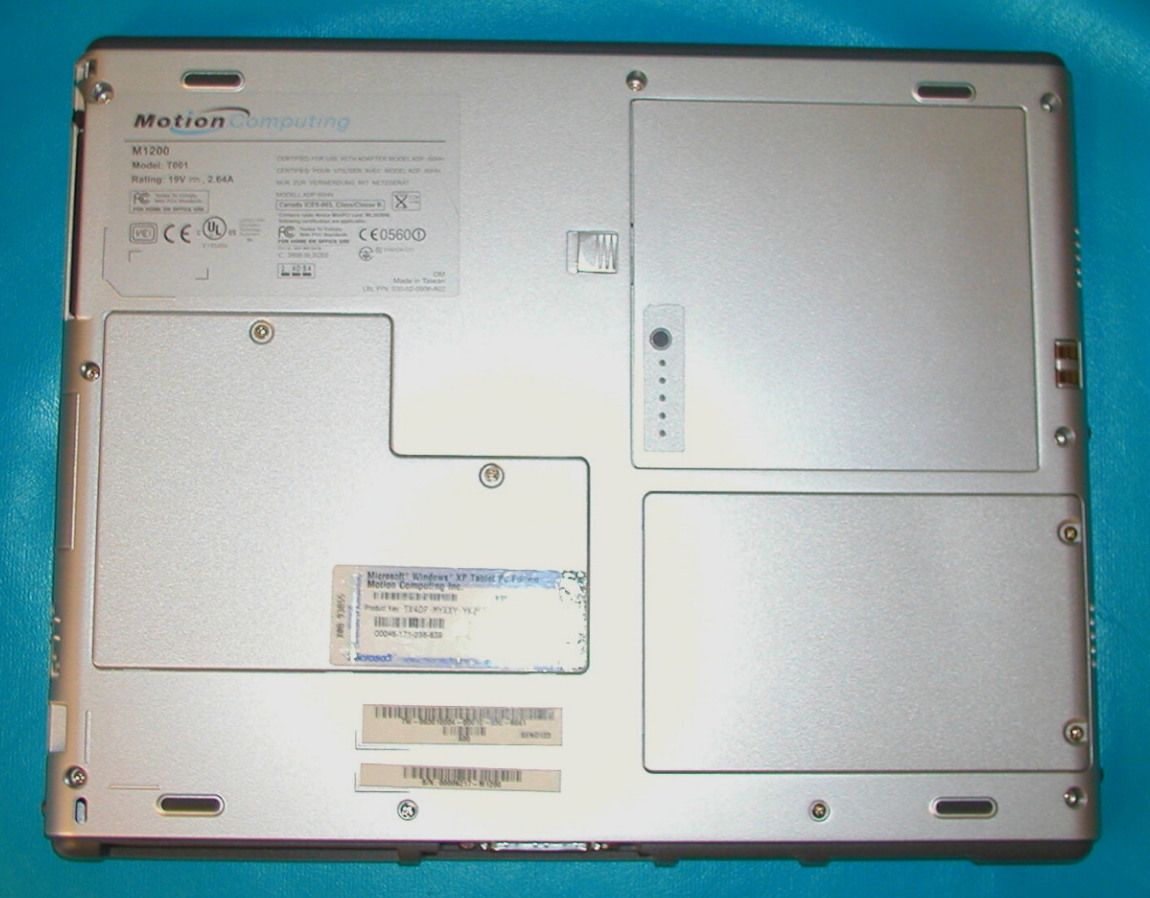
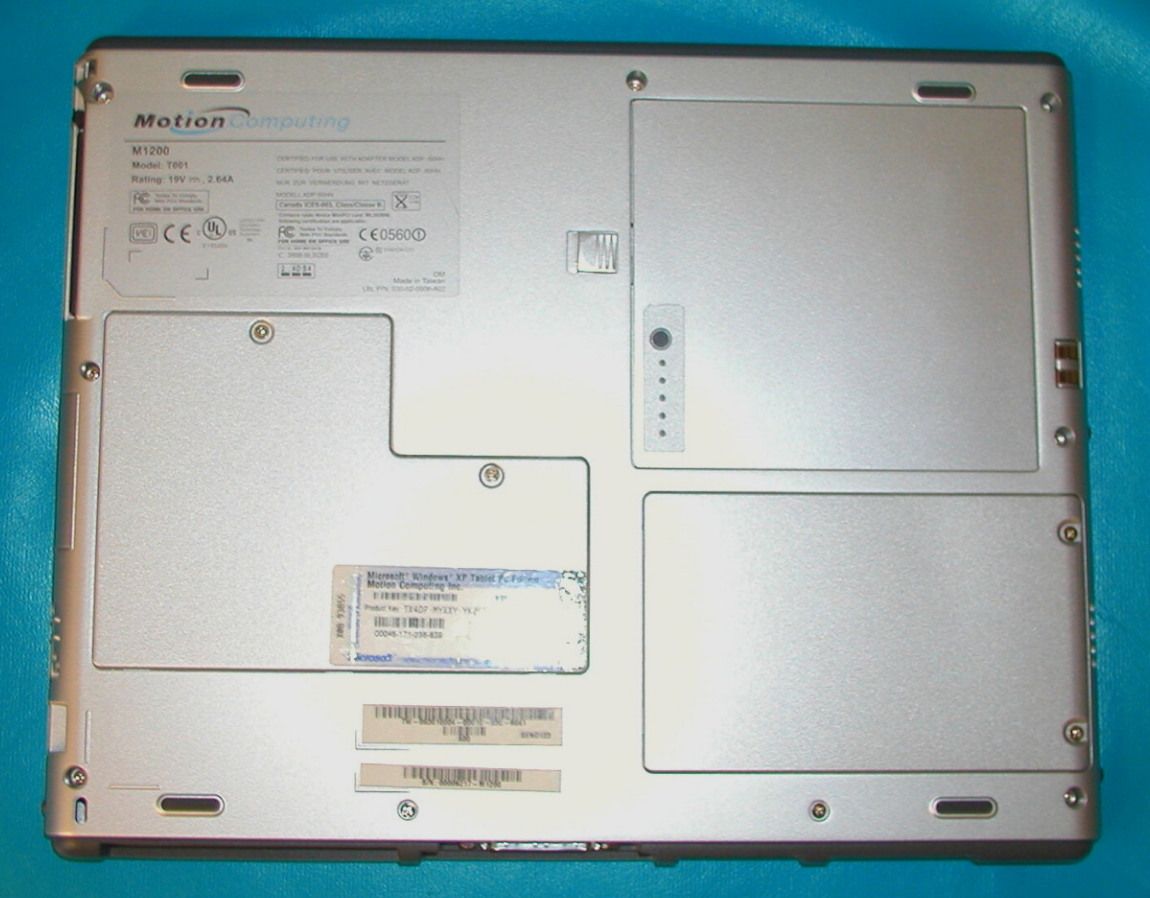
Q3QM1200T001Digitizing Tablet PC
Xplore Technologies Corp of America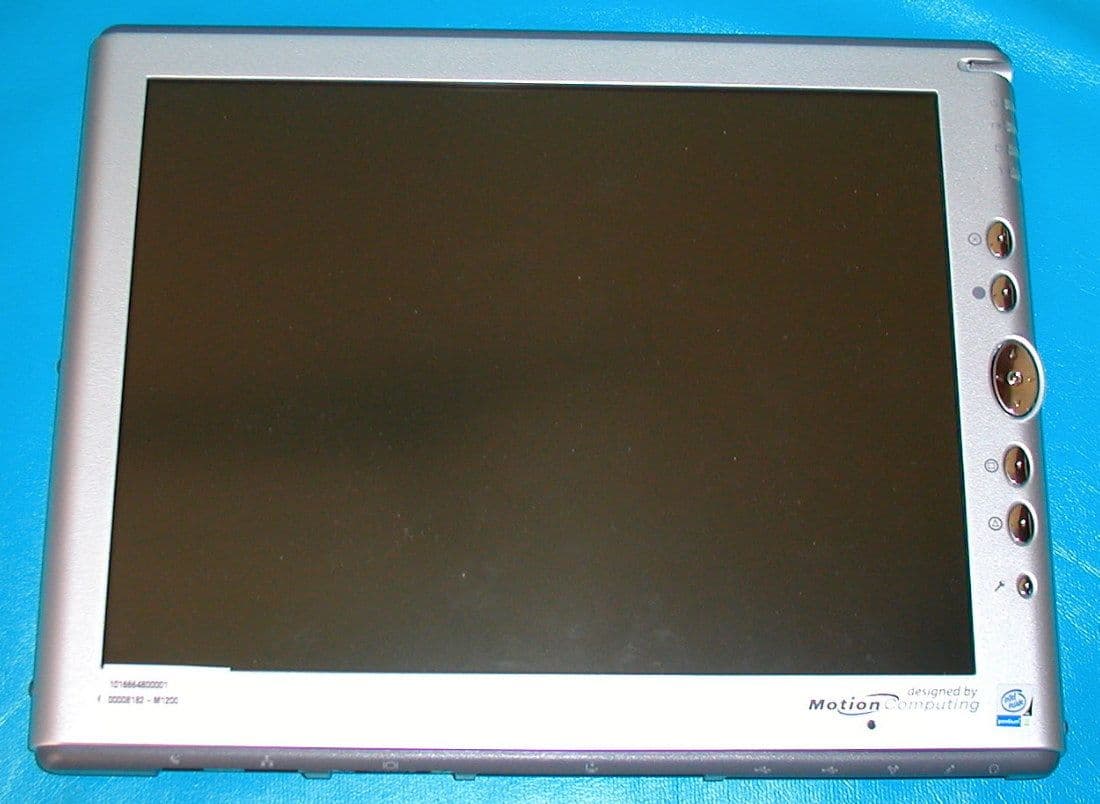
Click to zoom
Application Details
- Equipment Class
- DXX - Part 15 Low Power Communication Device Transmitter
- Date of Grant
- Jul 28, 2003
- Application Purpose
- Original Equipment
- Date of Application
- Jul 28, 2003
- Equipment Note
- Digitizing Tablet PC
- Frequency Range
- 0.56000000 - 0.56700000
- Country
- United States
Documents & Files
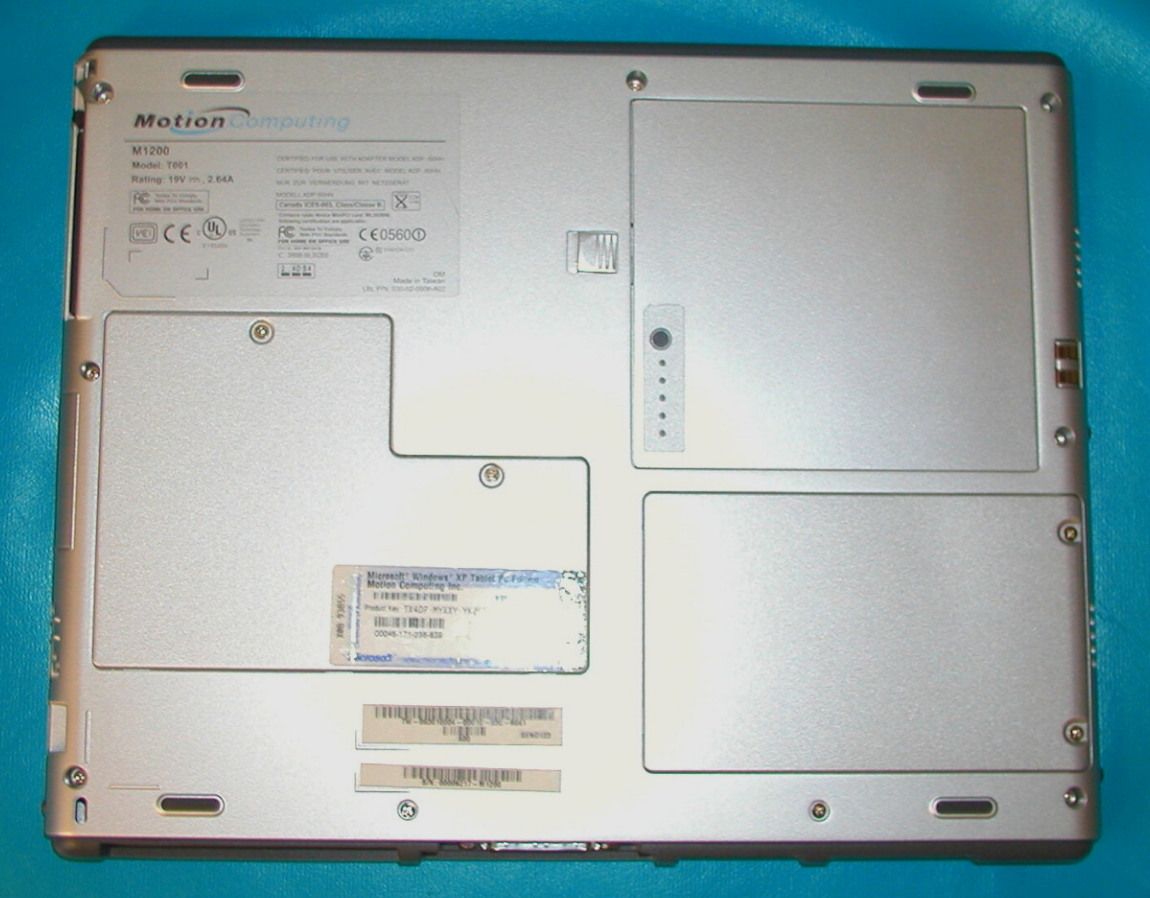
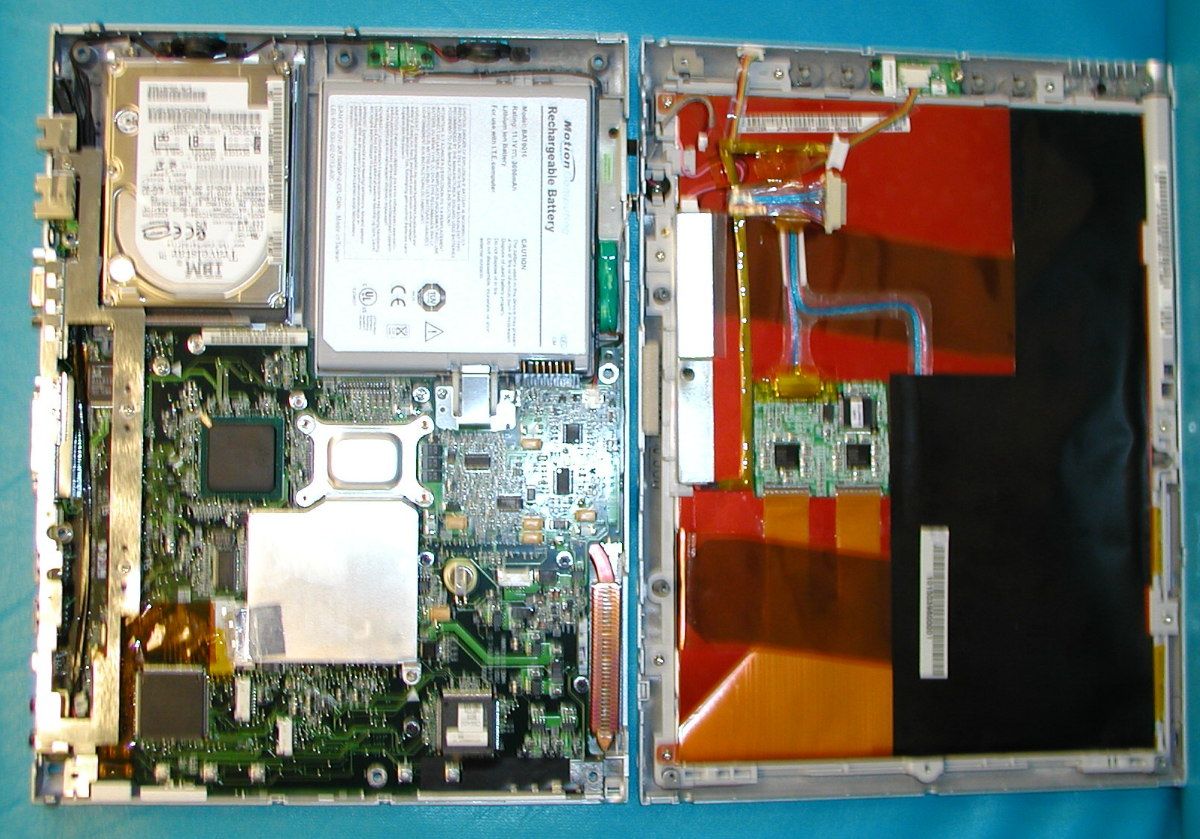
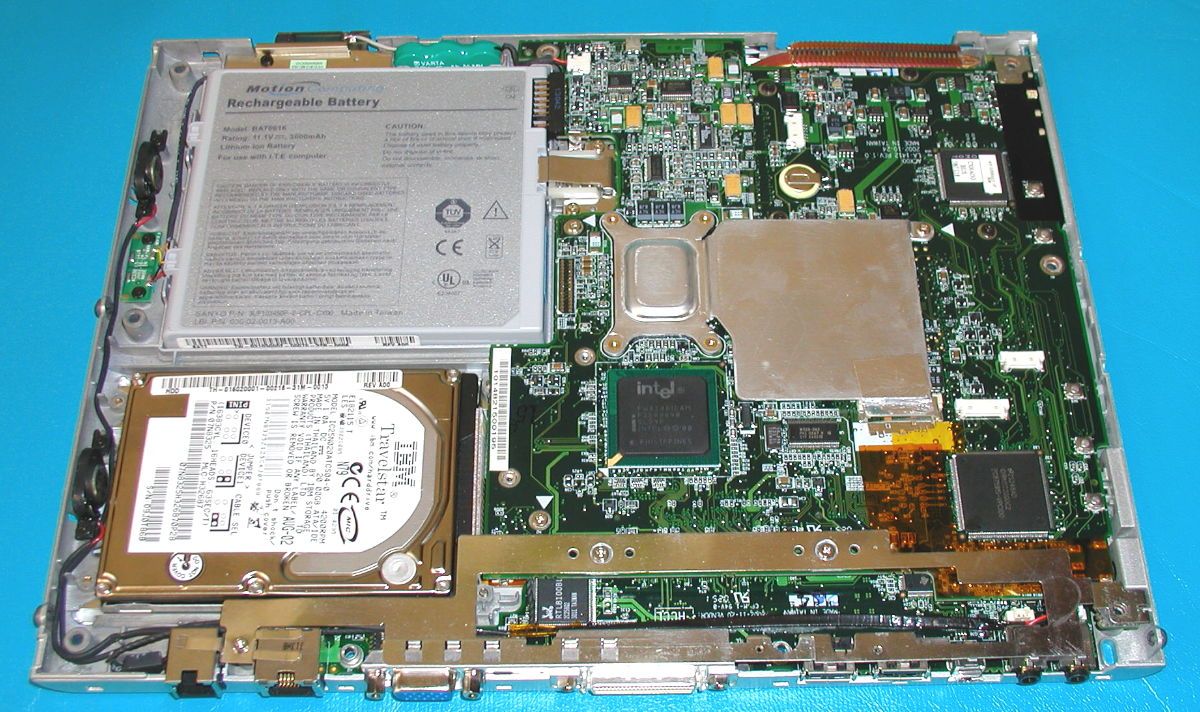
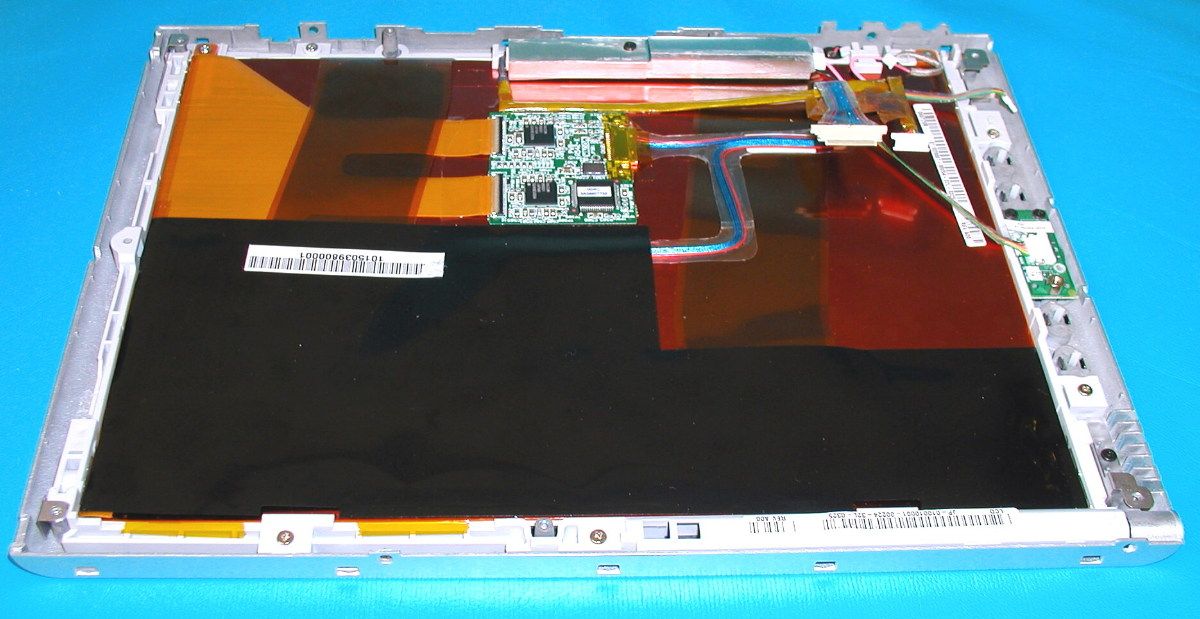
Document Text
Text extracted from the exhibit documents filed with the FCC. Open a document above to read the original.
Users Manual
MOTION COMPUTING M1200 TABLET PC USER GUIDE Motion Computing M1200 Tablet PC User Guide ii Copyright Information Acrobat is a registered trademark of Adobe Systems Incorporated. Microsoft Windows, Windows XP, Windows XP Tablet PC Edition, and Windows Journal are either registered trademarks or trademarks of Microsoft Corporation in the United States and/ or other countries. O 2 Micro is a trademark of O 2 Micro International Limited. Realtek is a trademark of Realtek Semiconductor Corporation. Pentium is a registered trademark of Intel Corporation. Sigmatel is a registered trademark of Sigmatel Corporation. Motion Computing, Inc. has made every effort to identify trademarked properties and owners on this page. All other trademarks are properties of their respective owners. NOTICE: The information in this publication is subject to change without notice. MOTION COMPUTING, INC. SHALL NOT BE HELD LIABLE FOR TECHNICAL, OR EDITORIAL ERRORS OR OMISSIONS CONTAINED HEREIN NOR FOR ACCIDENTAL OR CONSEQUENTIAL DAMAGES RESULTING FROM THE FURNISHING, PERFORMANCE, OR USE OF THIS MATERIAL. This publication contains information protected by copyright. No part of this publication may be photocopied or reproduced in any form without prior written consent from Motion Computing, Inc. © 2003 Motion Computing, Inc. Motion Computing, the Motion logo, Registered, U.S. Patent and Trademark Office (March 2003) P/N 024-02-0016 A05 Motion Computing M1200 Tablet PC User Guide iii About This User Guide CAUTIONS, WARNINGS AND NOTICES The following notices are found in this User Guide: WARNING: Text set off in this way indicates that failure to follow directions in the warning could result in bodily harm or loss of life. CAUTION: Text set off in this way indicates that failure to follow directions in the Caution could result in damage to the equipment or loss of information. IMPORTANT: Text set off in this way presents information or instructions that should be followed or information of particular interest. NOTE: Text set off in this way presents information or instructions. MENU ITEMS, BUTTONS, ICONS Menu items, icons, and instructions found in the procedures in this User Guide are set apart by capitalizing them exactly as shown on screen. For example, the Start menu, Dashboard, Tablet and Pen Settings icon, Apply, Reset, etc. Buttons on the chassis are identified through diagrams. W RITING ON THE DISPLAY References to writing on the Tablet PC display in this User Guide mean any hand-written input using the specially-designed Motion M-Series Pen, provided. The display responds only to this Motion Pen and not to any other type of Pen or to a stylus or other device used with Personal Digital Assistants (PDAs). The display surface may be damaged by ink pens or other pointed objects. I NKReference to ink in the documentation means text entered in handwritten format and converted to an object that can be displayed exactly as you wrote it. R EFERENCES TO USING THE P EN AND P EN FUNCTION B UTTON Notations for using the Motion M-Series Pen, which are found throughout this User Guide, are described below: • Tap — Tap the Pen on the Motion M1200 Tablet PC display, without pressing the function button on the Pen • Double-tap — Double-tap the Pen on the display, without pressing the function button on the Pen • Right-click — Press the function button on the Pen and tap the Pen on the display (equivalent to a mouse right-click) • Press and hold — Press and hold the tip of the Pen to the display, without pressing the function button on the Pen (equivalent to a mouse right-click) • Tap and drag — Tap and drag the Pen on the display • Select/Highlight — Tap on the item on the Tablet PC display with the Pen to activate the function Motion M1200 Tablet PC User Guide iv Table of Contents About This User Guide Cautions, Warnings and Notices Menu Items, Buttons, Icons Writing on the Display Ink References to Using the Pen and Pen Function Button Table of Contents Chapter 1 Using the Motion M1200 Features . . . . . . . . . . . . . . . . . . . . . . . . . . . . . . . . . . . . . . . . 1 Package Contents . . . . . . . . . . . . . . . . . . . . . . . . . . . . . . . . 2 Motion M-Series Accessories . . . . . . . . . . . . . . . . . . . . . 3 Steps We Recommend . . . . . . . . . . . . . . . . . . . . . . . . . . . . 3 Practice Using Your Digitizer Pen . . . . . . . . . . . . . . . . . . 3 Calibrate Your Digitizer Pen . . . . . . . . . . . . . . . . . . . . . . 3 Take Time for the Tutorials . . . . . . . . . . . . . . . . . . . . . . . 4 Motion Resources Page and Online User Guide . . . . . . 4 Microsoft Help and Resources Center Page . . . . . . . . . 5 Did You Know Section . . . . . . . . . . . . . . . . . . . . . . . . . . 5 Take a Tour of Windows XP . . . . . . . . . . . . . . . . . . . . . . 5 Motion M1200 Tablet PC User Guide v Chapter 2 Motion M1200 Tablet PC Hardware Components Motion Display and Writing Surface . . . . . . . . . . . . . . . . . . . 6 Overview of the Display . . . . . . . . . . . . . . . . . . . . . . . . . . . . 7 Chassis and Hard Top . . . . . . . . . . . . . . . . . . . . . . . . . . . . . 9 Pen . . . . . . . . . . . . . . . . . . . . . . . . . . . . . . . . . . . . . . . . . . . . 9 Motion M-Series AC Adapter . . . . . . . . . . . . . . . . . . . . . . . 9 Motion M-Series Batteries . . . . . . . . . . . . . . . . . . . . . . . . . . 9 Front Panel Buttons . . . . . . . . . . . . . . . . . . . . . . . . . . . . . . 10 Modem and LAN Ports . . . . . . . . . . . . . . . . . . . . . . . . . . . . 10 Motion M1200 LEDs . . . . . . . . . . . . . . . . . . . . . . . . . . . . . . 11 Motion M1200 Front Panel LEDs . . . . . . . . . . . . . . . . . 11 Battery Status LEDs . . . . . . . . . . . . . . . . . . . . . . . . . . . 11 Battery Status Gauge . . . . . . . . . . . . . . . . . . . . . . . . . . 12 Labels . . . . . . . . . . . . . . . . . . . . . . . . . . . . . . . . . . . . . . . . . 13 Accessories . . . . . . . . . . . . . …
Text truncated - open the document above for the full version.
Cover Letter(s)
Motion Computing, Inc. 9433 Bee Caves Road, Building 1, Suite 250, Austin, TX 78733 512-637-1100 (Main); 512-637-1199 (Fax) 1-866-MTABLET (Sales) www.motioncomputing.com April 1, 2003 ATTN: Reviewing Engineer Federal Communications Commission 7435 Oakland Mills Road Columbia, MD 21046 RE: LETTER OF AGENT AUTHORIZATION: To Whom It May Concern: We, the undersigned, hereby authorize MET Laboratories, Inc. to act on our behalf in all matters relating to the application for equipment authorization, including the signing of all documents relating to these matters. We also hereby certify that no party to the authorized hereunder is subject to the denial of benefits, including FCC benefits, pursuant to section 5301 of the Anti-Drug Abuse Act of 1988, 21 U.S.C. 853(a). This agreement expires one year from the current date. Sincerely, Don A. Bobo Motion Computing Inc 9433 Bee Caves Road Building 1, Suite 250 Austin, TX 78733 512-637-1149 (Main) 512-637-1199 (Fax) [email protected]
Cover Letter(s)
Motion Computing, Inc. 9433 Bee Caves Road, Building 1, Suite 250, Austin, TX 78733 512-637-1100 (Main); 512-637-1199 (Fax) 1-866-MTABLET (Sales) www.motioncomputing.com April 1, 2003 ATTN: Reviewing Engineer Federal Communications Commission 7435 Oakland Mills Road Columbia, MD 21046 RE: CONFIDENTIALITY REQUEST FOR: NAME: MOTION TABLET M1200 MODEL: T001 FCC ID: Q3QM1200T001 To Whom It May Concern: This letter serves as an official request for confidentiality under FCC Rule Section 0.459. We have requested that the Schematic diagrams for the Motion Tablet M1200, T001 model required to be submitted with this application be withheld from public review. The reason for this confidentiality request is due to information requested for this submittal contains company proprietary information that could never get into the hands of our competitors. Please Contact me if there is any information you may need. Sincerely, Don A. Bobo Motion Computing Inc 9433 Bee Caves Road Building 1, Suite 250 Austin, TX 78733 512-637-1149 (Main) 512-637-1199 (Fax) [email protected]
Operational Description
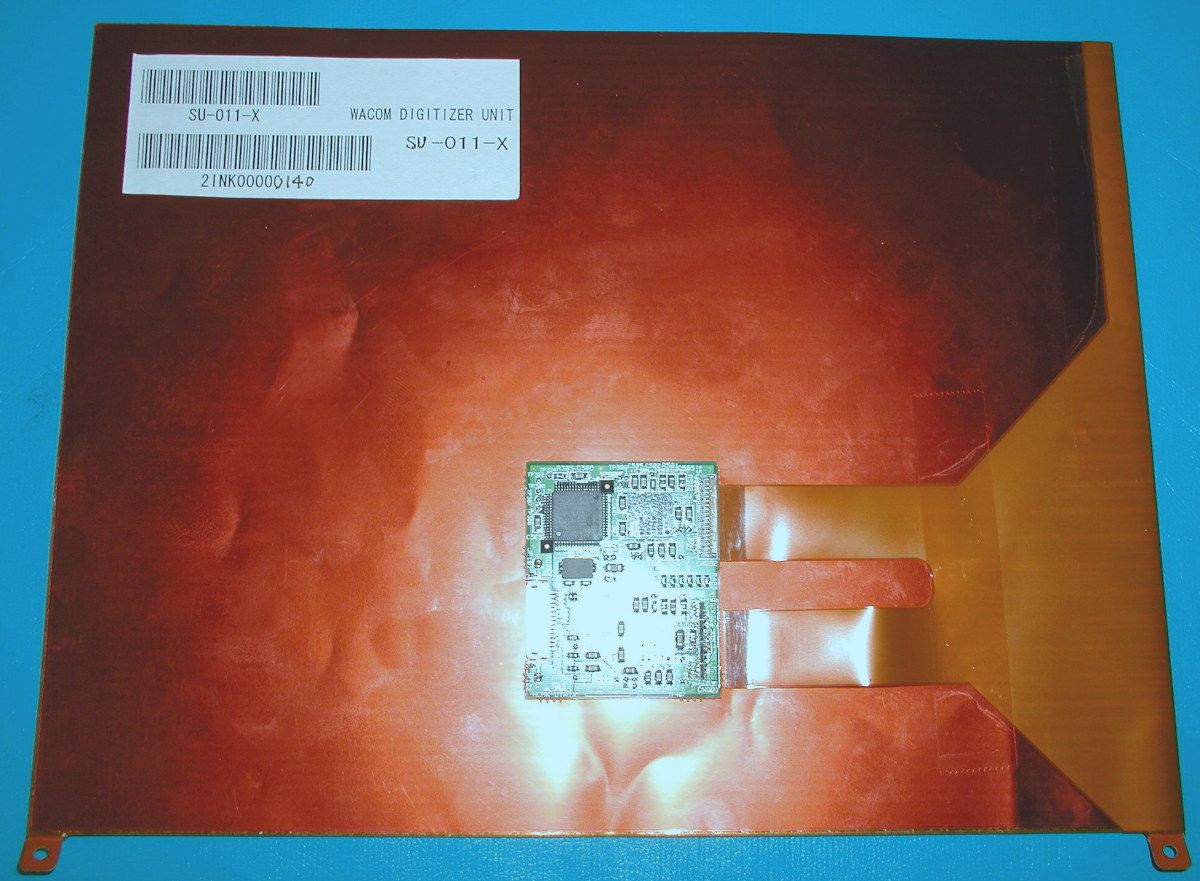
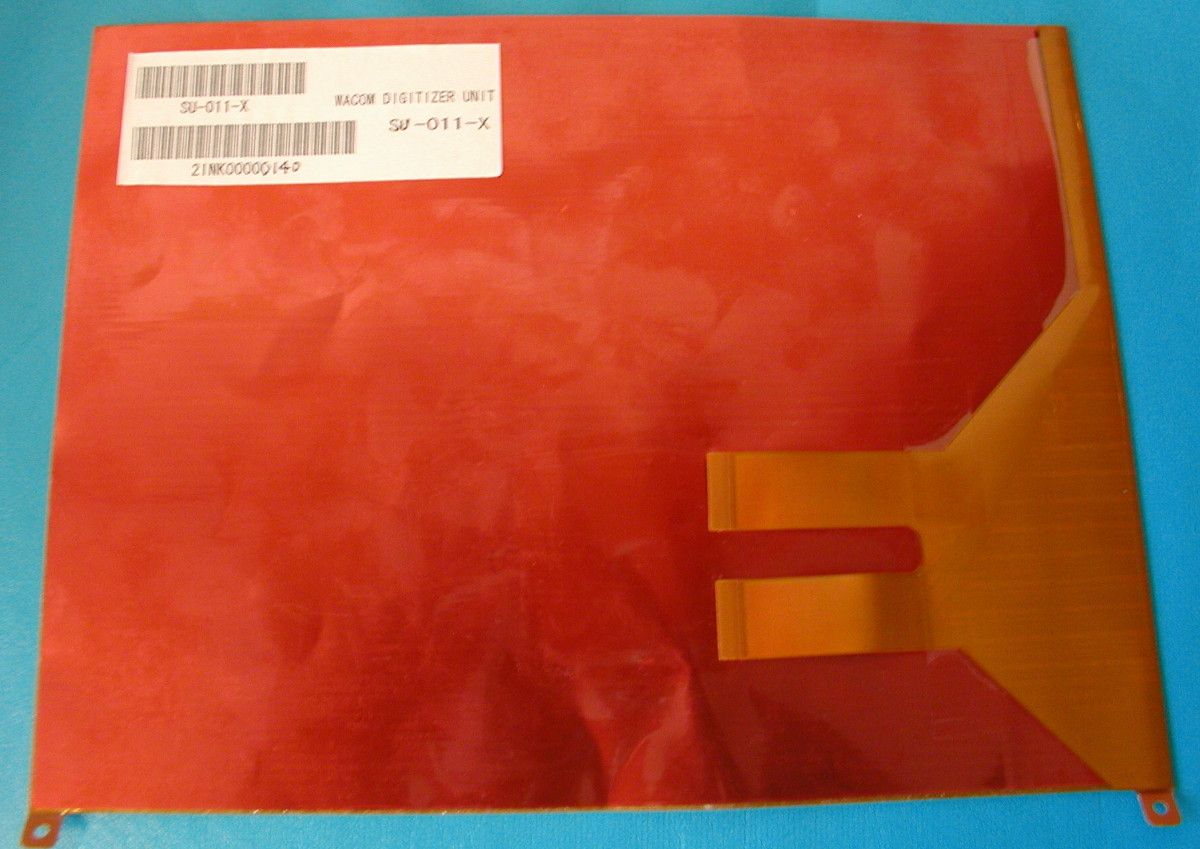
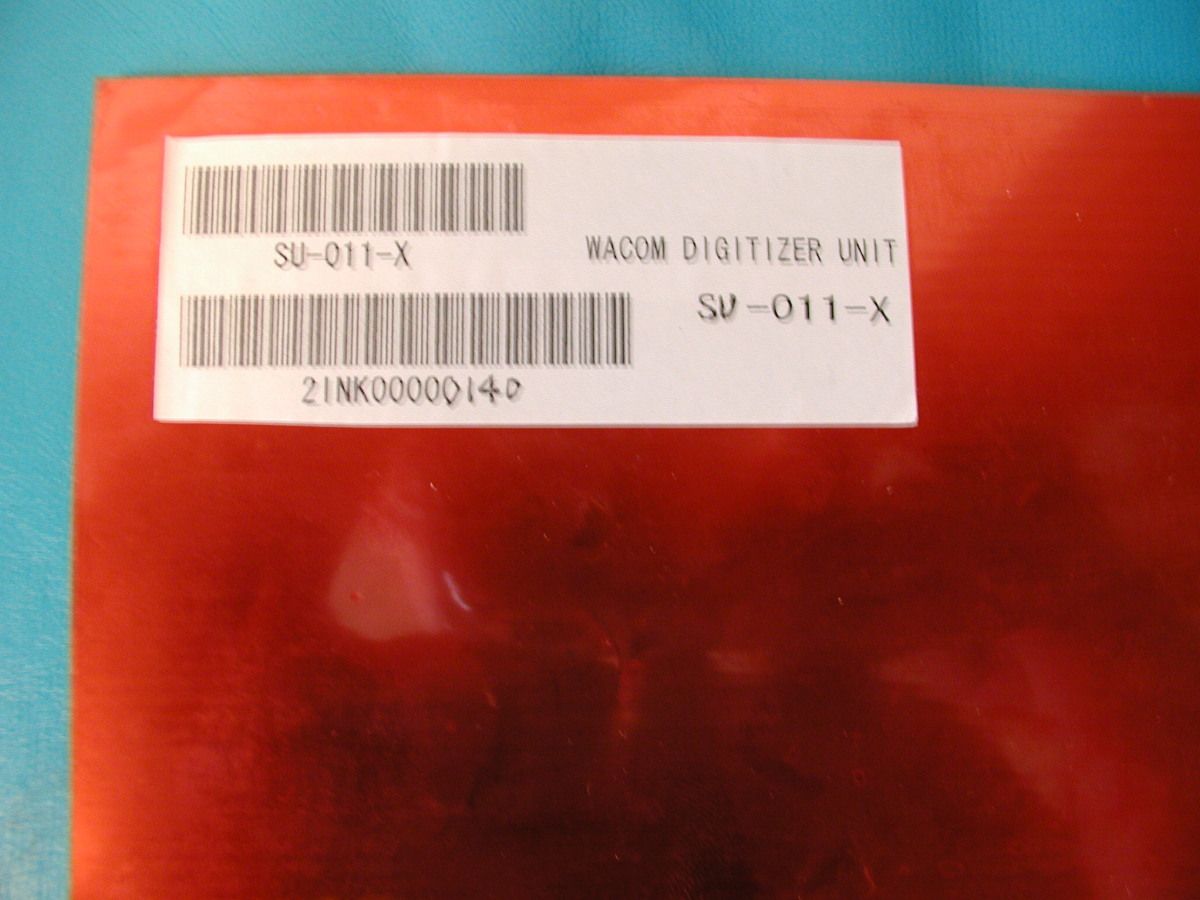
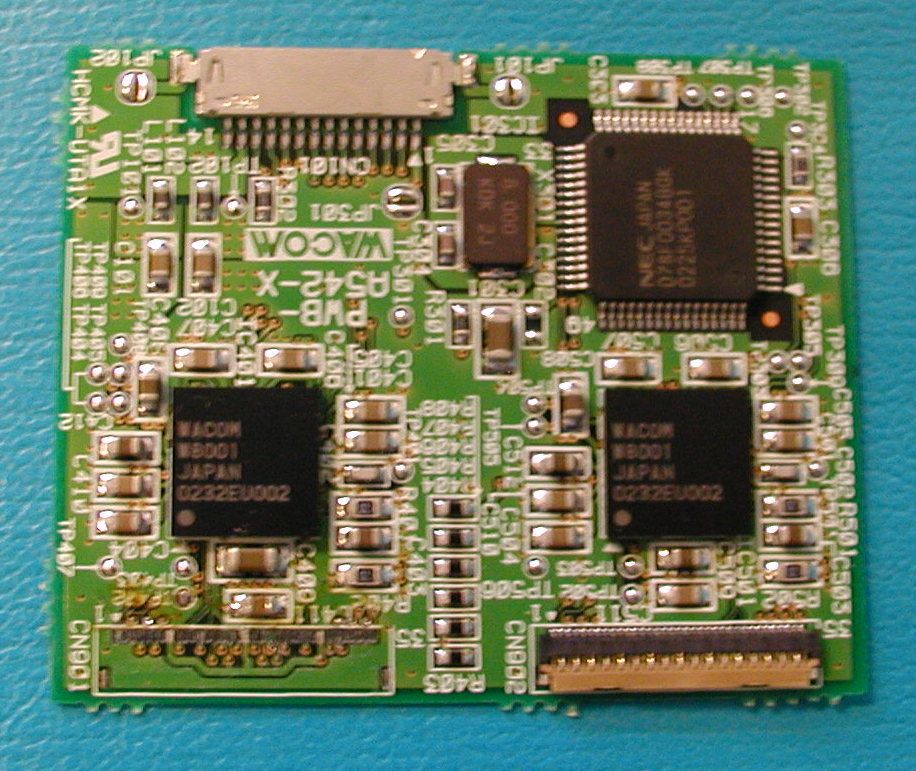
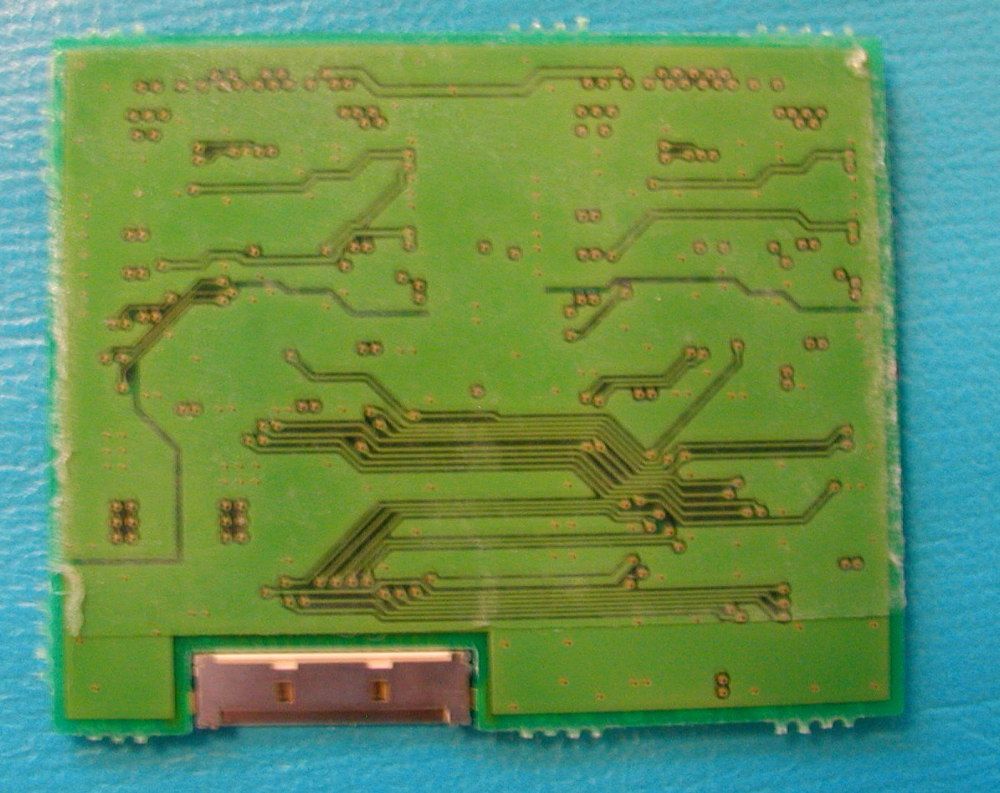
COMPLIANCE DESCRIPTION OF DIGITIZER ‘ANTENNA REQUIREMENT’ Per: FCC Section 15.203 Author: Todd Steigerwald For: MOTION COMPUTING, INC. Date: 5/23/03 1. SECTION 15.203: “An intentional radiator shall be designed to insure that no antenna than that furnished by the responsible party shall be used with device. The use of a permanently attached antenna or of an antenna that uses a unique coupling to the intentional radiator shall be considered sufficient to comply with the provisions of this section. The manufacturer may design the unit so that a broken antenna can be replaced by the user, but the use of a standard jack or electrical connector is prohibited” MOTION COMPUTING RESPONSE: The Digitizer System (manufactured by WACOM Technology Corporation) for locating the pen/stylus is the only reason for intentional radiation of low-level RF energy. The ‘antenna’ of this device is the entire digitizer sensor board, which is an integral part to the Motion M1200/M1300 systems. The location of this antenna / sensor is inside the closed M1200/ M1300 system so that after assembly, the user can not attach any other device to the specialized digitizer system connector. The only way for a refurbishment of the antenna is through the responsible party – MOTION COMPUTING INC, by returning the unit, or having on-site repairs with a technician trained by the responsible party. The antenna does not use a standard jack or electrical connector; it uses a unique – Flexible printed circuit (FPC) connector. FIGURE 1: ANTENNA (DIGITIZER GRID + RADIO) FIGURE 2: ANTENNA ALONE (DIGITIZER GRID) FIGURE 3: ANTENNA (DIGITIZER GRID) CONNECTOR #1 FIGURE 4: ANTENNA (DIGITIZER GRID) CONNECTOR #2 2. SECTION 15.203: “This requirement does not apply to carrier current devices or to devices operated under the provisions of Sections 15.211, 15.213, 15.217, 15.219, 15.221. Further, this requirement does not apply to radiators that must be professionally installed, such as perimeter protection systems and some field disturbance sensors, or to other intentional radiators which, in accordance with Section 15.31(d), must be measured at the installation site. However, the installer shall be responsible for ensuring that the proper antenna is employed so that the limits in this Part are not exceeded.” MOTION COMPUTING RESPONSE: This personal computing product is not a professionally installed perimeter RF system, or security system. The Digitizer / Sensor system is an integral part of a portable electronic device, and also does not fall specifically, under the provisions of Sections 15.211, 15.213, 15.217, 15.219, or 15.221.
Operational Description
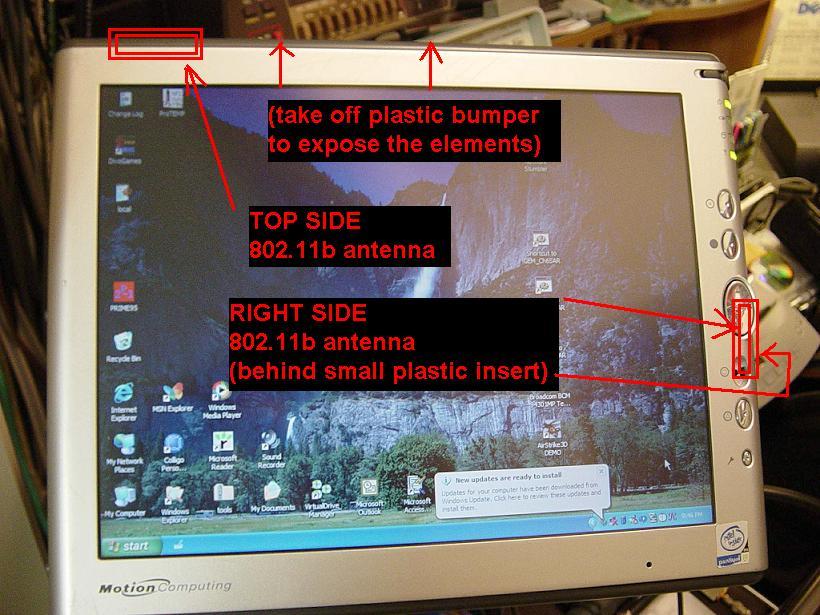
Pure Tablet PC Designed to work the way you do! Maximizeyourview withthe12.1” display--thelargest ofanyTabletPC Atlessthan3lbs., itcangoanywhere, anytime Stayconnected whileroamingwith theintegrated 802.11bwireless technology Full-function,robust performancePC design;features theMobileIntel PentiumIII Processor-M Workwithyour MotionM1200 atyourdeskwiththe uniqueFlexDockas wellastherest oftheMotion accessories The Motion M1200 is an ultra-mobile Tablet PC designed to work the way you do! Input, search, edit, highlight or find/replace in your current applications using a keyboard or the pen. Take notes in meetings, enter client information, or send an email. Your emails can even be sent in your own handwriting. With the built-in wireless feature, you can search the web, check for updates or sales information in your company database anywhere, anytime. Invite others into a private adhoc network to discuss and edit a customized presentation online minutes before a client meeting. Your options are now endless. With all this functionality at less than 3 lbs. and sporting a rugged magnesium structure, you will want to take the Motion M1200 with you everywhere! Motion M1200 P/N 003-87-0003 Rev. A04 *Weight represents system weight measured with 3-cell 20 WHr battery, empty PCMCIA slot, and no pen. Actual system weight may vary depending on component and manufacturing variability. All Product information is subject to change without notice. Motion Computing and the Motion logo are trademarks of Motion Computing, Inc. Microsoft Windows, Windows XP, and Windows XP Tablet PC Edition are either registered trademarks or trademarks of Microsoft Corporation in the United States and/or other countries. Intel and Pentium are registered trademarks of Intel Corporation. Motion Computing has made every effort to identify trademarked properties and owners on this page. All other trademarks are properties of their respective owners. Product Specifications Chassis• Magnesium Alloy Processor • Mobile Intel® Pentium® III Processor-M, ULV 933MHz Chipset• Intel 830MG Display• 12.1" XGA TFT LCD Graphics• Intel 830MG integrated UMA graphics card • Rotation 0°, 90°, 180°, 270° PC Card Controller • OZ6912 PCI Cardbus controller Audio• AC 97 audio codec System Memory•Base RAM of 256MB or 512MB •One expansion SODiMM-memory slot for a PC133 module • Maximum 1GB (512MB x 2) System Storage •2.5" Hard Disk Drive (HDD) with up to 60GB capacity •PCI bus master enhanced IDE •Supports Ultra DMA 66/100 Communications•Integrated 10/100 LAN controller • Soft modem with V.92 interface; 56.6Kbps/14.4Kbps transceiver fax • IEEE 802.11b Wireless LAN via Mini PCI interface with integrated antennas Input Devices• Active digitizer pen (no battery required) • Integrated microphone Speakers• Integrated speakers I/O Ports• Microphone In • Headphone Out • DC Power In • Two USB 1.1 Ports • External VGA • IEEE 1394 • RJ-11 and RJ-45 • Docking connector PCMCIA• Type II slot Dimensions• 11.65" x 9.45" x .87" (296mm x 240mm x 22mm) Weight• Less than 3 lbs* Operating System• Microsoft® Windows® XP Tablet PC Edition Battery• 6-cell, prismatic Li-ion battery • 40WHr capacity • Optional, lightweight, 3-cell prismatic Li-ion battery Battery Charging • Approximate charging time: Time Ɠ 2 hours (Tablet PC ON) Ɠ 1.2 hours (Tablet PC OFF) System Status • Power On/Off LEDs • Battery Status • Hard Disk Drive (HDD) activity • Wireless On/Off Control Buttons• Power • Portrait/Landscape orientation • Four function buttons • One 5-way directional button AC Adapter• 50W universal, 2-pin jack • 90~264V AC, 47~63Hz BIOS • 512KB Flash BIOS ROM • Suspend to RAM • Suspend to Disk • Password protection for system • ACPI 1.1 compliant • Pen/Button-driven setup Environmental• Temperature Ɠ Operation: +5°C to +35°C Ɠ Storage: -20°C to +65°C • Humidity Ɠ 10% to 90% without condensation •Altitude Ɠ Operation: sea level 0 to 10K ft. Ɠ Storage: sea level 0 to 40K ft. Standards • PC2001 logo compliant • ACPI Revision 1.0b Regulatory• EMI: FCC Part 15 Class B • Safety: Compliant to UL/CSA • FCC Part 68: CCEE PTT Warranty • 1-year limited warranty • Extended warranty available Motion Computing, Inc. 9433 Bee Caves Road Building 1, Suite 250 Austin, TX 78733 512.637.1100 (Main) 1.866.MTABLET (1.866.682.2538) (Sales) 512.637.1199 (Fax) Web site: www.motioncomputing.com General Inquiries: [email protected] Sales Information: [email protected] Partner Inquiries: [email protected]
Test Report
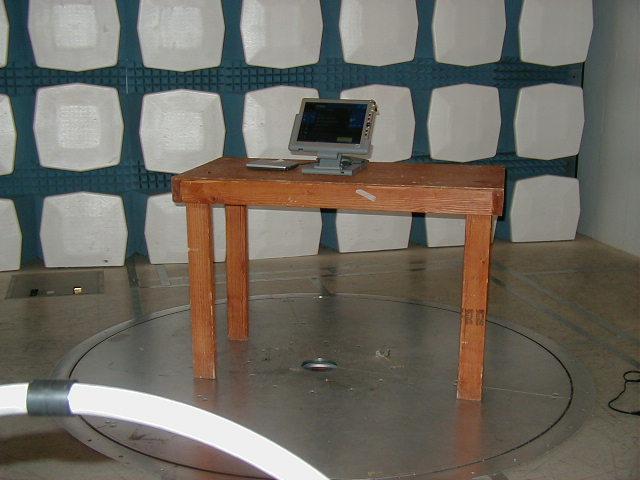
The Nation's First Licensed Nationally Recognized Testing Laboratory Conceil canadien des nomes Organi sme de certi fi cat i on accedi t e St andar ds Counci l of Canada Accredi ted Cert ifi cati on Organizat ion TM MET Laboratories, Inc. Safety Certification - EMI - Telecom Environmental Simulation 914 WEST PATAPSCO AVENUE ! BALTIMORE, MARYLAND 21230-3432 ! PHONE (410) 354-3300 ! FAX (410) 354-3313 July 23, 2003 Motion Computing, Inc. 9433 Bee Caves Road, Building 1, Suite 250 Austin, TX 78733 Reference:Tablet PC and RF Devices Dear John Doherty, Enclosed is the EMC Test Report for the Motion Computing, Inc. Tablet PC and RF Devices . The Motion Computing, Inc. Tablet PC and RF Devices was tested to the requirements of Title 47 of the CFR, Part 15, Subpart C. Thank you for using the testing services of MET Laboratories. If you have any questions regarding these results or if MET can be of further to you, please feel free to contact me. We appreciate your business and look forward to working with you again soon. Kindest Regards, MET LABORATORIES, INC. Joanna Agnieszka Kolasinski Documentation Department Enclosures: (\CustomerName\EMC13354-FCC209.rpt) Certificates and reports shall not be reproduced except in full, without the written permission of MET Laboratories, Inc. While use of the National Voluntary Laboratory Accreditation Program (NVLAP) letters or the NVLAP Logo, the Standards Council of Canada Logo, or the Nationally Recognized Testing Laboratory (NRTL) Letters in this report reflects MET Accreditation under these programs, these letters, logo, or statements do not claim product endorsement by NVLAP or any Agency of the U.S. Government Motion Computing, Inc.Tablet PC and RF Devices July 23, 2003 Electro-Magnetic Compatibility Test Report of the Motion Computing, Inc. Tablet PC and RF Devices as a Periodic Intentional Radiator under Title 47 of the CFR, Part 15, Subpart C MET REPORT: EMC13354-FCC209 July 23, 2003 PREPARED FOR: Motion Computing, Inc. 9433 Bee Caves Road, Building 1, Suite 250 Austin, TX 78733 PREPARED BY: MET Laboratories, Inc. 914 West Patapsco Avenue Baltimore, Maryland 21230-3432 Copyright 2003, MET Laboratories, Inc. This report shall not be reproduced except in full, without the express written consent of MET Laboratories, Inc., nor shall this report, or any copy thereof be provided to a competitor of MET Laboratories, Inc. Motion Computing, Inc.Tablet PC and RF Devices July 23, 2003 MET# EMC13354-FCC209Copyright 2003, MET Laboratories, Inc.Page i of v Electro-Magnetic Compatibility Test Report of the Motion Computing, Inc. Tablet PC and RF Devices as a Periodic Intentional Radiator under Title 47 of the CFR, Part 15, Subpart C MET REPORT: EMC13354-FCC209 _______________________________ Christopher R. Harvey, Director Electromagnetic Compatibility Testing _______________________________ Joanna Agnieszka Kolasinski Documentation Department Engineering Statement: The measurements shown in this report were made in accordance with the procedures indicated, and the emissions from this equipment were found to be within the limits applicable. I assume full responsibility for the accuracy and completeness of these measurements, and for the qualifications of all persons taking them. It is further stated that upon the basis of the measurements made, the equipment tested is capable of operation in accordance with the requirements of Part 15 of the FCC Rules under normal use and maintenance. ________________________________ Liming Xu Project Engineer Motion Computing, Inc.Tablet PC and RF Devices July 23, 2003 MET# EMC13354-FCC209Copyright 2003, MET Laboratories, Inc.Page ii of v REPORT STATUS SHEET RevisionRevision DateReason for Revision i July 23, 2003Initial Issue. Motion Computing, Inc.Tablet PC and RF Devices July 23, 2003 MET# EMC13354-FCC209Copyright 2003, MET Laboratories, Inc.Page iii of v Table of Contents I.Executive Summary ...........................................................................1 A.Purpose of Test .......................................................................2 B.Executive Summary ....................................................................2 C.References ...........................................................................3 II.General.....................................................................................4 A.Test Site .............................................................................5 B.Description of Test Sample ..............................................................5 C.General Test Setup.....................................................................5 D.Mode of Operation.....................................................................5 E.Modifications.........................................................................8 F.Disposition of Test Sample..............................................................8 III.Electromagnetic Compatibility Emission Criteria....................................................9 A.Radiated Emissions - 560kHz Magnetic Field Transmitter.....................................10 IV.Test Equipment .............................................................................13 Motion Computing, Inc.Tablet PC and RF Devices July 23, 2003 MET# EMC13354-FCC209Copyright 2003, MET Laboratories, Inc.Page iv of v List of Tables Table 1. References ...........................................................................3 Table 2. Test Equipment for Class A Radiated Emissions.............................................14 List of Photographs Photograph 1.FCC 15.209 Radiated Emissions Test Setup Photo...........................................11 List of Figures Figure 1.Test Configuration .....................................................................6 Motion Computing, Inc.Tablet PC and RF Devices July 23, 2003 MET# EMC13354-FCC209Copyright 2003, MET Laboratories, Inc.Page v of v List of Terms and Abbreviations ACAlternating Current CalCalibrat…
Text truncated - open the document above for the full version.
Contact Information
Applicant
David J Ball(Senior Regulatory and Compliance Specialist)
Test Firm
MET Laboratories, Inc.John Mason
Technical Specifications
| # | Rule Parts | Frequency Range | Power Output |
|---|---|---|---|
| 1 | 15C | 0.56 MHz - 0.567 MHz | - |
Other Applications from Xplore Technologies Corp of America
Q3QHMRKB001
Jul 30, 2014Wireless Keyboard
Equipment Class
DSS - Part 15 Spread Spectrum Transmitter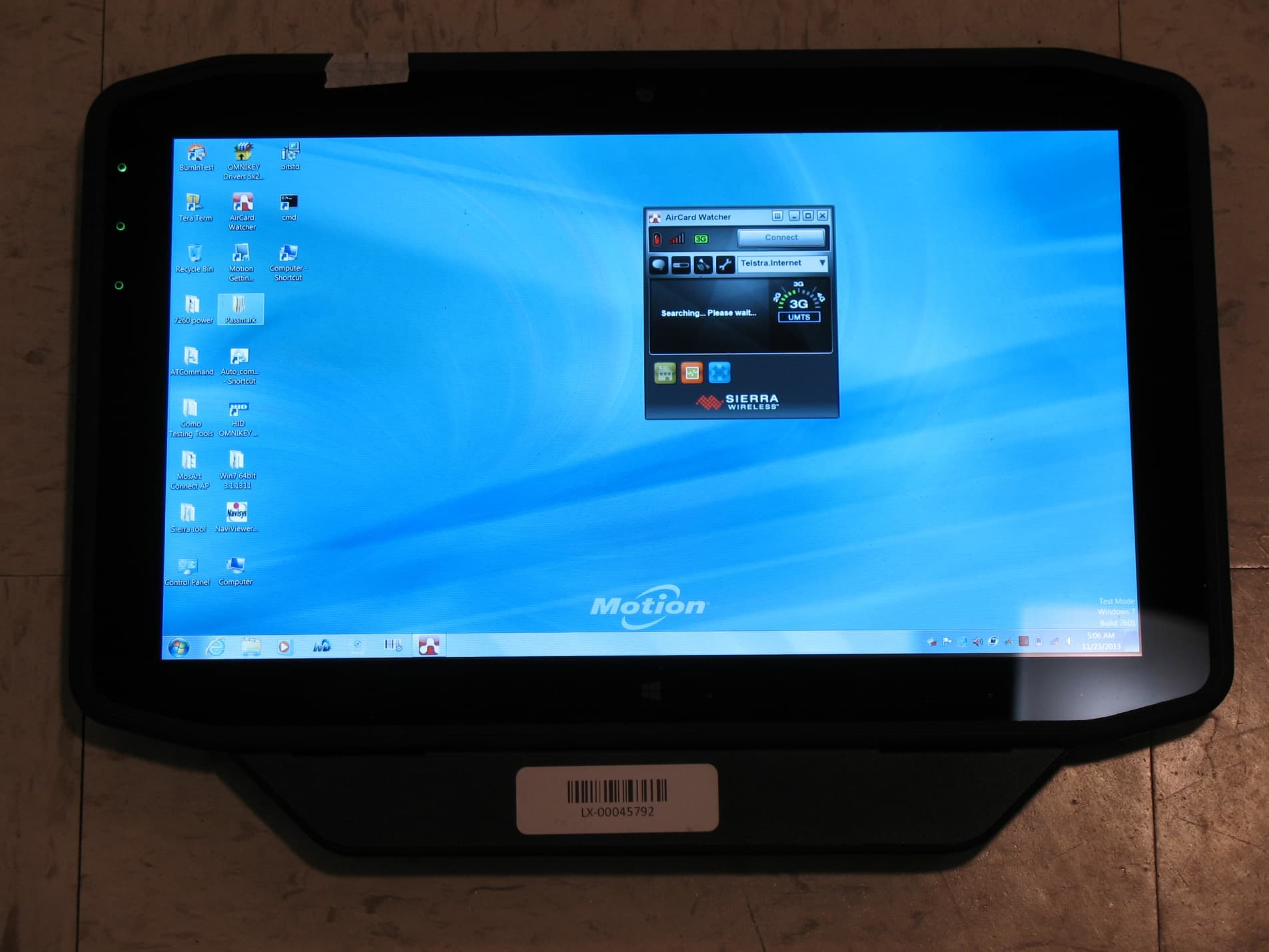
Q3QHOK6321
Mar 25, 2014RFID Tag Reader
Equipment Class
DXX - Part 15 Low Power Communication Device Transmitter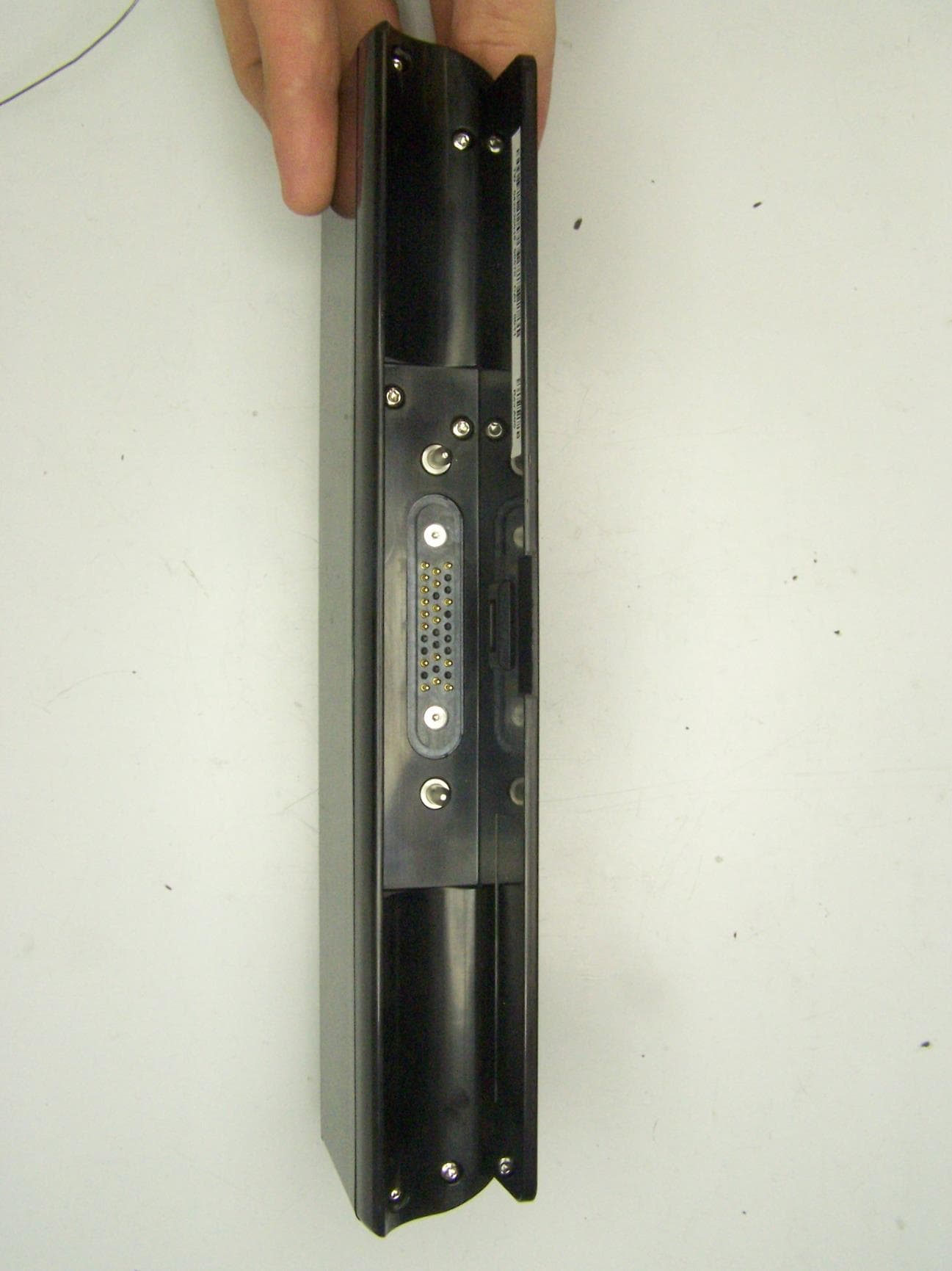
Q3QUHFRFID
Dec 12, 2013RFID Module
Equipment Class
DSS - Part 15 Spread Spectrum Transmitter
Q3QTIRFID7960
Feb 01, 2012MC-C5/MC-F5
Equipment Class
DXX - Part 15 Low Power Communication Device Transmitter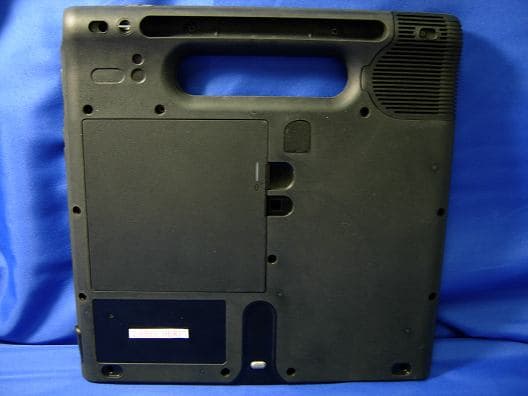
Q3QIHWM622ANH
May 05, 2010Tablet PC MC-C5 / MC-F5
Equipment Class
DTS - Digital Transmission System