QGH-RZCPGProgrammable Remote
Leviton Manufacturing Co., Inc.
Click to zoom
Application Details
- Equipment Class
- DXX - Part 15 Low Power Communication Device Transmitter
- Date of Grant
- Jul 31, 2007
- Application Purpose
- Original Equipment
- Date of Application
- Jul 31, 2007
- Equipment Note
- Programmable Remote
- Frequency Range
- 908.42000000 - 908.42000000
- Country
- United States
Documents & Files
Document Text
Text extracted from the exhibit documents filed with the FCC. Open a document above to read the original.
Users Manual
Programmer/Remote Cat. RZCPG USER GUIDE Compatible withenabled products! TM 1 O N 2 O N 3 O N 4 O N + – • • • O F F O F F O F F O F F INTRODUCTION .......................................................1 MENU NAVIGATION & ICONS .............................2–4 STARTUP...................................................................5 INSTALLATION CHECKLIST ...................................5 Include Dimmers/Switches ....................................6 TEXT EDITOR ...................................................6, 7 Include Controller ...........................................7, 8 Update Controller ............................................8, 9 Create Areas ..................................................9, 10 Set Associations .........................................10, 11 Security ..............................................................11 Install Complete.................................................12 MAIN MENU SCREEN ............................................13 DEVICE LIST ...........................................................13 wHO IS .. ............................................................. 13 AREA ..................................................................14 PROfILE ....................................................... 14, 15 EVENTS ........................................................15, 16 SETTINGS ..........................................................16 DATE & TIME ................................................. 16 CONTRAST ....................................................17 BUZZER ......................................................... 17 LOCATION .....................................................17 SECURITY ......................................................18 BATTERY LEVEL ........................................... 18 EVENTS SETUP ............................................. 18 SYSTEM SETUP (Advanced Settings) ............19 NETwORK ...............................................19–22 ASSOCIATION ...............................................22 HAI SETUP .................................................... 23 RTS DEVICES ...............................................23 UTILITIES .................................................23, 24 TABLE Of CONTENTS Leviton’s Programmer/Remote, Cat. No. RZCPG, is a multi- functional device. It uses Z-Wave TM technology to act as a programmer, zone or scene controller, remote and timer for setting up and operating your Vizia TM RF network. This manual will guide you through the understanding of your RZCPG functions as a setup controller. Once your network is installed, your RZCPG may also be used as a wireless controller for activating events, and controlling your lighting system. Your RZCPG comes with rechargeable batteries, a programmer/remote stand, and a power adapter. NOTE: Upon initial installation, you will need to charge your RZCPG for twelve (12) hours before programming and use. wARNING: Leviton only supports the use of the supplied rechargeable Ni-MH "AA" size batteries. INTRODUCTION 1 1 O N 2 O N 3 O N 4 O N + – • • • O F F O F F O F F O F F RZCPG Programmer/Remote RZCPG Stand Power Adapter This equipment has been tested and found to comply with the limits for a Class B Digital Device, pursuant to Part 15 of the FCC Rules. These limits are designed to provide reasonable protection against harmful interference in a residential installation. This equipment generates, uses, and can radiate radio frequency energy and, if not installed and used in accordance with the instructions, may cause harmful interference to radio communications. However, there is no guarantee that interference will not occur in a particular installation. If this equipment does cause harmful interference to radio or television reception, which can be determined by turning the equipment OFF and ON, the user is encouraged to try to correct the interference by one or more of the following measures: • Reorient or relocate the receiving Antenna. • Increase the separation between the equipment and the receiver. • Connect the equipment into an outlet on a circuit different from that to which the receiver is connected. • Consult the dealer or an experienced radio/tv technician for help. fCC COMPLIANCE STATEMENT The right soft key brings you to the MAIN MENU screen from the HOME screen and is used for saving and completing tasks. The left soft key is used to bring you back to the previous screen. The up and down arrow buttons allow you to scroll through each screen and will move the selection box ( 1. Device List ) to each choice. NOTE: Selections are made on each screen by pressing the center button on the RZCPG unless prompted otherwise. MENU NAVIGATION and ICONS Navigating screens and menus on your RZCPG is accomplished using the following buttons: x1 Ba ck MAIN MENU 1. Device List 2. Who Is... 3. Area 4. Profile 5. Events Home 1 ON 2 ON 3 ON 4 ON OFF OFF OFF OFF x1 12:00 PM M o n 0 5 . 0 1 . 2 0 0 6 Default Pr ofil e Stand By Menu LCD Display (HOME screen depicted) Right Soft Key Arrow Buttons (up, down, left, right) Center Button "+" Button "–" Button Left Soft Key 2 CENTER BUTTON 1 ON 2 ON 3 ON 4 ON OFF OFF OFF OFF x1 12:00 PM M o n 0 5 . 0 1 . 2 0 0 6 Default Pr ofil e Stand By Menu 1 ON 2 ON 3 ON 4 ON OFF OFF OFF OFF x1 12:00 PM M o n 0 5 . 0 1 . 2 0 0 6 Default Pr ofil e Stand By Menu The filter is used when you wish to view only checked devices, or only unchecked devices from a list. Use the right arrow button to toggle between showing devices checked, unchecked or all (no filter). x1 Back ( 3 ) Area #1 Who Is Bedroom Bathroom Hall selected 3 1 ON 2 ON 3 ON 4 ON OFF OFF OFF OFF x1 12:00 PM M o n 0 5 . 0 1 . 2 0 0 6 Default Pr ofil e Stand By Menu x1 BackHome AREA << NEW >> << NEw >> appears on various screens as a prompt to create something new (Area, Profile, Event, etc.) Leviton also provides various icons that appear on the screens to provide quick review of the state of your network, select…
Text truncated - open the document above for the full version.
Test Report
Underwriters Laboratories Inc. A not-for-profit organization dedicated 1285 Walt Whitman Rd. to public safety and committed to Melville, NY 11747 quality service for over 100 years Tel: (631) 271-6200 Fax: (631)439-6095 Underwriters Laboratories Inc. 1285 Walt Whitman Rd. Melville, NY 11747 www.ul.com/emc 631-271-6200 Project: 06ME09603 File: MC15211 Date: 20 March 2007 Revision Date: 18 July 2007 Model: RZCPG FCCID: QGH-RZCPG Electromagnetic Compatibility Test Report For LEVITON MFG CO INC Copyright 2005 Underwriters Laboratories Inc. Underwriters Laboratories Inc. authorizes the above-named company to reproduce this Report provided it is reproduced in its entirety. Only those products bearing the UL Mark should be considered as being covered by UL. Project Number: 06ME09603 File Number MC15211 Page 2 of 66 Model Number: RZCPG FCC ID: QGH-RZCPG Underwriters Laboratories Inc. 1285 Walt Whitman Rd. Melville, New York 11747 USA Tel.: 631 271-6200 Fax: 631 439-6095 Rev. No 1.0 EMC Report Generator Trial Version 1.1 Feb-06. Only those products bearing the UL Mark should be considered as being covered by UL. Test Report Details Tests Performed By: Underwriters Laboratories Inc. 1285 Walt Whitman Rd. Melville, NY 11747 Tests Performed For: LEVITON MFG CO INC 59-25 LITTLE NECK PKY LITTLE NECK, NY 11362 Applicant Contact: Mr. P Patel Title: Not Provided Phone: (718) 281- 6574 Fax: (718) 281-6419 E-mail: [email protected] Test Report Date: 20 March 2007 Revision Test Report Date: 18 July 2007 Product Type: Handheld Controller Product standards FCC Part 15, Subpart C, 15.249 Model Number: RZCPG Sample Serial Number: Prototype Sample Tag Number: 0884112001 Sample Receive Date: 7/24/06 EUT Category: Transceiver Testing Start Date: 24 July 2006 Date Testing Complete: 18 July 2007 Overall Results: Compliant Underwriters Laboratories Inc. reports apply only to the specific samples tested under stated test conditions. All samples tested were in good operating condition throughout the entire test program. It is the manufacturer's responsibility to assure that additional production units of this model are manufactured with identical electrical and mechanical components. Underwriters Laboratories Inc. shall have no liability for any deductions, inferences or generalizations drawn by the client or others from Underwriters Laboratories Inc. issued reports. This report shall not be used to claim, constitute or imply product certification, approval, or endorsement by NVLAP, A2LA, or any agency of the US government. This report may contain test results that are not covered by the NVLAP or A2LA accreditation. The scope of accreditation is limited to the specific tests that are listed on the NVLAP and/or A2LA websites referenced at the end of this report. Project Number: 06ME09603 File Number MC15211 Page 3 of 66 Model Number: RZCPG FCC ID: QGH-RZCPG Underwriters Laboratories Inc. 1285 Walt Whitman Rd. Melville, New York 11747 USA Tel.: 631 271-6200 Fax: 631 439-6095 Rev. No 1.0 EMC Report Generator Trial Version 1.1 Feb-06. Only those products bearing the UL Mark should be considered as being covered by UL. Report Directory 1.0 G E N E R A L - Product Description.........................................................................................4 1.1 Device Configuration During Test........................................................................................................5 1.2 EUT Operation Modes:.........................................................................................................................6 1.3 EUT Configuration Modes:...................................................................................................................6 1.4 Block Diagram:......................................................................................................................................7 1.5 Deviations from standard test methods................................................................................................7 1.6 Device Modifications Necessary for Compliance.................................................................................7 1.7 Test Summary.......................................................................................................................................7 2.0 Conclusion:......................................................................................................................................8 3.0 FCC Labeling Information............................................................................................................9 3.1 Identification...........................................................................................................................................9 3.2 Compliance information..........................................................................................................................9 3.3 Labeling...............................................................................................................................................10 3.4 User information...................................................................................................................................12 4.0 Calibration of Equipment Used for Measurement................................................................12 5.0 EMISSIONS TEST REGULATIONS............................................................................................13 Conducted Emissions Test – Mains & I/O Lines............................................................................................14 Occupied Bandwidth....................................................................................................................................21 Radiated Emissions Test...............................................................................................................................26 Supply Voltage Variation Versus Transmit Output Power.................................................…
Text truncated - open the document above for the full version.
Test Setup Photos
Conducted Emissions test set up On/Off test set up Radiated Emissions 30-1000MHz Radiated Emissions 1-10GHz
Contact Information
Applicant
Frank Tse(Manager)
Technical Contact
Leviton MFG. CO. Inc.Parimal Patel
718-281-6574
59-25 Little Neck Parkway · Little Neck, New York · United States
Non-Technical Contact
Leviton MFG. Co. Inc.Frank Tse
[email protected]718-281-2591
Test Firm
UL LLCBob Delisi
Technical Specifications
| # | Rule Parts | Frequency Range | Power Output |
|---|---|---|---|
| 1 | 15C | 908.42 MHz - 908.42 MHz | - |
Other Applications from Leviton Manufacturing Co., Inc.

QGH-B167601
Jun 25, 2020Lumina Wall Dimmer and Wireless Load Control Dimmer
Equipment Class
DTS - Digital Transmission System
QGH-B167602
Jun 25, 2020Lumina RF Wall Switch and Wireless Load Controller
Equipment Class
DTS - Digital Transmission System
QGH-PVDIM
Apr 07, 2020O5C04-IDW, O5C20-MDW, 06C04-IDW, 06C20-MDW, V6C04-IDW, V6C20-MDW
Equipment Class
DTS - Digital Transmission System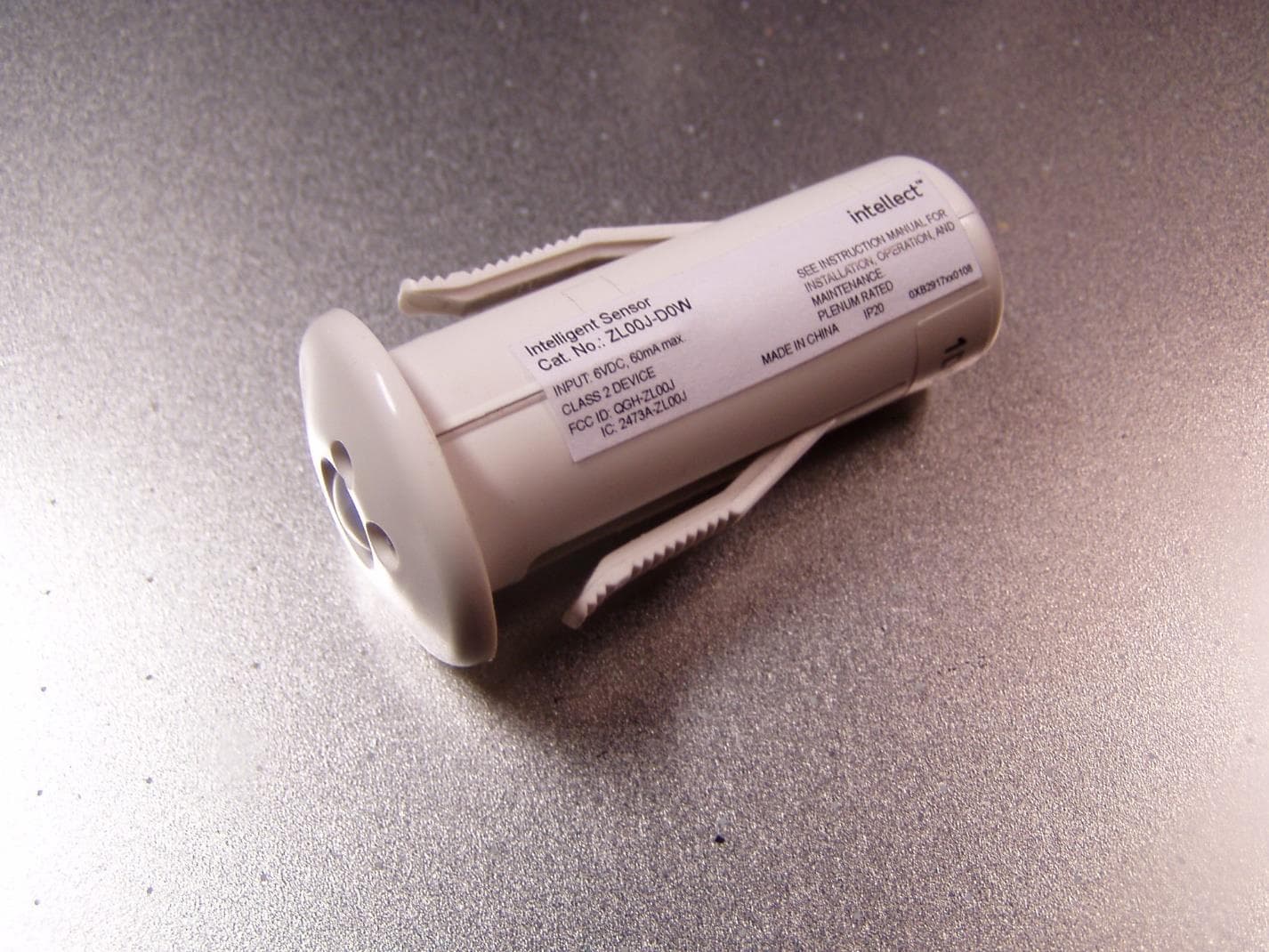
QGH-ZL00J
Apr 07, 2020ZL00J-D0W Intellect Sensor Head
Equipment Class
DTS - Digital Transmission System
QGH-ZBMG
Jan 02, 20200XB1803 Module
Equipment Class
DTS - Digital Transmission System