QLM0060408USB Headset
Antonio Precise Products Manufactory Ltd.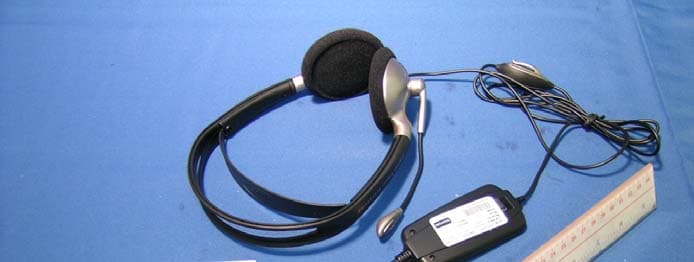
Click to zoom
Application Details
- Equipment Class
- JBP - Part 15 Class B Computing Device Peripheral
- Date of Grant
- Jan 17, 2005
- Application Purpose
- Original Equipment
- Date of Application
- Jan 17, 2005
- Equipment Note
- USB Headset
- Country
- Hong Kong
Documents & Files
Document Text
Text extracted from the exhibit documents filed with the FCC. Open a document above to read the original.
Users Manual
Australia: Tel. +61 3 8823 9111 Canada: Tel. +1 416 620 1440 Hong Kong: Tel. +852 21 04 68 28 Japan: Tel. +81 3 3239 1721 P. R. China: Tel. +86 10 6583 2311 Singapore: +65 65 42 45 50 USA: Tel. +1 603 598 1100 81-00084 RA GN 502-3 USB_NA 10/7/04 2:18 PM Side 44 GN 502 USB / 503 USB www.gnnetcom.com USUser guide FRGuide d’utilisation ESManual del usuario PTGuia do utilizador 81-00084 RA GN 502-3 USB_NA 10/7/04 2:18 PM Side 1 GN 502-3 USB_NA 10/7/04 2:18 PM Side 2 3 User guide US4 Guide de l’utilisateurFR13 Manual del usuarioES23 Guia do utilizadorPT33 GN 502-3 USB_NA 10/7/04 2:18 PM Side 3 GN 502 USB/GN 503 USB user guide This user guide gives you information and instructions on setting up, using and maintaining your GN 502 USB/GN 503 USB, and contains the following sections: 1. Product information . . . . . . . . . . . . . . . . . . . . . . . . . . . . . . . . . . . . . . . . . . . . . . . . . . . . . . . . . . . . . . . . . . .4 2. Setting up your GN 502 USB/GN 503 USB . . . . . . . . . . . . . . . . . . . . . . . . . . . . . . . . . . . . . . . . . . . . .6 3. Using your GN 502 USB/GN 503 USB . . . . . . . . . . . . . . . . . . . . . . . . . . . . . . . . . . . . . . . . . . . . . . . . . .7 4. Frequently asked questions . . . . . . . . . . . . . . . . . . . . . . . . . . . . . . . . . . . . . . . . . . . . . . . . . . . . . . . . . . .9 1. Product information The GN 502 USB/GN 503 USB headset solution incorporates digital signal processing to enhance your PC communications experience. It is designed to provide the optimum interface for voice communications and streaming media over the Internet/data networks. The GN 502 USB/GN 503 USB headset also boosts the quality of transmitted voice, which is important for transmission clarity and interoperability with voice driven applications, such as speech recognition and recording. System requirements The GN 502 USB/GN 503 USB requires the following operating systems and an available USB port: Windows ® XP Windows Me (Millennium Edition) Windows 2000 Windows 98 SE (Second edition) Macintosh OS 9.0.4, 9.1, 9.2, 10.1.3 (or greater) The GN 502 USB/GN 503 USB does not work with earlier releases of these operating systems. 4 GN 502-3 USB_NA 10/7/04 2:18 PM Side 4 5 1.1 Parts and Signatures 1. Headset 2. USB connector 3. Digital signal processor 4. In-line connection status LED 5. In-line volume control 6. In-line microphone mute switch GN 502 USB GN 503 USB 6 1 5 3 4 5 6 2 1 4 3 2 GN 502-3 USB_NA 10/7/04 2:18 PM Side 5 6 2. Setting up your GN 502 USB/GN 503 USB With the Windows XP, Windows 2000 and Macintosh OS 9.0.4 (or greater) operating systems, you are ready to use your GN 502 USB / GN 503 USB and require no software installation. Simply plug the USB connector into any USB port on the computer. 2.1 Installation Windows Me and Windows 98 SE: To use the GN 502 USB/GN 503 USB for the first time, you need to install the USB drivers necessary for the computer to recognize the device. Your computer must be on (and boot-up process complete) and no other applications should be running before installing your GN 502 USB/GN 503 USB. To install the device, simply plug your device into your computer’s USB port. • The first time Windows detects that a new device (hardware) is connected, it will automatically launch the Add N ew Hardware Wizard. • On Windows Me, the following drivers will be automatically installed to your computer: USB Composite Device, USB Audio Device and USB HID Device. • With Windows 98SE, click N ext. 2.2 Installation—for Mac Your computer must be on (and boot-up process complete) and no other applications should be running before installing your GN 502 USB/GN 503 USB. To install the device, complete the following: 1. Plug your device into an available USB port (on your PC or PC’s keyboard). Note:If you plug your device into the PC’s keyboard, make sure the keyboard is plugged into the PC’s USB port number 1. 2. Specify the input device type to your computer according to the operating system: For OS 9: • Click Ap ple menu • Select Control Panels • From Co ntrol Panels, select Soundto activate the sound option window. GN 502-3 USB_NA 10/7/04 2:18 PM Side 6 7 • Verify that input source is External Mic. • Close the sound option window. For OS 10.1.3 and greater: • Click S ystem Preferences • Select Soundto activate Sound Option Window for Headphone. • Select sp eechto activate microphone. • Select inpu t, and select USB audioas your device for sound input. 3. Using your GN 502 USB/GN 503 USB When using your GN 502 USB/GN 503 USB, you will most likely record an audio file and need to adjust the sound recording or playback volume. These are completed slightly differently with PC and Mac operating systems. Before using your headset, adjust the headset’s boom so that it is pointed in the direction of your mouth. 3.1 Use—with PC Recording an audio file To record an audio file, complete the following: 1. Go to Start –> Programs –> Accessories –> Entertainment – Sound Recorder. 2. With your headset positioned correctly, click the RECORD button and record your voice file. 3. Click the S TOPbutton when finished recording. 4. To review your record, click the PL AYbutton. If you hear your voice, your recording was successful. Volume adjustment (with Windows 2000, Windows Me and Windows 98 SE) You can adjust the sound recording or playback volume using the volume slider in your computer’s multimedia settings by completing the following: 1. Go to Start –> Settings –> Control Panel –> Sound Speech & Audio Devices –> Audio. 2. Confirm that GN 502 USB/GN 503 USB Audio as the preferred device for sound recording/playback. If it isn’t, click ap ply, and then OK. GN 502-3 USB_NA 10/7/04 2:18 PM Side 7 8 For Windows 2000 and Windows Me only: Click the volume button in the Sound Recording/Playback section to open the Volume Control Panel. For Windows 98SE only: Click the button with the slider and microphone/speaker. 3. On the Volume Slider Panel, ensure that …
Text truncated - open the document above for the full version.
Block Diagram
3 Block diagram of USB Audio Controller - CLK generator D+ D- Me mor y FIFO parallel / serial EEP R O M interface PLL LEDN Dig ital receiver S/PDIF OUT S/PDIF IN S/PDIF de code r serial / parallel AC'97 Controller AC DIN SCL SDA BITCLK AC RS TN AC SYNC AC DO UT CS SK DW DR Processor MCU interface VO LUP VO LDN MUTEP MUTER PDSW (TYPE0, TYPE1, TYPE2, TYPE3, PLLEN, REC O RD) HIDMUTER M U X Us e r data bi ts Preamble Validity Audi o data Channel s tatus bits Parity Aux data SOF CMPCLK XIA U D XO A U D USB DPLL Transceiver XIU S B XO U S B RS TN
External Photos
Test Setup FCC ID : QLM0060408 External Photo - front External Photo - rear
Internal Photos
Test Setup FCC ID : QLM0060408 Internal Photo - 1 Internal Photo - 2 Test Setup FCC ID : QLM0060408 Internal Photo - 3 Internal Photo - 4 Test Setup FCC ID : QLM0060408 Internal Photo - 5 Internal Photo - 6 Test Setup FCC ID : QLM0060408 Internal Photo - 7 Internal Photo - 8 Test Setup FCC ID : QLM0060408 Internal Photo - 9
Operational Description
MH84 USB Headset General description MH84 is a new ATA stereo USB multimedia headset, targeted for indoor PC users. The USB digital sound processing will favour voice recognition & voice dictation applications on PC, so expected to fit in high end market for demanding users. It is a behind-the-head wearing design, plus an assembled in-line module adapter with USB plug. Major Features are: • enjoy great multimedia stereo digital audios • high clarity digital sound also for voice command & dictation uses • no-mess behind the head wearing headset • no separate driver needed for Windows 98 SE, Me, 2000 & XP • direct connect to USB (1.1) port and no soundcard needed • Green LED power/in use indicator • USB connector • USB specification 1.1 compliant • Utilizing Microsoft audio USB driver Technical description The core of the headset is the USB audio controller (U6 SN11113F). It supports 32KHz, 44.1KHz and 48KHz sampling rate in digital playback and recording; 44.1KHz and 48 Khz sampling rate in analog audio playback and recording. Only analog playback and recording is used in this headset. In analog playback mode, it receives audio stream from PC via USB interface and transmits audio data to the AC'97 Codec (U7 VT1612A) for analog playback to headphone. In analog recording mode, it receives analog audio input from microphone via a microphone amplifier (U1 3414A) and send back to PC through USB. Totally, one USB control pipe, two isochronous pipes and one interrupt pipe are used by the headset. Other features: • Compatible with Win98SE/WinMe/Win2000/WinXP and MacOS 9.2.1/MacOS 10.1 without additional driver • Plug-and-play operation with Microsoft OS or MacOS default drivers • Compliant with USB specification v1.1 • Compliant with USB audio device class specification v1.0 • Supports USB full speed 12Mbits/s serial data transmission • USB bus-powered operation • Supports suspend/resume and remote wake-up • Supports AC'97 component specification v2.1 and v2.2 • Compliant with USB HID class specification v1.1; button control for volume up/down, play, mute and record mute may be added • 3.3V operation
Test Report
• The test results reported in this test report shall refer only to the sample actually tested and shall not refer or be deemed to refer to bulk from which such a sample may be said to have been obtained. • This report shall not be reproduced except in full without prior authorization from Intertek Testing Services Hong Kong Limited. • For Terms And Conditions of the services, it can be provided upon request. • The evaluation data of the report will be kept for 3 years from the date of issuance. Intertek Testing Services Hong Kong Ltd. 2/F., Garment Centre, 576 Castle Peak Road, Kowloon, Hong Kong. Tel: (852) 2173 8888 Fax: (852) 2371 0521 Website: www.hk.intertek-etlsemko.com Antonio Precise Products Manufactory Ltd. Application For Certification (FCC ID: QLM0060408) Computer Peripheral 0420555 DL/ Sandy Lee December 29, 2004 INTERTEK TESTING SERVICES FCC ID: QLM0060408 i LIST OF EXHIBITS INTRODUCTION EXHIBIT 1: General Description EXHIBIT 2: System Test Configuration EXHIBIT 3: Emission Results EXHIBIT 4: Equipment Photographs EXHIBIT 5: Product Labelling EXHIBIT 6: Technical Specifications EXHIBIT 7: Instruction Manual EXHIBIT 8: Miscellaneous Information INTERTEK TESTING SERVICES FCC ID: QLM0060408 ii MEASUREMENT/TECHNICAL REPORT Antonio Precise Products Manufactory Ltd. - MODEL: GN NETCOM 503USB ATO MH83 FCC ID: QLM0060408 December 29, 2004 This report concerns (check one:) Original Grant X Class II Change Equipment Type: Computer Peripheral (example: computer, printer, modem, etc.) Deferred grant requested per 47 CFR 0.457(d)(1)(ii)? Yes No X If yes, defer until: date Company Name agrees to notify the Commission by: date of the intended date of announcement of the product so that the grant can be issued on that date. Transition Rules Request per 15.37? Yes No X If no, assumed Part 15, Subpart C for intentional radiator - the new 47 CFR [12-08-03 Edition] provision. Report prepared by: Derek Leung Intertek Testing Services 2/F., Garment Center, 576, Castle Peak Road, Kowloon, Hong Kong. Phone: 852-2173-8539 Fax: 852-2371-0521 INTERTEK TESTING SERVICES FCC ID: QLM0060408 iii Table of Contents 1.0 General Description..............................................................................................2 1.1 Product Description ..............................................................................................2 1.2 Related Submittal(s) Grants .................................................................................2 1.3 Test Methodology.................................................................................................3 1.4 Test Facility ..........................................................................................................3 2.0 System Test Configuration ...................................................................................5 2.1 Justification ..........................................................................................................5 2.2 EUT Exercising Software .....................................................................................5 2.3 Special Accessories .............................................................................................5 2.4 Equipment Modification ........................................................................................5 2.5 Measurement Uncertainty ....................................................................................6 2.6 Support Equipment List and Description ..............................................................6 3.0 Emission Results ..................................................................................................8 3.1 Field Strength Calculation ....................................................................................9 3.2 Radiated Emission Configuration Photograph ....................................................11 3.3 Radiated Emission Data.....................................................................................12 3.4 Conducted Emission Configuration Photograph .................................................14 3.5 Conducted Emission Data.......................................................................................15 4.0 Equipment Photographs .....................................................................................17 5.0 Product Labelling ................................................................................................19 6.0 Technical Specifications ....................................................................................21 7.0 Instruction Manual ..............................................................................................23 8.0 Miscellaneous Information .................................................................................25 8.1 Emissions Test Procedures................................................................................26 INTERTEK TESTING SERVICES FCC ID: QLM0060408 iv List of attached file Exhibit type File Description filename Test Report Test Report report.pdf Operation Description Technical Description descri.pdf Test Setup Photo Radiated Emission radiated photos.doc Test Setup Photo Conducted Emission conducted photos.doc Test Report Conducted Emission Test Result conduct.pdf External Photo External Photo external photos.doc Internal Photo Internal Photo internal photos.doc Block Diagram Block Diagram block.pdf Schematics Circuit Diagram circuit.pdf ID Label/Location Label Artwork and Location label.pdf User Manual User Manual manual.pdf INTERTEK TESTING SERVICES FCC ID: QLM0060408 1 EXHIBIT 1 GENERAL DESCRIPTION INTERTEK TESTING SERVICES FCC ID: QLM0060408 2 1.0 General Description 1.1 Product Description The Equipment Under Test (EUT) is a USB Headset. The EUT is connected to USB port of computer when use. It can playback audio file within computer and can record audio file. The Model: ATO MH83 is the same as the Model: GN NETCOM 503USB in hardware aspect. The difference in model …
Text truncated - open the document above for the full version.
Test Setup Photos
Test Setup FCC ID : QLM0060408 Radiated - front Radiated - rear
Test Setup Photos
Test Setup FCC ID : QLM0060408 Conduct Photo - 1 Conduct Photo - 2 Test Setup FCC ID : QLM0060408 Conduct Photo - 3
Contact Information
Applicant
Alvin Tsang(Assistant Engineering Manager)
Technical Contact
Intertek Testing Services Hong Kong Ltd.Derek Leung
[email protected]852-2173-8539
2/F., Garment Centre · Kowloon · Hong Kong
Non-Technical Contact
Intertek Testing Services Hong Kong Ltd.Derek Leung
[email protected]852-2173-8539
Test Firm
Intertek Testing Services Hong KongBilly Chow
Technical Specifications
| # | Rule Parts | Frequency Range | Power Output |
|---|---|---|---|
| 1 | 15B | - | - |
Other Applications from Antonio Precise Products Manufactory Ltd.
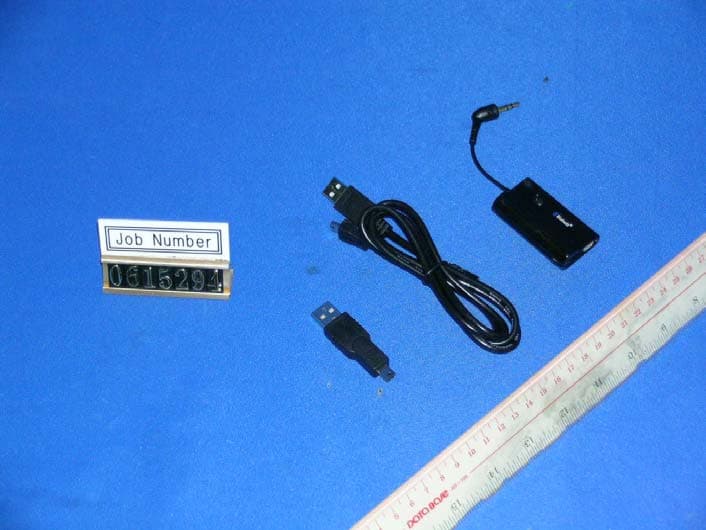
QLM0150609
Jul 04, 2007Bluetooth Dongle
Equipment Class
JBP - Part 15 Class B Computing Device Peripheral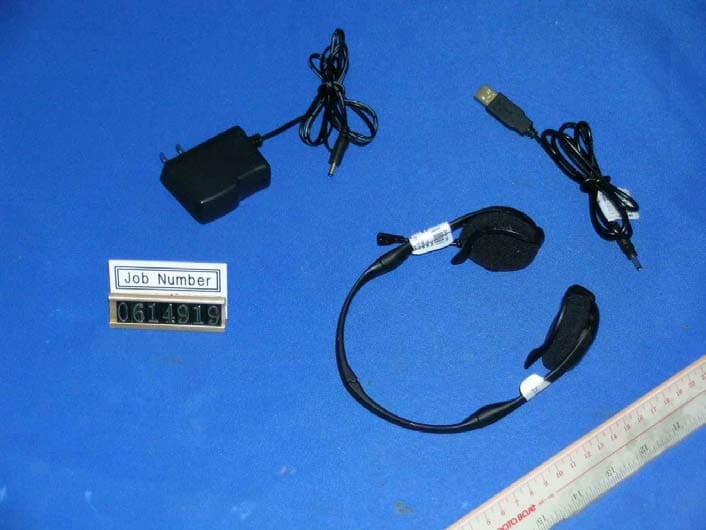
QLM0160609
Jul 04, 2007Bluetooth Stereo Headset
Equipment Class
DXT - Part 15 Low Power Transceiver, Rx Verified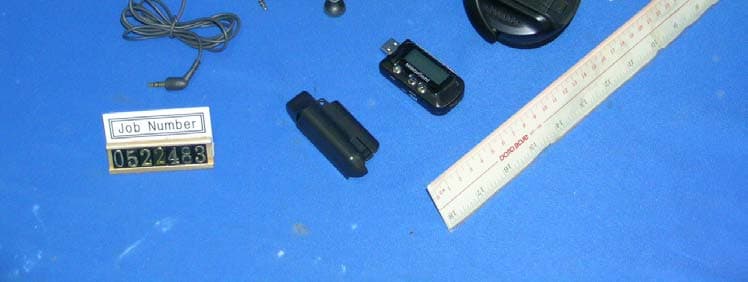
QLM0130511
Nov 12, 2006MP3 & Multimedia Headset
Equipment Class
JBP - Part 15 Class B Computing Device Peripheral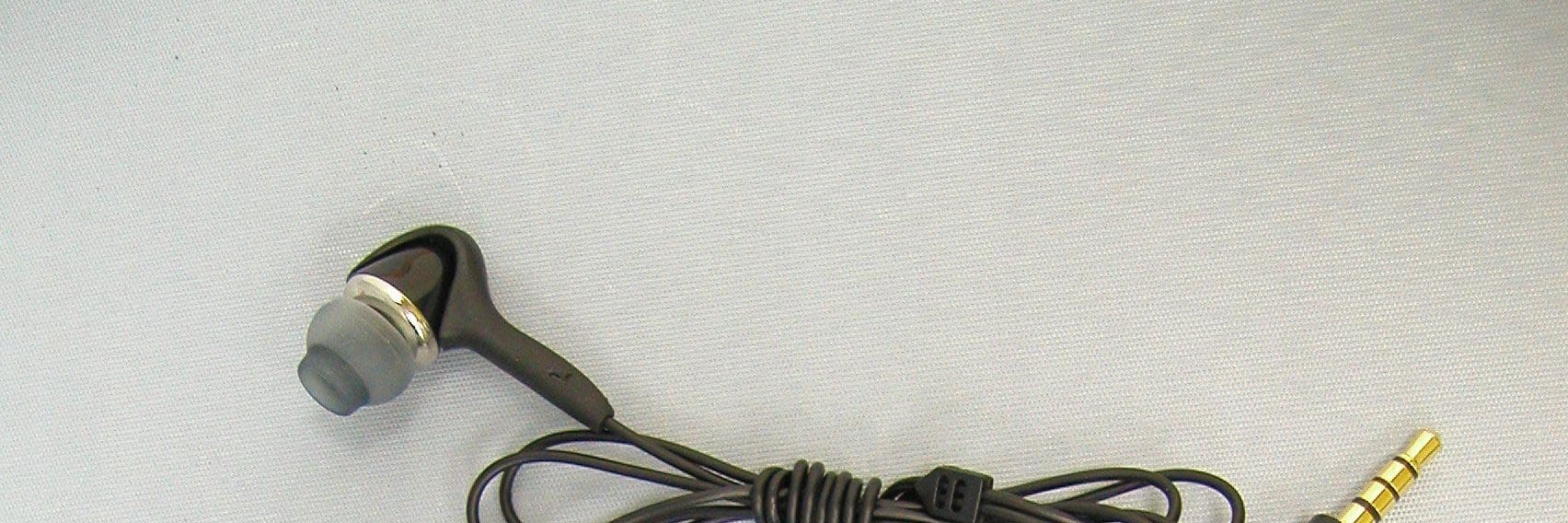
QLM0140608
Sep 13, 2006Bluetooth Stero Headset: BT81
Equipment Class
DSS - Part 15 Spread Spectrum Transmitter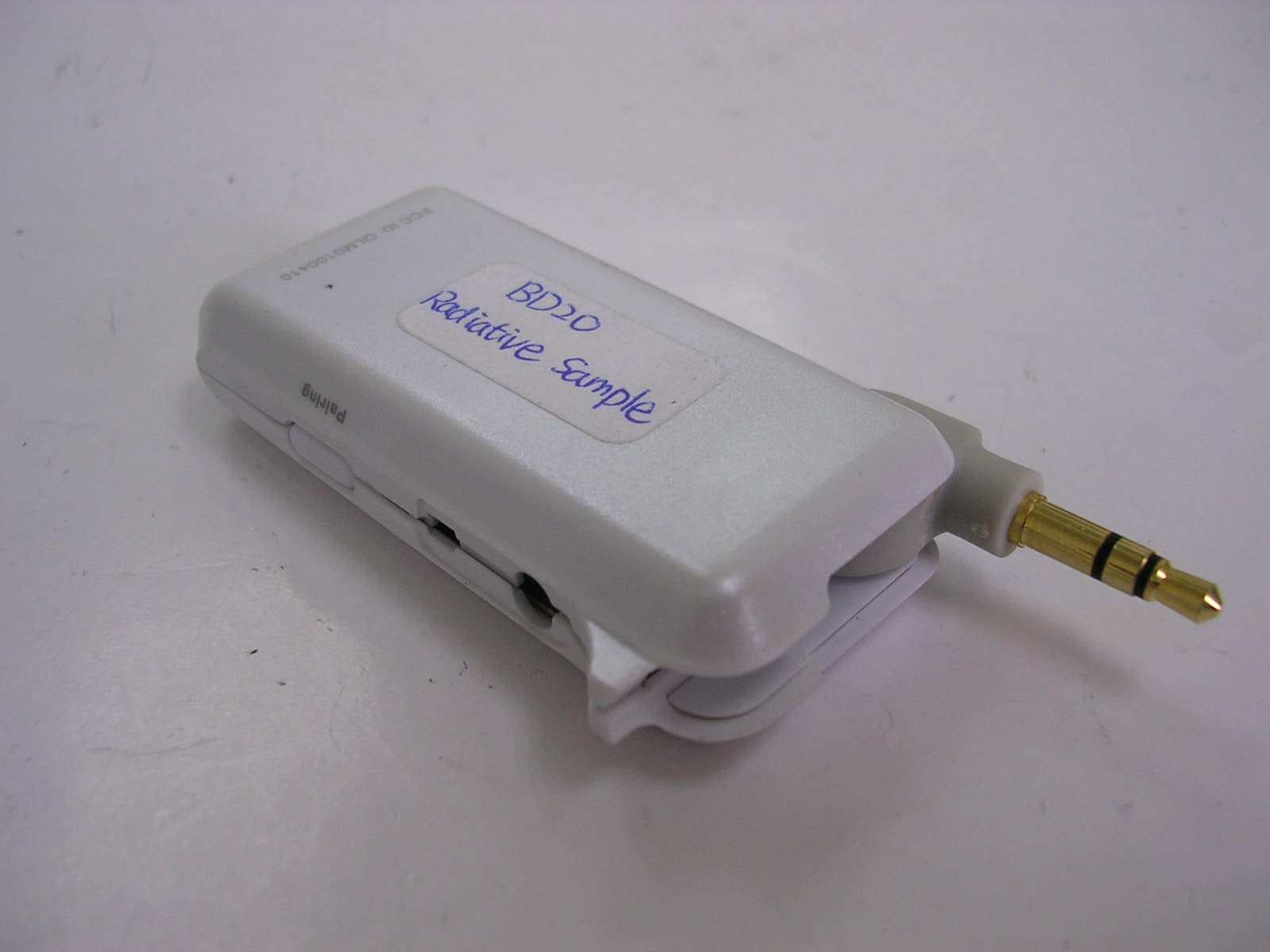
QLM0100410
May 01, 2005Bluetooth Audio Adaptor
Equipment Class
DSS - Part 15 Spread Spectrum Transmitter