RYK-OR100802.11g Outdoor AP
SparkLAN Communications, Inc.
Click to zoom
Application Details
- Equipment Class
- DTS - Digital Transmission System
- Date of Grant
- Apr 16, 2007
- Application Purpose
- Original Equipment
- Date of Application
- Apr 16, 2007
- Equipment Note
- 802.11g Outdoor AP
- Frequency Range
- 2412.00000000 - 2462.00000000
- Country
- Taiwan
Documents & Files
Document Text
Text extracted from the exhibit documents filed with the FCC. Open a document above to read the original.
Users Manual
WLAN Outdoor Bridge User Manual Version 1.0 Table of Contents PREFACE ................................................................................................................................ 1 1. OUTDOOR AP INSTALLATION ......................................................................................... 4 Packing List.........................................................................................................................................................4 Hardware Installation ........................................................................................................................................5 2. FIRST TIME CONFIGURATION ......................................................................................... 8 Before Start to Configure ..................................................................................................................................8 Advanced Settings .......................................................................................................................................... 34 Configuring Wireless Security ....................................................................................................................... 37 Configuring Universal Repeater .................................................................................................................... 43 3. CONFIGURING WDS....................................................................................................... 45 WDS Application.............................................................................................................................................. 49 4 ADVANCED CONFIGURATIONS ...................................................................................... 51 Configuring LAN to WAN Firewall.................................................................................................................. 51 Port Filtering..................................................................................................................................................... 51 IP Filtering ........................................................................................................................................................ 51 MAC Filtering .................................................................................................................................................... 52 Configuring Port Forwarding (Virtual Server) .............................................................................................. 52 Multiple Servers behind NAT Example: ........................................................................................................ 53 Configuring DMZ.............................................................................................................................................. 53 Configuring WAN Interface ............................................................................................................................ 54 Static IP............................................................................................................................................................. 55 DHCP Client (Dynamic IP) .............................................................................................................................. 56 PPPoE................................................................................................................................................................ 57 PPTP .................................................................................................................................................................. 58 Configuring Clone MAC Address ................................................................................................................... 59 Configuring DHCP Server ............................................................................................................................... 61 Bandwidth Control........................................................................................................................................... 62 QoS (Quality of Service).................................................................................................................................. 63 Dynamic Route Setup ..................................................................................................................................... 68 VPN Pass-through............................................................................................................................................ 69 Using CLI Menu ................................................................................................................................................ 70 SNMP Agent ......................................................................................................................................................71 Firmware Upgrade............................................................................................................................................74 Configuration Data Backup & Restore......................................................................................................... 75 Auto Discovery Tool...................................................................................................................................75 1 Preface This guide is for the networking professional who installs and manages the outdoor product hereafter referred to as the “device”. To use this guide, you should have experience working with the TCP/IP configuration and be familiar with the concepts and terminology of wireless local area networks. 2 Certification Declaration FCC Radiation Norm Federal Communication Commission Interference Statement This equipment has been tested and found to comply with the limits for a Class B digital device, pursuant to Part 15 of the FCC Rules. These limits are design…
Text truncated - open the document above for the full version.
Users Manual
51 4 Advanced Configurations Configuring LAN to WAN Firewall Filtering function is used to block packets from LAN to WAN. The device supports three kinds of filter Port Filtering, IP Filtering and MAC Filtering. All the entries in current filter table are used to restrict certain types of packets from your local network to through the device. Use of such filters can be helpful in securing or restricting your local network. Port Filtering When you enable the Port Filtering function, you can specify a single port or port ranges in current filter table. Once the source port of outgoing packets match the port definition or within the port ranges in the table, the firewall will block those packets from LAN to WAN. IP Filtering When you enable the IP Filtering function, you can specify local IP Addresses in current filter table. Once the source IP address of outgoing packets match the IP Addresses in the table, the firewall will block this packet from LAN to WAN. 52 MAC Filtering When you enable the MAC Filtering function, you can specify the MAC Addresses in current filter table. Once the source MAC Address of outgoing packets match the MAC Addresses in the table, the firewall will block this packet from LAN to WAN. Configuring Port Forwarding (VirtualʳServer) This function allows you to automatically redirect common network services to a specific machine behind the NAT firewall. These settings are only necessary if you wish to host some sort of server like a web server or mail server on the private local network behind the device's NAT firewall. 53 Multiple Servers behind NAT Example: In this case, there are two PCs in the local network accessible for outside users. Configuring DMZ A Demilitarized Zone is used to provide Internet services without sacrificing unauthorized access to its local private network. Typically, the DMZ host contains devices accessible to Internet traffic, such as Web (HTTP) servers, FTP servers, SMTP (e-mail) servers and DNS servers. So that all inbound packets will be redirected to the computer you set. It also is useful while you run some applications (ex. Internet game) that use uncertain incoming ports. ˯ 54 Enable DMZ: Enable the “Enable DMZ”, and then click “Apply Changes” button to save the changes. DMZ Host IP Address: Input the IP Address of the computer that you want to expose to Internet. Configuring WAN Interface The device supports four kinds of IP configuration for WAN interface, including Static IP, DHCP Client, PPPoE and PPTP. You can select one of the WAN Access Types depend on your ISP required. The default WAN Access Type is “Static IP”. 55 Static IP You can get the IP configuration data of Static-IP from your ISP. And you will need to fill the fields of IP address, subnet mask, gateway address, and one of the DNS addresses. IP Address: The Internet Protocol (IP) address of WAN interface provided byʳyour ISP or MIS. The address will be your network identifierʳ besides your local network. Subnet Mask: The number used to identify the IP subnet network, indicating whether the IP address can be recognized on the LAN or if it must be reached through a gateway. Default Gateway: The IP address of Default Gateway provided by your ISP or MIS. Default Gateway is the intermediate network device that has knowledge of the network IDs of the other networks in the Wide Area Network, so itʳcan forward the packets to other gateways until they are delivered to the one connected to the specified destination. DNS 1~3: The IP addresses of DNS provided by your ISP.DNS (Domain Name Server) is used to map domain names to IP addresses. DNS maintain central lists of domain name/IP addresses and map the domain names in your Internet requests to other servers on the Internet until the specified web site is found. Clone MACʳAddressˍClone device MAC address to the specify MAC address required by yourʳISP Enable uPnP: Enable uPnP, this function allows the device to be found and configured automatically by the system. (Ex. Window XP) 56 DHCP Client (Dynamic IP) All IP configuration data besides DNS will obtain from the DHCP server when DHCP-Client WAN Access Type is selected. DNS1~3:The IP addresses of DNS provided by your ISP. DNS (Domain Name Server) is used to map domain names to IP addresses. DNS maintain central lists of domain name/IP addresses and map the domain names in your Internet requests to other servers on the Internet until the specified web site is found. Clone MACʳAddress:ʳClone device MAC address to the specify MAC address ʳʳʳʳʳʳ ʳʳʳʳʳʳʳʳʳʳʳʳʳʳʳʳʳʳrequiredʳby your ISP Enable uPnP: Enable uPnP, this function allows the device to be found and configured automatically by the system. (Ex. Window XP) 57 PPPoE When the PPPoE (Point to Point Protocol over Ethernet) WAN Access Type is selected, you must fill the fields of User Name, Password provided by your ISP. The IP configuration will be done when the device successfully authenticates with your ISP. User Name: The account provided by your ISP Password: The password for your account. Connect Type: “Continuous “ : connect to ISP permanentlyʳ“Manual” : Manual connect/disconnect to ISPʳ“On-Demand” : Automatically connect to ISP when user need to access the Internet. Idle Time: The number of inactivity minutes to disconnect from ISP. This setting is only available when “Connect on Demand” connection type is selected. MTU Size: Maximum Transmission Unit, 1412 is the default setting, you may need to change the MTU for optimal performance with your specific ISP. DNS1~3: The IP addresses of DNS provided by your ISP.DNS (Domain Name Server) is used to map domain names to IP addresses. DNS maintain central lists of domain name/IP addresses and map the domain names in your Internet requests to other servers on the Internet until the specified web site is found. Clone MACʳAddress: Clone device MAC address to the specify MAC address requiredʳby your ISP. Enable UPnP: Enable UPnP, this function allows the device to be found and con…
Text truncated - open the document above for the full version.
External Photos
SPORTON International Inc. PAGE NUMBER : 1 OF 17 TEL : 886-2-2696-2468 ISSUED DATE : Apr. 03, 2007 FAX : 886-2-2696-2255 APPENDIX A. Photographs of EUT SPORTON International Inc. PAGE NUMBER : 2 OF 17 TEL : 886-2-2696-2468 ISSUED DATE : Apr. 03, 2007 FAX : 886-2-2696-2255 SPORTON International Inc. PAGE NUMBER : 3 OF 17 TEL : 886-2-2696-2468 ISSUED DATE : Apr. 03, 2007 FAX : 886-2-2696-2255 SPORTON International Inc. PAGE NUMBER : 6 OF 17 TEL : 886-2-2696-2468 ISSUED DATE : Apr. 03, 2007 FAX : 886-2-2696-2255 SPORTON International Inc. PAGE NUMBER : 7 OF 17 TEL : 886-2-2696-2468 ISSUED DATE : Apr. 03, 2007 FAX : 886-2-2696-2255 SPORTON International Inc. PAGE NUMBER : 8 OF 17 TEL : 886-2-2696-2468 ISSUED DATE : Apr. 03, 2007 FAX : 886-2-2696-2255 SPORTON International Inc. PAGE NUMBER : 9 OF 17 TEL : 886-2-2696-2468 ISSUED DATE : Apr. 03, 2007 FAX : 886-2-2696-2255 SPORTON International Inc. PAGE NUMBER : 10 OF 17 TEL : 886-2-2696-2468 ISSUED DATE : Apr. 03, 2007 FAX : 886-2-2696-2255 SPORTON International Inc. PAGE NUMBER : 11 OF 17 TEL : 886-2-2696-2468 ISSUED DATE : Apr. 03, 2007 FAX : 886-2-2696-2255 SPORTON International Inc. PAGE NUMBER : 12 OF 17 TEL : 886-2-2696-2468 ISSUED DATE : Apr. 03, 2007 FAX : 886-2-2696-2255 SPORTON International Inc. PAGE NUMBER : 13 OF 17 TEL : 886-2-2696-2468 ISSUED DATE : Apr. 03, 2007 FAX : 886-2-2696-2255 SPORTON International Inc. PAGE NUMBER : 14 OF 17 TEL : 886-2-2696-2468 ISSUED DATE : Apr. 03, 2007 FAX : 886-2-2696-2255 SPORTON International Inc. PAGE NUMBER : 17 OF 17 TEL : 886-2-2696-2468 ISSUED DATE : Apr. 03, 2007 FAX : 886-2-2696-2255
ID Label/Location Info
材質:銅板紙 尺寸:150*18mm This device complies with Part 15 of the FCC Rules. Operation is subject to the following two conditions: (1) this device may not cause harmful interference, and (2) this device must accept any interference received, including interference that may cause undesired operation. This device complies FCC ID: RYK-OR100 with Part 15 of the FCC Rules. Model: OR-100 Wireless 802.11g Outdoor AP SPORTON International Inc. PAGE NUMBER : 1 OF 24 TEL : 886-2-2696-2468 ISSUED DATE : Apr. 03, 2007 FAX : 886-2-2696-2255 APPENDIX A. Photographs of EUT Label Location
Internal Photos
SPORTON International Inc. PAGE NUMBER : 3 OF 17 TEL : 886-2-2696-2468 ISSUED DATE : Apr. 03, 2007 FAX : 886-2-2696-2255 SPORTON International Inc. PAGE NUMBER : 4 OF 17 TEL : 886-2-2696-2468 ISSUED DATE : Apr. 03, 2007 FAX : 886-2-2696-2255 SPORTON International Inc. PAGE NUMBER : 5 OF 17 TEL : 886-2-2696-2468 ISSUED DATE : Apr. 03, 2007 FAX : 886-2-2696-2255 SPORTON International Inc. PAGE NUMBER : 15 OF 17 TEL : 886-2-2696-2468 ISSUED DATE : Apr. 03, 2007 FAX : 886-2-2696-2255 SPORTON International Inc. PAGE NUMBER : 16 OF 17 TEL : 886-2-2696-2468 ISSUED DATE : Apr. 03, 2007 FAX : 886-2-2696-2255
RF Exposure Info
FCC TEST REPORT Report No.: FR571317-01 SPORTON International Inc. Page No. : 49 of 54 TEL : 886-2-2696-2468 Issued Date : Apr. 03, 2007 FAX : 886-2-2696-2255 FCC ID : RYK-OR100 5.8. RF Exposure 5.8.1. Limit For Maximum Permissible Exposure (MPE) This product can be classified as mobile device, so the 20cm separation distance warning is required. In this section, the power density at 20cm location is calculated to examine if it is lower than the limit. (A) Limits for Occupational / Controlled Exposure Frequency Range (MHz) Electric Field Strength (E) (V/m) Magnetic Field Strength (H) (A/m) Power Density (S) (mW/ cm²) Averaging Time |E|²,|H|² or S (minutes) 0.3-3.0 614 1.63 (100)* 6 3.0-30 1842 / f 4.89 / f (900 / f)* 6 30-300 61.4 0.163 1.0 6 300-1500 F/300 6 1500-100,000 5 6 (B) Limits for General Population / Uncontrolled Exposure Frequency Range (MHz) Electric Field Strength (E) (V/m) Magnetic Field Strength (H) (A/m) Power Density (S) (mW/cm²) Averaging Time |E|²,|H|² or S ( minutes ) 0.3-1.34 614 1.63 (100)* 30 1.34-30 824/f 2.19/f (180/f)* 30 30-300 27.5 0.073 0.2 30 300-1500 F/1500 30 1500-100,000 1.0 30 F = frequency in MHz *Plane-wave equivalent power density 5.8.2. MPE Calculation Method E (V/m) d GP××30 Power Density: Pd (mW/cm²) 377 2 E E Electric field (V/m) P Peak RF output power (mW) G EUT Antenna numeric gain (numeric) d Separation distance between radiator and human body (cm) The formula can be changed to Pd 2 377 30 d GP × ×× From the peak EUT RF output power, the minimum mobile separation distance, d=20cm, as well as the gain of the used antenna, the RF power density can be obtained. FCC TEST REPORT Report No.: FR571317-01 SPORTON International Inc. Page No. : 50 of 54 TEL : 886-2-2696-2468 Issued Date : Apr. 03, 2007 FAX : 886-2-2696-2255 FCC ID : RYK-OR100 5.8.3. Calculated Result and Limit Modulation Type: DSSS Temperature: 28°C Relative Humidity: 60% Duty Cycle of the Equipment During the Test: 100.00% Test Engineer: Steven Lu Channel No. Antenna Gain (dBi) Antenna Gain (numeric) Peak Output Power (dBm) Peak Output Power ( mW ) Power Density (S) (mW/cm²) Limit of Power Density (S) (mW/cm²) 01 9.00 7.94 23.97 249.46 0.3943 1 06 9.00 7.94 23.72 235.50 0.3722 1 11 9.00 7.94 23.19 208.45 0.3294 1 Modulation Type: OFDM Temperature: 28°C Relative Humidity: 60% Duty Cycle of the Equipment During the Test: 100.00% Test Engineer: Steven Lu Channel No. Antenna Gain (dBi) Antenna Gain (numeric) Peak Output Power (dBm) Peak Output Power ( mW ) Power Density (S) (mW/cm²) Limit of Power Density (S) (mW/cm²) 01 9.00 7.94 19.76 94.62 0.1495 1 06 9.00 7.94 19.23 83.75 0.1324 1 11 9.00 7.94 18.96 78.70 0.1244 1
Test Report
FCC TEST REPORT Report No.: FR571317-01 SPORTON International Inc. TEL : 886-2-2696-2468 FAX : 886-2-2696-2255 FCC RADIO TEST REPORT according to 47 CFR FCC Part 15 Subpart C PRODUCT NAME : 802.11g Outdoor AP FCC ID. : RYK-OR100 FILING TYPE : New Application BRAND NAME : SparkLAN MODEL NAME : OR-100 RECEIVED DATE : July 13, 2005 TEST DATE : Aug. 02, 2005 APPLICANT : SparkLAN Communications, Inc. 3F, No. 246, Sec. 1, Neihu Road, Neihu District, Taipei, Taiwan, ROC 114 MANUFACTURER : Same as applicant Statements: The test result in this report refers exclusively to the presented test model / sample. Without written approval of SPORTON International Inc., the test report shall not be reproduced except in full. Certificate or Test Report could not be used by the applicant to claim the product endorsement by CNLA and any agency of U.S. government. The test equipment used to perform the test is calibrated and traceable to NML/ROC or NIST/USA. Lab Code: 200079-0 FCC TEST REPORT Report No.: FR571317-01 SPORTON International Inc. Page No. : i TEL : 886-2-2696-2468 Issued Date : Apr. 03, 2007 FAX : 886-2-2696-2255: FCC ID : RYK-OR100 Table of Contents HISTORY OF THIS TEST REPORT..............................................................................................II CERTIFICATE OF COMPLIANCE.......................................................................................................................III 1. GENERAL DESCRIPTION OF EQUIPMENT UNDER TEST...........................................................................1 1.1. Applicant ......................................................................................................................................................................................... 1 1.2. Manufacturer ................................................................................................................................................................................... 1 1.3. Basic Description of Equipment under Test.................................................................................................................................... 1 1.4. Features of Equipment under Test ................................................................................................................................................. 1 1.5. Antenna Description........................................................................................................................................................................ 2 1.6. Table for Carrier Frequencies ......................................................................................................................................................... 2 2. TEST CONFIGURATION OF THE EQUIPMENT UNDER TEST .....................................................................3 2.1. Test Configuration........................................................................................................................................................................... 3 2.2. Test Mode Description .................................................................................................................................................................... 5 2.3. Description of Test Supporting Units .............................................................................................................................................. 5 3. GENERAL INFORMATION OF TEST ..............................................................................................................6 3.1. Test Facility ..................................................................................................................................................................................... 6 3.2. Standards for Methods of Measurement......................................................................................................................................... 6 3.3. DoC Statement ............................................................................................................................................................................... 6 3.4. Frequency Range Investigated ....................................................................................................................................................... 6 3.5. Test Distance .................................................................................................................................................................................. 6 3.6. Test Software .................................................................................................................................................................................. 6 4. LIST OF MEASUREMENTS .............................................................................................................................7 4.1. Summary of the Test Results.......................................................................................................................................................... 7 5. TEST RESULT ..................................................................................................................................................8 5.1. Test of 6dB Spectrum Bandwidth ................................................................................................................................................... 8 5.2. Test of Maximum Peak Conducted Output Power........................................................................................................................ 13 5.3. Test of Peak Power Spectral Density ........................................................................................................................................... 15 5.4. Test of Band Edges Emission....................................................................................................................................................... 20 5.5. Test of AC Power Line Conducted Emission …
Text truncated - open the document above for the full version.
Test Setup Photos
FCC TEST REPORT Report No.: FR571317-01 SPORTON International Inc. Page No. : 30 of 55 TEL : 886-2-2696-2468 Issued Date : Apr. 03, 2007 FAX : 886-2-2696-2255 FCC ID : RYK-OR100 5.5.8. Photographs of Conducted Emission Test Configuration FRONT VIEW REAR VIEW FCC TEST REPORT Report No.: FR571317-01 SPORTON International Inc. Page No. : 47 of 55 TEL : 886-2-2696-2468 Issued Date : Apr. 03, 2007 FAX : 886-2-2696-2255 FCC ID : RYK-OR100 5.6.12. Photographs of Radiated Emission Test Configuration FRONT VIEW REAR VIEW FCC TEST REPORT Report No.: FR571317-01 SPORTON International Inc. Page No. : 48 of 55 TEL : 886-2-2696-2468 Issued Date : Apr. 03, 2007 FAX : 886-2-2696-2255 FCC ID : RYK-OR100 FRONT VIEW REAR VIEW
Contact Information
Applicant
Grady Lin(Manager)
Technical Contact
Sporton International Inc.Wayne Hsu
No. 52. Hwa Ya 1st Rd., Hwa Ya Technology Park · Taoyuan · Taiwan
Test Firm
Sporton International Inc.W Huang
Technical Specifications
| # | Rule Parts | Frequency Range | Power Output |
|---|---|---|---|
| 1 | 15C | 2.41 GHz - 2.46 GHz | 250.00 mW |
Other Applications from SparkLAN Communications, Inc.
RYK-AP6275SDSR
Jan 11, 2023IEEE 802.11ax/ac/a/b/g/n 2x2 WiFi with Bluetooth5.2 M.2 LGA Type 1216 Module
Equipment Class
DTS - Digital Transmission System
RYK-WPEQ268AXBT
Dec 01, 2022Wi-Fi 6E BT Half Min PCIe Module
Equipment Class
DTS - Digital Transmission System
RYK-WNFB266AXIBT
Mar 20, 2021IEEE 802.11ax/ac/a/b/g/n 2x2 WiFi with Bluetooth5.0 Combo Module
Equipment Class
NII - Unlicensed National Information Infrastructure TX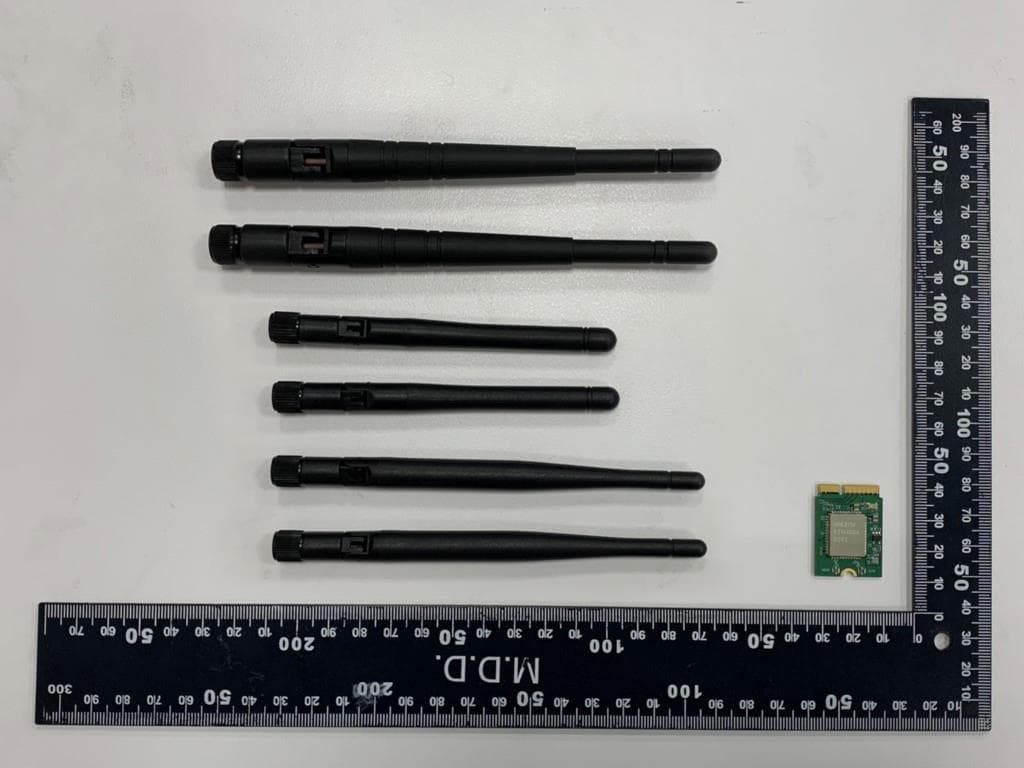
RYK-WNFB265AXIBT
Feb 23, 2021IEEE 802.11ax/ac/a/b/g/n 2x2 WiFi with Bluetooth5.0 Combo Module
Equipment Class
NII - Unlicensed National Information Infrastructure TX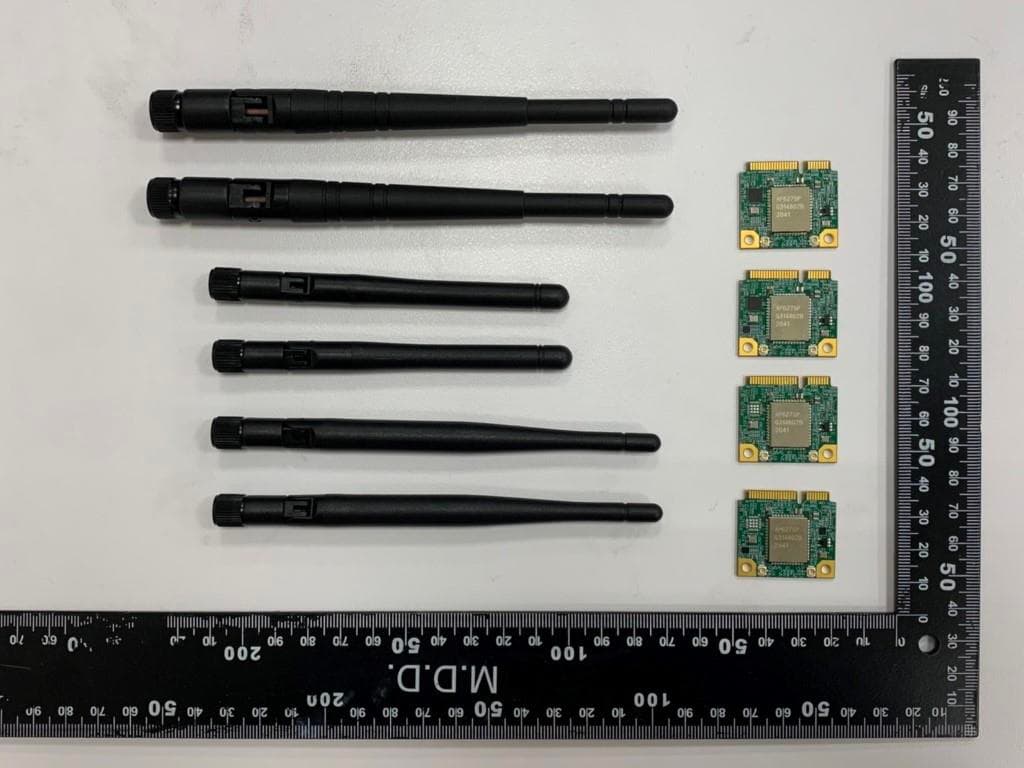
RYK-WPEB265AXIBT
Jan 10, 2021IEEE 802.11ax/ac/a/b/g/n 2x2 WiFi with Bluetooth5.0 Combo Module
Equipment Class
JBP - Part 15 Class B Computing Device Peripheral