S2Y-MINIWLAN11BMini SDIO Wireless LAN Card
Spectec Computer Co., Ltd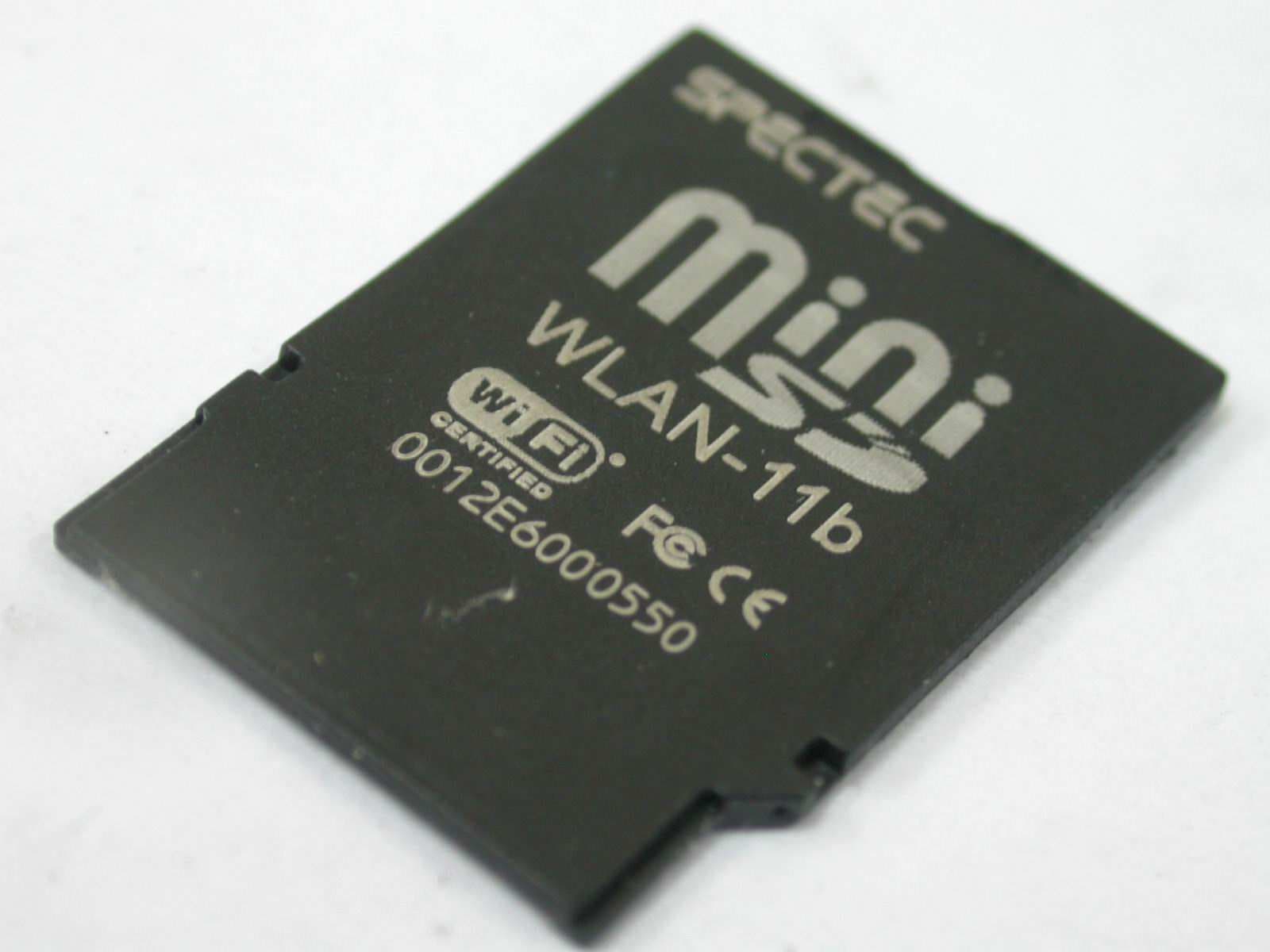
Click to zoom
Application Details
- Equipment Class
- DTS - Digital Transmission System
- Date of Grant
- Sep 07, 2005
- Application Purpose
- Original Equipment
- Date of Application
- Sep 07, 2005
- Equipment Note
- Mini SDIO Wireless LAN Card
- Frequency Range
- 2412.00000000 - 2462.00000000
- Company
- Spectec Computer Co., Ltd
- Country
- Taiwan
Documents & Files
Document Text
Text extracted from the exhibit documents filed with the FCC. Open a document above to read the original.
Users Manual
WLAN-11b Wireless/Internet Mini SDIO WLAN card Mini SDIO WLAN Card User’s Manual ver. 1.23 WLAN-11b FCC ID:S2Y-MINIWLAN11B 0012E6000506 Content Inside Package ................................................................................................P.1 System Requirement & Installation Description.............................................P.1 Installation Steps ..........................................................................................P.2~5 How to put a Mini SDIO WLAN card in of a PDA ..........................................P.6 How to get a Mini SDIO WLAN card out of a PDA .......................................P.6 How to Connect ..........................................................................................P.7~8 How to Connect Ad-hoc.................................................................................P.9 How to Remove Settings..................................................................................P.9 Wireless/Internet Speed Dial ..................................................................P.10~11 How to Connect AP Manually .....................................................................P.12 Inside CD ........................................................................................................P.13 Contact Us ......................................................................................................P.14 How to Upgrade Software ............................................................................P.15 How to Install Software ..................................................................................P.15 APCompatibility List ......................................................................................P.16 Frequently Ask Question ...............................................................................P.17 1 Thank you for purchase SPECTEC Mini SDIO WLAN card, it is the most small- est SDIO Wireless/Internet WLAN card on the market, easy to install and use, unlimited online use and connect wherever you are. Inside Package System Requirements & Installation Description 1. This type of Mini SDIO Wi-Fi Card can only be used in Pocket PC. Windows Mobile 2003 or above Operation System. 2. Please make certain your PDA has SDIO drive, so it can be used. Mini SDIO Wi-Fi Card WLAN-11b Driver & User Guide CDDriver & User Guide CD WLAN-11b FCC ID:S2Y-MINIWLAN11B 0012E6000506 2 Installation Steps < First, please use USB wire to connect between PDA and your computer. < Main menu window will pop up when you insert the WLAN-11b Installation CD by autorun: 3 < Chose Language to set up then click Yes < Installing menu will show on the screen automatically < Click Next 1 2 4 4 5 6 7 8 < Type Customer Information then click Next < Chose Setup type, then click Next 5 < Auto installing < To install click Yes, after finished installing, click Yesto finish install < Click Finish to complete the driver installation 9 10 11 WLAN-11b FCC ID:S2Y-MINIWLAN11B 0012E6000506 WLAN-11b FCC ID:S2Y-MINIWLAN11B 0012E6000506 WLAN-11b FCC ID:S2YMINIWLAN11B 0012E6000506 WLAN-11b FCC ID:S2YMINIWLAN11B 0012E6000506 6 How to take a Mini SDIO WLAN card out of a PDA < Check the direction of angularity of the card before put a Mini SDIO WLAN card in of a PDA. The angularity of the card needs to be same direction as PDA. # Different PDA has different drive. Make sure the direction is correct or your will damage the PDA SD drive. < When take out a Mini SDIO WLAN card from a PDA, just need to press down the card to the PDA, the card will jump out automatically, Do Not Pull Out, or will damage the slot. < The card design to be locked by slot, force to pull card out, it will damage auto jump out function, even damage slot and the Wireless LAN Card. Pull out Jump up and pull out Press down How to put a SDIO WLAN card in of a PDA 1 2 WLAN-11b FCC ID:S2YMINIWLAN11B 0012E6000506 WLAN-11b FCC ID:S2Y-MINIWLAN11B 0012E6000506 WLAN-11b FCC ID:S2Y-MINIWLAN11B 0012E6000506 7 How to Connect < After install the software, start path as Start\Programs. < After put the card into a PDA, click Start, menu comes out, then click Programs, select the . < Click , it will get in to WLAN Utility Window 2 8 In “Radio” page of WLAN Utility, you may check S/W Radio Off/on for Enable/ Disable Wi-Fi card, or you can also find a shortcut icon at the lower right hand corner of the screen. < Click , shortcut icon to switch on/off Wi-Fi radio 9 How to Connect Ad-hoc 1. In Programs, select Ad-hoc channel (1-11) 2. Click OK, then leave Program 3. Please draws back the take card out from PDA, and put the card back in again 4. Go to PDA system Setting\Connect\ Wireless Card 5. Click Add 6. Type name (ex: aa) 7. Please check “This is a device-to-device (ad-hoc) connection 8. Click OK, then the “aa” will show up on the name of the Network address *Ad-hoc channel: it’s a “point-to-point” the network segment, it provides you the temporary LAN environment. In the Setting, select the network name that you want to remove, after 2 seconds, you will see the “Remove Settings” in the pop up window. How to Remove Settings 1 PS:PS: Ch Channe 1anne 111 is the channel in A is the channel in Americamerica 2 3 4 5 6 7 8
Users Manual
10 Wireless/Internet Speed Dial < Click 1. Fast change Wireless card On/off function. 2. “Open” can direct into WLAN Utility screen for more information. WLAN Utility has 3 labels (Status/Radio/About): *Status --Show SSID, IP Address, Mac Address, signal and quality info. etc. *Radio --Can Enable/Disable Wi-Fi card and power saving mode selections. < Click On button-- Enables wireless network functions. < Click Off button-- Disable Wireless network functions. < Ad-hoc Channel: Select Ad-hoc channel (1~11) Power Saving: < Disable: No Power saving < Enable (Max): Maximum of Power Saving, but affect the download speed < Enable (Fast): would not effect the down load speed (recommend) 11 *About -- Shows SPECTEC connections info. < Driver: Current version of driver you installed. < Utility: Current version of utility you installed. < SPECTEC Web Site: http//:www.spectec.com.tw < Technical Support: [email protected] 12 < From Start Menu/Setting/ Connections/Network Cards, select icon from pull down menu, click Settings, it gets into Settings/Connections Window. < Hold Connect for 2 seconds, then click OK. From the choice of Wireless Networks, you can see the all the network here. To Select Networks Manually 1 13 CD info < Click Browse Contents button to review all the files on CD 1 < Review all the files list on CD 1 14 Contact Us < Click Contact Us button to review our information. 1 1 Contact Information Download the newest SD Device, please go to SPECTEC website: http://www.spectec.com.tw 1. Driver (cab fi le) Take out the WLAN card, click “reset”, connect computer through Microsoft Active Sync,download Driver cab fi le copy to any list of PDA, click Yesto fi nish install. 2. Utility (.exe install) a. Cconnect Active Sync to PC b. Copy Utility 235.exe to myDevice/windows/startmenu/programs c. The icon will show up in Program. 3. Auto run: a. dowload compressed fi le: ReleasedCD20050625ST125n235-2.rar b. connect Active Sync to PC c. Decompressed fi le - ReleasedCD20050625ST125n235-2.rar Decompressed fi le - ReleasedCD20050625ST125n235-2.rar d. The Autorun menu will show up (please see P2~P5 for d. The Autorun menu will show up (please see P2~P5 for Installation steps) 4. User Manul download (Adobe PDF) Please go to the addreess - http://www.adobe.com/ http://www.adobe.com/ products/acrobat/readstep2.html to download free products/acrobat/readstep2.html to download free Adobe Reader software Click Save 1 How to Upgrade Software 15 How to Install Software 1 16 AP Compatibility List Test condition and test environment DUT: WLAN-11b * Measurements: mbps RX: Receiver TX: Sender * Test Environment : Night without Raining C ~ 32 C Distance from 5m ~ 30m * Collect data tool : Windows CE Platform Builder 5.0 performance monitor tool * Test Environment : Night without Raining C ~ 32 Vendor A cct on ASUS At hero s BENQ BEL KIN Bu ff alo Model IG 2004W W L- 500b WL- 530g A R5002AP AW L700 F 5D7230 AG54 WLA- L11G-L Rate T X RX TX RX T X RX TX RX TX RX TX RX TX RX TX RX Auto Rate 1.55 2 .62 1.71 2.88 1.49 2 .43 1.61 2.84 1 .67 2.39 1 .59 2.43 1 .61 2.82 1 .66 2.90 Vendor C isco Coreg a DLink Ge mt ek I ntere poc h Intersil Lin ks ys Model AP 1220 WLB ARGP D Li nk 624 D Li nk 724 W X-1500 series IWE- 1100A I SL39300 W RK 54G Rate T X RX TX RX TX RX T X RX TX RX TX RX T X RX TX RX Auto Rate 1.67 2 .87 1.67 2 .67 1.63 2 .80 1.63 2 .80 1.61 2 .44 1.60 2.44 1 .70 2.91 1 .64 2.78 Vendor Maxim OriNoCo PCI Proxi m RA YT AC SMC 3Com Model WA P- G5 4A A P- 200 BL W- 04gm A P 600 DS2400 WBR 14- G XJ AC K AP 2000 Rate T X RX T X RX T X RX TX RX T X RX TX RX TX RX T X RX Auto Rate 1.63 2 .89 1.56 2 .73 1.63 2 .80 1.63 2 .79 1.64 2 .67 1.67 2 .43 1.60 2 .78 1.68 2.78 Vendor Synnex MSI AboCom SENAO ZERO ONE Model LM-WCAS3040 R G54G2 WB1 04 k NL-2511SR+ A F411W Rate TX RX TX R X TX RX TX R X TX R X Auto Rate 1.59 2 .77 1.60 2 .65 1.69 2 .87 1.66 2 .49 1.54 2 .69 Frequently Ask Question Q: After installation from CD, how many fi les will be installed into your device? A: After installation, you will fi nd some dll fi les are installed in My Device\Windows, WLAN\Utility is inyour Programs,your Programs,your and they are quite small, totally around 300 KB. Q: How to stop connecting the wireless/internet temporary? A: You can click “Off” button of WLAN Utility. When the 5 blue bars are white, it means Wi-Fi is disable. If you want to connect the internet again, please return to “On” Setting. Q: What does it mean of 5 bars from “WLAN Utility”? A: 5 bars shows the signal strong or weak, more blue is more strong, all white means disconnected. Q: The card has IP address, but it can not browse the web page? A: When connecting internet with the weak signal, CRC might have too many errors and can not view the web page, please connect it around empty fi eld. Q: Can our Wi-Fi card be used for internet phone, like Skype...softwares? A: Yes, our Wi-Fi card can be used for Skype softwares, useSKYPE with headphones has better result. 17 Warranty Thank you for purchasing Spectec’s products. For Spectec’s products quality service, please read the list below for your rights. 1. Start the day when purchasing the product within 1 year, please provide purchasing document and purchasing date when ask for service. 2. The product passed all the quality tests, and test AP to work, suggest to use with the list for AP and other acceptable industry standard equipments. 3. If the product is damaged cause by the product design, produce quality, we will fix or exchange products. 4. The Warranty does not include accident or artificial cause, inappropriate use, installation mistakes, self change parts and natural causes. 5. For damage cause by other factories’ parts equipments. CAREFULLY READ THE FOLLOWING TERMS AND CONDITIONS BEFORE USING THIS PRODUCT. IT CONTAINS SOFTWARE, THE USE OF WHICHIS LICENSED BY SPECTEC, Co., Ltd., TO ITS CUSTOMERS FOR THEIR USE ONLY AS SET FORTH BELOW. IF YOU DO NOT AGREE TO THE TERMS AND CONDITIONS OF THIS AGREEMENT, DO NO…
Text truncated - open the document above for the full version.
Cover Letter(s)
1 Subject:FW: Spectec Computer Co., Ltd., FCC ID: S2Y-MINIWLAN11B, Assessment NO.: AN05T5116, Notice#1 User Manual_01.pdf User Manual_02.pdf ID Label_Location.pdf Dear Helen, Attached please find the new User Manual and ID Label ("S2Y-MINIWLAN11B" is correct ID). Thank you for your help. Best regards, Joe ------Original Message----- From: Compliance Certification Services [mailto:[email protected]] Sent: Wednesday, September 07, 2005 11:47 AM Subject: Spectec Computer Co., Ltd., FCC ID: S2Y-MINIWLAN11B, Assessment NO.: AN05T5116, Notice#1 Question #1: The FCC ID label and user manual show "S2YMINIWLAN11B" as FCC ID, however, the rest of documents as well as Form 731 indicate FCC ID is "S2Y-MINIWLAN11B", please clarify which one is correct and make necessary changes. Quesiton #2: The test report shows the test was done with 1-11 channels, but the user manual (page 11 of manual 1 & page 11 of manual 2) indicates the device uses channel 12 for ad-hoc and it supports 1-14 channels, please advise how the manufacturer prevents end users from using those channels that were not tested and/or not allowed in US. Best Regards, Helen Zhao The items indicated above must be submitted before processing can continue on the above referenced application. Failure to provide the requested information within 30 days of the original e-mail date may result in application dismissal and forfeiture of the filing fee. Also, please note that partial responses increase processing time and should not be submitted. Any questions about the content of this correspondence should be 2 directed to the e-mail address listed below the name of the sender.
External Photos
ETC Report No.: ET94S-08-049-02 Page A1 of A1 FCC ID. :S2Y-MINIWLAN11B ANNEX A: EXTERNAL CONSTRUCTION PHOTOS OF EUT 1. Outside view 1 of EUT 2. Outside view 2 of EUT
Internal Photos
ETC Report No.: ET94S-08-049-02 Page B1 of B1 FCC ID. :S2Y-MINIWLAN11B ANNEX B: INTERNAL CONSTRUCTION PHOTOS OF EUT 1. Front view of PCB 2. Rear view of PCB
Test Report
ETC Report No. : ET94S-08-049-02 Sheet 1 of 50 Sheets FCC ID. :S2Y-MINIWLAN11B Rev. No 1.0 CONFORMANCE TEST REPORT FOR FCC 47 CFR, Part 15 Subpart C Report No.: ET94S-08-049-02 Client: Spectec Computer Co.,Ltd Product: Mini SDIO Wireless Lan Card Model: SDW-822 FCC ID: S2Y-MINIWLAN11B Manufacturer/supplier: Spectec Computer Co.,Ltd. Date test item received: 2005/08/03 Date test campaign completed: 2005/08/16 Date of issue: 2005/08/31 The test result only corresponds to the tested sample. It is not permitted to copy this report, in part or in full, without the permission of the test laboratory. Total number of pages of this test report: 50 pages Total number of pages of photos: External photos 1 pages Internal photos 1 pages Setup photos 3 pages Test Engineer Checked By Approved By James Mark Joe Hsieh ELECTRONICS TESTING CENTER, TAIWAN NO.8, LANE 29, WENMING RD., LESHAN TSUEN, GUISHAN SHIANG, TAOYUAN COUNTY, TAIWAN 33383, R.O.C.TAIWAN, R.O.C. TEL: (03) 3276170~4 INT: +886-3-3276170~4 FAX: (03) 3276188 INT: +886-3-3276188 ETC Report No. : ET94S-08-049-02 Sheet 2 of 50 Sheets FCC ID. :S2Y-MINIWLAN11B Rev. No 1.0 Client : Spectec Computer Co.,Ltd Address : 6F No.92 Nanking E. Rd. Sec.5 , Taipei , Taiwan , R.O.C Manufacturer : Spectec Computer Co.,Ltd Address : 6F No.92 Nanking E. Rd. Sec.5 , Taipei , Taiwan , R.O.C EUT : Mini SDIO Wireless Lan Card Trade name : Spectec Model No. : SDW-822 Power Source : 3.3V DC Regulations applied : FCC 47 CFR, Part 15 Subpart C (2005) The testing described in this report has been carried out to the best of our knowledge and ability, and our responsibility is limited to the exercise of reasonable care. This certification is not intended to believe the sellers from their legal and/or contractual obligations. The compliance test is only certified for the test equipment and the results of the testing report relate only to the item tested. The compliance test of this report was conducted in accordance with the appropriate standards. It’s not intention to assure the quality and performance of the product. This report shall not be reproduced except in full, without the approval of ETC. This report must not be used by the client to claim product endorsement by NVLAP or any agency of the U.S. Government. Laboratory Introduction: Electronics Testing Center, Taiwan is recognized, filed and mutual recognition arrangement as following: 1 ISO9001: TüV Product Service 2 ISO/IEC 17025: BSMI, CNLA, DGT, NVLAP, CCIBLAC, UL, Compliance 3 Filing: FCC, Industry Canada, VCCI 4 MRA: Australia, Hong Kong, New Zealand, Singapore, USA, Japan, Korea, China, APLAC through CNLA 5 FCC Registration Number: 90588, 91094, 91095 NVLAP Lab Code 200133-0 ETC Report No. : ET94S-08-049-02 Sheet 3 of 50 Sheets FCC ID. :S2Y-MINIWLAN11B Rev. No 1.0 Table of Contents Page 1 GENERAL INFORMATION ...................................................................................................................5 1.1 Product Description...................................................................................................................................5 1.2 Characteristics of Device ..........................................................................................................................5 1.3 Test Methodology .....................................................................................................................................5 1.4 Test Facility...............................................................................................................................................5 2 PROVISIONS APPLICABLE ..................................................................................................................6 2.1 Definition ..................................................................................................................................................6 2.2 Requirement for Compliance ....................................................................................................................7 2.3 Restricted Bands of Operation ..................................................................................................................9 2.4 Labeling Requirement...............................................................................................................................9 2.5 User Information .....................................................................................................................................10 3. SYSTEM TEST CONFIGURATION ....................................................................................................11 3.1 Devices for Tested System......................................................................................................................11 4 CONDUCTED EMISSION MEASUREMENT....................................................................................12 4.1 Standard Applicable................................................................................................................................12 4.2 Measurement Procedure..........................................................................................................................12 4.3 Conducted Emission Data.......................................................................................................................13 4.4 Result Data Calculation...........................................................................................................................22 4.5 Conducted Measurement Equipment ......................................................................................................22 5 ANTENNA REQUIREMENT ................................................................................................................23 5.1 Standard Applicable................................................................................................................................23 5.2 Antenna Construction and Directional Gain .......................…
Text truncated - open the document above for the full version.
Test Setup Photos
ETC Report No.:ET94S-08-049-02 Sheet 1 of 3 Sheets FCC ID. :S2Y-MINIWLAN11B Radiated Measurement Photos x-axis ETC Report No.:ET94S-08-049-02 Sheet 2 of 3 Sheets FCC ID. :S2Y-MINIWLAN11B y-axis z-axis ETC Report No.:ET94S-08-049-02 Sheet 3 of 3 Sheets FCC ID. :S2Y-MINIWLAN11B Conduction Measurement Photos
Contact Information
Applicant
S.T. Joung(General manager)
Test Firm
Electronics Testing Center, TaiwanWin-Po Tsai
Technical Specifications
| # | Rule Parts | Frequency Range | Power Output |
|---|---|---|---|
| 1 | 15C | 2.41 GHz - 2.46 GHz | 8.30 mW |
Other Applications from Spectec Computer Co., Ltd
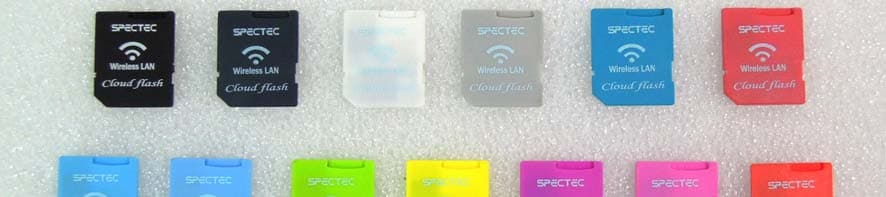
S2Y-SDWLAN11BGN
Dec 26, 2012SDW-829
Equipment Class
DTS - Digital Transmission System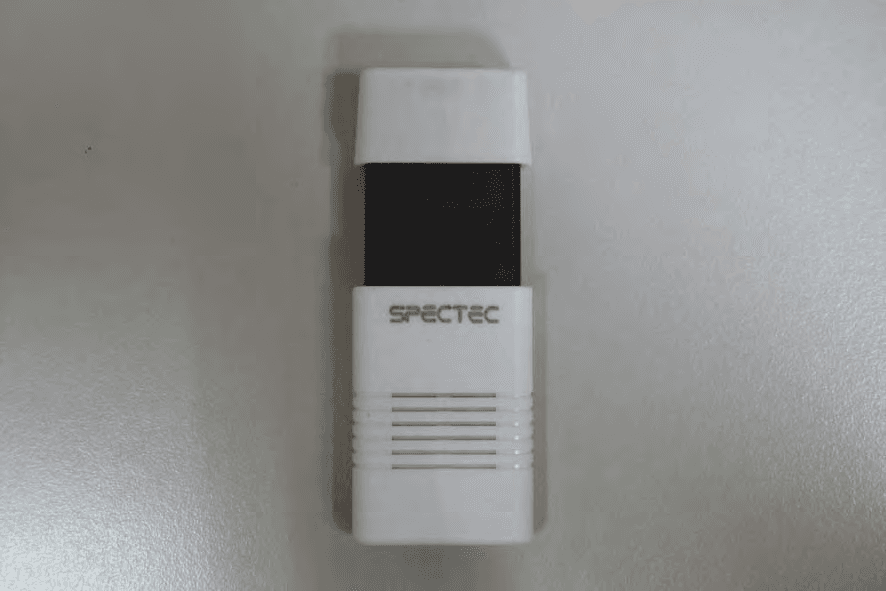
S2Y-SDJ731ZD
Mar 18, 2012SDJ-731
Equipment Class
DTS - Digital Transmission System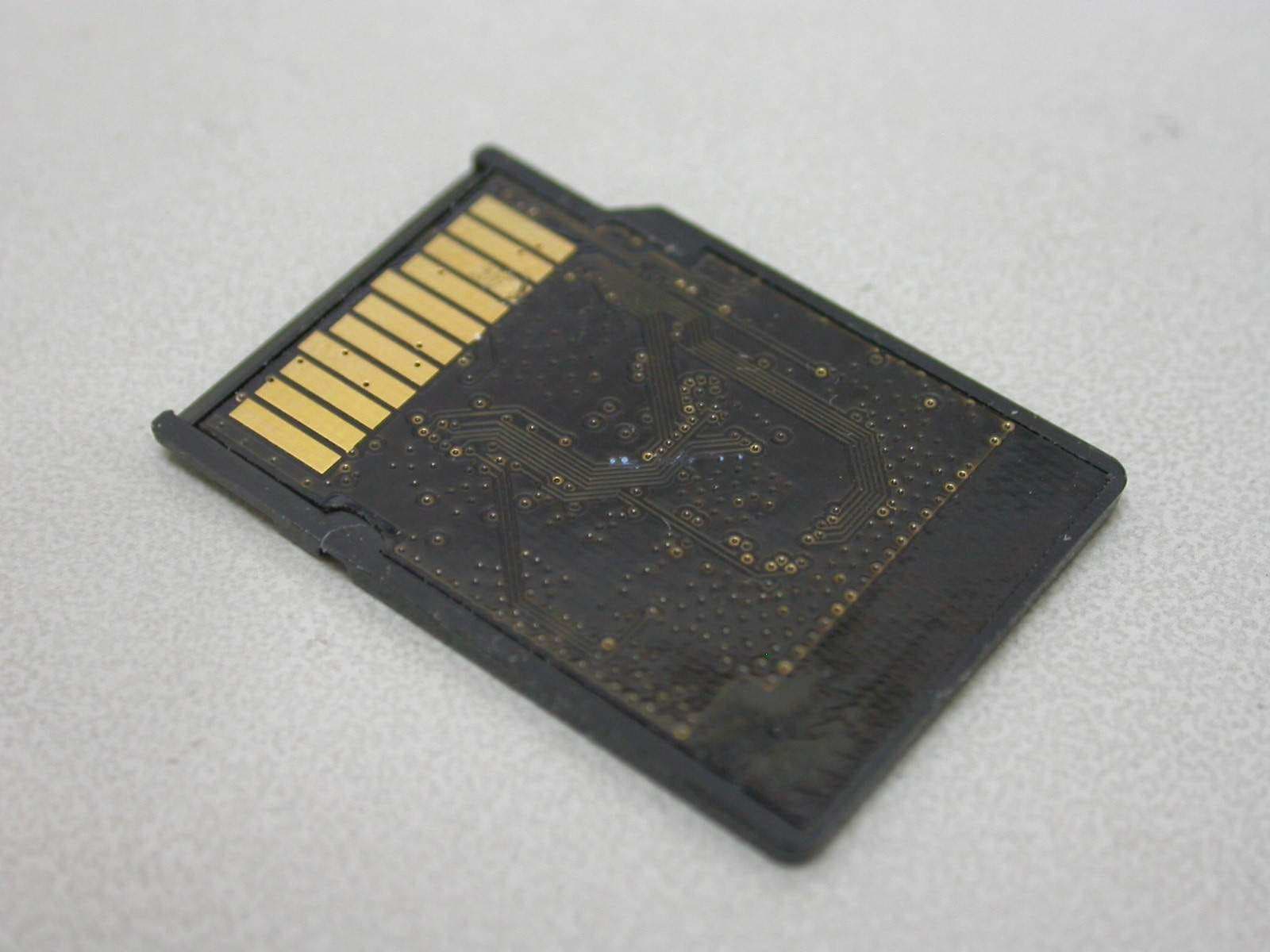
S2Y-MINISDW11BG
Jul 01, 2007Mini SDIO Wireless 11b/g
Equipment Class
DTS - Digital Transmission System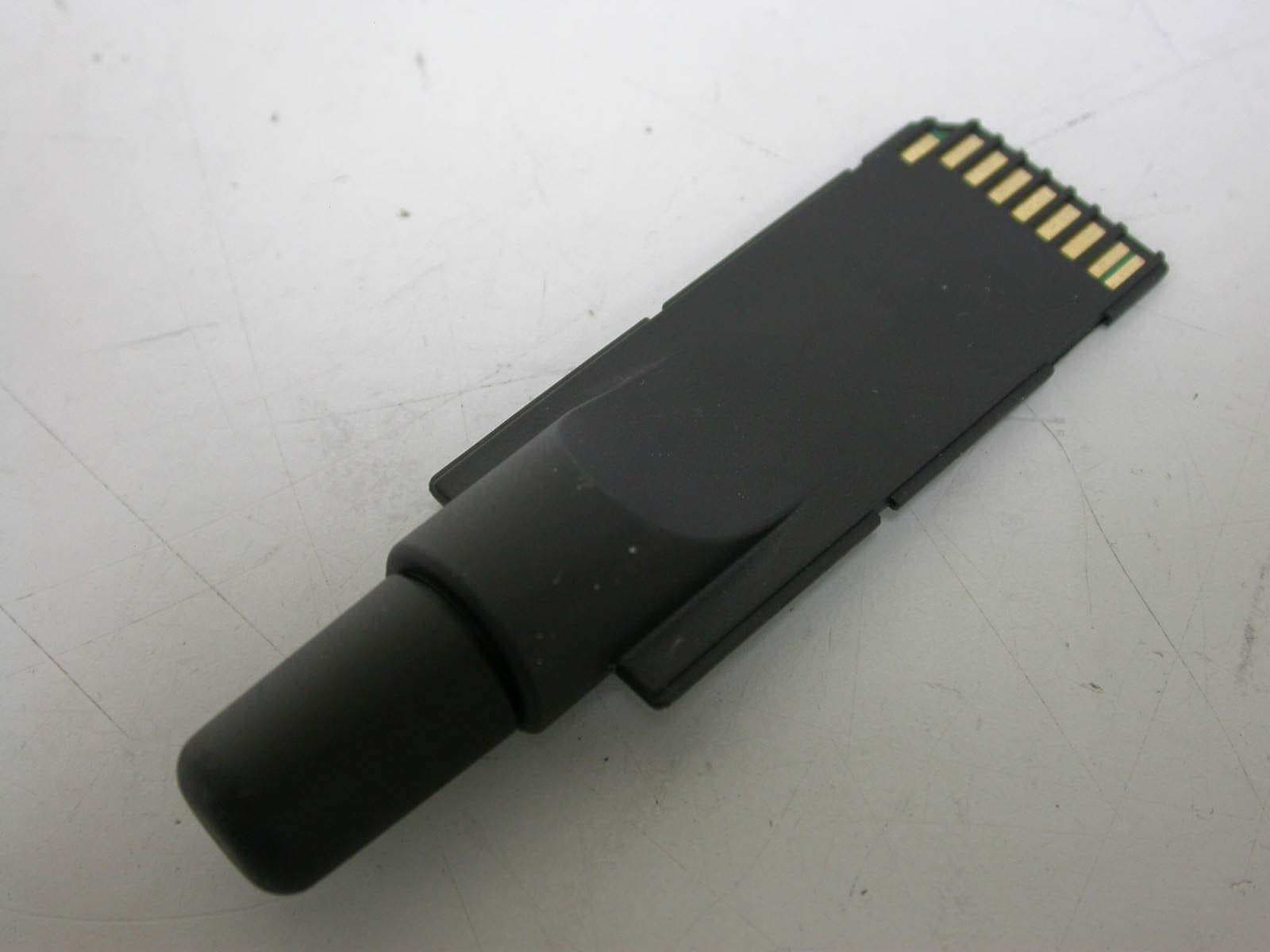
S2Y-SDG812BTGPS
Jun 17, 2007SD BT GPS
Equipment Class
DSS - Part 15 Spread Spectrum Transmitter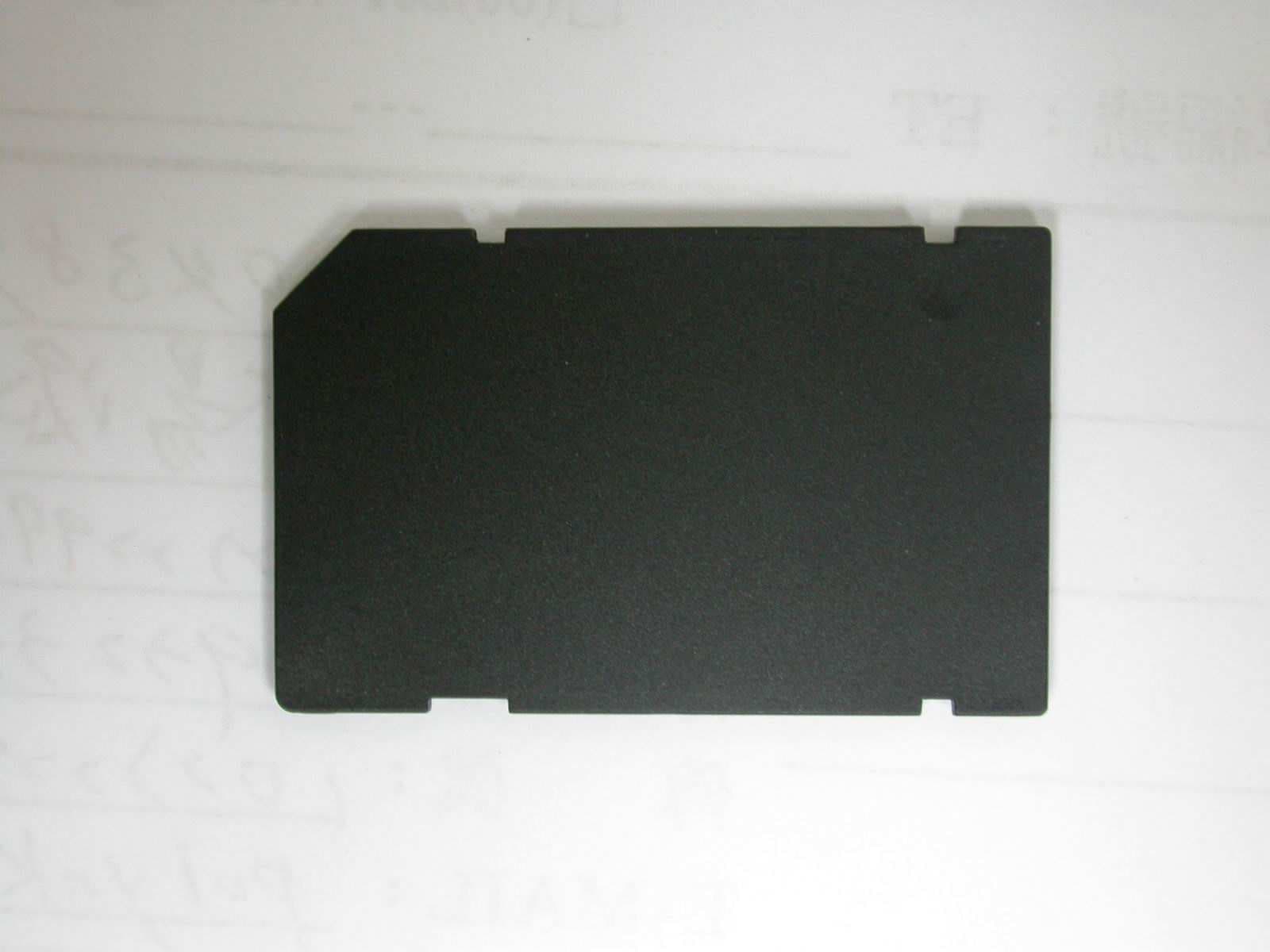
S2Y-WLAN-11B-G
Jan 29, 2006SDIO Wireless Lan Card
Equipment Class
DTS - Digital Transmission System