SG70512D1200CDMA2000 1X Mobile Phone
Haier Telecom (Qingdao) Co., Ltd.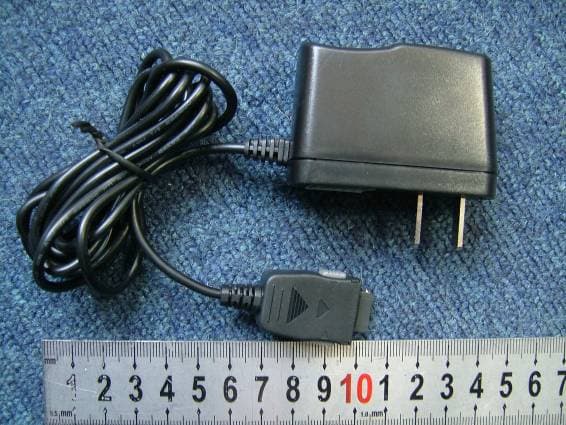
Click to zoom
Application Details
- Equipment Class
- TNE - Licensed Non-Broadcast Transmitter Held to Ear
- Date of Grant
- Apr 26, 2006
- Application Purpose
- Original Equipment
- Date of Application
- Apr 26, 2006
- Equipment Note
- CDMA2000 1X Mobile Phone
- Frequency Range
- 825.25000000 - 847.75000000
- Country
- China
Documents & Files
Document Text
Text extracted from the exhibit documents filed with the FCC. Open a document above to read the original.
Users Manual
D1200 User's Guide Congratulations on purchase of Haier mobile phone, which is a combination of the essence of high technology, stylish designs and functions which are practical for daily use such as alarm clock, calculator, scheduler and more. Before the use of your Haier mobile phone, please read this user's/operation guide for efficient use of the Handset. Haier Telecom Company reserve all the rights to interpret typing errors in this guide, inconsistency with the latest materials and upgrading of software's and make changes at any time. Such changes will directly be edited into the new edition of user's guide without further notice. This user's guide is edited and printed by Haier Group Company. All rights reserved Notes Important Notes 1 FCC SAR 2 I Phone at a glance 9 1.1 Keypad 10 1.2 Screen Indicators and Icons 11 1.3 Install Battery and UIM Card 12 1.4 Charge Battery 13 1.5 Switch On / Off 14 1.6 Dial a Number 15 1.7 During a Phone Call 15 II. Menu Overview 16 1. Names 16 1.1 List Contacts 17 1.2 Add New .17 1.3 Find Name 18 1.4 Multicopy 18 1.5 Groups 18 1.6 Erase All Contacts 19 1.7 Speed Dial List 19 1.8 Memory Status 19 1.9My Number 19 2. Messages 19 2.1 Write Message 19 2.2 Inbox 21 2.3 Outbox 21 2.4 Phone Box 22 2.5 Templates 22 2.6 MSG Settings 22 2.7 Erase Messages 23 2.8 Memory Status 23 2.9 Voice Mail 23 3. Call History 24 3.1 Missed Calls 24 3.2 Received Calls 24 3.3 Dialled Calls 24 3.4 Erase Lists 24 3.5 Call Timers 24 4. Profiles 25. 4.1 Normal 25 4.2 Silent 25 4.3 Outdoor 25 4.4 Car 26 4.5 Meeting 26 5. Settings 27 5.1 Display 27 5.2 Security 27 5.3 Phone Info 28 6. Call Setup 28 6.1 Answer Call 28 6.2 Auto Answer 28 6.3 Call Waiting 28 6.4 Call Forwarding 28 6.5 Voice Privacy. 28 7. Tools 30 7.1 Schedule. 29 7.2 To Do List 29 7.3 Alarm Clock 29 7.4 Voice Memo 29 7.5 Calculator 30 7.6 World Clock 31 7.7 Stop Watch 32 7.8 Game. 32 8. Haier Feature 32 8.1 Lock Code Menu Items 32 8.2 Incoming Call Guard33 9. Fun & Utilities 33 9.1 TATA Zone 33 9.2 SMS Services 34 10. My Media 34 III Input Method 34 IV Care and Maintenances 35 V Trouble shooting 38 VI ACCESSORIES 39 Important notes Please follow the following rules before you use the phone. Otherwise, it may result in dangers or make you violate laws. Follow traffic regulations Do not use the mobile phone without hand-free settings while driving. Please stop your car before you want to use your phone. Switch off your phone at filling stations Do not use your phone at filling stations or the areas with inflammables and explosive products or chemicals. Switch off your phone on the plane Mobile phones will cause interference. Using mobile phones on the plane is both a danger and a violation of laws. Switch off your phone in the hospital Switch off your phone when you are close to medical equipments and follow all the existing provisions. Special provisions Follow the special rules of relative places. Please switch off your phone where the use of mobile phones is forbidden or may cause interference or dangers (for example, in the hospital). Careful Use Use your phone normally (near your ears). Do not touch the wire without reason after switching off your phone. Emergency Calls You can dial emergency calls anytime, even the PIN/PUK locked, no UIM card or the phone locked. Input local emergency number and press send key. The Emergency call number are 100/101/102. SAR INFORMATION The SAR limit of USA (FCC) is 1.6 W/kg averaged over one gram of tissue. Device types D1200 (FCC ID: SG70512D1200) has also been tested against this SAR limit. The highest SAR value reported under this standard during product certification for use at the ear is 1.453 W/kg and when properly worn on the body is 0.254 W/kg. This device was tested for typical body-worn operations with the back of the handset kept 1.5cm from the body. To maintain compliance with FCC RF exposure requirements, use accessories that maintain a 1.5cm separation distance between the user's body and the back of the handset. The use of beltclips, holsters and similar accessories should not contain metallic components in its assembly. The use of accessories that do not satisfy these requirements may not comply with FCC RF exposure requirements, and should be avoided. Front Open View Front close picture speaker display right selection keyleft selection key fourways navigation key power / end keycall key keypad charging port microphone 1.1 Keypad Power /hang up key The red key on top right corner of the keypad is power key. Press and hold the key can switch on/off the mobile phone. Pressing the key can end a call during a phone call or reject to answer a phone call. Pressing the key in the menu can also return to the idle mode. Send key The green key on top left corner of the keypad is send key. You can dial or answer a call with the key. Left/ right Soft key Left/right soft keys are used to carry out the corresponding operation of last line on display screen, in accordance with the procedure are adopted to acquire different functions. Four ways navigation key The navigation keys can control the cursor directions. In idle mode: Up key: Press this key, you can entry the Recent Calls list. Left key: Press the key to active the Contacts list. Right key: Press the key to entry the Message menu directly. Down key: Press the key to enter the Profiles directly. W@P key Pressing the key in idle mode can e Nter WAP menu. Almost time pressing the key in menu mode can confirm the selected option or enter the next menu. Pressing the key in idle mode can enter menu option directly. Number key Pressing these key can input numbers(idle mode) or some characters(text editing mode). # key: In idle mode ,"#" key can use to switching from meeting mode to normal mode. Volume side key You can adjust microphone's volume using side keys directly during a call. You can adjust key tone volume in idle mode. Recording Key: If User press recording key during the call, Voice get recorded and complete after the …
Text truncated - open the document above for the full version.
Cover Letter(s)
Federal Communications Commission Authorization and Evaluation Division Equipment Authorization Branch 7435 Oakland Mills Road, Columbia, MD 21046, U.S.A. Subject: Request for Confidentiality FCC ID: SG70512D1200 Applicant: Qingdao Haier Telecom Co., LTD Model: D1200 Part 22 Certification Gentlemen: In accordance with 0.459 of CFR 47, Qingdao Haier Telecom Co., LTD hereby requests confidentiality of the Block Diagrams attachment, Schematic Diagrams attachment, Operational Description attachment, and Part List/Tune-Up Procedure attachment for the above-referenced Certification application. These documents contain detailed system and equipment description and related information about the product which Haier considers to be proprietary, confidential, and a custom design and, otherwise, would not release to the general public. Since this design is a basis from which future technological products will evolve, Haier feels this information would be of benefit to its competitors, and that the disclosure of the information in these documents would give our competitors an unfair advantage in the market. Sincerely Yours, Qingdao Telecom Co. Ltd. No. 1 Haier Road, Hi-tech Zone, Qingdao, 266101, PR China Tel. No. : +86 (532) 8893 9618; Fax No.: +86 (532) 8893 9585 http://mobile .haier.com Type Approval M anager Qingdao Haier Telecom Co. Ltd Date:Dec 25, 2005 Eddie Wang
Cover Letter(s)
Federal Communications Commission Authorization and Evaluation Division Equipment Authorization Branch 7435 Oakland Mills Road, Columbia, MD 21046, U.S.A. Subject: Authorization Letter FCC ID: SG70512D1200 Applicant: Qingdao Haier Telecom Co., LTD Model: D1200 Part 22 Certification To whom it may concern: We, the undersigned, hereby authorized M o r la b. to act on our behalf in all manners relating to application for equipment authorization, including signing of all documents relating to these manners. Any and all acts carried out by SIEMIC INC., on our behalf shall have the same effect as acts of our own. This authorization is va lid until Feb. 31, 2006. Sincerely Yours, Qingdao Telecom Co. Ltd. No. 1 Haier Road, Hi-tech Zone, Qingdao, 266101, PR China Tel. No. : +86 (532) 893 9618; Fax No.: +86 (532) 893 9727 http://mobile .haier.com Type Approval M anager Qingdao Haier Telecom Co. Ltd Date:Dec 25, 2005 Eddie Wang
Cover Letter(s)
Generic Office of Engineering Technology <[email protected] > 24.04.2006 22:22 An [email protected] Kopie Blindkopie Thema Response to Inquiry to FCC (Tracking Number 612911) Inquiry: Dear FCC, according to the current policy for TCBs regarding the handling of 3G mobile phone technologies, the TCB has to involve the FCC prior to certifying any 3G device. We are going to certify following device: EUT: CDMA2000 1X Mobile Phone (FCC Part 22H) We attended all relevant FCC trainings and regular held telephone conference calls. Please kindly advice for proceeding. Response: Thank you for your inquiry - FCC is continuing to investigate and update measurement and TCB review & approval procedures for 3G devices, and plans to circulate revised versions soon. Meanwhile, please ensure TCB filings are consistent with present version of CDMA-2000 guidance. Do not reply to this message. Please select the Reply to an Inquiry Response link from the OET Inquiry System to add any additional information pertaining to this inquiry.
External Photos
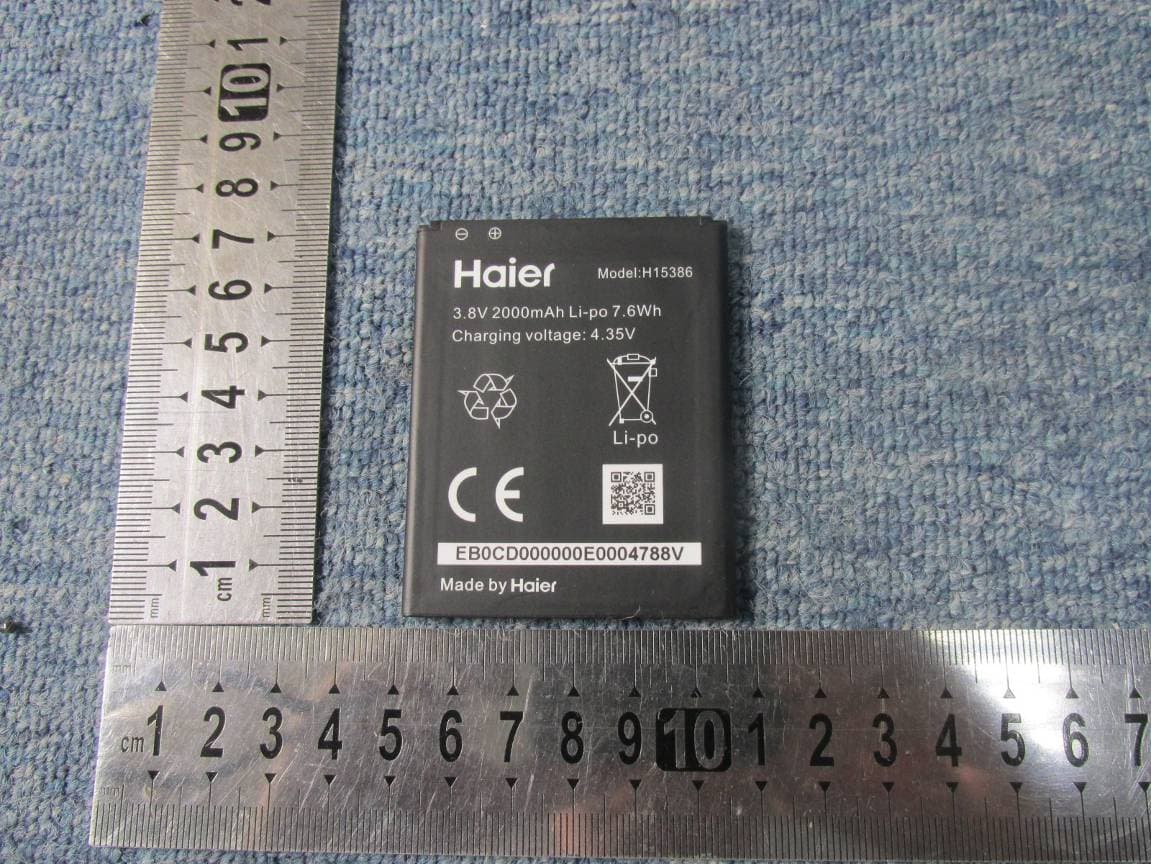
External Photos 1. Front View of EUT 2. Back View of EUT 3. Side View of EUT 4. AC adapter
ID Label/Location Info
Label Label Location
Internal Photos
Internal Photos
RF Exposure Info
No. SAR06-003 Page 3 of 47 Contents 1. GENERAL CONDITIONS 2. ADMINISTRATIVE DATA 2.1. Identification of the Responsible Testing Laboratory 2.2. Identification of the Responsible Testing Location(s) 2.3. Organization Item 2.4. Identification of Applicant 2.5. Identification of Manufacture 3. EQUIPMENT UNDER TEST (EUT) 3.1. Identification of the Equipment under Test 3.2. Identification of all used Test Sample of the Equipment under Test 4. OPERATIONAL CONDITIONS DURING TEST 4.1. Schematic Test Configuration 4.2. SAR Measurement System 5. CHARACTERISTICS OF THE TEST 5.1. Applicable Limit Regulations 5.2. Applicable Measurement Standards 6. LABORATORY ENVIRONMENT 7. TEST RESULTS 7.1. Dielectric Performance 7.2. Summary of Measurement Results 7.3. Conclusion 8. MEASUREMENT UNCERTAINTY 9. MAIN TEST INSTRUMENTS This Test Report consists of the following Annexes: Annex A: Accreditation Certificate Annex B: Test Layout Annex C: Sample Photographs Annex D: Graph Test Results No. SAR06-003 Page 4 of 47 1GENERAL CONDITIONS 1.1 This report only refers to the item that has undergone the test. 1.2 This report standalone dose not constitute or imply by its own an approval of the product by the certification Bodies or competent Authorities. 1.3 This document is only valid if complete; no partial reproduction can be made without written approval of Shenzhen Electronic Product Quality Testing Center. 1.4 This report cannot be used partially or in full for publicity and/or promotional purposes without previous written approval of Shenzhen Electronic Product Quality Testing Center and the Accreditation Bodies, if it applies. No. SAR06-003 Page 5 of 47 2. Administrative Date 2.1. Identification of the Responsible Testing Laboratory Company Name: ShenZhen Electronic Product Quality Testing Center Department: Testing Department Address: Electronic Testing Building, ShaHe Road, NanShan District, ShenZhen, P. R. China Telephone: +86-755-26628676 Fax: +86-755-26627238 Responsible Test Lab Managers: Mr. Wang Keqin 2.2. Identification of the Responsible Testing Location(s) Company Name: ShenZhen Electronic Product Quality Testing Center Address: Electronic Testing Building, ShaHe Road, NanShan District, ShenZhen, P. R. China 2.3. Organization Item S.E.T Report No.: SAR06_003 S.E.T Project Leader: Mr. Li Sixiong S.E.T Responsible for accreditation scope: Mr. Wang Keqin Start of Testing: 2005-12-27 End of Testing: 2006-1-10 2.4. Identification of Applicant Company Name: Qingdao Haier Telecom Co.Ltd Address: No.1,Haier Road, Qingdao 266101P.R.China Contact person: Xu jun Telephone: 86-13608968228 Fax: 86-532-88939585 2.5. Identification of Manufacture Company Name: Qingdao Haier Telecom Co.Ltd Address: No.1,Haier Road, Qingdao 266101P.R.China Contact person: Xu jun Telephone: 86-13608968228 Fax: 86-532-88939585 Notes: This data is based on the information by the applicant. No. SAR06-003 Page 6 of 47 3. Equipment Under Test (EUT) 3.1. Identification of the Equipment under Test Brand Name: Haier Type Name: D1200 Marking Name: D1200 Test frequency CDMA 800MHz Battery type H11051 Battery specification 550mAh 3.7V Antenna specification Build inside Operation mode Call established Modulation mode CDMA General description: Max. Power(ERP) 0.167w(22.45dBm) 3.2. Identification of all used Test Sample of the Equipment under Test EUT Code ESN Hardware Version Software Version MIN S0000C01 303BCEBD P3 0.1.9 460030912969349 No. SAR06-003 Page 7 of 47 4 OPERATIONAL CONDITIONS DURING TEST 4.1 Schematic Test Configuration During SAR test, EUT is in Traffic Mode (Channel Allocated) at Normal Voltage Condition. A communication link is set up with a System Simulator (SS) by air link, and a call is established. The TCH is allocated to 9, 384 and 758 respectively in the case of CDMA 800 MHz. The EUT is commanded to operate at maximum transmitting power. The EUT shall use its internal transmitter. The antenna(s), battery and accessories shall be those specified by the manufacturer. The EUT battery must be fully charged and checked periodically during the test to ascertain uniform power output. If a wireless link is used, the antenna connected to the output of the base station simulator shall be placed at least 50 cm away from the handset. The signal transmitted by the simulator to the antenna feeding point shall be lower than the output power level of the handset by at least 35 dB. 4.2 SAR Measurement System The SAR measurement system being used is the IndexSAR SARA2 system, which consists of a Figure1. SAR Lab Test Measurement Set-up Mitsubishi RV-E2 6-axis robot arm and controller, IndexSAR probe and amplifier and SAM phantom No. SAR06-003 Page 8 of 47 Head Shape. The system is controlled remotely from a PC, which contains the software to control the robot and data acquisition equipment. The software also displays the data obtained from test scans, and determine the averaged SAR values (averaging region 1 gram or 10 gram) for compliance testing. The measurements are done by two scan: first a coarse scan (2-Division) determines the region of the maximum SAR, afterwards the averaged SAR is measured in a second san within the shape of a cube. The measurement time takes about 20 minutes. 4.2.1 Robot system specification The robot is used to articulate the probe to programmed positions inside the phantom head to obtain the SAR readings from the DUT. 4.2.2 Probe and amplifier specification IXP-050 Indexsar isotropic immersible SAR probe The probes are constructed using three orthogonal dipole sensors arranged on an interlocking, triangular prism core. The probes have built-in shielding against static charges and are contained within a PEEK No. SAR06-003 Page 9 of 47 cylindrical enclosure material at the tip (showed in figure 2). The system uses diode compression potential (DCP) to determine SAR values for different types of modulation. Crest factor is not used for determining SAR values. The DCP for different types of modulation is determined d…
Text truncated - open the document above for the full version.
Test Report
Report No. FCC06-8003 Page 2 of 41 Table of Contents 1 Test Report Certification ...............................................................................................................4 2 General Information ......................................................................................................................5 2.1 Description of EUT ...............................................................................................................5 2.2 Objective ...............................................................................................................................6 2.3 Test Standards and Results ....................................................................................................6 2.4 List of Equipments Used .......................................................................................................7 2.5 Test Facility ...........................................................................................................................7 2.6 Environmental conditions .....................................................................................................7 3 Conducted Emission Measurement...............................................................................................8 3.1 Limits of Conducted Emission..............................................................................................8 3.2 Test Procedure .......................................................................................................................8 3.3 Test Setup ..............................................................................................................................9 3.4 EUT Setup and Operating Conditions...................................................................................9 3.5 Test Results ...........................................................................................................................9 4 Radiated Emission Test ............................................................................................................... 11 4.1 Limits of Radiated Emission ............................................................................................... 11 4.2 Test Procedure ..................................................................................................................... 11 4.3 Test Setup ............................................................................................................................12 4.4 EUT Setup and Operating Conditions.................................................................................12 4.5 Test Results .........................................................................................................................12 5 Frequencies .................................................................................................................................14 5.1 Frequency Blocks Available for Cellular Service ...............................................................14 5.2 Test Procedure .....................................................................................................................14 5.3 Test Setup ............................................................................................................................15 5.4 EUT Setup and Operating Conditions.................................................................................15 5.5 Test Results .........................................................................................................................16 6 Transmitter Radiated Power (ERP) Test .....................................................................................17 6.1 Limits of ERP......................................................................................................................17 Report No. FCC06-8003 Page 3 of 41 6.2 Test Procedure .....................................................................................................................17 6.3 Test Setup ............................................................................................................................17 6.4 EUT Setup and Operating Conditions.................................................................................17 6.5 Test Results .........................................................................................................................17 7 Occupied Bandwidth ...................................................................................................................18 7.1 Definition ............................................................................................................................18 7.2 Test Procedure .....................................................................................................................18 7.3 Test Setup ............................................................................................................................18 7.4 EUT Setup and Operating Conditions.................................................................................18 7.5 Test Results .........................................................................................................................19 8 Conducted Spurious Emission Test.............................................................................................21 8.1 Limits of Conducted Spurious Emission.............................................................................21 8.2 Test Procedure .....................................................................................................................21 8.3 Test Setup ............................................................................................................................21 8.4 EUT Setup and Operating Conditions.................................................................................21 8.5 Test Results ..........................................................................…
Text truncated - open the document above for the full version.
Test Setup Photos
Test Setup Photos 1. CE 2. CSE 3. RE 4. RSE
Contact Information
Applicant
David Yang(Certification Manager)
Test Firm
ShenZhen Electronic Product Quality Testing CenterXingsun Lin
Technical Specifications
| # | Rule Parts | Frequency Range | Power Output | Emission | Tolerance |
|---|---|---|---|---|---|
| 1 | 22H | 825.25 MHz - 847.75 MHz | 176.00 mW | 1M25F9W | 2.5000000000 ppm |
Other Applications from Haier Telecom (Qingdao) Co., Ltd.
SG7201511L50
Dec 07, 2015Mobile Phone
Equipment Class
DTS - Digital Transmission System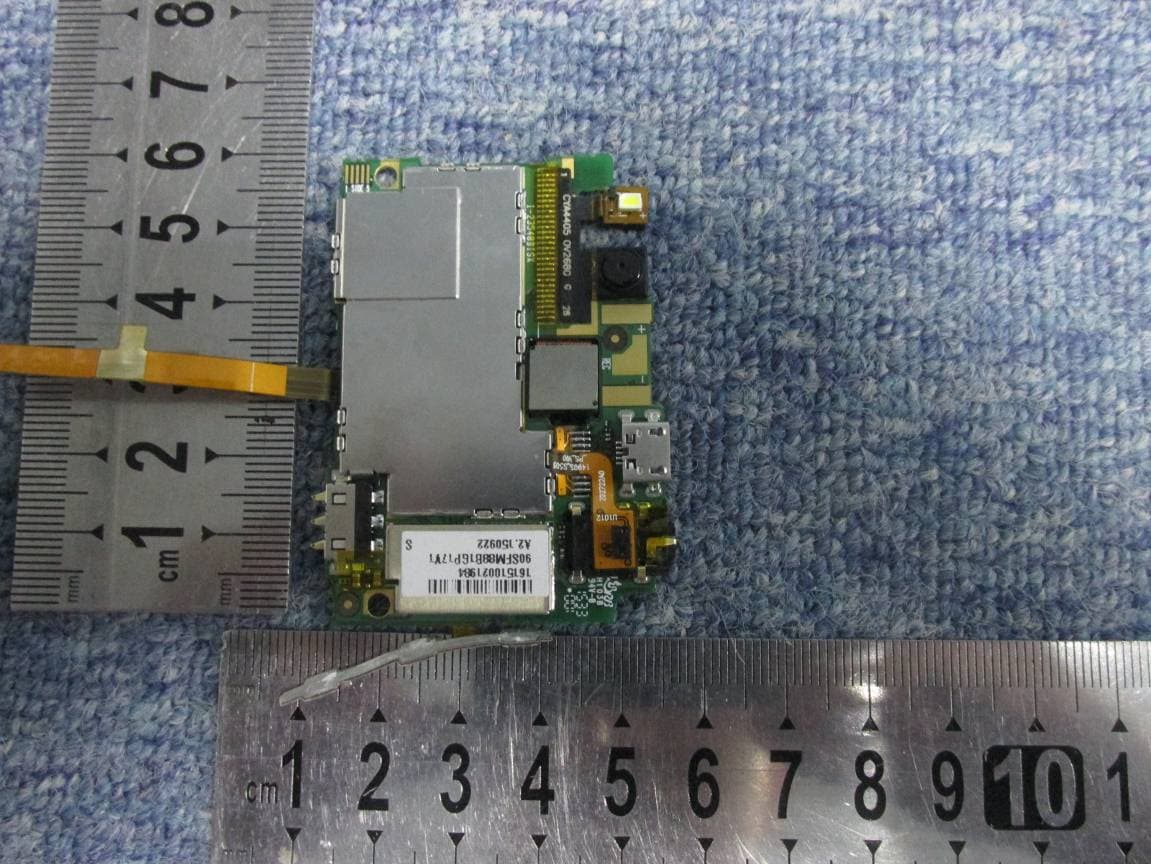
SG7201511L32
Dec 03, 2015Mobile Phone
Equipment Class
PCE - PCS Licensed Transmitter held to ear
SG71507L51
Dec 03, 2015L51
Equipment Class
DTS - Digital Transmission System
SG720151015I70
Nov 03, 2015Smart phone
Equipment Class
PCE - PCS Licensed Transmitter held to ear
SG720151010G10
Oct 22, 2015Mobile phone
Equipment Class
DSS - Part 15 Spread Spectrum Transmitter