SG720150715G30Mobile Phone
Haier Telecom (Qingdao) Co., Ltd.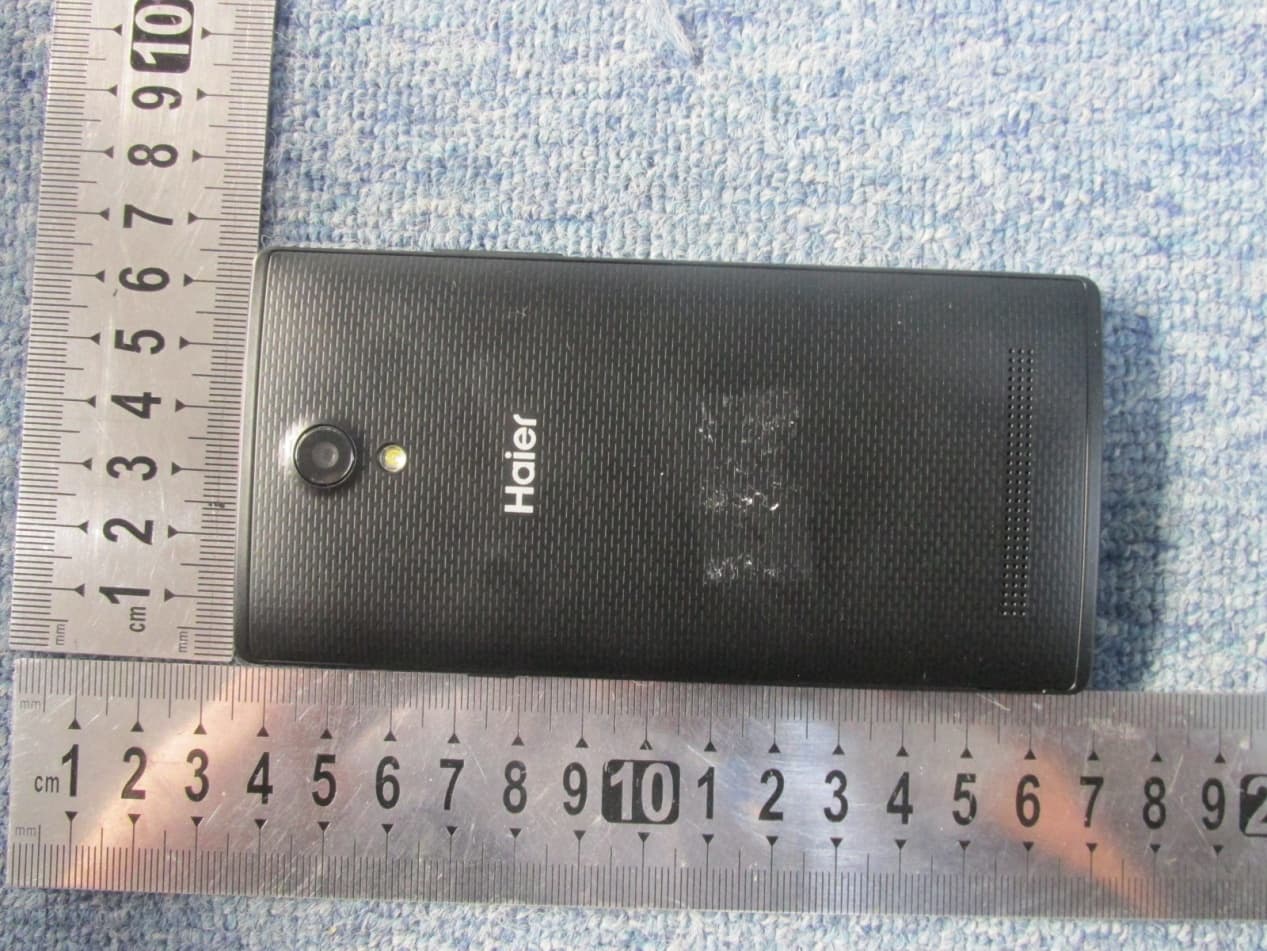
Click to zoom
Application Details
- Equipment Class
- DSS - Part 15 Spread Spectrum Transmitter
- Date of Grant
- Jul 20, 2015
- Application Purpose
- Original Equipment
- Date of Application
- Jul 20, 2015
- Equipment Note
- Mobile Phone
- Frequency Range
- 2402.00000000 - 2480.00000000
- Country
- China
Documents & Files
Document Text
Text extracted from the exhibit documents filed with the FCC. Open a document above to read the original.
Users Manual
User Manual G30 Precautions Please carefully read and observe the terms below: Safe power on Do not use your mobile phone where it is forbidden to use or you might cause a disturbance or danger. Safe transportation first Please observe all related local laws and regulations. Do not use your mobile phone while driving. Safe transportation should be considered first when driving. Turn off when in the hospital Please follow related limitations. Please switch your mobile phone off when near a medical instrument. Turn off on an airplane Please follow related limitations. Do not use your mobile phone on an airplane. Turn off when at a gasoline station Do not use your mobile phone at a filling station or around fuels or chemicals. Turn off around exposure Area Please observe related limitations and do not use your mobile phone near an area where explosions can occur. Backup Remember to make a backup or keep a written record of all important information saved in your mobile phone. Use qualified after sales service Only a qualified technician can install or repair your mobile phone. Please contact the authorized service center in case of phone failure. Accessories and batteries Only use the authorized accessories and batteries and do not connect to incompatible manufacturers or products. Your phone Earphone Jack Receiver Proximtity Sensor/ambient Light sensor Volume Key Front Camera Touch Screen Power Key Menu Key Home Key Back Key Charge / USB Connector Your phone Back Camera Speaker Camera flash Battery Cover & Battery Removing the Battery Cover 1. Hold the device firmly and locate the cover release latch. 2. Place your fingernail in the opening and remove the cover according to the arrow direction. Installing the Battery 1. With the metallic contacts of the battery facing the metallic contacts in the battery slot, press the battery down until it locks into place 2. Ensure the battery is inserted in the phone. To charge the battery, plug in the charger connector at your phone (USB interface) and then plug the other end into an AC power socket. The battery symbol indicates the charging status. While charging, the charge indicators will scroll. When all the scroll bars are steady, the battery is fully charged. Disconnect the charger from the phone. Disconnect the charger from the AC power socket. Note: If the battery is powerless, the battery icon will reappear after a few minutes of charging. Tarjeta SIM y microSD Instalación de la tarjeta SIM Asegúrese de que la esquina recortada de la tarjeta SIM está orientada en la dirección correcta y los contactos metálicos se enfrentan a la dirección correcta. Deslice la tarjeta SIM en la ranura de la tarjeta hasta que se detenga. Instalación de la Tarjeta de Memoria microSD Deslice la tarjeta microSD en la ranura para tarjetas SD con los pasadores metálicos hacia abajo. Empuje la tarjeta hasta que encaje en su lugar. 5 Lock & Unlock Screen Locking the Screen To save your battery, prevent accidental touches or when you want to wipe smudges off your touch screen, put the touch screen to sleep by pressing the Power Key Unlocking the Screen To wake up the touch screen, just press the Power Key again, and then drag the lock icon to the right on the screen to unlock according to the clue on the screen. Lock icon Unlock icon Home Screen The Home screen is your gateway to the main features in your phone. Notifications Drag down to open the Notification panel Status bar Launcher Touch to enter Main menu Browse all the installed applications The favorite tray Touch the applications in the tray to enter applications Touch and hold the applications to drag them in or out from the tray Slide the Home screen left or right to view more content in other panels on the Home screen Customizing The phone provides you with Options menus. Touch the Menu Key to enter customizing: Touch to select a wallpaper, and set it as the wallpaper of Home screen Touch to enter the Settings, and set the system preferences Phone Function Making a Call Touch to enter the Dial pad. The phone offers you several ways of making a call. You can make a call through the Phone, People, Messaging and Call log. Delete Dial pad Call log Touch to choose the card, and then dial the number Accessing the Internet Using the Browser Touch to enter the Browser. Touch to enter the Bookmarks Touch to look through the thumbnails of all web page windows, and switch the web pages Touch to go back to the previous page Touch to forward the browser to the next web page Accessing the Internet When you are viewing the web page, touch the Menu Key, the following options are available to you: Taking Pictures/Videos Taking pictures and videos Touch to enter the Camera. View taken photos or videos Take pictures Flash Settings Record videos Switch to the front camera Playing Music Music Player Touch to enter Music. Categories Select Genres, Artists, Albums, and Songs Touch to open the album, songs or playlist Shuffle Repeat: Touch to repeat the all songs; touch again to repeat the current song Next song Previous song Play/Pause Troubleshooting Frequently Asked Questions Cause and Solution Fail to turn on Press the Power Key for over 1 second. Check if the battery is properly connected. Please remove and install it again, retry to turn it on; Check if battery is appropriately charged. Fail to connect network Weak signal. Please try and move to a location with strong signal and try connecting to the network again; Please ensure that you are not beyond the network coverage of service providers; Please ensure you have a valid SIM card. Please contact your network provider for further information; Poor quality of calling Please check if the sound volume is tuned improperly In an area with poor receiving condition, example: basement, the signal might be weak. Try searching a location with stronger signal reception and call again. While using the mobile phone in the peak period of communication, like commute time, you may be unabl…
Text truncated - open the document above for the full version.
Cover Letter(s)
SCS-F18: Project and Product Certification Representative Authorization Letter Page 1 of 3 Rev 5.0 775 Montague Expressway Milpitas, CA 95035 Tel: 408-526-1188 Fax: 408-526-1088 Email: [email protected] Project and Product Certification Representative Authorization Letter Reason for Amendment (current / obsolete) Revision History Approved Date From To Initial Release (obsolete) 1.0 1.0 Nov-14-2006 Revised wording (obsolete) 1.0 2.0 Sept–25-2007 Updated company template (obsolete) 2.0 3.0 Jan-31-2012 Updated letter information (obsolete) 3.0 4.0 May-23-2014 Added FCC ID field (current) 4.0 5.0 Sept 16 2014 SCS-F18: Project and Product Certification Representative Authorization Letter Page 2 of 3 Rev 5.0 Haier Telecom (Qingdao) Co.,Ltd 2015/07/16 To: SIEMIC, INC. 775 Montague Expressway, Milpitas, CA 95035 USA Dear Sir/Madam, Re: Product Certification Representative Authorization Letter We, Haier Telecom (Qingdao) Co.,Ltd hereby authorize SIEMIC, Inc. to act as a Certification Body for certifying for the following project(s): Product: Mobile phone Model:G30 FCC ID: SG720150715G30 Sincerely, Client’s signature Client’s name / title Type Approval Manager Contact information / address No.1 Haier Road, Hi-tech Zone, Qingdao, China
External Photos
EUT External Photo
ID Label/Location Info
Label location
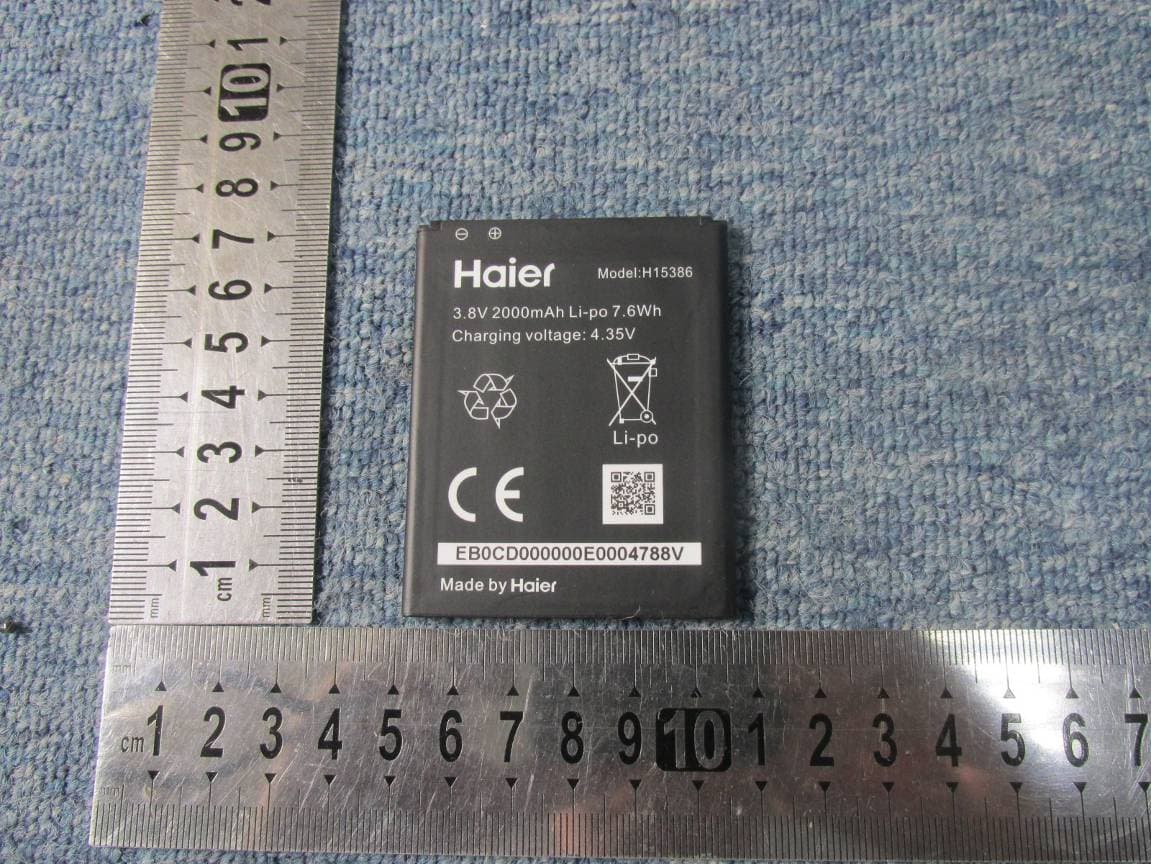
Internal Photos
EUT Internal Photo WWAN antenna WIFI/BT/GPS antenna
Test Report
Report No.: SET2015-09450 P Page 1 of 64 RF TEST REPORT Report No.: SET2015-09450 Product Name: Mobile phone FCC ID: SG720150715G30 Model No. : G30 Applicant: Haier Telecom (Qingdao) Co., Ltd. Address: No.1 Haier Road, Hi-tech Zone, Qingdao, China Dates of Testing: 06/20/2015 — 06/30/2015 Issued by: CCIC-SET Lab Location: Electronic Testing Building, Shahe Road, Xili, Nanshan District, Shenzhen, 518055, P. R. China Tel: 86 755 26627338 Fax: 86 755 26627238 This test report consists of 64 pages in total. It may be duplicated completely for legal use with the approval of the applicant. It should not be reproduced except in full, without the written approval of our laboratory. The client should not use it to claim product endorsement by CCIC-SET. The test results in the report only apply to the tested sample. The test report shall be invalid without all the signatures of testing engineers, reviewer and approver. Any objections must be raised to CCIC-SET within 20 days since the date when the report is received. It will not be taken into consideration beyond this limit. Report No.: SET2015-09450 Page 2 of 64 Test Report Product Name ....................... : Mobile phone Brand Name .......................... : Haier Trade Name ........................... : Haier Applicant ............................... : Haier Telecom (Qingdao) Co., Ltd. Applicant Address ................ : No.1 Haier Road, Hi-tech Zone, Qingdao, China Manufacturer......................... : Haier Telecom (Qingdao) Co., Ltd. Manufacturer Address ......... : No.1 Haier Road, Hi-tech Zone, Qingdao, China Test Standards ...................... : 47 CFR Part 15 Subpart C 2013:Radio Frequency Devices ANSI C63.10:2009:American National Standard for Testing Unlicensed Wireless Devices DA 00-705: Filing and Measurement Guidelines for Frequency Hopping Spread Spectrum Systems Test Result ............................ : PASS Tested by ............................. : 2015.06.30 Lu Lei, Test Engineer Reviewed by ......................... : 2015.06.30 Zhu Qi, Senior Engineer Approved by ......................... : 2015.06.30 Wu Li’an, Manager Report No.: SET2015-09450 Page 3 of 64 Table of contents 1. GENERAL INFORMATION .................................................................................................... 4 1.1. EUT Description ....................................................................................................................... 4 1.2. Test Standards and Results ........................................................................................................ 5 1.3. Frequency Hopping System Requirements ............................................................................... 6 1.4. Facilities and Accreditations ..................................................................................................... 7 2. 47 CFR PART 15C REQUIREMENTS .................................................................................... 8 2.1. Antenna requirement ................................................................................................................. 8 2.2. Number of Hopping Frequency ................................................................................................ 9 2.3. Peak Output Power.................................................................................................................. 12 2.4. 20dB Bandwidth ..................................................................................................................... 13 2.5. Carried Frequency Separation ................................................................................................. 20 2.6. Time of Occupancy (Dwell time) ........................................................................................... 23 2.7. Conducted Spurious Emissions ............................................................................................... 30 2.8. Conducted Band Edge ............................................................................................................. 40 2.9. Conducted Emission ............................................................................................................... 47 2.10. Radiated Band Edges and Spurious Emission ........................................................................ 50 3. LIST OF MEASURING EQUIPMENT ................................................................................. 64 Change History Issue Date Reason for change 1.0 2015.06.30 First edition Report No.: SET2015-09450 Page 4 of 64 1. General Information 1.1. EUT Description EUT Type Mobile phone Hardware Version M11_V1.01_PCB Software Version HW-W816-H01-S006 EUT supports Radios application GSM/GPRS/WCDMA/HSPA WLAN2.4GHz 802.11b/g/n (HT20/HT40) Bluetooth V2.1+EDR / Bluetooth V4.0LE Frequency Range Bluetooth EDR 2402MHz~2480MHz Channel Number Bluetooth EDR 79 Bit Rate of Transmitter Bluetooth EDR 1/2/3Mbps Modulation Type Bluetooth EDR GFSK,π/4-DQPSK,8DPSK Antenna Type FPC Antenna Antenna Gain -4 dBi Note 1: The EUT is a Mobile phone, it contains Bluetooth Module operating at 2.4GHz ISM band; the frequencies allocated for the Bluetooth Module is F(MHz)=2402+1*n (0<=n<=78). The lowest, middle, highest channel numbers of the Bluetooth Module used and tested in this report are separately 0 (2402MHz), 39 (2441MHz) and 78 (2480MHz). Note 2: For a more detailed description, please refer to Specification or User’s Manual supplied by the applicant and/or manufacturer. Note 3: a. When power on, the EUT will scan the whole frequency until a Connection command from the other BT devices. b. When receiving the signal from the other BT devices, The EUT transmit are sponse signal. c. The other devices receive the response signal and recognize it, then send a connection command to establish the connection. d. After the connection establish successfully, the data transmission is beginning. At the same time, the both devices will shift frequencies in synchronizat…
Text truncated - open the document above for the full version.
Test Setup Photos
DSS&DTS Setup photos Radiated emission-below 1GHz Radiated emission-above 1GHz
Contact Information
Applicant
David Yang(Certification Manager)
Test Firm
CCIC-SETQi Zhu
Technical Specifications
| # | Rule Parts | Frequency Range | Power Output |
|---|---|---|---|
| 1 | 15C | 2.40 GHz - 2.48 GHz | 3.40 mW |
Other Applications from Haier Telecom (Qingdao) Co., Ltd.
SG7201511L50
Dec 07, 2015Mobile Phone
Equipment Class
DTS - Digital Transmission System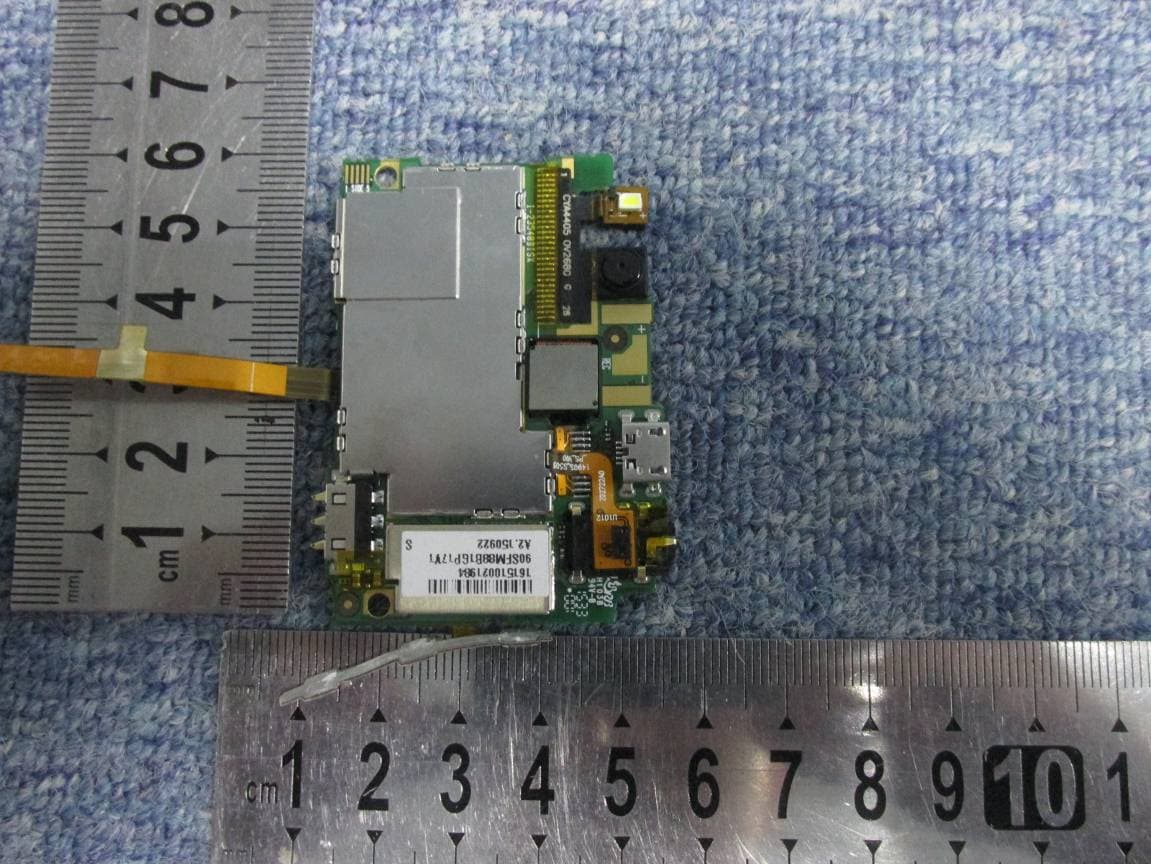
SG7201511L32
Dec 03, 2015Mobile Phone
Equipment Class
PCE - PCS Licensed Transmitter held to ear
SG71507L51
Dec 03, 2015L51
Equipment Class
DTS - Digital Transmission System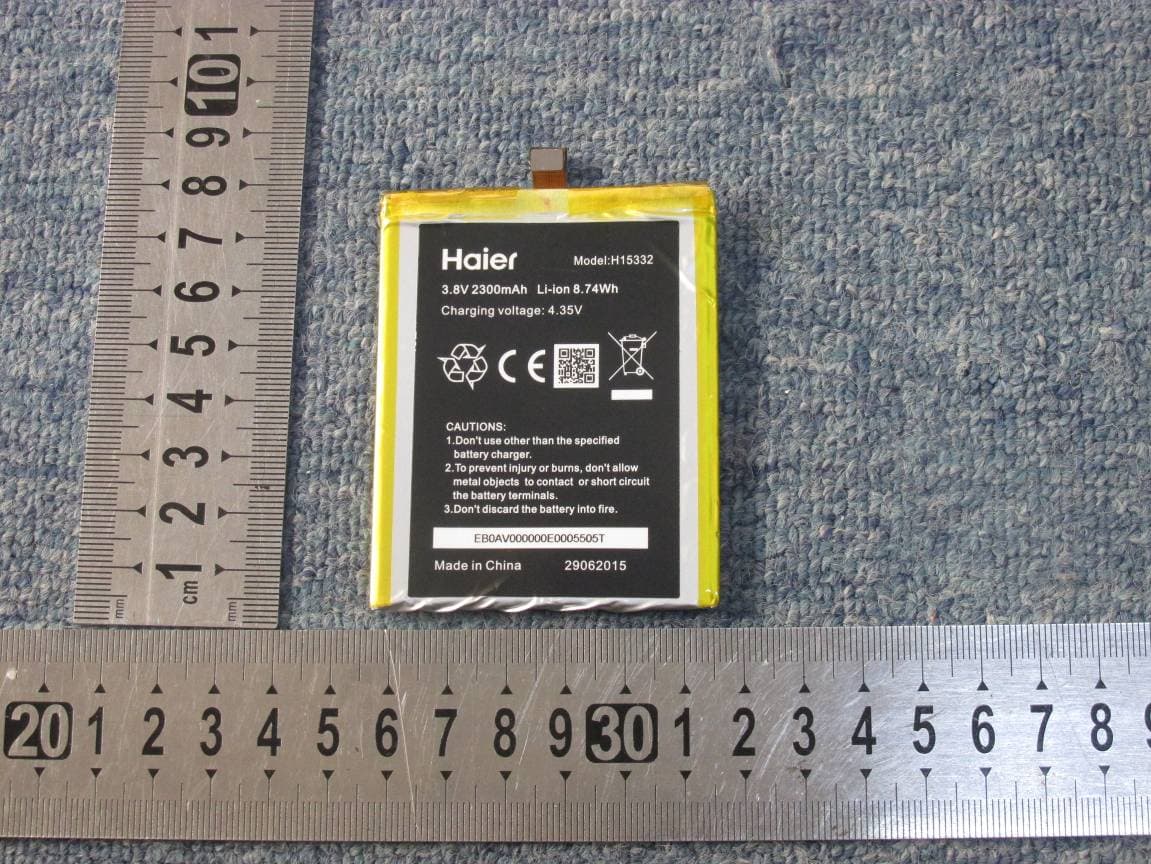
SG720151015I70
Nov 03, 2015Smart phone
Equipment Class
PCE - PCS Licensed Transmitter held to ear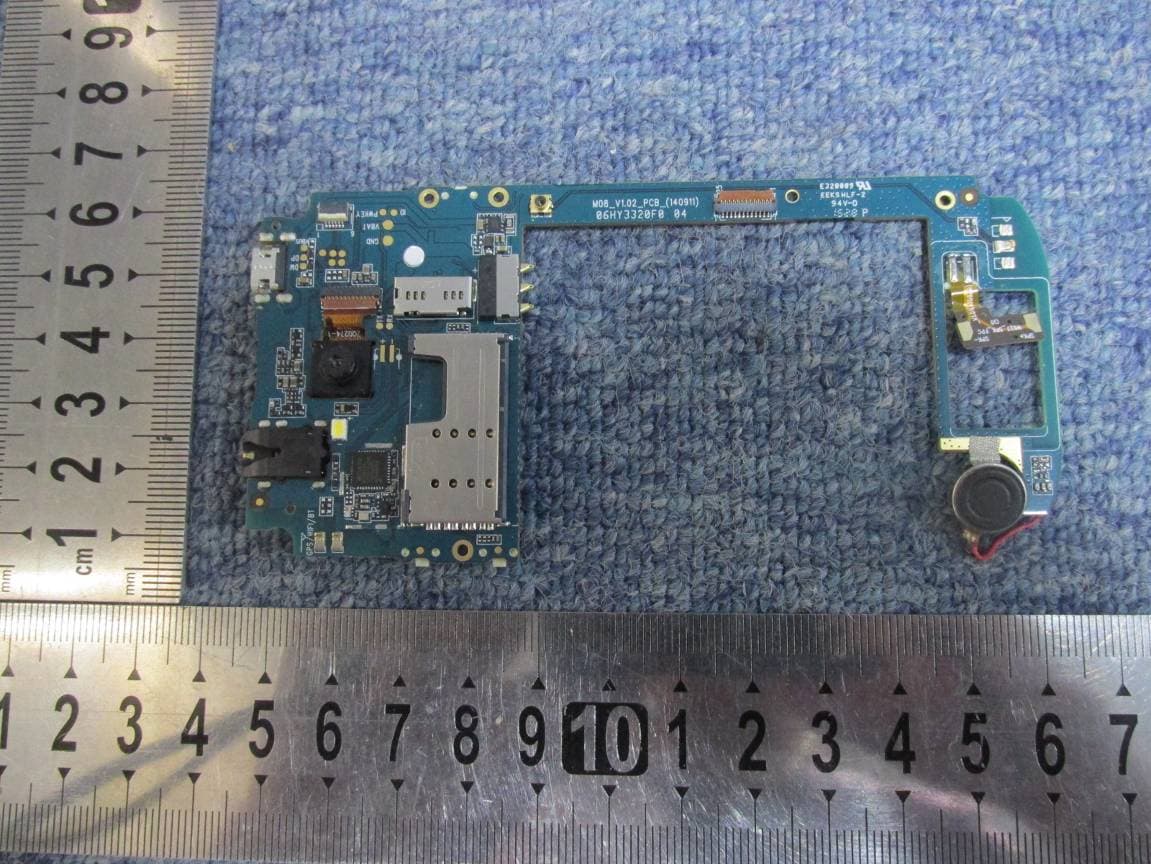
SG720151010G10
Oct 22, 2015Mobile phone
Equipment Class
DSS - Part 15 Spread Spectrum Transmitter