SH6KM10002.4 GHz Wireless Keyboard Mouse
Raytac Corp.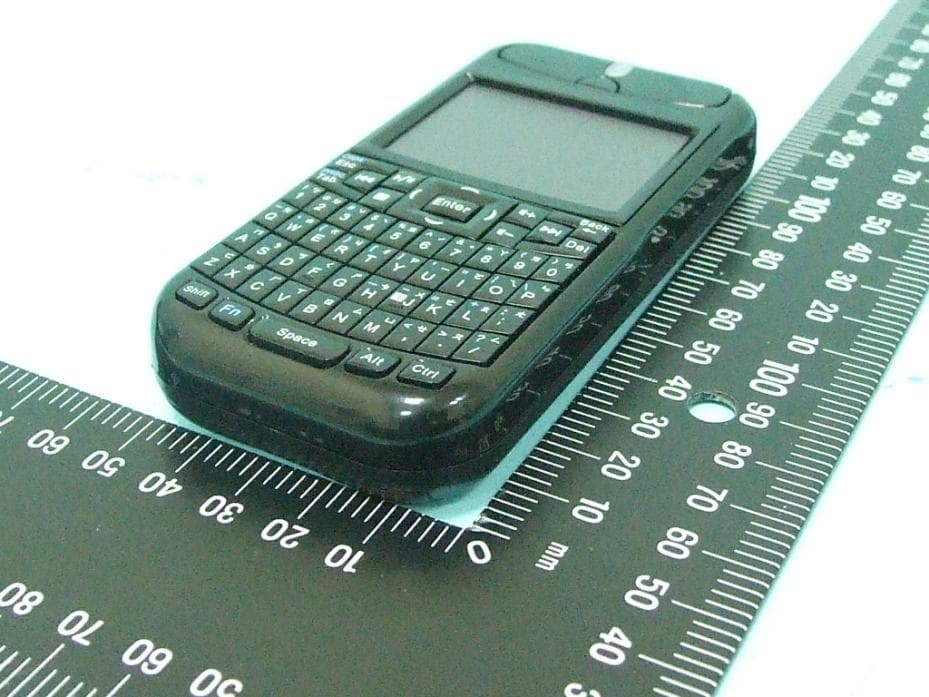
Click to zoom
Application Details
- Equipment Class
- DXX - Part 15 Low Power Communication Device Transmitter
- Date of Grant
- Mar 21, 2011
- Application Purpose
- Original Equipment
- Date of Application
- Mar 21, 2011
- Equipment Note
- 2.4 GHz Wireless Keyboard Mouse
- Frequency Range
- 2405.00000000 - 2480.00000000
- Company
- Raytac Corp.
- Country
- Taiwan
Documents & Files
Document Text
Text extracted from the exhibit documents filed with the FCC. Open a document above to read the original.
Users Manual
2.4 GHz Wireless Keyboard Mouse User’s Manual Thank you for choosing this 2.4GHz Wireless Keyboard Mouse. This genuinely palm-sized 3-in-1 device has three (3) function including standard American QWERTY keyboard , Laser mouse, Multi-touchpad and Presentation control . With our superb 2.4GHz technology, the wireless control distance is up to 70 meters (line of sight) with extreme low power consumption. Please read through this manual and then start enjoying the marvel and convenience this device brings at home, office or on travel. ©2010 All rights reserved. F EDERAL COMMUNICATIONS COMMISSION This device complies with Part 15 of the FCC Rules. Operation is subject to the following two conditions:(1) this device may not cause harmful interference, and (2) this device must accept any interference received, including interference that may cause undesired operation. NOTE This equipment has been tested and found to comply with the limits for a Class B digital device, pursuant to Part 15 of the FCC Rules. These limits are designed to provide reasonable protection against harmful interference in a residential installation. This equipment generates, uses and can radiated radio frequency energy and, if not installed and used in accordance with the instructions, may cause harmful interference to radio communications. However, there is no guarantee that interference will not occur in a particular installation If this equipment does cause harmful interference to radio or television reception, which can be determined by turning the equipment off and on, the user is encouraged to try to correct the interference by one or more of the following measures: Reorient or relocate the receiving antenna. Increase the separation between the equipment and receiver. Connect the equipment into an outlet on a circuit different from that to which the receiver is connected. Consult the dealer or an experienced radio/TV technician for help. Changes or modifications not expressly approved by the party responsible for compliance could void the user‘s Be sure to carefully read this User’s Manual for the proper use and keep it for future reference. 2 authority to operate the equipment. EU DECLARATION OF CONFORMITY This product: is carrying the CE-Mark in accordance with the related European Directives. TRADEMARKS Windows are registered trademark of Microsoft Corporation. Package Contents 1. Wireless Keyboard Mouse X 1 2. USB Receiver (Embedded onto the battery cover) X 1 3. BL-5C Rechargeable Battery X 1 4. Mini USB Charging Cable X 1 5. User’s Manual X 1 System Requirements Windows ® 2000 / XP / Vista™ / 7 An available USB port in PC Getting Started 1. Plug the USB receiver to PC USB port Take out the USB receiver embedded onto the battery cover and plug the USB receiver to your PC USB port. 2. Insert the battery Slightly press and slide the battery cover and insert the battery firmly with the correct polarity. Replace the battery cover firmly back into place. Special notice Before 1 st time use, please connect the battery charging cable to charge the battery Steps of taking out USB receiver Steps of insertingUSB receiver Slightly press and slide the battery cover Insert the battery Replace the battery cover 3 about 2 hours. See the introduction of “Low Battery Indication and Charge Battery” for battery charging. Now you can start to use this Wireless Keyboard Mouse. Please note that the default mode of computer mouse is at Multi-Touchpad. For details of mouse mode change and other function and operation, please read the introduction of “Function and Operation”. Function and Operation Images of Laser mouse operation Images of Multi-touchpad operation Move cursor (Fig 5) Left click (Tap) (Fig 6) Right click : Three fingers tap simultaneously Move cursor (Fig Left click (Fig 2)Right click (Fig 3)Drag : Press left mouse andmove(Fig4) Drag : Ta p‐and‐slide 4 1. QWERTY keyboard QWERTY keyboard function is always available no matter the computer mouse is set at Laser mouse mode or Multi-touchpad mode or even mouse function is turned off. Key print Function and Operation White print on key center Directly press the key to have print function White print on upper row Press and hold “Shift” key and then press the key to have print function Blue print on key upper row Press and hold “Fn” key and then press the key to have print function F1~F10 function (numeral key 1~10) Press and hold “Fn” key, then press the numeral key 1~10 to have F1~F10 function Media playing control hot keys When at Media playing application, directly press the key to have print function (Note 4 arc-shape keys around “Enter” key i.e. “ ” have the same function as 4 arrow keys i.e. “” on PC keyboard.) Note1 The “Alt” key is normal “Alt” function, not “Alt Gr” function. You can press "Ctrl+Alt" together to have "Alt Gr" function. Note2 Only 8 keys including “ ”, “Del”, 4 arc-shape keys “ ”, “ ” and “ ” have repeated function when they are press-and-hold. 2. Laser mouse (Match with blue indication LED) When switch to Laser mouse mode, not only main / left / right mouse but also part of multi-touchpad function can be used. Function Operation Mouse mode change (1) Press and hold this button until blue and green LEDs both light up (PS:It may look like white LED) to turn off mouse function. Click this button to turn on mouse function at default Multi-touchpad mode (Note 1~2 seconds is needed to activate touchpad function from mouse off mode). Note Keyboard function is still available even mouse function is turned off. (2) When the mouse function is activated, click the button to switch modes between Laser mouse and Multi-touchpad. Blue indication LED Light up when mouse or touchpad is under use Cursor move See Fig 1 Left mouse click See Fig 2 and Fig 6 Note At Laser mouse mode, left click function can be operated by above either way Right mouse click See Fig 3 Mouse drag See Fig 4 and Fig 8 Note At Laser mouse mode, drag function can be operated by …
Text truncated - open the document above for the full version.
External Photos
FCC TEST REPORT SPORTON International Inc. PAGE NUMBER : B1 OF B16 TEL : 886-2-2696-2468 ISSUED DATE : Mar. 16, 2011 FAX : 886-2-2696-2255 APPENDIX B. Photographs of EUT FCC TEST REPORT SPORTON International Inc. PAGE NUMBER : B2 OF B16 TEL : 886-2-2696-2468 ISSUED DATE : Mar. 16, 2011 FAX : 886-2-2696-2255 FCC TEST REPORT SPORTON International Inc. PAGE NUMBER : B4 OF B16 TEL : 886-2-2696-2468 ISSUED DATE : Mar. 16, 2011 FAX : 886-2-2696-2255
ID Label/Location Info
CLASS 1 LASER PRODUCT Tested to Comply With FCC Standards Model No.: KM1000 Brand: Raytac Made in Taiwan FCC ID: SH6KM1000 W*H: 40*18mm CLASS 1 LASER PRODUCT Tested to Comply With FCC Standards Model No.: KM1000 Brand: Raytac Made in Taiwan FCC ID: SH6KM1000 Brand:Raytac Model No.:KM1000R Made in Taiwan W*H: 18.1*9.1mm Receiver Brand:Raytac Model No.:KM1000R Made in Taiwan
Internal Photos
FCC TEST REPORT SPORTON International Inc. PAGE NUMBER : B2 OF B16 TEL : 886-2-2696-2468 ISSUED DATE : Mar. 16, 2011 FAX : 886-2-2696-2255 FCC TEST REPORT SPORTON International Inc. PAGE NUMBER : B3 OF B16 TEL : 886-2-2696-2468 ISSUED DATE : Mar. 16, 2011 FAX : 886-2-2696-2255 FCC TEST REPORT SPORTON International Inc. PAGE NUMBER : B6 OF B16 TEL : 886-2-2696-2468 ISSUED DATE : Mar. 16, 2011 FAX : 886-2-2696-2255 FCC TEST REPORT SPORTON International Inc. PAGE NUMBER : B7 OF B16 TEL : 886-2-2696-2468 ISSUED DATE : Mar. 16, 2011 FAX : 886-2-2696-2255 FCC TEST REPORT SPORTON International Inc. PAGE NUMBER : B8 OF B16 TEL : 886-2-2696-2468 ISSUED DATE : Mar. 16, 2011 FAX : 886-2-2696-2255 FCC TEST REPORT SPORTON International Inc. PAGE NUMBER : B9 OF B16 TEL : 886-2-2696-2468 ISSUED DATE : Mar. 16, 2011 FAX : 886-2-2696-2255 FCC TEST REPORT SPORTON International Inc. PAGE NUMBER : B10 OF B16 TEL : 886-2-2696-2468 ISSUED DATE : Mar. 16, 2011 FAX : 886-2-2696-2255 FCC TEST REPORT SPORTON International Inc. PAGE NUMBER : B11 OF B16 TEL : 886-2-2696-2468 ISSUED DATE : Mar. 16, 2011 FAX : 886-2-2696-2255 FCC TEST REPORT SPORTON International Inc. PAGE NUMBER : B12 OF B16 TEL : 886-2-2696-2468 ISSUED DATE : Mar. 16, 2011 FAX : 886-2-2696-2255 FCC TEST REPORT SPORTON International Inc. PAGE NUMBER : B13 OF B16 TEL : 886-2-2696-2468 ISSUED DATE : Mar. 16, 2011 FAX : 886-2-2696-2255 FCC TEST REPORT SPORTON International Inc. PAGE NUMBER : B14 OF B16 TEL : 886-2-2696-2468 ISSUED DATE : Mar. 16, 2011 FAX : 886-2-2696-2255 FCC TEST REPORT SPORTON International Inc. PAGE NUMBER : B15 OF B16 TEL : 886-2-2696-2468 ISSUED DATE : Mar. 16, 2011 FAX : 886-2-2696-2255 FCC TEST REPORT SPORTON International Inc. PAGE NUMBER : B16 OF B16 TEL : 886-2-2696-2468 ISSUED DATE : Mar. 16, 2011 FAX : 886-2-2696-2255
Test Report
SPORTON International Inc. Report Format Version: b FCC TEST REPORT Report No. : FR130309 FCC RADIO TEST REPORT according to 47 CFR FCC Part 15 Subpart C § 15.249 Equipment : 2.4 GHz Wireless Keyboard Mouse Model No. : KM1000 Brand Name : Raytac Filing Type : New Application Applicant Manufacturer : Raytac Corp. 12F., No.786, Zhongzheng Rd., Zhonghe Dist., New Taipei City 235, Taiwan FCC ID : SH6KM1000 Received Date : Mar. 08, 2011 Final Test Date : Mar. 11, 2011 Statement The test result in this report refers exclusively to the presented test model / sample. Without written approval of SPORTON International Inc., the test report shall not be reproduced except in full. The measurements and test results shown in this test report were made in accordance with the procedures and found in compliance with the limit given in ANSI C63.4-2003 and 47 CFR FCC Part 15 Subpart C. The test equipment used to perform the test is calibrated and traceable to NML/ROC. SPORTON International Inc. No. 52 Hwa Ya 1 st Rd., Hwa Ya Technology Park, Kwei-Shan Hsiang, Tao Yuan Hsien, Taiwan, R.O.C. SPORTON International Inc. Page No. : i of ii TEL : 886-2-2696-2468 Issued Date : Mar. 16, 2011 FAX : 886-2-2696-2255 FCC ID : SH6KM1000 FCC TEST REPORT Report No. : FR130309 Table of Contents 1. SUMMARY OF THE TEST RESULT ....................................................................................................................... 2 2. GENERAL INFORMATION ...................................................................................................................................... 3 2.1. Product Details ................................................................................................................................................................................... 3 2.2. Accessories ........................................................................................................................................................................................ 3 2.3. Table for Test Modes .......................................................................................................................................................................... 3 2.4. Table for Testing Locations ................................................................................................................................................................. 3 2.5. Table for Supporting Units .................................................................................................................................................................. 3 2.6. Test Configurations ............................................................................................................................................................................. 4 3. TEST RESULT ......................................................................................................................................................... 5 3.1. AC Power Line Conducted Emissions Measurement .......................................................................................................................... 5 3.2. Field Strength of Fundamental Emissions Measurement ..................................................................................................................... 9 3.3. 20dB Spectrum Bandwidth Measurement ......................................................................................................................................... 12 3.4. Radiated Emissions Measurement .................................................................................................................................................... 16 3.5. Band Edge Emissions Measurement ................................................................................................................................................ 28 3.6. Antenna Requirements ..................................................................................................................................................................... 30 4. LIST OF MEASURING EQUIPMENTS .................................................................................................................. 31 5. TEST LOCATION ................................................................................................................................................... 33 6. TAF CERTIFICATE OF ACCREDITATION ........................................................................................................... 34 APPENDIX A. TEST PHOTOS ........................................................................................................................ A1 ~ A6 APPENDIX B. PHOTOGRAPHS OF EUT ..................................................................................................... B1 ~ B16 SPORTON International Inc. Page No. : ii of ii TEL : 886-2-2696-2468 Issued Date : Mar. 16, 2011 FAX : 886-2-2696-2255 FCC ID : SH6KM1000 FCC TEST REPORT Report No. : FR130309 History of This Test Report Original Issue Date: Mar. 16, 2011 Report No.: FR130309 Attachment No. Issue Date Description 15.205(a) 15.209(a) Further, this requirement does not apply to intentional radiators that must be professionally installed. SPORTON International Inc. Page No. : 1 of 34 TEL : 886-2-2696-2468 Issued Date : Mar. 16, 2011 FAX : 886-2-2696-2255 FCC ID : SH6KM1000 FCC TEST REPORT Report No. : FR130309 CERTIFICATE OF COMPLIANCE according to 47 CFR FCC Part 15 Subpart C § 15.249 Equipment : 2.4 GHz Wireless Keyboard Mouse Model No. : KM1000 Brand Name : Raytac Applicant : Raytac Corp. 12F., No.786, Zhongzheng Rd., Zhonghe Dist., New Taipei City 235, Taiwan Sporton International as requested by the applicant to evaluate the EMC performance of the product sample received on Mar. 08, 2011 would like to declare that the tested sample has been evaluated and found to be in compliance with the tested rule parts. The data recorded as well as the test configuration specified …
Text truncated - open the document above for the full version.
Test Setup Photos
Page No. : A1 of A6 FCC ID : SH6KM1000 FCC TEST REPORT Report No. : FR130309 Appendix A. Test Photos Page No. : A2 of A6 FCC ID : SH6KM1000 FCC TEST REPORT Report No. : FR130309 1 Photographs of Conducted Emissions Test Configuration FRONT VIEW REAR VIEW Page No. : A3 of A6 FCC ID : SH6KM1000 FCC TEST REPORT Report No. : FR130309 SIDE VIEW Page No. : A4 of A6 FCC ID : SH6KM1000 FCC TEST REPORT Report No. : FR130309 2 Photographs of Radiated Emissions Test Configuration For radiated emissions 9kHz~30MHz FRONT VIEW REAR VIEW Page No. : A5 of A6 FCC ID : SH6KM1000 FCC TEST REPORT Report No. : FR130309 For radiated emissions 30MHz~1GHz FRONT VIEW REAR VIEW Page No. : A6 of A6 FCC ID : SH6KM1000 FCC TEST REPORT Report No. : FR130309 For radiated emissions above 1GHz FRONT VIEW REAR VIEW
Contact Information
Applicant
Lyon Liu(President)
Test Firm
Sporton International Inc.Alex Chen
Technical Specifications
| # | Rule Parts | Frequency Range | Power Output |
|---|---|---|---|
| 1 | 15C | 2.40 GHz - 2.48 GHz | - |
Other Applications from Raytac Corp.
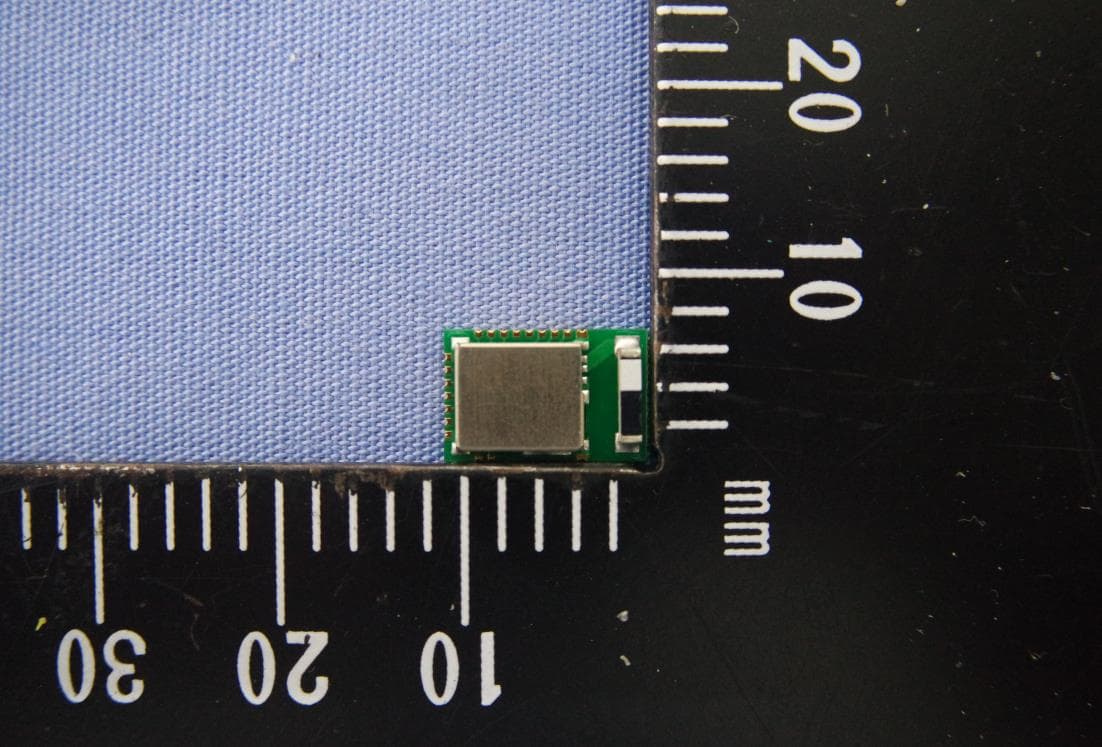
SH6MDBT42T
Nov 15, 2020BLE Module
Equipment Class
DTS - Digital Transmission System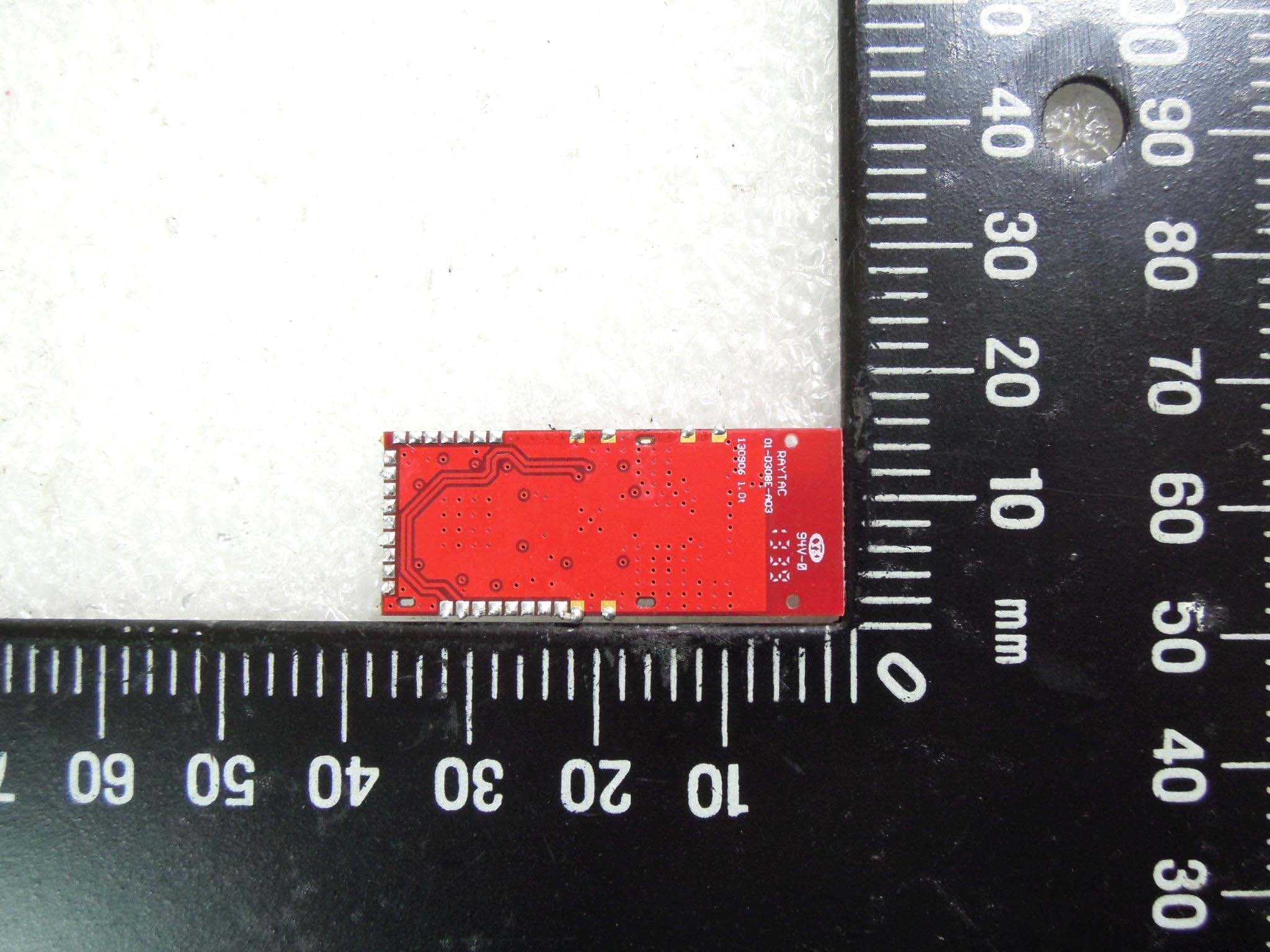
SH6MD85XXP1
Jul 21, 2015Wireless Audio Module
Equipment Class
DTS - Digital Transmission System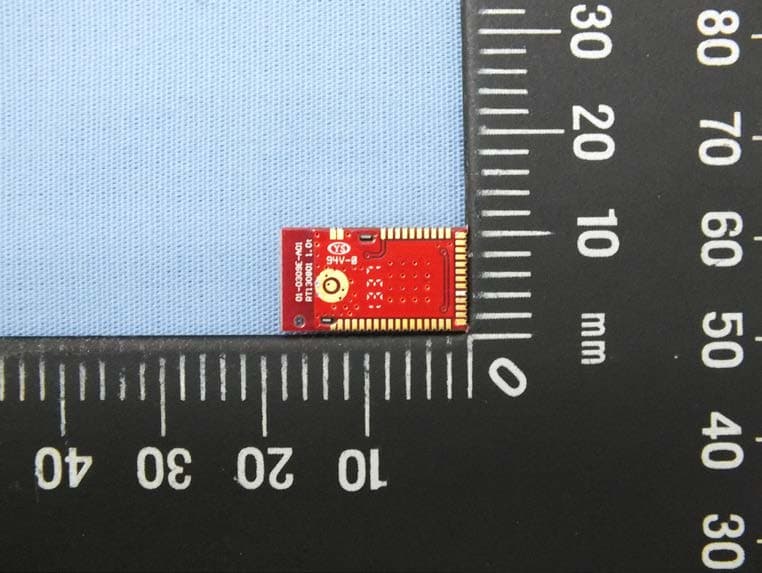
SH6MDBT40
Feb 16, 2014Bluetooth Module
Equipment Class
DTS - Digital Transmission System
SH6MP01R
Dec 16, 2013WIRELESS PRESENTER
Equipment Class
DXX - Part 15 Low Power Communication Device Transmitter
SH6MP01
Dec 12, 2013WIRELESS PRESENTER
Equipment Class
DXX - Part 15 Low Power Communication Device Transmitter