SH6PP2410Mini Wireless Presenter Plus
Raytac Corp.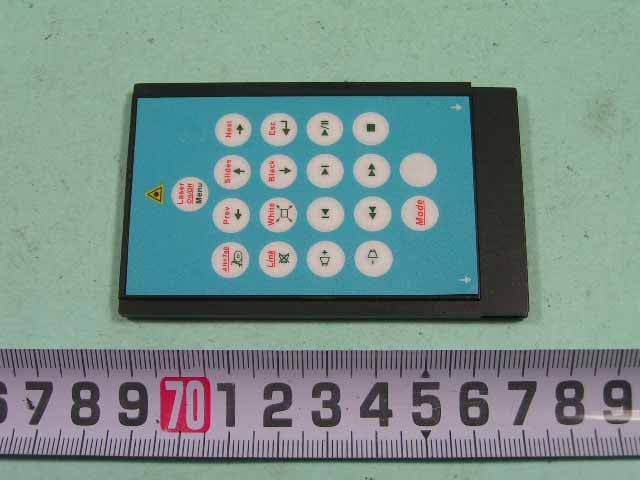
Click to zoom
Application Details
- Equipment Class
- DXX - Part 15 Low Power Communication Device Transmitter
- Date of Grant
- Mar 06, 2006
- Application Purpose
- Original Equipment
- Date of Application
- Mar 06, 2006
- Equipment Note
- Mini Wireless Presenter Plus
- Frequency Range
- 2405.00000000 - 2480.00000000
- Company
- Raytac Corp.
- Country
- Taiwan
Documents & Files
Document Text
Text extracted from the exhibit documents filed with the FCC. Open a document above to read the original.
Users Manual
Mini Wireless Presenter PLUS (PC Card Size) User’s Manual PP2410 Be sure to carefully read this User’s Manual first for the proper use of the Mini Wireless Presenter and keep it for future Patent Pending 2 Information in this document is subject to change without notice. No part of this document may be reproduced or transmitted in any form or by any means, electronic or mechanical, for any purpose, without the express written prior permission of the seller. The seller provides this document without warranty, or condition of any kind. The seller may make improvements or change in the product described in this documentation at any time. Other product and company name herein may be the trademarks of their respective owners. ○ c 2005 All rights reserved. IMPORTANT SAFETY AND HEALTH INFORMATION WARNING! RISK OF INJURY! Laser beam can cause permanent damage to eyes. Do not look into the laser beam or shine the laser beam into your eyes, other peoples’ eyes, or pet’s eyes. WARNING! RISK OF INJURY! Keep this device away from Children. This is a working tool, not a toy or entertainment device. It should only be used by adults. 3 Table of Contents Chapter 1 Introduction What’s the benefits 4 Equipment checklist 4 System requirement 5 Chapter 2 Product Features Parts descriptions (Fig. 1,2,3) 6 Take out the receiver (Fig. 4) 7 Put back the receive (Fig. 5) 7 Chapter 3 Getting Started Initial setup the Mini Wireless Presenter PLUS 8 Using the Mini Wireless Presenter PLUS Presentation Mode 9 Using the Mini Wireless Presenter PLUS Multimedia Mode: PowerDVD remote 10 Using the Mini Wireless Presenter PLUS Multimedia Mode: Windows Media Player 11 Chapter 4 Additional Information Specifications 12 Care and Maintenance 12 4 Chapter 1 Introduction Thank you for choosing the Mini Wireless Presenter PLUS. — “A Fully Integrated Remote Makes Your Presentation & PC Entertainment Easier” What’s the benefits 3-in-1 Multi-function (Laser Pointer + PowerPoint Controls + Multimedia Remote) The Mini Wireless Presenter PLUS is the mixed of Laser pointer, RF remote control of PowerPoint, PowerDVD and Windows Media Player. The device enables the user to control PowerPoint presentation wirelessly up to 100 feet (30 meters) away indoors, and the laser pointer up to over 40 meters from the target. With the Mini Wireless Presenter PLUS, you don’t need to stand beside your computer or have an additional person clicks the slide for you, nor do you need to aim at the receiver. The Mini Wireless Presenter PLUS is also suitable for remote control of PowerDVD and Windows Media Player, let the user has his own way to enjoy PC entertainment. Slim, compact and easy to carry The Mini Wireless Presenter PLUS is a special design of fully integrated remote, its USB dongle is designed slim enough to snap into the main body and fit the whole wireless presenter into the PC Card slot of your notebook PC. Easy to use The Mini Wireless Presenter PLUS is a USB plug-and-play device with no additional software required. The laser beam safety switch protects people from unintentional laser beam into human eyes. Equipment Checklist Carefully unpack your Mini Wireless Presenter PLUS, and keep the packing materials for future reference. Check to make sure you have all the following items: Mini Wireless Presenter (with USB receiver) 1 CR2032 battery 1 User’s Manual 1 5 System Requirement Operating systems: Windows® 98 SE, ME, 2000, XP Mac® OS9.1, Mac® OS X (10.1) or later One available USB port for connecting the USB receiver. 6 Chapter 2 Product Features Parts Description Front View Rear View USB Receiver USB Receiver Battery chamber Laser beam Link Key Link indicator 7 Take out the USB Receiver Pull up the USB receiver and take out the receiver (please refer to following drawing). Put back the USB Receiver Insert the bottom of the USB receiver, label upwards, into the compartment first and press the USB receiver to the compartment (please refer to following drawing). 8 Chapter 3 Getting Started Initial setup the Mini Wireless Presenter PLUS Step 1: Open the battery cover on the back and insert the battery with the (+) side up. Notes on battery Do not insert battery into the battery chamber in the wrong direction. Do not leave dead or exhausted battery in the device. If you do not use the device for a long period of time, remove the battery to avoid possible damage from battery corrosion. If the device does not function correctly or if the operating range becomes reduced, try to replace the battery with new one. Step 2: Take out the USB receiver attached on the back and plug it into an available USB port (please refer to page 7). You may encounter the following conditions with different Operating Systems: Windows® 98 SE/ME The system will prompt you to insert the operating system CD-ROM and the follow the instruction to install the software required. Window® 2000/XP The operation system identifies the receiver, prompts ”USB Human Interface Device” and begins installation automatically. Please follow the instruction on the screen to complete the installation procedure. Step 3: There are two operation modes for Mini Wireless Presenter PLUS, one is 『Presentation Mode』, another is 『Multimedia Mode』, the default is setting in Presentation Mode. Note: To activate the laser point function, press Mode and Laser On/Off button simultaneously till the front Mode indicator blinking in red. Note: The laser function will automatically shut off after 30 minutes idle time. 9 Using the Mini Wireless Presenter PLUS -- Presentation Mode ~ Laser Pointer + PowerPoint Remote Control ~ Keys in red Function How to operate Mode To change operation mode Press and hold for 3 seconds to change mode between Presentation and Multimedia mode. Mode indicator To indicate the operation mode in use No blink: Presentation mode Blinking in green: Multimedia mode (Default setting in Presentation mode) Laser On/Off 1.To …
Text truncated - open the document above for the full version.
Cover Letter(s)
Raytac Corp. Jan. 18, 2006 Federal Communications Commission Authorization and Evaluation Division FCC IDSH6PP2410 Confidentiality Request Pursuant to Sections 0.457 and 0.459 of the Commission’s Rules, the Applicant Hereby requests confidential treatment of information applied this Application As outlined below: 1. Block Diagram 2. Circuit Diagram 3. Operational Description 4. Bom List The above materials contain trade secrets and proprietary information not customarily Released to the public. The public disclosure of these matters might be harmful to the Applicant and provide unjustified benefits to its competitors. The Applicant understands that pursuant to Rule 0.457, disclosure of this Application and all accompanying documentation will not be made before the date of the Grant for this application Sincerely,
External Photos
SPORTON International Inc. PAGE NUMBER : A1 OF A3 TEL : 886-2-2696-2468 ISSUED DATE : Jan,19,2006 FAX : 886-2-2696-2255 APPENDIX A. Photographs of EUT SPORTON International Inc. PAGE NUMBER : A2 OF A3 TEL : 886-2-2696-2468 ISSUED DATE : Jan,19,2006 FAX : 886-2-2696-2255 SPORTON International Inc. PAGE NUMBER : A3 OF A3 TEL : 886-2-2696-2468 ISSUED DATE : Jan,19,2006 FAX : 886-2-2696-2255
ID Label/Location Info
Label Sample & Location Model No.: PP2410, PM2400 FCC ID: SH6PP2410 L/N:ABA1
Internal Photos
SPORTON International Inc. PAGE NUMBER : A1 OF A7 TEL : 886-2-2696-2468 ISSUED DATE : Jan,19,2006 FAX : 886-2-2696-2255 SPORTON International Inc. PAGE NUMBER : A2 OF A7 TEL : 886-2-2696-2468 ISSUED DATE : Jan,19,2006 FAX : 886-2-2696-2255 SPORTON International Inc. PAGE NUMBER : A3 OF A7 TEL : 886-2-2696-2468 ISSUED DATE : Jan,19,2006 FAX : 886-2-2696-2255 SPORTON International Inc. PAGE NUMBER : A4 OF A7 TEL : 886-2-2696-2468 ISSUED DATE : Jan,19,2006 FAX : 886-2-2696-2255 SPORTON International Inc. PAGE NUMBER : A5 OF A7 TEL : 886-2-2696-2468 ISSUED DATE : Jan,19,2006 FAX : 886-2-2696-2255 SPORTON International Inc. PAGE NUMBER : A6 OF A7 TEL : 886-2-2696-2468 ISSUED DATE : Jan,19,2006 FAX : 886-2-2696-2255 SPORTON International Inc. PAGE NUMBER : A7 OF A7 TEL : 886-2-2696-2468 ISSUED DATE : Jan,19,2006 FAX : 886-2-2696-2255
Test Report
SPORTON International Inc. No. 52, Hwa Ya 1st Rd., Kwei-Shan Hsiang, TaoYuan Hsien, Taiwan, R.O.C. Ph: 886-3-327-3456 / FAX: 886-3-327-0973 / www.sporton.com.tw Report Format Version: RF-15.247-a FCC RADIO TEST REPORT Applicant’s company RayTac Corp. Applicant Address 5F-3, No. 755, Chung Cheng Rd., Chung Ho. Taipei Hsien, Taiwan 235, R.O.C. FCC ID SH6PP2410 Manufacturer’s company Taicom Data Systems Co., Ltd. Manufacturer Address No. 45, Wu-Kung 5 Rd., Wu-Ku Industrial Park, Taipei-Hsien, Taiwan, R.O.C. Statement The test result in this report refers exclusively to the presented test model / sample. Without written approval of SPORTON International Inc., the test report shall not be reproduced except in full. The measurements and test results shown in this test report were made in accordance with the procedures and found in compliance with the limit given in ANSI C63.4-2003 and 47 CFR FCC Part 15 Subpart C. The test equipment used to perform the test is calibrated and traceable to NML/ROC. Lab Code: 200079-0 Product Name Mini Wireless Presenter Plus Brand Name Raytac Model Name PP2410, PM2400 Test Rule Part(s) 47 CFR FCC Part 15 Subpart C § 15.249 Test Freq. Range 2400 ~ 2483.5MHz Receive Date Aug. 31, 2005 Test Date Dec. 28, 2005 Submission Type Original Equipment Report No.: FR583127 Report Format Version: RF-15.249-2005-12-28-b Page No. : i of ii FCC ID: SH6PP2410 Issued Date : Dec. 30, 2005 Table of Contents 1. CERTIFICATE OF COMPLIANCE.......................................................................................................................... 1 2. SUMMARY OF THE TEST RESULT........................................................................................................................... 2 3. GENERAL INFORMATION................................................................................................................................... 3 3.1. Product Details....................................................................................................................................................................................3 3.2. Accessories.........................................................................................................................................................................................3 3.3. Table for Filed Antenna.......................................................................................................................................................................3 3.4. Table for Carrier Frequencies...............................................................................................................................................................3 3.5. Table for Test Modes............................................................................................................................................................................4 3.6. Table for Testing Locations...................................................................................................................................................................4 3.7. Table for Supporting Units....................................................................................................................................................................4 3.8. Test Configurations..............................................................................................................................................................................5 4. TEST RESULT...................................................................................................................................................... 6 4.1. AC Power Line Conducted Emissions Measurement............................................................................................................................6 4.2. Field Strength of Fundamental Emissions Measurement......................................................................................................................9 4.3. 20dB Spectrum Bandwidth Measurement.........................................................................................................................................12 4.4. Radiated Emissions Measurement.....................................................................................................................................................15 4.5. Band Edge Emissions Measurement..................................................................................................................................................29 4.6. Antenna Requirements......................................................................................................................................................................32 5. LIST OF MEASURING EQUIPMENTS.................................................................................................................... 33 6. SPORTON COMPANY PROFILE......................................................................................................................... 35 6.1. Test Location.....................................................................................................................................................................................35 7. CERTIFICATE OF NVLAP ACCREDITATION.......................................................................................................... 36 APPENDIX A. PHOTOGRAPHS OF EUT ........................................................................................................... A1 ~ A16 APPENDIX B. TEST PHOTOS ............................................................................................................................. B1 ~ B3 Report No.: FR583127 Report Format Version: RF-15.249-2005-12-28-b Page No. : ii of ii FCC ID: SH6PP2410 Issued Date : Dec. 30, 2005 History of This Test Report Original Issue Date: Dec. 30, 2005 Report No.: FR583127 No additional attachment. Additional attachment were issued as followi…
Text truncated - open the document above for the full version.
Test Setup Photos
Report No.: FR583127 FCC ID: SH6PP2410 Page No. : 1 of 3 Appendix B. Test Photos Report No.: FR583127 FCC ID: SH6PP2410 Page No. : 2 of 3 1. Photographs of Conducted Emissions Test Configuration FRONT VIEW REAR VIEW Report No.: FR583127 FCC ID: SH6PP2410 Page No. : 3 of 3 2. Photographs of Radiated Emissions Test Configuration FRONT VIEW REAR VIEW
Contact Information
Applicant
Lyon Liu(President)
Technical Contact
Sporton International IncWayne Hsu
No 52, Hwa Ya 1st Rd., Hwa Ya Technology Park · Tao Yuan · Taiwan
Test Firm
Sporton International Inc.Kathy Lin
Technical Specifications
| # | Rule Parts | Frequency Range | Power Output |
|---|---|---|---|
| 1 | 15C | 2.40 GHz - 2.48 GHz | - |
Other Applications from Raytac Corp.
SH6MDBT42T
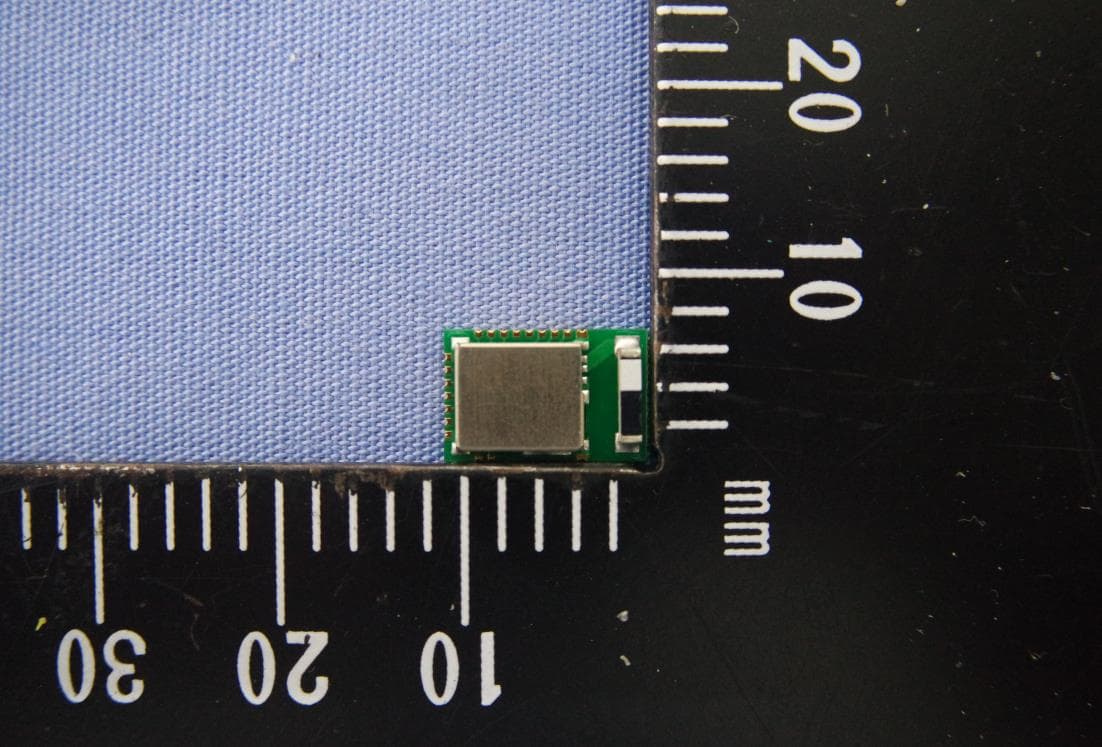
Nov 15, 2020BLE Module
Equipment Class
DTS - Digital Transmission System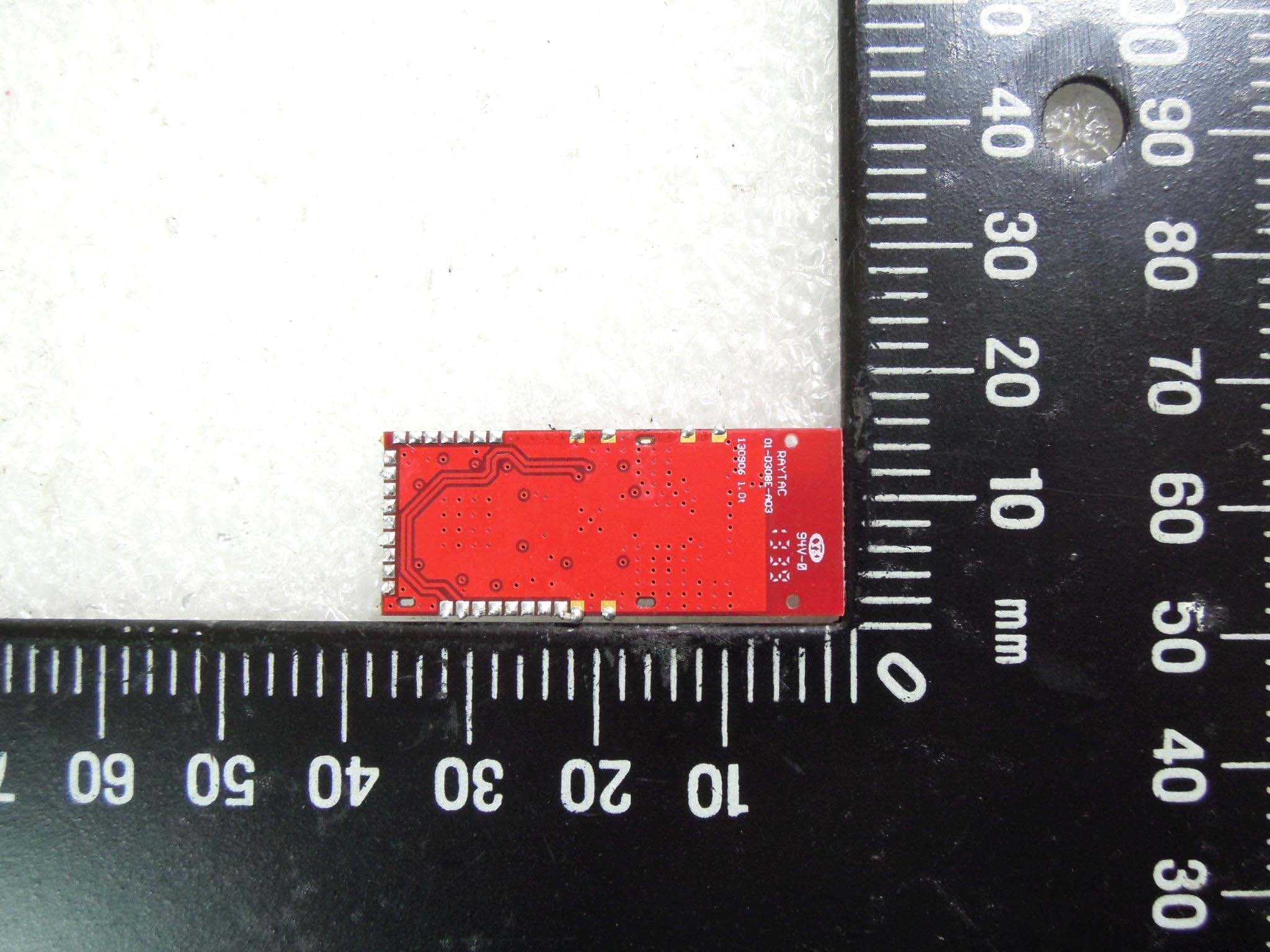
SH6MD85XXP1
Jul 21, 2015Wireless Audio Module
Equipment Class
DTS - Digital Transmission System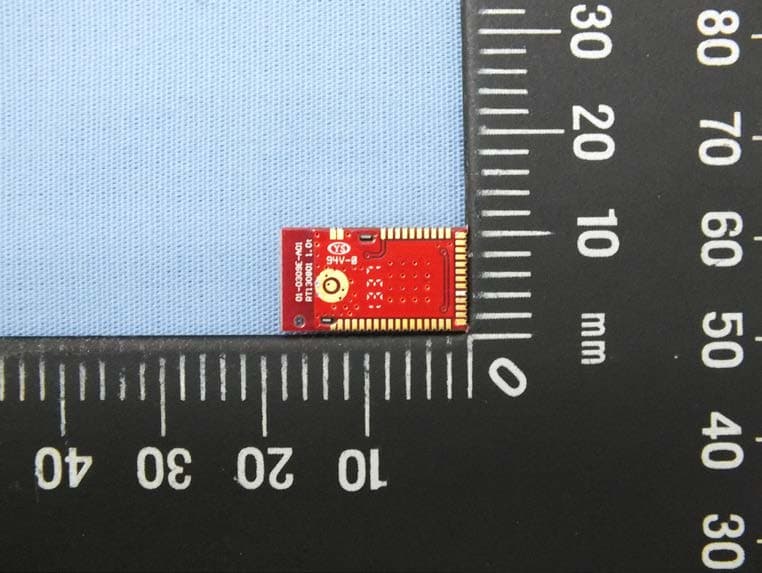
SH6MDBT40
Feb 16, 2014Bluetooth Module
Equipment Class
DTS - Digital Transmission System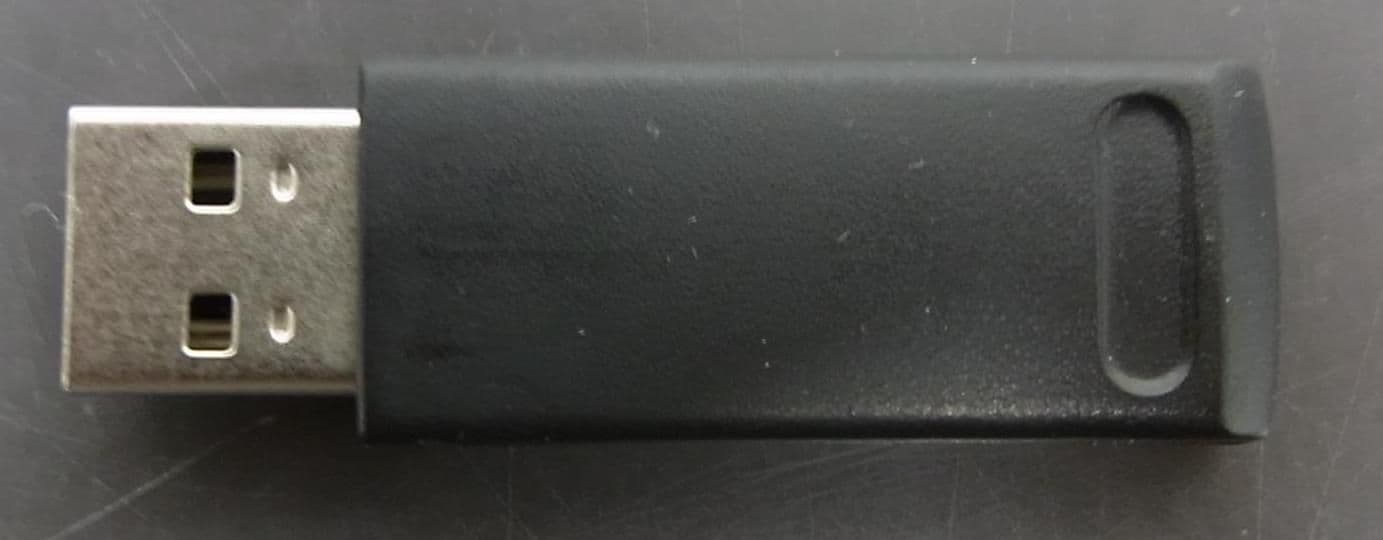
SH6MP01R
Dec 16, 2013WIRELESS PRESENTER
Equipment Class
DXX - Part 15 Low Power Communication Device Transmitter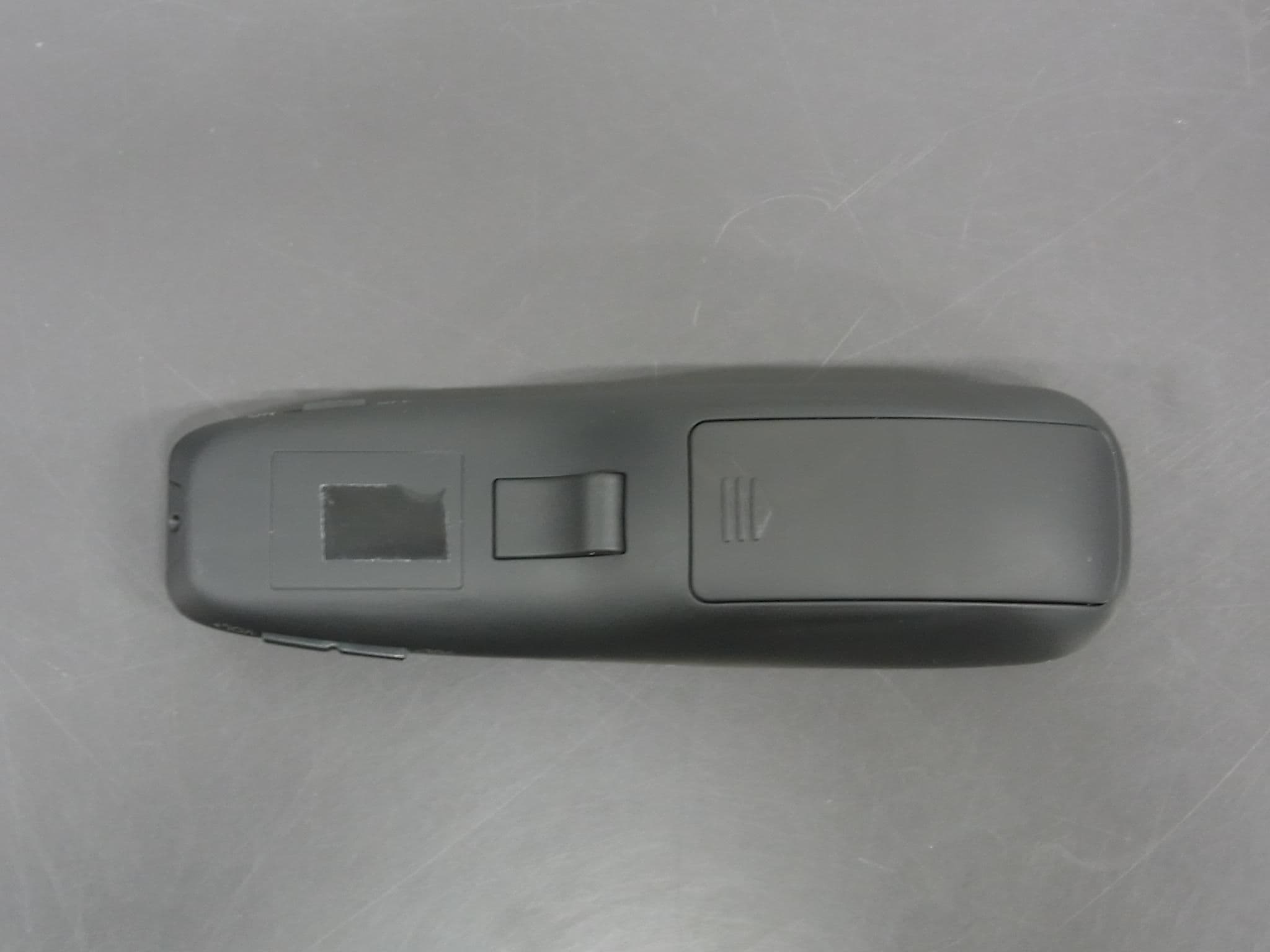
SH6MP01
Dec 12, 2013WIRELESS PRESENTER
Equipment Class
DXX - Part 15 Low Power Communication Device Transmitter