SL6KEYFOBKeyFob
HID Global Corporation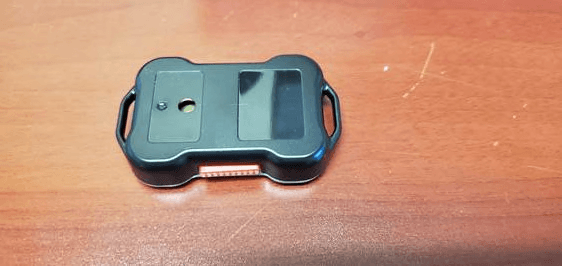
Click to zoom
Application Details
- Equipment Class
- DTS - Digital Transmission System
- Date of Grant
- Jan 19, 2020
- Application Purpose
- Original Equipment
- Date of Application
- Jan 16, 2020
- Equipment Note
- KeyFob
- Frequency Range
- 2402.00000000 - 2480.00000000
- Company
- HID Global Corporation
- Country
- United States
Documents & Files
Document Text
Text extracted from the exhibit documents filed with the FCC. Open a document above to read the original.
Users Manual
BEEKs KEYFOB USER GUIDE Document Version: 1 Product ID: BEEKSKF September 2017 Copyright © 2007-2019 Bluvision/HID Global Corporation/ASSA ABLOY AB. All rights reserved. This document may not be reproduced, disseminated or republished in any form without the prior written permission of HID Global Corporation. Trademarks Bluvision, HID GLOBAL, HID, the HID logo are trademarks or registered trademarks of HID Global Corporation, or its licensors, in the U.S. and other countries. Contacts For additional offices around the world, see www.hidglobal.com corporate offices. 611 Center Ridge Drive Haverhill Business Park Phoenix Road Austin, TX 78753 Haverhill, Suffolk CB9 7AE USA England Phone: 866 607 7339 Phone: 44 (0) 1440 711 822 Fax: 949 732 2120 Fax:44 (0) 1440 714 840 19/F 625 King’s Road 600 Corporate Dr North Point, Island East Hong Kong Phone: 852 3160 9833 Suite 410 Fort Lauderdale, FL 33334 USA Fax: 852 3160 4809 Phone: 1-866-777-7210 Links in this Document Hyper Links are displayed in italic text. Web Links are in underlined blue. HID Americas and Corporate Europe, Middle East and Africa (EMEA) Asia Pacific Bluvision Bluvision Customer Support: bluvision.comHID Global Customer Support: support.hidglobal.com Getting Started The Bluvision BEEKs CM User Guide covers the basics of the equipment setup and provisioning of equipment with Bluzone Cloud account and project. For a more in-depth explanation, see Bluvision Developer web site https://bluvision.atlassian.net/wiki/spaces/PDP/pages/13041816/04.+How-to+Setup+BEEKs CMs Prerequisites This equipment requires the steps below be followed prior to provisioning your BEEKs CM device. These prerequisites are NOT covered within the installation guide below. Please complete the following steps prior to provisioning of your BEEKs CM device. This equipment requires the user to have a registered Bluzone account at the website o https://bluzone.io Bluzone registration instructions are located at o https://bluvision.atlassian.net/wiki/spaces/PDP/pages/6914122/Getting+Up+And+Running This equipment also requires a user have a BEEKs CM WiFi template setup and configured within Bluzone. Instructions for setting up a BEEKs CM WiFi template are located at: ohttps://bluvision.atlassian.net/wiki/spaces/PDP/pages/6914122/Getting+Up+And+Running#Gettin gUpAndRunning-ConfiguringBEEKs CMWiFiprofiles USER GUIDE Application/Service/Profile • iBeacon support • sBeacon support • Eddystone support • Fully open and easily configurable for 3rd party beacon protocol How-to Provision BEEKs CMs This will guide you through provisioning your BEEKs CM of your Bluzone Account and assigned project. Step-by-step provisioning guide There are 2 steps to the provisioning process: 1. Download Bluzone Application from Apple App Store. 2. Physically provisioning BEEKs CM using the Bluzone App. This requires BLE be enabled on device. Provisioning Step 1: Download Bluzone Mobile Application You can use the free Bluzone app with any compatible device, including: Bluzone app (iOS) - iPhone, iPad and iPod touch running iOS 7.0 or later; certain features may require later versions. Touch the App Store button on your iPhone, iPod touch or iPad to download the free Bluzone app, or download the application from iTunes®. (If you download from iTunes, you will need to sync before you see the Bluzone logo display on your device.) Provisioning Step 2 - Provisioning of a BEEKs CM using Bluzone Mobile Application Provisioning Steps Step 2 - Launch the Bluzone app on your iOS device Step 2.1 Sign In - Sign in using your Bluzone account’s registered username and password Step 2.2 Select Provision Action – Click “Provision” located at bottom of screen Step 2.3 Select BEEKs CM Provisioning – Click / Select BEEKs CM within option menu. Step 2.4 Select Your BEEKs CM – Select the closest BEEKs CM device from all BEEKs CM devices in range of mobile phone. Please make sure you are within 1 meter of device. The BEEKs CM Icon’s green color indicates the relative proximity to BEEKs CM device. The greener color displayed, the closer you are to BEEKs CM device. Step 2.5 WiFi Template - Choose appropriate BEEKs CM template. If this list is empty, please complete the required prerequisite step of creating BEEKs CM WiFi template on https://bluzone.io in your assigned project. Step 2.6 BEEKs CM Location - Next you will be prompted to select/assign the physical geo location of the BEEKs CM where it is being physically installed. Location is assigned by GPS and can be changed manually by dragging the pin in order to be more accurate. Drag the pin by holding your finger on pin located in center of screen and dragging to appropriate location. Step 2.7 BEEKs CM Selfie - Next you will be prompted to take a picture of the BEEKs CM. This is called a “Selfie” within Bluzone application. This is an optional step and is recommended so that others can easily identify the location of the BEEKs CM after deployment Step 2.8 BEEKs CM Profile - Next you will be prompted to enter a name for the BEEKs CM. You may keep the default name but it is recommended to choose a unique name that is meaningful to you. At this time you may also add Tags from the template, or create new ones if needed. Important: Click Provision after entering the information will submit provisioning request to Bluzone Cloud Step 2.9 Provision Request – Please wait for provisioning process to complete. This will be indicated using progress indicator / spinner located on screen. Congratulations, you have provisioned you first Bluvision BEEKs CM on Bluzone.io FCC Statement: This equipment has been tested and found to comply with the limits for a Class A/B digital device, pursuant to Part 15 of the FCC Rules. These limits are designed to provide reasonable protection against harmful interference in a residential installation. This equipment generates uses and can radiate radio frequency energy and, if not installed and used in accordance with the instructions, m…
Text truncated - open the document above for the full version.
Cover Letter(s)
600 Corporate Dr, Suite 300 Fort Lauderdale FL, 33334 October 1, 2019 TUV SUD America Inc. 10 Centennial Drive Peabody, MA 01960, USA Dear Sir or Madam, We, Bluvision Inc., 600 Corporate Drive, Ste 410, Fort Lauderdale, FL 33334, hereby authorize Marlene Sealey of TUV SUD America, 10040 Mesa Rim Road, San Diego, CA, 92121 and Efren Gonzalez of Bluvision Inc., 600 Corporate Drive, Ste 300, Fort Lauderdale, FL 33334 to act as our agent in all matters relating to applications for equipment authorization, including the signing of all documents relating to these matters. Yours sincerely, Name: Matthew Johnson Title: CTO Company: Bluvision Inc
Cover Letter(s)
COMPANY LETTERHEAD October 1, 2019 Federal Communications Commission Equipment Authorization Branch 7435 Oakland Mills Road Columbia, MD 21046 Confidentiality Request FCC ID: SL6KEYFOB Pursuant to Sections 0.457(d)(1)(ii) and 0.459 of the Commission’s Rules,Bluvision Inc.,hereby requests permanent confidential treatment of information accompanying this application as outlined below: Schematics Bill of Materials/Parts List Block Diagrams Theory of Operation The above materials contain trade secrets and proprietary information not customarily released to the public. The public disclosure of these matters might be harmful to the Applicant and provide unjustified benefits to its competitors. The Applicant understands that pursuant to Rule 0.457(d)(1)(ii), disclosure of this Application and all accompanying materials will not be made before the date of the Grant for this Application. Yours sincerely, Name: Marlene Sealey On behalf of Bluvision Inc
RF Exposure Info
5945 Cabot Parkway Suite 100 Alpharetta, GA 30005 USA Certification Exhibit FCC ID: SL6KEYFOB FCC Rule Part: 47 CFR Part 2.1093 Project Number: 72153290 Manufacturer: HID Global BluVision, Inc. Model: BEEKSKF RF Exposure Model(s):BEEKSKFFCC ID: SL6KEYFOB Report No: AT72153290-2C1TÜV SÜD America, Inc.Page 2 General Information: Applicant: HID Global BluVision, Inc. Device Category: Portable Environment: General Population/Uncontrolled Exposure Technical Information: Antenna Type: Printed Inverted F Antenna Antenna Gain: 0 dBi Maximum Transmitter Conducted Power: -1.9 dBm, 0.646 mW Maximum System EIRP: -1.9 dBm, 0.646 mW Exposure Conditions: Body Worn Justification for SAR Test Exclusion: Standalone SAR Test Exclusion: Per KDB 447498 D01 General RF Exposure Guidance v06, the standalone 1-g and 10-g SAR test exclusion thresholds for 100 MHz to 6 GHz at test separation distances ≤ 50 mm are determined by: [(max. power of channel, including tune-up tolerance, mW)/(min. test separation distance, mm)] · [√f(GHz)] ≤ 3.0 for 1-g SAR and ≤ 7.5 for 10-g extremity SAR = (0.646 / 5)*( √2.480) = 0.203 0.203 < 3.0 Standalone SAR test exclusion is applied.
Test Report
5945 Cabot Pkwy, Suite 100, Alpharetta, GA 30005 Test Report FCC ID: SL6KEYFOB IC: 24824-KEYFOB FCC Rule Part: 15.247 ISED Canada Radio Standards Specification: RSS-247 Report Number: AT72153290-1C3 Manufacturer: HID Global BluVision, Inc. Model: BEEKSKF Test Begin Date: October 7, 2019 Test End Date: October 9, 2019 Report Issue Date: January 17, 2020 FOR THE SCOPE OF ACCREDITATION UNDER Certificate Number: 2955.09 This report must not be used by the client to claim product certification, approval, or endorsement by A2LA, NIST, or any agency of the Federal Government. PreparedBy:Reviewed by: Ryan McGannJeremy Pickens Team LeaderSenior Wireless Engineer TÜV SÜD America Inc.TÜV SÜD America Inc. This test report shall not be reproduced except in full. This report may be reproduced in part with prior written consent of TÜV SÜD America Inc. The results contained in this report are representative of the sample(s) submitted for evaluation. This report contains 26 pages 5945 Cabot Pkwy, Suite 100, Alpharetta, GA 30005 TABLE OF CONTENTS 1GENERAL ...................................................................................................................................... 3 1.1PURPOSE ....................................................................................................................................... 3 1.2APPLICANT INFORMATION ............................................................................................................ 3 1.3PRODUCT DESCRIPTION ................................................................................................................ 3 1.4TEST METHODOLOGY AND CONSIDERATIONS ............................................................................... 3 2TEST FACILITIES ....................................................................................................................... 4 2.1LOCATION ..................................................................................................................................... 4 2.2LABORATORY ACCREDITATIONS/RECOGNITIONS/CERTIFICATIONS .............................................. 4 2.3RADIATED EMISSIONS TEST SITE DESCRIPTION ............................................................................ 5 2.3.1Semi-Anechoic Chamber Test Site – Chamber A ..................................................................... 5 2.3.2Semi-Anechoic Chamber Test Site – Chamber B ..................................................................... 6 2.4CONDUCTED EMISSIONS TEST SITE DESCRIPTION ......................................................................... 7 2.4.1Conducted Emissions Test Site ................................................................................................. 7 3APPLICABLE STANDARD REFERENCES ............................................................................. 8 4LIST OF TEST EQUIPMENT ..................................................................................................... 8 5SUPPORT EQUIPMENT.............................................................................................................. 9 6EQUIPMENT UNDER TEST SETUP BLOCK DIAGRAM ..................................................... 9 7SUMMARY OF TESTS................................................................................................................10 7.1ANTENNA REQUIREMENT –FCC15.203 ......................................................................................10 7.2POWER LINE CONDUCTED EMISSIONS –FCC15.207,ISEDCANADA:RSS-GEN 8.8 ..................10 7.2.1Measurement Procedure .........................................................................................................10 7.2.2Measurement Results ..............................................................................................................10 7.36DB/99%BANDWIDTH –FCC15.247(A)(2),ISEDCANADA:RSS-2475.2(A),RSS-GEN6.7 ..11 7.3.1Measurement Procedure .........................................................................................................11 7.3.2Measurement Results ..............................................................................................................11 7.4FUNDAMENTAL EMISSION OUTPUT POWER –FCC15.247(B)(3),ISEDCANADA:RSS-2475.4(D) .....................................................................................................................................................14 7.4.1Measurement Procedure .........................................................................................................14 7.4.2Measurement Results ..............................................................................................................14 7.5EMISSION LEVELS ........................................................................................................................15 7.5.1Emissions into Non-restricted Frequency Bands – FCC 15.247(d); ISED Canada: RSS-247 5.5 ............................................................................................................................................15 7.5.2Emissions into Restricted Frequency Bands – FCC: 15.205, 15.209; ISED Canada: RSS-Gen 8.9 / 8.10..................................................................................................................................17 7.5.3Sample Calculation: ................................................................................................................18 7.6MAXIMUM POWER SPECTRAL DENSITY IN THE FUNDAMENTAL EMISSION –FCC15.247(E)ISED CANADA:RSS-2475.2(B) ............................................................................................................19 7.6.1Measurement Procedure .........................................................................................................19 7.6.2Measurement Results ..............................................................................................................19 8ESTIMATION OF MEASUREMENT UNCERTAINTY ..................................…
Text truncated - open the document above for the full version.
Test Setup Photos
5945 Cabot Parkway Suite 100 Alpharetta, GA 30005 USA Certification Exhibit FCC ID: SL6KEYFOB IC: 24824-KEYFOB FCC Rule Part: 15.247 ISED Canada Radio Standards Specification: RSS-247 Project Number: 72153290 Manufacturer: HID Global BluVision, Inc. Model: BEEKSKF Test Setup Photos Model(s): BEEKSKFFCC ID: SL6KEYFOBIC: 24824-KEYFOB Project: 72153290Page 2 Figure 1: Equipment Under Test – Radiated Emissions – X-orientation Figure 2: Equipment Under Test – Radiated Emissions – Y-orientation Model(s): BEEKSKFFCC ID: SL6KEYFOBIC: 24824-KEYFOB Project: 72153290Page 3 Figure 3: Equipment Under Test – Radiated Emissions – Z-orientation Figure 4: Equipment Under Test – Radiated Emissions 9kHz – 30MHz Model(s): BEEKSKFFCC ID: SL6KEYFOBIC: 24824-KEYFOB Project: 72153290Page 4 Figure 5: Equipment Under Test – Radiated Emissions 30MHz – 1GHz Figure 6: Equipment Under Test – Radiated Emissions 1GHz – 18GHz Model(s): BEEKSKFFCC ID: SL6KEYFOBIC: 24824-KEYFOB Project: 72153290Page 5 Figure 7: Equipment Under Test – Radiated Emissions 18GHz – 26GHz Figure 8: Equipment Under Test – RF Conducted Emissions Model(s): BEEKSKFFCC ID: SL6KEYFOBIC: 24824-KEYFOB Project: 72153290Page 6 Figure 9: Equipment Under Test – RF Conducted Emissions
Contact Information
Applicant
Robert Cresswell(Compliance Engineering Manager)
Test Firm
TUV SUD America, Inc.William Elliott
[email protected]813-284-2736
Technical Specifications
| # | Rule Parts | Frequency Range | Power Output |
|---|---|---|---|
| 1 | 15C | 2.40 GHz - 2.48 GHz | 650.00 µW |
Other Applications from HID Global Corporation
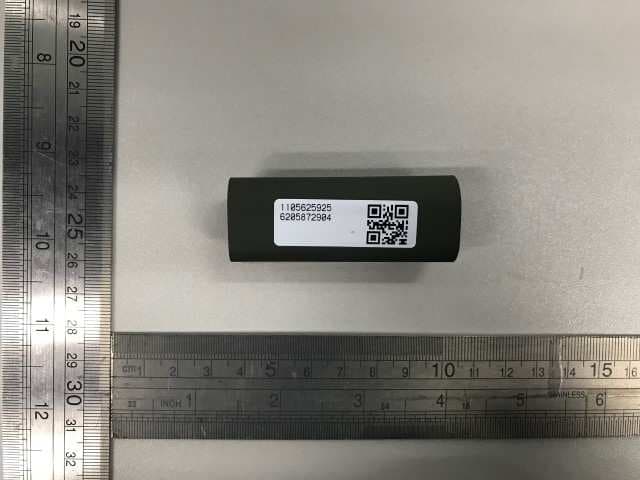
SL6-BEEKS001
Jan 18, 2021BEEKS BLE Beacon
Equipment Class
DTS - Digital Transmission System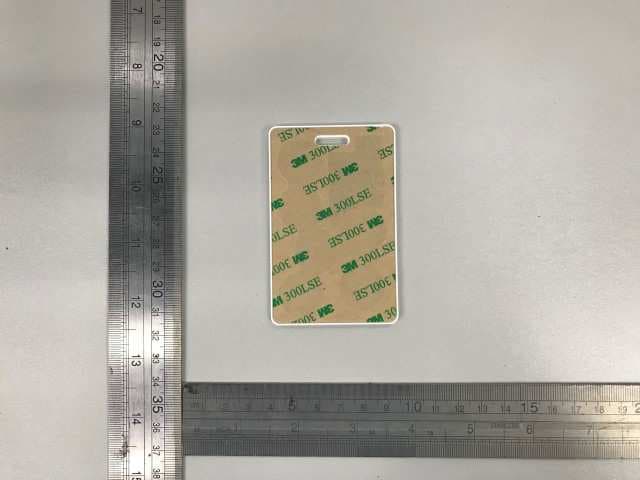
SL6-BVCARD02
Dec 22, 2020BEEKS Beacon Badge
Equipment Class
DTS - Digital Transmission System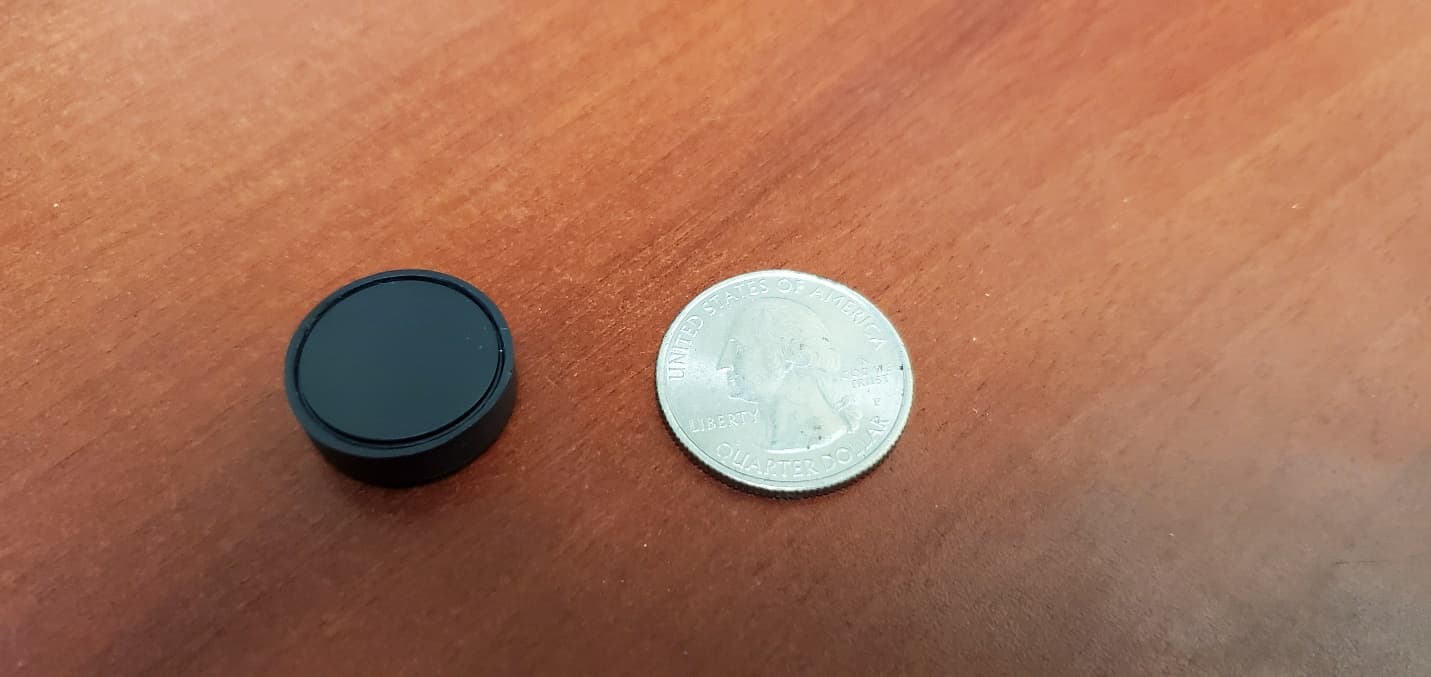
SL6MINIMINI
Jan 13, 2020KeyFob
Equipment Class
DTS - Digital Transmission System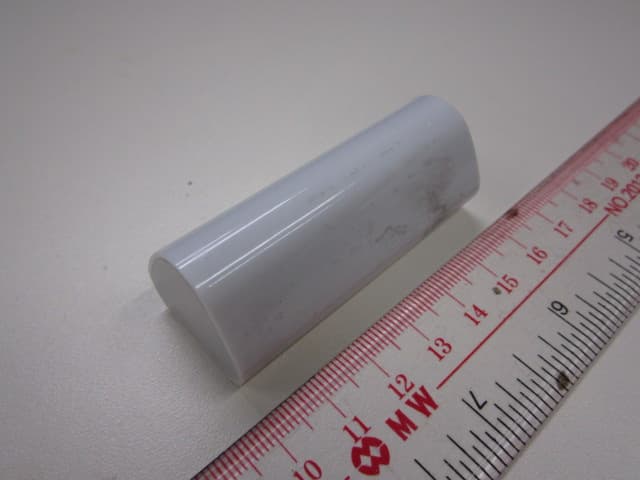
SL6-BEEKSIBEEK
May 27, 2015Bluetooth Low Energy Location Sticker
Equipment Class
DXX - Part 15 Low Power Communication Device Transmitter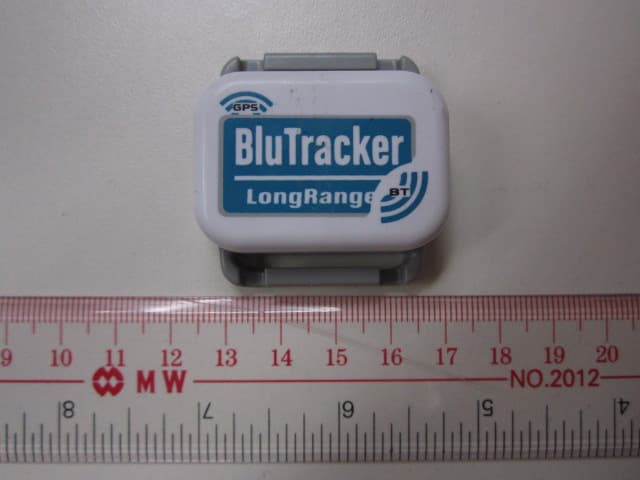
SL6BLUTRACHER
Jan 16, 2014Bluetooth Low Energy Device
Equipment Class
DSS - Part 15 Spread Spectrum Transmitter