SLH-BT-1005BT V2.0 USB Dongle
HL-Tech Corporation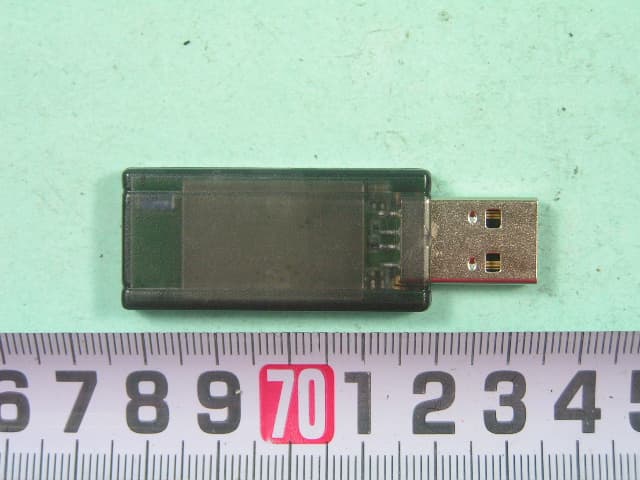
Click to zoom
Application Details
- Equipment Class
- DSS - Part 15 Spread Spectrum Transmitter
- Date of Grant
- Nov 03, 2005
- Application Purpose
- Original Equipment
- Date of Application
- Nov 03, 2005
- Equipment Note
- BT V2.0 USB Dongle
- Frequency Range
- 2402.00000000 - 2480.00000000
- Company
- HL-Tech Corporation
- Country
- Taiwan
Documents & Files
Document Text
Text extracted from the exhibit documents filed with the FCC. Open a document above to read the original.
Users Manual
BT-1005 BT V2.0 USB Adapter BT-1005 User’s Manual 華朗科技股份有限公司 HL-Tech Corporation HL-Tech Corporation 1 BT-1005 BT V2.0 USB Adapter Note: BT-1005 BT V2.0 USB Adapter BT-1005 User’s Manual 華朗科技股份有限公司 HL-Tech Corporation HL-Tech Corporation 2 Table of Contents.........................................................2 Introduction............................................................................................... 3 1. Configuration and devices......................................................................................3 2. Device properties....................................................................................................4 3. Options....................................................................................................................4 4. Discovery.................................................................................................................4 5. Adding a COM port...................................................................................................5 6. Hardware.................................................................................................................5 7. Adding a device.......................................................................................................6 8. Joining a Personal Area Network............................................................................7 9. Adding a modem.....................................................................................................8 10. Adding a printer....................................................................................................8 11. File Sending and Receiving...................................................................................9 BT-1005 BT V2.0 USB Adapter BT-1005 User’s Manual 華朗科技股份有限公司 HL-Tech Corporation HL-Tech Corporation 3 Introduction This article describes how to install and configure a Bluetooth device in Microsoft Windows XP Service Pack 2 (SP2). Note If you install a Bluetooth adapter that is not supported in Windows XP SP2, follow the recommendations that the Bluetooth adapter's manufacturer provides. Installing a Bluetooth adapter that is on the list of supported adapters for Microsoft Windows XP Service Pack 2 (SP2) is only a matter of connecting the device. No configuration is needed before you make the connection. When you install a supported Bluetooth adapter in Windows XP SP2, the adapter becomes active together with the following Microsoft components: • Microsoft Bluetooth Enumerator This component enumerates Bluetooth devices and capabilities. • Bluetooth Device (Personal Area Network) This driver supports Personal Area Network (PAN) connections between devices. • Bluetooth Device (RFCOMM Protocol Transport Driver Interface [TDI]) This component supports dial-up networking (DUN). It also supports other types of connections between devices. • Bluetooth Support Service (BthServ) This service maintains and updates device pairing information. It also performs other functions that are related to Bluetooth features. These components are available in Device Manager after you install a Bluetooth adapter. Other drivers and components are also installed. 1. Configuration and devices You can use the Bluetooth Devices item in Control Panel to configure Bluetooth settings. By using Bluetooth Devices, you can do one or more of the following: • Add or remove a device. • View the properties of a device. • Change your Bluetooth options. • Add a COM port. In Bluetooth Devices, the Devices tab shows all the devices that are currently configured on your computer. By using the Devices tab, you can add a device, remove a device, or view the properties of a device. BT-1005 BT V2.0 USB Adapter BT-1005 User’s Manual 華朗科技股份有限公司 HL-Tech Corporation HL-Tech Corporation 4 2. Device properties When you view the properties of a Bluetooth device, you see the following information: • The device type • The hardware address of the Bluetooth adapter • The date and time of the last connection • Information about whether a passkey is used for pairing with the device You can also change the name that Windows uses for the device. This change also affects the name that is used by the Bluetooth File Transfer Wizard and by Add Modem. The Services tab shows information about the services that the device supports. For example, when a Bluetooth phone or a personal digital assistant (PDA) is connected to your computer, this tab may show COM ports that are available for synchronization. This tab may also show Internet dial-up networking connections. You can also select the services that you want to use. 3. Options The Options tab in Bluetooth Devices provides options that control how devices discover and connect to your computer. The main option is Turn discovery on. This option lets devices discover your computer so that you can make a connection. Other options on this tab include the following: • Allow Bluetooth devices to connect to this computer This check box controls whether any devices can connect to your computer. If this check box is cleared, no devices can connect to your computer. • Alert me when a new Bluetooth device wants to connect This option controls whether you receive notification when a device tries to connect to your computer. If this check box is cleared, you do not receive notification. Other options on the Options tab let you turn on or turn off the Bluetooth icon in the notification area and restore default settings. 4. Discovery Typically, your Bluetooth-enabled computer will discover other devices. Therefore, you only have to turn on the Turn discovery on option when your computer acts as a device. For example, you might want to turn on this option when your computer is connected to another computer by a Personal Area Network (PAN). When computers are connected by a PAN, one of the computers must have discovery turned on. By default, discovery is not turned on in Windows XP SP2, because a…
Text truncated - open the document above for the full version.
Cover Letter(s)
Confidential Letter Date: 20051 1 01 1 7 Federal Communications Commission Authorization and Evaluation Division (M% FCC ID Pu;l;@E%@%!% LI%B@@C& g\gs$%%$% qp~~&@~~~k) FCC ID : SLH-BT-1005 Confidentiality Request Pursuant to Sections 0..457 and 0.459 of the Commission's Rules, the Applicant Hereby requests confidential treatment of information accomparting this Application As outlined below: Block Diagram Circuit Diagram Operational Description The above materials contain trade secrets and proprietary information not customarily released to the public. The public disclosure of these matters might be harmful to the Applicant and provide unjustified benefits to its competitors. The Applicant understands that pursuant to Rule 0.457, disclosure of this Application and all accompanying documentation will not be made before the date of the Grant for this application Sincerely, Company : 2F HL-Tech coYPoration Address : 2F,No. 13, Lane 120, Sec.1 ,Nei Hu Rd Taipei, Taiean 114, R.O.C. Tel. No. : 886-2-2797-8836
External Photos
SPORTON International Inc. PAGE NUMBER : A1 OF A6 TEL : 886-2-2696-2468 ISSUED DATE : Oct. 19, 2005 FAX : 886-2-2696-2255 APPENDIX A. Photographs of EUT SPORTON International Inc. PAGE NUMBER : A2 OF A6 TEL : 886-2-2696-2468 ISSUED DATE : Oct. 19, 2005 FAX : 886-2-2696-2255 SPORTON International Inc. PAGE NUMBER : A3 OF A6 TEL : 886-2-2696-2468 ISSUED DATE : Oct. 19, 2005 FAX : 886-2-2696-2255
Internal Photos
SPORTON International Inc. PAGE NUMBER : A4 OF A6 TEL : 886-2-2696-2468 ISSUED DATE : Oct. 19, 2005 FAX : 886-2-2696-2255 SPORTON International Inc. PAGE NUMBER : A5 OF A6 TEL : 886-2-2696-2468 ISSUED DATE : Oct. 19, 2005 FAX : 886-2-2696-2255 SPORTON International Inc. PAGE NUMBER : A6 OF A6 TEL : 886-2-2696-2468 ISSUED DATE : Oct. 19, 2005 FAX : 886-2-2696-2255
Test Report
SPORTON International Inc. No. 52, Hwa Ya 1st Rd., Kwei-Shan Hsiang, TaoYuan Hsien, Taiwan, R.O.C. Ph: 886-3-327-3456 / FAX: 886-3-327-0973 / www.sporton.com.tw FCC RADIO TEST REPORT Applicant’s company HL-Tech Corporation. Applicant Address 2F, No. 13, Lane 120, Sec.1, Nei Hu Rd Taipei, Taiean 114, R.O.C. FCC ID SLH-BT-1005 Manufacturer’s company HUA JUNG (GROUP) CO., LTD. Manufacturer Address No. 37 Feng Ping 1 ST Road Taliao Kaohsiung Hsien, Taiwan, R.O.C. Product Name Bluetooth USB Dongle Model Name BT-1005 Test Rule Part(s) 47 CFR Part 15 Subpart C. 15.247 Test Freq. Range 2400 ~ 2483.5MHz Receive Date Oct. 06, 2005 Test Date Oct. 17, 2005 Submission Type Original Equipment Statement The test result in this report refers exclusively to the presented test model / sample. Without written approval of SPORTON International Inc., the test report shall not be reproduced except in full. The measurements and test results shown in this test report were made in accordance with the procedures and found in compliance with the limit given in ANSI C63.4-2003 and 47 CFR FCC Part 15 Subpart C. The test equipment used to perform the test is calibrated and traceable to NML/ROC. Lab Code: 2000-79-0 Report No.: FR5O0520 FCC ID: SLH-BT-1005 Page No. : i of ii Issued Date : Oct. 20, 2005 Table of Contents 1. CERTIFICATE OF COMPLIANCE ......................................................................................................................... 1 2. SUMMARY OF THE TEST RESULT .......................................................................................................................... 2 3. GENERAL INFORMATION .................................................................................................................................. 3 3.1. Product Details....................................................................................................................................................................................3 3.2. Table for Filed Antenna.......................................................................................................................................................................3 3.3. Table for Carrier Frequencies .............................................................................................................................................................3 3.4. Table for Test Modes ...........................................................................................................................................................................4 3.5. Table for Testing Locations..................................................................................................................................................................4 3.6. Table for Supporting Units ...................................................................................................................................................................4 3.7. Table for Parameters of Test Software Setting .....................................................................................................................................4 3.8. Test Configurations .............................................................................................................................................................................5 4. TEST RESULT ..................................................................................................................................................... 7 4.1. AC Power Line Conducted Emissions Measurement...........................................................................................................................7 4.2. Maximum Peak Output Power Measurement ...................................................................................................................................11 4.3. Hopping Channel Separation Measurement ...................................................................................................................................13 4.4. Number of Hopping Frequency Measurement.................................................................................................................................18 4.5. Dwell Time Measurement..................................................................................................................................................................20 4.6. Radiated Emissions Measurement ....................................................................................................................................................27 4.7. Band Edge Emissions Measurement .................................................................................................................................................41 4.8. Antenna Requirements .....................................................................................................................................................................44 5. LIST OF MEASURING EQUIPMENTS ................................................................................................................... 45 6. SPORTON COMPANY PROFILE ........................................................................................................................ 47 6.1. Test Location.....................................................................................................................................................................................47 7. CERTIFICATE OF NVLAP ACCREDITATION ......................................................................................................... 48 APPENDIX A. PHOTOGRAPHS OF EUT.......................................................................................................... A1 ~ A6 APPENDIX B. TEST PHOTOS.......................................................................................................................... B1 ~ B4 APPENDIX C. MAXIMUM PERMISSIBLE EXPOSURE..................................…
Text truncated - open the document above for the full version.
Test Setup Photos
Report No.: FR5O0520 FCC ID: SLH-BT-1005 Page No. : 1 of 4 Appendix B. Test Photos Report No.: FR5O0520 FCC ID: SLH-BT-1005 Page No. : 2 of 4 1. Photographs of Conducted Emissions Test Configuration FRONT VIEW REAR VIEW Report No.: FR5O0520 FCC ID: SLH-BT-1005 Page No. : 3 of 4 2. Photographs of Radiated Emissions Test Configuration FRONT VIEW REAR VIEW Report No.: FR5O0520 FCC ID: SLH-BT-1005 Page No. : 4 of 4
Contact Information
Applicant
Dio Lin
Technical Contact
Sporton International IncWayne Hsu
[email protected]+886 3 327 3456
No. 52, Hwa Ya 1st Rd. Kwei Shan · Tao Yuan · Taiwan
Test Firm
Sporton International Inc.Kathy Lin
Technical Specifications
| # | Rule Parts | Frequency Range | Power Output |
|---|---|---|---|
| 1 | 15C | 2.40 GHz - 2.48 GHz | 11.54 mW |
Other Applications from HL-Tech Corporation
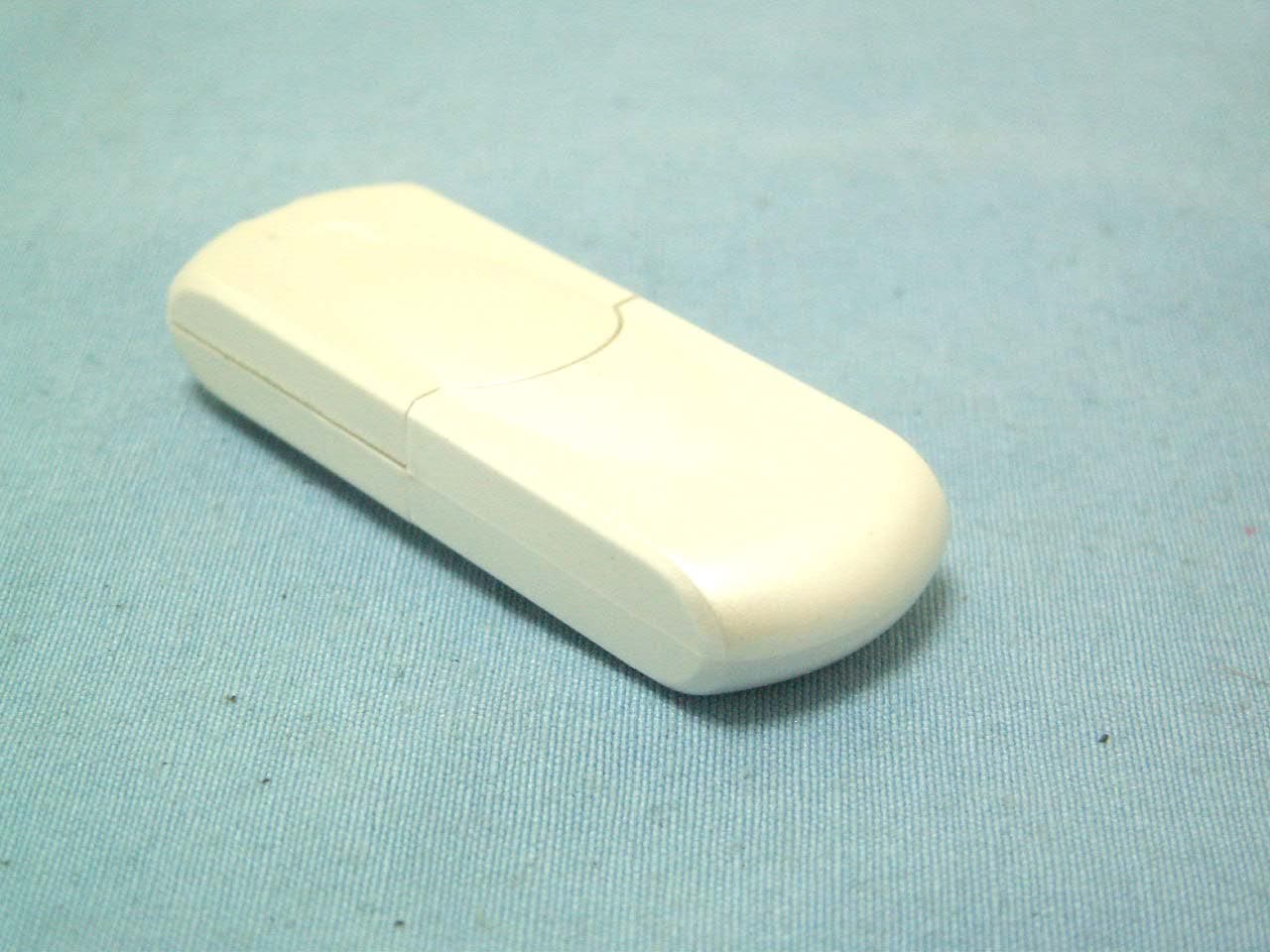
SLH-BT-1008
Jan 30, 2008Bluetooth v2.0 USB Adapter
Equipment Class
DSS - Part 15 Spread Spectrum Transmitter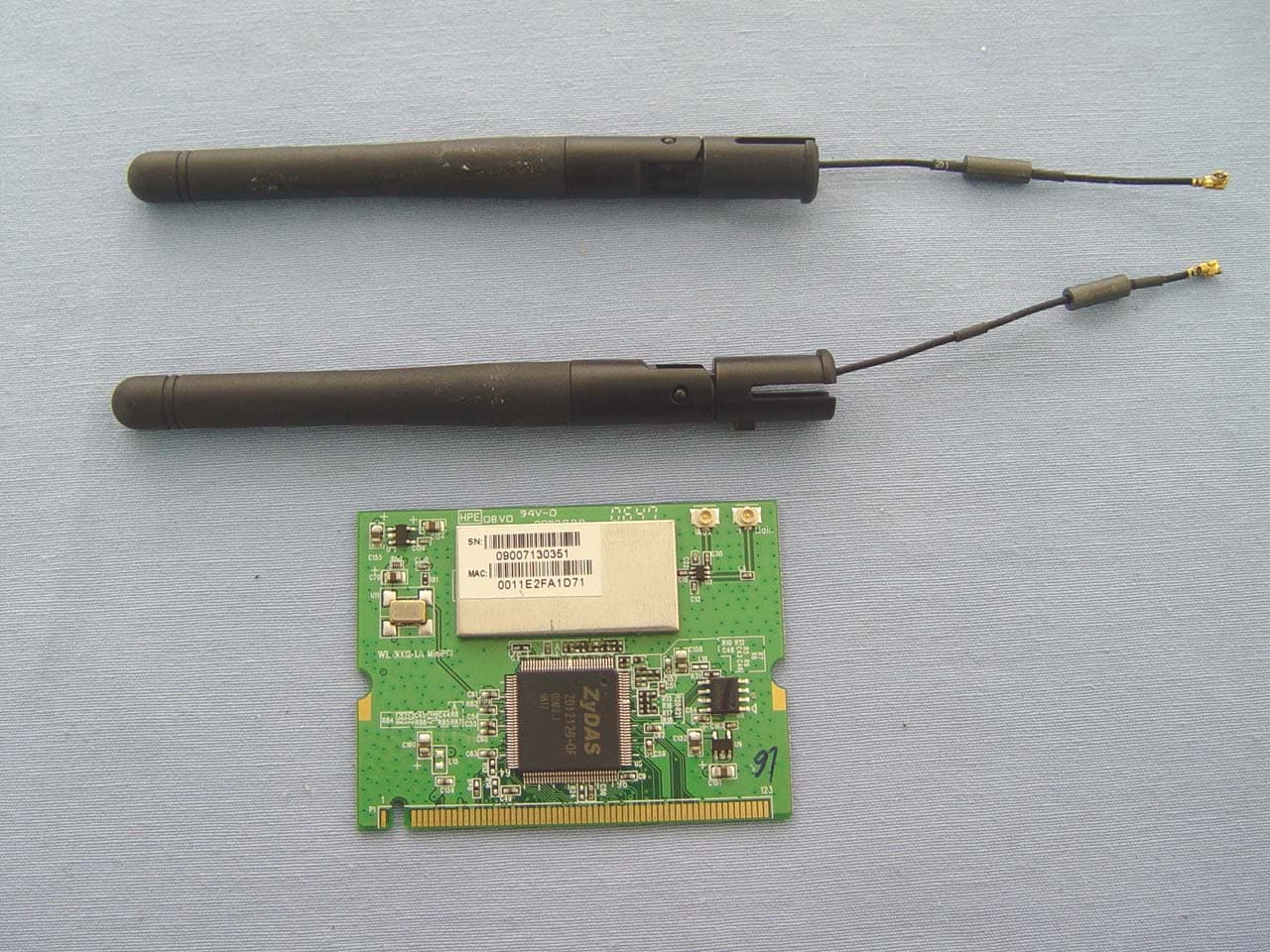
SLH-WL-3002B
Nov 19, 2007WLAN 802.11b/g mini PCI Card
Equipment Class
DTS - Digital Transmission System
SLH-WL-8005
Oct 31, 2007Wireless Access Point (AP)
Equipment Class
DTS - Digital Transmission System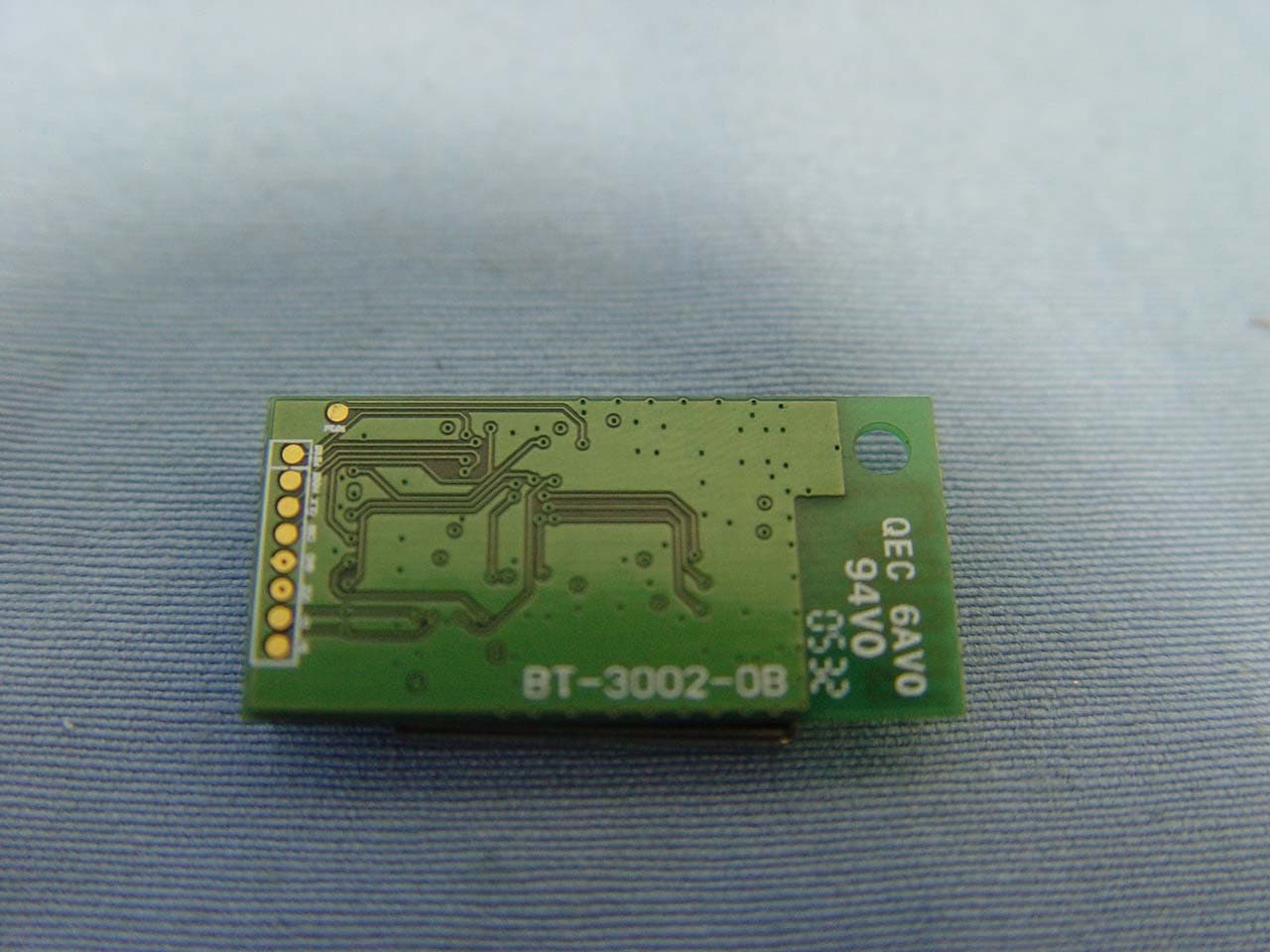
SLH-BT-3005
Feb 16, 2006BT V2.0 USB Module
Equipment Class
DSS - Part 15 Spread Spectrum Transmitter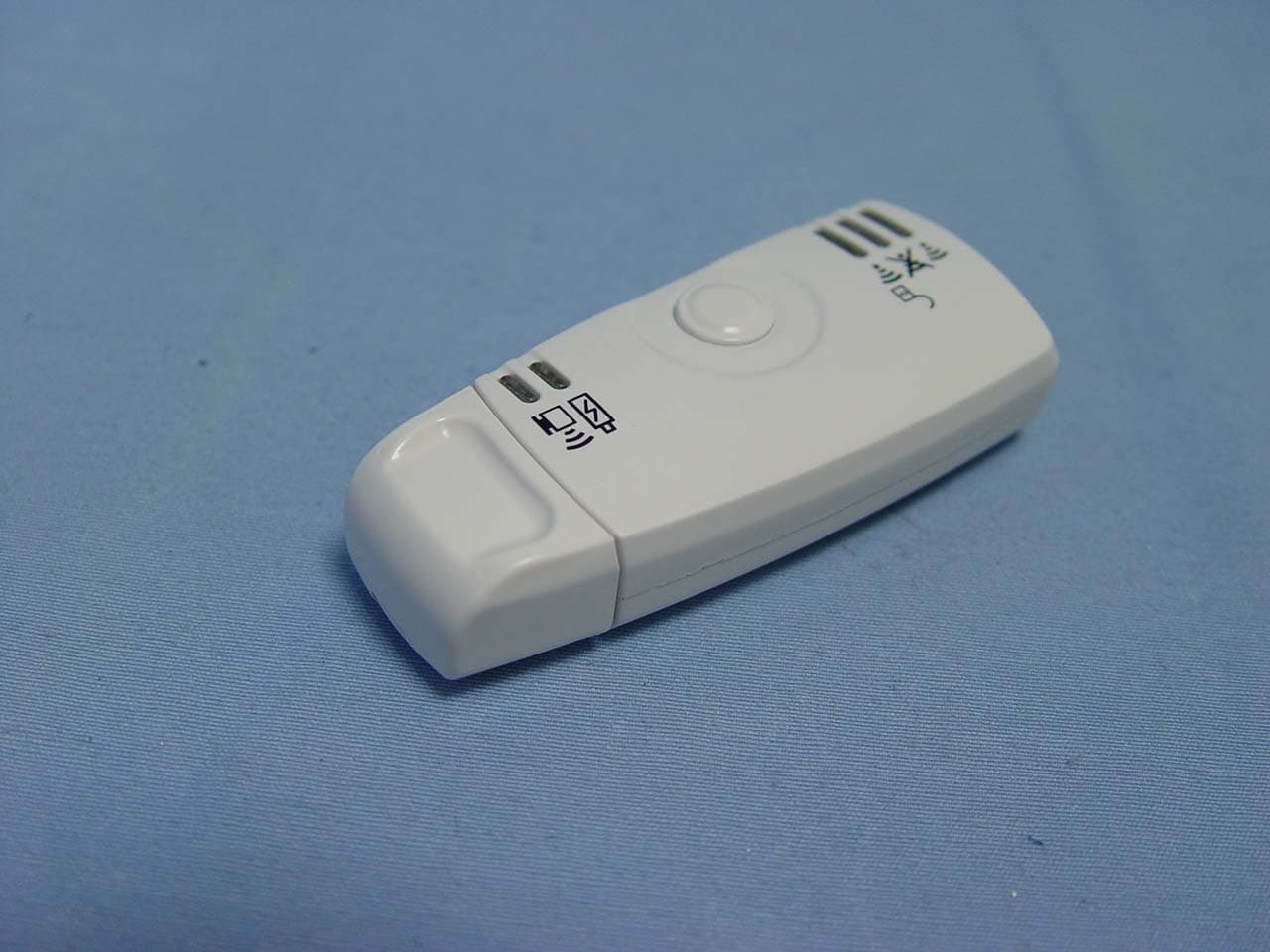
SLH-WL-1003
Sep 21, 2005WiFi Finder
Equipment Class
DTS - Digital Transmission System