SOM-201548BT Base Station for BT Headset
VXI Corporation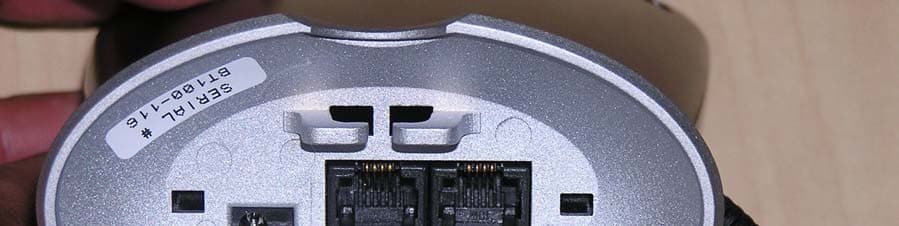
Click to zoom
Application Details
- Equipment Class
- DSS - Part 15 Spread Spectrum Transmitter
- Date of Grant
- Nov 21, 2004
- Application Purpose
- Original Equipment
- Date of Application
- Nov 21, 2004
- Equipment Note
- BT Base Station for BT Headset
- Frequency Range
- 2402.00000000 - 2480.00000000
- Company
- VXI Corporation
- Country
- United States
Documents & Files
Document Text
Text extracted from the exhibit documents filed with the FCC. Open a document above to read the original.
Users Manual
Blue Parrott B100 Wireless Headset User Guide TABLE OF CONTENTS Box Contents 3 Basic Safety Instructions 4 Product Features 5 Glossary Of Terms 7 Operation Summary 7 Compatibility Information 7 Maximizing Range 8 Installation 9 Charging The Headset 11 Battery Information 11 Talk Time / Standby Time 11 Headset Adjustments / Microphone Positioning 13 Basic Operations Make A Call / End A Call 14 Answer A Call / End A Call 15 Adjust Receive Volume 15 Microphone Mute On / Off 15 Switch From Headset To Handset 16 Switch From Handset To Headset 16 Call Waiting / Three-way conferencing 16 Pairing Pair The Blue Parrott Base With A Different Bluetooth Headset 17 Pair The Blue Parrott Headset With A Bluetooth Cellular Phone 18 Visual And Audio Indicators Explained 19 FAQ’s (Frequently Asked Questions) 20 Legal 21 Box Contents Blue Parrott B100 Base Blue Parrott B100 Headset Box Contents AC adapter Line cord Quick start card User manual 2 cord wraps Basic Safety Instructions Do not immerse the Blue Parrott B100 in water. Plastic bags and small parts may cause choking if ingested. Keep them away from children and pets. The battery is nickel metal hydride, after replacing; dispose of according to local waste disposal regulations. Use only the power cord included with this product. Avoid using during lightning storms. Product Features Blue Parrott B100 Headset • Volume (increase) / Microphone mute • Volume (decrease) control • Multifunction button • Indicator lights • Adjustable headband • Noise canceling microphone • T-bar Adjustable headband Multifunction button Indicator Lights Volume (increase) / Microphone Mute Volume Decrease T-b T-bar ar Noise Canceling Microphone Blue Parrott B100 Base • Pairing control • Indicator lights • Headset charging contact • Phone port • Line port • AC adapter port • Cord slot Phone Port Cord Slot AC Adapter Port Headset Charging Contact Indicator Lights Pairing Control Line Port Glossary of Terms Standby Mode – Headset is on and ready to get a dial tone, answer or end a call. Standby mode is automatic when removing headset from the base. Turning off the headset while it is out of the base takes it out of standby mode. Pair / Pairing – Pairing is a simple and quick procedure that enables one Bluetooth product to communicate with another Bluetooth product. Your Blue Parrott B100 headset and base have already been paired at the factory. However, pairing is necessary when using other Bluetooth products with Blue Parrott. Operation Summary Your Blue Parrott B100 system consists of a base unit and a wireless headset. It allows you to communicate on a phone call, hands free, via Bluetooth technology. Compatibility Information • Landline phones: Compatible with all home cordless and corded telephones. However, in the case of two-line phones only the first line will be accessible. Call waiting and 3-way conferencing, which are services offered by your telephone service provider, remain intact and can be activated via the headset. The telephone does not need to be Bluetooth-enabled. Not recommended for use on digital office telephone lines. • Bluetooth headsets: All Bluetooth headsets are compatible with the Blue Parrott base except Nokia® models manufactured before 12-31-2003 and the Plantronics® M1500 and M3000 models. • Bluetooth cellular phones: Bluetooth cellular phones are compatible with the Blue Parrott headset when the cell phone’s pass code is set to 0000. Please consult your phone’s user manual to set the pass code. Maximizing Range The range of communication distance between the Blue Parrott B100 base and headset is up to 75 feet. Certain environmental conditions can inhibit radio wave transmission, such as metal structured beams inside a building. If range seems to be less than expected, try placing the base in another location in the house, if possible. For maximum range, place the base unit at the highest possible elevation inside the building it will be used in. Headset audio quality will suffer when you travel out of range. If this happens, simply move closer to the base. The range of communication distance between the Blue Parrott B100 headset and a Bluetooth cellular phone is approximately 30 ft. The range of communication distance between the Blue Parrott B100 base and a different Bluetooth headset varies and is dependent on the range capabilities set by the headset manufacturer. Installation The Blue Parrott B100 connects directly into the phone line wall jack. You may add a telephone directly to the B100 system, or you can install it independently to its own telephone wall jack, which enables you to answer a call on the headset in a location that is separate from your telephone. However, if you install the Blue Parrott B100 base to a telephone wall jack separate from your phones’ location, be sure it is installed within the acceptable range from your phone so that you will be able to dial out while wearing your headset (see Range on page 8). STEP1 STEP2STEP3 STEP 1: Connect the Blue Parrott B100 to the telephone wall jack. Take the “Line” cord that came with this unit and plug it into the “LINE” port on the bottom of the Blue Parrott B100 base. Plug the other end into your telephone wall jack (if your phone is plugged in here, disconnect your phone from the wall). STEP 2 (Optional): Connect the Blue Parrott B100 to your telephone. Take the cord that you removed from the wall jack (it should still be attached to your phone) and plug it into the “PHONE” port on the bottom of the Blue Parrott B100 base. STEP 3: Plug in the AC Adapter. Plug the AC adapter into the “AC” port on the bottom of the Blue Parrott B100 base. Be sure to position the plug horizontally as shown. Plug the AC adapter into the wall electrical outlet. • Thread all cords through the cord slot with the AC cord running between the other two cords (if applicable). • For proper stability, be sure all cords exit through the curved opening on the base. • You may bundle any loose or extra cord leng…
Text truncated - open the document above for the full version.
Cover Letter(s)
Federal Communication Commission Equipment Authorization Division, Application Processing Branch 7435 Oakland Mills Road Columbia, MD 21048 October 16, 2000 TO WHOM IT MAY CONCERN Pursuant to Paragraphs §0.457 and 0.459 of the Commission’s Rules (47 C.F.R.) and Section §552(b)(4) of the Freedom of Information Act, VXI Corporation requests confidentiality for the following products: FCC ID Number Product Title/Model SOM-201548 BLUEPARROTT GATEWAY/B100 SOM-201549 BLUEPARROTT HEADSET/B100HS For the product stated above, we request that the following information be held confidential: 1) Electrical Schematics of the Circuitry 2) Firmware 3) Block Diagram 4) BOM 5) Operational Description No other items submitted as part of the equipment authorization filing process are deemed confidential. The above exhibits contain VXI Corporation trade secrets and proprietary information that could be of benefit to our competitors regarding the design of our mobile handset. This material is not customarily available to the general public and we request that it be withheld from public inspection. If you have any questions, please feel free to contact me at the address shown below. Sincerely, Robert Drouin Electrical Engineering Manager
External Photos
EUT – Front view EUT – Back View EUT – Bottom view
Test Setup Photos
Test setup – Radiated Emissions Test Set up – AC Line Conducted Emissions Test set up – Conducted measurements (EUT hooked to Cassira Kit from CSR for setting test mode)
Contact Information
Applicant
David Geno(Electrical Engineer)
Test Firm
Cetecom Inc.Lothar Schmidt
Technical Specifications
| # | Rule Parts | Frequency Range | Power Output |
|---|---|---|---|
| 1 | 15C | 2.40 GHz - 2.48 GHz | 970.00 µW |
Other Applications from VXI Corporation
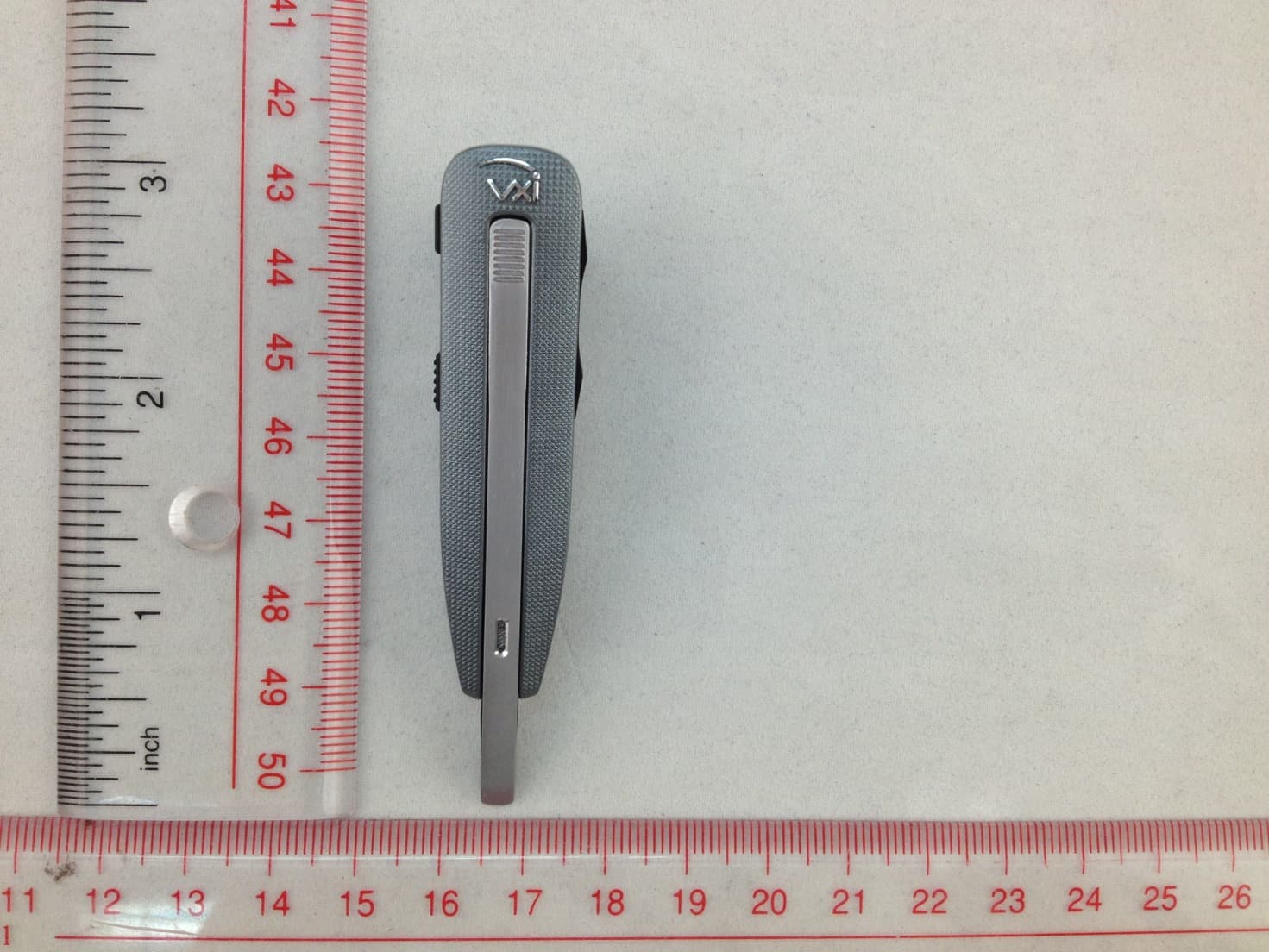
SOM-203535
Aug 11, 2014Bluetooth Headset
Equipment Class
DSS - Part 15 Spread Spectrum TransmitterSOM-203340
Jun 09, 2013Bluetooth Dongle
Equipment Class
DSS - Part 15 Spread Spectrum Transmitter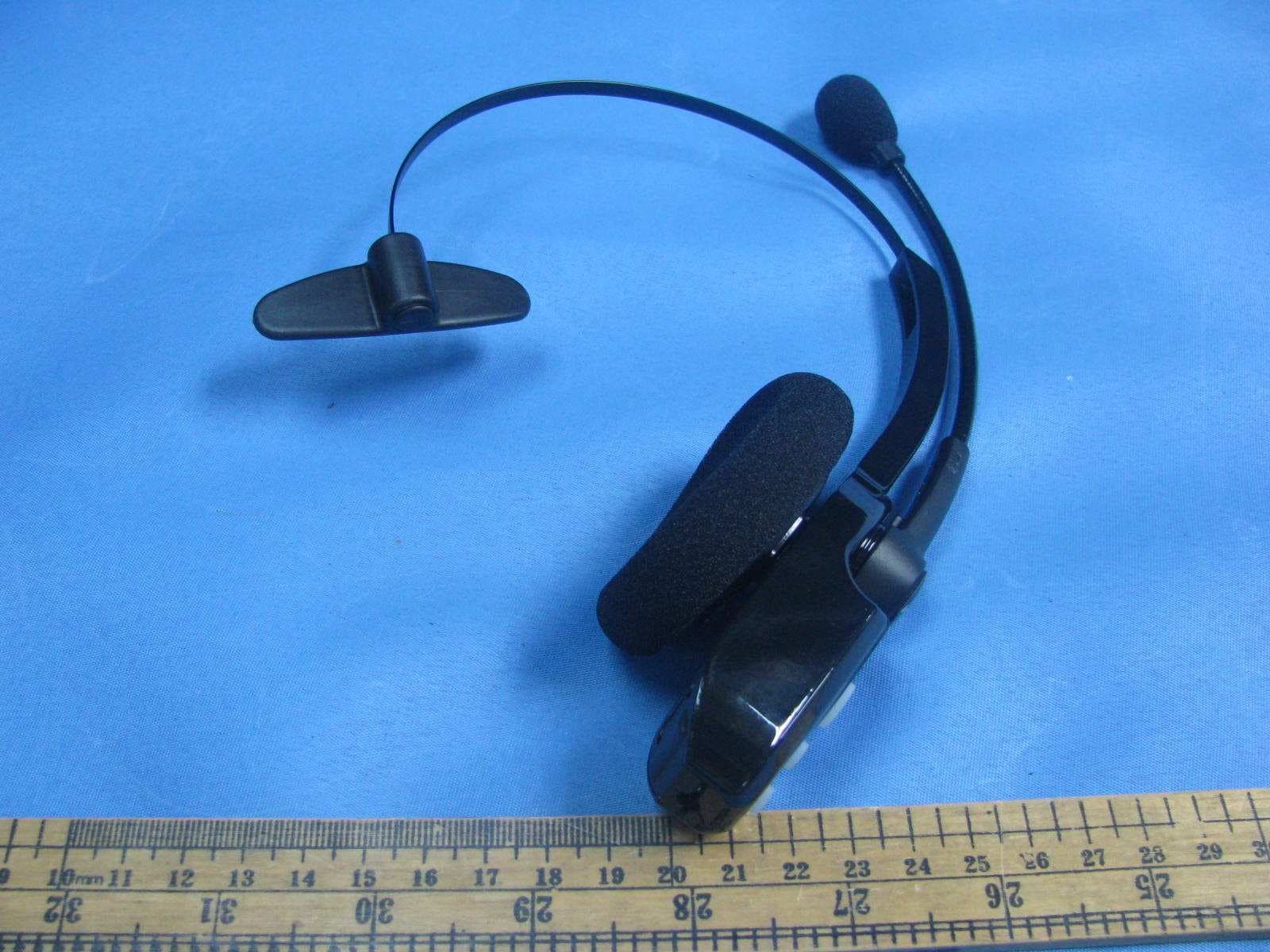
SOM-203100
Nov 20, 2011Bluetooth wireless headset
Equipment Class
DXX - Part 15 Low Power Communication Device Transmitter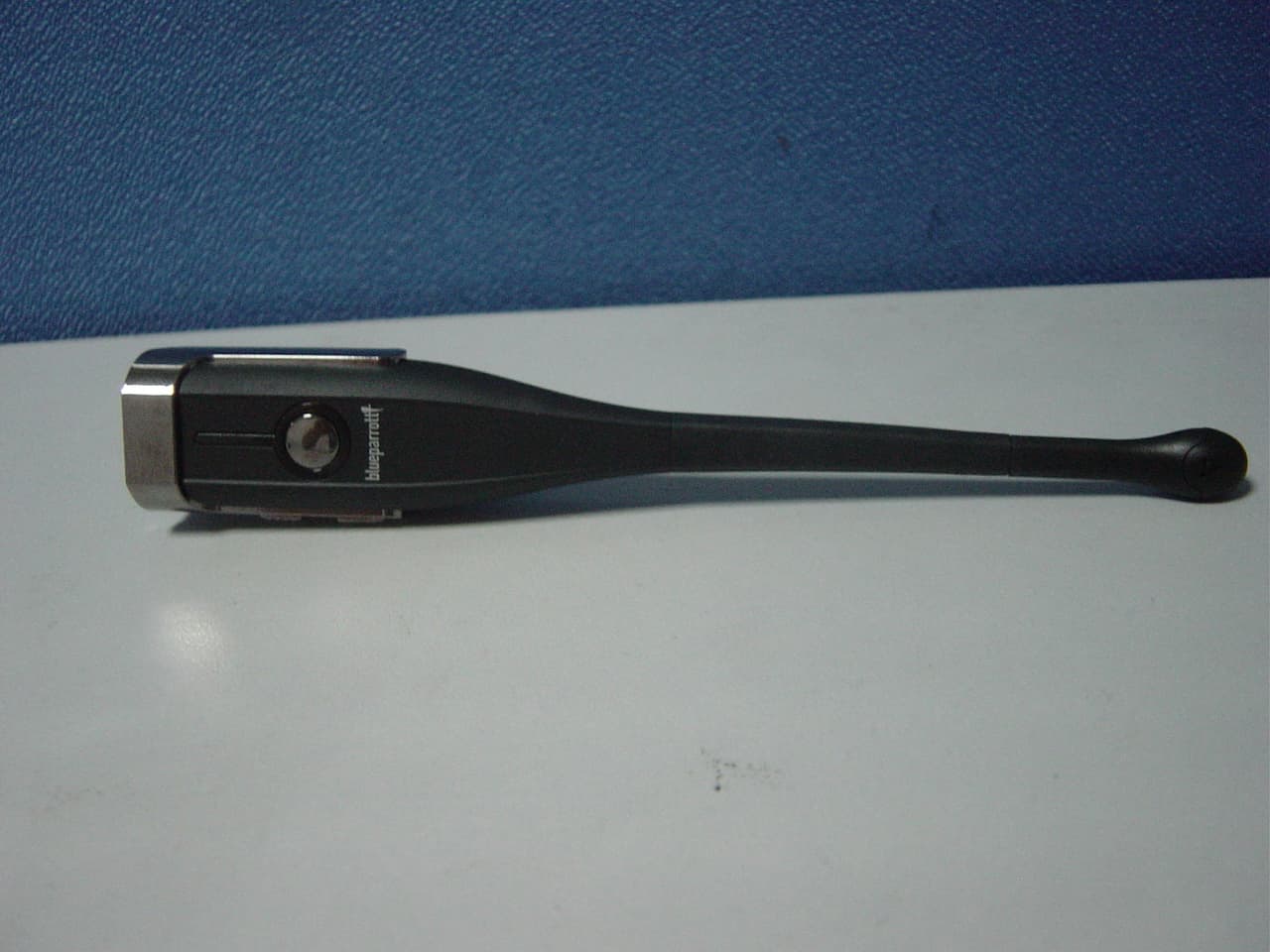
SOM-203099
Aug 31, 2011BLUETOOTH EARPHONE
Equipment Class
DSS - Part 15 Spread Spectrum Transmitter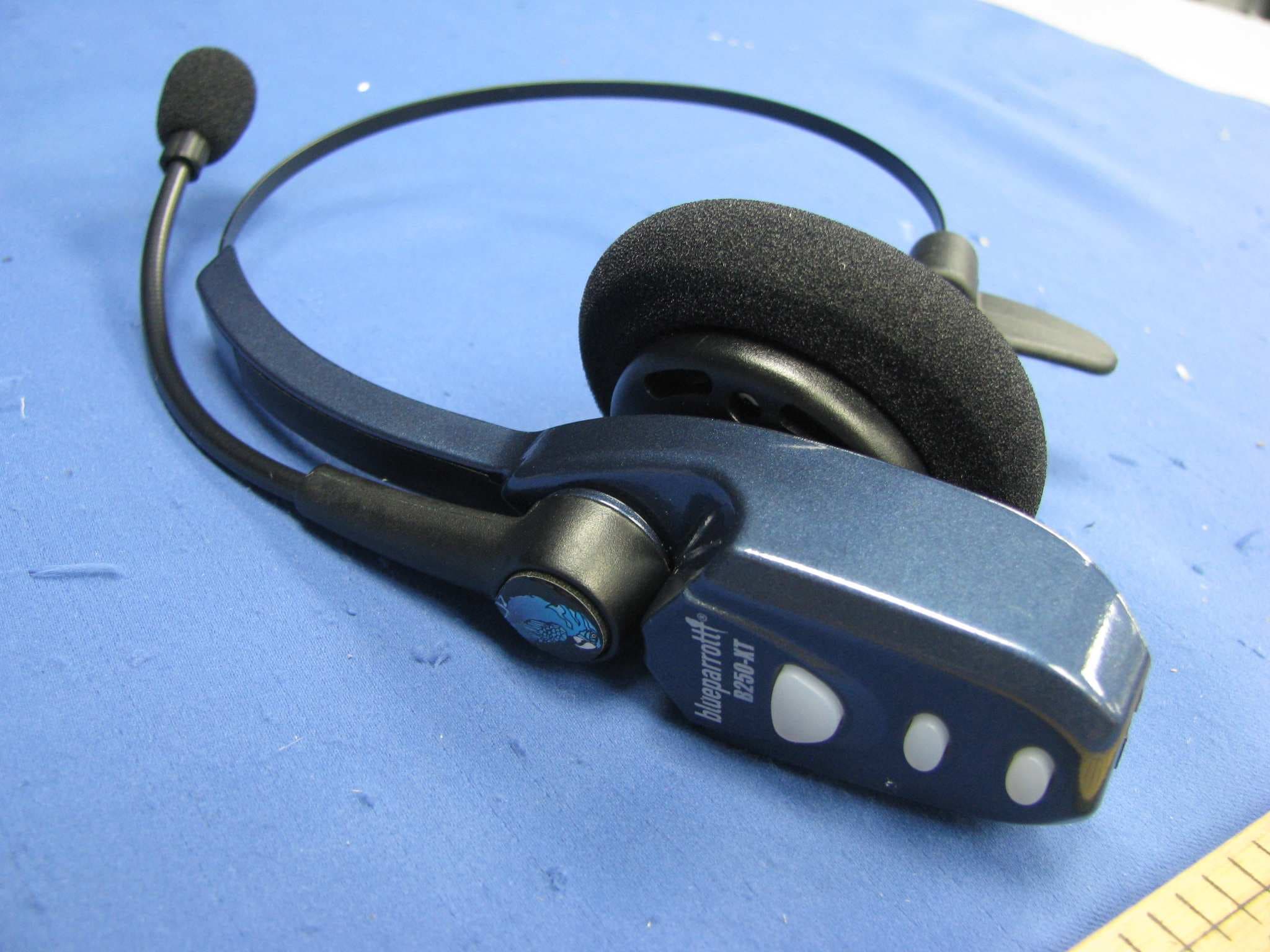
SOM-202720Q
Jul 20, 2011Bluetooth wireless headset
Equipment Class
DXX - Part 15 Low Power Communication Device Transmitter